



skoda1982
Members
-
Joined
-
Last visited
Everything posted by skoda1982
-
good choice have a good play with the Gadgets
-
The first drain hole is about 10 to 12 inches from the front so if you are parked slightly down hill it will collect water as soon as you drive off or go up hill it will drain try parking your car the other way and trying the water test they should have added another drain hole closer to the front. It is not like the Rapid as the seal on them closed the holes the kamiq doesn't
-
Try down loading all of the logos no just the ones you want sorry I see you have
-
Just had a good look looks like when you close the door the door seal makes a tube so the water runs down the tube and exists on the back edge
-
Not all stations have them open the file on your computer and look to see if the station logo you want is there
-
There are three drain holes one of mine was blocked with wax. when you close the door I think the seal blocks the first two holes from hinge end the far one is ok my car is parked on a sloping driveway so drains what floating lugs do you mean mine are just holes
-
-
-
Me personally would go for the SEL you get amunsden head unit Satnav. virtual cockpit better than dials more added for your money. use skoda finance calculator as a rough guide or go to dealer and get some figures thats your best bet. People get different deals one day to the next yes it does android auto my Kamiq sel is £289 pm no discounts as took delivery on day of launch
-
-
Fitting one might stop th auto dimming working I don't find it small I can see out off all the back window
-
have you tried to listen to the little speaker in the A pillar next to the mirror if it is blowing
-
Don't dissemble anything your warranty could be void let them sort it
-
Only from new build year
-
I thought you had to buy the licence for smartlink to activate it
-
go to the dealer and get one of the ones i have posted above the dealer normally gives you a adaptor like the ones above on my post. The owners Manual you got with the car has info in there. Or online skoda manuals
-
Radio station logos not all radio stations have them anyway. The hard drive is for map updates and unit update
-
Does not give a harsh ride its very soft the spare you get from factory is 195 60 16
-
These functions is how i passed the euro NCAP 5 and the new emissions so now you cannot turn them off permanently even in vcds i was told
-
You cannot turn of start stop permanently now if you don't want it on you have to turn it off And you cannot turn lane assist off permanently as well it's all to do with ncap testing and the emissions they are all linked. Have you tried a factory reset.
-
The wiper blades that come from the factory/skoda are crap get Bosch ones
-
ABS i would think. In settings you can select what tyre type you are using Winter summer all weather
-
If any SE all the way S you would be very disappointed. It's not just speakers that are missing
-
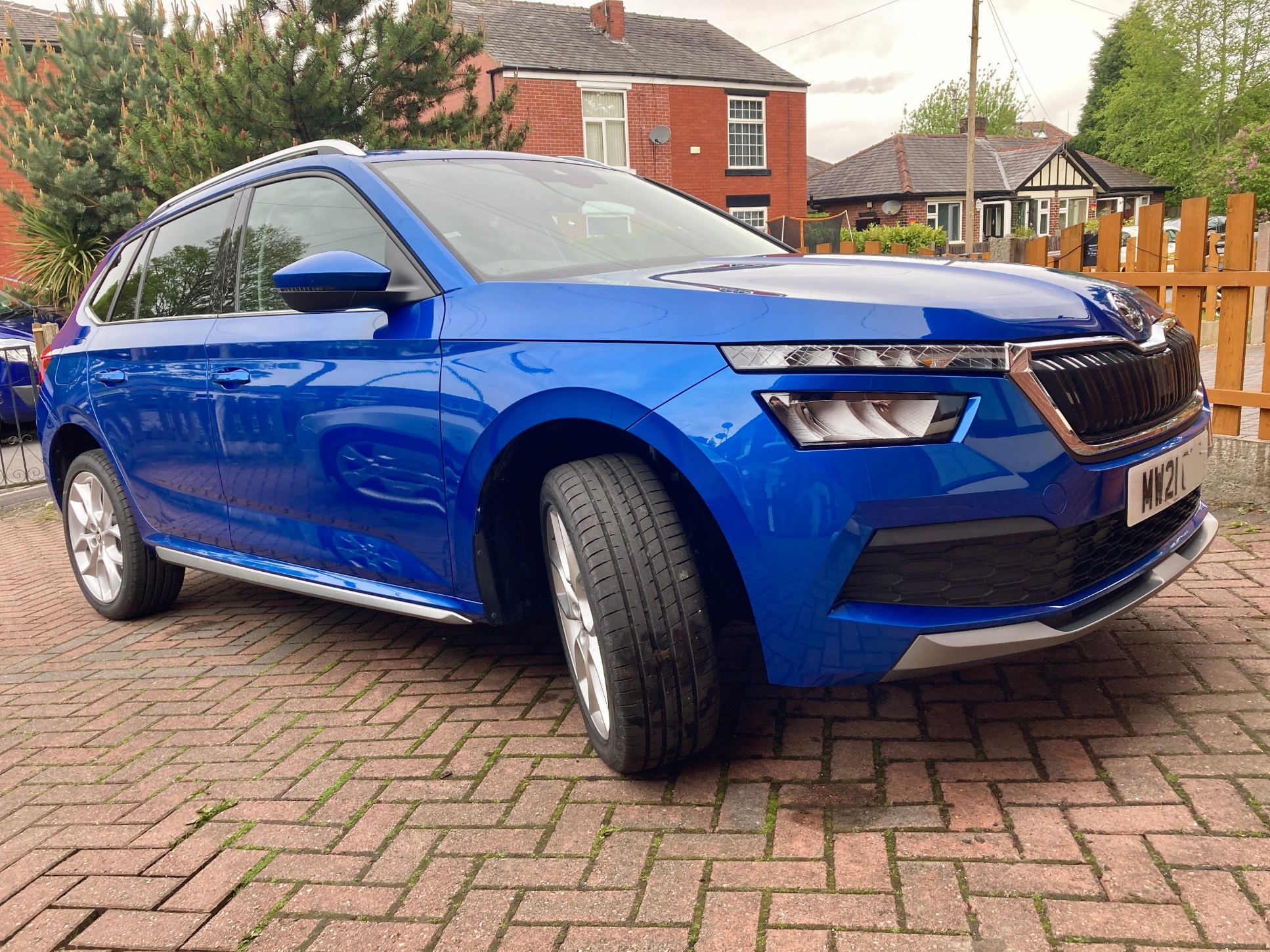
Milton Keynes, 17 September 2019: Packed with advanced technology and delivering a host of ingenious ŠKODA design features, the new KAMIQ costs from just £17,700 OTR. Positioned below the KODIAQ and KAROQ in ŠKODA’s three-model SUV line-up, the new KAMIQ perfectly combines practicality with agility and bring’s ŠKODA’s traditional attention to detail and intelligent packaging to a whole new audience. The KAMIQ is the second all-new ŠKODA to hit retailers in 2019, and like the Scala it follows, it features the latest evolution of the brand’s dynamic design language. And in addition to a host of striking styling details such as split LED headlights with daytime running lights and an interior designed around the very latest generation infotainment units. The KAMIQ range comprises four trim levels; S, SE, SE L and MONTE CARLO, with each grade offering high levels of standard equipment and a broad range of options to allow owners to perfectly tailor their KAMIQ to their tastes. Despite its entry-level position, the KAMIQ S comes complete with 16-inch alloy wheels, LED headlights and tail lights, air conditioning, Swing infotainment system with DAB and 6.5-inch touchscreen display and ŠKODA e-Call. Customers opting the SE model – which starts from £19,135 OTR – benefit from 17-inch alloy wheels, body-coloured bumpers, Bolero infotainment system with 8-inch touchscreen display and Wireless Smartlink for Apple CarPlay. SE models also come with rear parking sensors, cruise control and light and rain sensors. SE L models are priced from £21,180 OTR and add 18-inch alloy wheels, Amundsen infotainment system with satellite navigation and 9.2-inch touchscreen display, keyless engine start/stop and Blind Spot detection. SE L customers also benefit from black and silver microsuede interior upholstery, silver haptic decorative inserts and hot stamping in glossy black and rear LED lights with dynamic indicators. For buyers demanding a sportier look, the KAMIQ MONTE CARLO delivers on every level. It features gloss black detailing and badging along with a panoramic roof, special 17-inch MONTE CARLO alloy wheels, and a red LED ambient lighting system. Final prices for the MONTE CARLO model will be announced shortly. The KAMIQ range consists of four engine options; three petrol and one diesel. The petrol engine line-up features two 1.0 TSI units with outputs of 95PS and 115PS, and a 1.5 TSI motor that generates 150PS. Both the 115PS and 150PS units can be specified with a seven-speed DSG gearbox. The single diesel engine is a 1.6 TDI unit that develops 115PS. It can also be specified with a seven-speed DSG gearbox. The new KAMIQ will arrive in the UK in November.



