varooom
Resident Member
-
Joined
-
Last visited
Everything posted by varooom
-
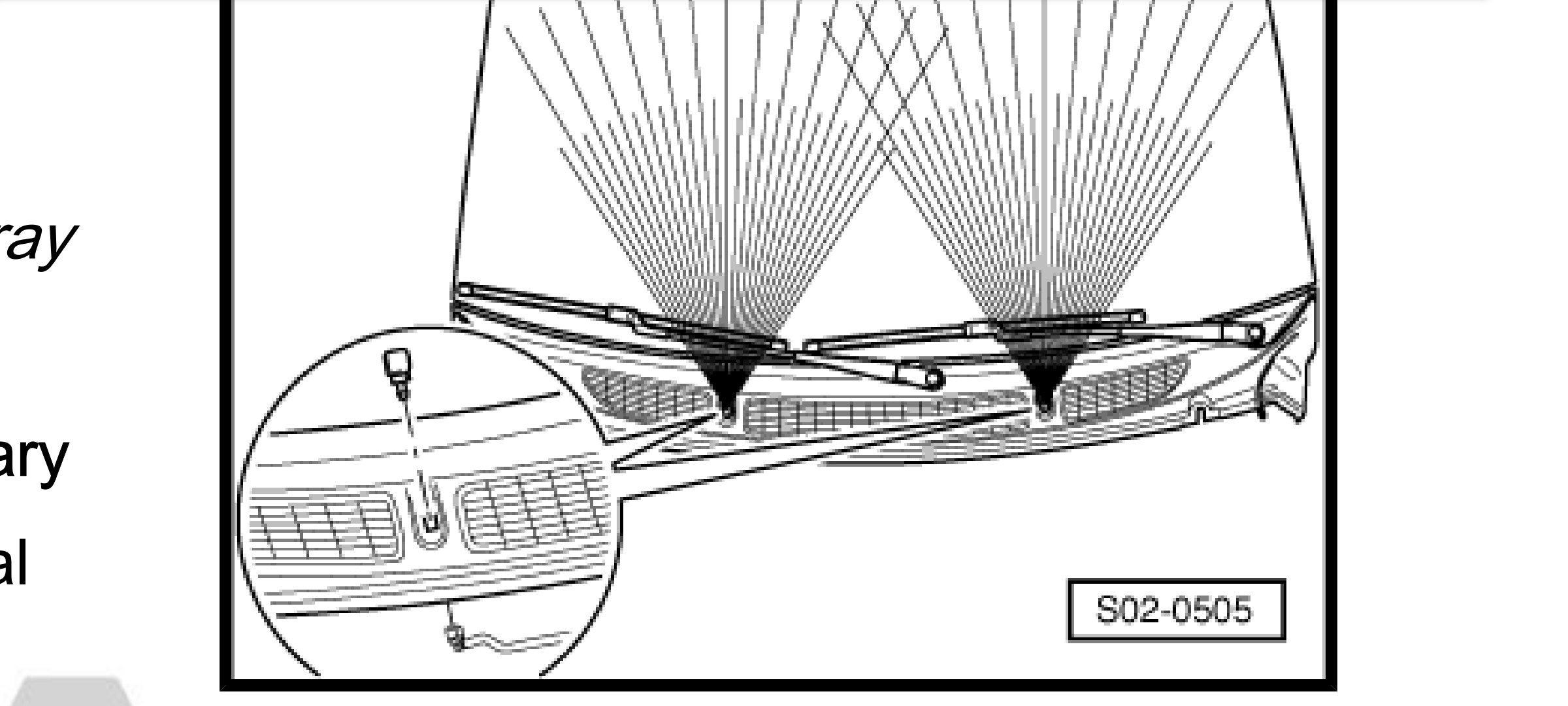
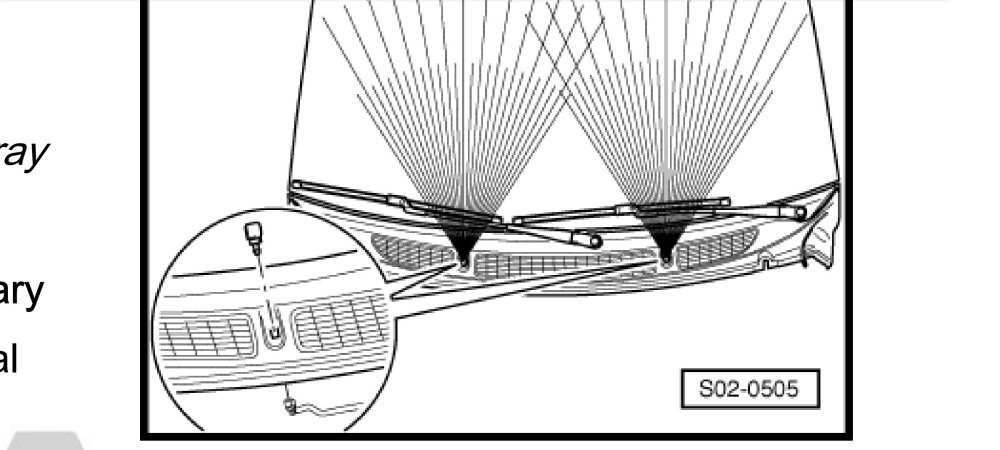
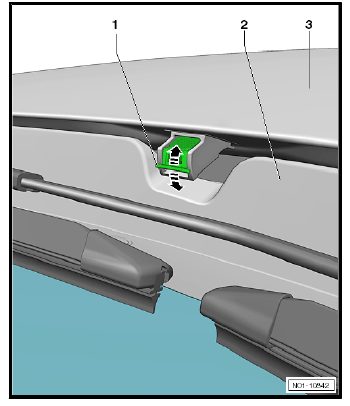
A bit late, the image from correct year. @PaulCanning it was a mistake on choosing the year, the 1st diagram was for Fabia III, and one in this post for Fabia II but in typical VAG fashion it doesn't match reality.
-
If yours looks like this, then you need to lower/raise No.1 as needed.
-
Yes allow me 5 minutes, will send PM
-
There is little information in the way of a changelog for the updates, only reading a TPI document can give you a clue as to what it fixes. Current is 0480, and I have the file if you wish to try it, will it fix it? No idea!
-
For sure it's good with ODIS, most don't have it of course is all.
-
Correct, the server has GeoIP blocking firewall, so it blocks the Whole World, I open up a Country at a time, and close it thereafter. Links also have expiration date. I shall check and adjust now, check in 3 minutes.
-
Comfort will "dull down" the acceleration for a more comfortable ride. The car isn't down on power, it's throttle response. So if you planted your foot down more it should have reacted with increased power. I could be wrong, but I doubt this car has different ECU map's for each mode setting.
-
Ok found it, my bad memory.
-
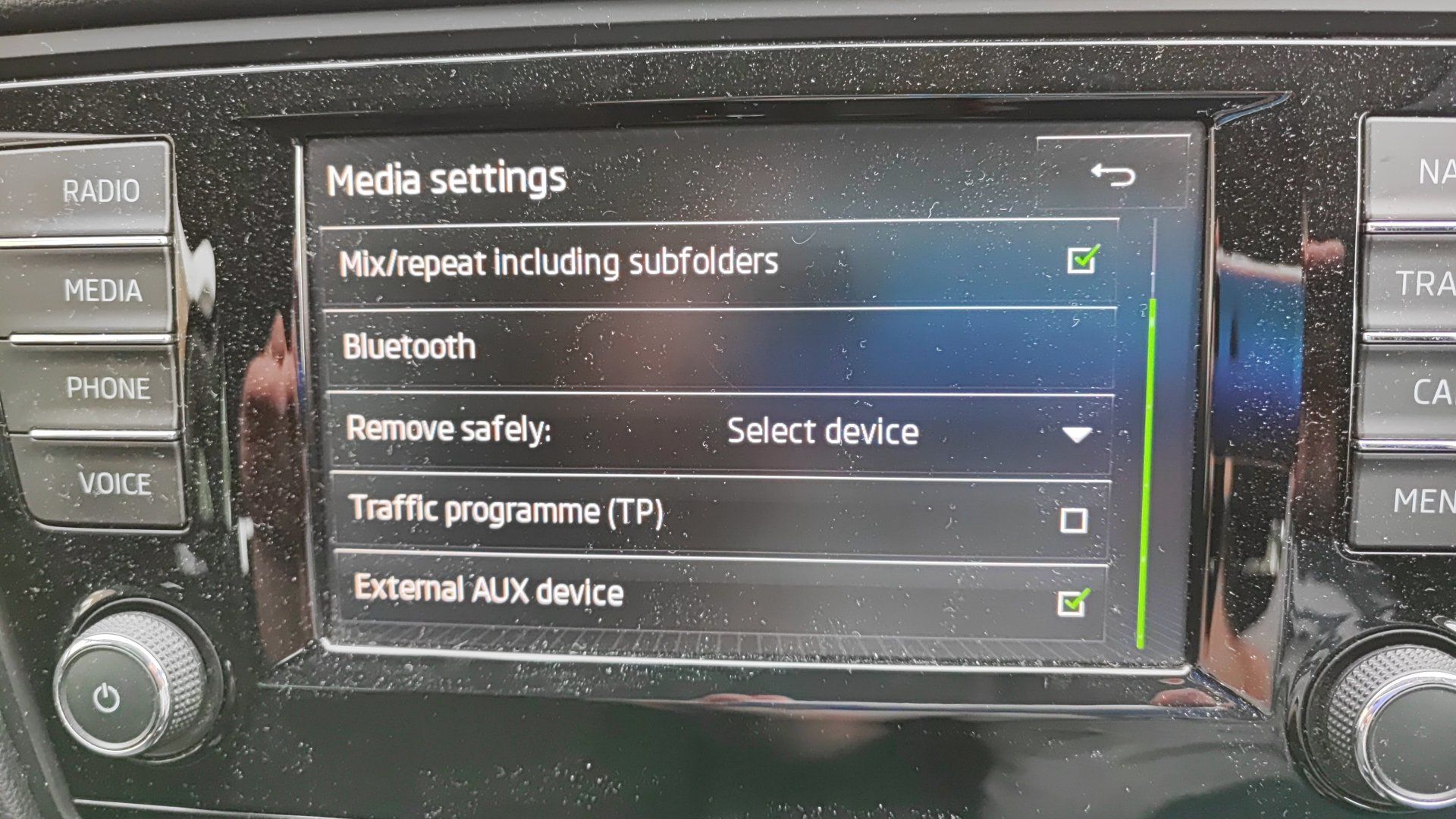
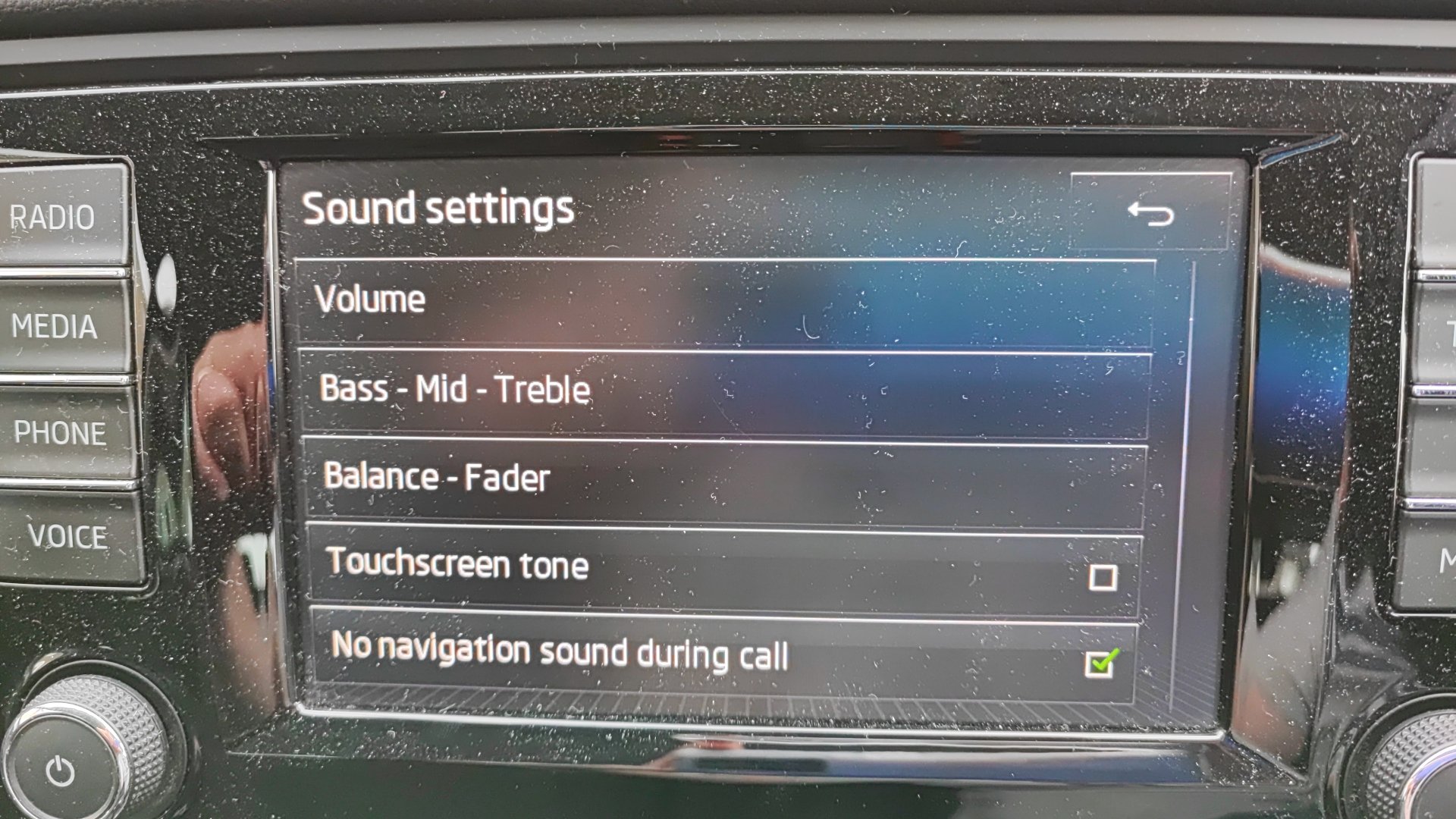
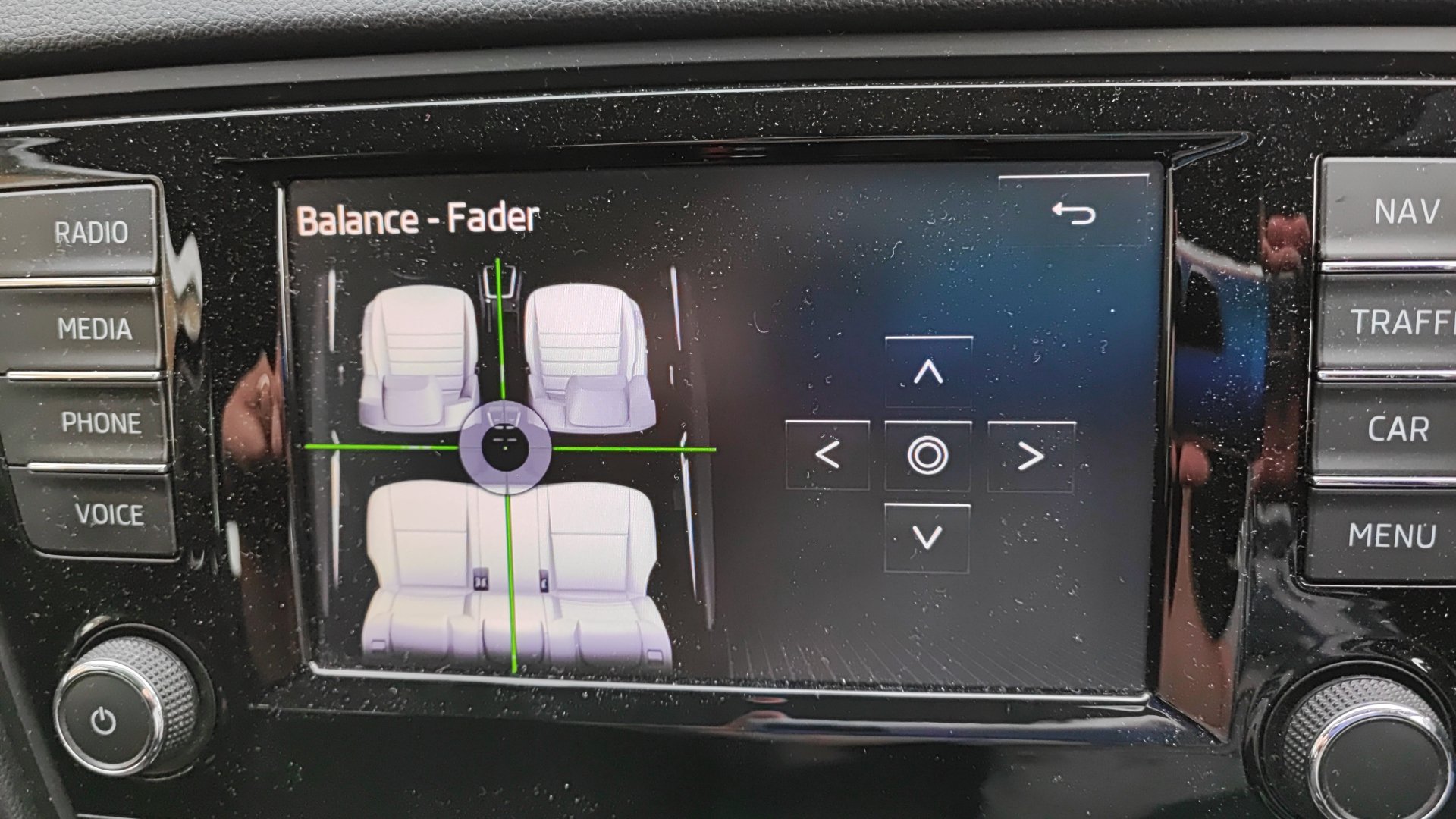
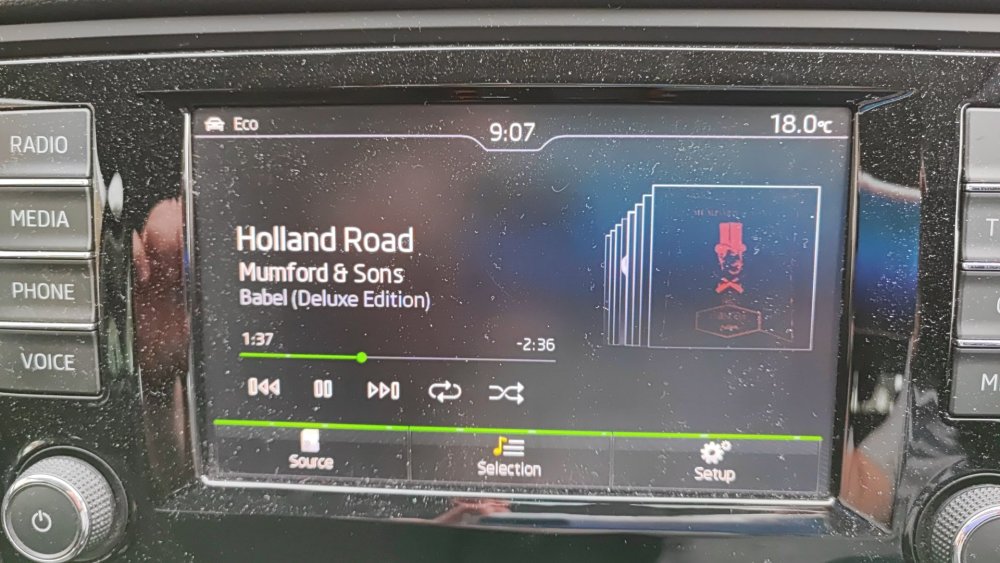
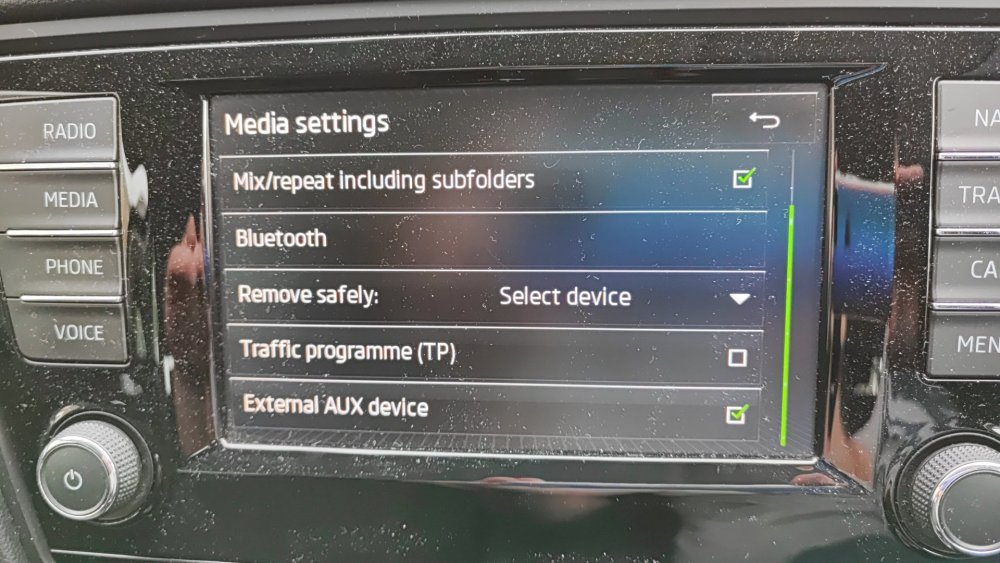
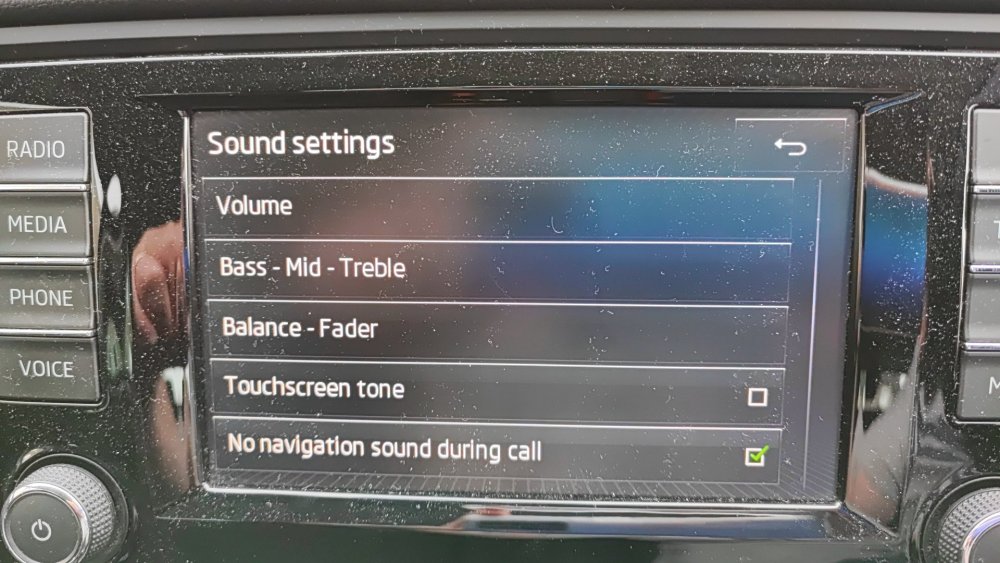
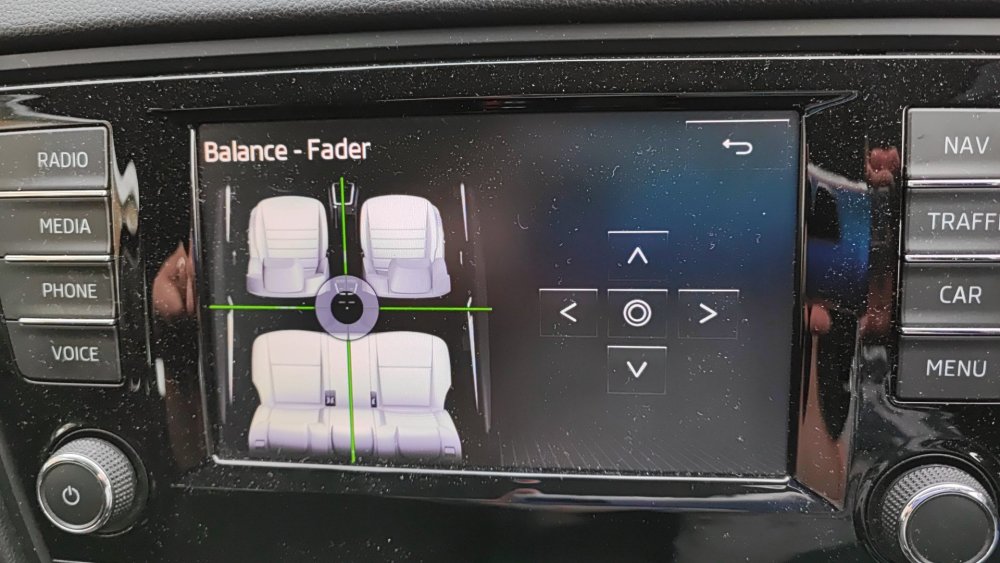
I would need to check in the car, but I think there's option on menu to disable Aux input's. Pressing setup Gives you access to tick/until external Aux This is the balance-fader to check Drag circle to desired location
-
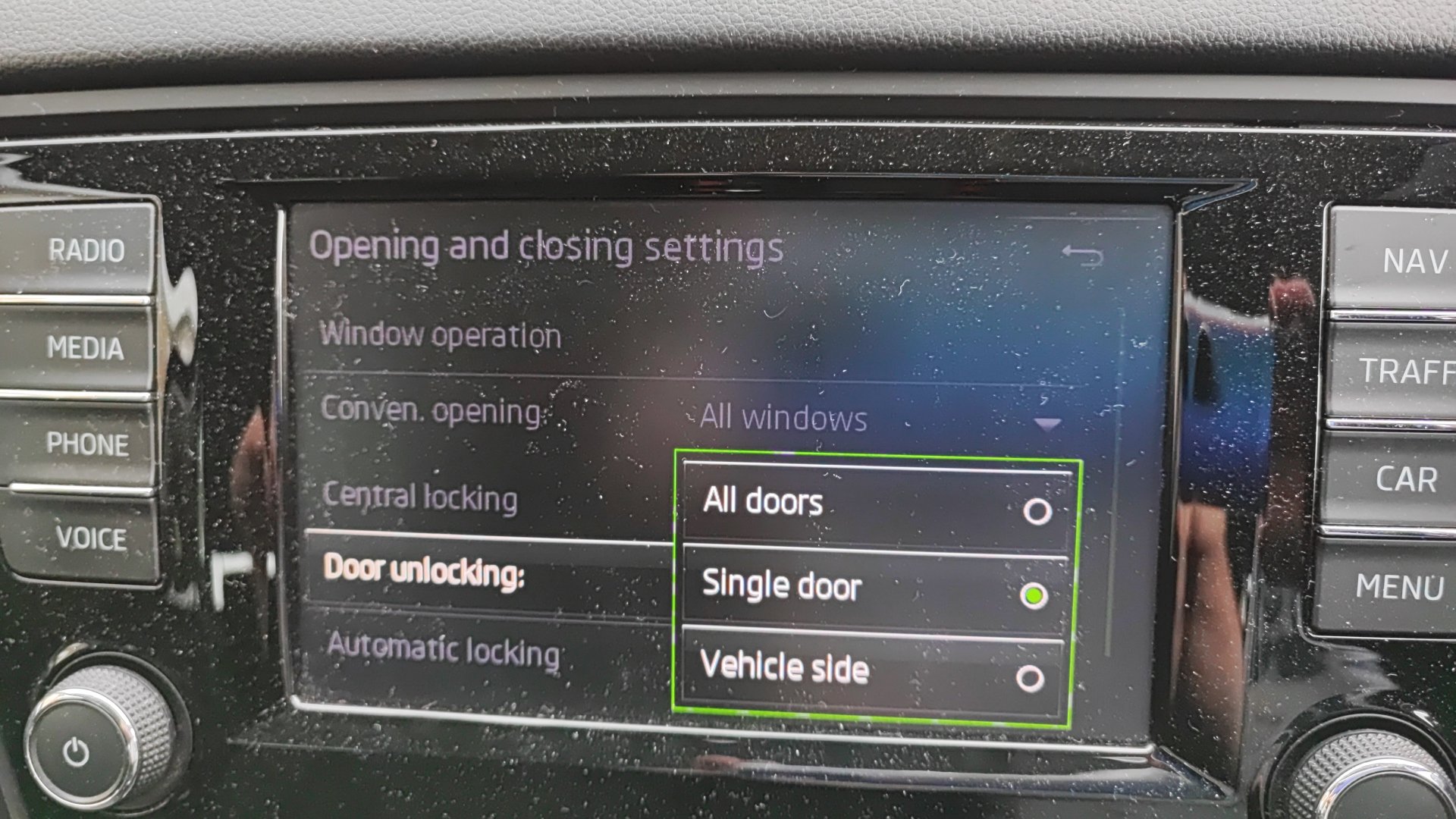
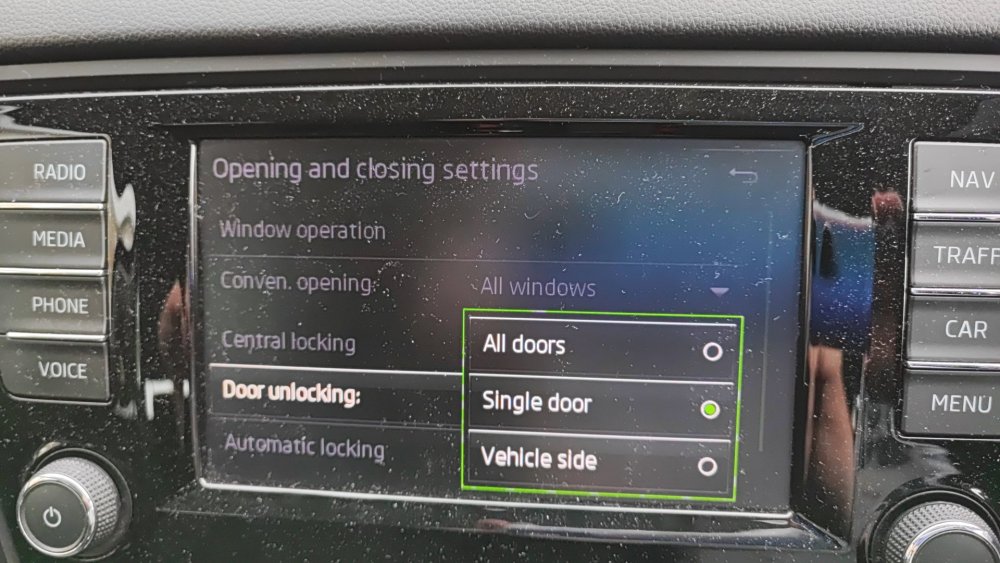
Good find, I have always seem to have it one door only (single) 3 choices I can think of Coding wrong (maybe here is where answer is) Manual wrong Rear door fault (but yes opens with double press)
-
I thought that only ever opened the driver door only, never the whole side of the car.
-
You may wish to locate someone for a scan if you need it in a hurry, or look about buying a tool
-
As usual I never notice post count, welcome new member 🤝 You may wish to look at this thread to see if you have someone nearby you can travel to, so that you can get your car scanned with a diagnostic tool. https://www.briskoda.net/forums/topic/262215-list-of-vcds-owners-previously-known-as-vag-com-vcp-owners/ some maps you can click on to find them, when you do, check out if they have logged in recently, as you may discover they haven't been online for a year or more.
-
Manuals can be found here: https://manual.skoda-auto.com/004/en-com/Models
-
0480 is available. I will write guide in PM with link in next few minutes.
-
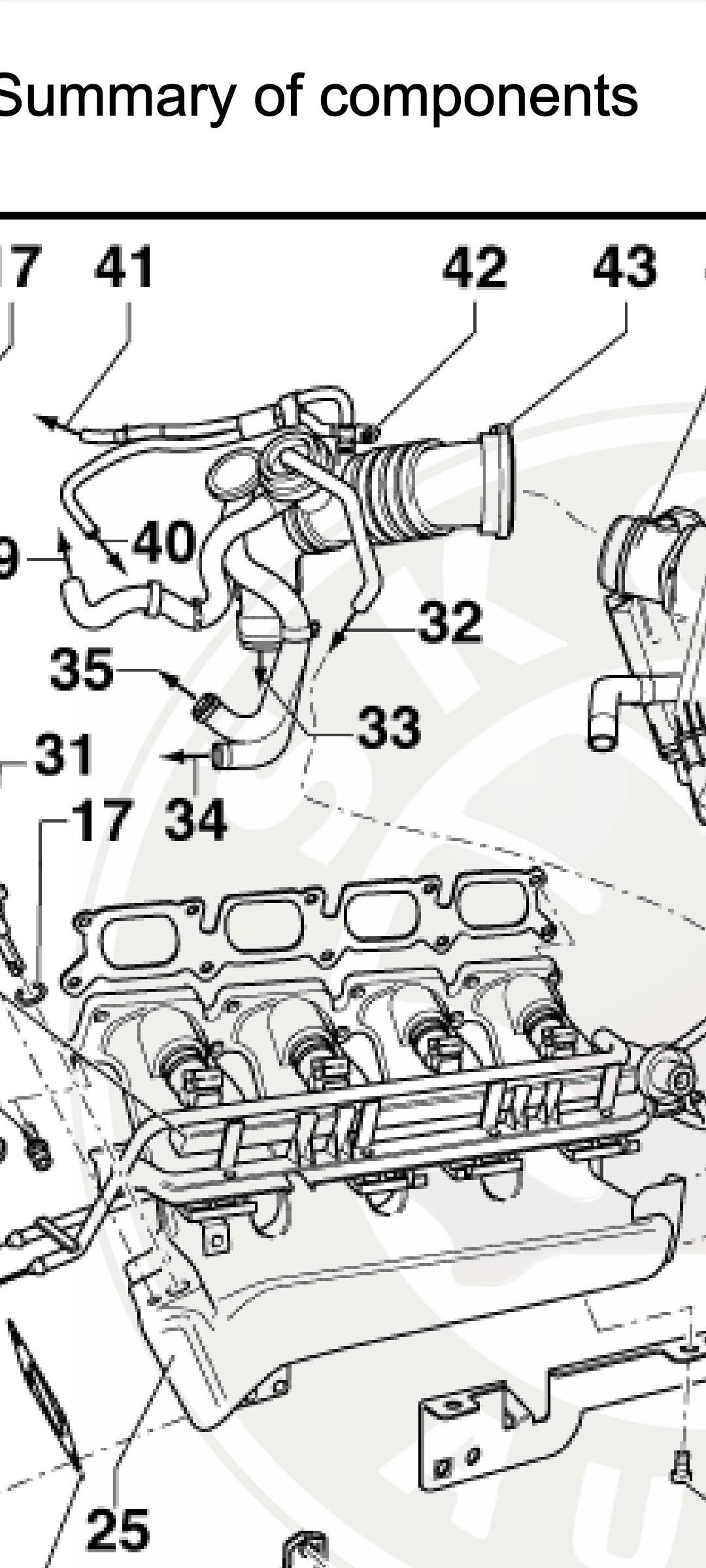
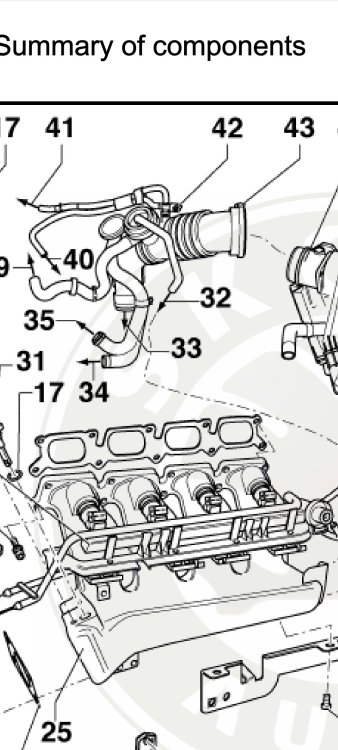
Your picture feels a little too zoomed in for me. My best guess is this part... 42 - Solenoid valve for charge pressure control -N75- */**
-
Good to hear you are not too bad, being sore is to be expected sadly, best to keep mobile if you can. Changes a lot of things, no courtesy car provided then for you yet, or a WIP type deal (Monday)
-
Welcome to the forum, I am preparing version 1433 and will PM you a link in few moment (packing file for you) Your 2nd question you may need to post in the main forum, I myself do not know the answer (never had a VRS)
-
I wonder how you are feeling today @Wonderloaf? I dare say the pain if you are going to get them, will manifest a bit more now.
-
Yes exists version 0253 for free You have PM link and instructions
-
-
So it should have been. Can you elaborate a bit more about how it actually feels? You previously mentioned braking was improved, how has it changed? Also what about the turbo boost, can you explain in more detail? Best wait a little about the battery disconnect.
-
You might want to get a fault code reader on the car. You are stabbing in the dark a little perhaps otherwise.
-
0480 is the current version of this Software Train
-
Oddly I was on my own, and both airbags went off. Almost 56k miles, and it never gave 1 fault code. But after a few years pass, you realise it's just a car and can be replaced.