iriches
Members
-
Joined
-
Last visited
Everything posted by iriches
-
Posting this here in case it helps anyone in the future. I have a 93,000 mile, 2014 Octavia 1.4TSI estate. I've owned it since it was 9 months only. Until very recently, it was running on the original battery (assuming it hadn't been changed in the 9 months before I had it...) The stop-start system had become quite sporadic in its operation. The display normally said "Power Consumption Too High". Then, seemingly completely unrelated, I started getting warnings about failures in the rear number plate bulbs. There was nothing wrong with the bulbs, and tapping the lights and/or opening/shutting the tailgate often "fixed" the problem - suggesting a dodgy connection somewhere. The, one morning I got a "battery low warning" flash up on starting the vehicle. I completed a 45 min drive, left the car for ~4 hours, then drove back again 45 minutes. On locking the car, the mirrors did not fold in. I thus booked in for a new battery the next day. On trying to start it the next day, the battery was completely flat. I got it jump-started, and the battery replaced. Since then, I have not had a single warning about the number plate bulb lights. They have worked flawlessly. Stop-start has also been far more available. If you're still reading... If your Octavia ever says "battery low" - it really means it. You may only have one start left before it dies... Consistent "Power Consumption too High" messages explaining why stop-start is unavailable are a much better indicator of a failing battery in my experience. I can only assume that I have a slightly high-resistance connection somewhere in the circuit to the number plate bulbs. If the overall system voltage was a little low before the battery change, would that explain why my error messages and non-working lights have now decided to fix themselves?
-
There's some good advice above - but if you're doing any sort of visual inspection, then the aerial for the hatchback is in the rear screen. However, for the estate, it's in the rear-most side window (DAB is left hand side of the vehicle, which is the nearside / passenger side on a RHD car, IIRC)
-
IIRC, the swivelling function is also disabled if the car is in "Eco" mode.
-
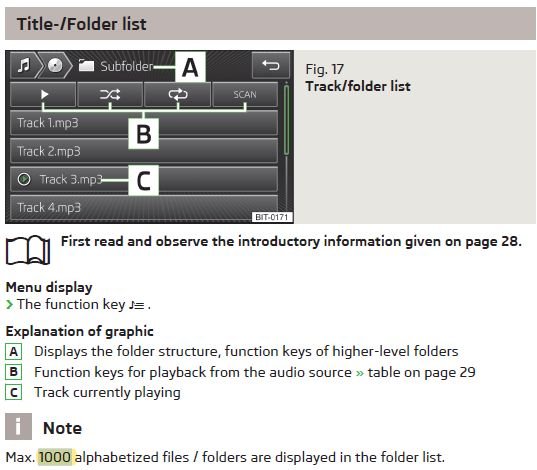
Yep - I've just looked in my manual, and it confirms that the system can display a max of 1000 files / folders in a single folder. @briintheskyYou'll need to re-organise your music files so that no more than 1000 are in any single folder. You don't have to do it my artist/album if that's a pain, any subdivision will do. I just use artist/album as that's what Windows Media Player automagically creates on my PC.
-
I have way more that 1,000 tracks on my relatively ancient 2014 MIB1 system. Are you putting all of your tracks in a single folder on the SD card? If so, that may be the issue. I've got mine all sorted into folders by artist and album name.
-
Glad it was something simple!
-
Is it possible to turn down the fan speed? Or is it effectively stuck on full? If the resistor pack / regulator for the fan burns out then you will typically get a burning smell along with a fan running at full speed. I've no practical experience, but a quick google suggests that the regulator on a MK3 Octavia is located in the fan unit itself, and if it is this you're likely looking at a reasonable amount of labour to get to it. It this is the problem, it seems to be #4 in the image linked to below - part number 5Q0907521D https://www.ilcats.ru/skoda/?function=getParts&market=CZ&model=OCT&modelcode=805&group=8&subgroup=819&part=819020&pid=54655&language=en
-
There are some suggestions on this thread from those who have previously had a similar problem. Can you see any form of brass clip?
-
Might it be this part, 5E0825205G ? e.g. https://www.ebay.co.uk/itm/144132589966 (no idea if the above is in fact the 100% correct part, or if the seller is any good - but it looks pretty a pretty good match and may help you with a bit more googling...)
-
I think he might be saying that the vehicle stop-start system is faulty. The engine stops, then won't restart. He then needs to shift from Drive to Park to do a manual re-start. @Klario - Is that the problem?
-
I've no experience of this, but IIRC the DAB aerial is located in one of two places: Hatch: in the rear screen Estate: in the rear-most side windows Is it possible that the antenna (or connections) were damaged during the tint install?
-
Could rats/mice have chewed through a fuel line? It does seemingly happen...e.g. https://www.hagerty.co.uk/articles/no-more-mr-mice-guy-how-one-driver-beat-the-rodents-eating-his-car/ https://mechanics.stackexchange.com/questions/72777/rats-biting-off-fuel-line-again-and-again-and-again https://forums.tdiclub.com/index.php?threads/rodents-chewed-through-my-fuel-line.114805/ https://www.dailyrecord.co.uk/news/scottish-news/danger-mouse---drivers-skid-1087950
-
The other posters are all correct. The issues you are talking about are not known as a problem with the 1.4 TSi in the Octavia 3. It is a belt, not a chain. I've a 2014 model which I've owned since it was 9 months old, and not had a single issue with the engine. One thing for you to ask about on examples you look at: according to the official Skoda UK schedule, a 2014 1.4 TSI should have had its cambelt replaced by now. You may wish to use that as leverage on price if it has not been done.
-
There is a clutch position sender - for both the stop/start as well as making sure you don't start it in gear. I would imagine that it only "engages" at the bottom of the pedal travel (to ensure pedal is fully depressed), and my click happens much nearer the top of the travel. It's a good idea though, and I'll see if I can have a look next time it plays up. If the "Depress clutch to start" type message disappears just after the "click" then that would be some evidence that this sender is involved.
-
I'm getting what sounds like the same thing on my 2014 1.4 TSI, which has around 68,000 miles on it now. A loud-ish click on depressing the clutch, which can also be felt through the pedal. Seems to particularly happen when cold/damp. It has no impact on clutch engagement/disengagement, and disappears after a few miles. I has it once or twice in the 2019/2020 winter, then it disappeared. It's happened probably twice again in the last couple of months. I'll be interested if anyone finds out what it is!
-
Skoda manuals can all be found online: https://www.skoda-auto.com/services/owners-manuals
-
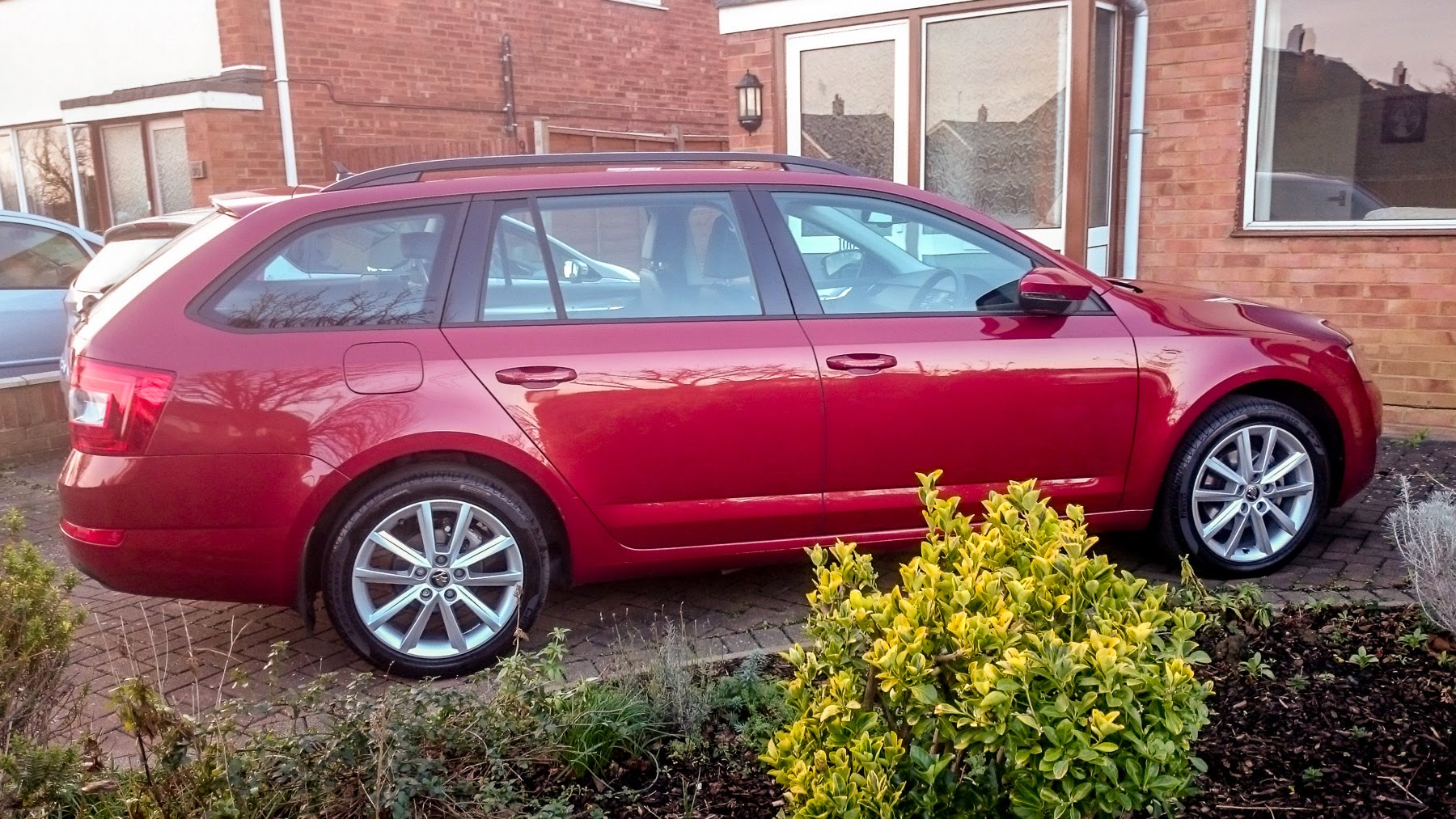
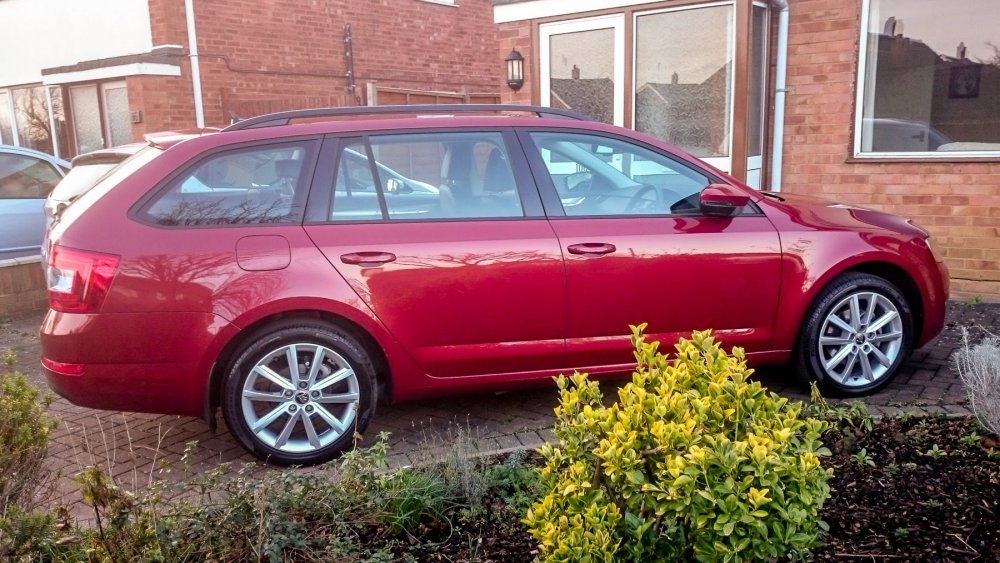
I haven't got a VRS, or those wheels. But I like the colour :-)
-
If a seat belt pretensioner has fired then the buckle will be noticeably lower, as it will have been pulled towards the floor of the vehicle. It should also have lit the airbag warning light, IIRC. A broken coil spring would be a far less unusual failure, and these can be difficult to spot unless the car is up on ramps. You may experience some clunking over bumps or when turning the steering lock-to-lock if a spring has broken. Edit: thinking about this more, a seat-belt pretensioner firing would require lots of things to have gone wrong. I assume from you description there was no passenger in the seat? If there was, they would most certainly have noticed the tug on the belt if it had gone off. if there was no-one in the seat, then then it's even more weird that it managed to fire. IIRC, it shouldn't go off if the seat is empty / no belt is plugged in.