Leaderboard
-
shyVRS245
Locked11Points0Posts -
.jpg.1006585dfe4e2977315b67c3d642e37b.jpg)
Guest_
FREEDOM11Points83,824Posts -
Sagalout
Members9Points914Posts -
Breezy_Pete
Sponsor8Points24,576Posts




Popular Content
Showing content with the highest reputation on 15/01/20 in all areas
-
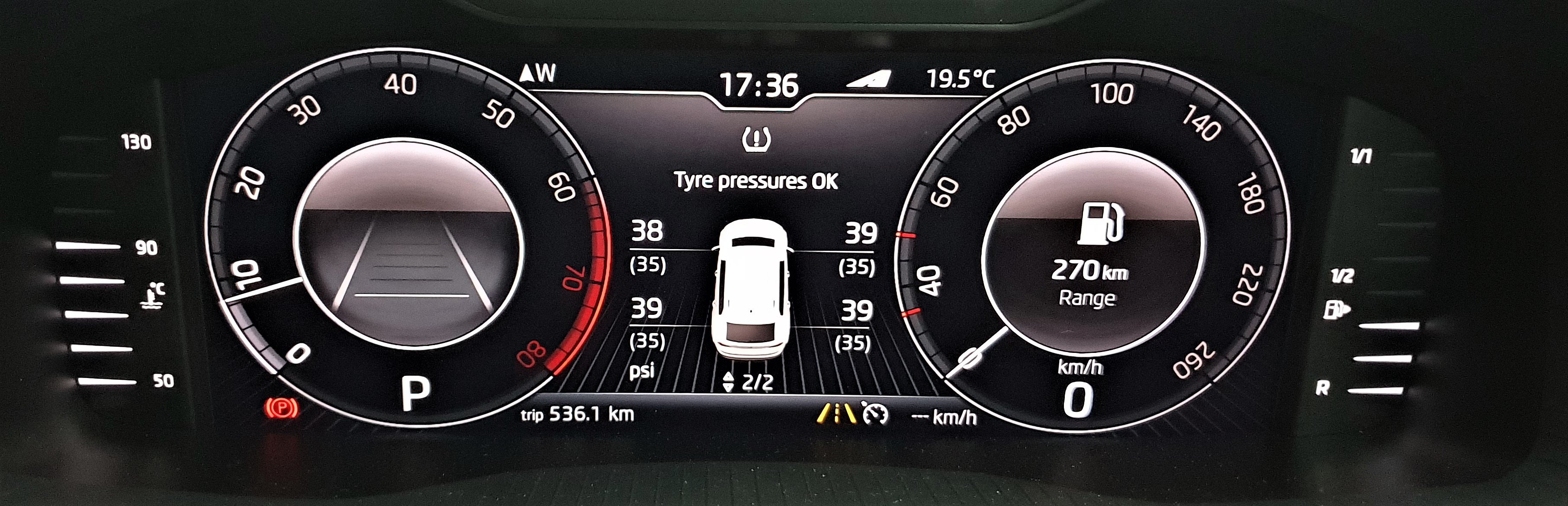
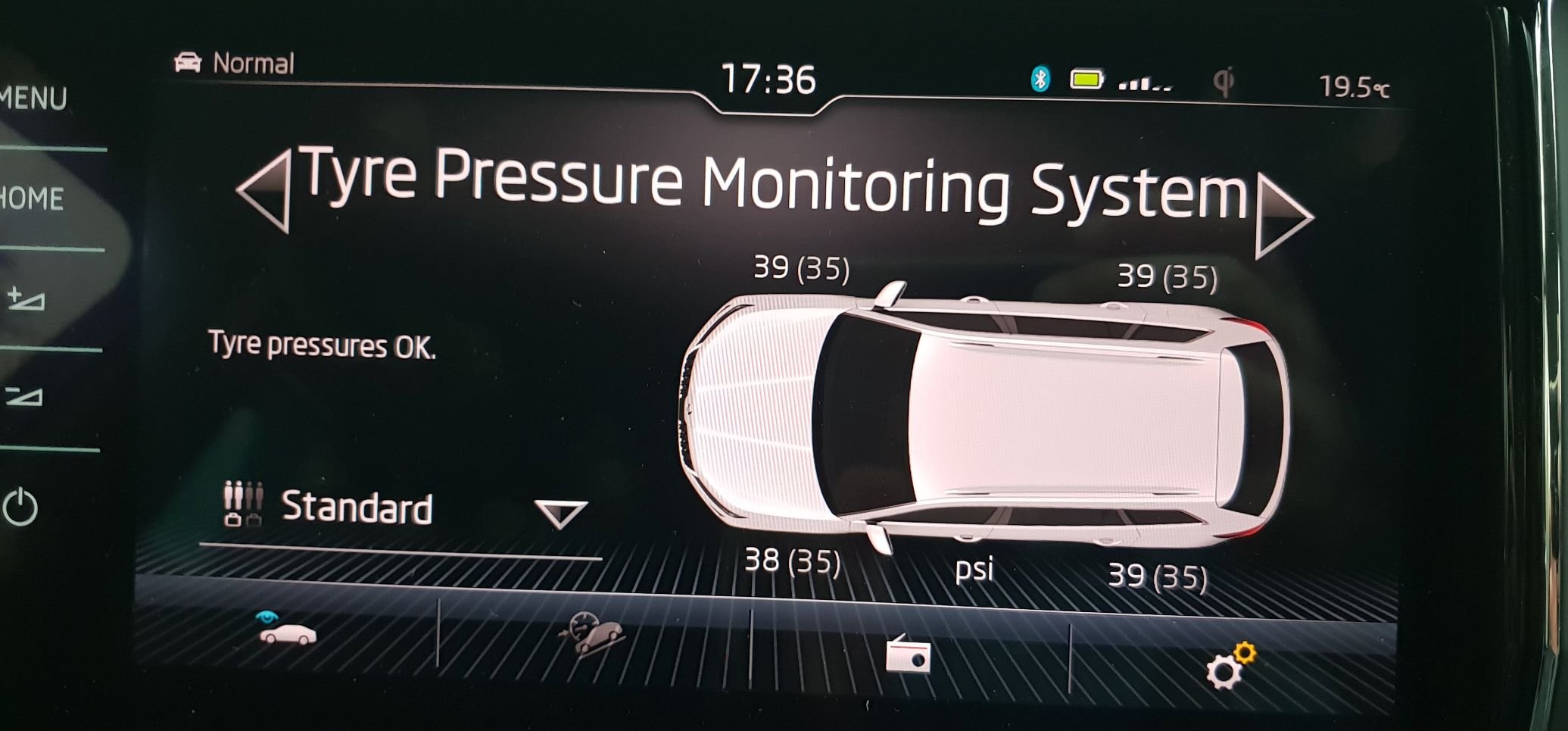
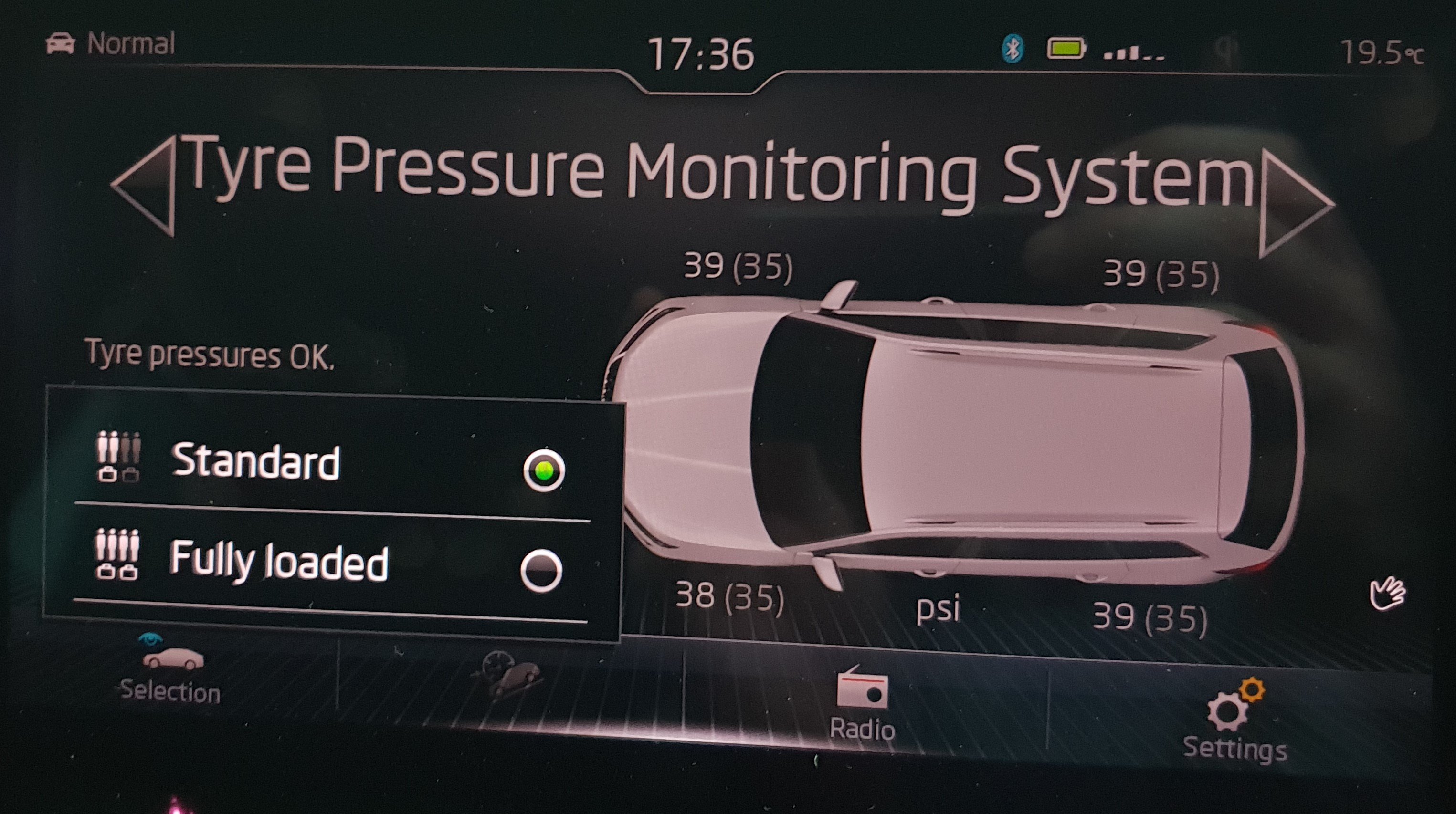
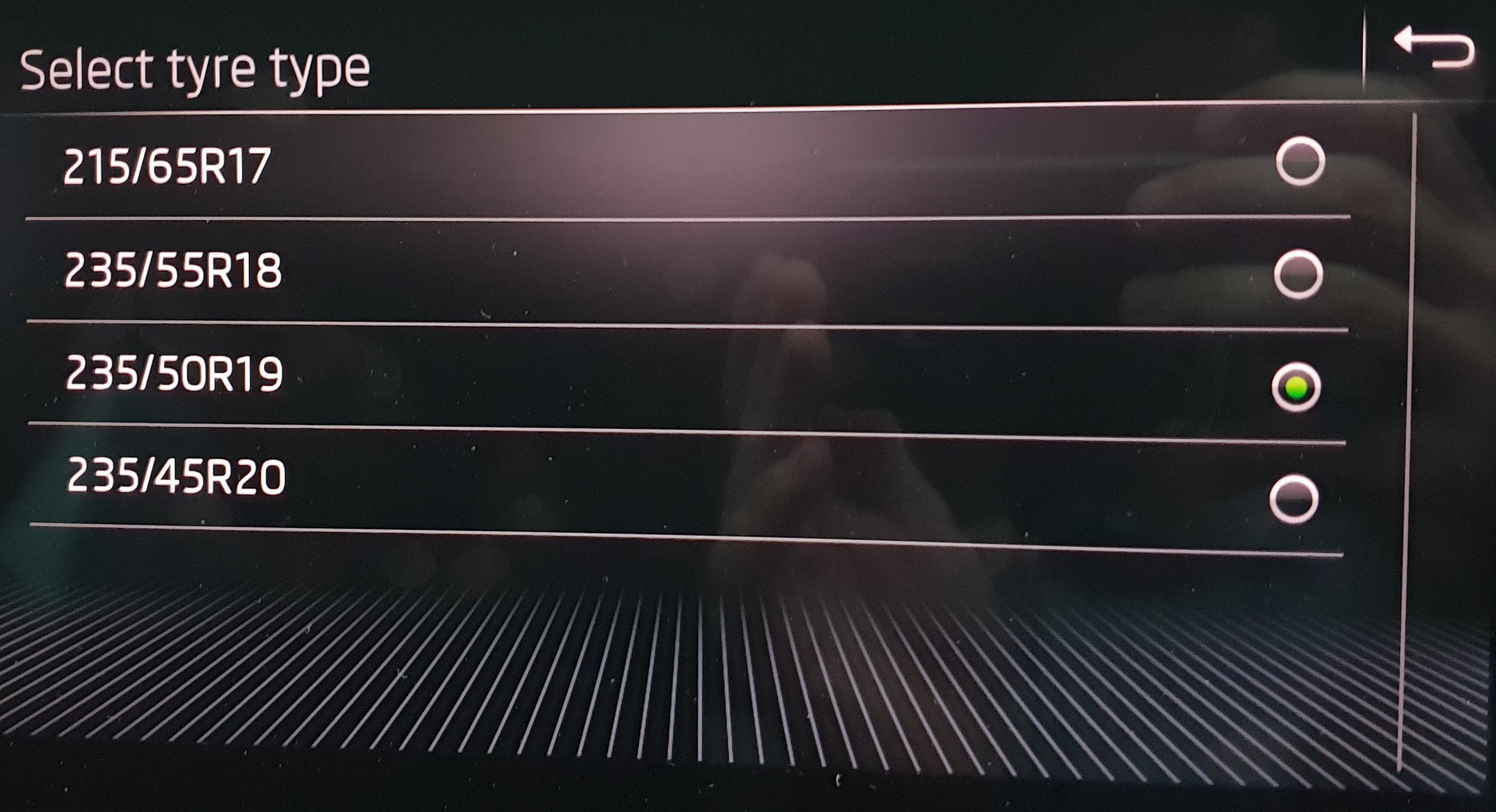
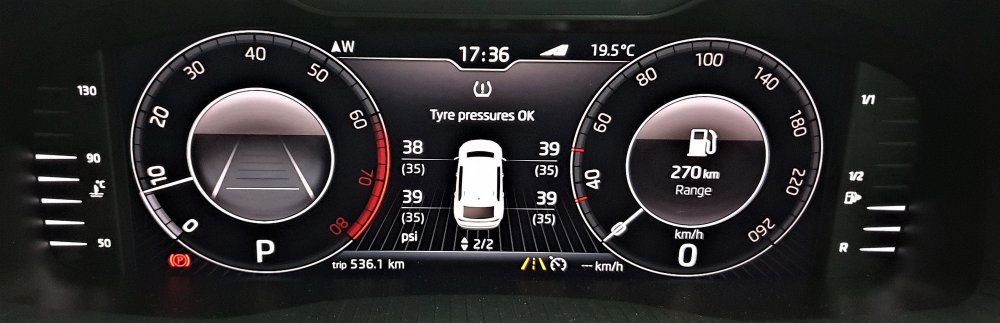
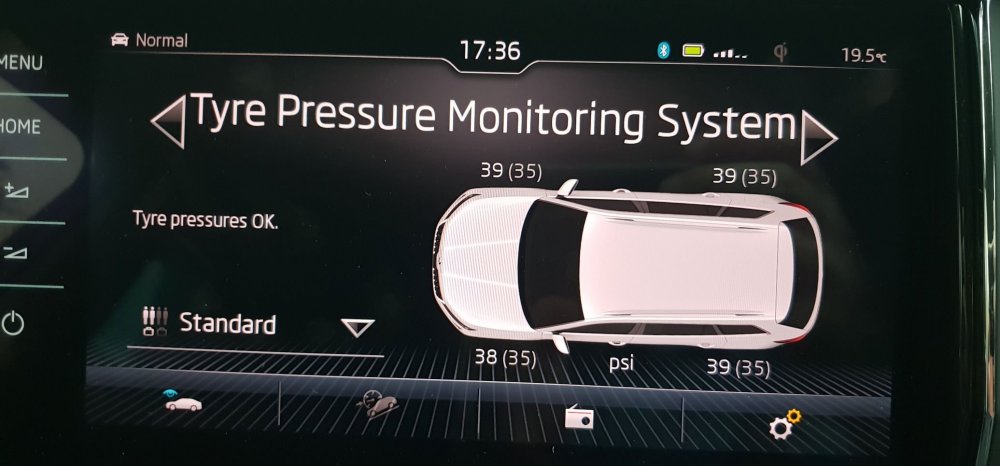
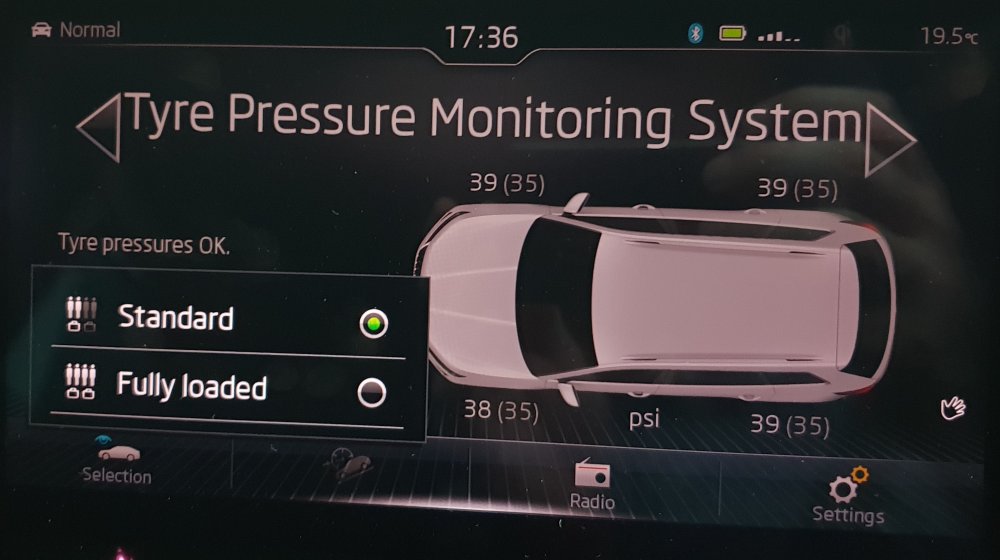
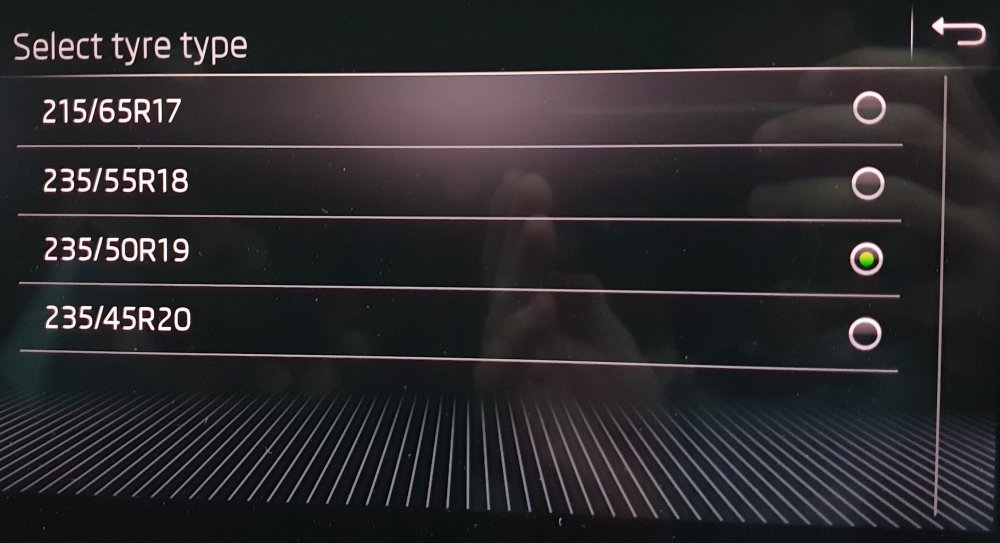
2 pointsApparently in EU the MY20 Kodiaqs will have an option for TPMS direct (wheel pressure sensors) over the TPMS-indirect (use ABS sensors, measure wheel RPM). If you get the bits it works fine in the MY19s too. 5Q0907273B - Controller module thingy 4x 5Q0907275B - Wheel pressure sensor thingies I tapped off the CAN-bus-extended from the rear 'I can't be bothered doing a head check' radar controller. You need ODIS-E or Vag Can Pro for the initial setup to load in the tyre profiles and pressures (I just put in what was on the tyre placard (fuel filler flap). I used a Chinese VAS6514 and ODIS-E 8.1.something and getting it installed with the right driver etc was very painful. I used this excellent tool to generate the XML file that was then uploaded via ODIS-E: http://htmlpreview.github.io/?https://raw.githubusercontent.com/joltcoke/rdks-tool/master/generator.html The instructions were in Spanish, by a chap called XAGICO. If you Bing that you'll find the PDF. I seem to have an issue where the front-passenger sensor comes and goes. I suspect it's a signal strength problem as the other 3 work fine and the front passenger is furthest from the controller module antenna. I'll try to reorient the controller. Would I do it again? Nah, the ones with the little screen in the ciggy-lighter socket work fine (SteelMate has some good ones) and are zero effort (had this in my Superb). ODIS-E scares me (it's an incomprehensible mess UI wise; I think the same people who did IBM Notes did the ODIS UI) and when I flashed the XML file pretty much every warning light came up on the dash and the car beeped and bonged and carried on. You are permitted to make fun of me for using PSI instead of bar.
 2 points
 -
1 pointShow us your launch control videos!!!!!! Obviously all done within the rules of the road etc etc etc Here's mine!!!1 point