Leaderboard
-
weasley
Members11Points1,323Posts -
VRS_White_Hatch
Members11Points561Posts -
Breezy_Pete
Sponsor11Points24,576Posts -
shyVRS245
Locked9Points0Posts




Popular Content
Showing content with the highest reputation on 15/10/20 in all areas
-
2 pointsIf someone is looking for a SW for the MIB you can grab from here list of availiable SW below for (audi, VW, Skoda, seat) Information was getting from german site:www.digital-eliteboard.co…0571/page-84#post-3811658 Additionaly you can find the way how to unlock features like Mirolink Aple car play nav and so on it was an original goal of that thread MIB2 High: mega.nz/folder/rdxF3TzB#RKPXpjFVzgPrEna2mP1_zA MIB2.5 High: mega.nz/folder/3Y5T2Z5A#L2endnMmtyOdbjr_K1oDyw Skoda: Columbus VW: Discover Pro, Discover media Seat: Navi System Plus Audi: MMI4G/MMI Plus manufactured by Harman Seat_PQ: MST2_EU_SE_PQ_P0363T_5F0919360F MST2_EU_SE_PQ_P0252T_5F0919360D Seat_ZR: MST2_EU_SE_ZR_P0252T_5F0919360A MST2_EU_SE_ZR_P0363T_5F0919360E MST2_EU_SE_ZR_P0469T_5F0919360G MST2_EU_SE_ZR_P0475T Skoda_PQ: MST2_EU_SK_PQ_P0138T MST2_EU_SK_PQ_P0252T MST2_EU_SK_PQ_P0253T Skoda_ZR: MST2_EU_SK_ZR_P0252T_S0010001599 MST2_EU_SK_ZR_P0253T_V0020171002 MST2_EU_SK_ZR_P0367T_V0020180501 MST2_EU_SK_ZR_P0475T_5F4H5Q00358 MST2_EU_SK_ZR_P0478T MST2_EU_SK_ZR_P0366T_0366 MST2_EU_SK_ZR_P0468T_0468 VW_PQ: MST2_CN_VW_PQ_P0252T_0252 MST2_CN_VW_PQ_P0253T_0253 MST2_CN_VW_PQ_P0363T_0363 MST2_CN_VW_PQ_P0367T_0367 MST2_CN_VW_PQ_P0475T_0475 MST2_EU_VW_PQ_P0245T-0245 MST2_EU_VW_PQ_P0253T_0253 MST2_EU_VW_PQ_P0363T_0363 MST2_RoA_VW_PQ_P0252T_0252 MST2_RoA_VW_PQ_P0253T_0253 MST2_RoA_VW_PQ_P0363T_0363 MST2_RoA_VW_PQ_P0367T_0367 MST2_RoA_VW_PQ_P0475T_0475 MST2_US_VW_PQ_P0253T_3G0919360DP MST2_US_VW_PQ_P0367T_3G0919360CL MST2_US_VW_PQ_P0478T_3G0919360JP VW_ZR: MST2_EU_VW_ZR_P0140T_3G0919360P MST2_EU_VW_ZR_P0252T_3G0919360AC MST2_EU_VW_ZR_P0363T_3G0919360AJ MST2_EU_VW_ZR_P0469T_3G0919360BL MST2_EU_VW_ZR_P0475T_0475 MIB 2 High Aud: (A3) MHI2_ER_AU37x_P5089 MU1326 (A3) MHIG_EU_AU_K1549 MU0404 (A4-A5-Q5-Q7) MHI2_ER_AUG22_K3346 MU1438 (A4-A5-Q5-Q7) MHI2Q_ER_AUG22_P5092 MU1329 (A6-A7) MHI2_ER_AU57x_K3663 MU1425 (Q2) MHI2_ER_AU276_P5088 MU1325 (R8) MHI2_ER_AU62x_P5099 MU1340 (TT) MHI2_ER_AU43x_P5098 MU1339 Seat: MHI2_ER_SEG11_P4708 MU1409 Skoda: MHI2_ER_SKG11_K3343 MU1433 MHI2_ER_SKG13_P4526 MU1440 MHIG_EU_SK_K1552 MU0411 VW: MHI2_ER_VWG11_K3332 MU1187 MHI2_ER_VWG11_K3342 MU1427 MHI2_ER_VWG13_P4521 MU1367 MHIG_EU_VW_K1550 MU0407 VW: discover media2 : mega.nz/folder/DRZQ1a6b#Y…PHzHfTs2Q/folder/uAhH3CrC MST2_EU_VW_P0635D MST2_EU_VW_P0867D MST2_EU_VW_P0891D MST2_EU_VW_P9122D MST2_US_VW_P0635D MST2_US_VW_P0867D2 points
-
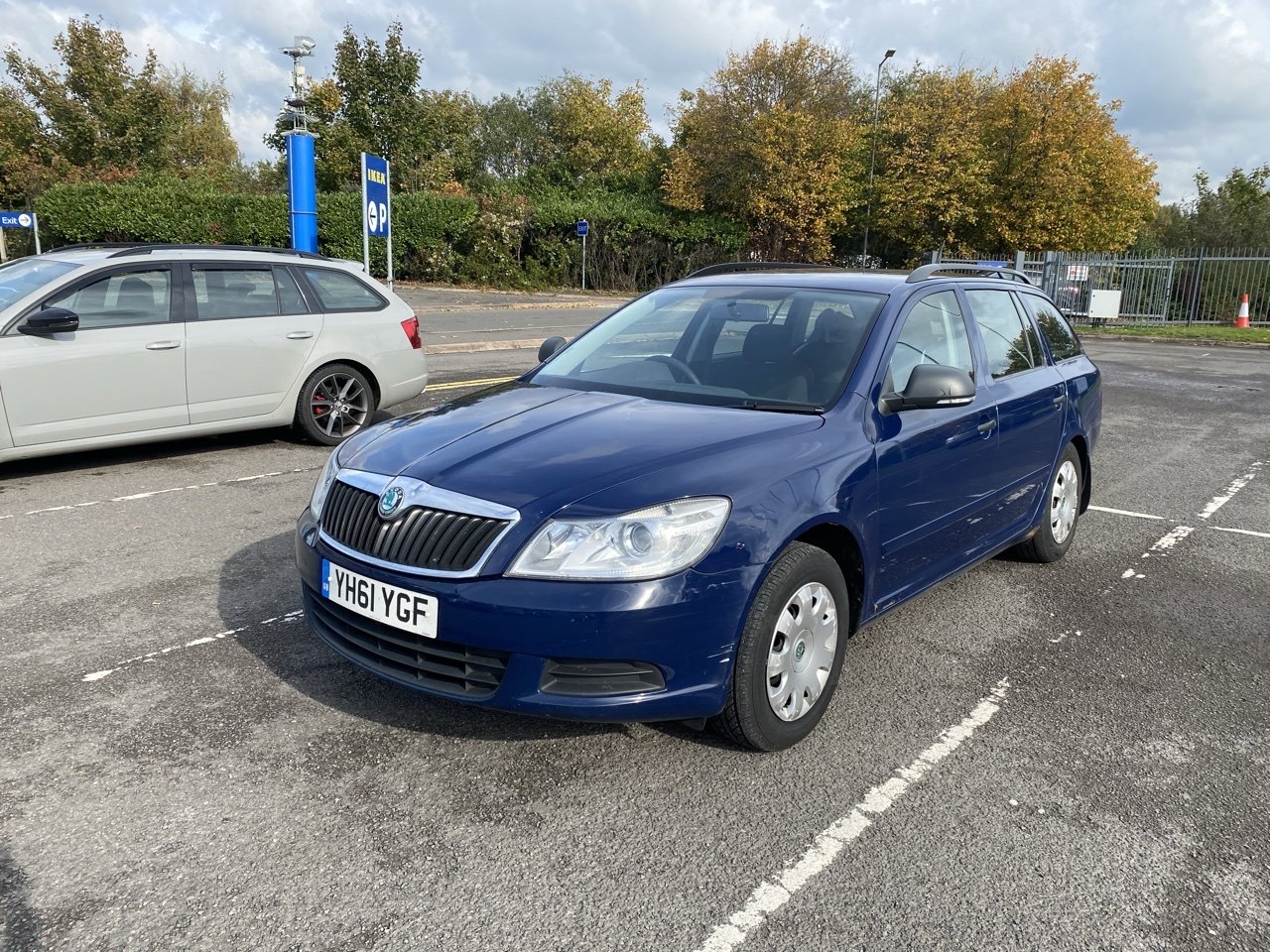
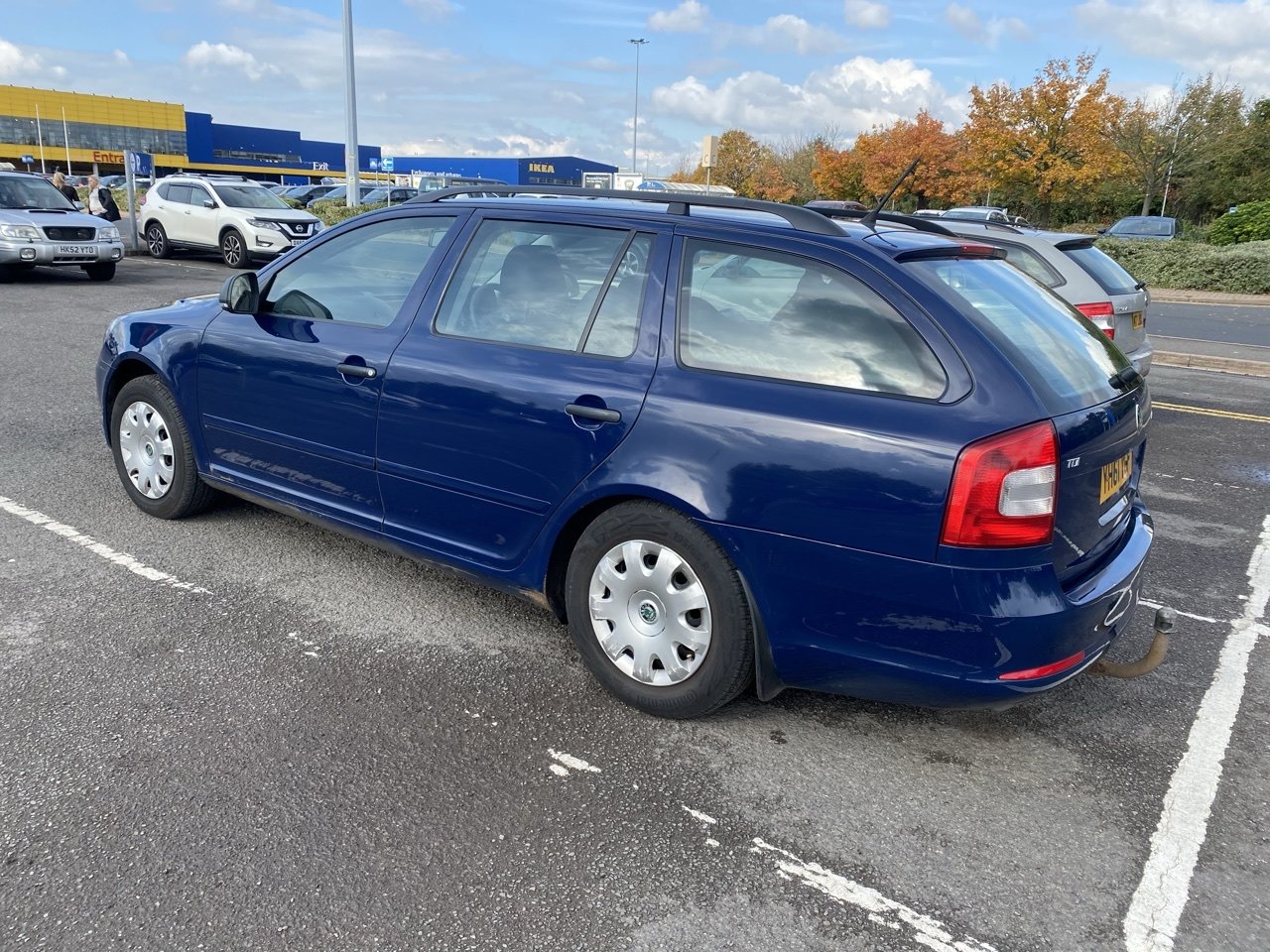
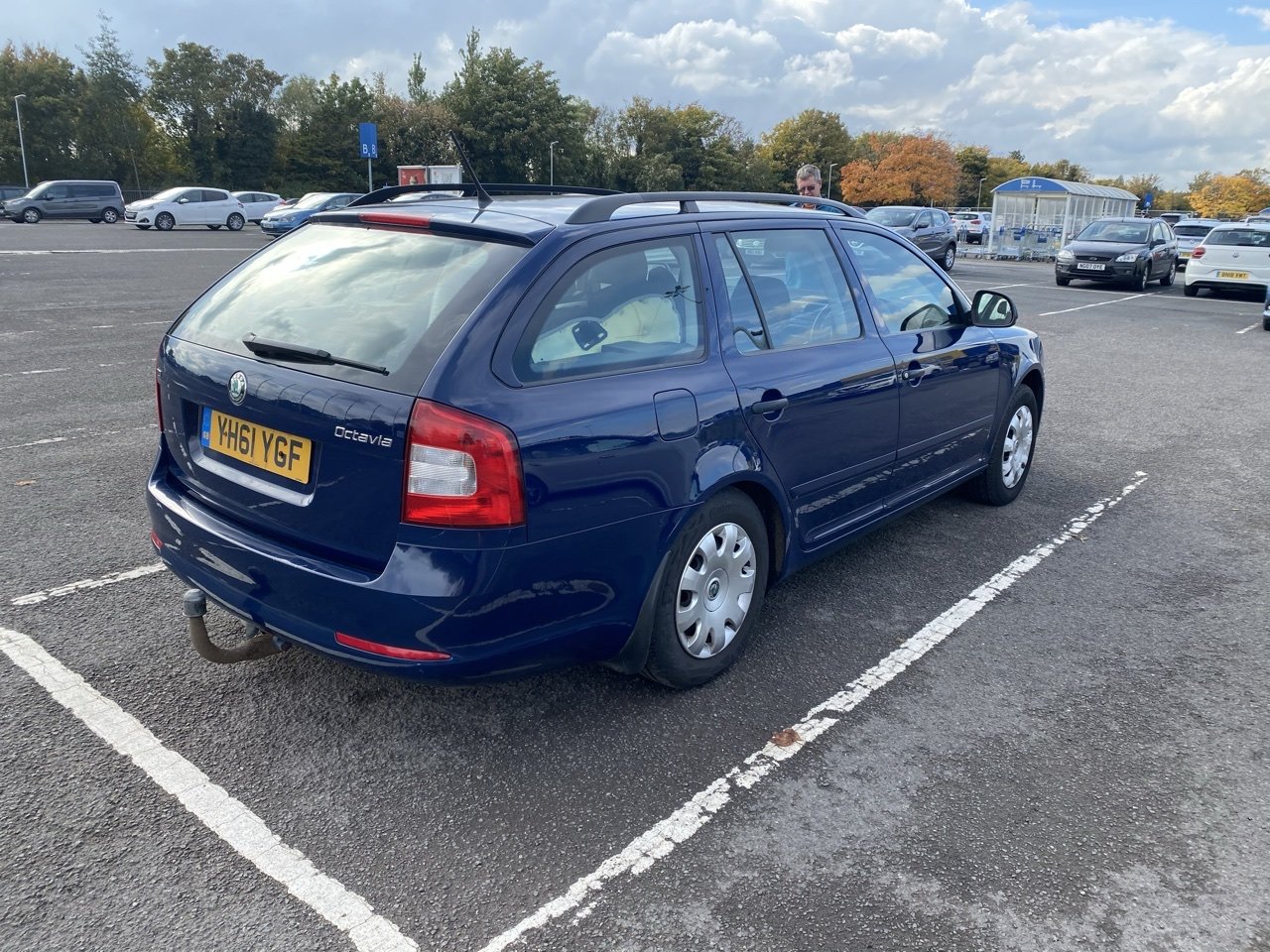
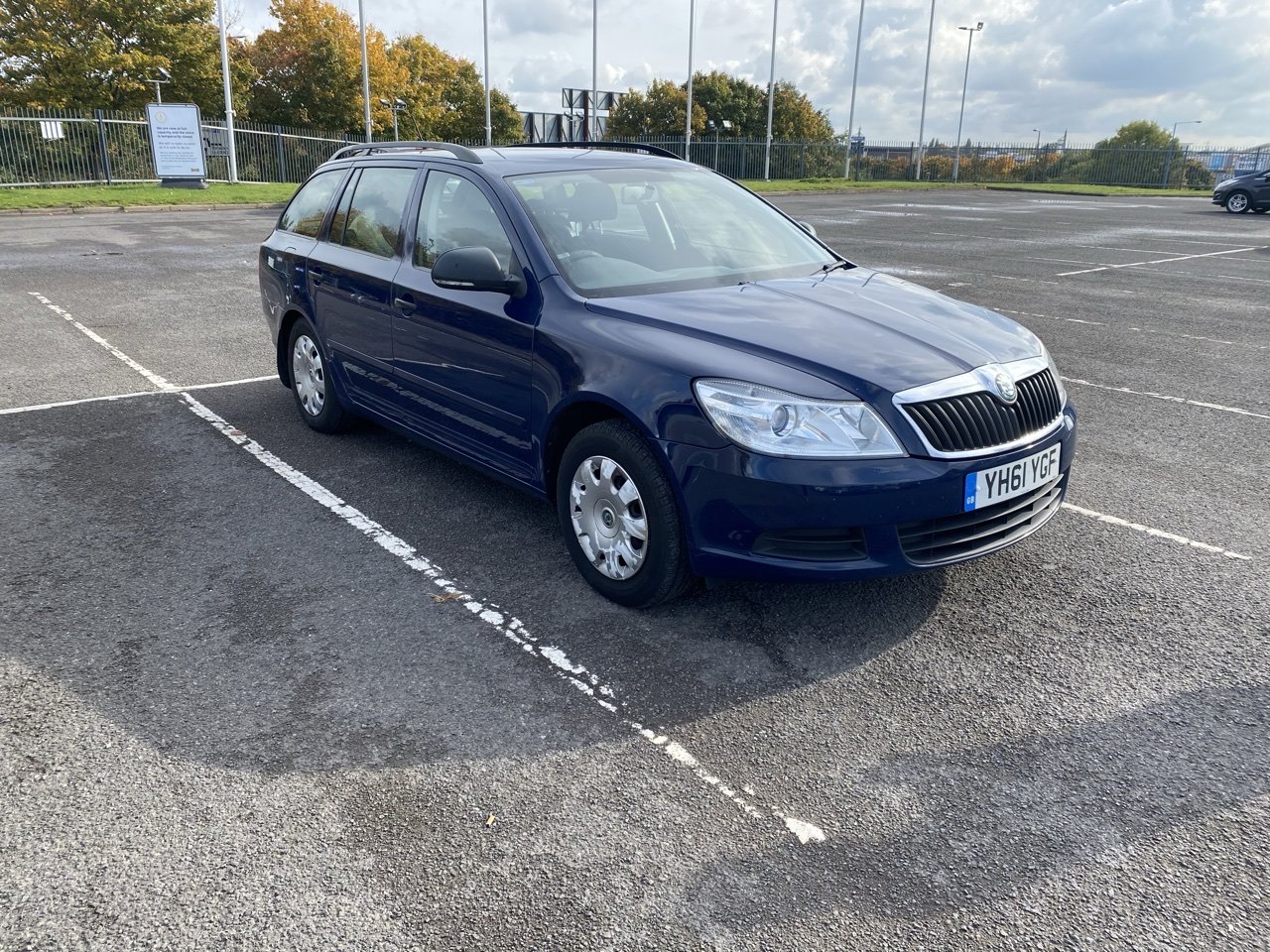
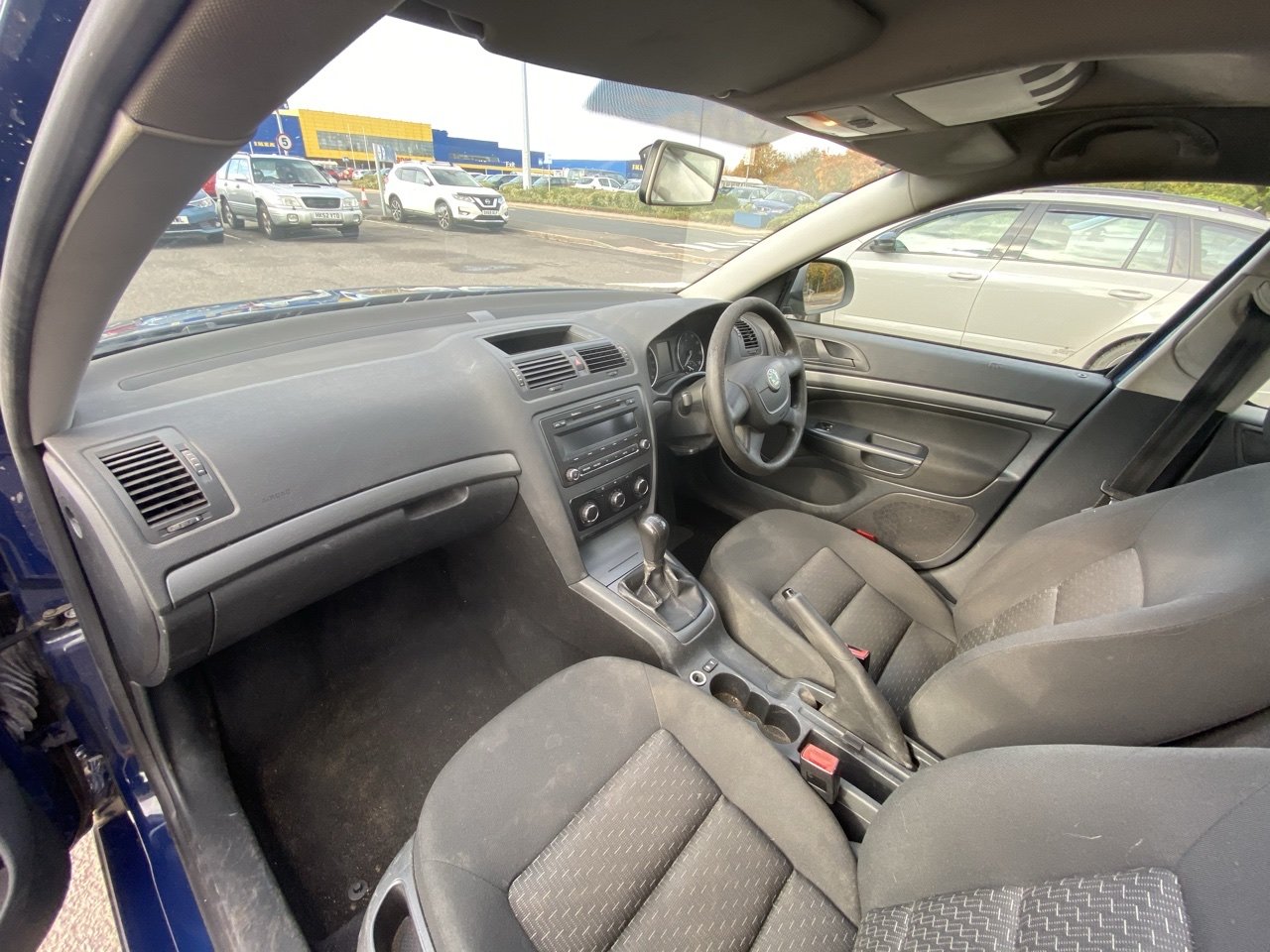
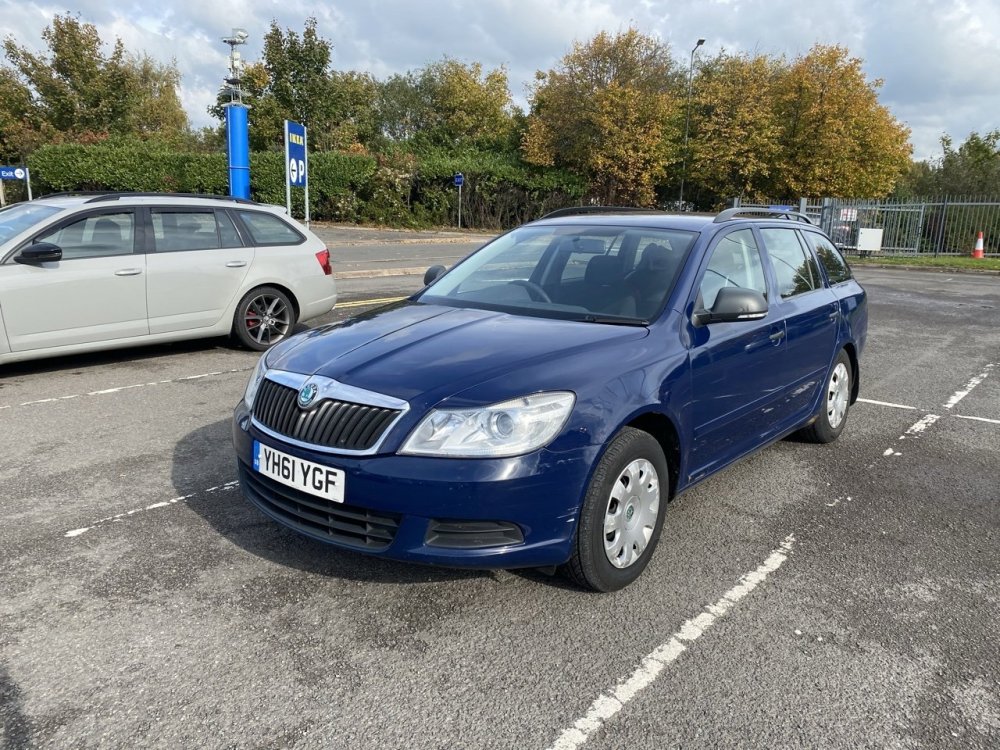
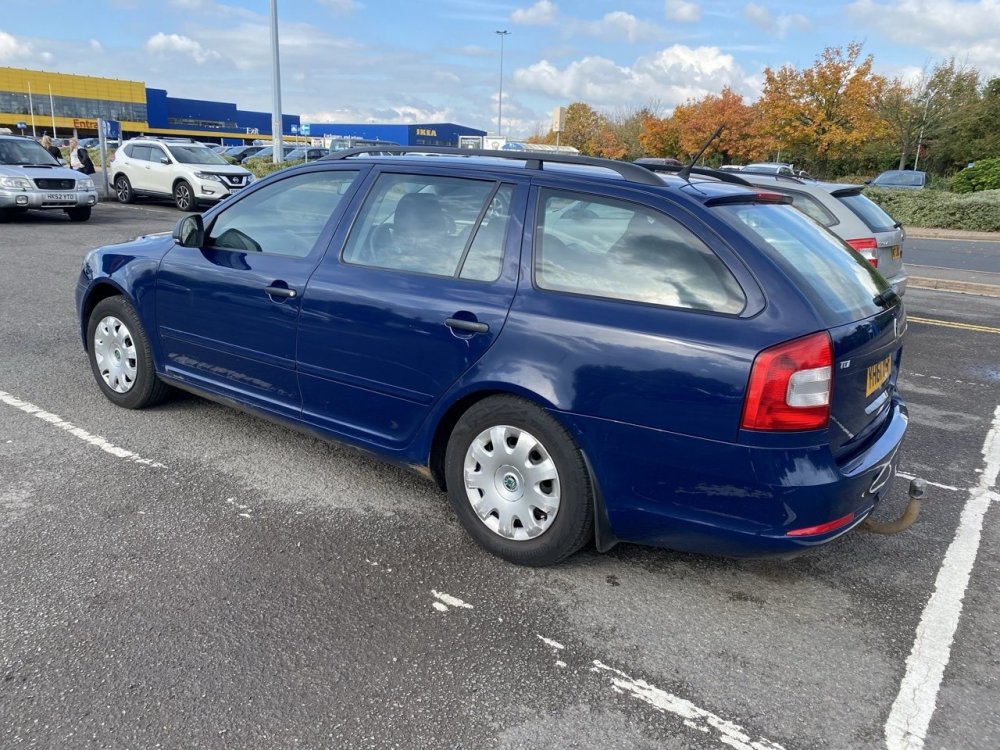
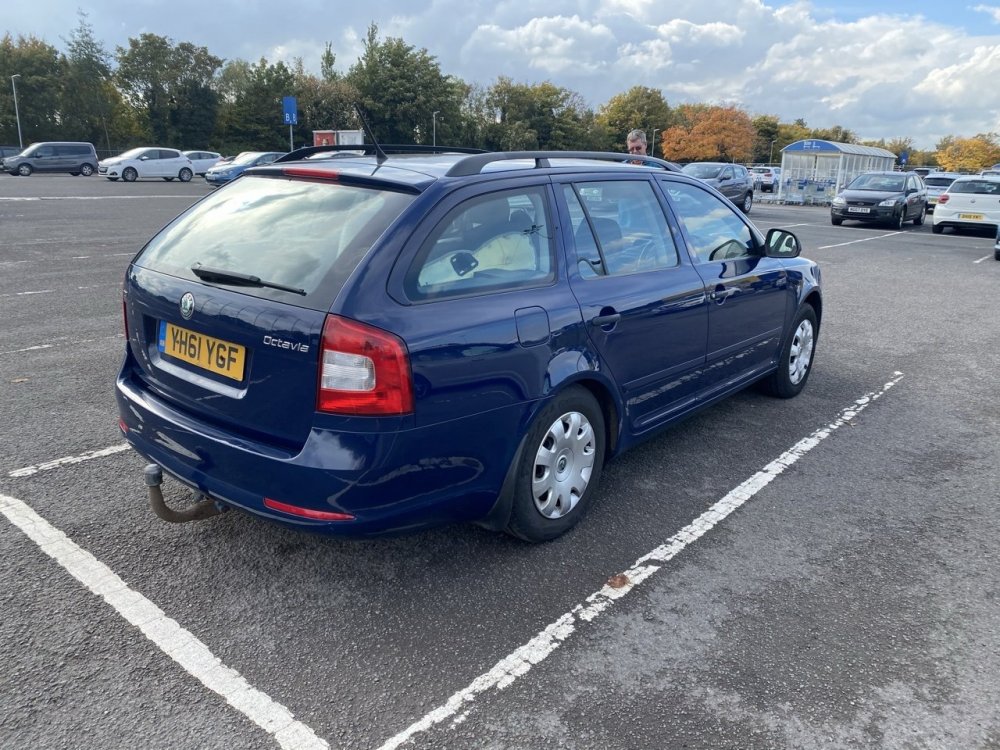
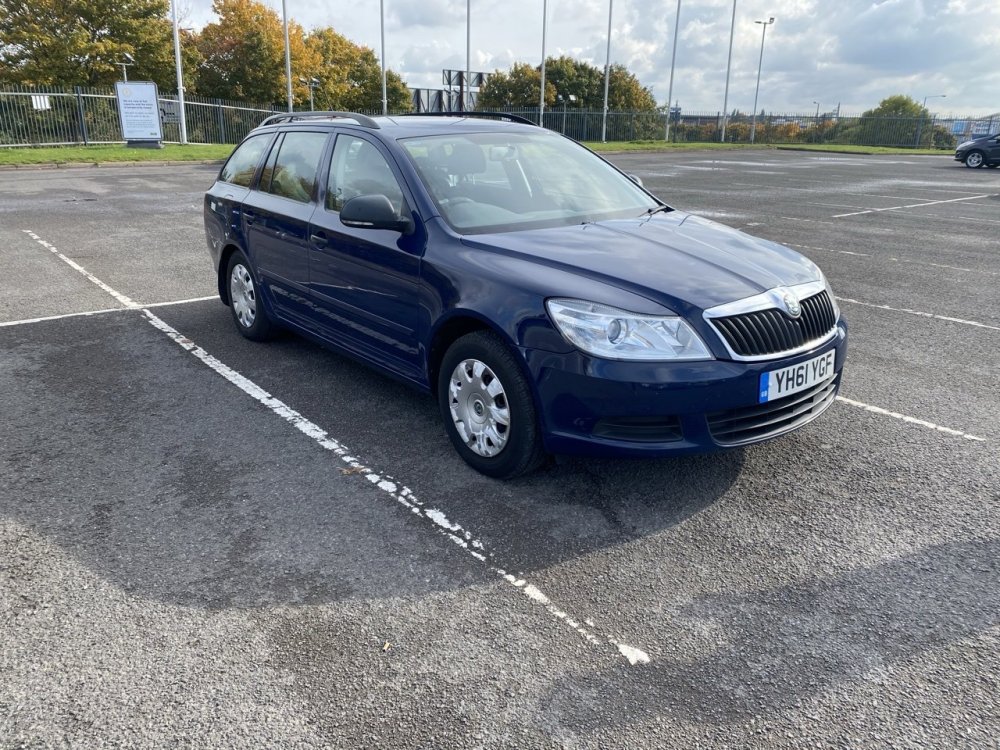
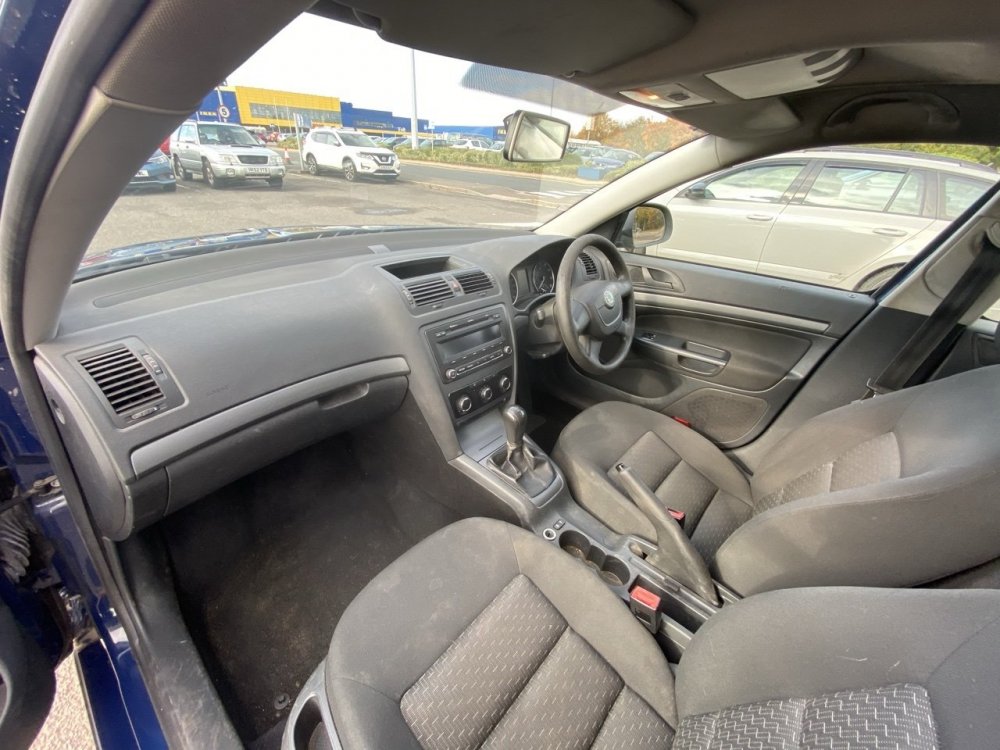
1 pointWelcome everyone to my Dad’s new workhorse, this 2011 61 Octavia 1.6 TDI S. It’s very very basic (no remote locking basic) and it’s sitting down at the rear as it’s full of my new seats lol but yeah, other than some general detritus, bit of surface rust in places and a flashing glow plug light as the brake pedal switch is faulty (love the OBDEleven for convenient fault finding on the spot) which I negotiated down on and it’s impressive 202,500 miles I’m extremely impressed with it. Some tidy up, some mods and some retrofits are coming and with some shrewd negotiating we stole it with MoT till November 2021 and £30 annual road tax at £1200 😀 Things that have already been ordered: Leather steering wheel Leather gearknob and gaiter Cruise control and trip computer stalks (it already has a cruise control ready clock spring) Jumbo box, armrest, leather handbrake with the Aux port Brake pedal switch Full service gear Right indicator in the mirror as it doesn’t work Things I need to work out and would appreciate help with as I’m new to the 1Z platform Remote locking - super surprised it doesn’t have this as I’d have thought by 2011 even the S would but hey ho, is it a case of a new CCM with remote function, take the transponder from a key, do the coding to match and a remote and an extra wire for signal boost? Can I use the blade from one of the keys here or will I have to get a new one cut? Also, how do you get into the non remote keys? Rear speakers? Is the wiring there for these or does it have to be added if we want them? Can’t wait to learn more about the Mk2, super impressed with it already!
 1 point