TheWanderer
Resident Member
-
Joined
-
Last visited
Everything posted by TheWanderer
-
This one is different. It doesn't go away.
-
It puts a small dialog box saying "Changing User Settings" every few starts. All my radio station presets go & colour setting vanish. It's a RPITA.
-
So did I, at least twice, my car also keeps changing the colour settings of everything. I love the car, but I'm getting sick & tired of the software glitches, so may look elsewhere in the near future.
-
-
-
The figure you have to worry about is P11D figure. P11D value = List price (inc. VAT) + Delivery charges + Factory options.
-
This afternoon I was greeted with a screen asking for my S-PIN,which I duly did and it tried to do the set-up process, as if it was my first time in the car. I just cancelled it and it seemed to settle down and restored all of my settings. It's most weird
-
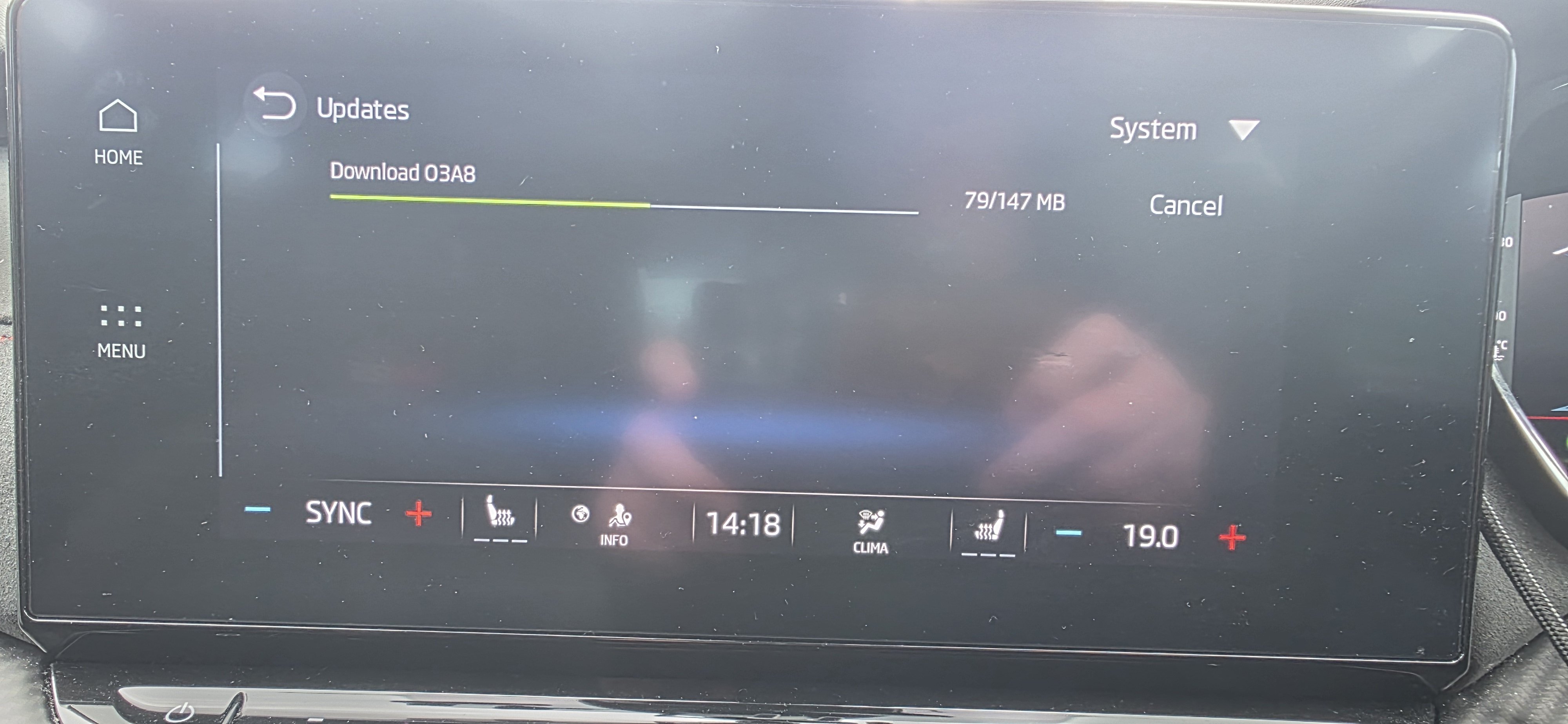
I waited for the car to finish the download, then pressed the start button, went off and did shopping, then when I got back in it was showing the Skoda CONNECT screen, I just left it alone for a few minutes, I did NOT start the engine, I gave it time to settle which was about 10 mins. Then entered my email address & password and it was all good. Then I started the engine. No problems since, the only annoyance was having to enter all of my account details again to get my settings back!
-
Make sure you know what your email address is and password as you're going to need it to restore your system as it will reset it back to as new again if you don't and that's all your radio settings and dashboard colours etc. 🙄
-
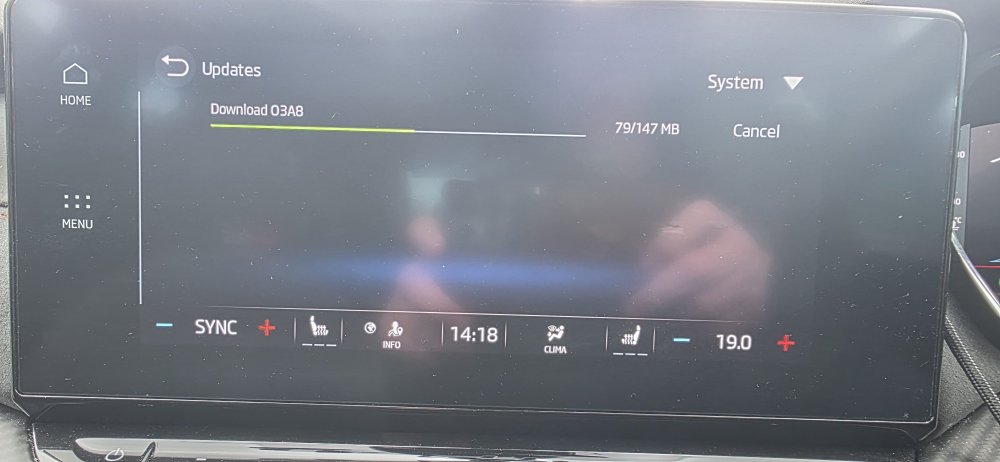
Im not quite sure what this medium sized update is going to do, but it says it takes about 10 minutes to install and I have to login again.
-
Deleted
-
-
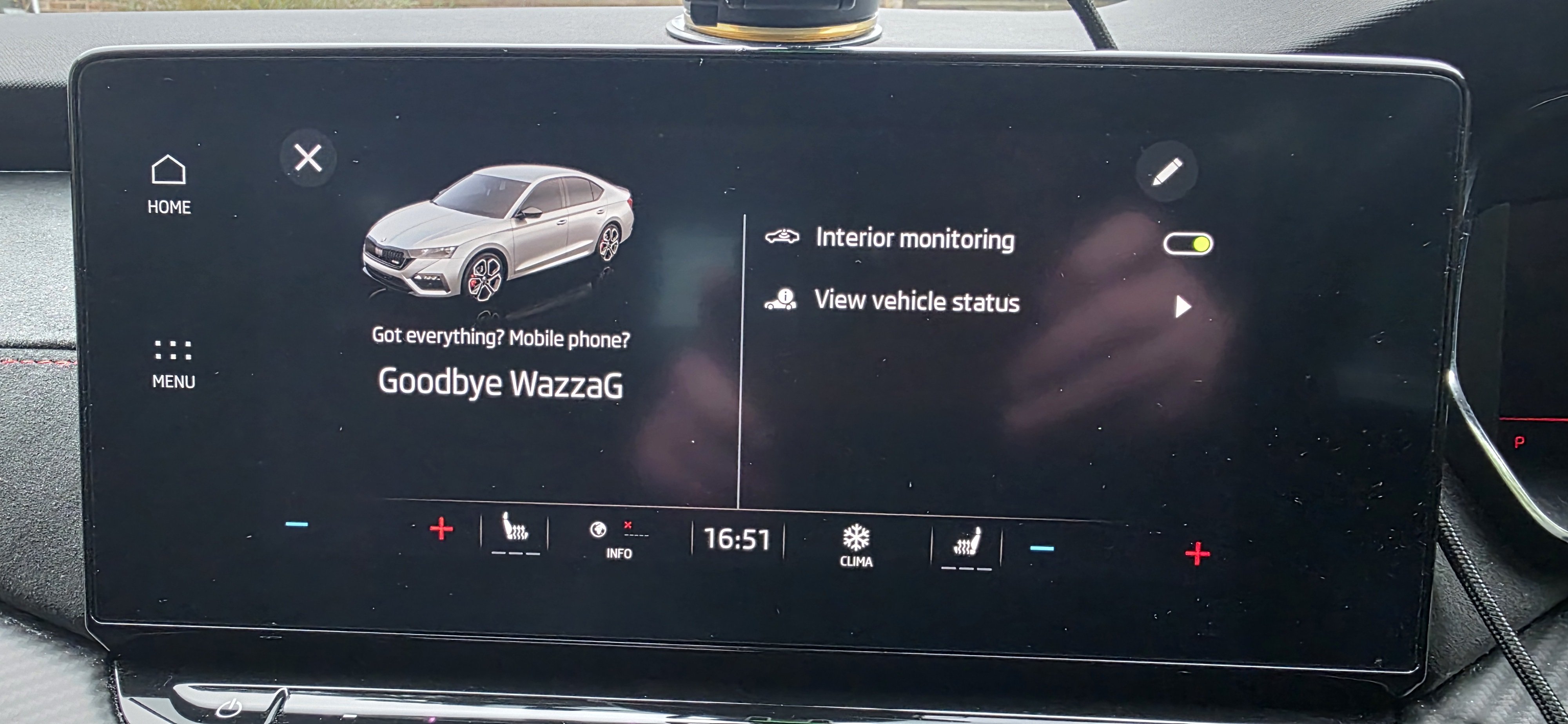
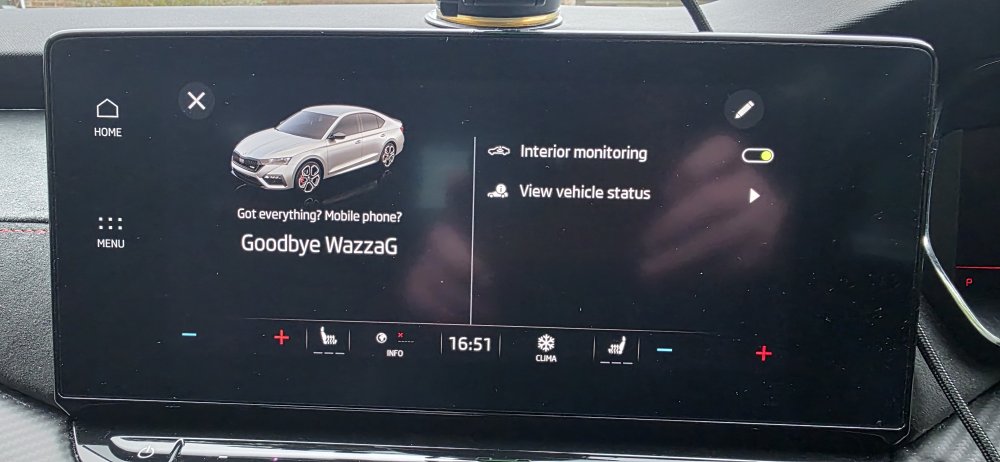
Mine asked again today, but this time it showed me the screen with ticks on it, it also showed me that there were 2 notifications. So i pressed the notifications with the ticks individually and so far it hasn't asked me to update again. Got this screen when I shut the engine off this time, which I've not seen before, normally it just offers me the interior monitoring only. So something has changed. I'll have to wait a couple of days until I need to use the car again to see if the update request reappears.
-
-
I note it's electric, I don't have the charging facility available or a good enough power supply to have one. I don't want electric for the foreseeable future, not until they can charge in the same time it takes me to fill with petrol (3-4') and a decent range too. Also that devious 🤬 we have as a CoEx in No11, is proposing a pay per mile charge for EVs + VED.
-
I just used a sat nav adhesive disc, it can be removed quite easily with some warm air if needed. I've got a choice of two wireless chargers for a Galaxy S25 Ultra and both attach to the disc on a sucker, nice & stable. Just remember it's illegal to attach things to a windscreen that obscures lines of vision. So unlike the some of the clowns I've seen just recently don't put it above the binnacle directly in the line of vision! FFS. 🤦♂️
-
-
No, I had one of those on loan car with my last disastrous RS and I hated it, tinny and very underpowered. Although the RS does spoil you in that respect
-
I'm thinking about jumping ship too. Something less powerful and smaller as I've no family left now. I was thinking about staying with the Fabia 130, but boot too small.
-
-
-
-
-
-
Because that's a new version of the infotainment system, so I'd leave it alone. Also I don't think that the 1989 is compatible with it either, so the old adage of "If it ain't broke don't fix!" applies.