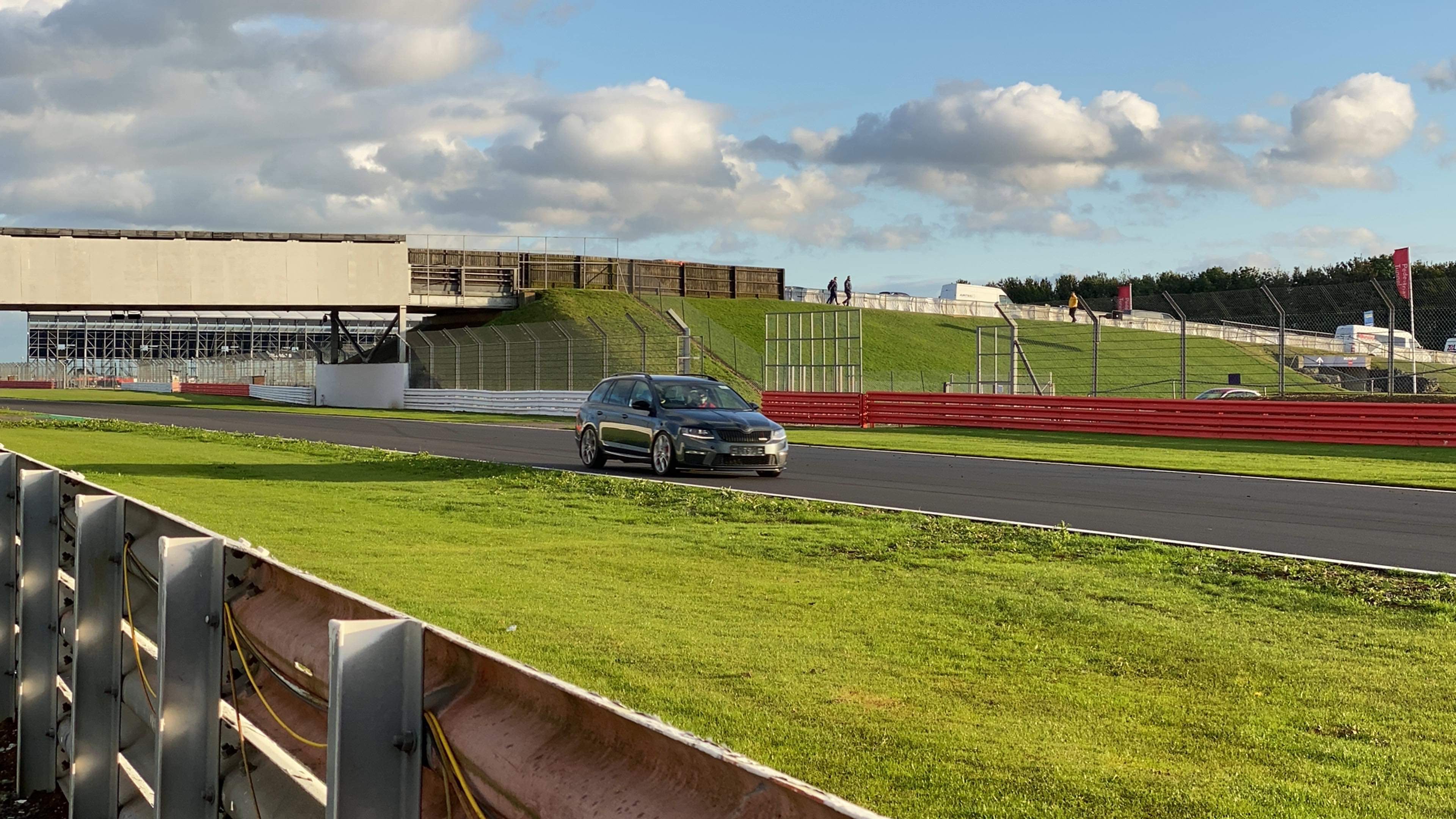

SashaGrace
Resident Member
-
Joined
-
Last visited
Everything posted by SashaGrace
-
I’ll run you through the OEM fit next weekend when you come for the camera I still need to get one for mine as I sold the charge pad with the Octy.
-
No, you need 5Q0 035 864A
-
-
Yeah that’s a MIB1, needs to be 5Q0 035 864A
-
You will need to fit and wire Mic if not fitted, it’s in the roof console by interior lights and it wires to Pin 1 and Pin 7 in the blue plug.
-
Should be able to
-
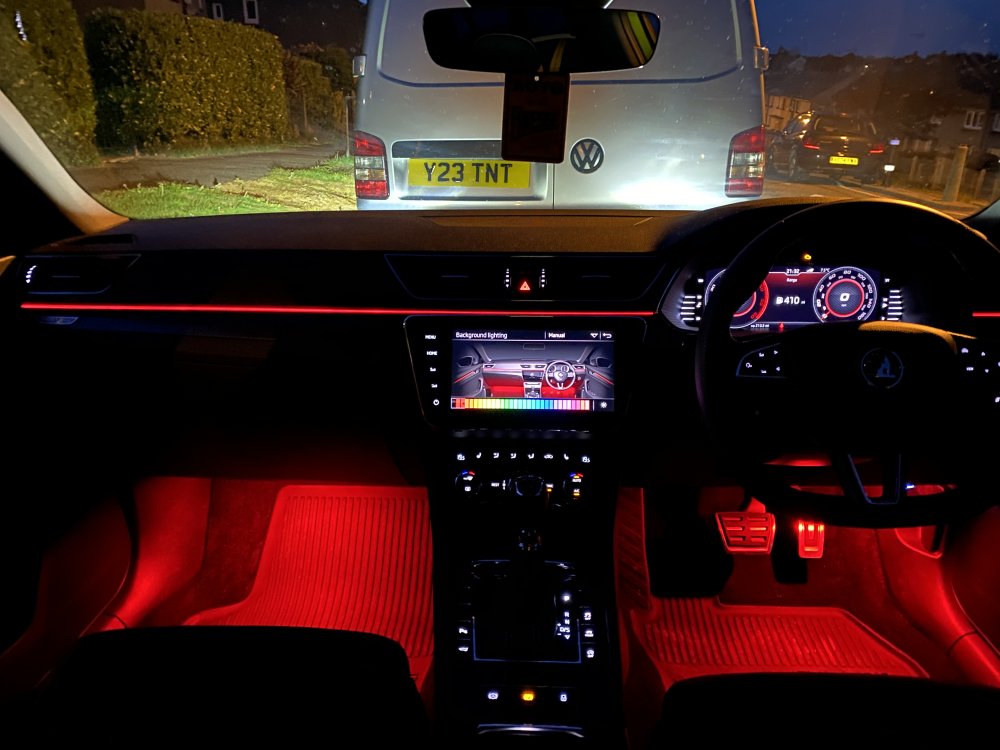
I’ve done it so many times it takes me about 10-15 mins max. I use OBDEleven for this as it’s quicker. My colour palette is slightly different but it still works
-
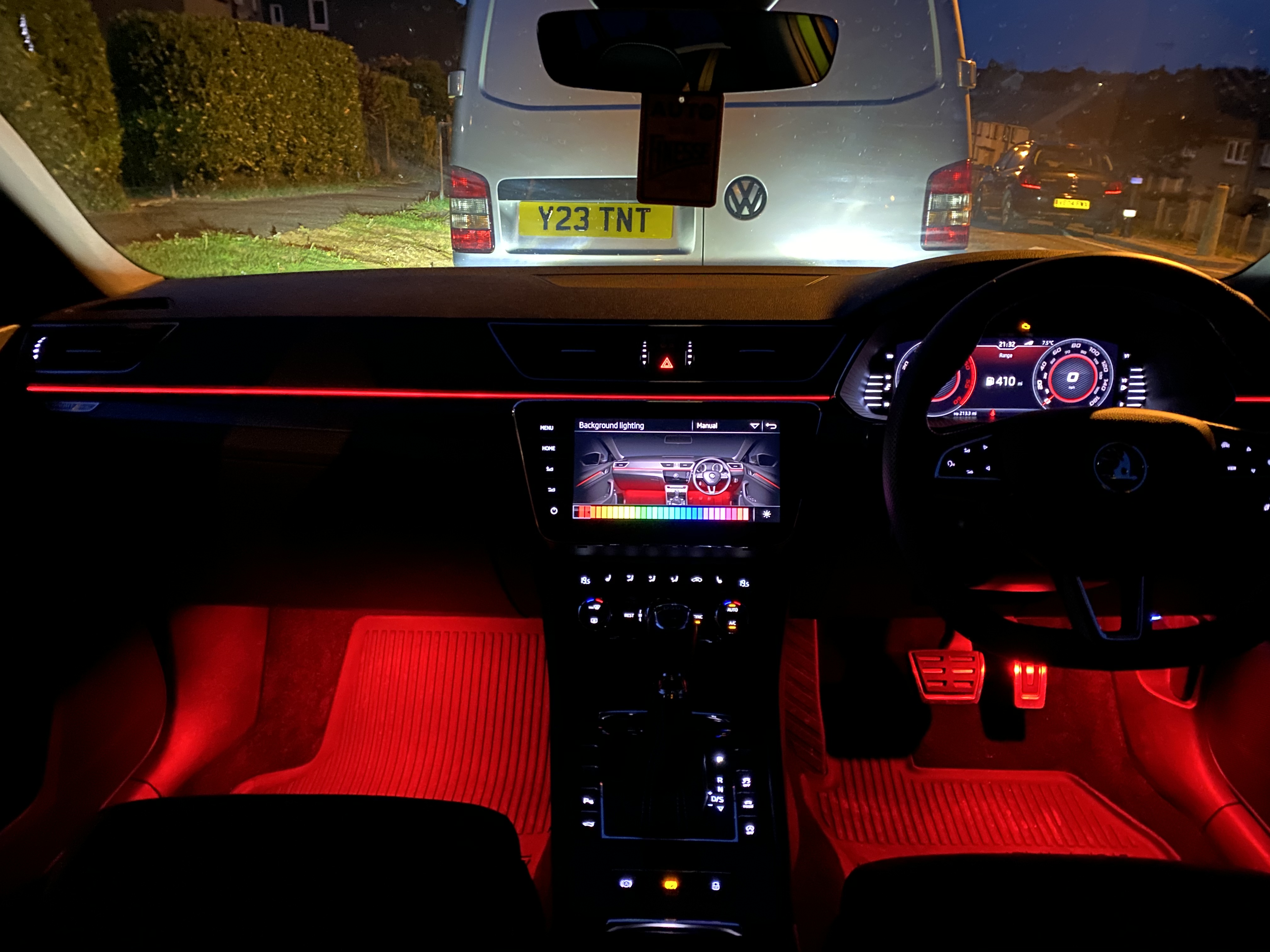
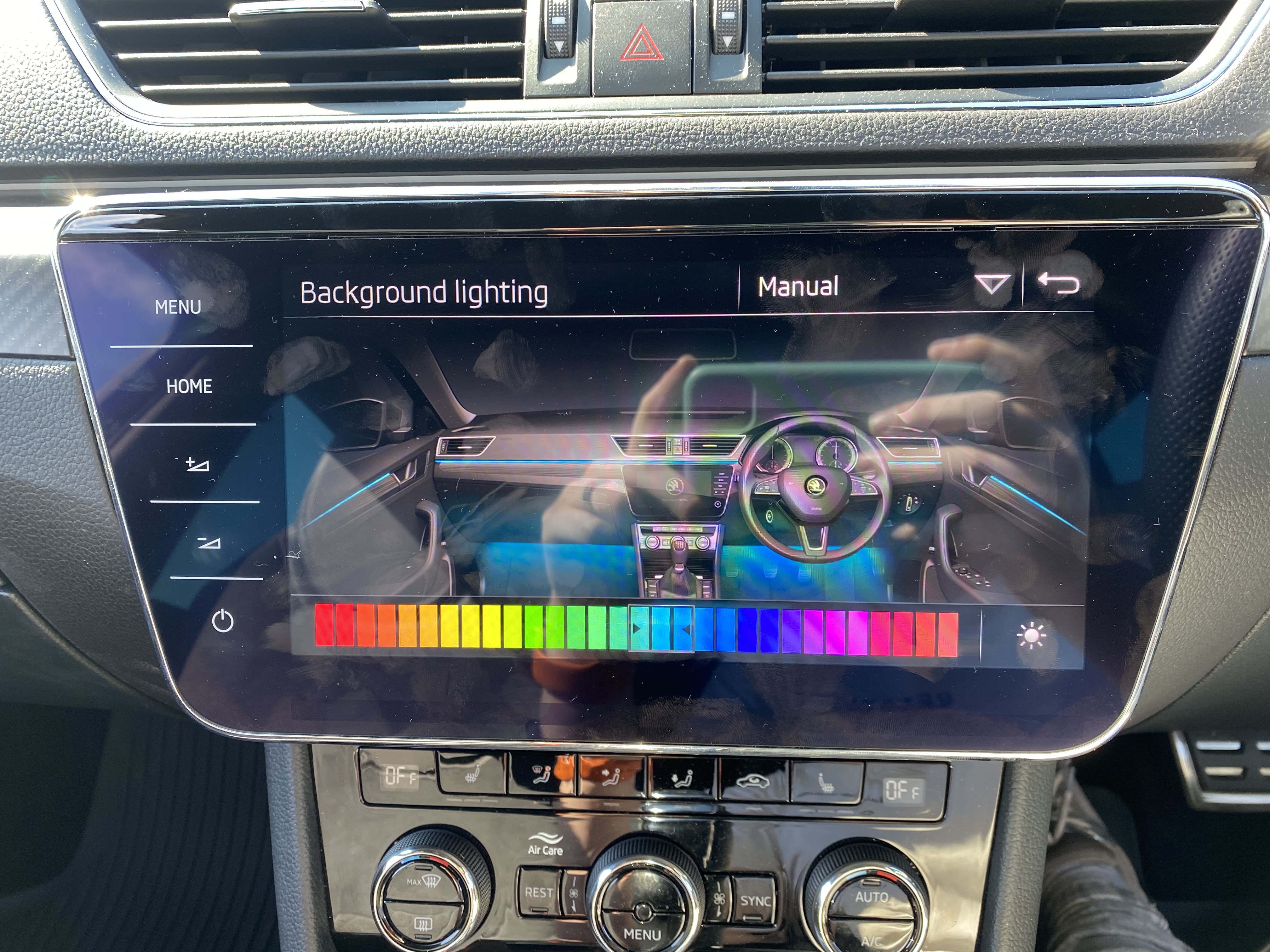
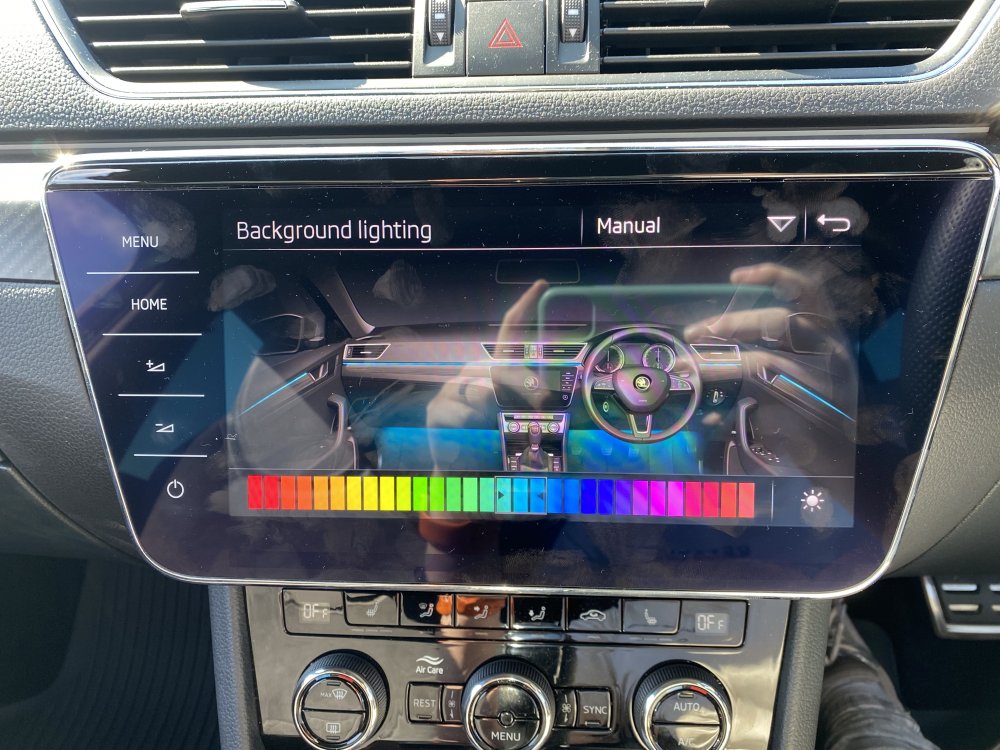
VCDS is what VAG-COM used to be called. In LIN 2 some of the greens may need the blue toning down so make sure they are set by eye. Ambient light color list: Rotwert Farbe 1: 255 Gruenwert Farbe 1: 0 Blauwert Farbe 1: 0 Rotwert Farbe 2: 230 Gruenwert Farbe 2: 0 Blauwert Farbe 2: 0 Rotwert Farbe 3: 242 Gruenwert Farbe 3: 80 Blauwert Farbe 3: 10 Rotwert Farbe 4: 230 Gruenwert Farbe 4: 100 Blauwert Farbe 4: 30 Rotwert Farbe 5: 230 Gruenwert Farbe 5: 160 Blauwert Farbe 5: 30 Rotwert Farbe 6: 255 Gruenwert Farbe 6: 190 Blauwert Farbe 6: 0 Rotwert Farbe 7: 230 Gruenwert Farbe 7: 230 Blauwert Farbe 7: 0 Rotwert Farbe 8: 210 Gruenwert Farbe 8: 238 Blauwert Farbe 8: 11 Rotwert Farbe 9: 210 Gruenwert Farbe 9: 255 Blauwert Farbe 9: 0 Rotwert Farbe 10: 170 Gruenwert Farbe 10: 255 Blauwert Farbe 10: 20 Ambience_lightning_color_list_2: Rotwert Farbe 11: 60 Gruenwert Farbe 11: 255 Blauwert Farbe 11: 30 Rotwert Farbe 12: 0 Gruenwert Farbe 12: 235 Blauwert Farbe 12: 30 Rotwert Farbe 13: 0 Gruenwert Farbe 13: 235 Blauwert Farbe 13: 110 Rotwert Farbe 14: 50 Gruenwert Farbe 14: 255 Blauwert Farbe 14: 140 Rotwert Farbe 15: 0 Gruenwert Farbe 15: 225 Blauwert Farbe 15: 160 Rotwert Farbe 16: 0 Gruenwert Farbe 16: 225 Blauwert Farbe 16: 200 Rotwert Farbe 17: 0 Gruenwert Farbe 17: 200 Blauwert Farbe 17: 255 Rotwert Farbe 18: 0 Gruenwert Farbe 18: 160 Blauwert Farbe 18: 255 Rotwert Farbe 19: 0 Gruenwert Farbe 19: 120 Blauwert Farbe 19: 255 Rotwert Farbe 20: 10 Gruenwert Farbe 20: 90 Blauwert Farbe 20: 255 Rotwert_Farbe_21: 30 Gruenwert_Farbe_21: 40 Blauwert_Farbe_21: 255 Rotwert_Farbe_22: 65 Gruenwert_Farbe_22: 30 Blauwert_Farbe_22: 255 Rotwert_Farbe_23: 120 Gruenwert_Farbe_23: 30 Blauwert_Farbe_23: 255 Rotwert_Farbe_24: 195 Gruenwert_Farbe_24: 30 Blauwert_Farbe_24: 255 Rotwert_Farbe_25: 220 Gruenwert_Farbe_25: 0 Blauwert_Farbe_25: 255 Rotwert_Farbe_26: 255 Gruenwert_Farbe_26: 0 Blauwert_Farbe_26: 255 Rotwert_Farbe_27: 255 Gruenwert_Farbe_27: 0 Blauwert_Farbe_27: 115 Rotwert_Farbe_28: 255 Gruenwert_Farbe_28: 40 Blauwert_Farbe_28: 90 Rotwert_Farbe_29: 255 Gruenwert_Farbe_29: 90 Blauwert_Farbe_29: 70 Rotwert_Farbe_30: 240 Gruenwert_Farbe_30: 110 Blauwert_Farbe_30: 100
-
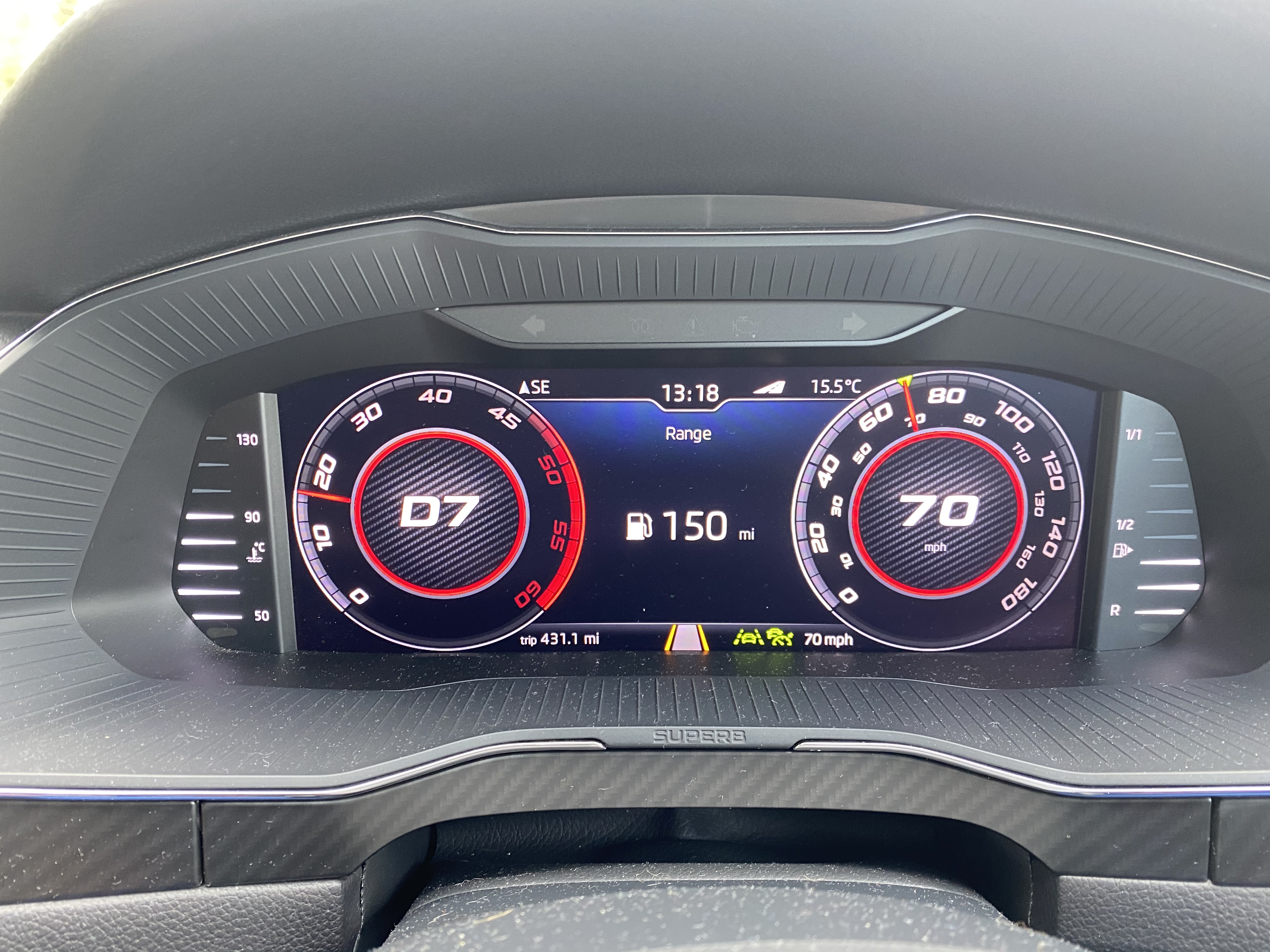
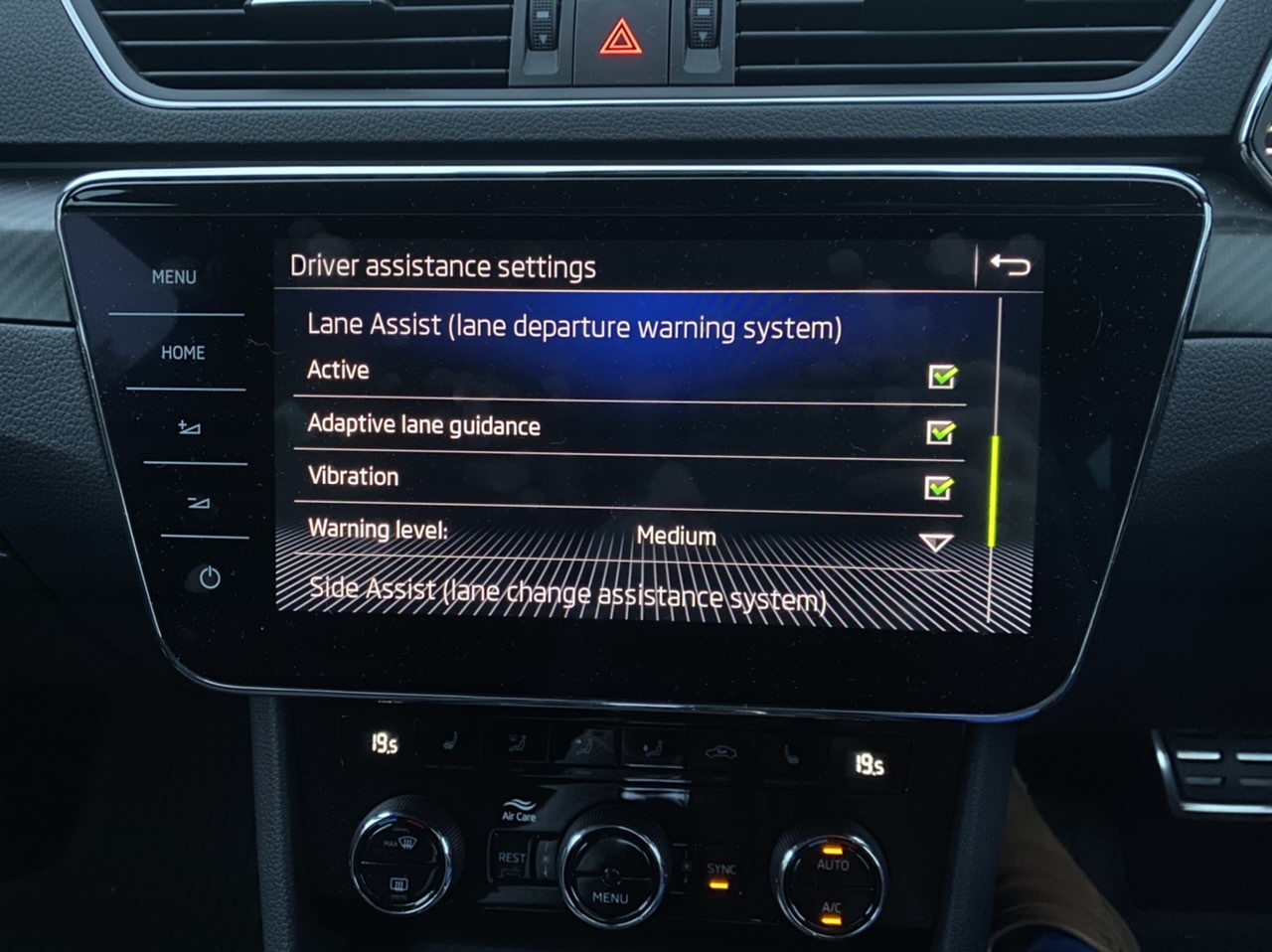
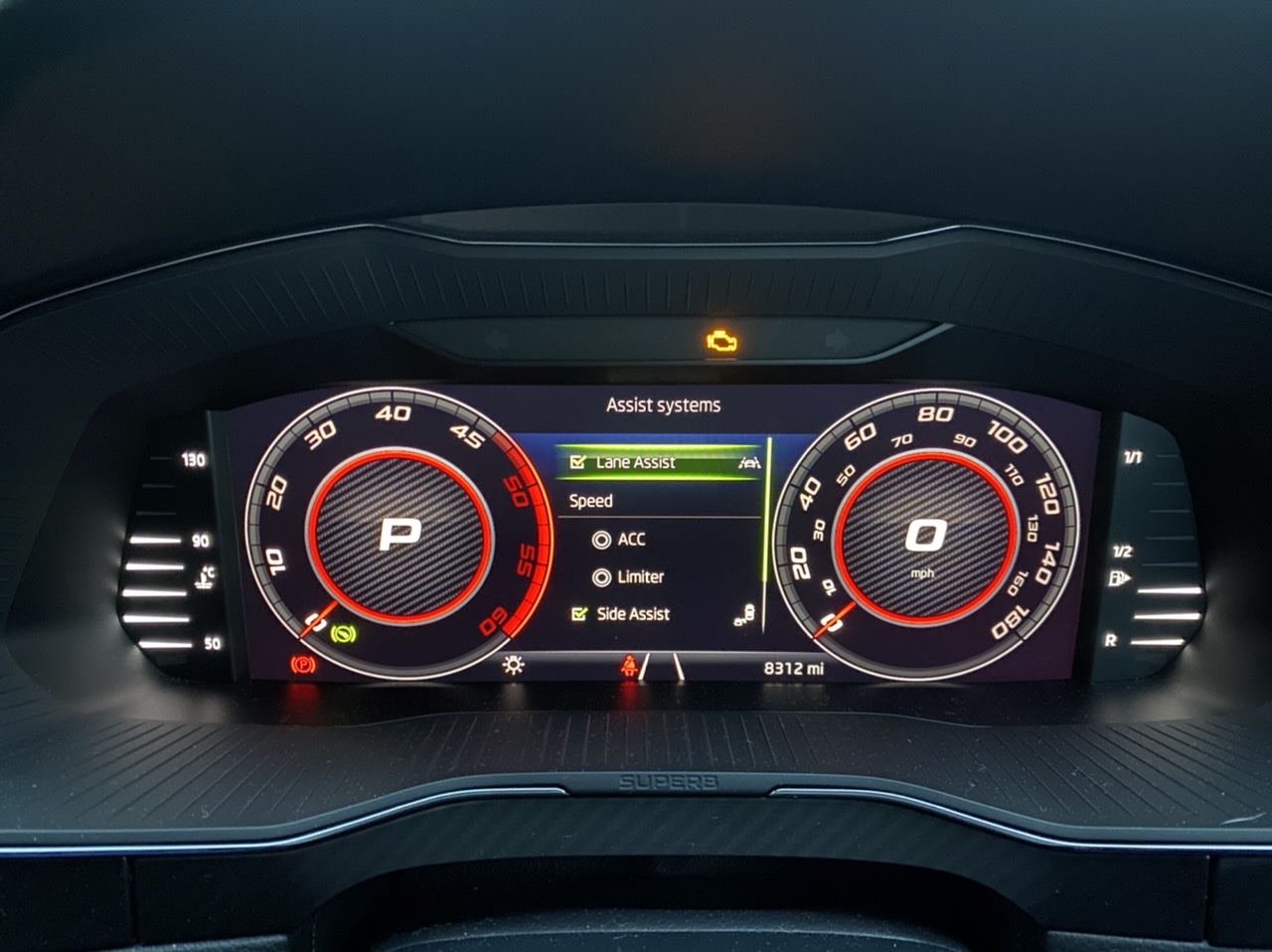
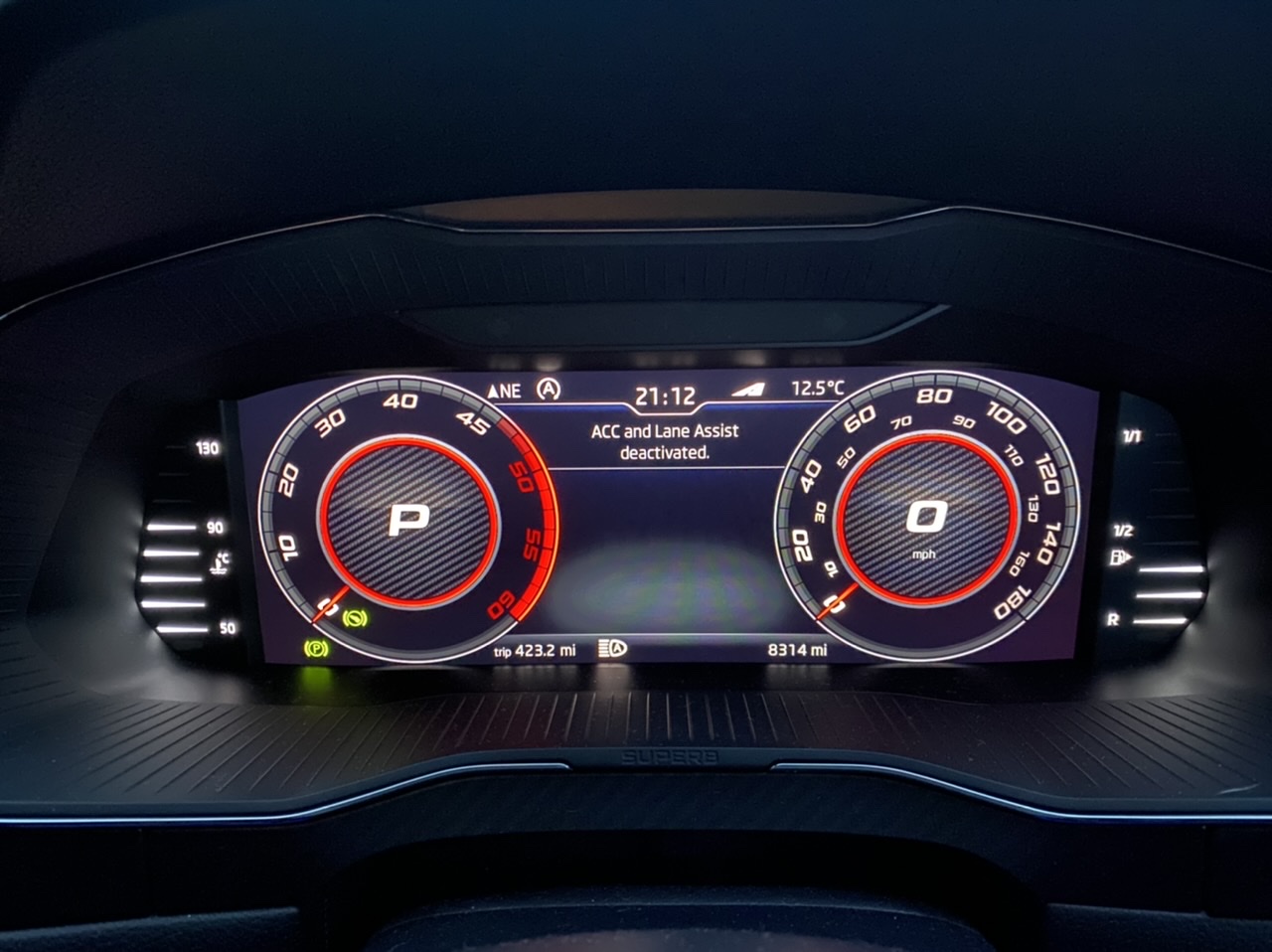
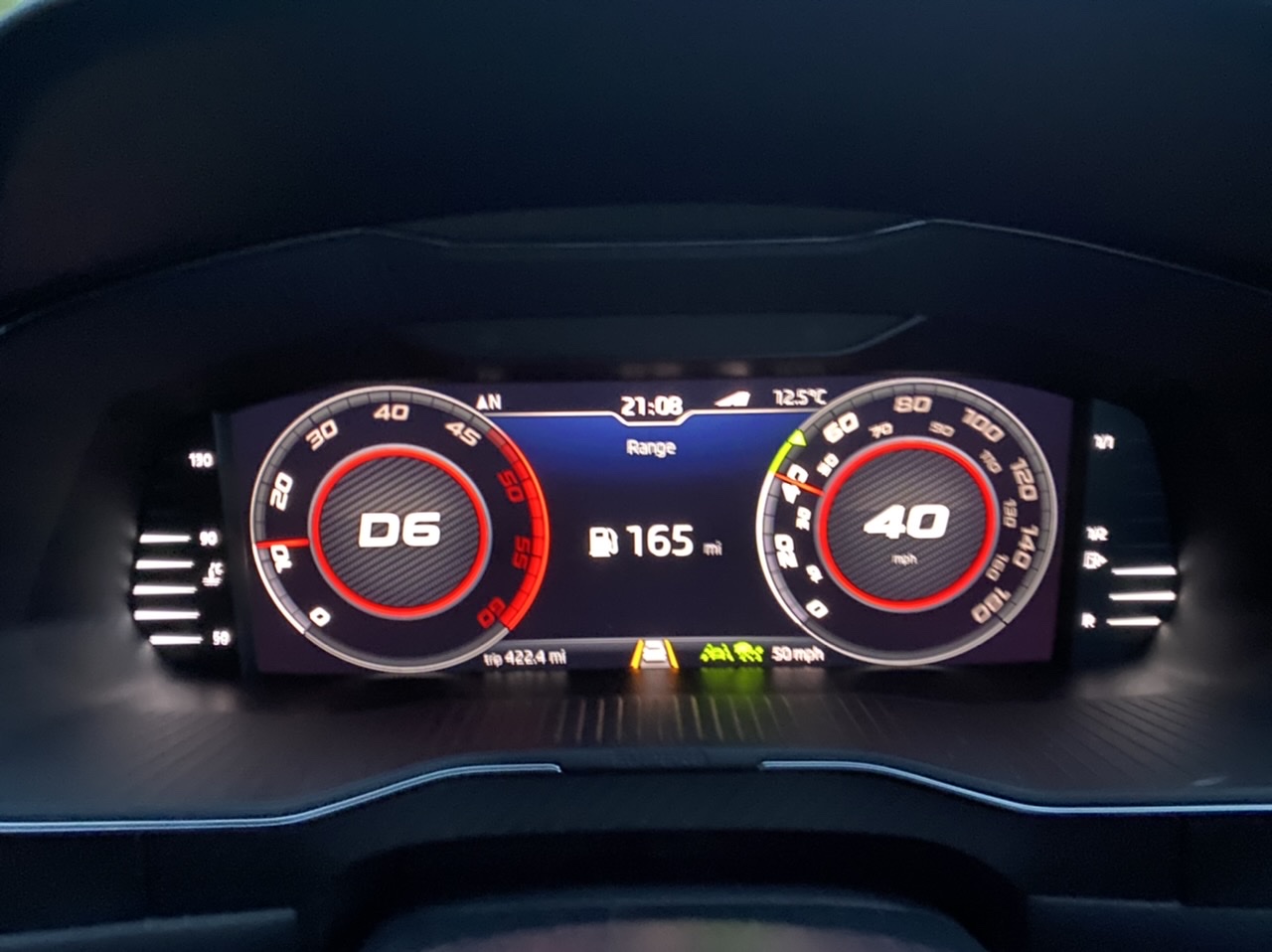
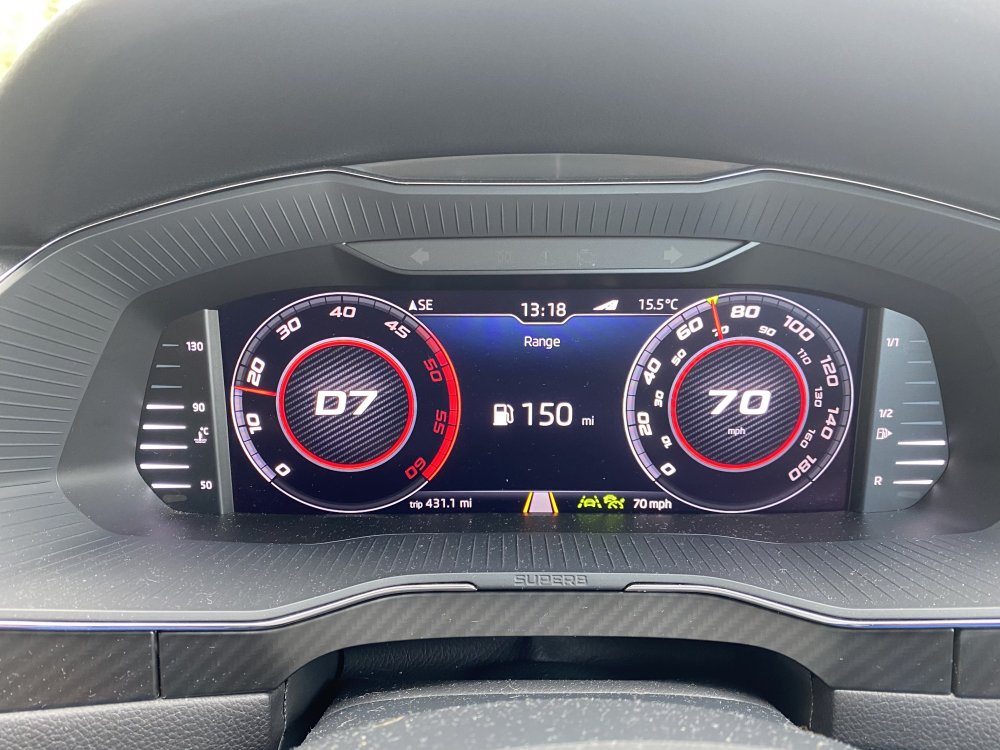
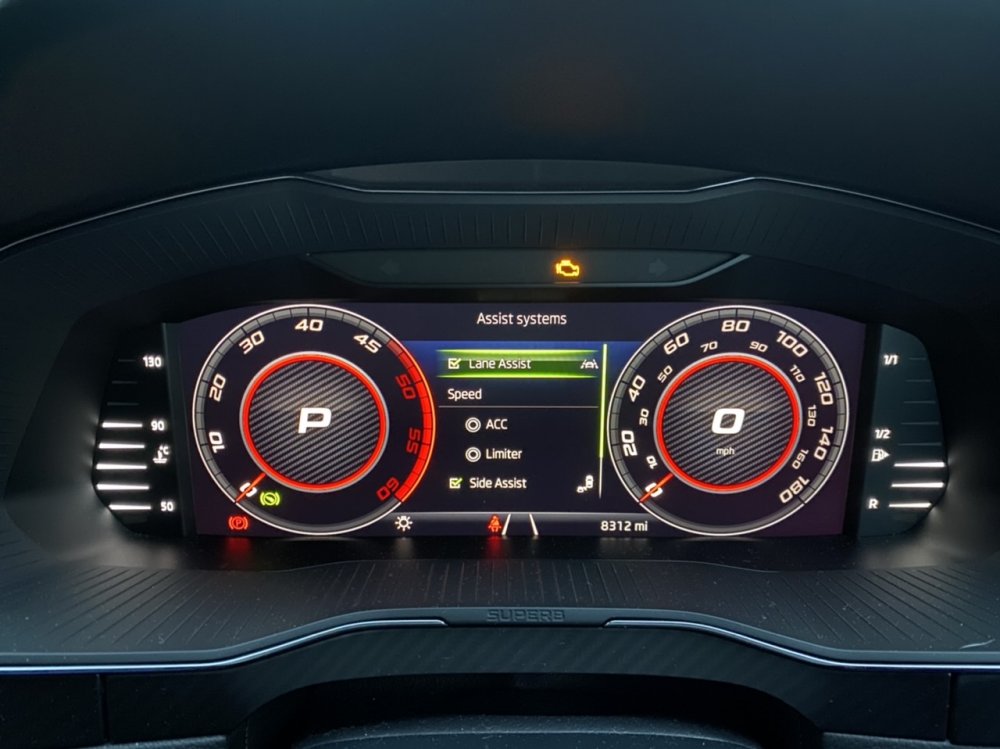
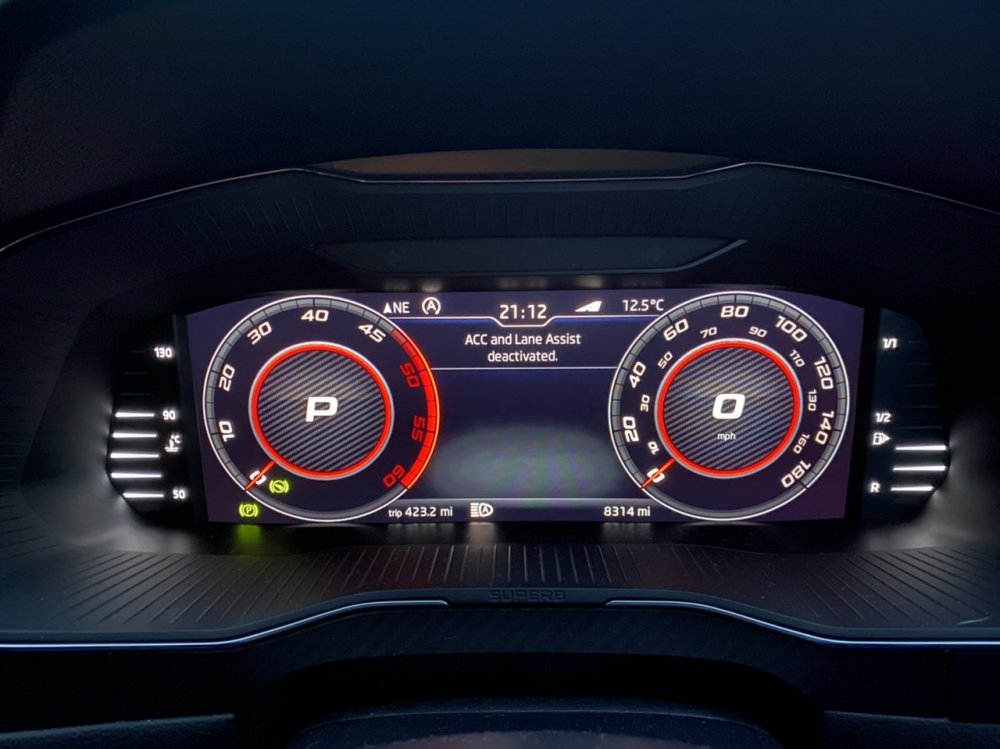
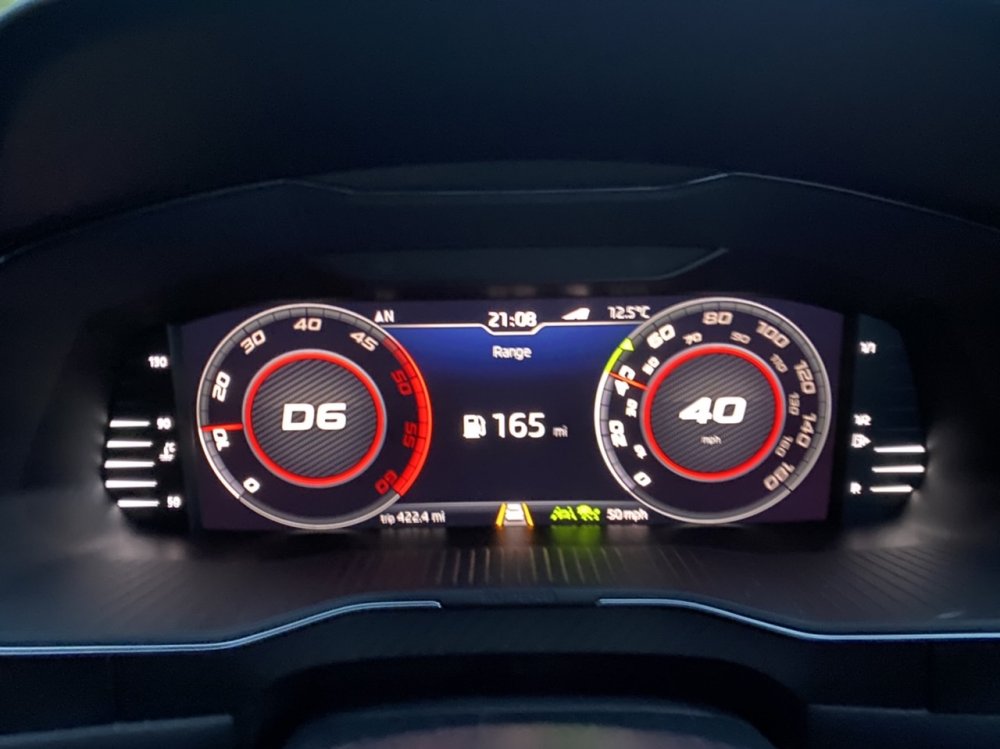
Got the chance to play with the Lane Assist now it’s coded and it’s the biggest thing I missed from the Octy retuned! It’s so odd seeing the extra lights and feeling it doing it’s thing again haha Yes, a passenger took the photo.
-
Thanks 😊 No TSR, only DLA. TSR is an FeC now so that’s the next step for me to activate as well as pACC.
-
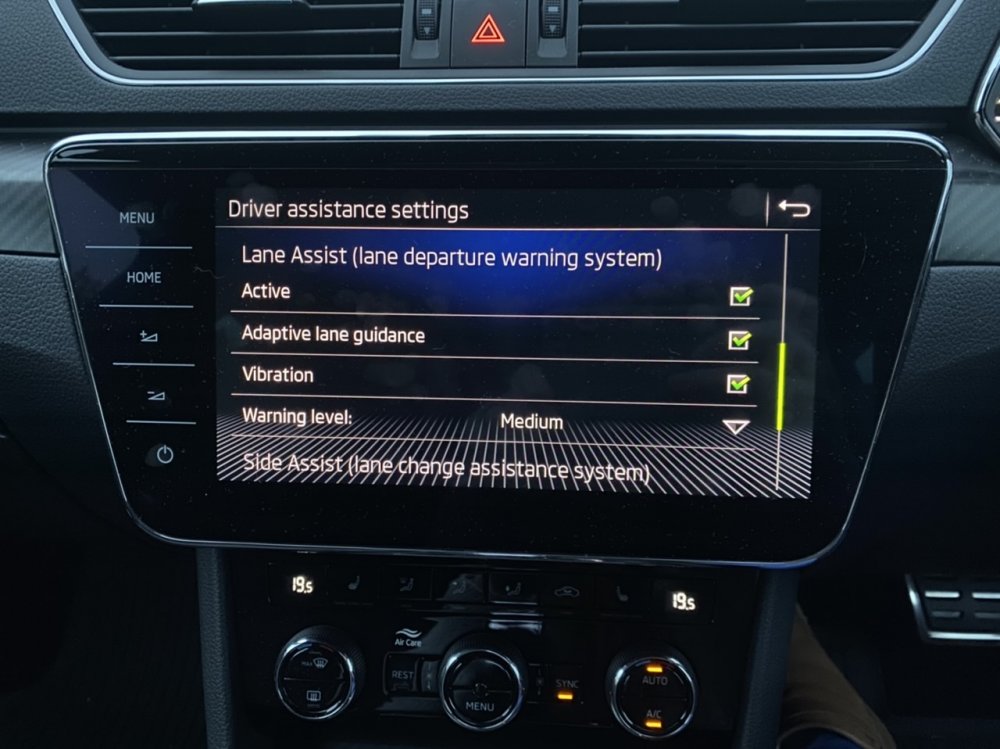
Many of you have asked about Lane Assist coding on the 2020 cars and yes it can be done on all of them with the A5 cam which is all specifications above SE-Technology. I’ve finally gotten around to adding it to the Superb. Last pic of it in action is blurry as a passenger took it but you can see it in action there.
-
You need to change the screen and the MIB, the MIB will need Component Protection removal and FeC/SWaP redoing to work in the car.
-
I’m not sure if this is a 2020 change, certainly on other cars I’ve coded they were always on, but not on the 2020.
-
They come on with doors open or headlights on in my car. On the Octy they were always on. Need to find that adaptation lol
-
You can if the CAN Gateway is new enough and we can flash newer if needed No that’s my car Same colour palette though.
-
Available on AliExpress pretty cheap, get a VW key, remove a badge from yours and that’s all you need to do.
-
You should have 1x chrome tipped key and 2x black plastic keys. I added the Superb key end. If your car doesn’t have the chrome key you can get one and take the chrome pieces off. The top piece is just stuck on.
-
😁
-
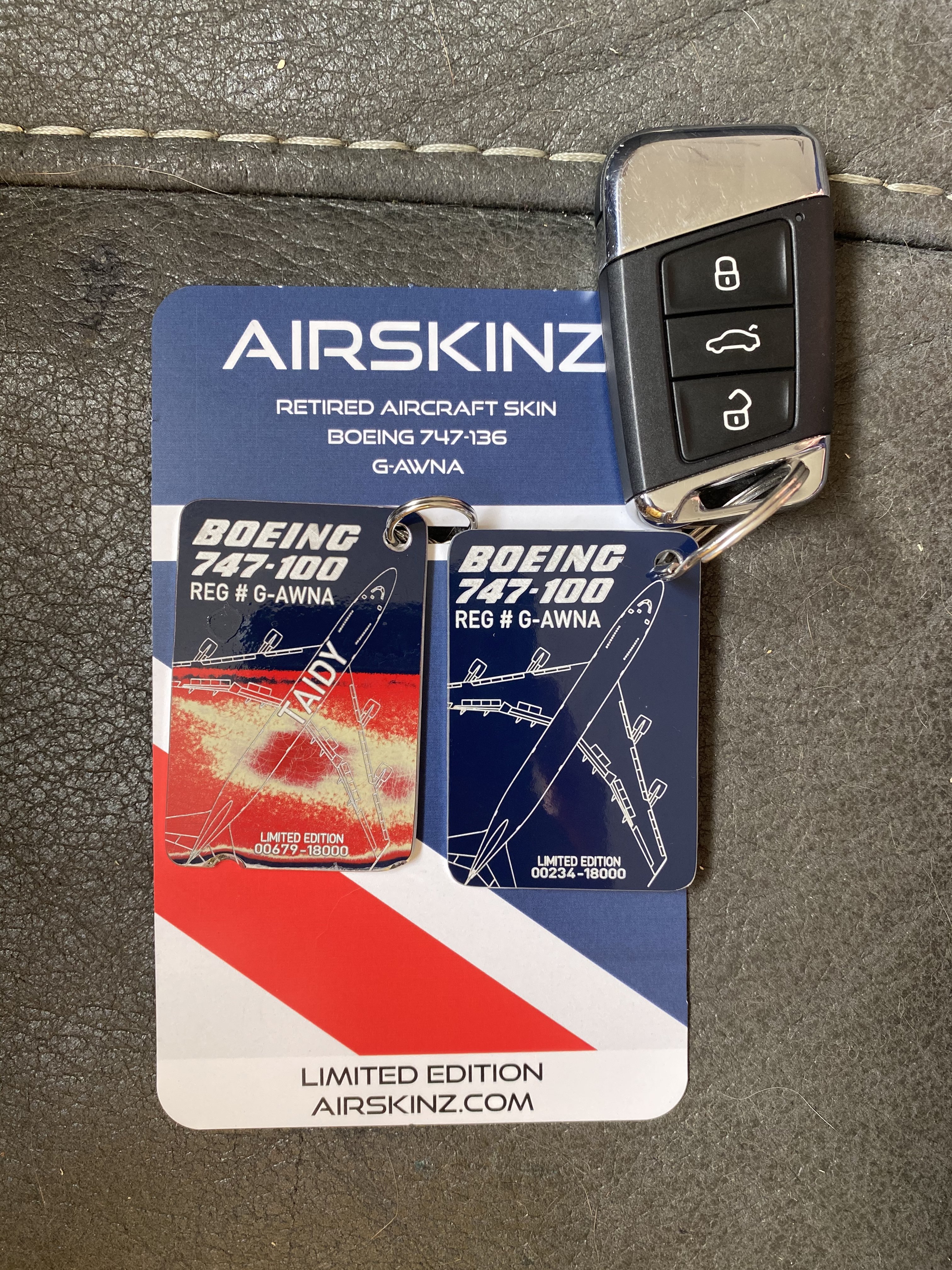
That’s how many tags the piece of plane they have will make. Either way it’s a very special plane so I’m glad I get to carry a piece of it around on my keys.
-
I haven’t added them as slaves in the interior lighting parameter as I have a 086 BCM so that won’t work so my solution has been to use the BCM connection C Pin 72 as per factory and solder the LIN direct to Pin 29 connection C. This works well with no coding to half brightness and below that they flicker so I either need to take the power to Terminal 30 12V or add an appropriate resistor. For me that’s a job for another time, I just keep the brightness above half for now.
-
It came from Airskinz, I got one for my Dad too. Just a wee bit lol 😂
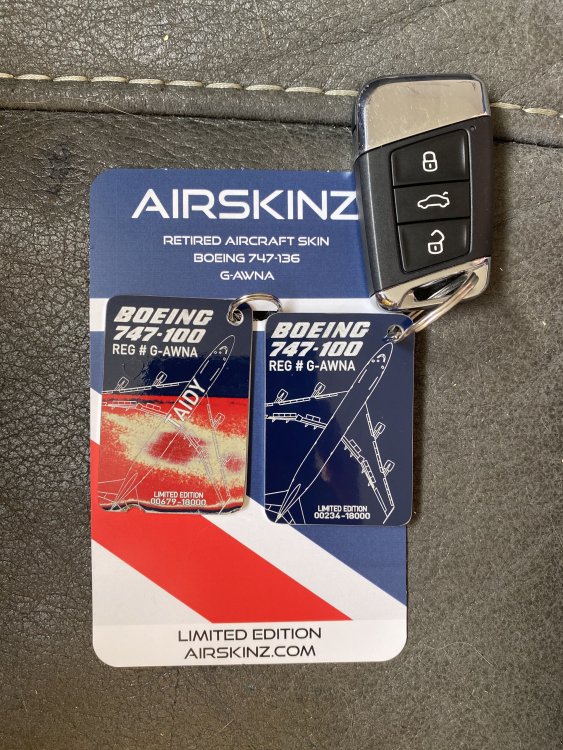
-
Unfortunately not, it is in the Car Menu buried away.
-
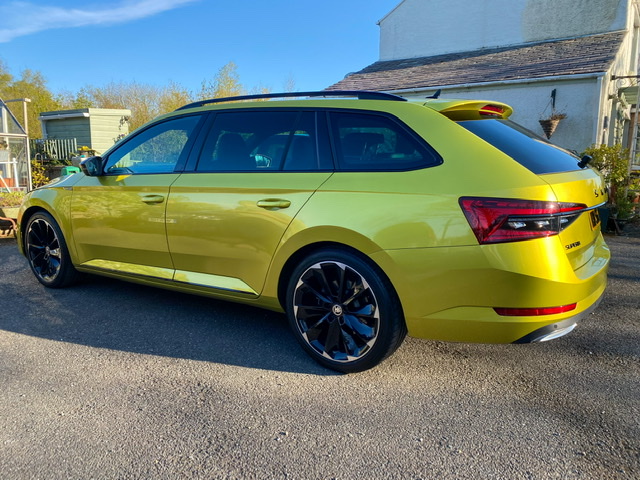
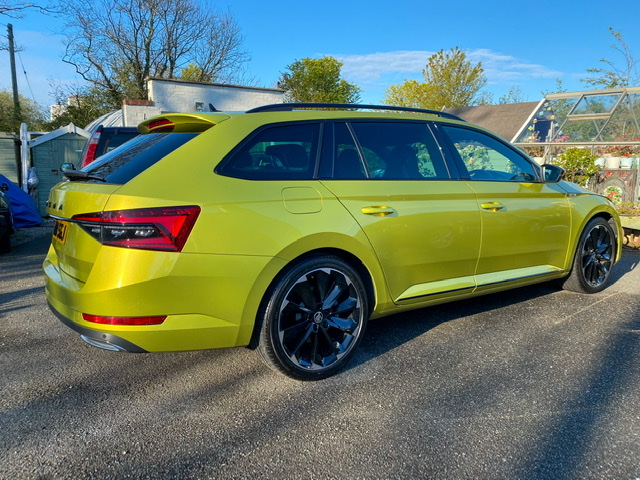
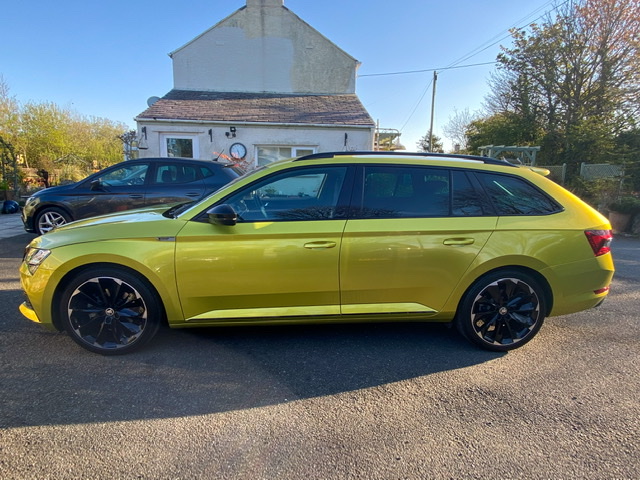
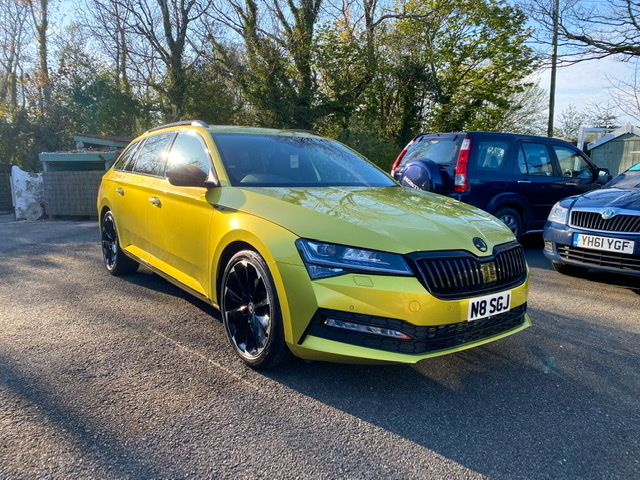
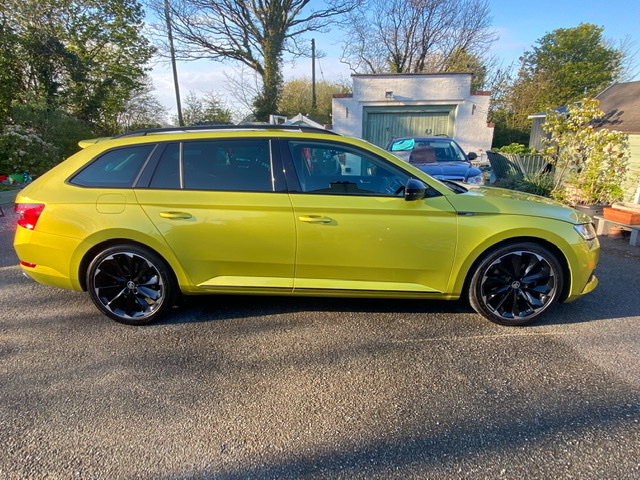
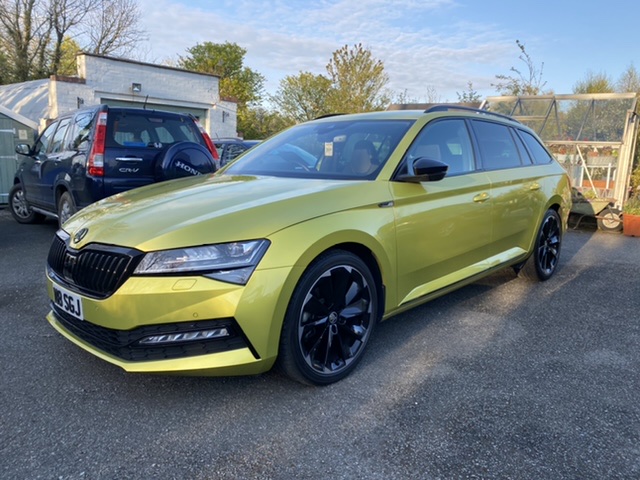
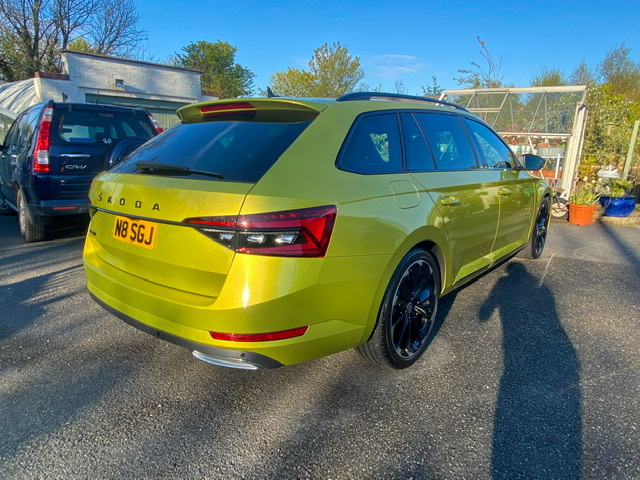
My Octavia had 134,000 miles when I sold it so I was more pragmatic about the paint on that one but this is just over a year old and 8000 miles so I’d like it to look as good as it can for as long as it can.
-
It’s also had its first wash in 7 weeks and 1500 miles, got acquainted with the chips and handful of smart repairs that I need to sort out and I’m a bit disheartened to see one wheel starting to develop some white worm but I’ll see to that when I can.
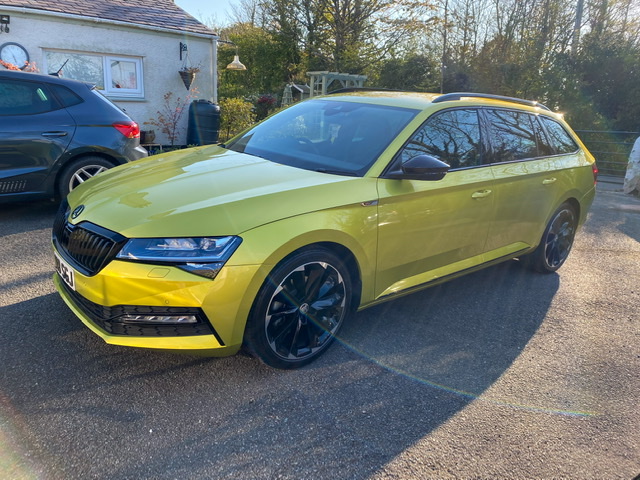
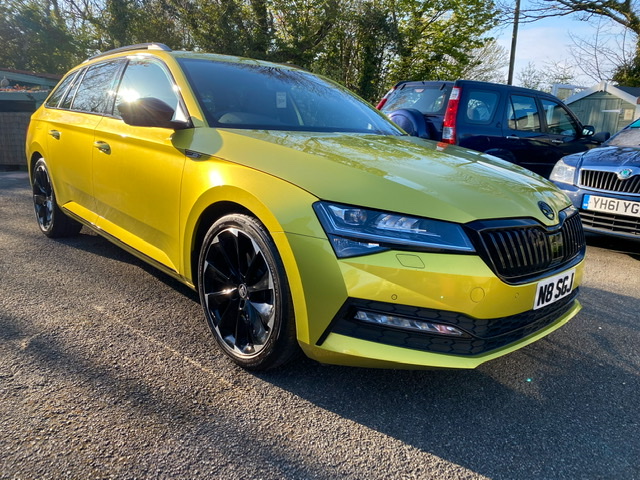
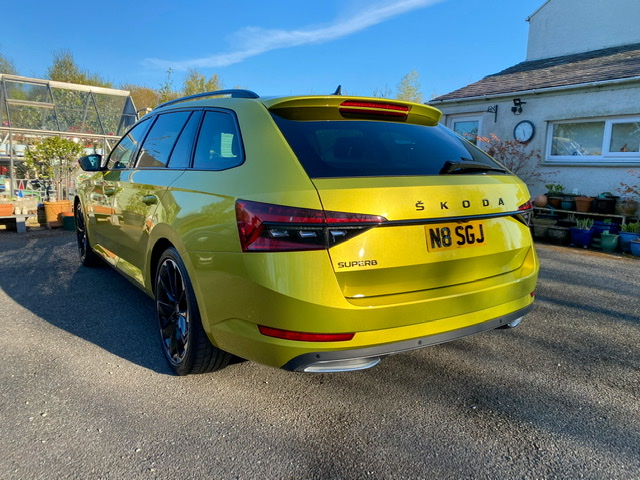
-
Oh but they can! With the right code Thanks 😊 Plus wiring and swapping the light units Change the light units, custom wiring to add LIN and then coding Thanks, oh I’m loving having 30 colours again haha For Pre 2019 cars have a read of this Thanks! Took me 9 months to find one in this colour, glad I waited.