Novascape
Members
-
Joined
-
Last visited
Everything posted by Novascape
-
Usb I was using was a SanDisk too and worked without issues. Mine was a 256gb on. Was just a bit slow on initial loading on car start. Lots of posts around different manufacturers usb sticks working/not working. Could be to do with the different types of host controllers And how they read/write to the NAND storage. Skoda software must struggle with some types
-
After every update I did I found it needed a factory reset after the update before it started working well again. Could get Laura working doing the factory reset. But she would always stop again after a few days
-
Only fix I found was to swap the car for a VW ID.7 😅 Never got it resolved. Think the voice control module on mine was crap. Never worked right across all the software versions I upgraded too
-
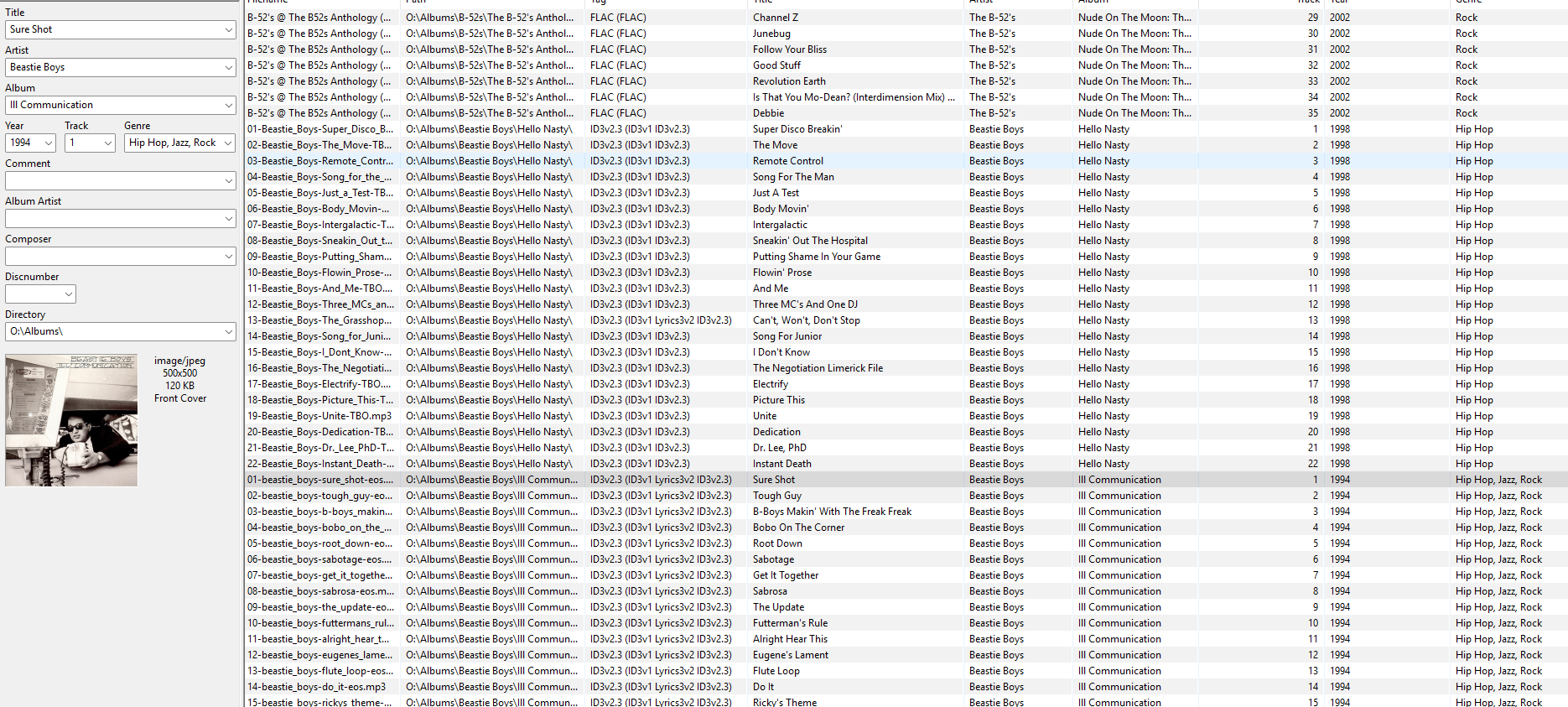
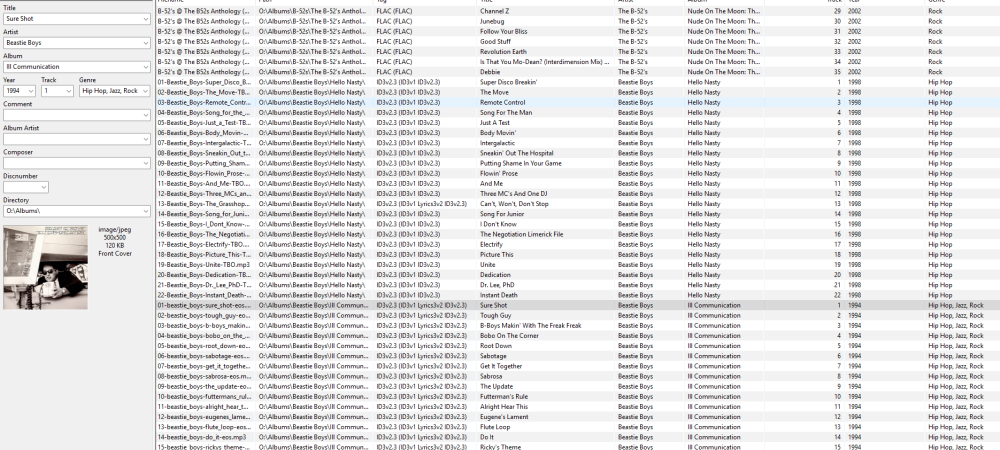
I've got about 200 albums setup on mine and not using album Artist for at least 90% of the tracks I've been using a Kingston Data Traveler 80 USB Stick (256GB) formatted to ExFAT with single partition. data is in the below order: \\Albums\Artist\Album name \ Tracks i.e. O:\Albums\Beastie Boys\Hello Nasty\01-Beastie_Boys-Super_Disco_Breakin.mp3 O:\Albums\Beastie Boys\Hello Nasty\02-Beastie_Boys-The_Move.mp3 ....etc O:\Albums\Beastie Boys\Ill Communication\01-beastie_boys-sure_shot.mp3 O:\Albums\Beastie Boys\Ill Communication\02-beastie_boys-tough_guy.mp3 ...etc O:\Albums\Biffy Clyro\Only Revolutions\01-biffy_clyro-the_captain.mp3 O:\Albums\Biffy Clyro\Only Revolutions\02-biffy_clyro-that_golden_rule.mp3 ...etc MP3 tag is setup with just the below metadata Title Artist Album Track Year Genre And Tag type is mostly "ID3v2.3" Normally if I remove the USB and plug it back in it can take a couple of on/off times of car ignition (getting in/out) to index all my tracks correctly into the sub menu's "Artists/Albums/Genres" on the media centre lists. If your setup matches that I would say its either the USB Stick your using or something wrong with car infotainment. When I was first setting mine up for my Mk4 after moving from Mk3 I was trying to use an external M2. SSD drive and that just would not work at all properly. think there was some incompatiblity between the SSD drive hardware and car. Just wouldn't read correctly. I read a few forums where there was a lot of discussion about different USB stick models. Some would work, some wouldn't
-
In terms of the formatting I never found NTFS to work well when I was setting up my usb stick when I had to move from my MK3 to MK4. Most usb chatter on internet state FAT for up to 32gb and exFAT for anything bigger. As a general question. Have you set the Meta data clean and correct for every single music file? I use MP3tag to make sure each track has the right data as the car uses it to index. The key items I make sure are done are Track name - track number followed by track name Album name Artist Track number Genre Add 500x500 max size art to track (instead of album picture in usb folder) This will then allow car to index tracks correctly into the folders Albums Artists Genre Etc I would then access via media folders by going into the album folder and all tracks from folder would play in right order. Or while my voice worked say Play album "Queen's greatest hits" Play song "Free bird" I had loads of issues with the metadata to start with. If it's not correct it sticks loads of tracks together and your issues sound more like metadata problems. P.s. it can only handle 1 instance of say "greatest hits" in album name and groups all albums together no matter artist. So you need to make sure every album name is different Using the above mine works on a 256gb usb on both my Skoda and new VW ID.7 Hope this helps
-
What version Infosys software are you on? If below 1941 you might want to look at getting it upgraded. Exfat formatted with folders below should work Audio / <Artist> / <Album> / files Only other suggestion is to try a different usb stick as some don't work well. Are you using a usb-c stick or older version with an adaptor. Plus size can cause issues, works better with 64gig or under from previous stuff I've read
-
Ok thanks. Starting to think she is ignoring me because I keep on calling her useless in a less polite way 😅 Luckily only got the car for a couple more weeks and then I can divorce her completely
-
Hi all, Anyone know if the voice control was tied into the infotainment online subscription? Voice has never worked right but for a long time it's not worked at all. Wondering if it's because my subscription expired? If I press button or say Laura It mutes music and just spins away. Doesn't even say anything anymore
-
You tried a "reset to factory settings" I find it helps starting afresh once you update the version. It's a pain having to do the primary user again. But I find it helps
-
They replaced my 12v battery in the end and fingers crossed not had the issue since
-
Radio X yes hits no
-
I just downloaded the zip file no entering of part number
-
Nice I've updated mine and it's worked for all except for the main 3 stations I listen too 😂 God knows why Absolute radio ones keep on getting missed
-
-
I mentioned 12v battery as I had mine replaced. Car would keep on throwing up error messages about the below on first starting most days. But not while I was driving Front assist Parking assist Cruise control Car would disable a lot of stuff due to low voltage
-
Possible it's a faulty 12v battery causing the errors?
-
I released the wheel trim without removing the wheel. Was about 9 screws and a bit of jiggery pokery to get it to drop down to get hands in Didn't even have to jack up car
-
I managed to pick up some Skoda ones cheap of eBay. They are just rebranded Thule ones. But quiet and sit at right height they don't get hit my my panoramic sunroof.
-
I had to do the below before I could get mine working well. 1. Create folder using artist name 2. Create album folder under artist folder using album name 3. Name the files in order of tracks i.e. 01-heart of glass.mp3, 02-Denis.mp3 Plus you need to make sure all meta data matches and track numbering is right. I use MP3Tag on windows to do that. I think the info centre uses the id3 data to index the albums. Metadata is required for FLAC files too. Sounds like your example above does not have the full metadata required
-
@Barrymoped you can adjust the washer jets. Just pull them up and down with fingers. They probably just lowered them a bit while cleaning them
-
Problem I had is the Skoda equivalent of this little filter on the bottle. Had to do the same sort of thing to fix mine. Thought pipe had come off to start with. Due to some work dealer had done couple of weeks earlier. Only found it was dirty after taking it out. Hopefully vinegar might fix it the Milton tabs didnt Weirdly my back still worked. But front didn't and they ran off same pump though the same filter?
-
Interested to know if the Milton tabs work?
-
Suggestions are to use washing up liquid or some type of detergent to break down dirt on filter. Plus denture cleaning solution to disinfect. Wish I had tried that first. I ended up having to take my plastic wheel trim half off to get access to filter. Managed to do it without wheel removal. Just had to remove about 10 screws and then pull it towards wheel a bit to get access
-
Chances are it's the filter at pump end actually in the water bottle causing the issue. Had to take mine apart not that long ago due to cheap screen wash. Look on Google. You can put stuff in washer bottle to clear it
-
Not always. Started about 6 months in. Mine is a 2023 model. Due a service in a few hundred miles so will be mentioning it as issue