Tell
Members
-
Joined
-
Last visited
Everything posted by Tell
-
One thing to try if you haven't already is to clear the cache if Android. Failing that clear the data, but you'll need to login again. Poorly written programs refer to the same area of memory but a revision of the program without the programmer thinking about it, it's all change on the read of the data so doesn't work. Worth a try.
-
I've cross fed it to the SeatCupra board where I spotted it had come up. Yeah well 5 years is a long time in VAG lifecycle 🤔. I use this on MIB2 but requires poi import which you aren't allowed.... you might be able to manufacture contact photos with a grid reference for mib3 use ?. Probably someone might have done it... dunno. https://www.seatcupra.net/forums/threads/uploading-speed-camera-safety-camera-user-pois.444799/ With POInspector you turn your MIB2 standard or high into a conventional GPS system. Works well. Fiddly to set up, but once done. Save your POIs as destinations an old Skoda trick, so I was told. Then just pick up the destinations. I've got 200+ in Mib2, but no good for you Mib3 folk. I'm sticking with MIB2 till Mib5 😍.
-
It could be one of those early things they drop 🫢. You do need something like that so it's a bit of an omission if it's been dropped.
-
I note a recent Seat question along similar lines. Pending an answer to whether it's a country based issue. Don't have mib3 so pass.
-
-
That's correct. The * means any so you might see that broken down perhaps in the other. That's how the mib2 standard wifi variant was found by looking in the firmware file. Commercial POI sellers for speed camera databases put it in. I had to pass that on to a guy that was producing the free software. The German post that gave the identity away got deleted since it was commercial information to the POI seller. I had a hunch of how they got it and yes, it was there. One of those secrets. They just looked in the firmware file for it. That market has dropped away now it's all locked down.
-
-
It's the main.mnf files that steer whether you can update and you can't edit these since they are locked down by encrypted signature. An example would be this one: { "Created-By" : "UMC-V0.7.1", "Manifest" : "1.0.0", "PackageName" : "OSDB.MAIN", "PackageType" : "main", "Release" : "ODSB_update_R0001", "PackageVersion" : "1.31.56", "CustomerUpdate" : true, "RebootAfterCU" : true, "CheckIfNotEqual" : true, "CheckAllUpdates" : true, "Variant" : [ "FM3-*-*-EU-SK-*-LG", "FM3-*-*-RW-SK-*-LG", "FM3-*-*-W2-SK-*-LG", "FM3-*-*-EU-VW-*-LG", "FM3-*-*-RW-VW-*-LG", "FM3-*-*-W2-VW-*-LG" ], "Includes" : [ { "PackageName" : "MIB3OI", "PackageVersion" : "1.31.56" } ], "CustomerInformation" : "CUInfo" } The variant section "Variant" : [ "FM3-*-*-EU-SK-*-LG", "FM3-*-*-RW-SK-*-LG", "FM3-*-*-W2-SK-*-LG", "FM3-*-*-EU-VW-*-LG", "FM3-*-*-RW-VW-*-LG", "FM3-*-*-W2-VW-*-LG" ], Is the bit it exams. So the unit knows which one it is. Now if phonostar has left out the identifier in the file then the read on the unit, does nothing. I pass on which file you should be using, but this has certainly come up across boards where they have left out the units ID. It was an old problem with the Mib2 POI files where VW didn't keep up with their units on their web based construction of POI files. On Mib3 Seat, the 'SE' had been dropped, although it seems to be back in, in some of the files. That was exercising a French Seat site. SK is Skoda, VW is obvious. In Mib2 you could find the variant that was missing by looking in the firmware file where it was declared. For Mib2 POI import there was no encryption of the signature, which is how users of POI import programs modified their code so that they could create POI import files whilst the VW web based one didn't work. It was also a weakness for introducing code into the infotainment unit, as it subsequently turned out. VAG sealed this leakage off. So it's impossible to edit MIB3 file since they are locked down by SLA signature encryption. For example, if you see this type of thing in the file package you are locked out from any changes: [Header] HeaderVersion = "1" SignedFile = "v1.31.56_MIB3-OI-LGe_main.mnf.cks" FDS-Ident = "1526" TypeOfSignature = "Serie" Date = "2024-11-12T13:02:10.331+01:00" [ECU-Signature] signature01 = "2d2cc005b49d4a6c2326e86629dc76fc" signature02 = "b9e2663fe6e0614ffb624ba34c2d54d5" signature03 = "3286bf2cc01ac0eecc3f1c0b2d28ebba" signature04 = "a676f2c125fc35bbaa097ad5264a14df" signature05 = "69e776652b7f9be687987f944b176421" signature06 = "623a0f96a951241e0b7ef116a6d8aa5f" signature07 = "bb71087ef8786eb28b17375325f3746f" signature08 = "a70530dcf3793a614e2b7b6c829b0f9c" signature09 = "ec72b3b68aa5317f09e1efe416dff63f" signature10 = "6625b06049dd5f07467f657069ae5ac0" signature11 = "2b4c1f527e142aa9ea793b7bb310d156" signature12 = "7a6881d6bec0a2bd288f7fd67ec0a765" signature13 = "7e7d56ceccda54b332183023f031832b" signature14 = "49dba94c5aed63a9a06d92c72e538579" signature15 = "f19aa2aaad2806e927c11cdf7af1e3a9" signature16 = "ae1e726a408a4b61afd4b81b7830d7e7" signature17 = "0ff3ea44de3c09bff39db82895ea4bfe" signature18 = "d4434123013d209a017b60fd0c11619f" signature19 = "88626a646dc508cf48a6d0a25090e645" signature20 = "52984f742c1fef24307eae0190bbb7ac" signature21 = "ac141e118863612a9c6692320cc04c92" signature22 = "e1e777752441b25356626630c4cbd37e" signature23 = "8e5a9a01a648236c78c8332edbbd00a1" signature24 = "6a47215a25eae8101c87e1793ac26fd6" That is unless you have security service hardware. Like NSA or GCHQ. There are experts in how this works but you need the hardware to do anything. Wiki https://en.wikipedia.org/wiki/Digital_signature
-
It could be one of the ones where the part number is missing from the file. Vag use to do that and have done that or their contractor with the radio icon files. It gets a bit technical. You have to get hold of the firmware file, check the part number list against the one in the radio icon file. You may find a missing part number. Sadly if that's the case you can't edit it in. The files are locked down by the signature. You report it Phonestar and hope they sort it out if that is it.
-
Had a thought may be he's got a mib1 trying to fit mib2 standard files onto a mib1 card... in that case coding for TMC would work but not the mib2 standard maps... Need a picture of the info screen to resolve I reckon.
-
Well he's been asking about mib2 standard unless he has a mib2 high as well.
-
For the SD card it's not coding but copying modified files. You have to use old maps which have designation to do it. Here Maps allowed you to do it. Once TomTom did the cartography for the mib2 standard they left out the flexibility to use Inrix. Here Maps had it in. Mib2 height, it's coding so you can use the latest maps. If you are good with file copy you can do it yourself with the mib2 standard. I run with two cards in the car with the mib2 standard and swap as it takes my fancy between the latest maps, no traffic reports and the old maps with traffic reports. Oid maps have old speed limits in them naturally and roundabout with extra exits now are short of some. Think pcbbc is adding some... notification came up.
-
You must have a mib1 card to be worried by the size. First mib2 were 16gb then Vag became aware that with growing cartography all of Europe wouldn't fit on a 16gb card, so with about two years notice they trailed the 32gb card. Hence the story of the zones to fit on the old 16gb mib2 cards. Mib1 they were 8gb but the CID is read by either.
-
-
Back to the horses mouth as we say in Britain (means source) https://www.ateca-forum.de/index.php?thread/1945-navi-ohne-plus-daten-und-update/&postID=304254#post304254 No it isn't 14.gb Europa 1 https://navigation-maps.volkswagen.com/vw-maps/DiscoverMedia2_EU1_2410_V21.7z https://vw-maps-cdn.lighthouselabs.eu/vw-maps/DiscoverMedia2_EU1_2410_V21.7z I was away so couldn't check. You must be picking up the wrong file some how.
-
-
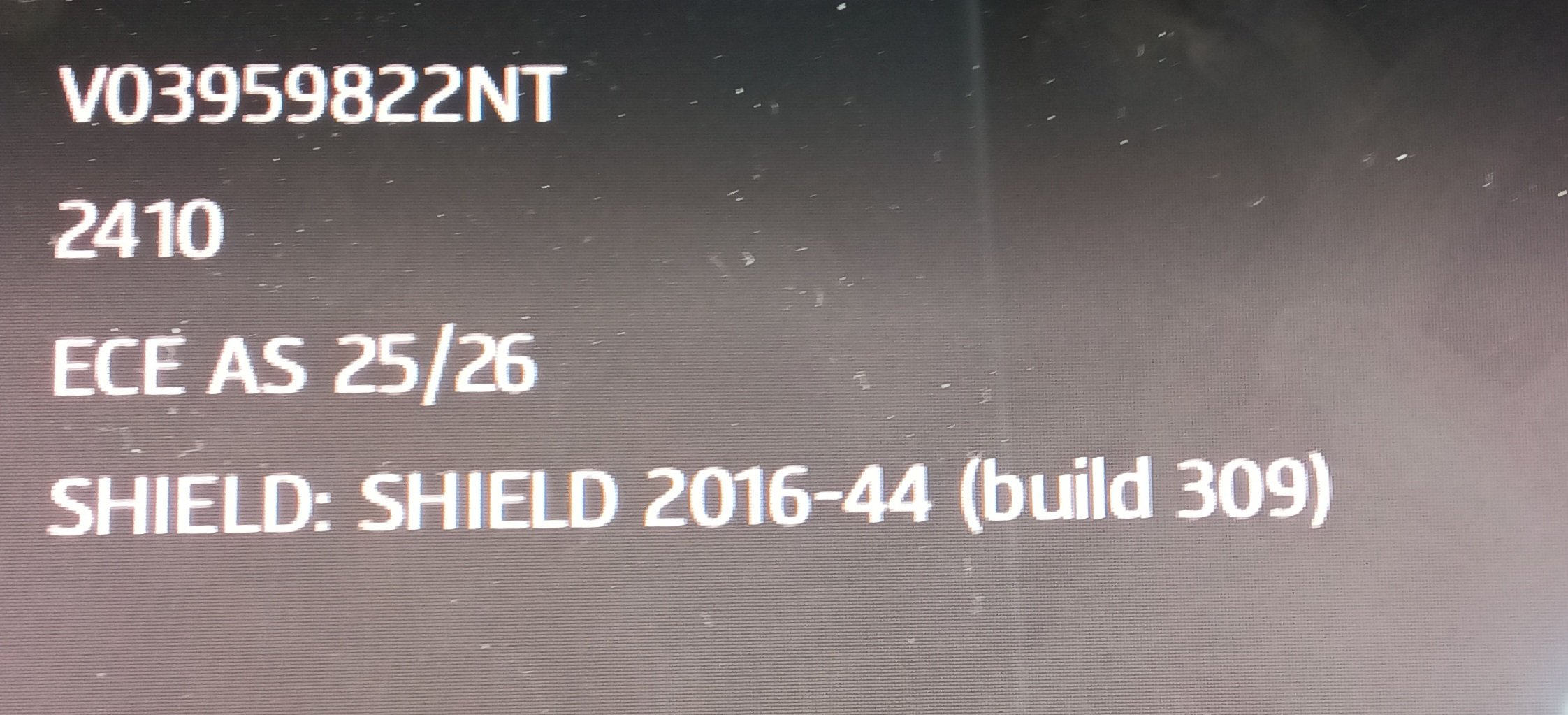
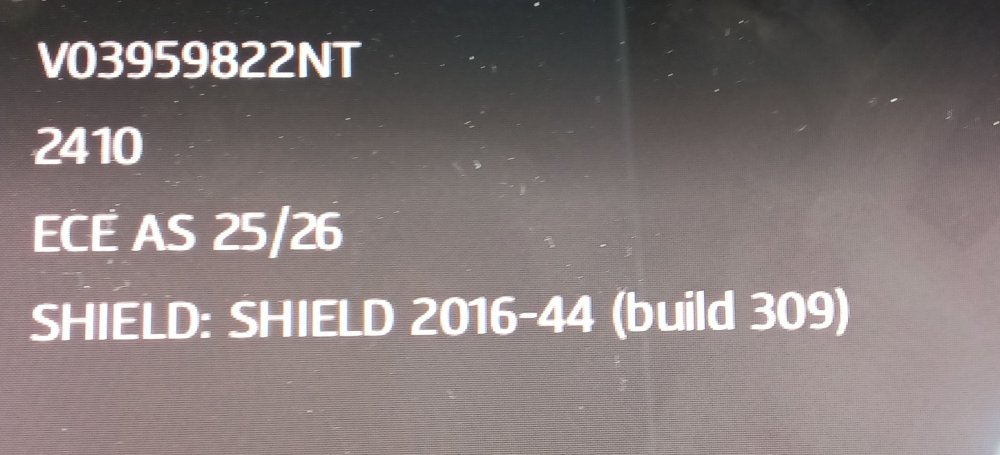
You could try the other link in case VW have mixed them up: # ECE 1 2025/26 6.8 Gb VW portal: https://vw-maps-cdn.lighthouselabs.eu/vw-maps/DiscoverMedia2_EU1_2410_V21.7z VW portal: https://navigation-maps.volkswagen.com/vw-maps/DiscoverMedia2_EU1_2410_V21.7z Files inside: 2024.06.03 Downloadable: 2025.04.14 The two are suppose to be the same. One is more for the retail market, the other the dealer network so the story goes.
-
QA is weeker on Waze. I saw a big new housing estate digitised that had never been built. It was pure fantasy but on Waze. Unless you can visually see the road network on an aeriel image, it's on the OS planning maps or development map should it be digitised. The latter may change. The OS planning map in the UK is the statuary map. Problem with crowd sourcing fantasy guys digitise nonsense. Google Maps is pretty useless at taking out nonsense since they ignore statuary sources. What with Waze and Google both in the same boat. Google maps will take you up unmade farm tracks cutting off corners. TomTom and HereMaps better.
- 51 replies
-
- amundsen
- discover media
- maps
- mib
-
Tagged with:
-
Something to look forward to. Probably picking the speed limits up is more hit and miss in England. The cars aren't sent down the roads that frequently and TomTom won't take user input on speed limits. So they get left as suggestions not acted on if reported via their reporting screen. Actually drive on the HereMaps old map for the TMC mod but decided to swap cards. Will swap back. Prefer to see traffic reports than the latest maps except on very new stretches on road.
- 51 replies
-
- amundsen
- discover media
- maps
- mib
-
Tagged with:
-
Yes saw the 20 mph ones in Wales. They are taken or should be taken from the Welsh Government map source which is the defacto source. The one which is marked up on. Actual, intentions etc. If the local authority hasn't given that to the Welsh Government correctly then it won't tally. The LA put the signs out but it was suppose to be given back to the Welsh Government. So the signage tallied with the maps. Mapping companies did it from the Welsh Government maps. Think you are better off with traffic sign recognition and drive on the beep warnings although boy racers turn that off. Some daft Welsh and English ignore the 20 mph limits as some Labour government thing, not that the LA didn't have to implement the speed limits on lamp post spacing. Was only guidance but didn't modify it so it seems to bait central Wesh Government. Local government out of step. They need to trap more. Positively dangerous speeding on some roads. In their haste to put the signs out they took well placed 30 mph signs down leaving stretches of roads that are 20 mph with drivers belting along at 40-50 between villages... upper and lower. All daft. I did get some 20mph signs put up they missed 👍. You could get into a village on 30mph signs... the rest were 20. Citizen action :).
- 51 replies
-
- amundsen
- discover media
- maps
- mib
-
Tagged with:
-
-
-
Yes all Europe loaded in fine. I used the German link. The others for the 16gb card are on that.
- 51 replies
-
- amundsen
- discover media
- maps
- mib
-
Tagged with:
-
Ah yesterday's post. @MartiniB saw that one. I'm about to put the SD in the car for all of Europe to test it out.
- 51 replies
-
-

- 1
-
-
- amundsen
- discover media
- maps
- mib
-
Tagged with:
-
Yes it jumped in the designation. Think I loosely worked it out YYMM. Means sown up or prepared in 24 and 10 was the month. Why you get the jump from 22 was that hiatus in the period before. I think there may be some ROW files still to come. One for @MartiniB .... I will test the all of Europe one and zone 1 at some point. Any sign of the mib2 high ones @MartiniB.
- 55 replies
-
- amundsen
- discover media
- maps
- mib
-
Tagged with: