TheUltraRunner
Members
-
Joined
-
Last visited
Everything posted by TheUltraRunner
-
I would say whether you like the system or not depends also on personal preference and expectations. I already got used to it. Ok, some thing could be done differently. But I already don't miss the physical buttons for AC for example. I use the Auto mode all the time and I'm only changing the temperature. And it works great.
-
@Gax I totally understand you. I'm not sure what would I do if my car would have so many issues as some of you guys have. Especially the ones which are life threatening. I would also guess a lot of issues are connected to the UK and driving on the left side of the car. But as you said. Nobody knows for sure. Since also some of the newer cars have issues. Still, as already mentioned. I'm pretty sure there is a lot more mk4 Octavia owners who don't have any major issues. Since people usually only seek help or advice when they have issues.
-
Not all cars have issues.
-
Yes, sure. I was actually referring to both methods. Both are crap comparing to previous gen of Octavia.
-
I guess the whole point is not to move your sight of view from the road. Which you need to do if you want to click a button on the main screen.
-
Or you just wait for the other person to hang up.
-
You can put some more photos on your instagram profile.
-
I never had any issues. When opening doors try not to grab the handle with the full hand, instead just put 4 fingers behind the handle (don't grab the handle with your thumb) and pull.
-
In the last 3 days my car hasn't lost the internet connection. I didn't do anything so it must have fixed by itself.
-
I have the full ergo electric seats and I'm very happy with them. Quite an upgrade from the basic VRS seats. But also quite an expensive option. I also have DCC and I can nothing but recommend it.
-
You can't update the car on your own. Some minor updates (like maps, T&C, etc.) will come as OTA and they will be installed automatically. All other major updates need to be installed in the workshop.
-
Most probably you will get the 1803 version.
-
Really nice car! Black and white goes very well together. About the upload. It could be limitation per your current rank -> "Finding my way".
-
My dealer asked me about the service interval before I took over the car. Options were 15k or 30k km (not sure what were the time frames beside both distances. Since I was always changing oil from 10 to 15k km on all my cars and the fact I have a VRS, I went for the short interval.
-
Did you pull out both fuses? 19 and 30? Next time maybe you can try to pull out just nr 19 to prevent driving data reset. According to some users (didn't try yet by myself) only 19 is enough to fix the connection issue.
-
Did you try to adjust those rubber stoppers? Try to unscrew them a bit.
-
I saw similar topic somewhere. On FB or here. Don't remember anymore. Someone has fixed the noise with adjusting the rear door rubber stoppers.
-
OTA updates are just small updates like for navigation, manuals, t&c, etc. Bigger updates need to be executed by the dealers since it can take a couple of hours to install. I doubt they will call you. I suggest to call your dealer and ask if there is any update for your car.
-
Upgrade from 1788 to 1803 needs to be done at the dealer. It won't be an OTA update.
-
But you already have the newest software - 1803. Nice. Did you went to the dealer to get the update or it came already with the car?
-
Yes. I think it works. I have used it only once or twice.
-
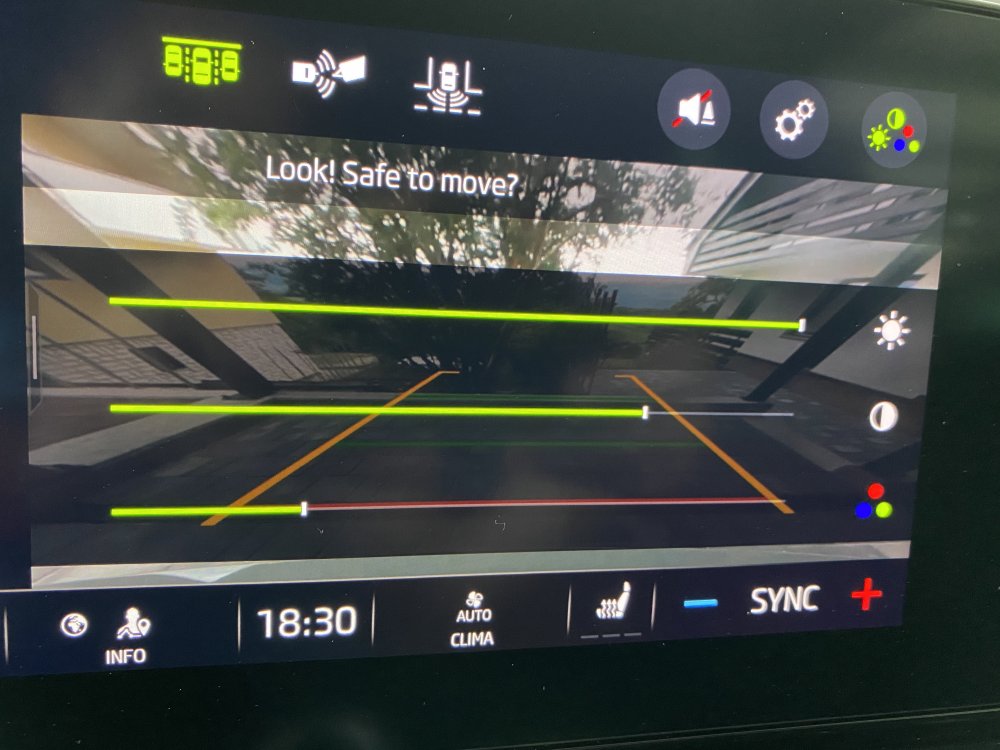
No icon for me.
-
Could be this function is only intended for cars without rear wiper but Skoda forgot to remove it in the early software version.
-
My car is again without an internet connection. No message. Just the icon is grey. After 1h car being stationary, it was still grey.
-
Mine is a estate with a rear wiper. Thanks @Soko1982 I'm pretty sure I don't have this icon. But I'll double check next time I'm in car.