mccririck
Members
-
Joined
-
Last visited
Everything posted by mccririck
-
I think it's more likely the control software for the charging circuitry is poorly designed.
-
They don't have an alternator.
-
Mine goes in for a service tomorrow. I'm sure they'll just charge the battery up and say it's ok...
-
Battery flat again
-
So is the 12V just for the systems in the cabin? Can it be supplemented/charged by the HV battery?
-
Yeah I discovered this recently too.
-
Yeah I've noticed a 12V battery warning several times in mine.
-
Mine is a year and 4 months old. I don't think I have the level of problem as the other guy but it does still seem to be an issue they could improve.
-
I'm not sure how it happened as it was about a year ago now. But I remember going out to the car in the morning and finding it unlocked and there was a warning about the high voltage battery being very low. I cant remember now if I'd left the key in the car or not.
-
When I turned the ignition on when the battery was flat it kept making all sorts of bongs and bings and flashing up warnings on the dash. It wouldnt stop.
-
The problem is if you accidentally leave the ignition on all night - which I did once!) it completely drains down the high voltage battery - and I dont think thjis is good for it. Why on earth does the ignition auto turn off when this looks like happening? They seem to have failed to consider these things properly.
-
Yeah the AA guy wanted to take a more accurate reading at the battery.
-
Yes, and surely there's more Skoda could do to make sure drivers were alerted to this happening? It seems basic to me. A year ago I accidentally left the car unlocked all night and something had been running all night and run the hybrid battery right down so that it was giving a warning in the morning and took ages to charge as I drove. I cannot fathom why there isnt something that would kick in to stop this.
-
I was working yesterday and had to sit in my car waiting for someone for quite a while. I had the radio off and nothing plugged in to the USB sockets, but the 12V battery managed to drain flat and I had to call the AA out. It seems crazy to me that the system isnt designed to prevent this from happening. The AA guy says tyhey get called out to a lot of modern cars where the battery has gone flat like this. Have any of you guys experienced this? Also, if the 12V battery has goner low can't it use power from the hybrid battery to help it out? The AA guy hadnt been called out to a 2023 Octavia IV before and didnt know where the 12V battery is located, and had to use the terminals under the bonnet but apparently the actual battery is in the back somewhere. I had my boot full of stuff and we couldnt locate it. Also once he had charged it a bit I wasnt sure how to get the engine to start. Had to set the minimum charge level f=of the hybrid battery high for the engine to start up. I stull cant get my head around there not being a warning and automatic shutdown before the 12V battery goes flat.
-
The 1.5 seems to be much better than the 1.4. makes you wonder Der why they kept using the 1.4 for so long.
-
In the hybrid you notice the battery range dropping while you're warming the car up.
-
-
I find the cupholders fine
-
-
-
-
-
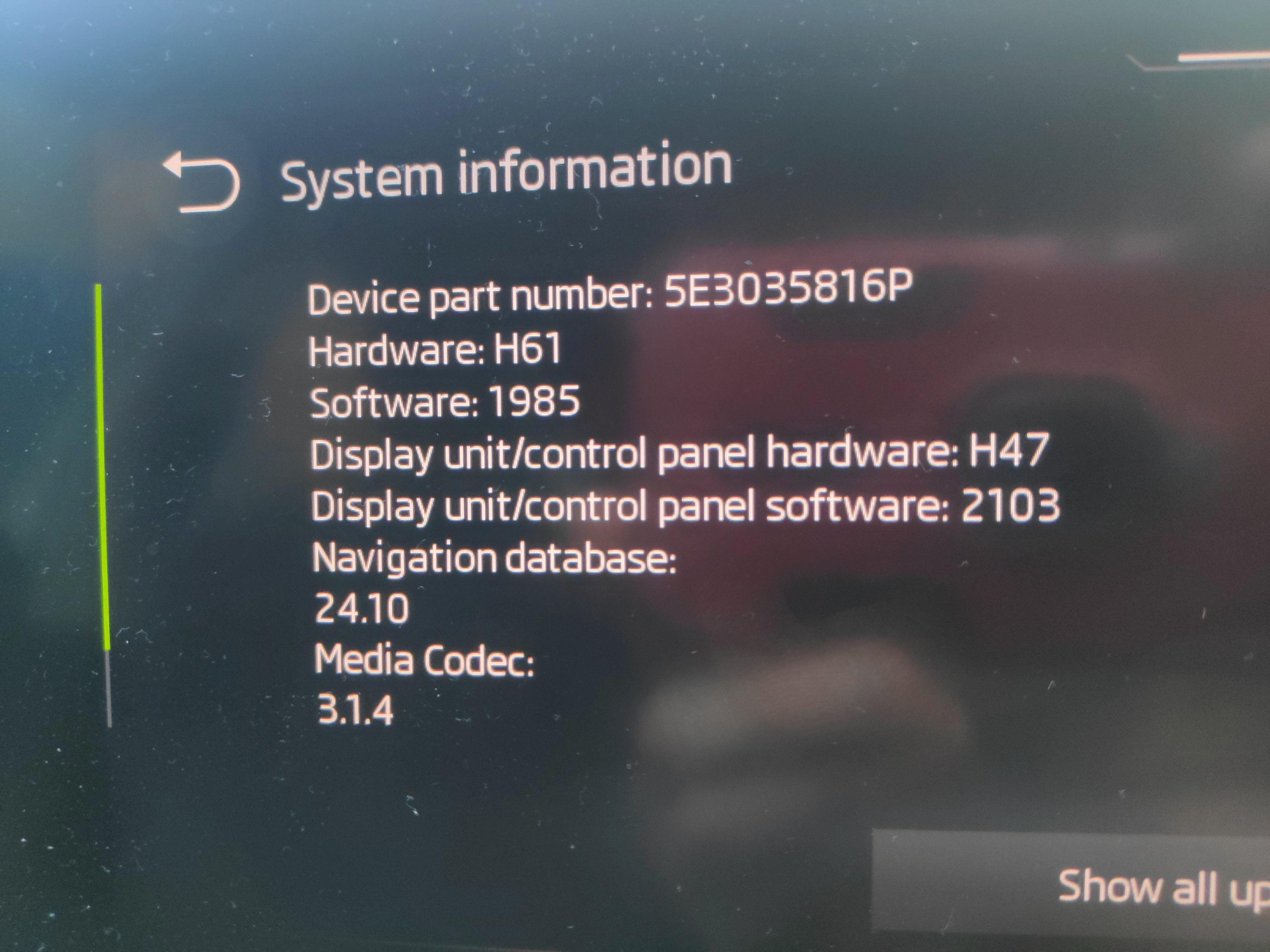
Did the portable SSD have to be clear if any other data apart from the update files or does that not matter?
-
Anyone got a step by step guide to updating yourself?
-
How do you do the update?