defsix
Members
-
Joined
-
Last visited
Everything posted by defsix
-
Jump in on the conversation 😉 https://github.com/harman-f/mhi2_altscreen_carplay/discussions
-
Not sure @Cairus , originally the exploit was on the Audi platform, not sure why Skoda was next. It's not my projecr, I'm just following, but they are looking for testers. I'm sure with your knowledge of the platform that you'd be a great help. There is a number of teams doing it and keeping it open source... Some are charging €200 or €300.
-
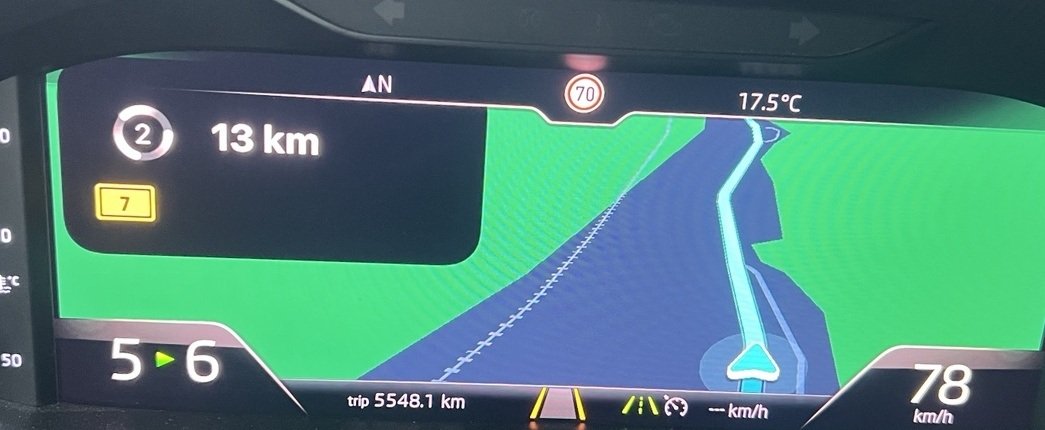
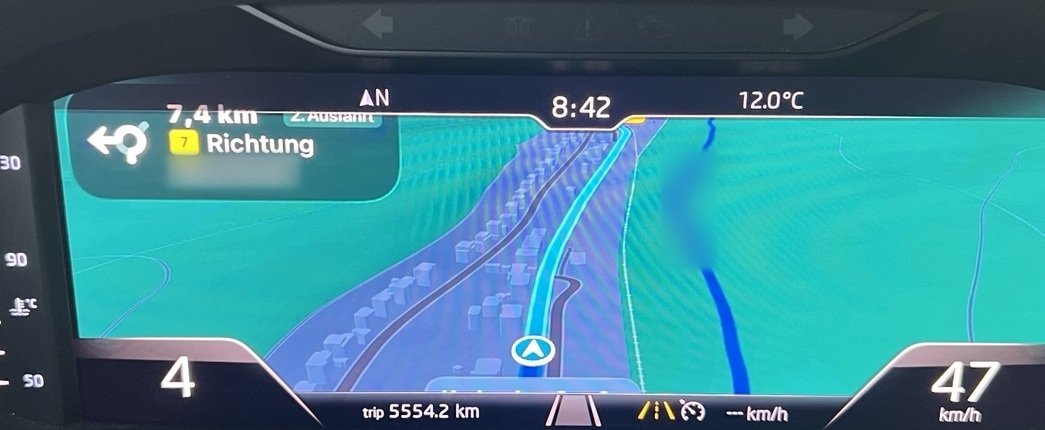
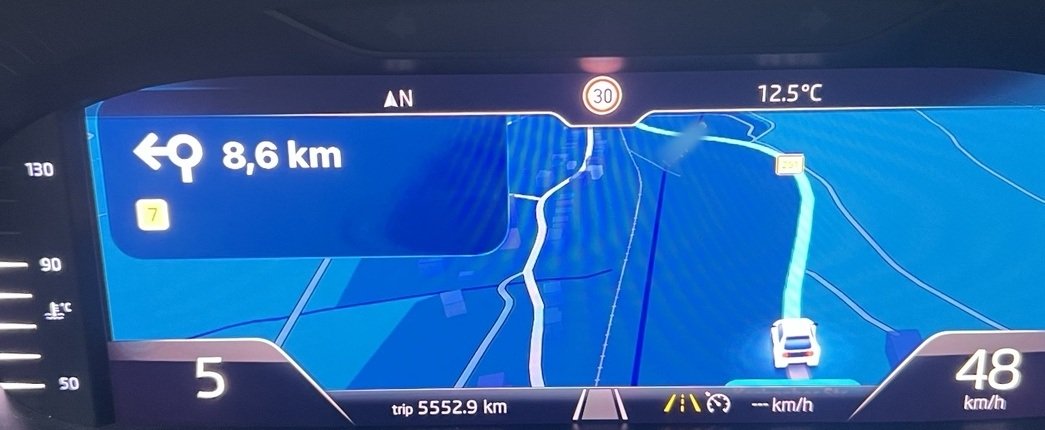
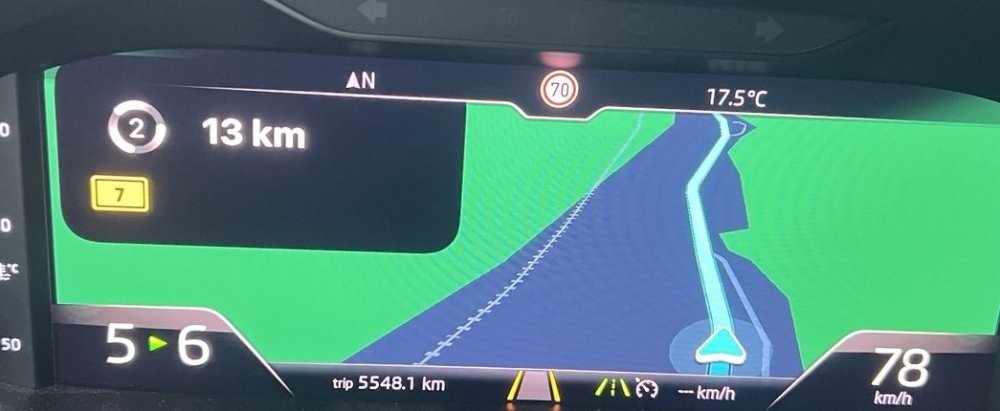
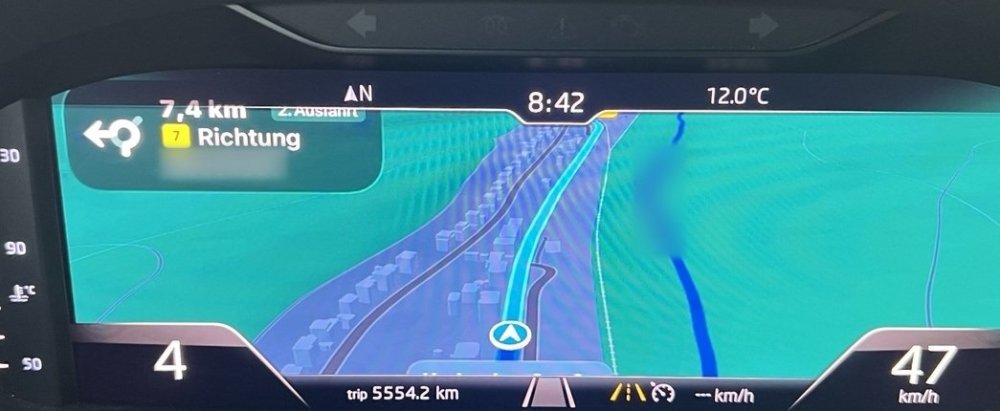
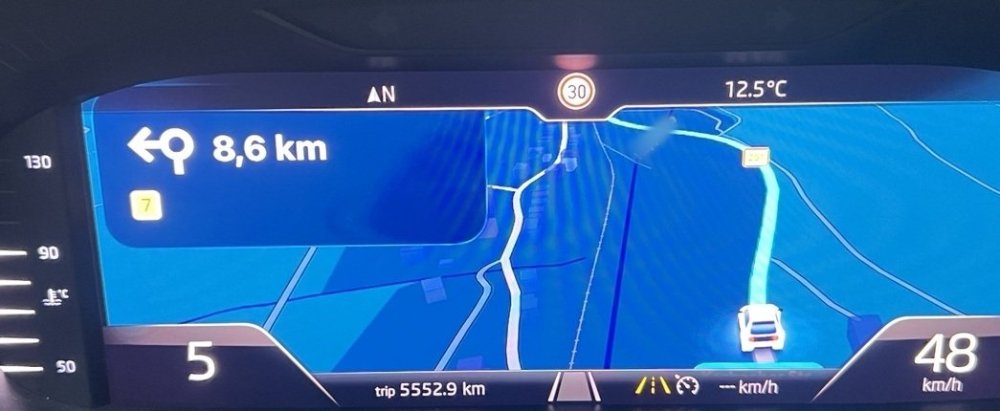
2020 Superb L&K here: Columbus 9.2" (MHI2_ER_SKG13_P4526, MU 1440) with the 10.25" Virtual Cockpit. The dash gets its map as video from the Columbus over the MOST fibre-optic link, which is why only Columbus cars can show a map in the cockpit. The open-source project mhi2_altscreen_carplay on GitHub feeds the CarPlay map into that same link instead. Its reference car is on exactly this firmware. It's been shown working in a real Škoda (Apple Maps, Google Maps, Waze), but it's developer-only for now: you need SSH access to the head unit and there's no SD-card installer yet. Anyone else on SKG13/MU 1440 looking at testing?
-
MOST
-
https://github.com/harman-f/mhi2_altscreen_carplay Working POC examples. Google Maps Apple Maps Waze Maps
-
Originally yes, but they have a proof of concept working on Skoda. Anyone here interested in having it I wonder?
-
Anyone looked at this and the possibility of it working with our platform? GitHub youtube Basically mirroring Android Auto / Apple Carplay navigation to the Virtual Cockpit Display This looks the closest option Github
-
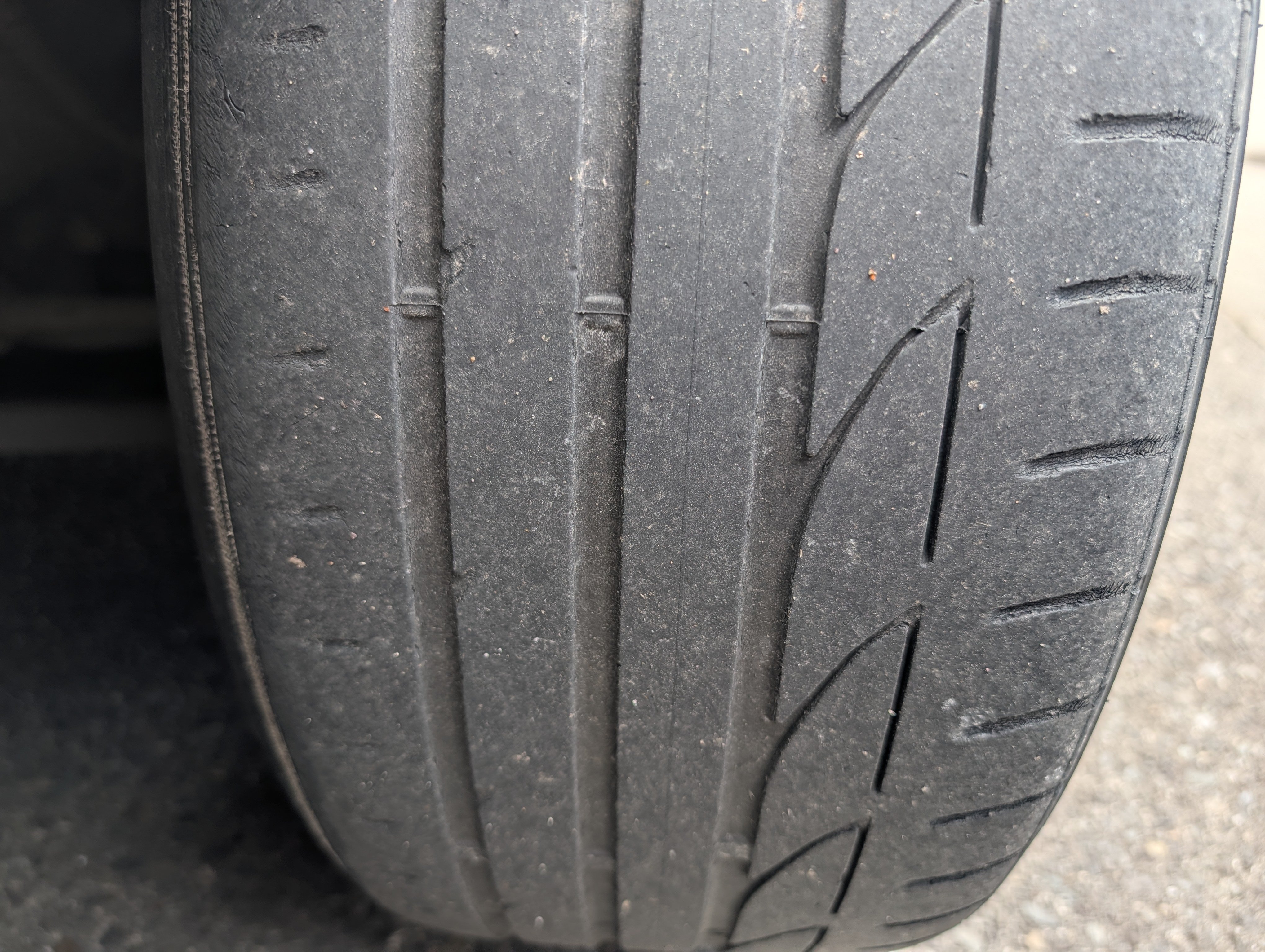
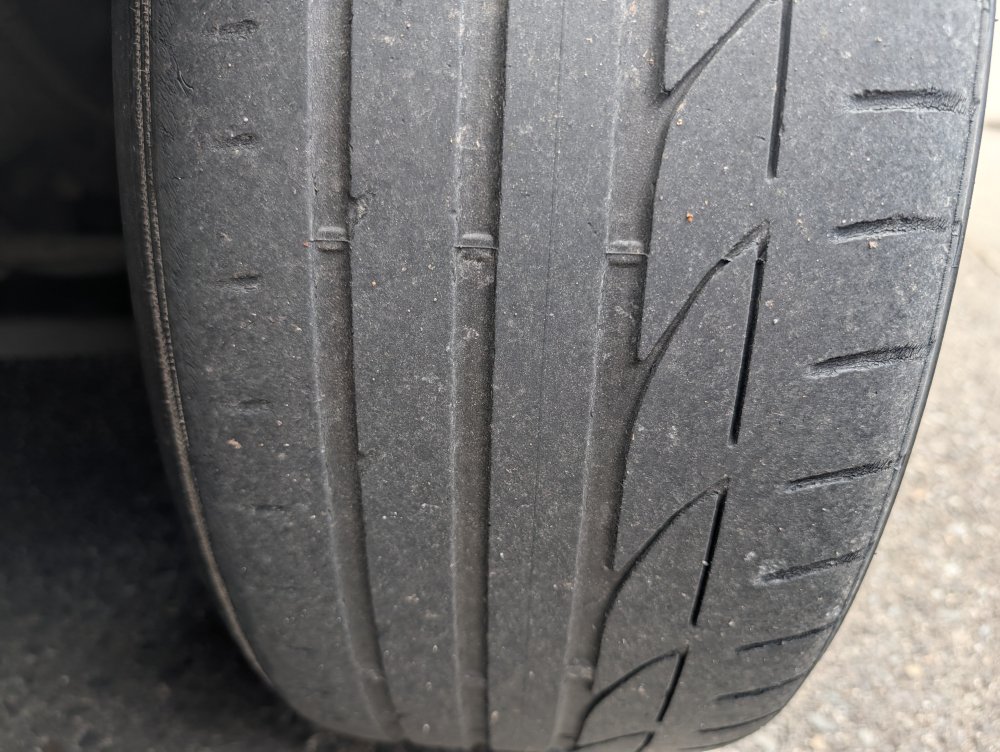
I've just had this query too. Noticed a slight uneven were on the front inside tyres, got the tracking checked. This was a few months ago, squeezing out a little extra time on the tyres. The tracking was only a little bit out. I replaced the tyres this week. When I was getting the tyres change, they said I didn't do too bad. 20K KM , Lowered on Sports Springs and 15MM spacers all round. Because there is no Camber or Castor adjustment, only Toe, I was told that's all they can do. Bridgestone Potenza S001 235/40R19 96 W XL Cloth and wire exposed at the very end.
-
If I remember correctly, my error was in Infortainment Cente? Antenna, Short ( Water had got in under the fin)
-
Aren't the terminals in the bottom left corner (facing out the windscreen)?
-
I'm going to go with battery on this one. Too often it's the battery, and for no direct simple reason.
-
Almost Pete. When it stops working and it's too hot 😁
-
-
-
Definitely. I can sleep easier now
-
So I received a price for my replacement wheel. Hold on! €860.95 Euro + VAT 3V0419091AF BGW Octavia/Superb Flat Bottom Wheel, Perf Leather, DSG Paddles, View Button (Instead of phone)
-
€367 Delivered by DHL from Germany eBay.de Maybe I overpaid. It is in perfect condition.
-
I've sent my new part number off to the dealers.. will know Monday hopefully. Just to upset myself 😁
-
Ya custard, look at them carpet stripes! 🤣 Looks the part alright, matching gear lever too! Was yours heated too?
-
That's great value! Did it come with buttons/ trim etc?
-
It did cross my mind... How much?
-
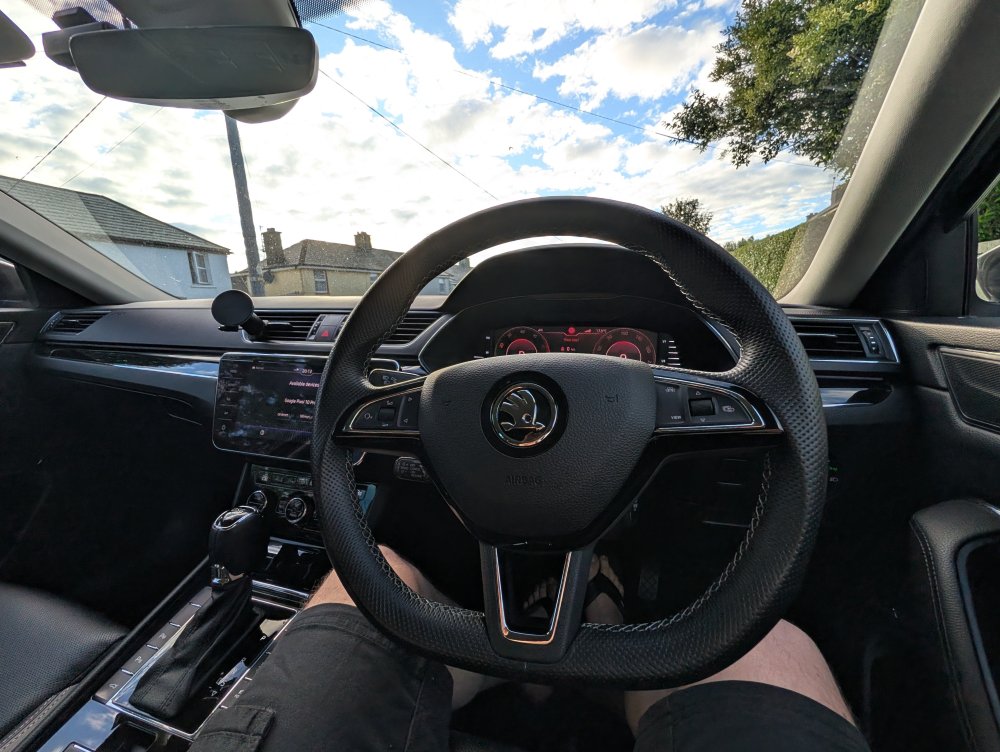
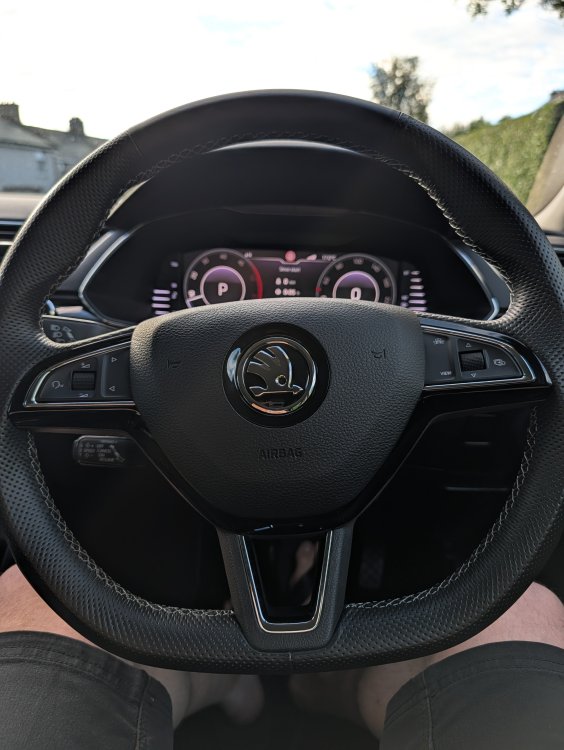
All good. Did steering wheel alignment, cleared faults with Carista. Happy enough. Luckily enough the wheel was from left hand drive, so the steering wheel is like new on the right hand 👌 Did make one mistake, when I was pulling off the steering wheel I missed the red plug ... Pulled off the cover for the slip ring. Extremely lucky there was no damage. All back together in one piece with nothing broken.
-
Mission accomplished! Thanks to all those who helped!
-
Not bad at all 😉
-
Sorry I got my abbreviations mixed up. I have the lane change assist, the flashing light on the inside of the mirror. Not the lane guidance...