defsix
Members
-
Joined
-
Last visited
Everything posted by defsix
-
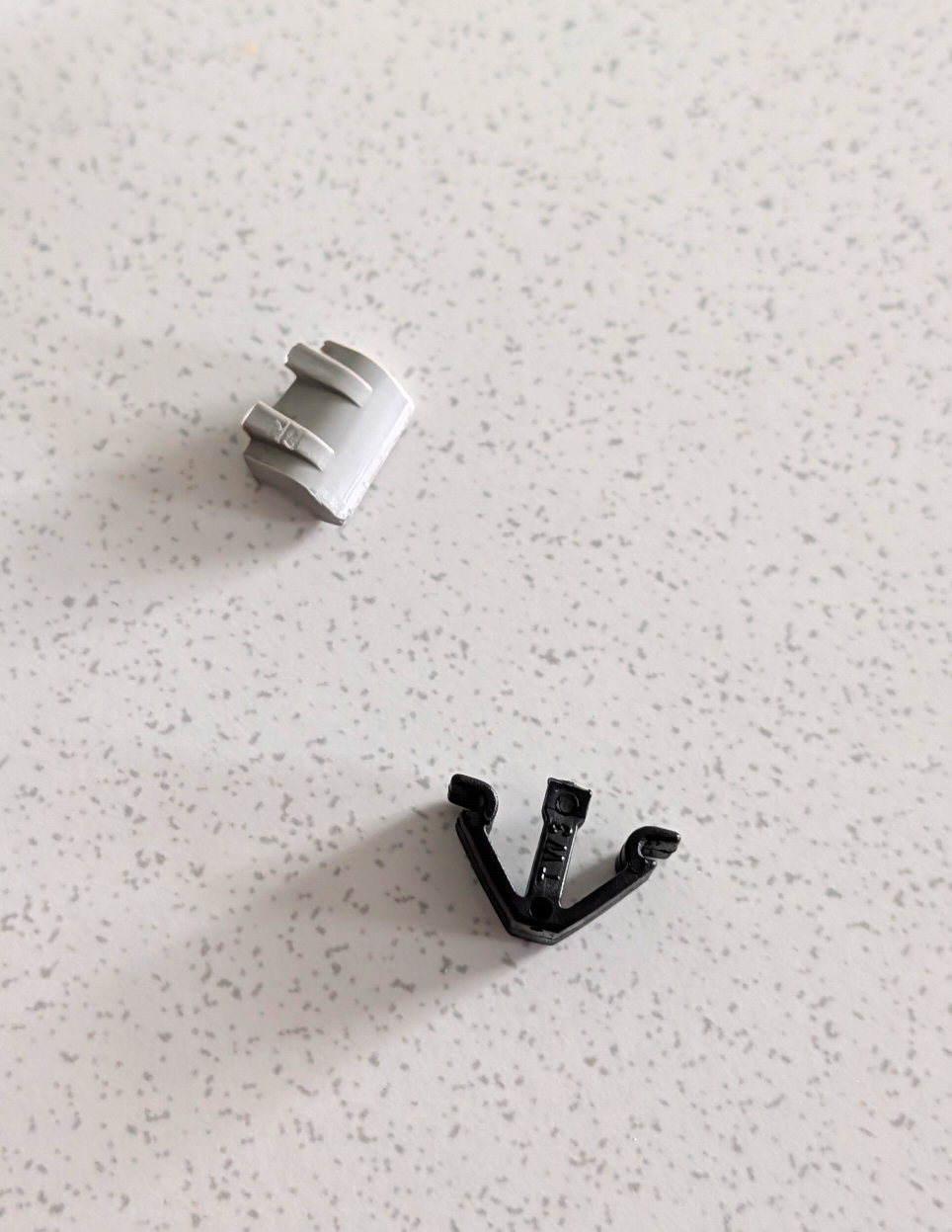
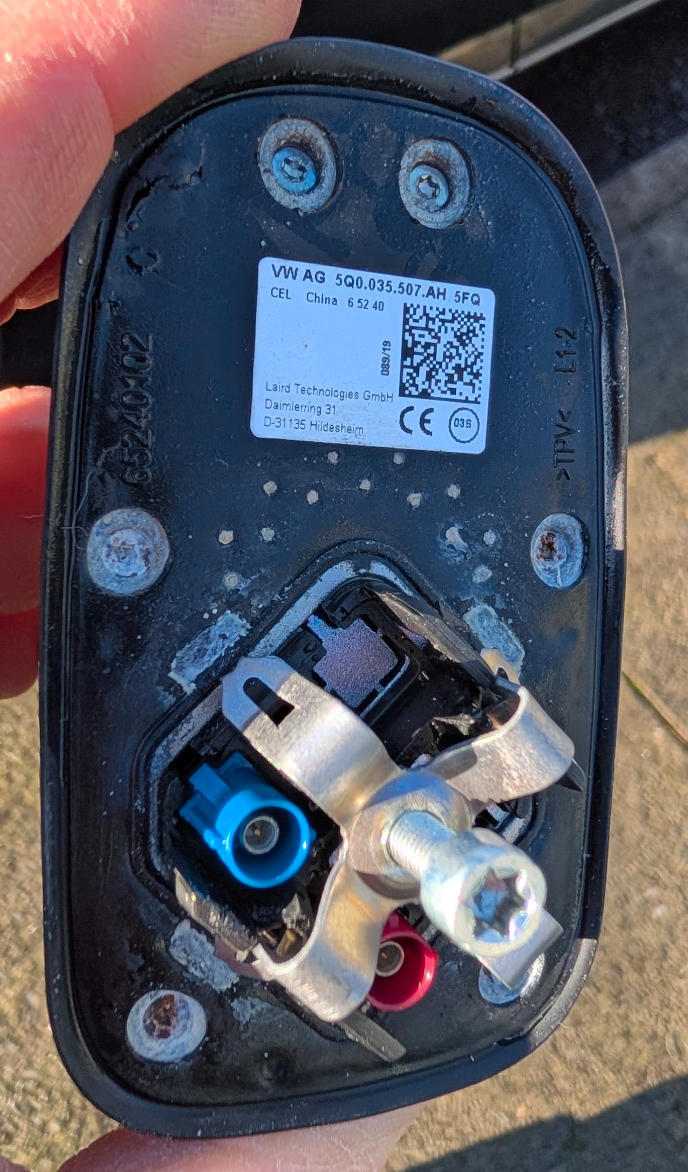
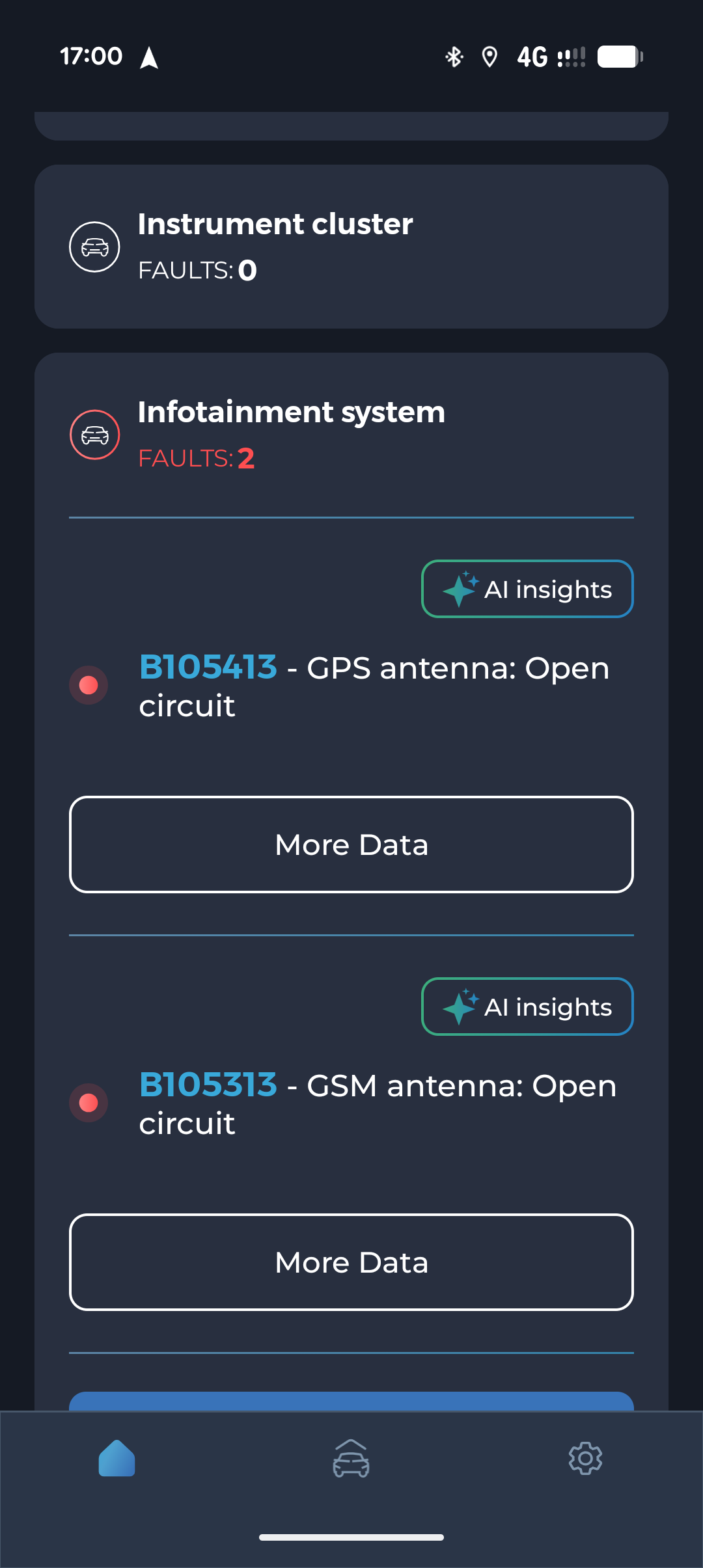
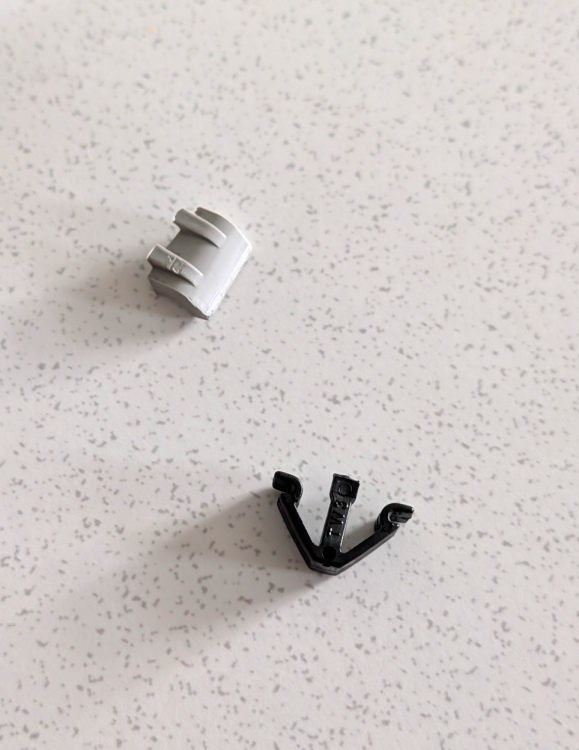
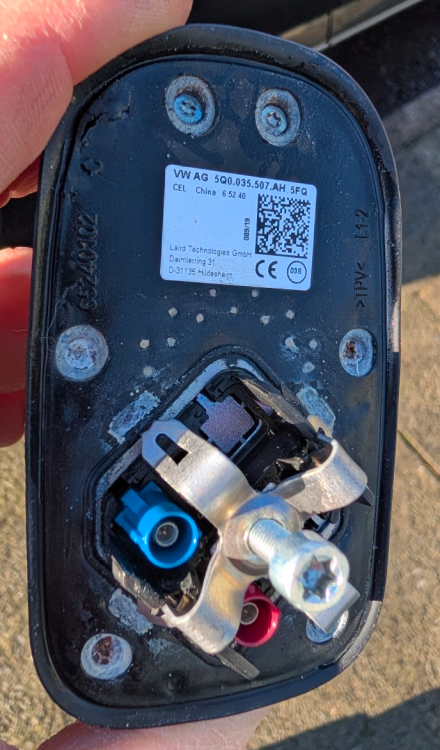
Ok, New Antenna installed. A bit awkward to do. Boot seal removed, rear side trims and wedged down the Headliner. I did manage to break the clip that holds the headliner in the centre, but the boot rubber holds it in place. Here's the clips I broke. And the antenna. The antenna was full water. After removing the APEX connector which was very awkward, cleaned roof where it was mounted, there was quite a bit of oxidation. I wonder is the metal of the roof used as a ground plane? Cleaned the connector with Electric Switch Cleaner, the new Antenna was fitted loosely. I checked GPS on sat nab and was getting 7 to 9 of 10 Satellites. So proceeded to finish the job. Now after clearing the faults I am still getting the error on the GSM side. There was only one cable connected to the antenna, so assuming this was the GPS one. So where is the GSM Antenna located?
-
Let me know how you get on.
-
I'd read that before. Did you try it?
-
That doesn't happen in my case at all. Are you saving the profile to the key manually? Have you heard the ping when you save the position on the seat itself?
-
I never noticed the actual movement 🤔
-
Yup, I'm the same as you. Ass down all the way. I think the seat doesn't like being sat at the limit of it's position. It always works it's way back up a little.
-
Do you have the seat at the full lower position? I'm other words at the end of its postion?
-
Ordered 5Q0035507AH from my local dealer. €104+ VAT I'll update whe it's time to install.
-
Legendary as always Cairus 😉 Is it just the top part or is there a PCB underneath that corrodes? I was unable to determine with ETKA. I don't suppose you could advise a part number? I think it's either 5Q0035507AH5FQ or 5Q0035507AH VIN TMBKJ7NP2L7006611
-
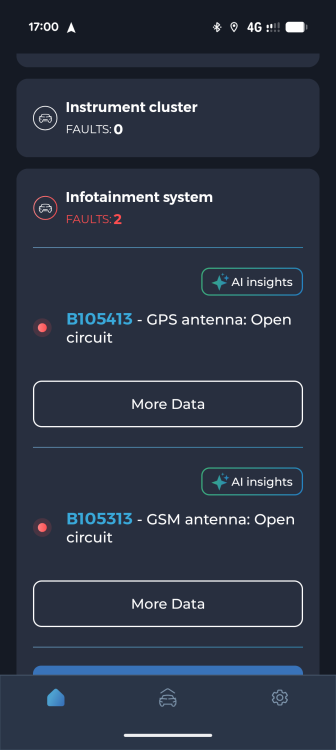
Hi, had a GSM Antenna open circuit error for a while. Today I have a GPS Antenna open circuit error too, resulting in no GPS, Partial ACC, and sporadic location on Android Auto. I believe moisture has worked it's way into the Fin. Is this a clean and reseat job or replacement? Can anyone advise on the part numbers? Superb 2020 FL Model Combi
-
-
-
I'd imagine it's the lock motor is failing or failed. It might work tomorrow. If it does, don't lock it again. Get the correct part number based on your VIN, as there are a few variations ranged in price from €60 to €250
-
-
-
It looks about 25% Brighter / Crisper. I was getting confused looking at the left of the images. We should concentrate on the bricks to the right.
-
Was this a worthwhile upgrade for you ?
-
I've mine running for 10 mins before I'm driving. I have heated screens from and back. The temp gauge hasn't even appeared by the time I leave Takes a few KM's depending on the driving to get to 90deg.
-
-
-
-
-
If you've the battery changed ,it does take a few miles to fully charge I believe. As for other options, of not the ABS, maybe the ABS ring or the socket for the sensor or loom. At this stage you need to do a bit of logging.
-
Just my 2 Cents, but the 3 biggest cause of random issues featuring a Christmas Lights display seem to be Depleted Battery, ABS Sensor followed by Cam position sensor, although the last refers to more of a drivability issue.
-
Skoda Air Flaps reeet.