defsix
Members
-
Joined
-
Last visited
Everything posted by defsix
-
-
Have a look here for my initial issues and the outcome.
-
My Engine is gone. Turbo appears ok. Minor play. Nothing to suggest oil starvation to the turbo. We will investigate further as the job proceeds.
-
I've only looked on the Diesel side. But the video I linked to in my first post was a Mercedes AMG Petrol.
-
There's no definite proof as of yet. But the big end bearing has failed at 120K Miles which sounds very early. Dealer serviced up until I purchased, then serviced every 6k Miles then. My mechanic believes it's also some kind of starvation too.
-
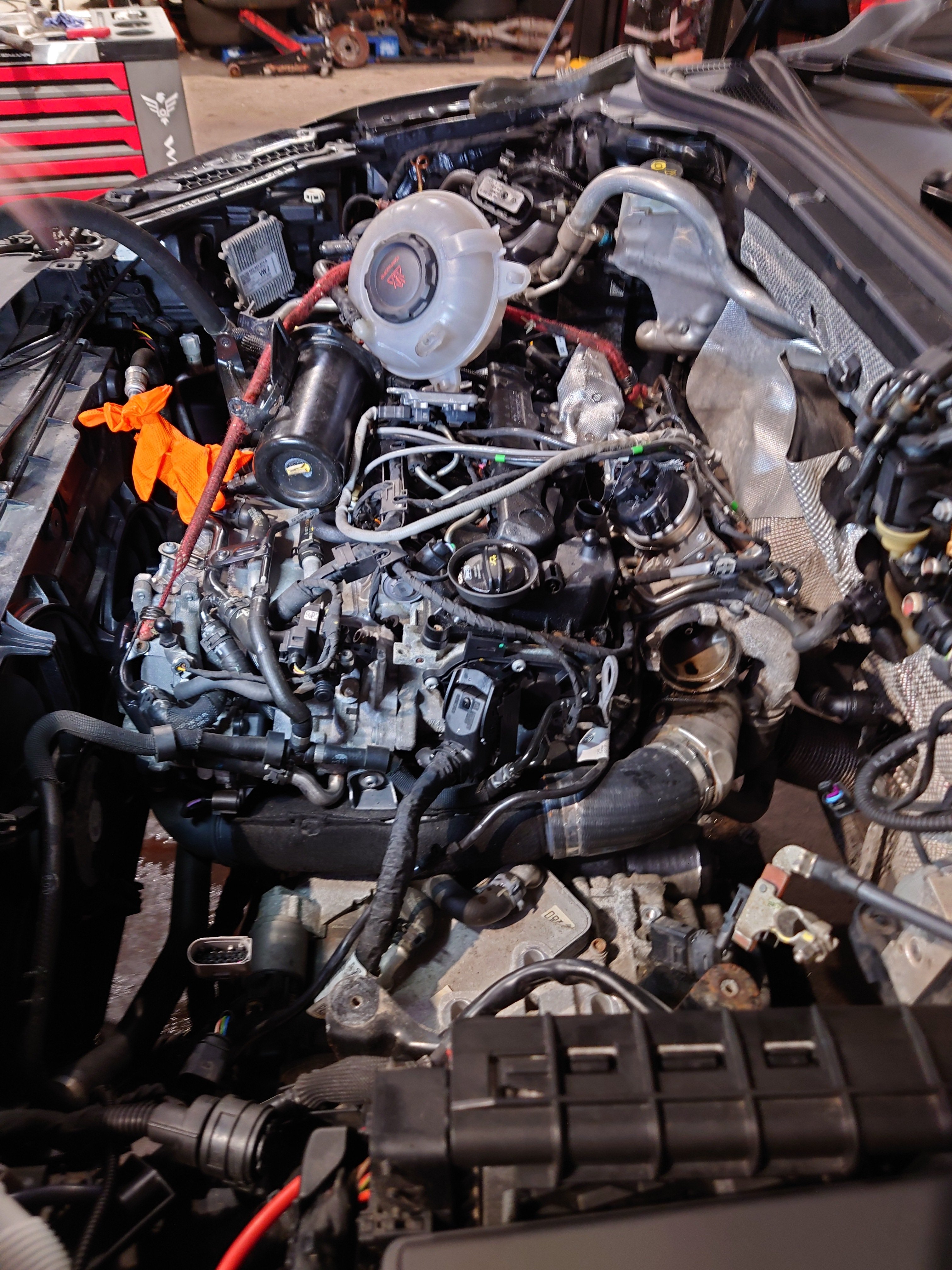
I am currently in the middle of replacing my engine after an oil starvation. So everything is completely accessible 😁. I'm definitely considering this option. I've heard of this oil issues with several of the VAG group cars. I'd I'm not mistaken it was as issue with this 3.0TDI A7 Saving Salvage A7
-
That's super ! I really appreciate the information. Could I ask do you have a diagram with the location? Is this something you would consider yourself?
-
Hi, After my recent engine failure issues I've been looking at possible causes. I have noted that on some engines , they oil pump is running at a lower pressure whilst the engine is at a lower revs. This has been seen to cause premature failures. Can anyone tell me is this a "feature" of the 2.0 TDI engines used in our Superbs? I have engine code DFHA of this makes any difference. In my research of this, I actually came across a YouTube video , on a Mercedes AMG engine where this was an issue, it was as simple as unplugging the pressure switch so the pump defaulted to full pressure all the time, not causing a CEL, but it did show a fault when doing a diagnostic scan. Video I am referring to.
-
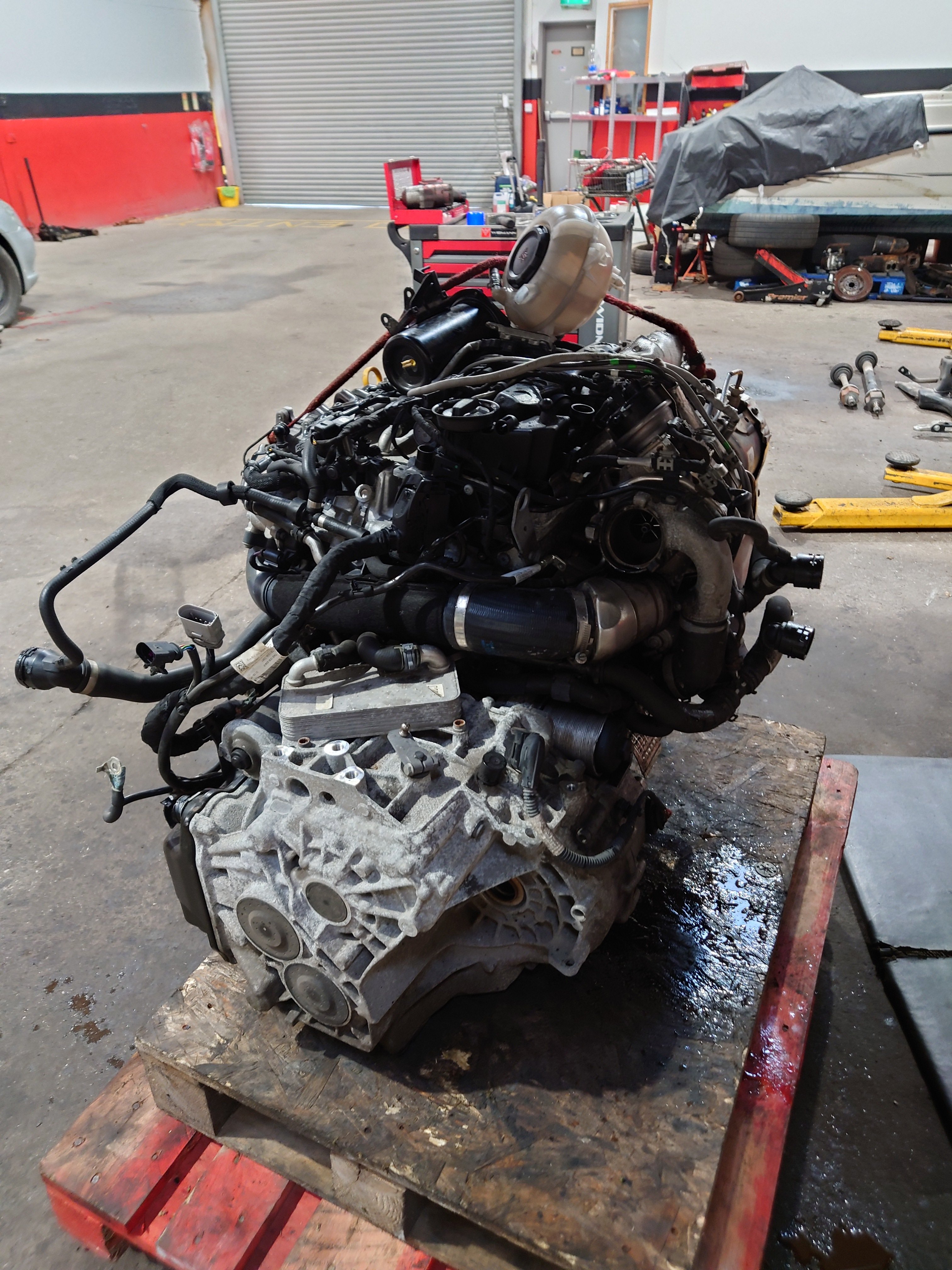
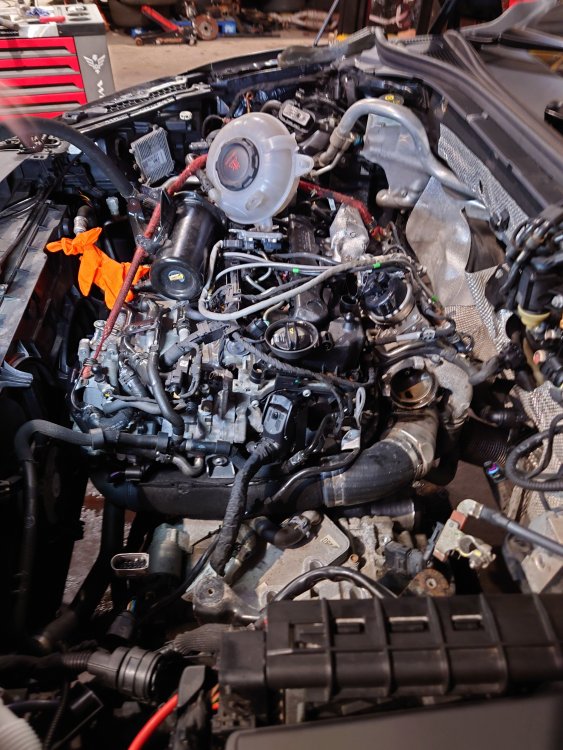
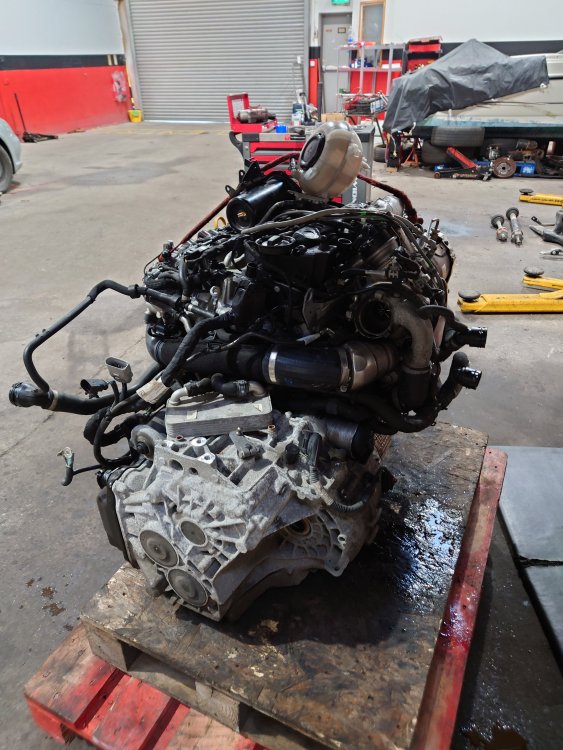
Hello All! Today's update, still awaiting my replacement engine. On route at the moment. Today the engine was removed. 2½ Casual hours. When taking off the wheel arch liners I was surprised at the amount of mud between it , the body work and the peace of foam. It looks like a great spot for rust!
-
They've trimmed the older model maps from the updates.
-
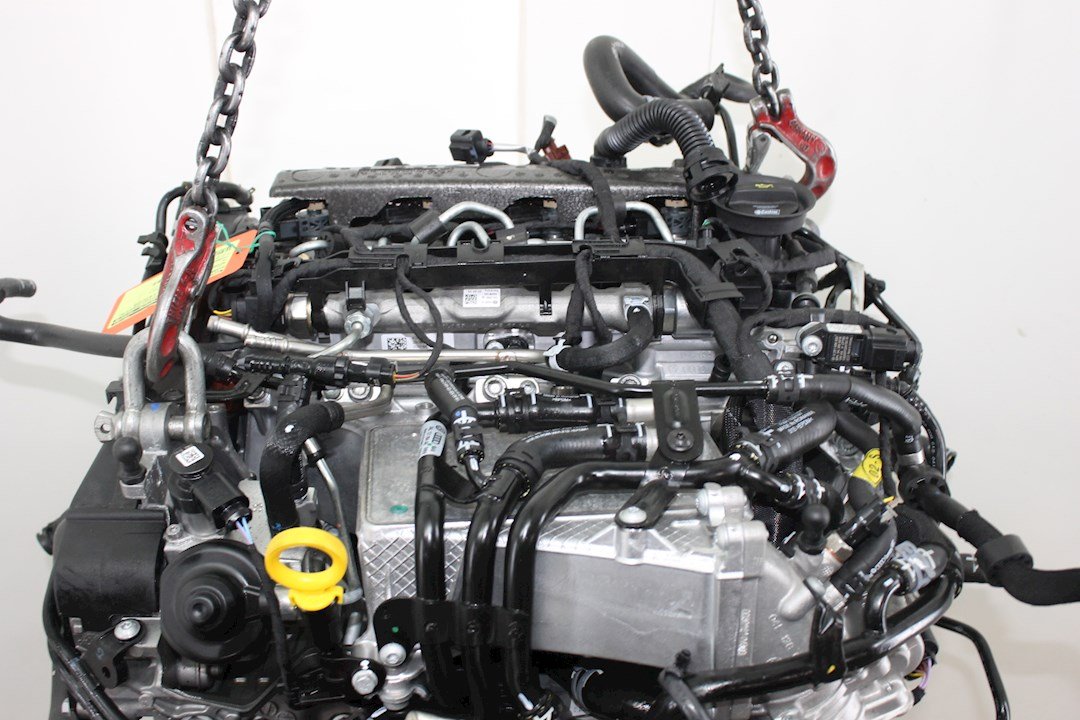
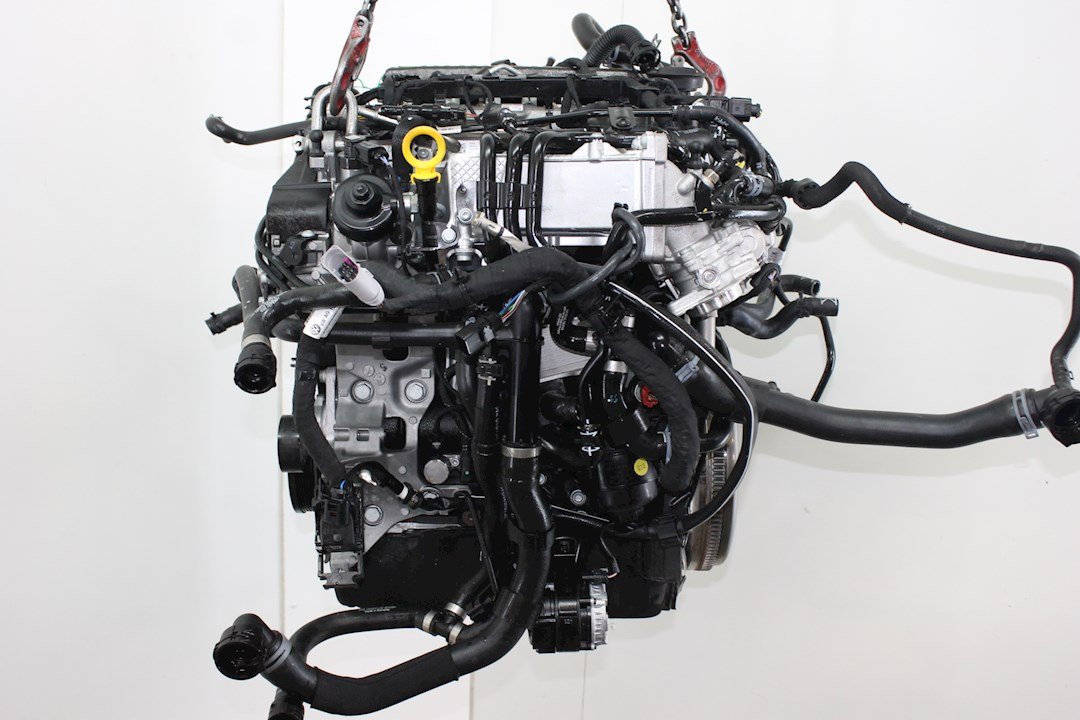
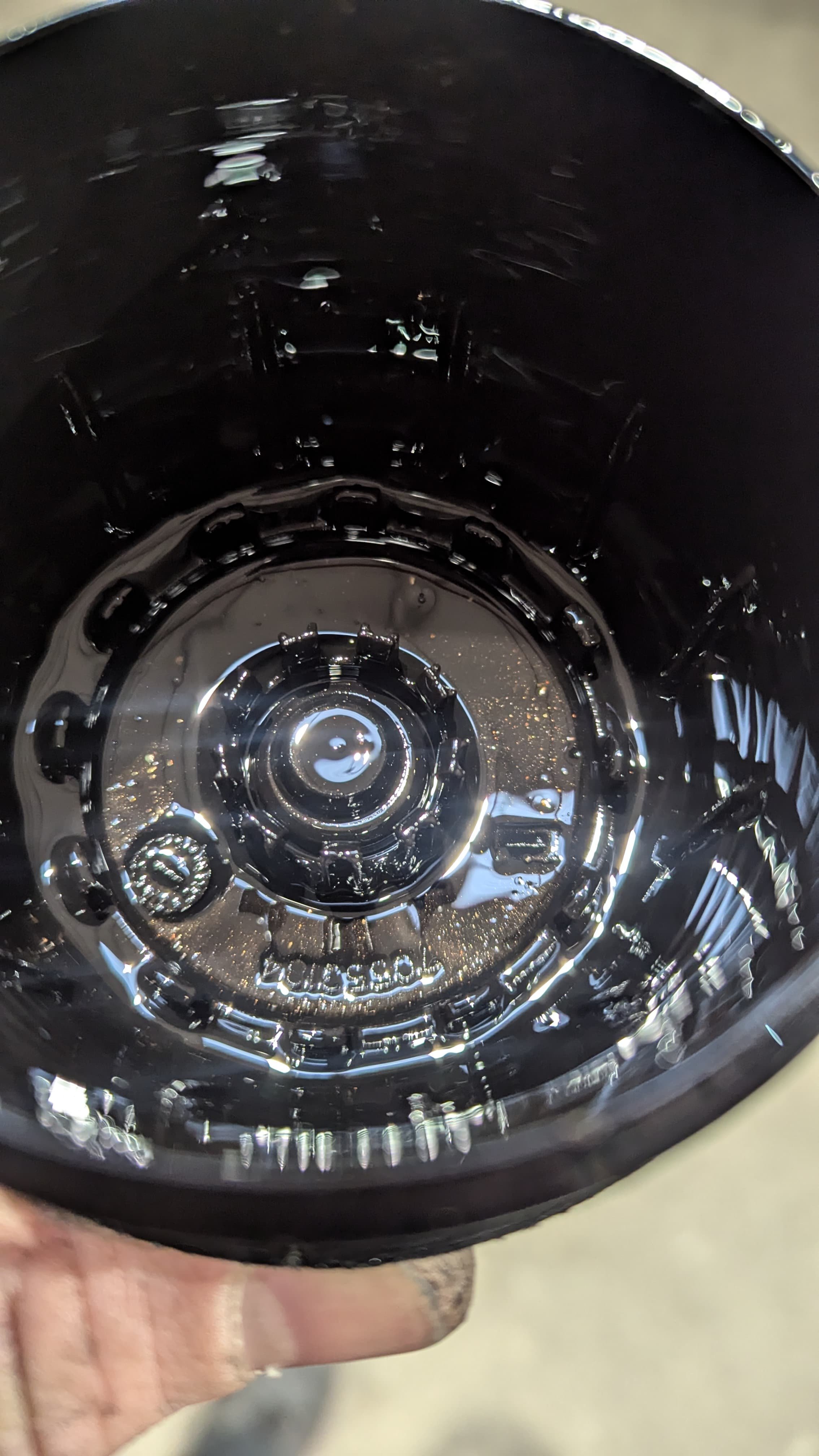
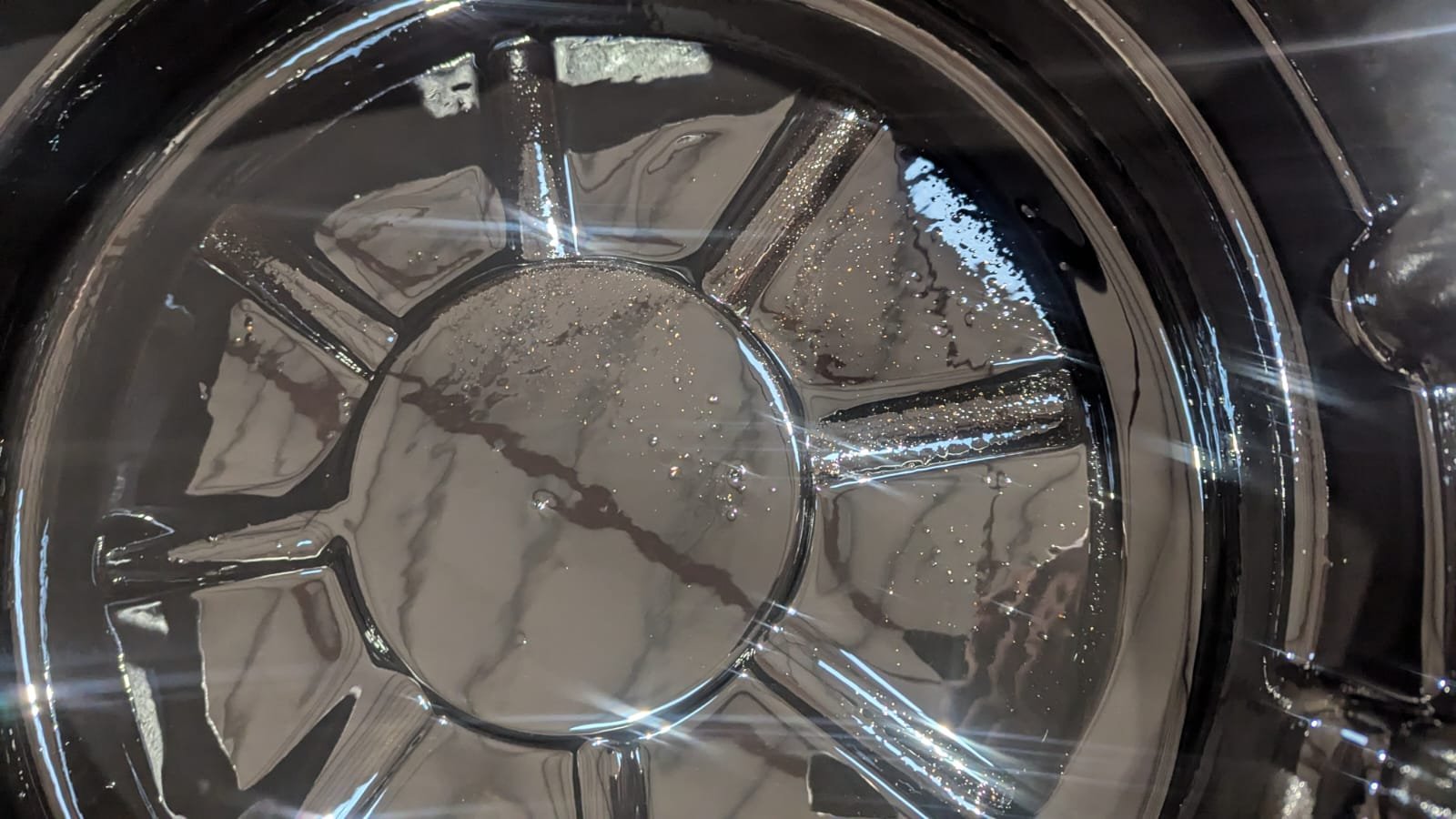
3400€ including Vat Delivered from Europe. Sub 1000KM Not much choice out there, all around similar money, the lower the mileage the better. Looking at the failed engine, looks like it was either a spun bearing or oil deprivation. From perfect running to failed engine in less than 60KM. Only fully serviced 10k KM previously.
-
-
-
-
-
Name that tune! Ok, strange one this morning. No fault codes, slightly hesitant at low revs going through the gears. At first I thought it was clutch slippage ( DQ381 AUTO ) But then rev'd it in neutral whilst coasting and knew straight away it wasn't the gearbox. Got to the garage, they could here me driving up the street and even came out to greet me ! Again, no fault codes, I thought it might be injectors , unplugged one at a time and tried the throttle a little. No descernable difference. 10K KM since service, didn't check the filter yet. Oil in the filler cap and dipstick looks ok. It sounds top end , but it's hard to hear over my crying 😭 Any thoughts?
-
Kit ordered, hopefully on the way soon. Hopefully VCDS will be successful doing a DCC Adaption! VCDS MQB DCC Adaption Method
-
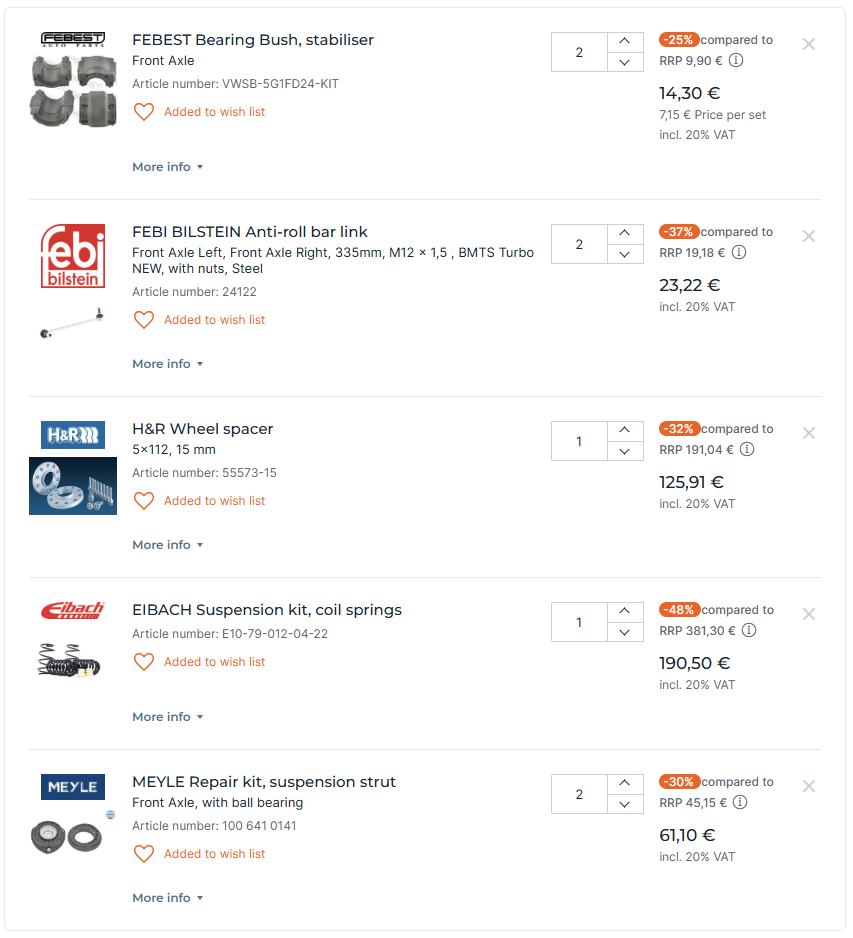
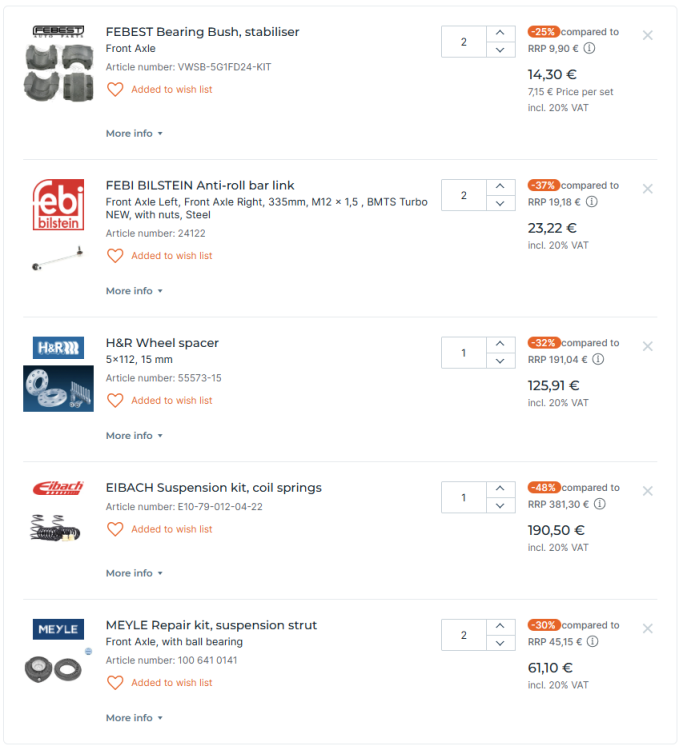
Hi All, Just wanted to get everyone's confirmation that E10-79-012-04-22 is the correct kit for a 2020 Estate with DCC ? Just looking for that 25mm approx. drop.
-
If the specs match then you're fine.
-
That sounds pretty reasonable.
-
Go from Underneath. Much easier, I think.
-
Morning Fionn, Make sure you have the correct fault codes first! Removing the mcu is quite easy all you have to do is drain the oil, unbolt the front of the gearbox and drop out the cover and MCU. Split the 2 and send off PCB part. Watch a few YouTube videos first 😁
-
That is my understanding with the warranty. I don't expect any issues. The MCU is coded to your car so the exchange service would be a pain. The savings in getting it repaired this way has the downside of time taken to do the job and wait for the parts to be repaired.
-
The electric part of the MCU, basically the part that I sent is warranteed. They replaced both sensors. So far , no problems.
-
If you get your VIN decoded the build numbers will be shown.