softscoop
FREEDOMLite
-
Joined
-
Last visited
Everything posted by softscoop
-
Have you got xenon or halogen headlights? You say the lens is opaque, do you mean the front plastic cover of the entire headlight, or the glass projector inside the headlight?
-
Have you got a sunroof? They are very prone to leaking
-
Have a look and see if resetting the gear linkage helps.
-
If I remember correctly there's a limit to how many files in a single folder the Bolero can handle, as well as the overall track limit.
-
Did you get to the extra menu to show the antenna status? I had the same on my old Octavia and the new base sorted it.
-
Yes it's built into the base.
-
Yes I think that's the correct one, but it's worth pulling your headlining down to double check the connection before you order it There were 2 types of connection, the RAKU as that link or FAKRA. I think they changed over to FAKRA connections with the facelift in 2008 but it's worth just double checking yours first
-
Sounds like you have the Stream radio then. If you hold down the Menu button like in this video it will bring up the service menu. From there you can see whether ANT says on or off You don't need to drop the whole headlining to change an aerial, you can just pull it down a bit at the rear to get access. It's a pretty easy job
-
Chances are the amplifier built into the bottom of the aerial base is dead. What radio unit do you have? On some models you can bring up a hidden menu to show the signal strength and amplifier status
-
Does your flywheel rattle when idling? They do wear and are designed to dampen the output between the engine and gearbox.
-
The seats are completely interchangeable with the different trim levels. The only thing to be mindful of is the airbag connector being different but that can be easily sorted by soldering the correct one on.
-
Not on a 2005 Octavia. The headlights will only go up and down. The turning lights were only introduced on the facelift around 2009.
-
You are a fountain of knowledge on this forum. Are you able to help with where to find the firmware files?
-
@pab567 is this something you have come across before? I've searched quite a bit and can't find anything like this
-
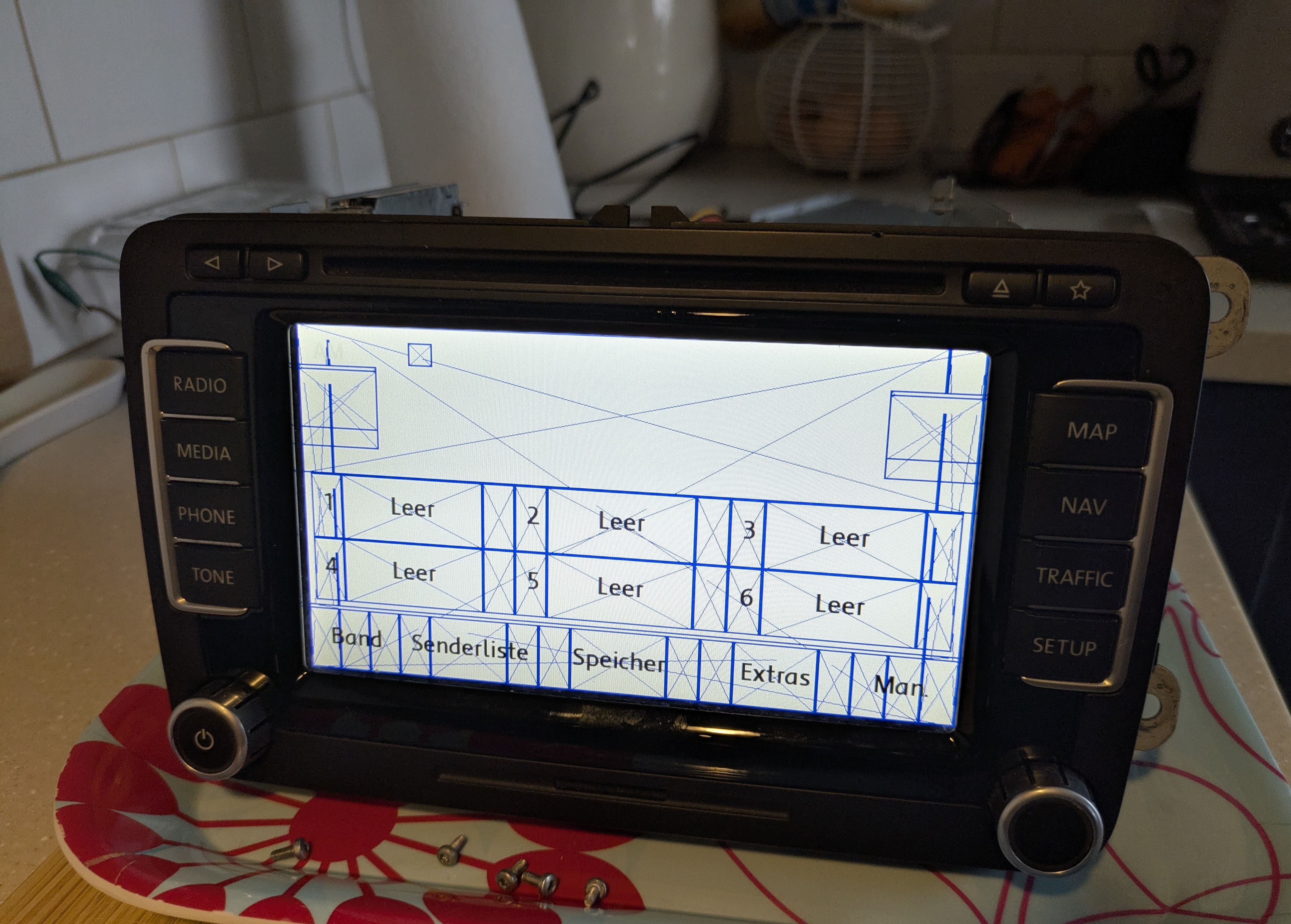
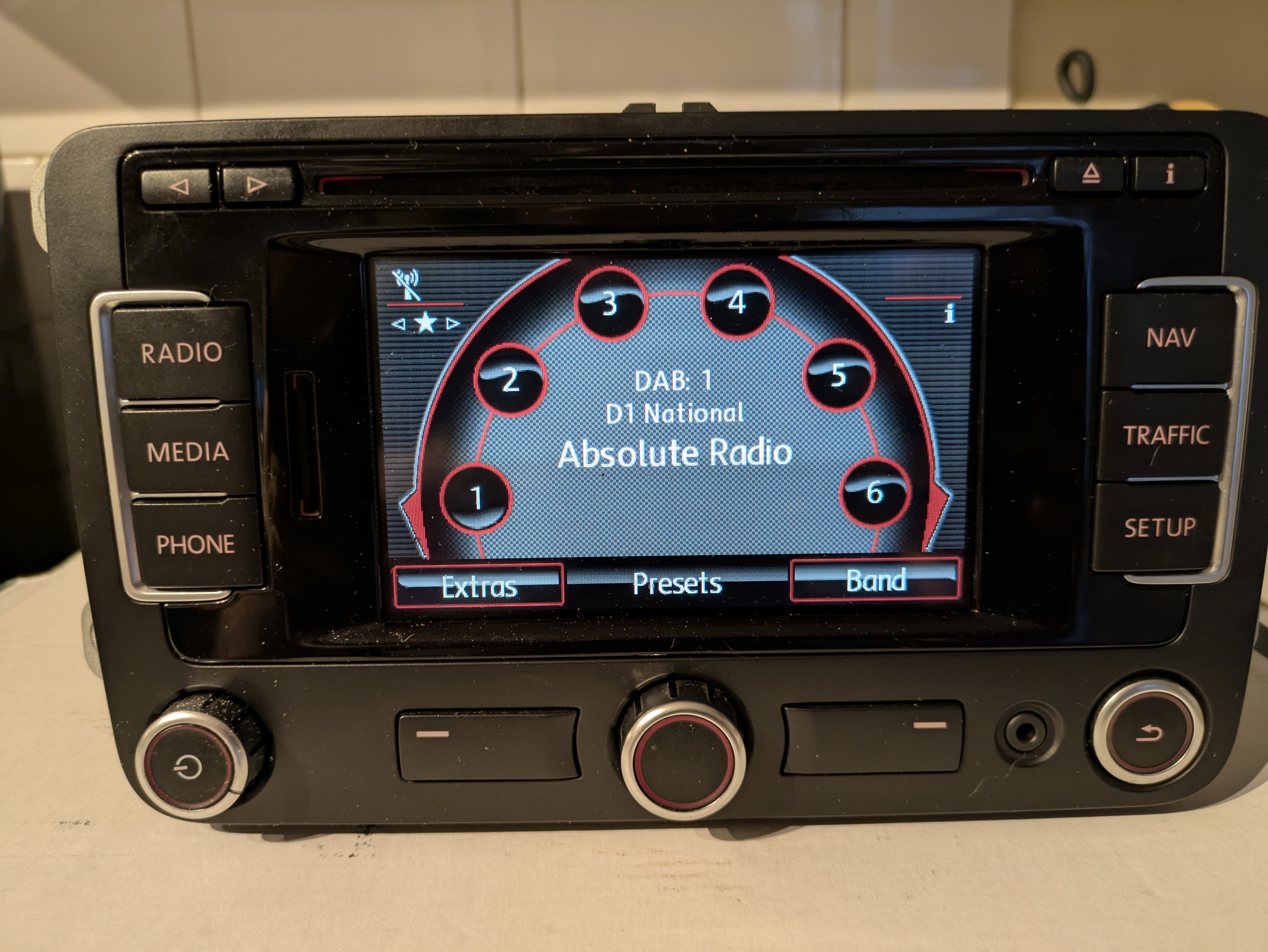
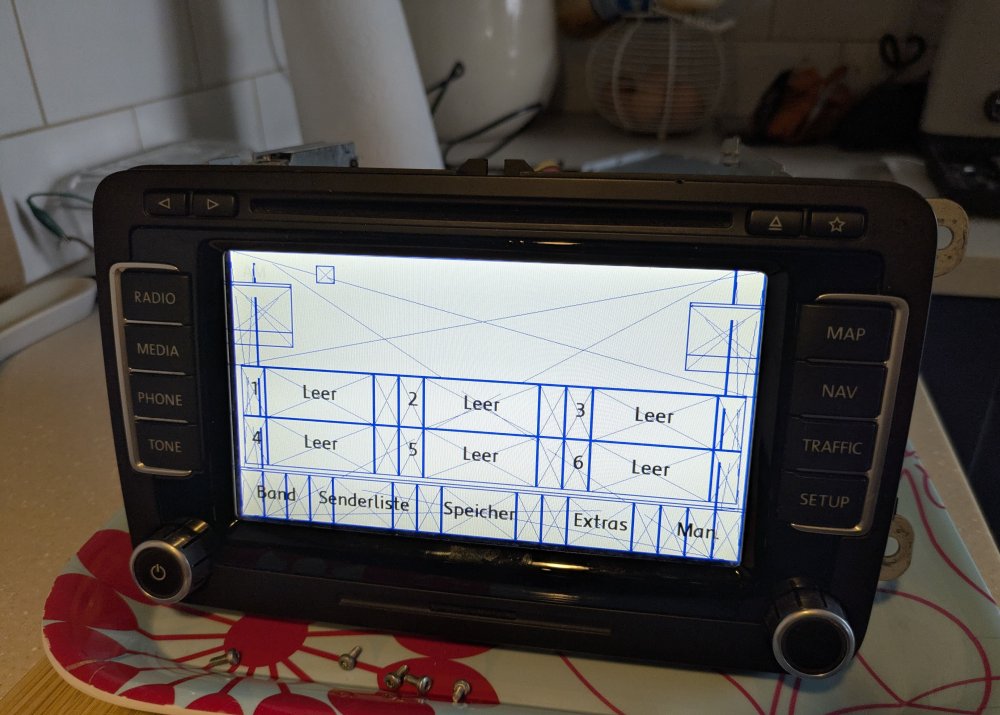
I had the opportunity to buy an untested RNS510 dead cheap as it had been sat for a number of years. When I first powered it on the back light would flash on and off, so with nothing to lose I took it all apart and couldn't see anything obvious with dry solder joints, then put it back and tried again. It now loads with Welcome to Volkswagen logo, and then a white screen with seemingly a template for the radio screen. It shows this for about 15 seconds then goes to a black screen. None of the buttons or touchscreen respond apart from the power button which works to turn it back on. There is a cd in the drive which won't eject with the button. Any ideas?
-
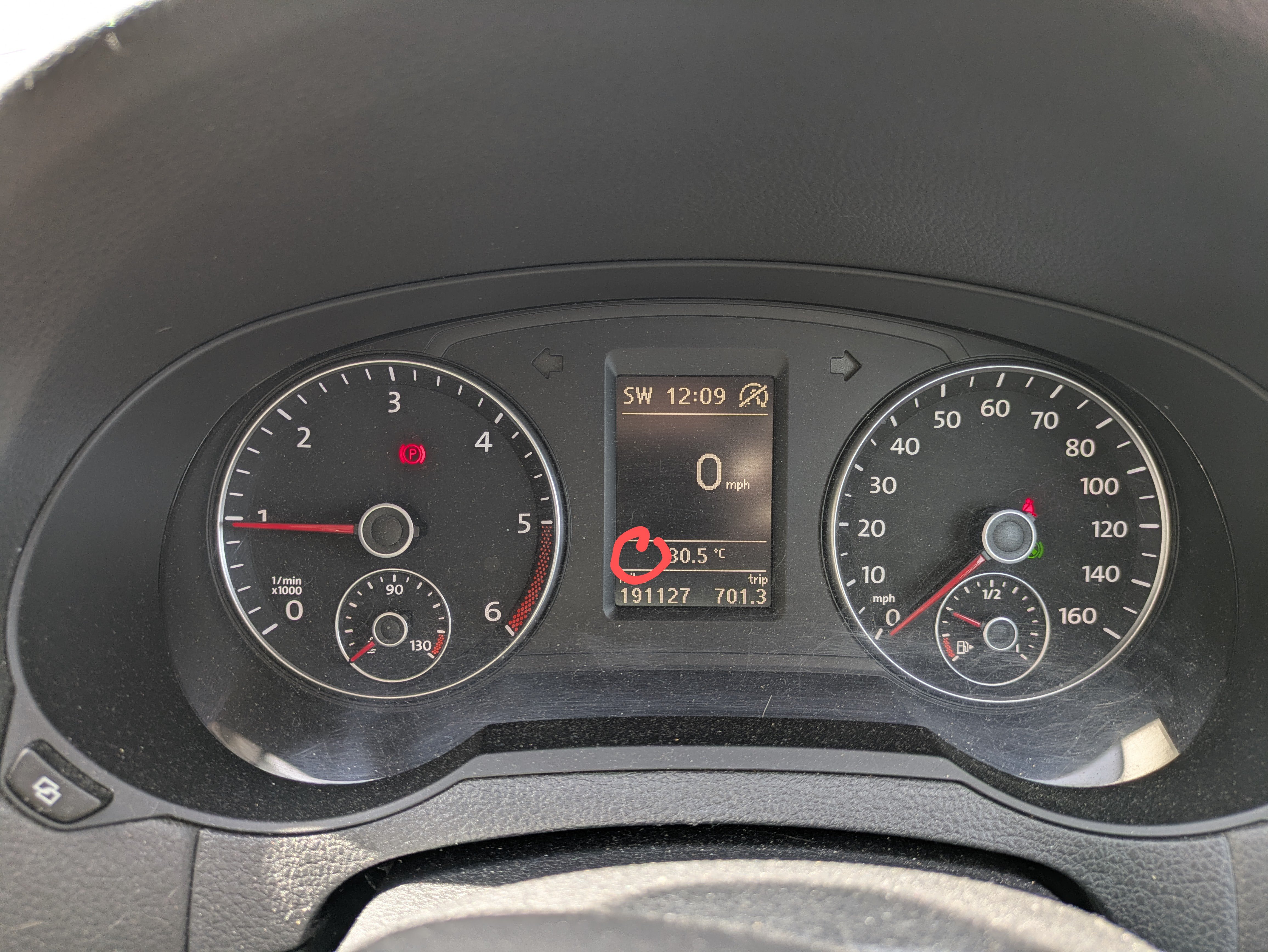
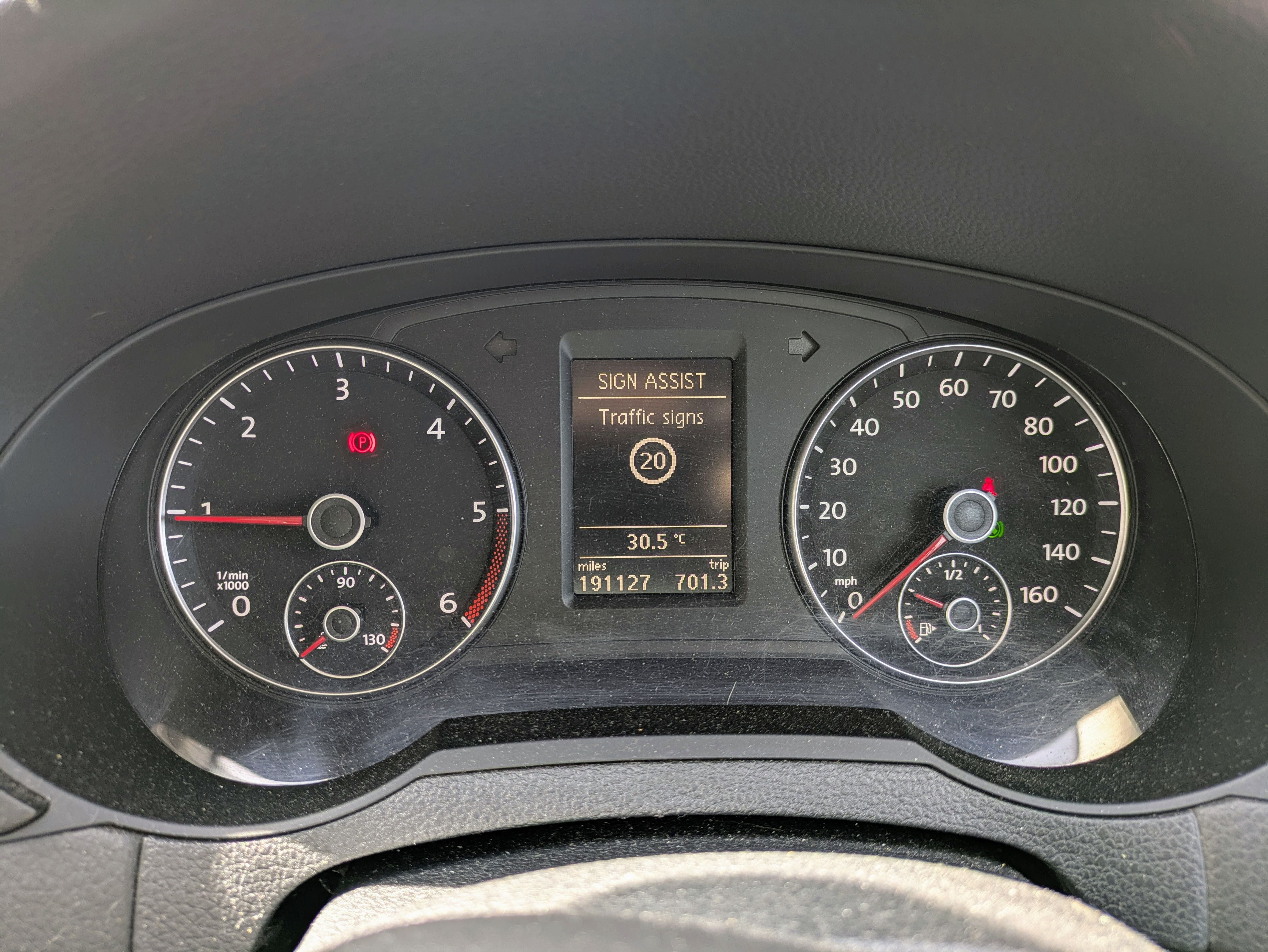
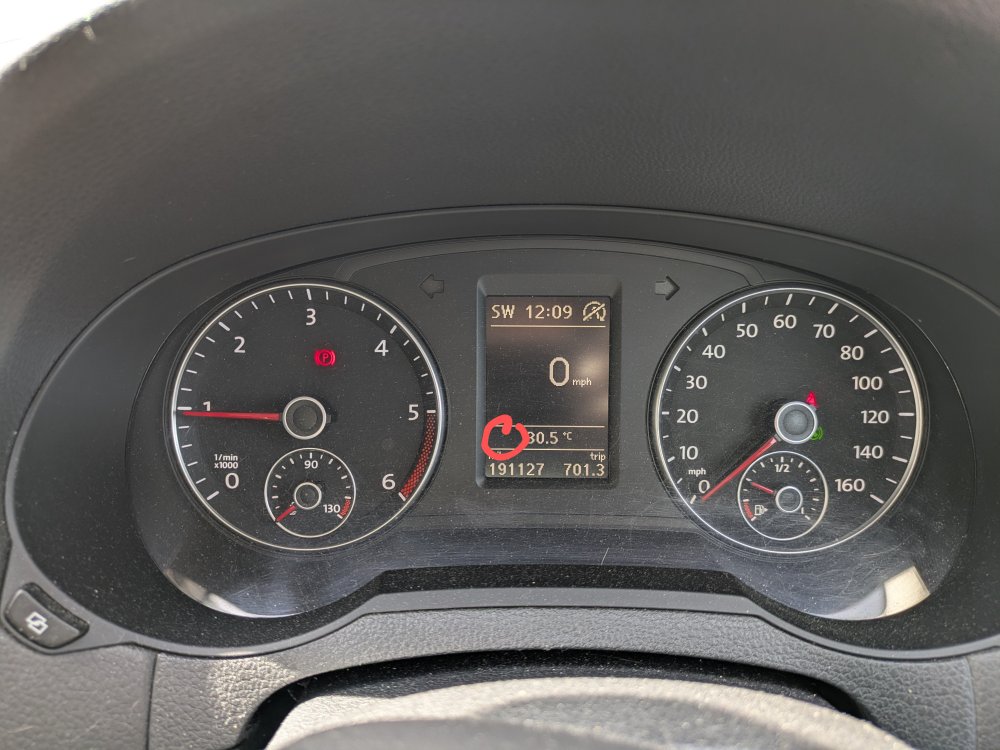
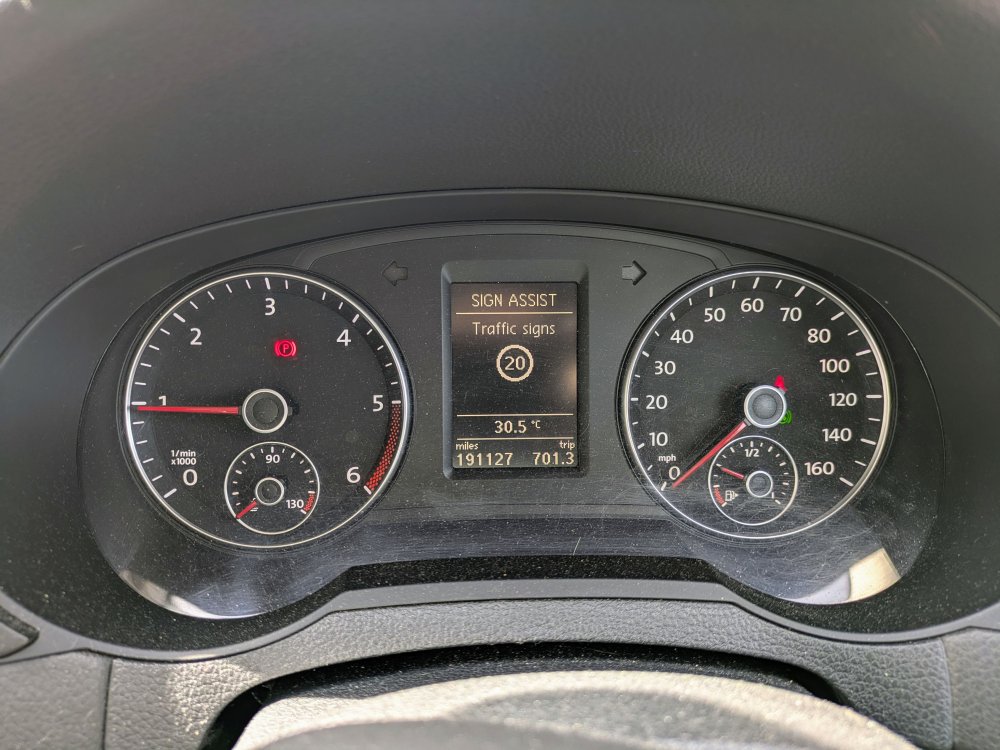
I have a 2012 VW Sharan which is unusual as it was specced with traffic sign recognition and lane keep assist. This works well, however I have to scroll between the MFD and the traffic sign option. Is it possible to code the dash to always display the sign on the bottom left of the MFD? Wherever I've searched for this it's almost always about either retrofitting or coding for MQB rather than PQ cars.
-
Have you looked at the MK2 Octavia? They're not much wider than the Fabia but have a much bigger boot already, and they do allow you to flip up the rear seat bases when folding. If you have the false boot floor which was standard on the elegance trim then it's then totally flat all the way and absolutely cavernous.
-
The fact that it has navigation database 21.2 and the nav button surely must mean it has nav, and it just needs enabling?
-
Now sold
-
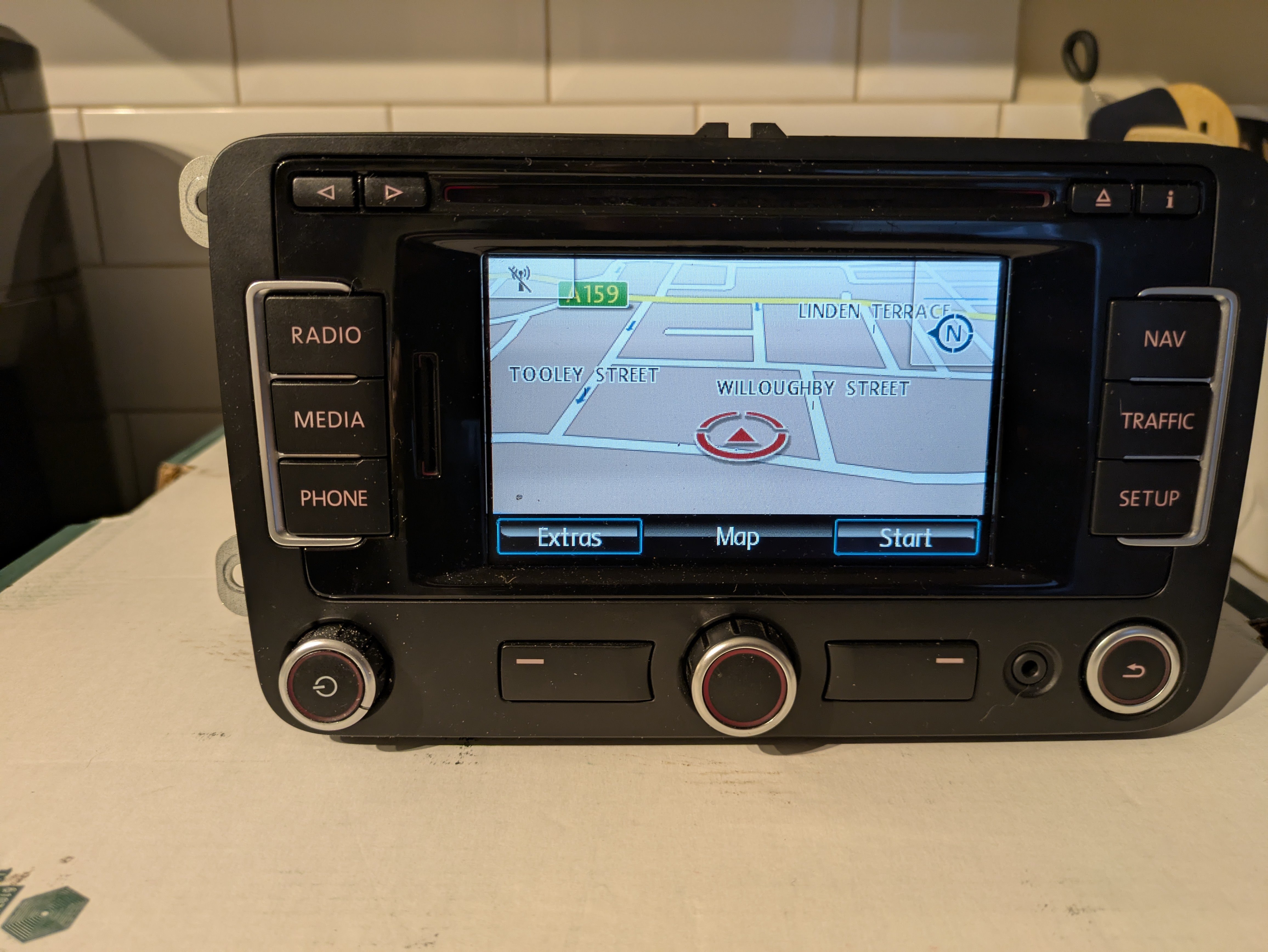
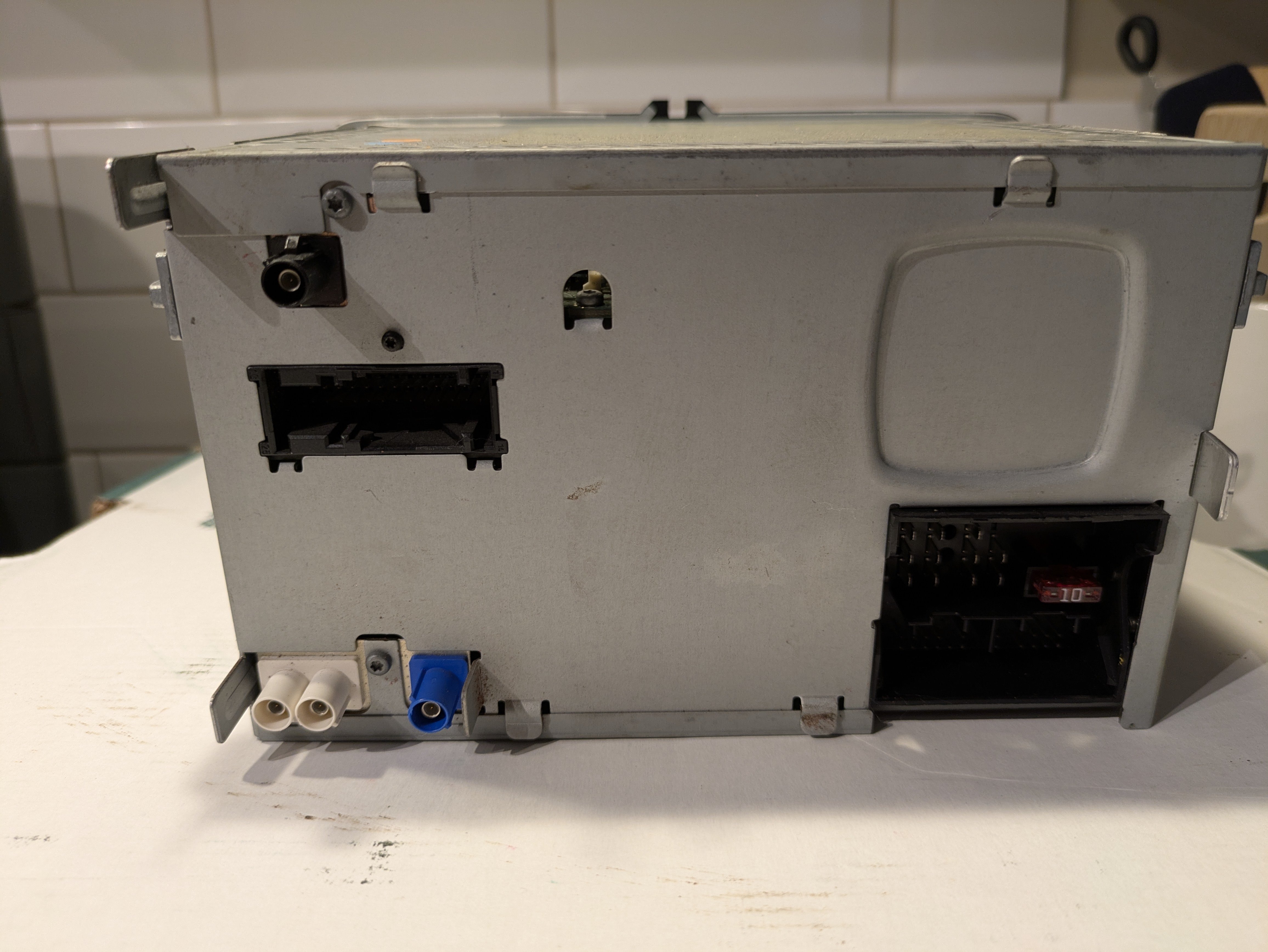
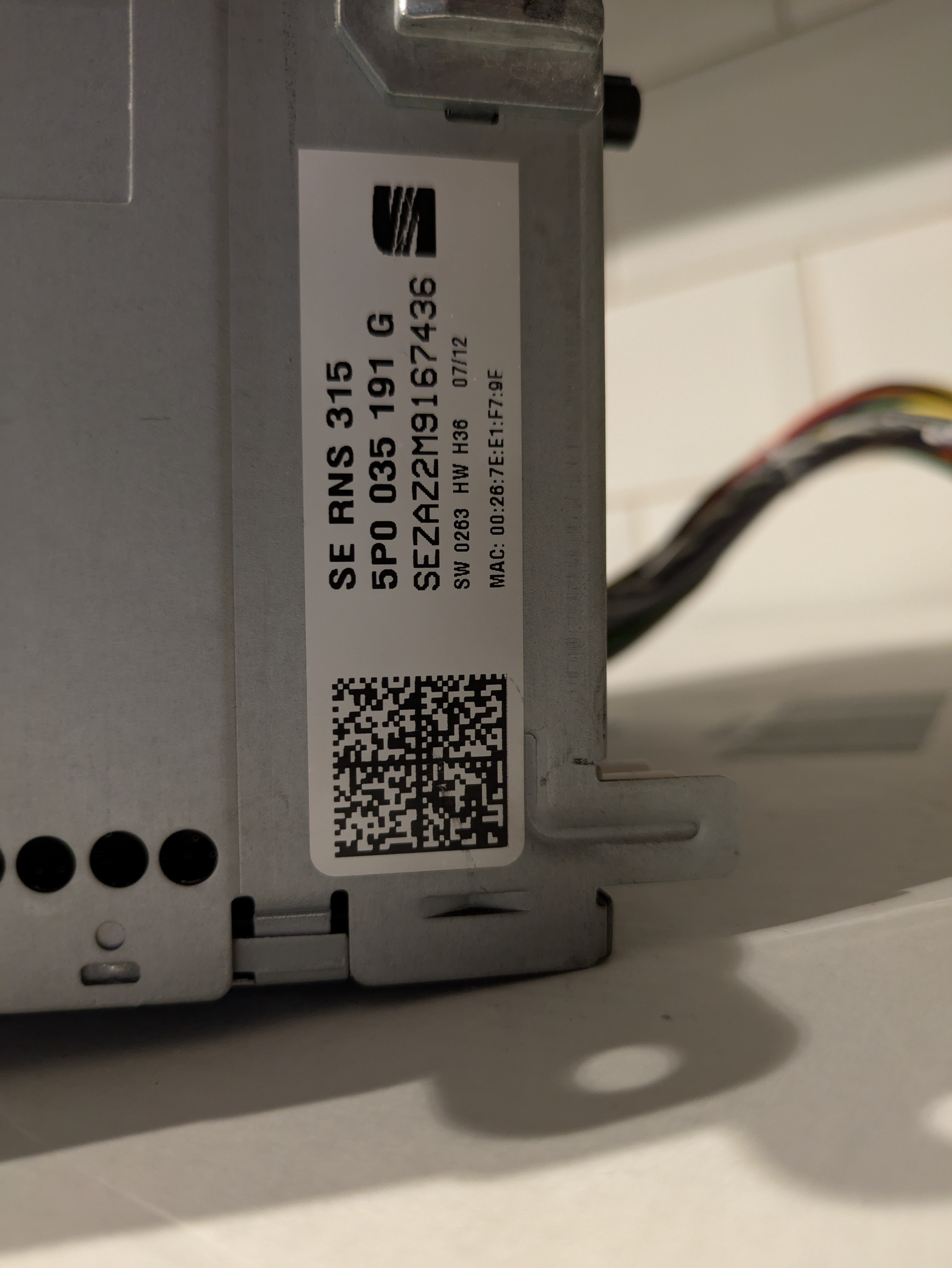
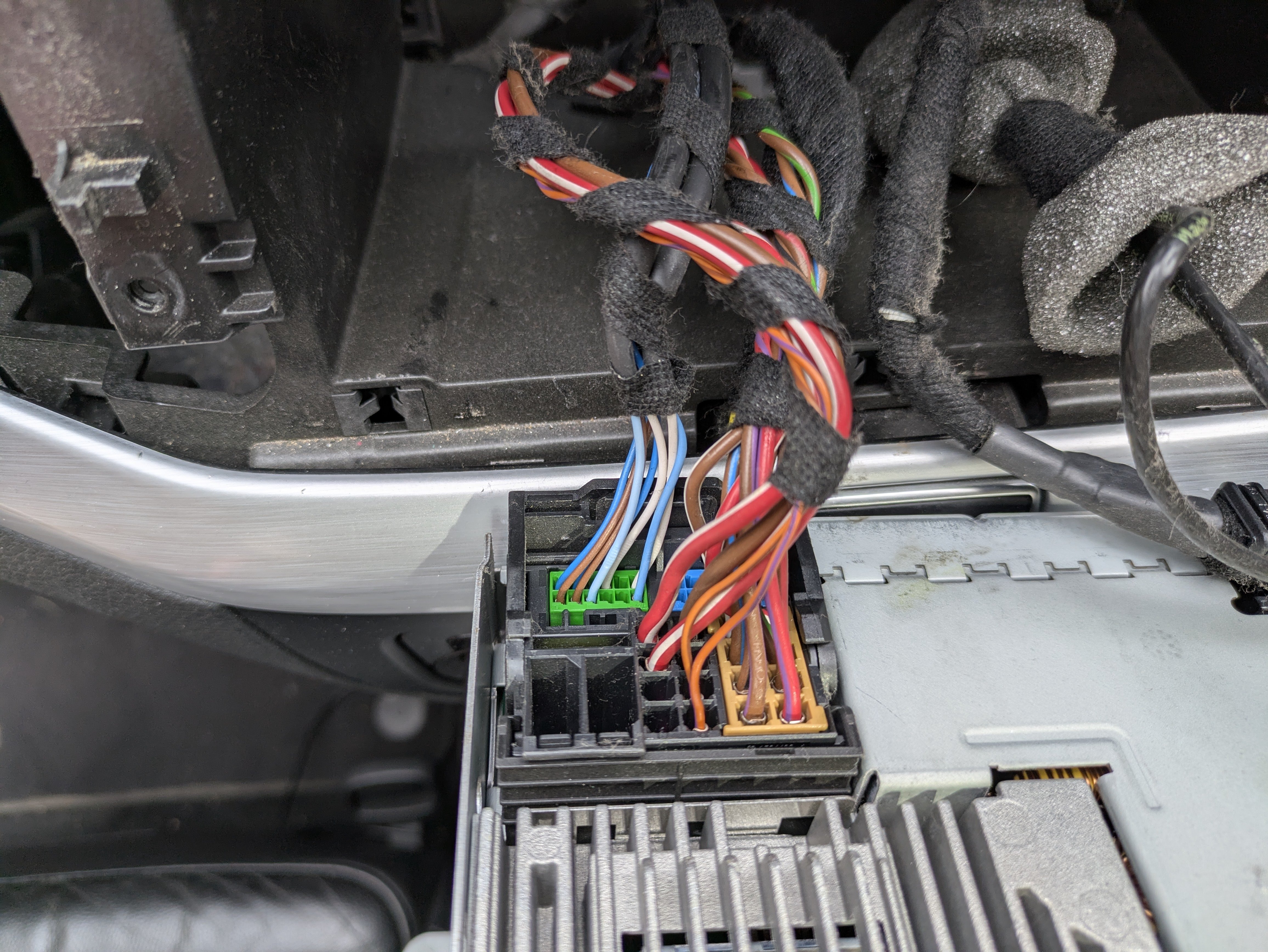
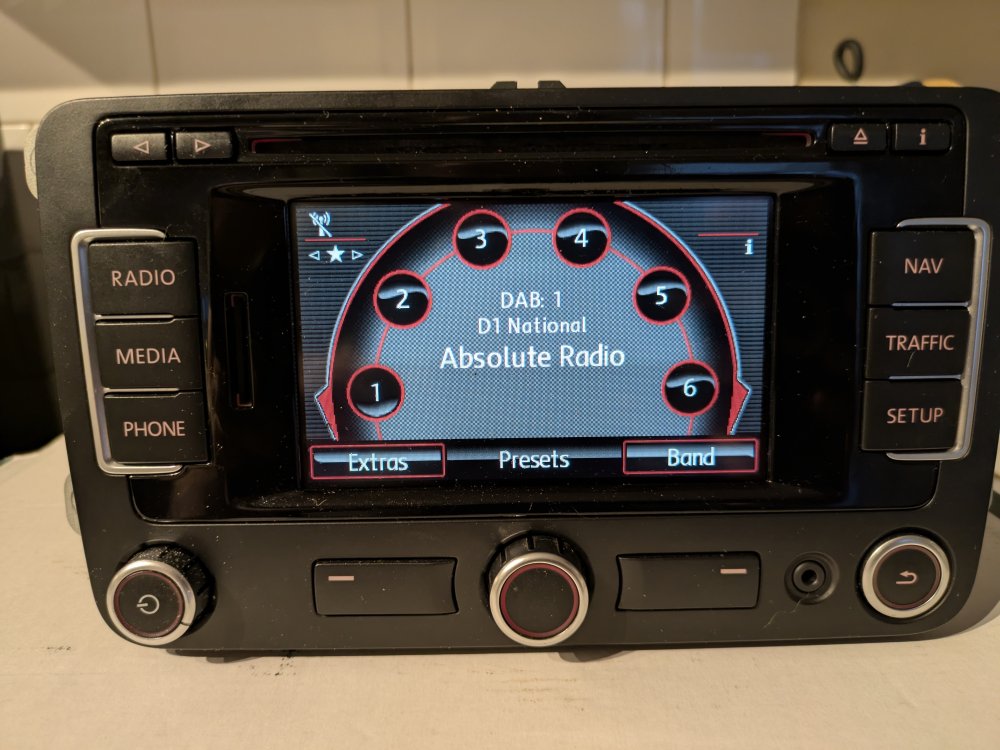
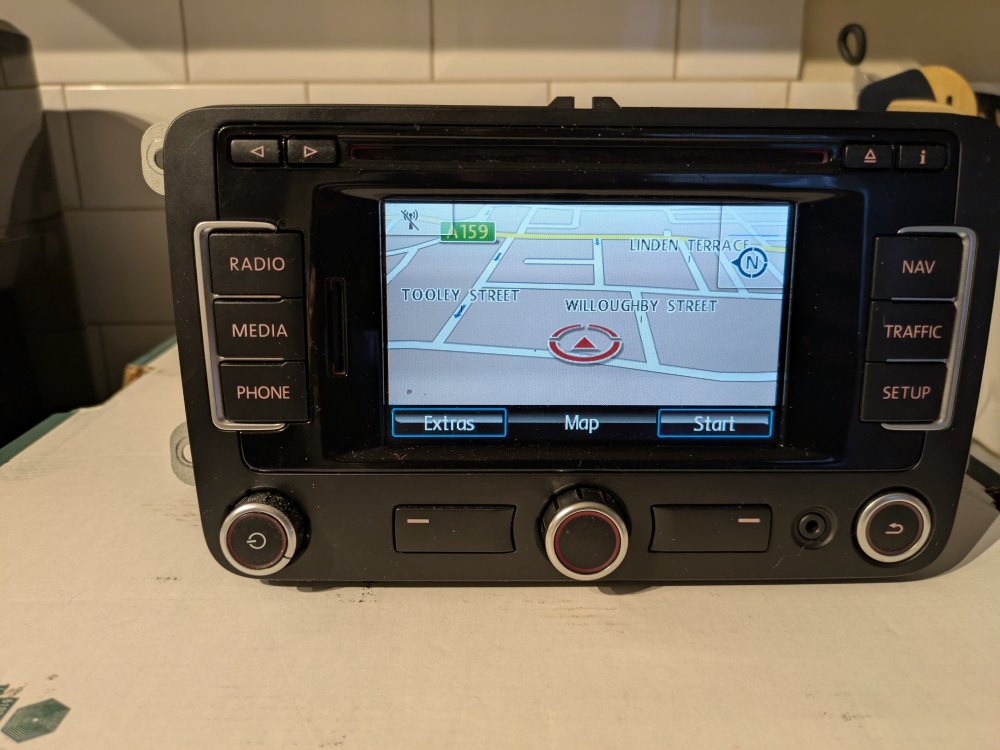
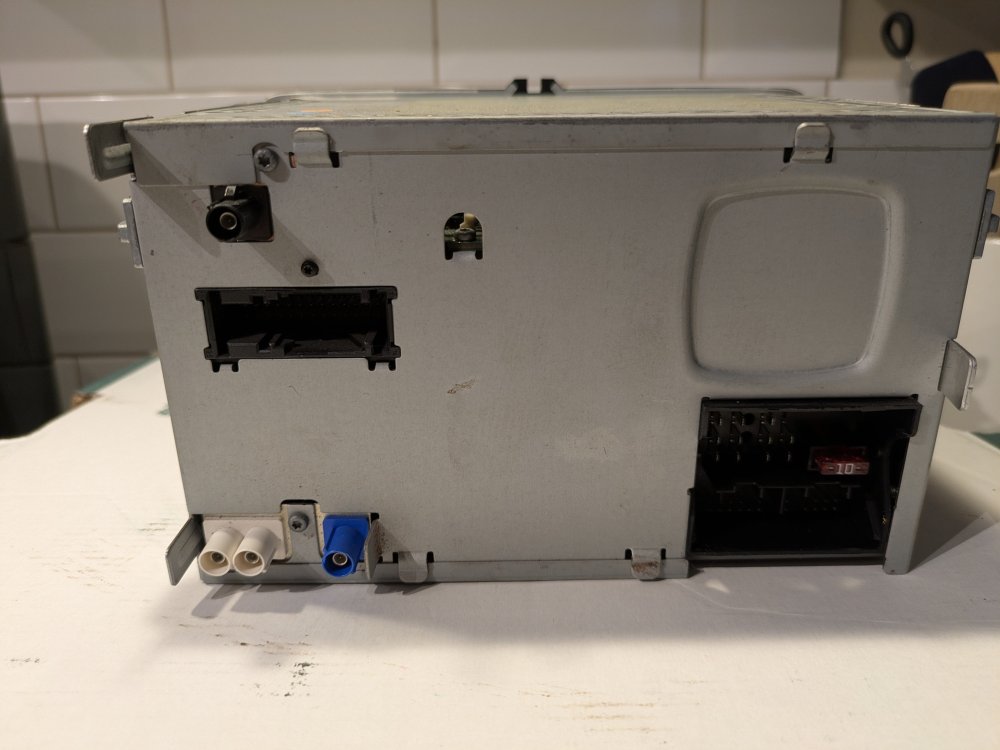
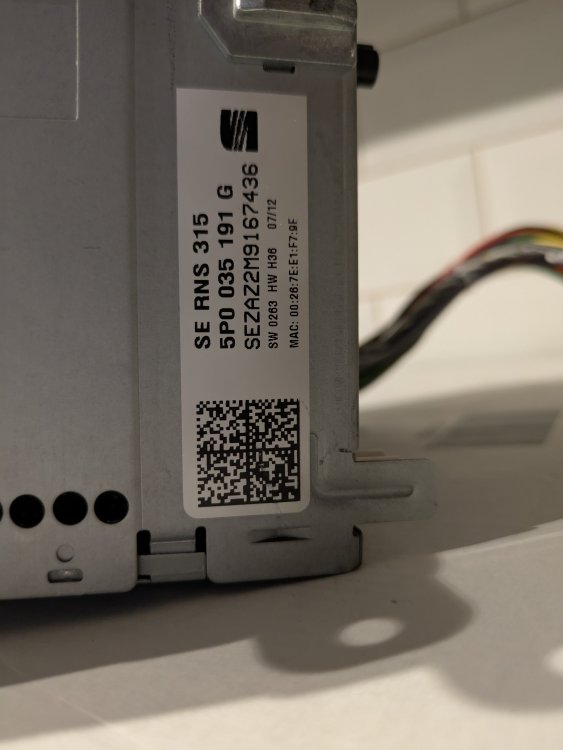
SEAT RNS315 DAB Bluetooth Navigation head unit. This is the DAB version, and was originally fitted to a Seat Leon. I used it in my Skoda Superb and fits a number of VAG models. I have the unlock code. It has a weird issue that it won't let me save destination addresses as a favourite in the nav. The nav still works fine and you can enter a destination and it will navigate to it, but it won't let you save it as a favourite. Bluetooth Mac address populated and brand new microphone and wiring included. £75 posted, or you are welcome to collect from Gainsborough, Lincolnshire.
-
If you have an l&k chances are it has a sunroof? They are notorious for leaking. There are quite a few threads on here with possible solutions. I've got the same issue with my Sharan at the minute. Until I get time to properly investigate it I've taped the seals. It's worked for now until I haveb the time.
-
So if I disconnect the Bluetooth module and then replace the radio with an OEM unit with built in Bluetooth, the mic should work fine?
-
@pab567 I am planning on replacing RNS510 in my Sharan with either RNS315 or if I can find one at a reasonable price MIB PQ ST2. Can you help with the microphone wiring as you've done above? It currently has the Bluetooth module under the seat.
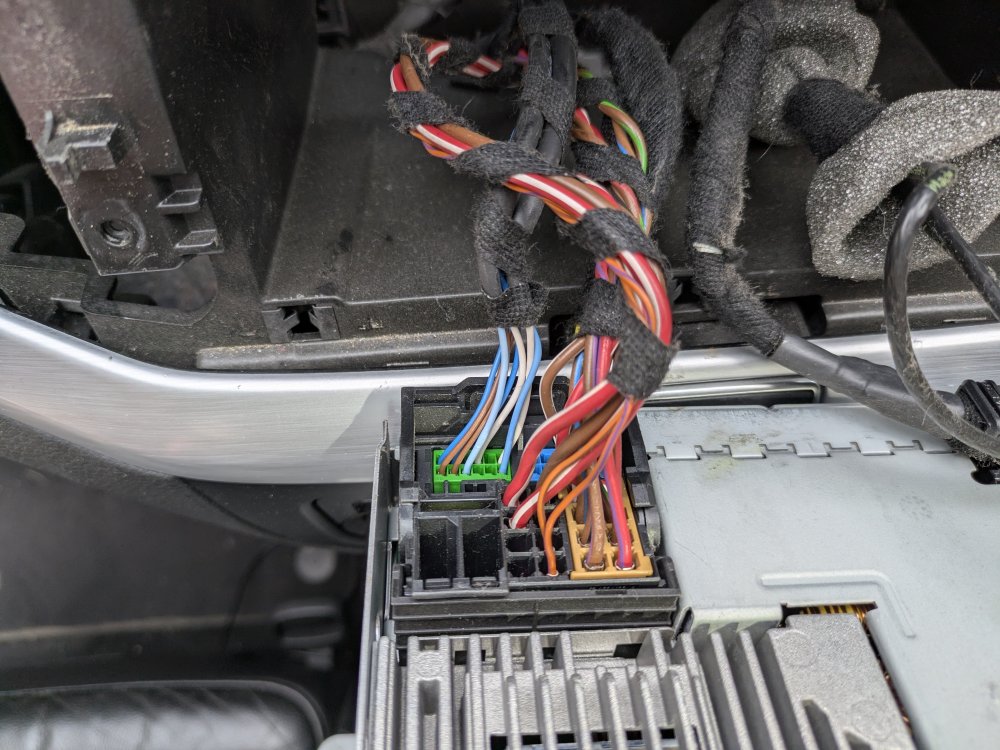
-
Is there a lock on the passenger side door as well? I remember the lock spinning on a VW Polo I had many years ago. The barrel had snapped inside. If you're able to unlock the car, you can get the lock barrel out, there are repair kits available so you don't have to replace the keys etc. Give the pins a good clean and lubrication at the same time.
-
The under tray that was on my vRS back in the day looked exactly like the picture Lee has posted. There was no foam on it. There was the foam jacket that could be fitted around the engine block. My Octavia 1.9 PD came with that from the factory, but they would probably have all turned to dust now anyway, mine certainly did.