varooom
Resident Member
-
Joined
-
Last visited
Everything posted by varooom
-
Welcome, do you know which engine you have (should be printed on V5, usually 4 characters) There are several pages of possible pressures determined by with engine you have and main trim/options. 4x4 affects pressures PHEV engine Petrol/Diesel Greenline
-
Yet the car didn't have the energy to crank the engine, and your dash was flickering (classic low battery) Once the car was jumped, supplied the energy it needed, it started. Since the event, you have stopped and started several times, because the battery was charged enough from driving to have the energy to crank. By all means if you think my logic is faulty, that's not a problem. I shall try and help other people.
-
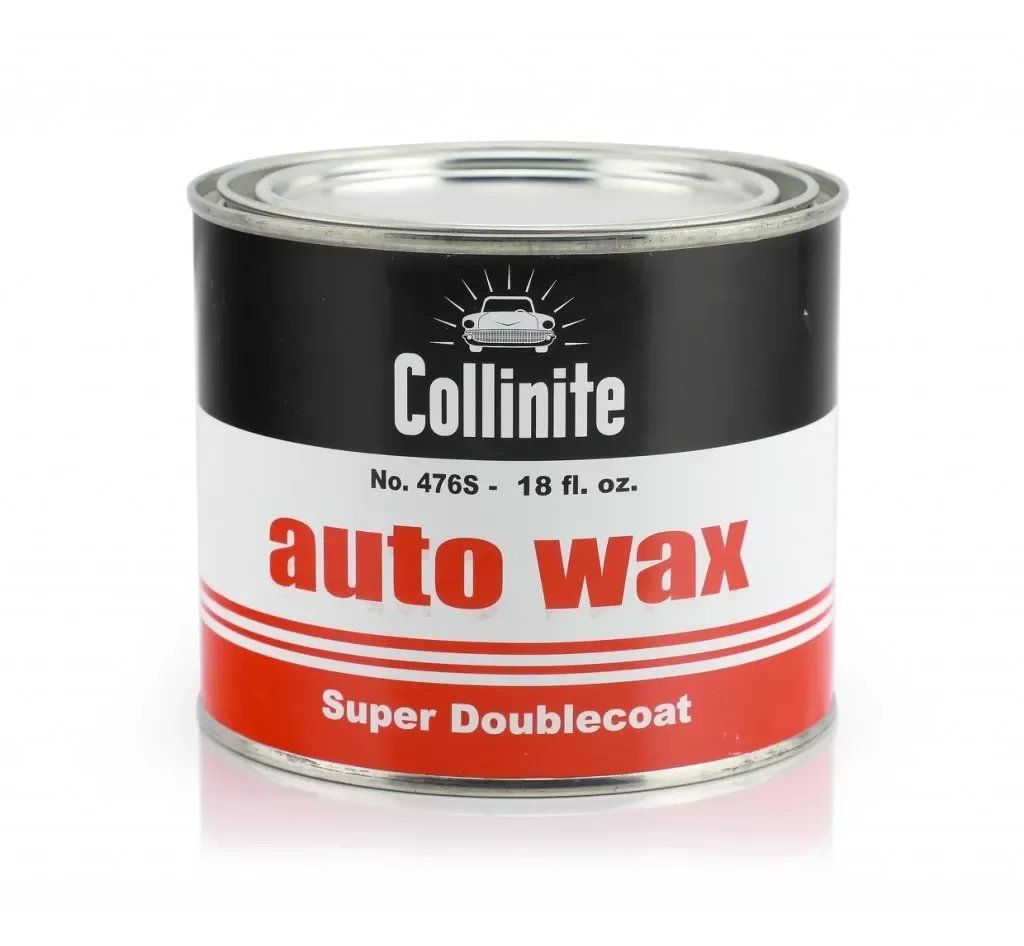
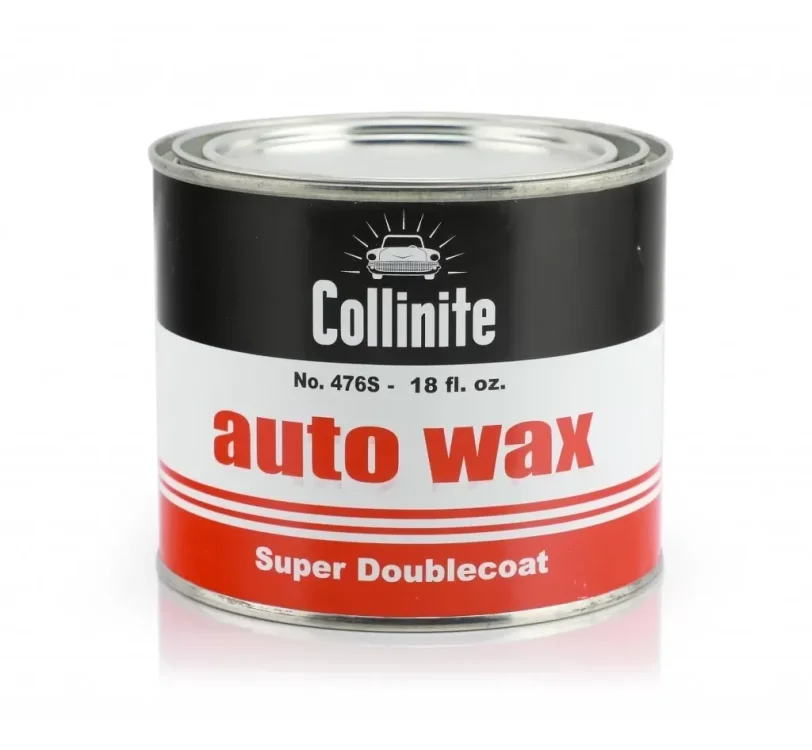
1,000's of choices for waxes. I have used this, and still have a pot! Rather an old school wax, has a fair longevity, I think they claim 12 months, take with pinch of salt, but it does do well. You will also need some car shampoo, fairy liquid will strip protection.
-
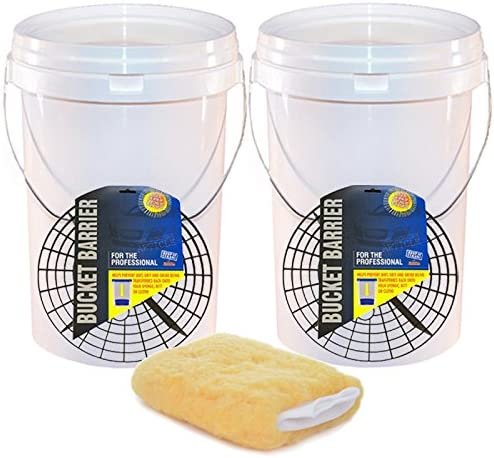
For in the middle, there are many products of course. For beginner "kit" I would recommend 2x buckets, with grit guards and at least 1 soft cleaning mitt The basics of the two bucket method is one bucket with your shampoo wash solution, and one bucket with plain water for rinsing your wash mitt Then a bundle of microfibre towels to dry off the car, and some smaller ones for general use Once washed and dried, you can apply some Autoglym Super Resin Polish (you may wish to get a small applicator) Less is more, don't use too much. This contains fillers that can cover up the lesser scratches. Use the microfibre cloths to remove. After a few hours, I would say you should be good to use some wax on the car, don't wipe too hard as to remove some filler, and you should be good to maintain with 2BM washing. Re-apply SRP/Wax as needed, ideally before Winter, and again early Spring at the least. Everyone will do things differently to me, use different products etc, so you may get some more answers.

-
I don't think there is for that Software Train
-
You shall have a link in under 5 minutes, I was outside scanning a Passat B5.5 (shed with wheels)
-
You should hold down your Menu/Setup key for a few moments to enter the hidden menu, it will show a Software Train, and it also has the firmware update button. Try to report back this value.
-
If you have the key in position I (one) then many systems will be awake and talking on the canbus network, using up a fair bit of juice. Position II (which allows your fan's to blow amongst other thing's) is an even higher state of readiness that will eat even more power. Even if the car does tell the radio to power down via canbus, the network (gateway) will still be talking to various modules still using power. The system doesn't even fully power down immediately after removing key and locking, it's still awake I think for 20mins before it leaves only alarm circuit. I am sure someone who has really pulled a car to pieces can say for sure.
-
Odds are when you sat in the car with engine off, you simply drained too much from the battery on the day. Now it has been charged up by driving, all will be good now most likely. One to monitor for sure though, and have jump leads with you just in case.
-
In short, no. Only the factory/importer/dealer will have access to what was fitted as extra choices. Each will have different ways of adding, so at dealers they will specify Bi-Xenon headlamps that when selected will then translate to one or more PR codes in the back end systems. Maybe, just maybe a very slim chance a visit to the dealer might be able to pull up what was selected during the ordering process above standard. Perhaps someone who works at a dealer will be able to verify if it's possible to produce such a list.
-
Most eBay seller claims are to be taken with a pinch of salt. As you say they now have been used for a while, so odds are they are going to remain that colour/pattern forever. Something you need to live with, or purchase another set... if you do manage to pickup a nice genuine set, then your light output will probably be better with a more linear spread (no weird colour blotches)
-
It's probably the shape of the knob to allow for comfy grip between LHD and RHD.
-
Yes I see your thread, if you can supply coding, then perhaps others can help. I did look about for changing firmware regions, but nobody has posted too much about it.
-
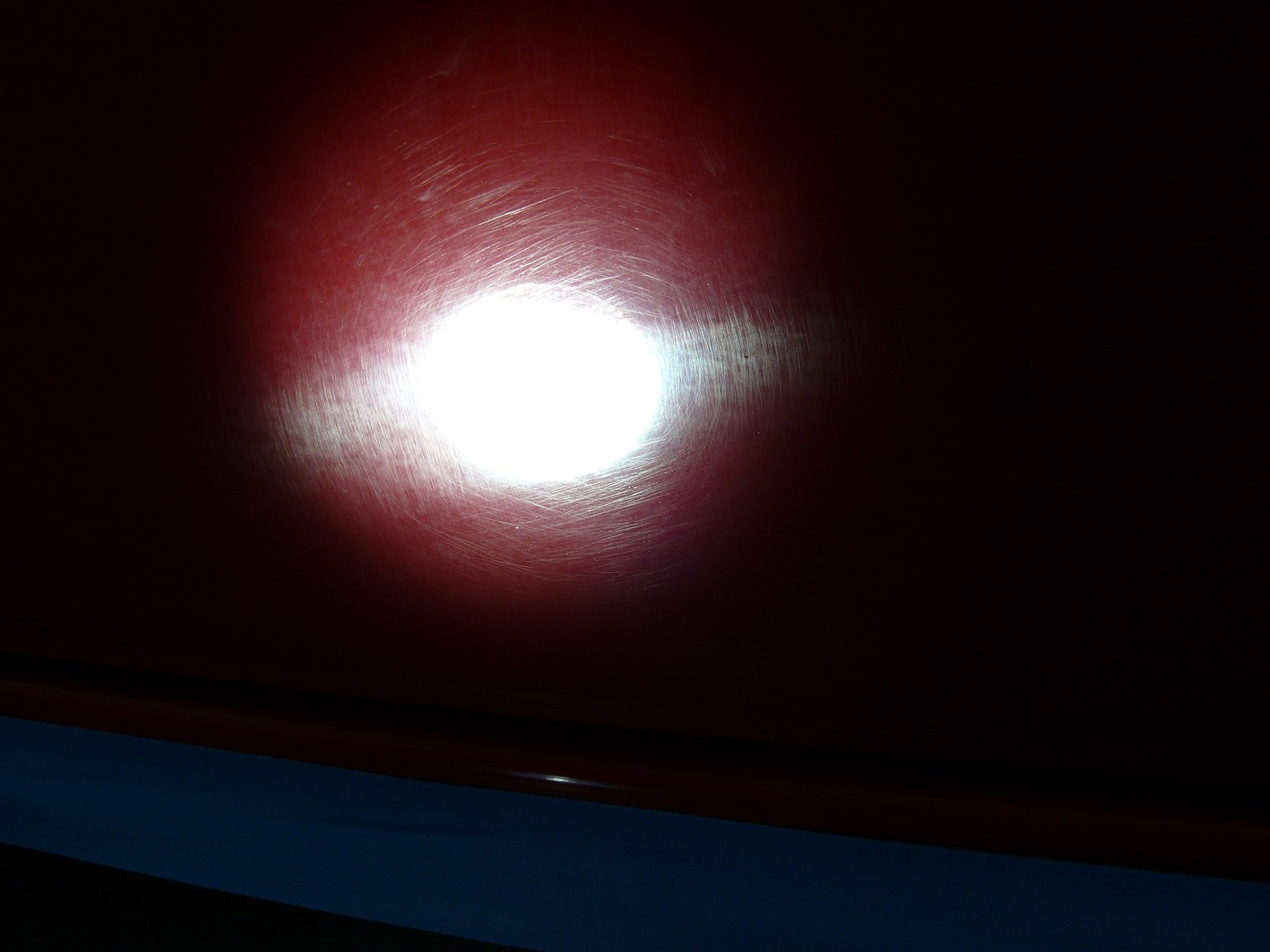
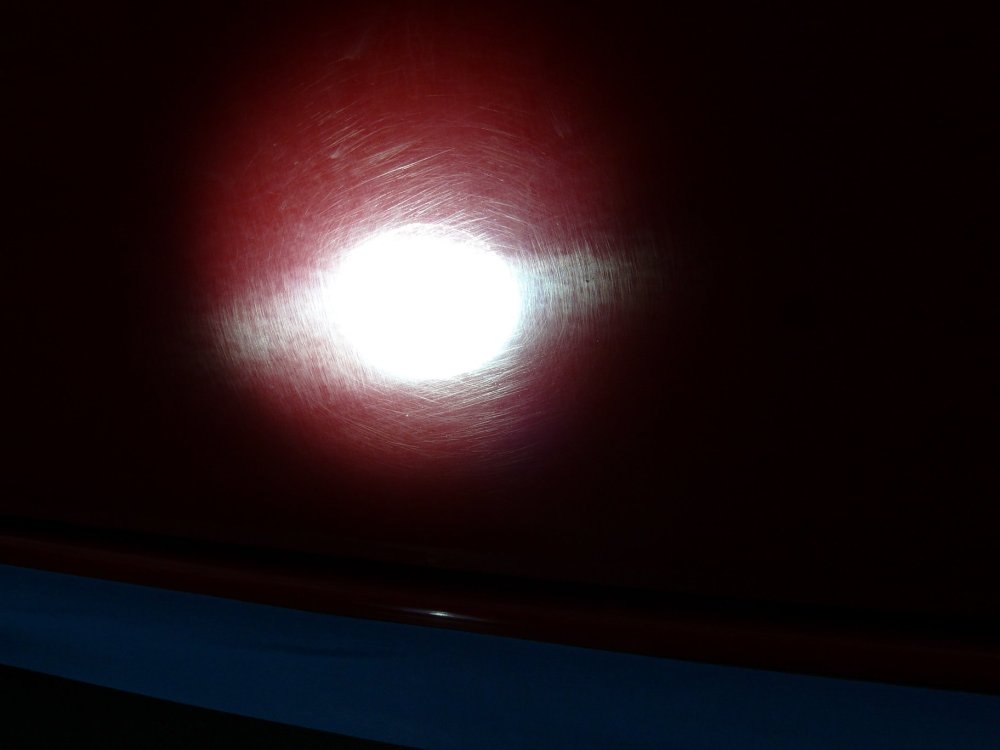
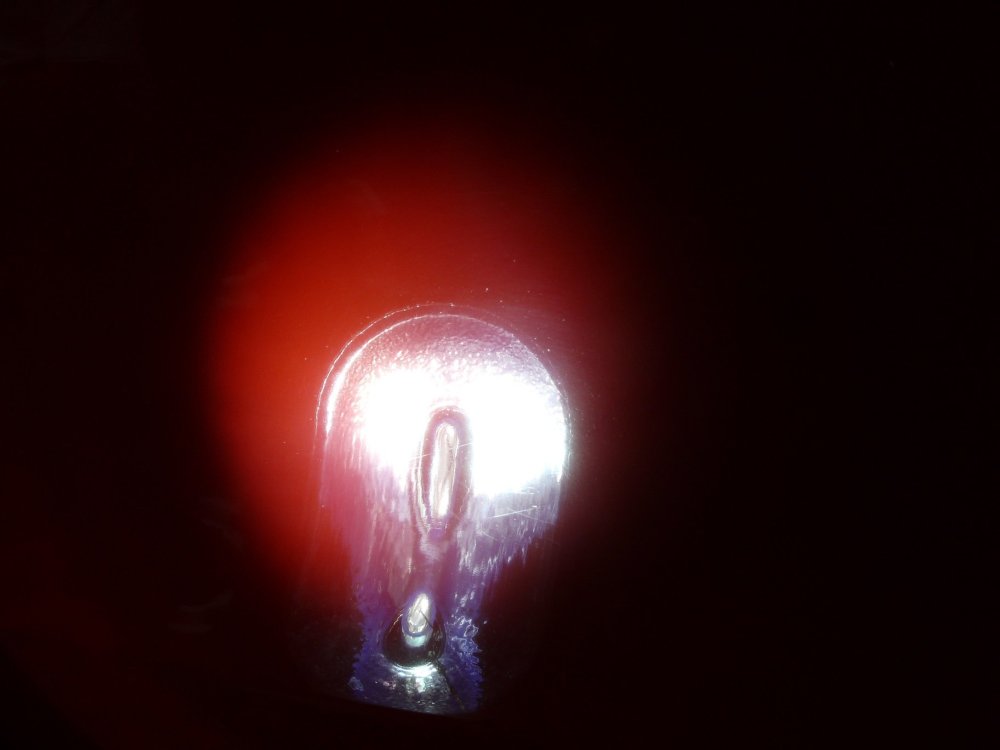
Welcome Kas, There are many levels to cleaning your car, from basic sponge with fairy liquid in a bucket 😬 to full on detailing. How far down the rabbit hole you are prepared to go!? The best question I can ask, is what kind of finish are you looking for, and if you have time weekly to maintain it. You could get the car polished up to make each panel look like it came from factory and freshly unwrapped, then with some sensible practices like "2 bucket method" maintain the finish yourself, and never take it to a automatic scratch and clean car wash. The middle ground could be using some products with "fillers" to hide most of the imperfections and then clean as above 2BM from then on if you don't want to go down the route of getting it machine polished. Here is a red (paint that fades to pink!) corsa I helped polish for a friend Before you can see a load of wonderful scratches from years of bad washing Now after machine polishing it's 95%+ improved at least
-
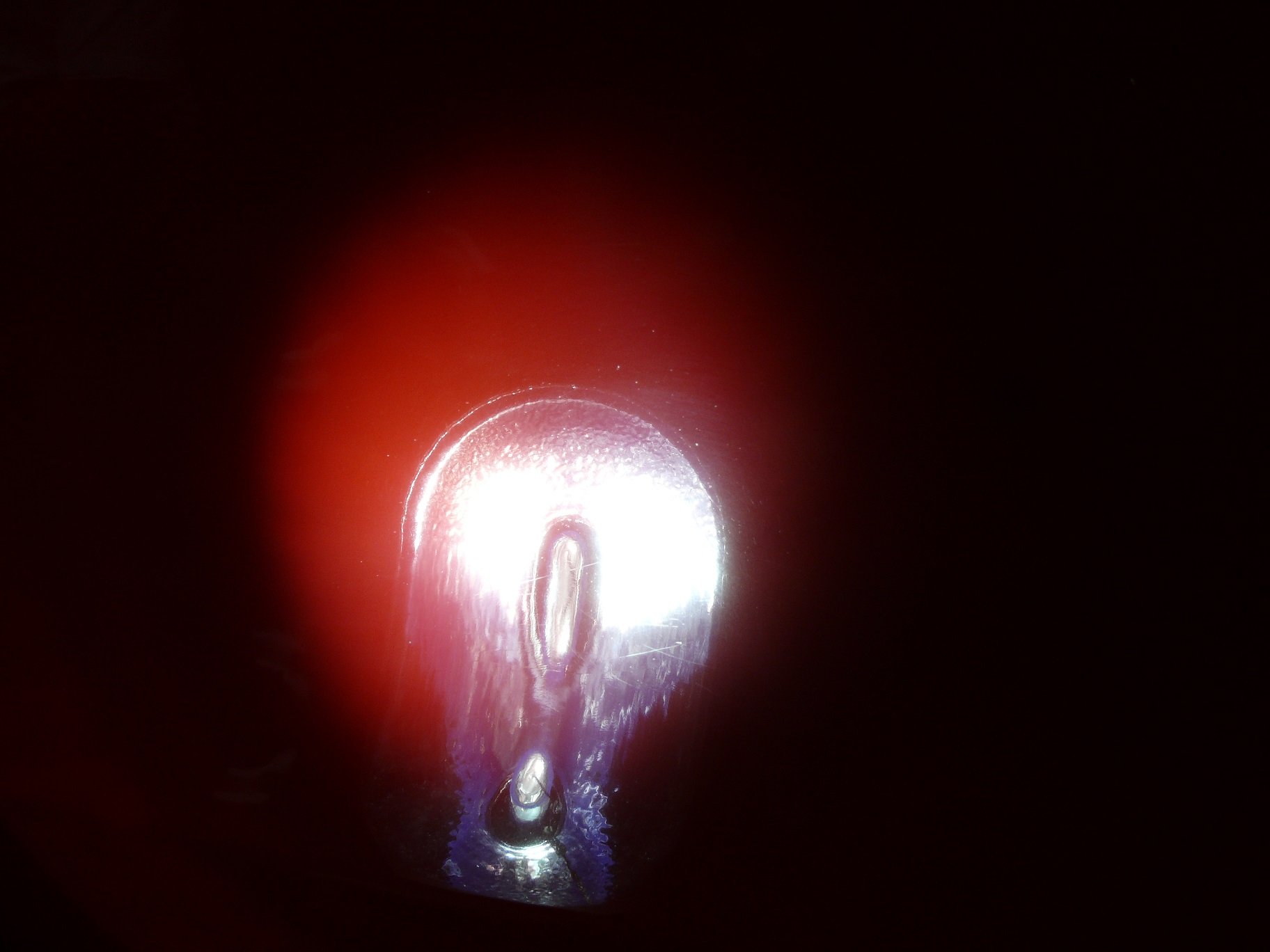
It's highly unlikely your camera will pickup the correct colours... no substitute for the human eye. Can you tell us what bulbs you brought? They could be fake, sadly there is a market out there for them. The little salts in the bottom of each bulb capsule may also need shaking about to mix a little, just by driving around, you may then find the colours blend a little better.
-
The firmware will not just work, it checks firmware in head and will reject update. It is perhaps possible to change regions, but not simply. I do not wish to share update that will most likely brick your radio.
-
Hold down your menu button to show Software Train, this is what is needed. It also has the correct update button for firmware.
-
You should hold down your Menu/Setup key for a few moments to enter the hidden menu, it will show a Software Train, and it also has the firmware update button. Try to report back this value.
-
Yes you buy cable, and software and updates are free for life with VCDS.
-
I can send a link via private message. It should be bug fixes, sadly no change log is ever provided.
-
VCDS does need a Windows platform AFAIK. The 3/10/unlimited VIN are hardware choices for the cable, and how many unique VIN's it can scan before it won't do another, unlimited being literally as many as you want. The software is the same for VCDS no matter which you use, full functionality. The other choice is OBDeleven (not one I have used) that just needs Android or iPhone to work, similar to VCDS in function, but not sure if every feature is same. Cheaper to buy, but seems to need tokens to make things work, or some possible subscription* someone who use's it will respond soon I hope.
-
Sorry no luck, You have MHIG_JP_VW, and I only have MHIG_EU_VW or MHIG_RW_VW firmwares.
-
Hopefully @luca2006 if your new firmware is able to be loaded, you can come back and let us all know if it fixes your issue, should help @LHB also.
-
I have it here, you could try at your own risk to apply the update if you wish me to send it over.
-
I have checked again my millions of files, and this is the available update for your unit. S00.1000.17.99 release = "MHIG_EU_SK_K1552" MUVersion = "0411"