varooom
Resident Member
-
Joined
-
Last visited
Everything posted by varooom
-
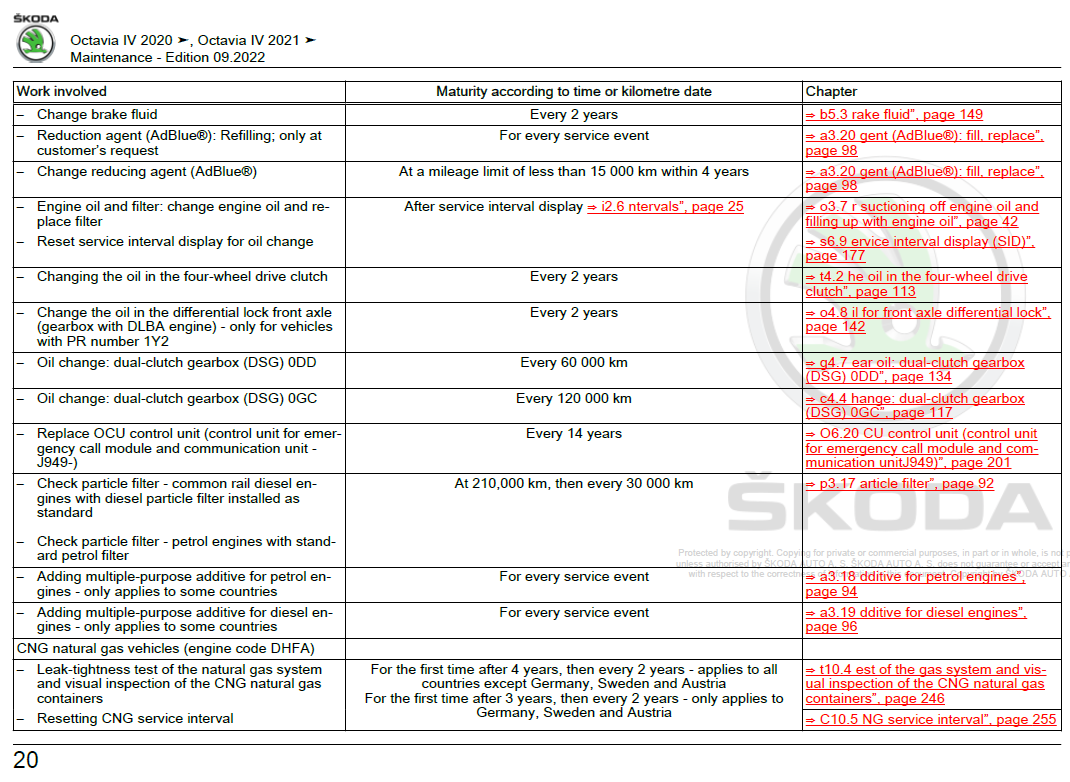
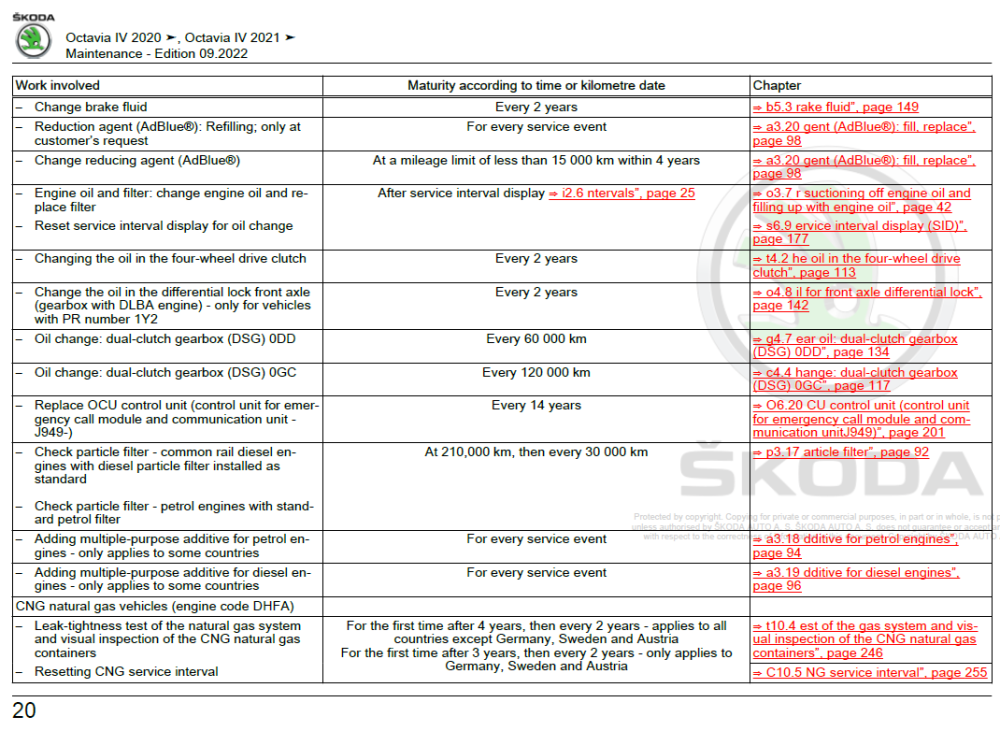
This is the recent maintence document for Octavia iV, and this is what it shows...
-
You might find a printed sticker in the boot of the car, or sometimes in the service book there might be the white label with engine code and gearbox codes (that list is not a full build sheet though, but a few helpful ones)
-
I would ask @toot as he probably has a maintence chart for more than just the gearbox available.
-
It should be a DQ200, which is a 7-Speed dry clutch system. The only definite way to know for 100% is to get either the list of your build codes (PR Codes) from dealer or Skoda UK webchat, or physically inspect the code stamped on geabox.
-
-
I am 99% certain that you need part number 5JC 959 565 REH (colour choice) for a RHD car, note the the orginal part was superseded, so odds are some flaw exists. Plenty of examples on eBay or any other site should you wish, £36.73 +VAT is price at dealers to give you a ballpark. And yes I would replace as wing mirrors are essential for pulling out and not hitting bikes/motorbike/cars (looking over shoulder as well of course)
-
I am sure that's not how it works on that car, on my Octavia the heated mirrors work independently to the heated rear window. I am sure the Roomster is the same.
-
Not at the moment, maybe try in 3 months.
-
MHI2_ER_SKG13_P4526 MU 1440 Is available.
-
Try and hold down your menu button for 10 seconds to enter engineering menu, look around in those menu's to see if you can find anything mentioning Software Train. Post back images if you do locate something.
-
What a strange debate this is turning into, my own thought's about any safety features is preventing accidents is best. Who wants to anchor up hard to find the pedal hits the floor, and you plough into something. Same with tyres, why wait for 1.6mm of tread to find out.
-
@Breezy_Pete
-
I guess you can cancel the Priest and send in the mechanic now, nice find by those that helped you. 🤝
-
The SVM check fault code won't affect the unit, it's stored when it cannot talk to mothership. Ignore that and enjoy it when it's stored.
-
Welcome Sandro, I bet you a liking your Superb 🤝
-
Fetch a priest ASAP. To my untrained eye this doesn't look normal for the engine to move that much.
-
You need 10 posts iirc before you can use the edit, and the edit function only works for 1hr after posting. If you become a paid member of the forum, then afaik these limits on time do not apply. I can send you a link to 0480, but it might be your unit has been hacked? Maybe not you, but someone has perhaps "activated" Apple carplay or Android Auto, which is why your current Software Train appear blank.
-
I suspect you can update to 0480, hold down your Menu/Setup key until you can enter the engineering menu (about 10 seconds) and you can find the Software Train information. Post back your value.
-
What brand was fitted in the end then?
-
Keep it @Carlston could be worth thousands to some idiot on eBay 😄
-
Depending on the year, they could be made from copper plated steel 🤔 https://en.wikipedia.org/wiki/Two_pence_(British_decimal_coin) or from the Mint themselves... https://www.royalmint.com/discover/uk-coins/coin-design-and-specifications/two-pence-coin/ 1992+ they should be steel core with copper plating.
-
https://www.skoda-parts.com/spare-part/5j0804968-towbar-lever-skoda-30403.html https://www.skoda-parts.com/spare-part/5j0803928-replacement-towing-device-lock-skoda-24909.html Images to go with the above part numbers.
-
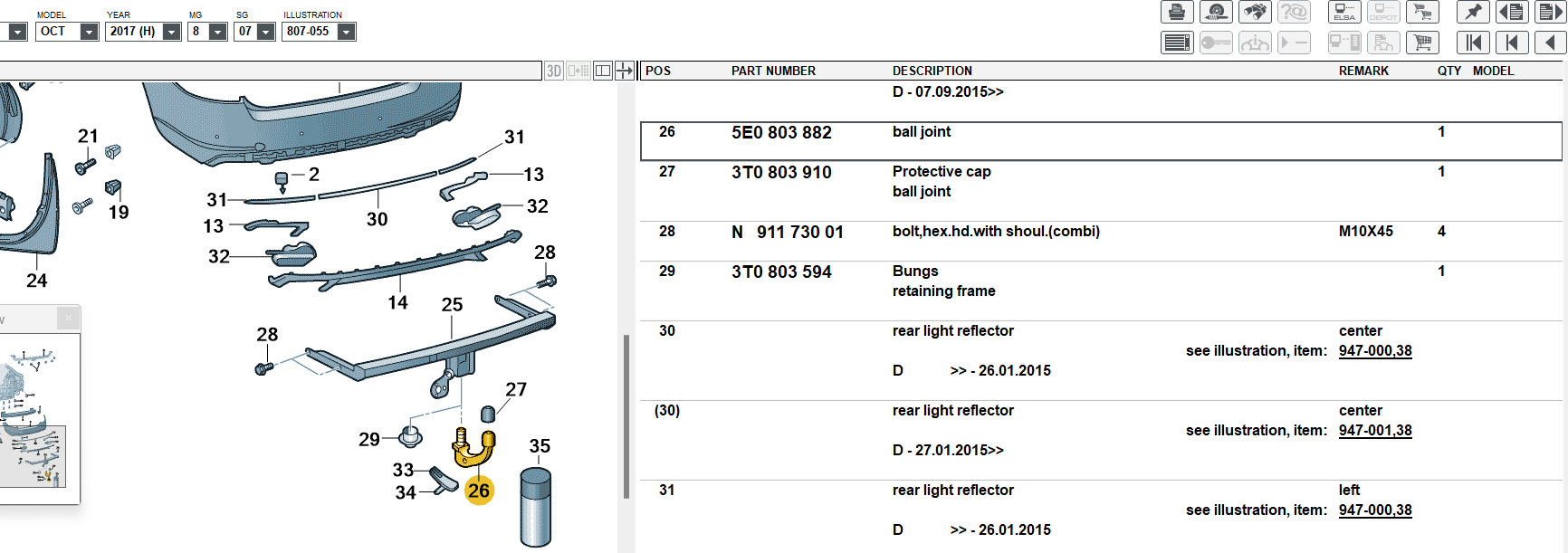
Put these numbers into Google, and hopefully they match up with what you lost on the road. Diagrams are from ETKA, they need a monthly subscription Partslink24 is an online catalog, also a monthly subscription

-
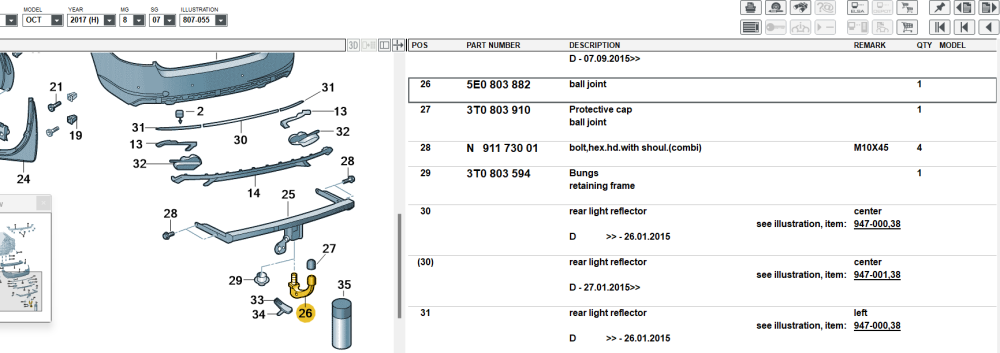
Does this diagram of parts help?
-
I can send you link, but if I have read your message correct, you have trouble with mirrorlink, the software won't probably fix, but you can try. Mirrorlink needs activation to work, so you need to have a "licence" for this.