varooom
Resident Member
-
Joined
-
Last visited
Everything posted by varooom
-
It's like your very own personal Xmas tree. You have a body control module/central electronics controller that has most likely gotten wet and is showing up with faults all over the place (that's my best guess, but it's just a guess until you begin checking) Ideally you will need a diagnostic tool like VCDS (or equivalent) to begin the process of talking to the car, and you will need most likely wiring diagrams/repair manuals to help you track and trace the faults.
-
Fingers and toes all crossed then in that case.
-
I will send you a version across to load on via PM
-
Understand about not pestering too much, a lot of the people I have spoken too since the new year have been swamped. Hopefully now it will be much refreshed and stable for you now. It does seem like you caught the DPF in time before it needed bigger intervention.
-
For sure, there is 0490 available. I shall send by PM.
-
Not necessarily, but PR Code 7MM as seen on my car is EU6 standard CRKB for example is EU5, but has the hardware to be EU6 compliant A good rule of thumb, but no doubt some outliers exist.
-
How odd, usually a wiring fault would show up as short to Earth/open circuit. The ECU on the other hand, might be going wrong internally somehow. Do you have a full VCDS scan of the car currently?
-
@ApertureSLook here
-
I think you want @pab567
-
Same as mine, update to 0253 is available.
-
Full VCDS scan of entire car. And in the multimedia, hold down your Menu/Setup button for about 10 seconds to get the "Software Train" information. Send in both and I can point to all the flash updates and infotainment updates I can see. EDIT: A snip of what I did for my own car Added some nice highlights to show the existing version, and the flash files associated with the Part No SW. Mine now is running 3126 Address 01: Engine (J623-DBKA) Labels:. 04L-907-309-V1.clb Part No SW: 04L 906 026 CA HW: 04L 907 309 R Component: R4 1,6L EDC H21 1662 FL_04L906026CA_1662__V001.frf FL_04L906026CA_2023__V001.frf FL_04L906026CA_3126__V001.frf
-
Welcome Kelwyn, Hopefully the car is very nice addition, recommend you get the dealer to print or email you the list of "build codes" (PR Codes) this will come in handy down the line when you want to order parts, or if some asks which engine code/gearbox code.
-
As above, there is 0480 version. Check private messages in a few moments time.
-
Found and edited the video, not saying this is your trouble, but an area to look at. Broken Gear Linkage.mp4
-
Link in next 2-3mins
-
Hold down your menu/setup key for 10 seconds to enter engineering menu. Look for Software Train information and post back, it's also where you can update firmware. I will then send you 0480 update shortly.
-
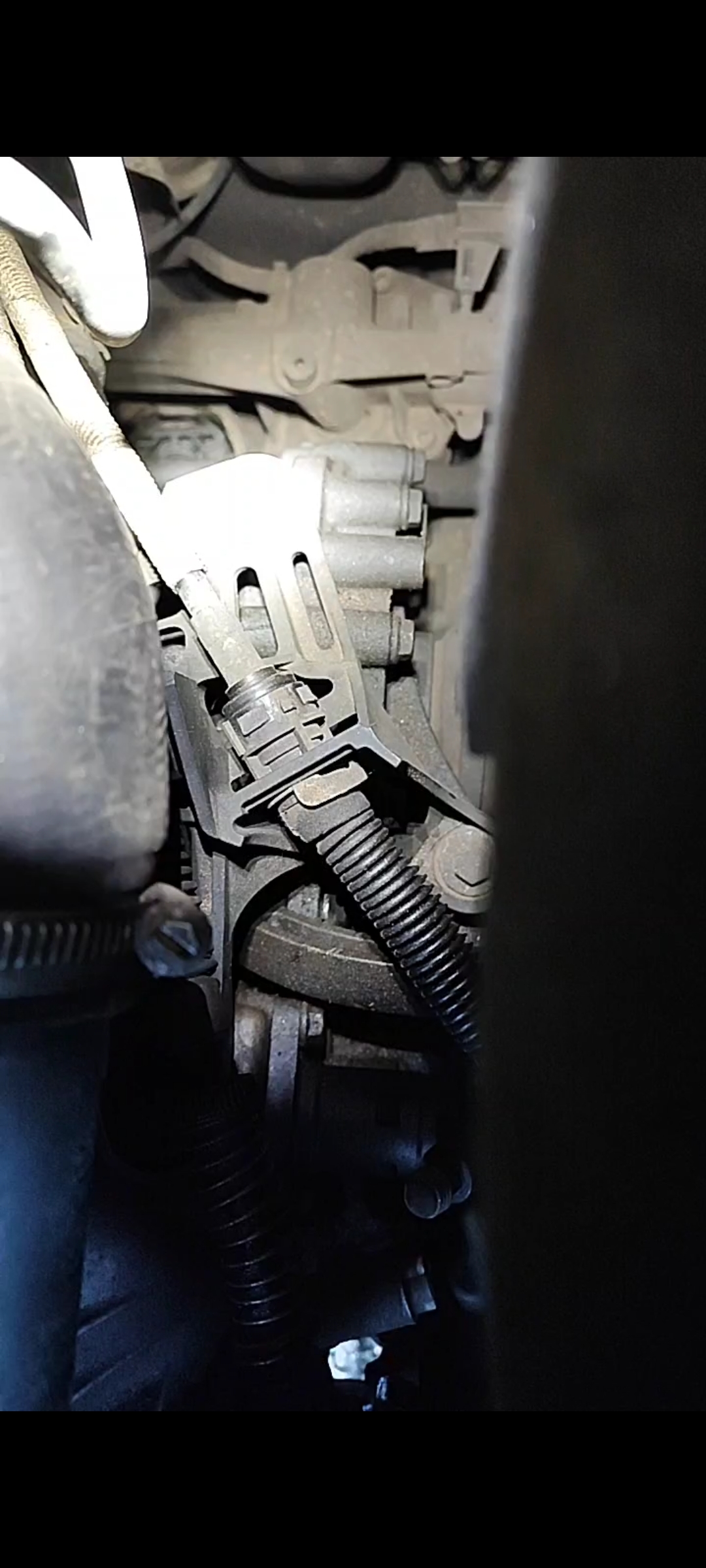
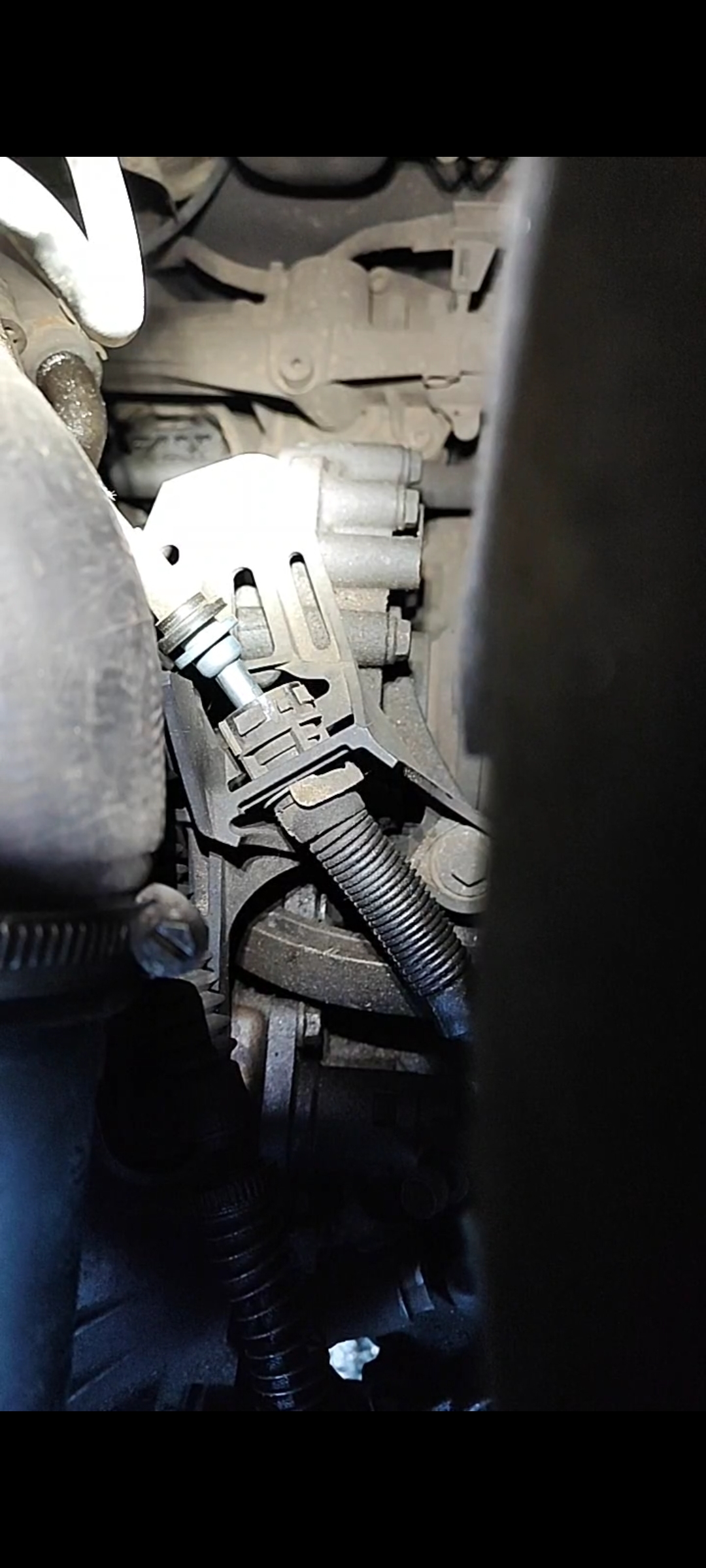
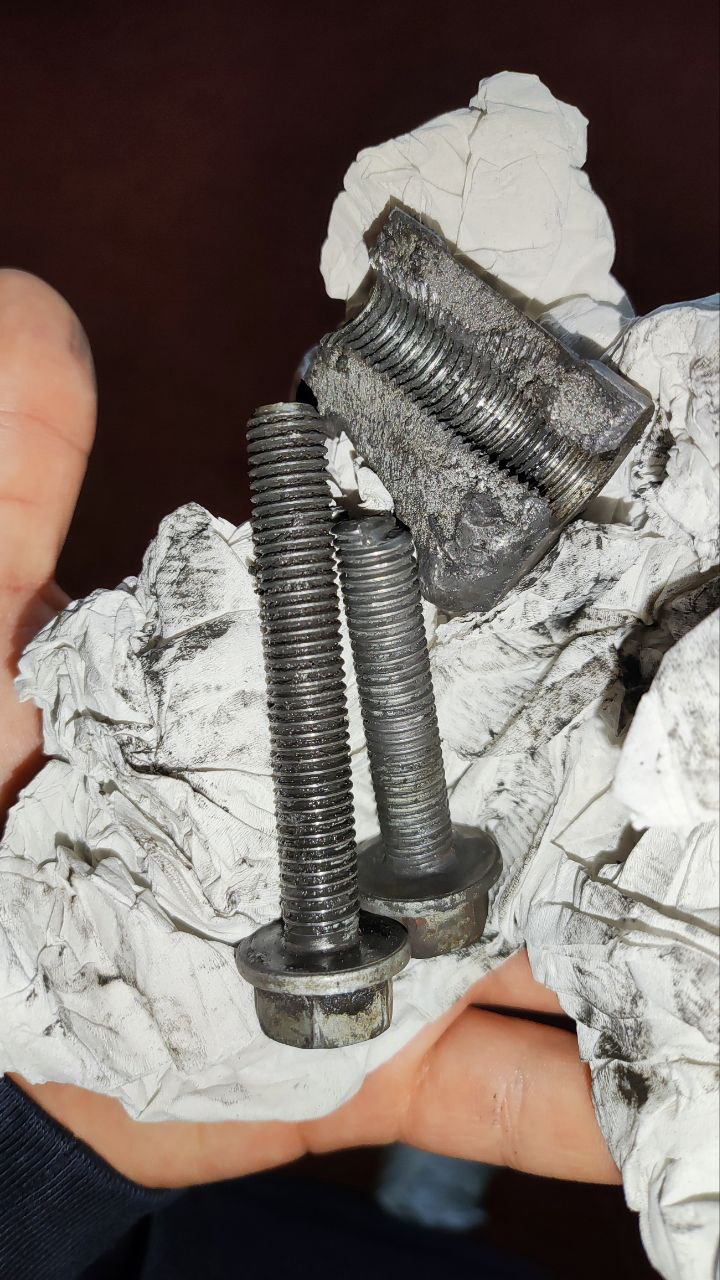
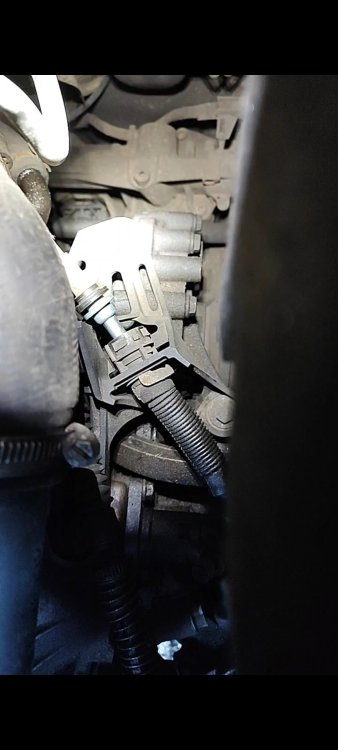
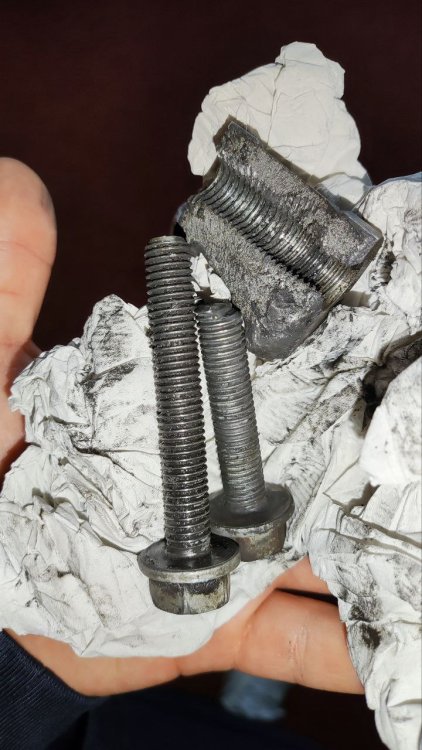
I will try to see if I kept it, but if you hear noises mainly when turning one direction, then absolutely check gearbox bolts ASAP. After the gearbox mount had become loose, and broke the bolt/mount, the gear was beginning to stick. I think if you put the car into reverse, you needed to pull stick to 2nd before you was able to put it into gear again, or neutral. When the mount gave way, it snapped something on the selector cable, and you will see in the two images, the part that shouldn't come out did. Normal, for now... Not normal!
-
Check your gearbox mount bolts are not loose, and you can also take off your air box I believe to view the gearbox selector on top of it, to see if it's operating correctly. I do have a video of mine where the gearbox cable was moving when it shouldn't due to a break.
-
Make sure the exhaust is cold before you make love to your car 😆
-
Looks very nice 🤝
-
Welcome Voljta to the forum 🤝
-
Welcome (back!) to the forum
-
Test sequence – Check resistance of the individual injection valves. Specified value at 20°C: 14.0...17.0 Ω If the engine is warm the resistance increases by approximately 4 to 6 Ω. Hopefully that helps verify.
-
I can send you 0490 if you promise to clean the screen?
-
...watch this space as they say.