JR RS
FREEDOMLite
-
Joined
-
Last visited
Everything posted by JR RS
-
I thought u had the Rieger side skirts too..... Urs look nice n subtle too.
.thumb.jpg.ee1a5bb1f1af36d3766b60ab15364a16.jpg)
-
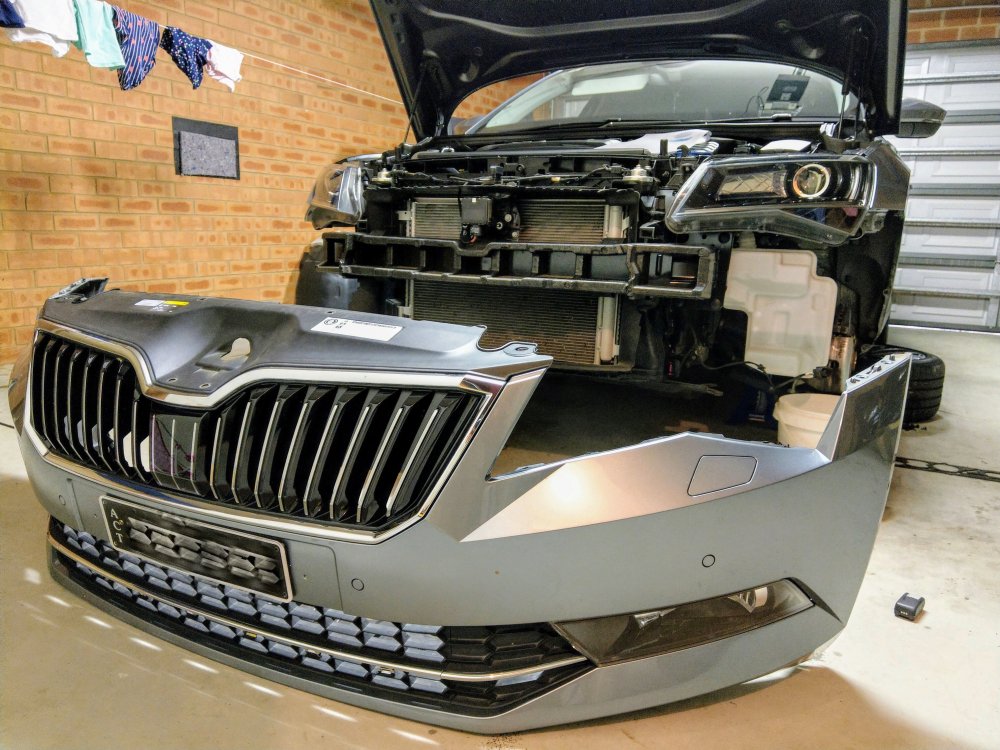
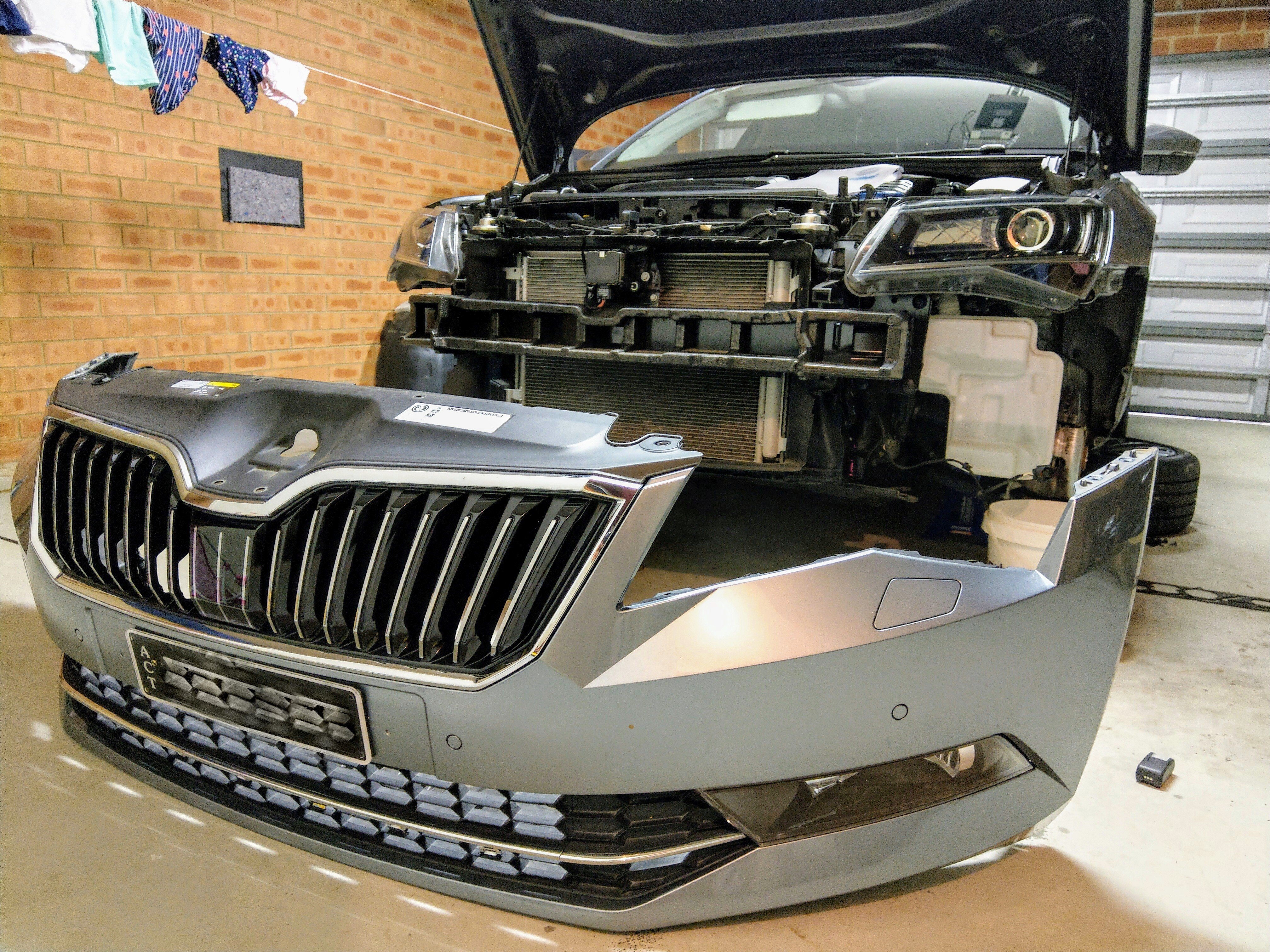
Removing the bumper will not impact the ACC radar. Only the cover is attached to the bumper. It is physically not connected or touching the actual radar. U'll b fine.
-
shame to hear u have to sell the car @drewellis 😞 more importantly, hope u get back on the road to recovery sooner rather than later. good luck.
-
Those r the 19" Phoneix/Trinity wheels that comes with the L&K for the EU market, or as part of the Tech Pack here in Oz. They have the std 235/40/19 rubber. I like them very much as they do look classy, n certainly complements the Superb very well. I love the Supernova rims too, but they were a way to expensive option for me back when I purchased the car.
-
I'm really digging this new found subtle change in looks 🙂
.thumb.jpg.56f9318cc8cae9b395121b07a8845ce0.jpg)
.thumb.jpg.1bc9225d3d2c1f78eb39bd2448db73ce.jpg)
.thumb.jpg.8c225a7e7e9c72d146e8139f7c862ed9.jpg)
.thumb.jpg.35d98731baa78997b960b0a8336b3255.jpg)
.thumb.jpg.a79214d39478dab2fe9e7b3d94866c0b.jpg)
-
Thanks for that @newbie69 - helpful n seems to have the right part numbers. Just need to figure out the bits n pieces.
-
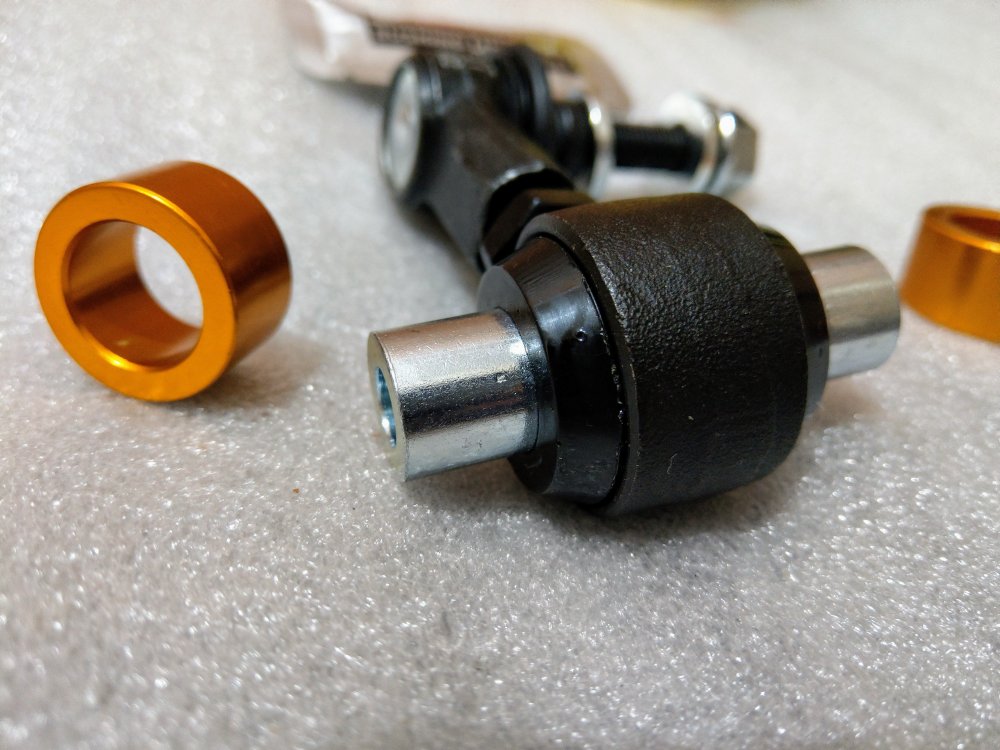
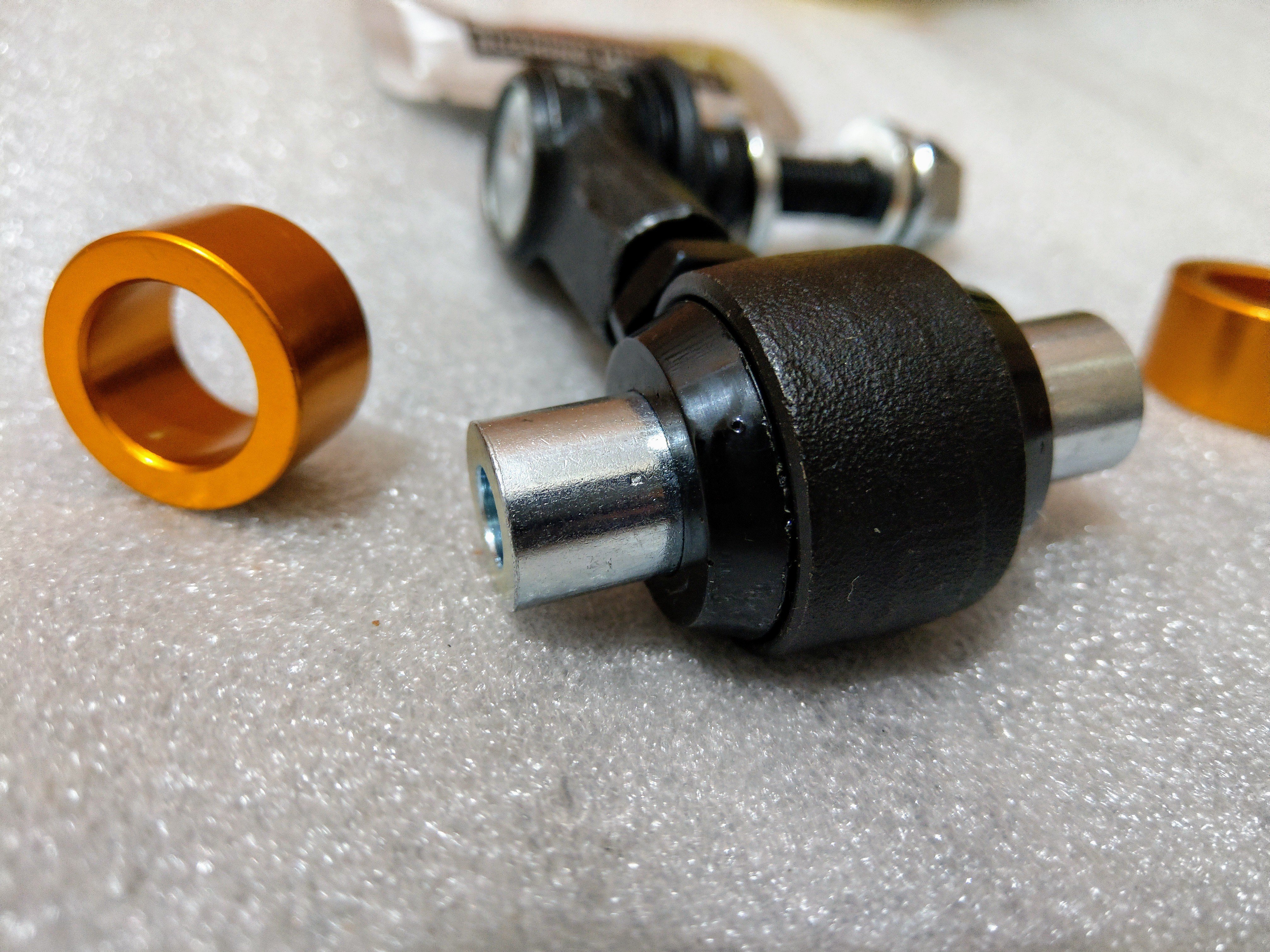
I've bought whiteline endlinks, just haven't installed it yet. Unfortunately with the car lowered, there is pre-load on the sway bar, and it's evident with the "not perpendicular" plastic endlink position. The whiteline ones r adjustable, perfect for lowered cars.
-
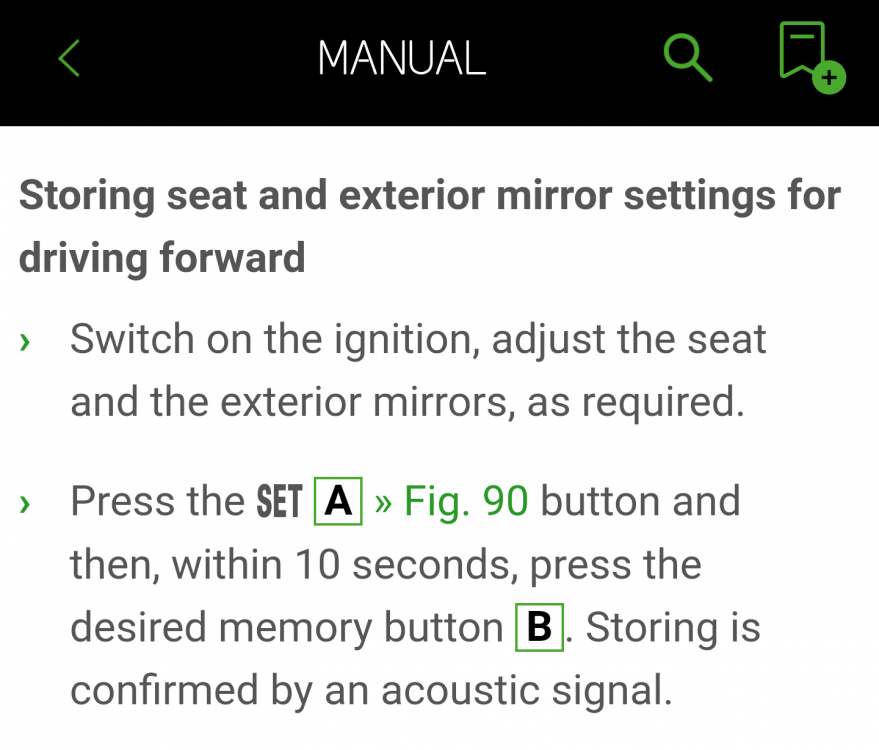
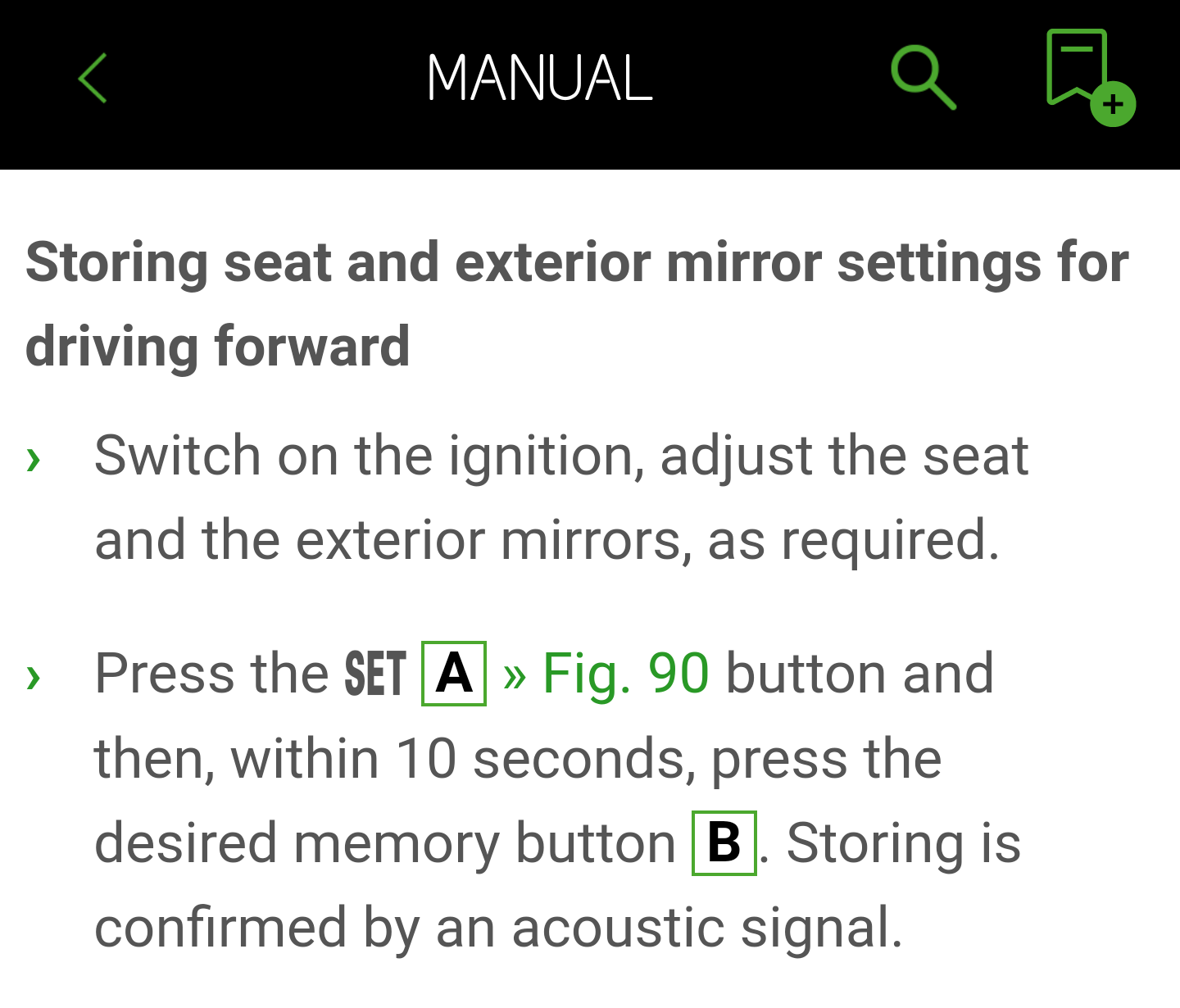
Ah yes, I can see why the confusion @carrswood. Hopefully they've corrected this in the printed manuals. The screenshot I showed is from the MySkoda user manual.
-
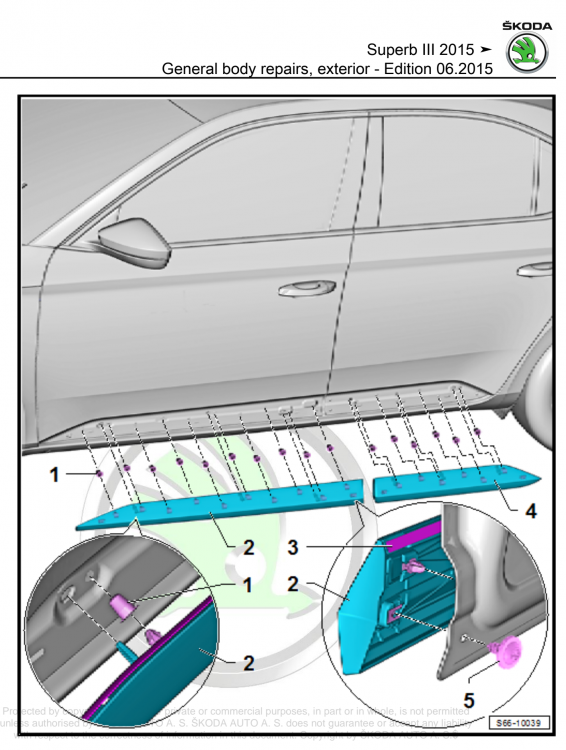
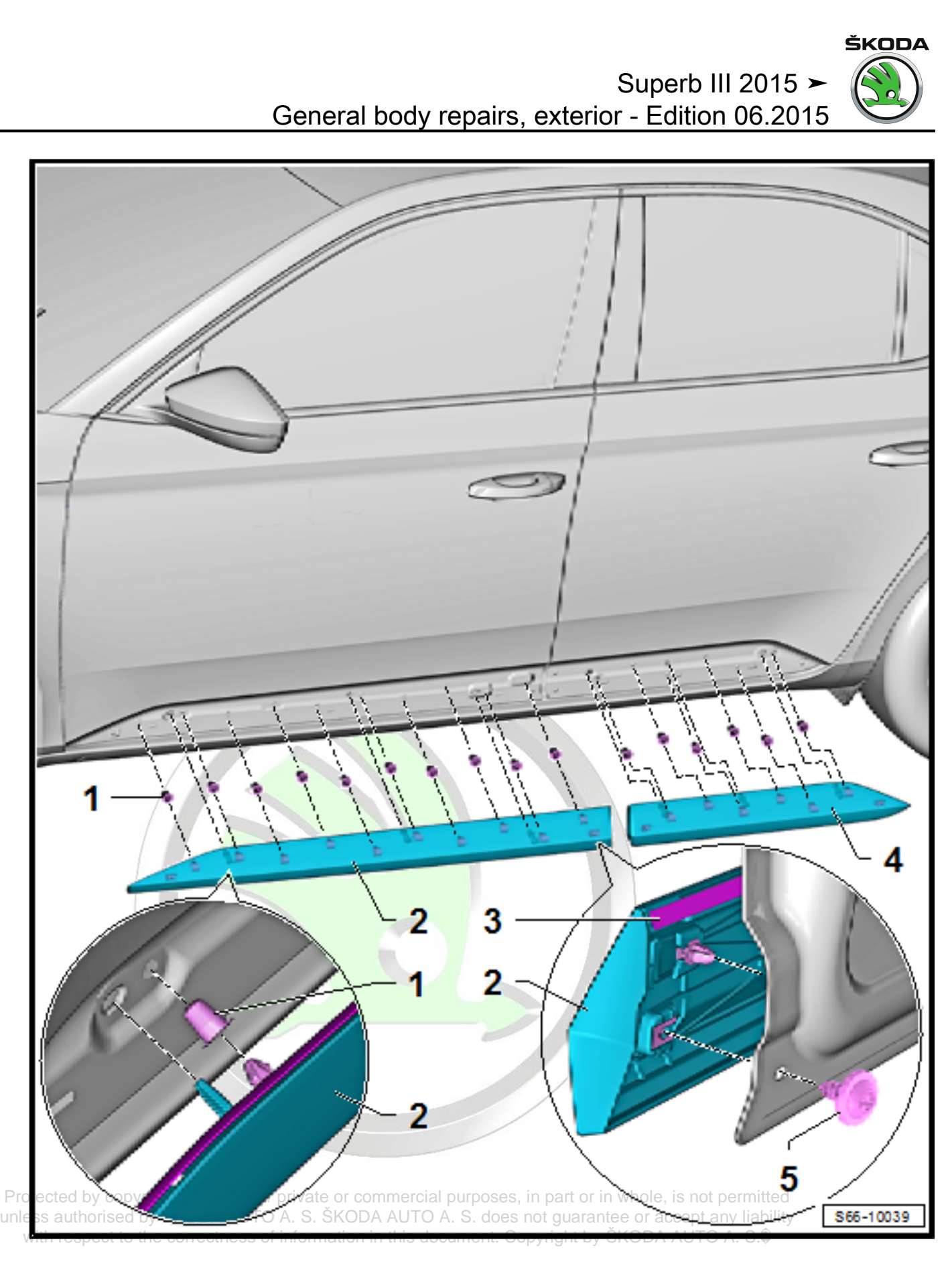
......please. I'm trying to figure wat the part number is of the lower door trim panel, with the chrome strip, as found in the L&K. The Sportline also has the same thing too, but in black. The workshop manual sadly doesn't give part numbers. The chrome/black strip is actually part of the lower door trim. There r add-on versions that can b bought, but these look tacky - so pass. The bit in blue specifically. My plan is to replace my plain trim with the chrome or black trim version.
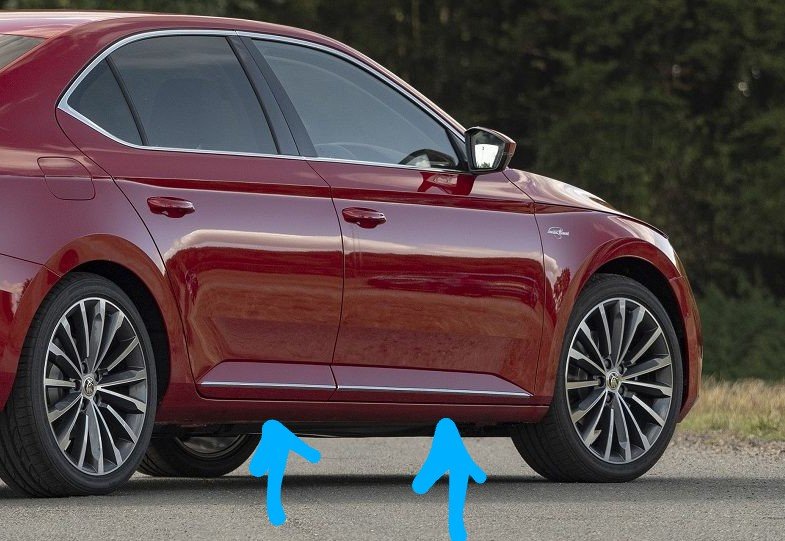
2.jpeg.43d02e76ce770b33f2ce6e828afffc0e.jpeg)
-
Yeah, likely the skirts r making it look more. Mine has DCC, it definitely dropped 20mm as I measured before n after.
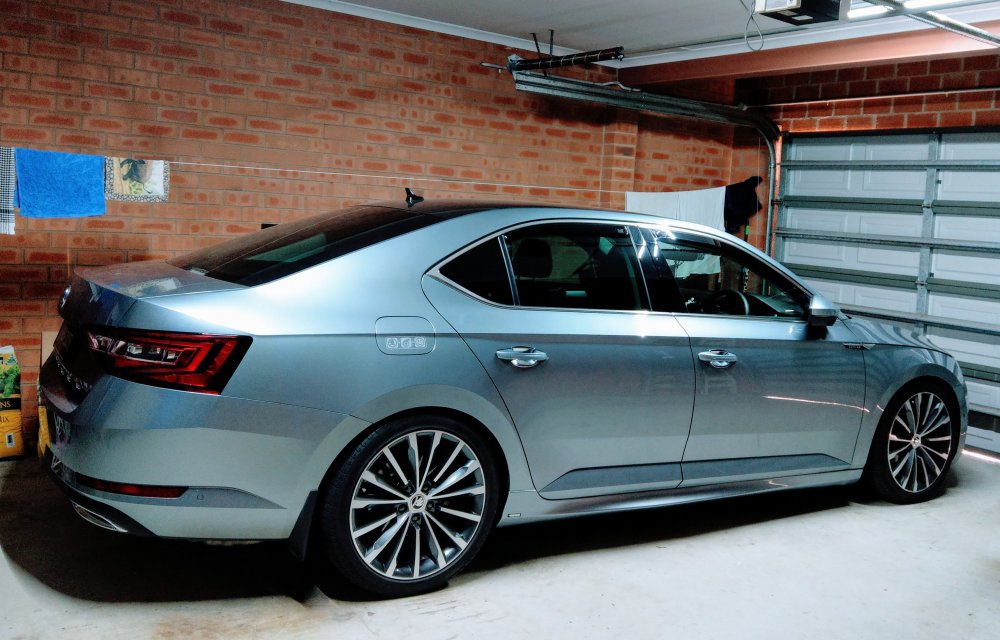
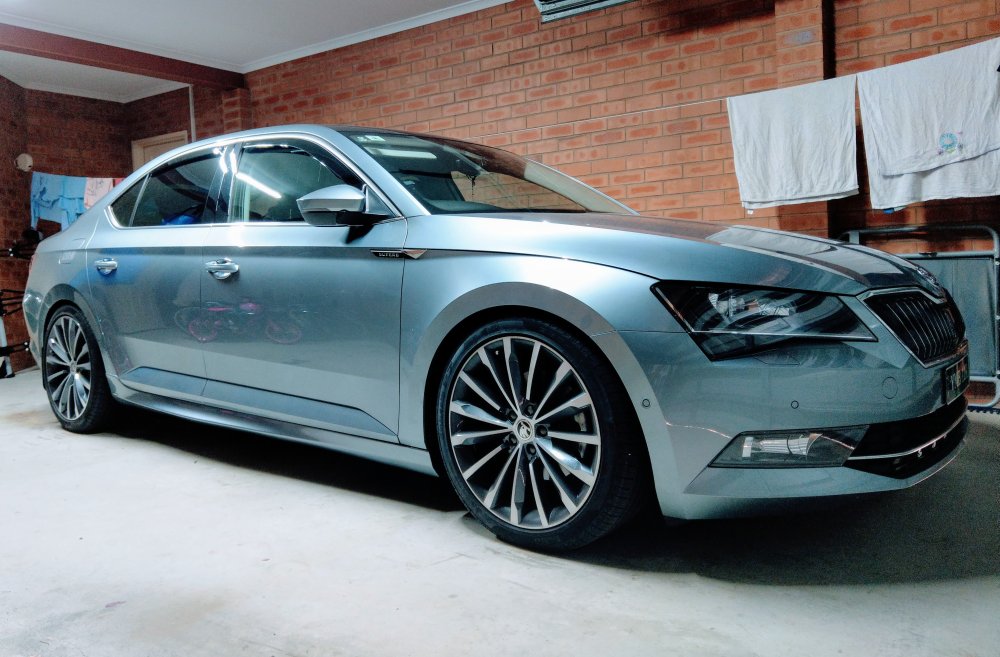
-
Those alloys r not new with the facelift Superb. They're known as either Phoenix or Trinity, depending on market.
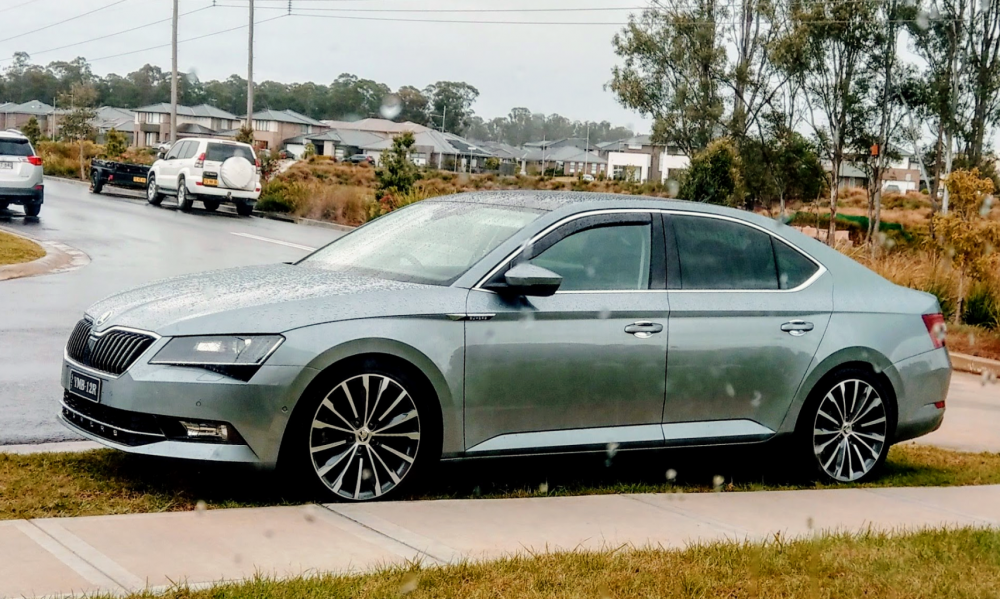
-
From the user manual......
-
20mm front n rear. It's Eibach springs, which I put in a while ago.
-
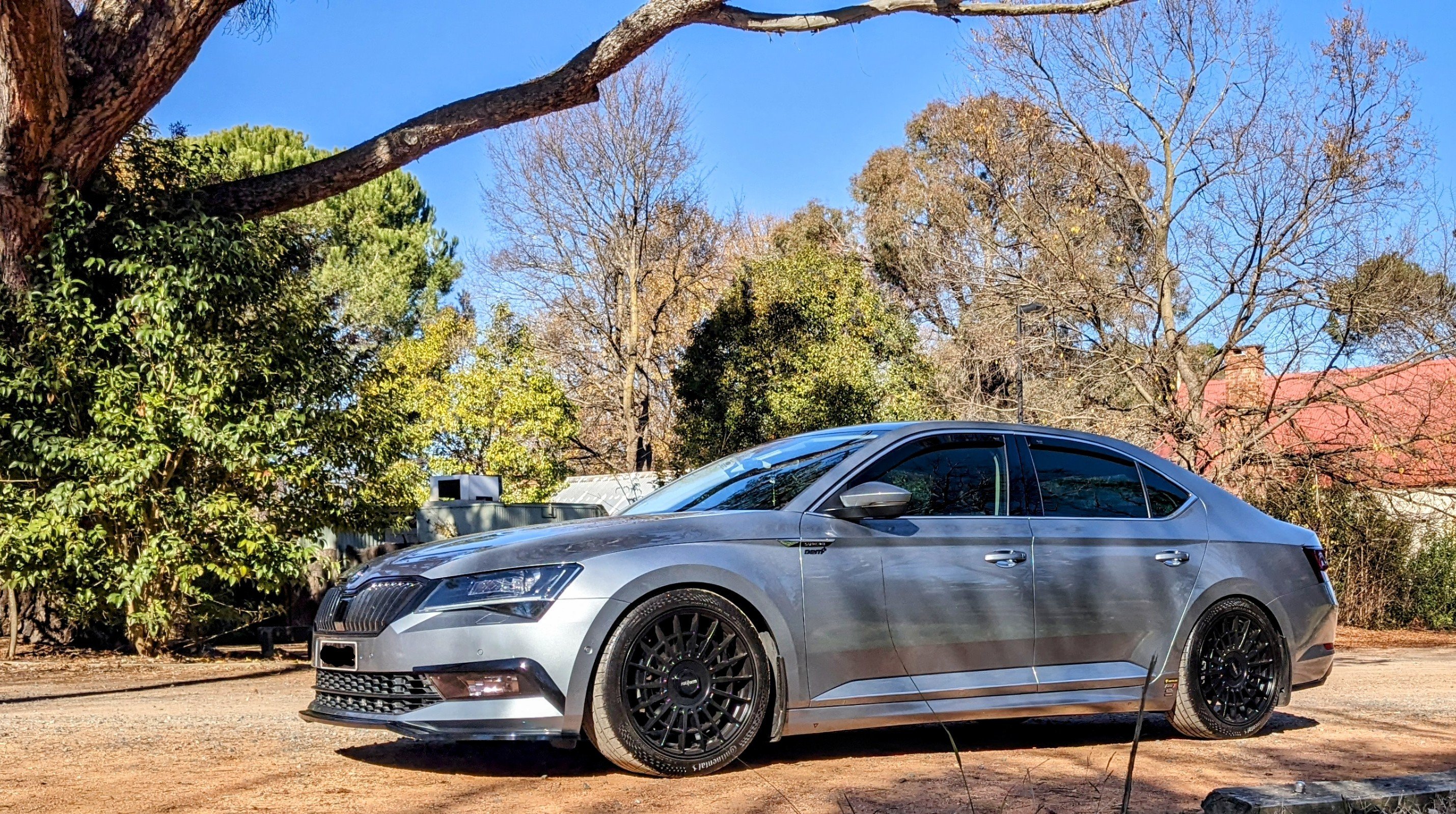
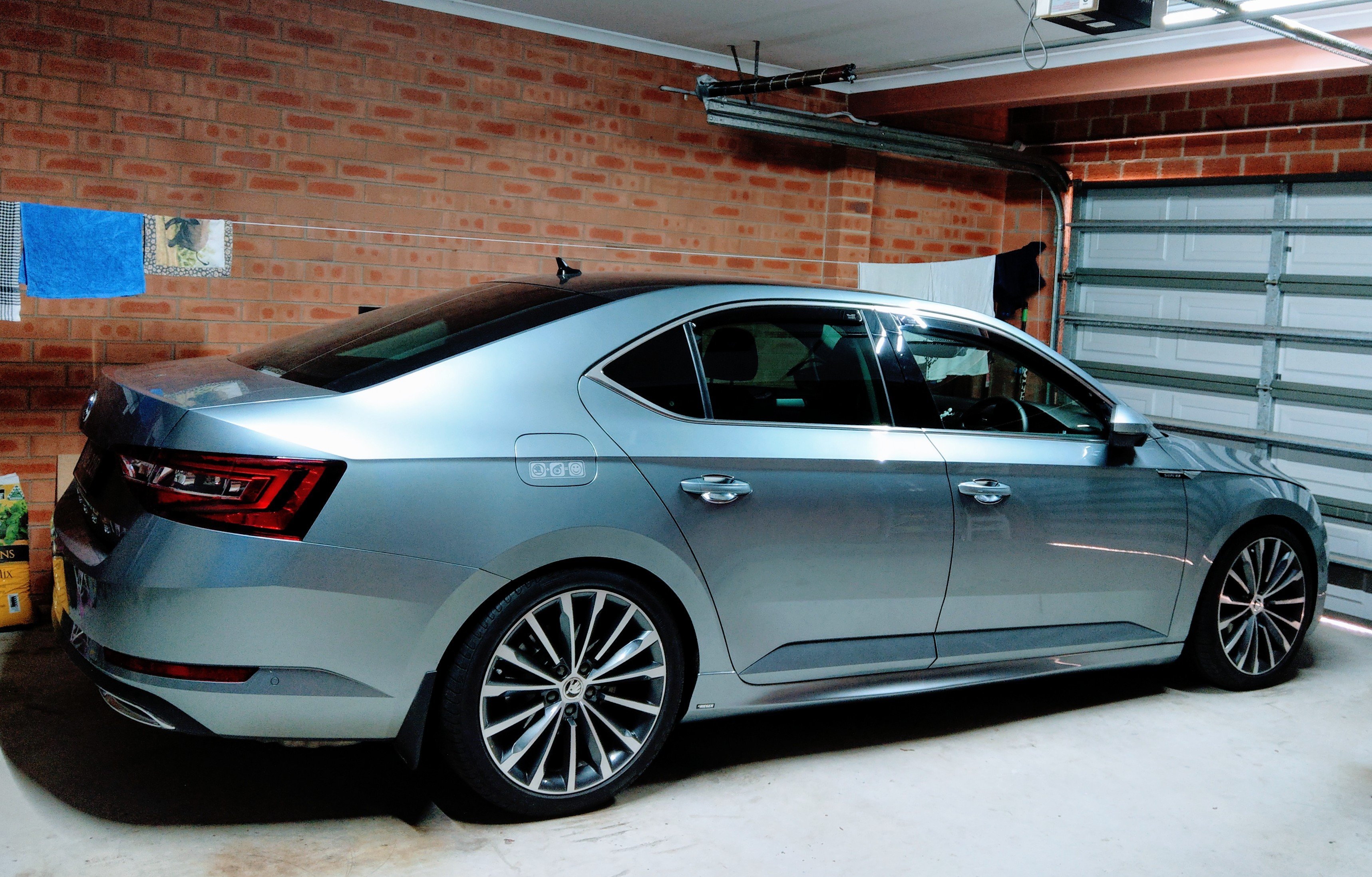
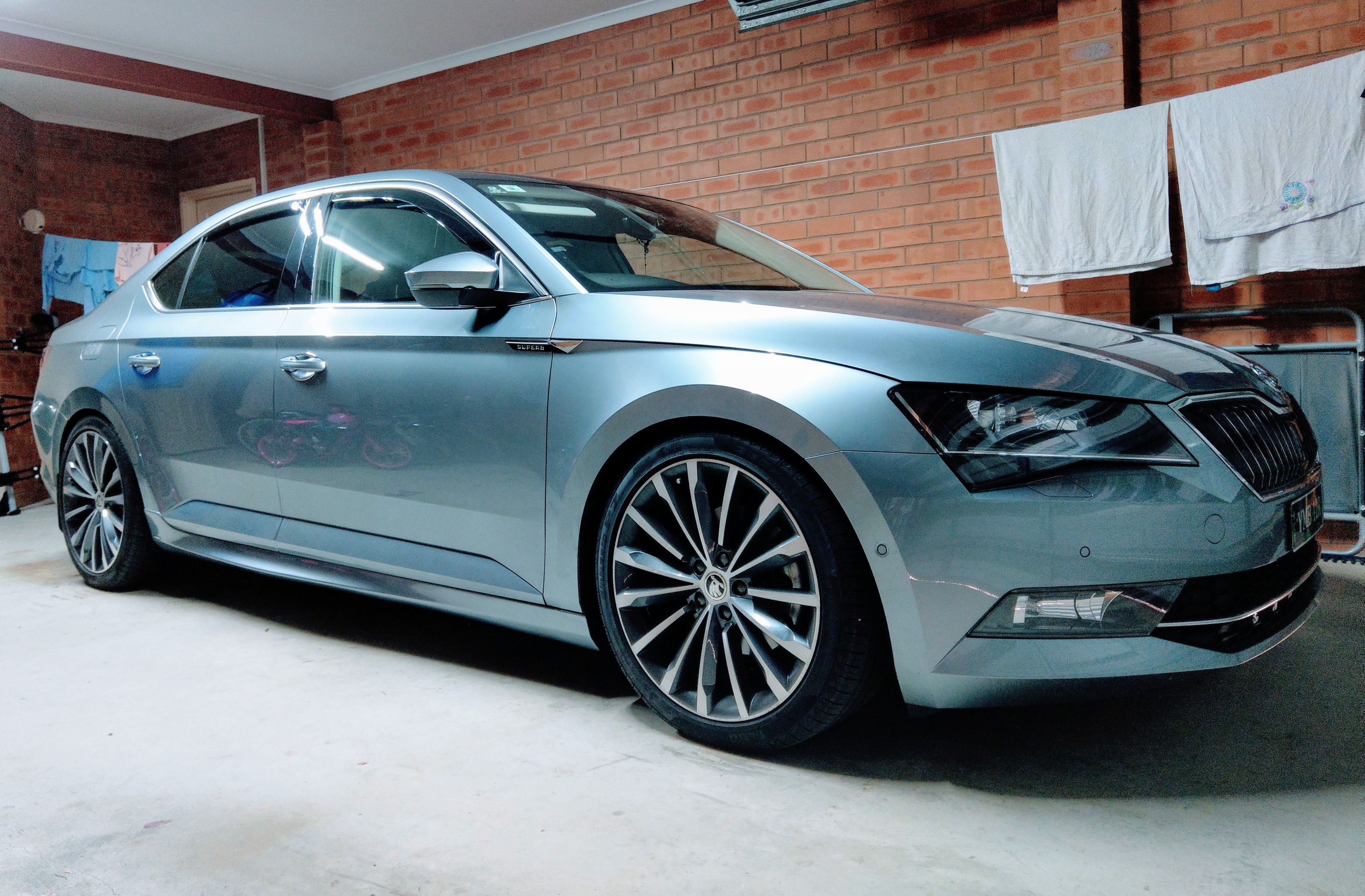
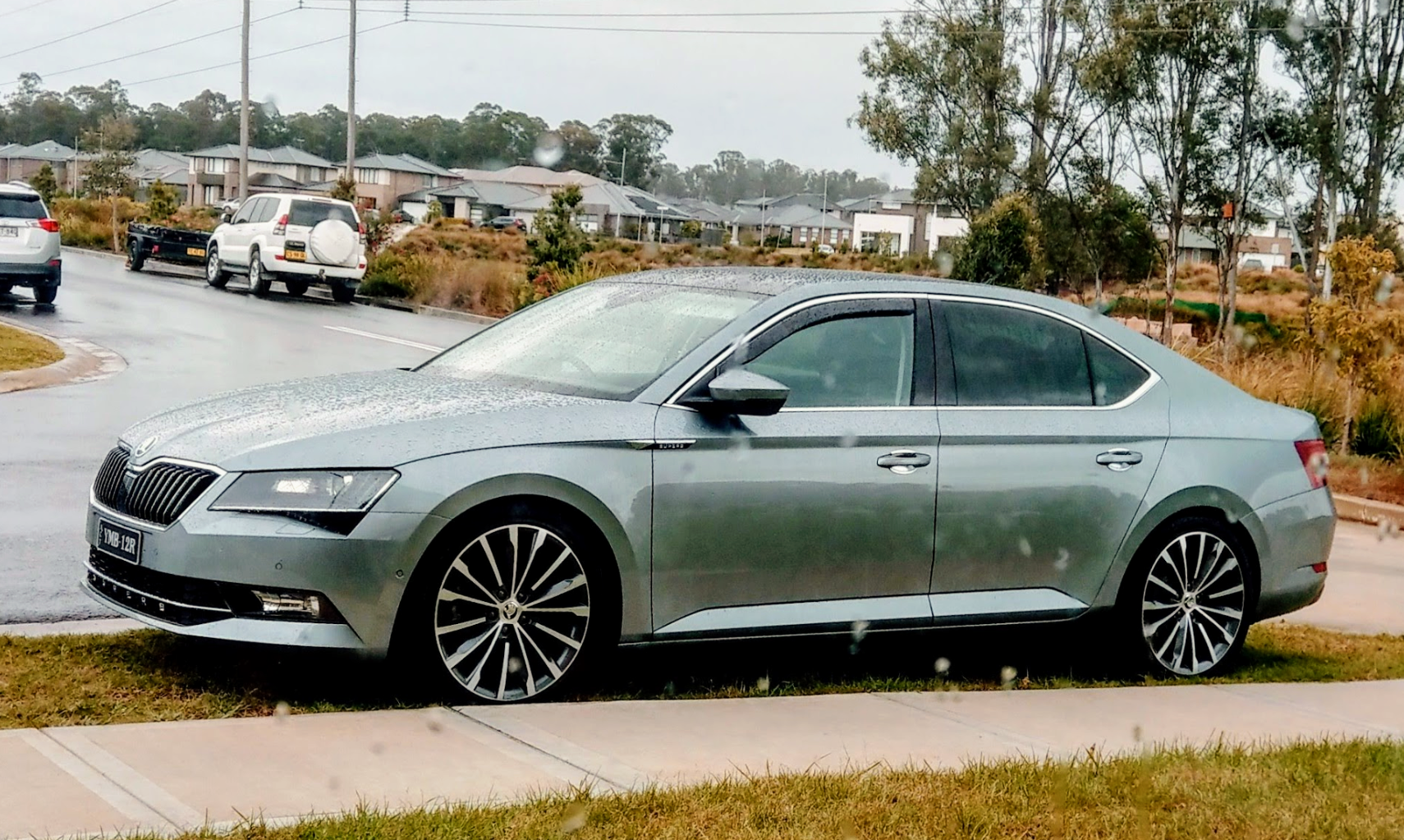
Finally.....Gandalf is now complete that we have Skirts!!! Why did Skoda designers not put side skirts on the Superb?!?!? I've fixed them, in my eyes, with Rieger side skirts. 😊 Tis a few months of planning to get the things shipped half way across the world, only to have the courier lose it for almost 4 weeks!! Very happy with the quality and fit of the Rieger skirts 👍 Very happy with the paint job 👍 woOot.
.thumb.jpg.28a4da0683fa24a9f1243a6e02d9318c.jpg)
.thumb.jpg.8132936e599872ee024355f1f5d9e7b6.jpg)
.thumb.jpg.ea3a5f5cf165b4a9e2b23d11eeb487b8.jpg)
.thumb.jpg.d85bee47e8c388b16f8b31d5953e37b1.jpg)
-
My apologies. I thought it was just the RVC n boot switch that was different. Keep us posted on when u get ur lights n fit them.
-
It's been like this since day 1. It's in the manual.
-
It's just the Model Year changes, as it happens every year, with every model - in this case MY21. They r definitely not making a new Superb any time soon given the facelift was just released.
-
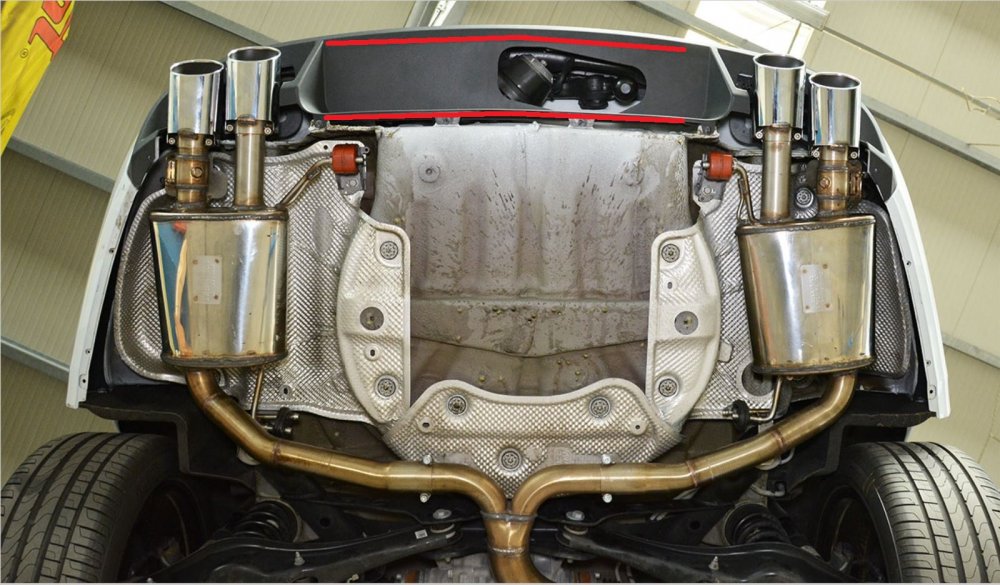
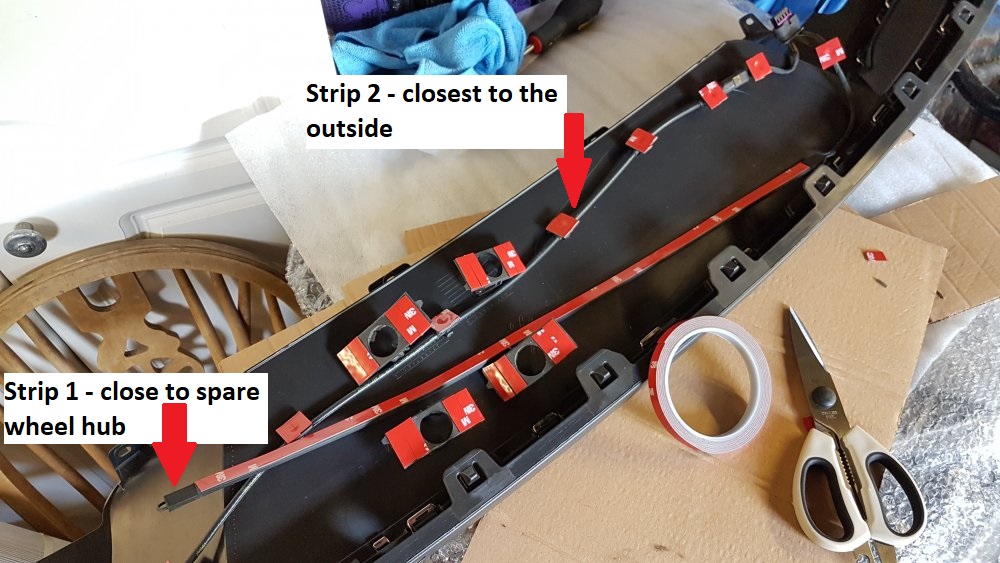
Unlikely to b it, but check the wiring and/or the actual sensor strip located behind the rear diffusor. If correctly fixed, it looks like this, using "x-ray vision". How the actual strip looks, not fixed in position though.
-
i haven't done this myself, so i can't say 100% yes. tis based on "from a friend of a friend" in theory, u unplug existing outer n inner tail lights, n put the new ones in place. if ur not wanting the centre strip, then it will make things less complicated.
-
yes, the guy i got the details from spoke to the guy has already done it on his Superb Sportline. i've attached his youtube video below showing it after being retrofitted. there is NO change in wiring harness. wat he said has changed is the RVC mount/bracket and the boot open mount/bracket. hence a new RVC camera had to b sourced, that plugged into the existing wiring harness. i don't know if that means different mounting holes on the boot itself, as a result.
-
These things r used to "trick" the car electronics into thinking that the usual DCC dampers r still there. The car's drive modes will tell the shocks to go into Comfort/Normal/Sport dampening modes, but it will have no effect as it goes to this "dummy" device, and not to the aftermarket shocks. These r designed for non-DCC compatible shocks. Usually not putting this dummy DCC devices will throw errors. The very very expensive Koni DCC compatible shocks will retain the drive mode dampening changes.
-
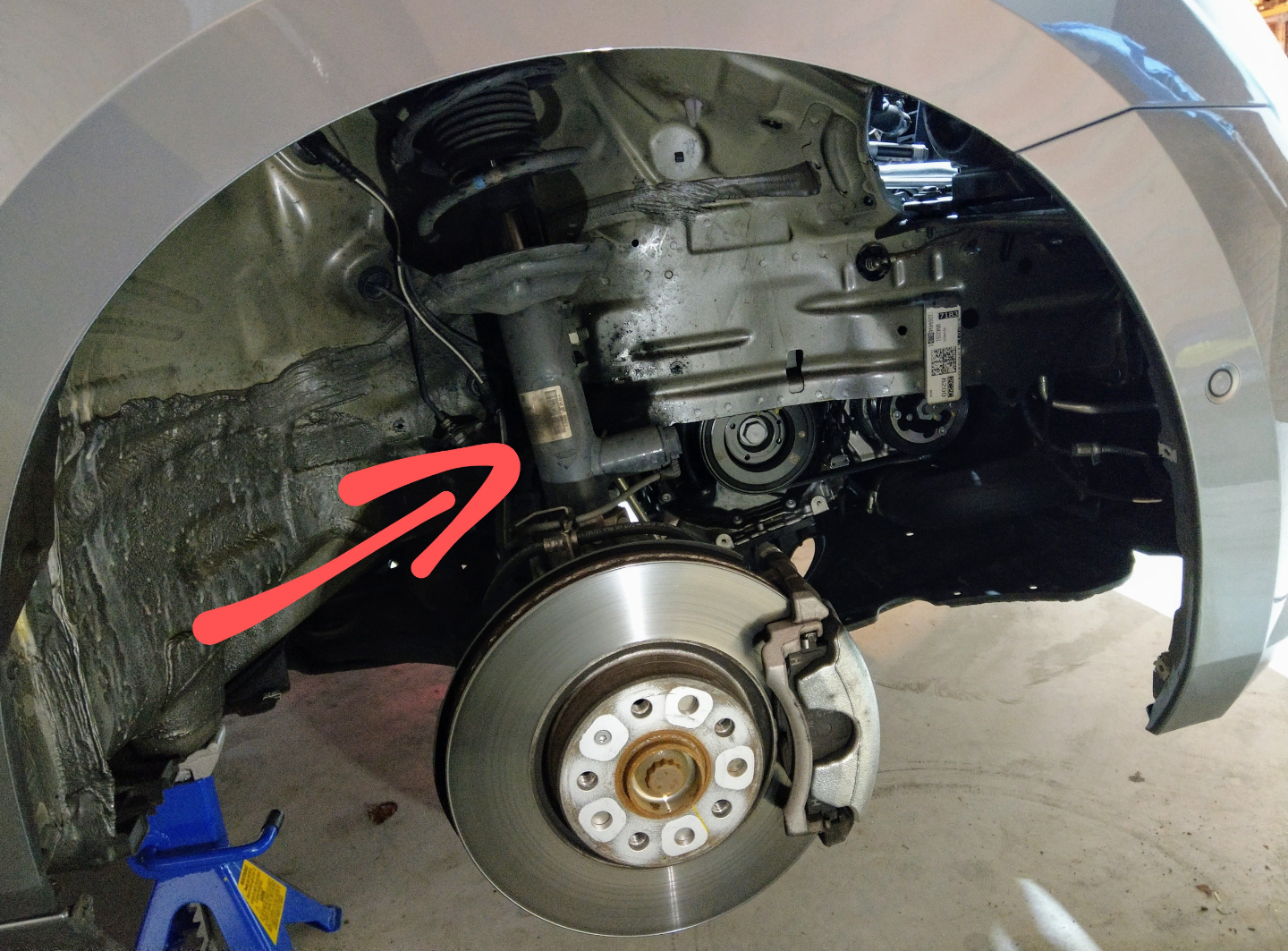
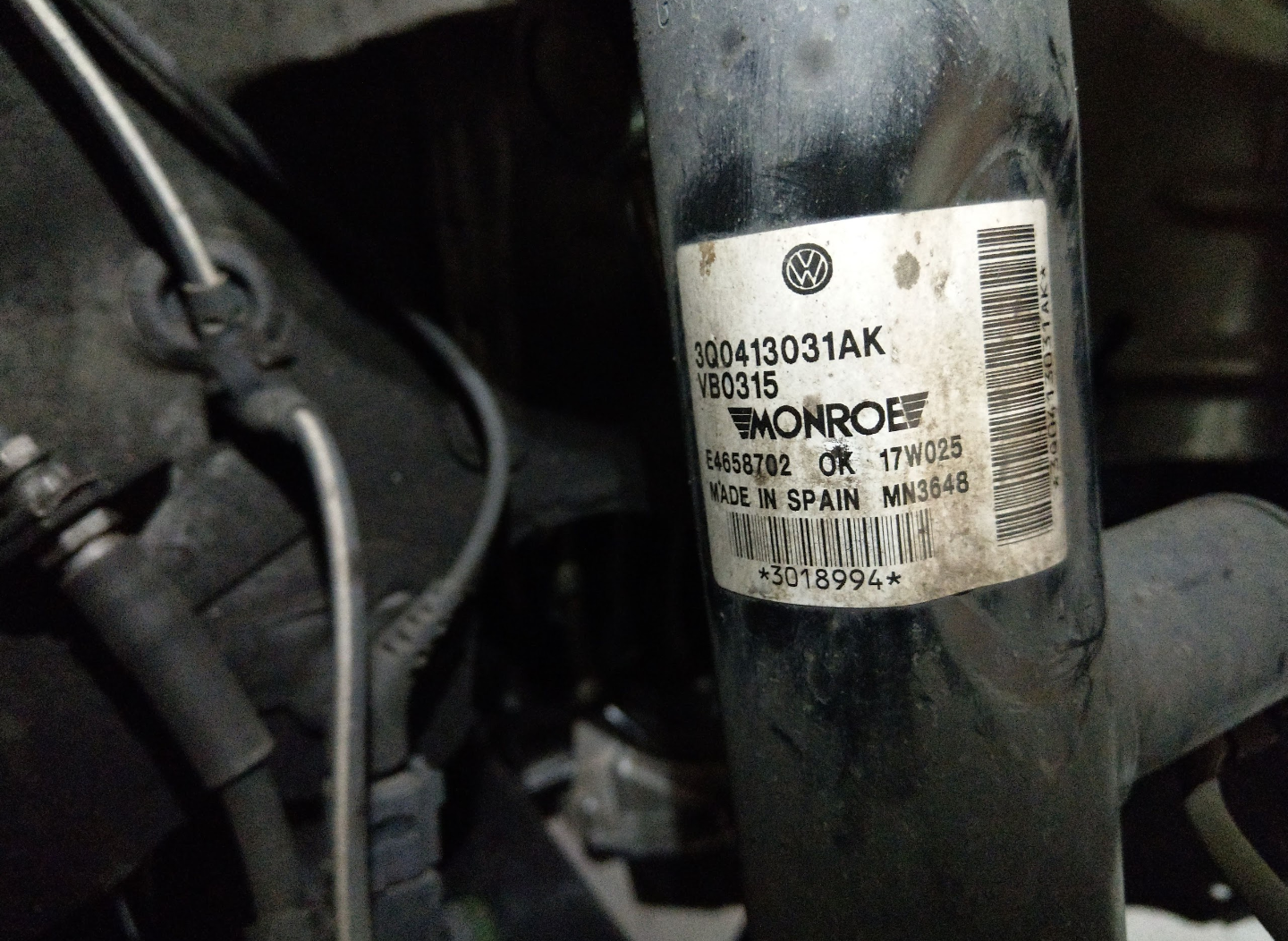
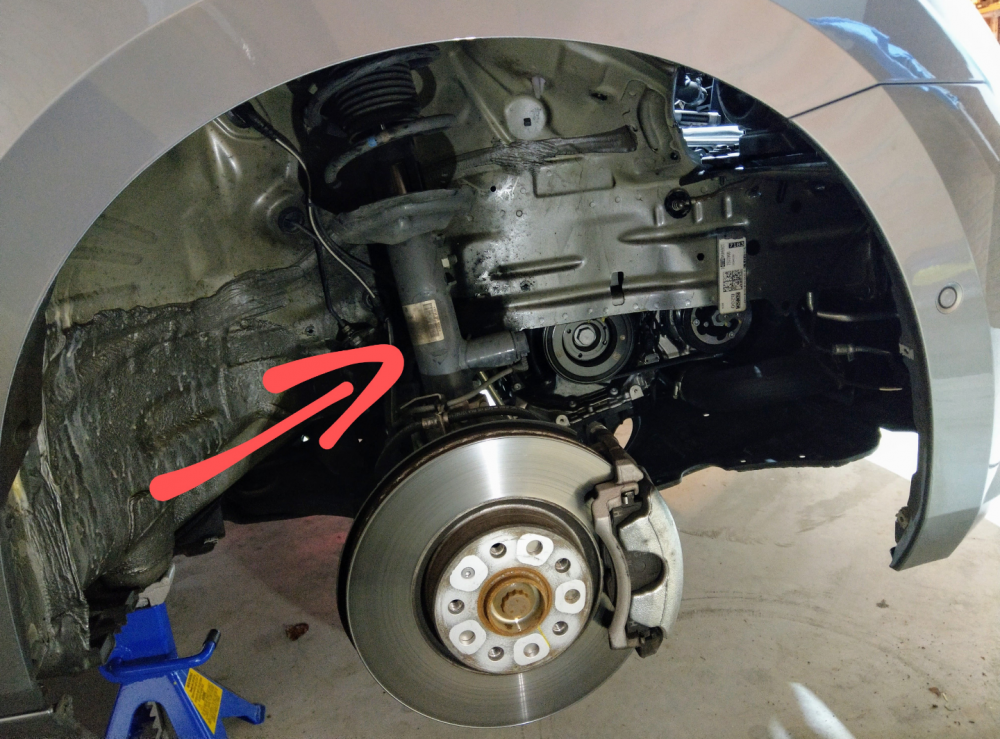
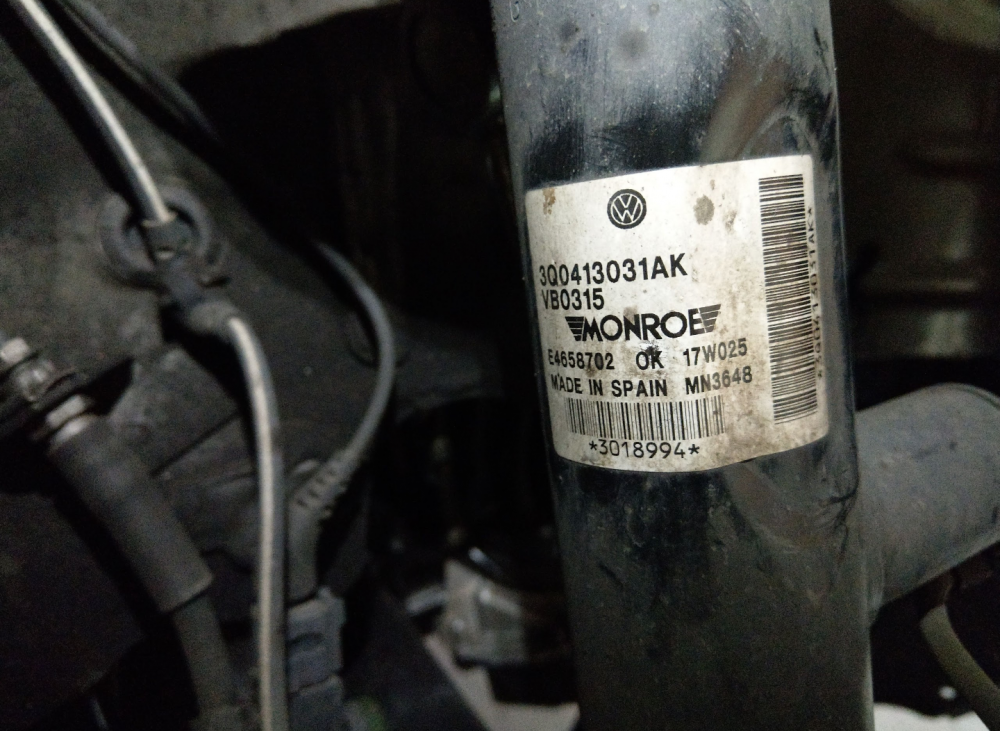
Tis not uber critical to get it, more curious. I looked at ur pics, but none were locked closely inside the wheel arch. That's wat I'm trying to b certain about - that's it's either physically a different shock unit, or it's the same but with software making the difference for Sportlines. Below is how it looks.
-
Nice work @newbie69 and thanks for the indepth review. Did u happen to note down the part number of ur DCC shocks? I'm still curious to get a definitive answer on the difference between Non-Sportline DCC and Sportline DCC.
-
On mine, the ALG is on by default as long as I have the "Lane Assist" ticked. I don't have to do any extra fiddling.
-
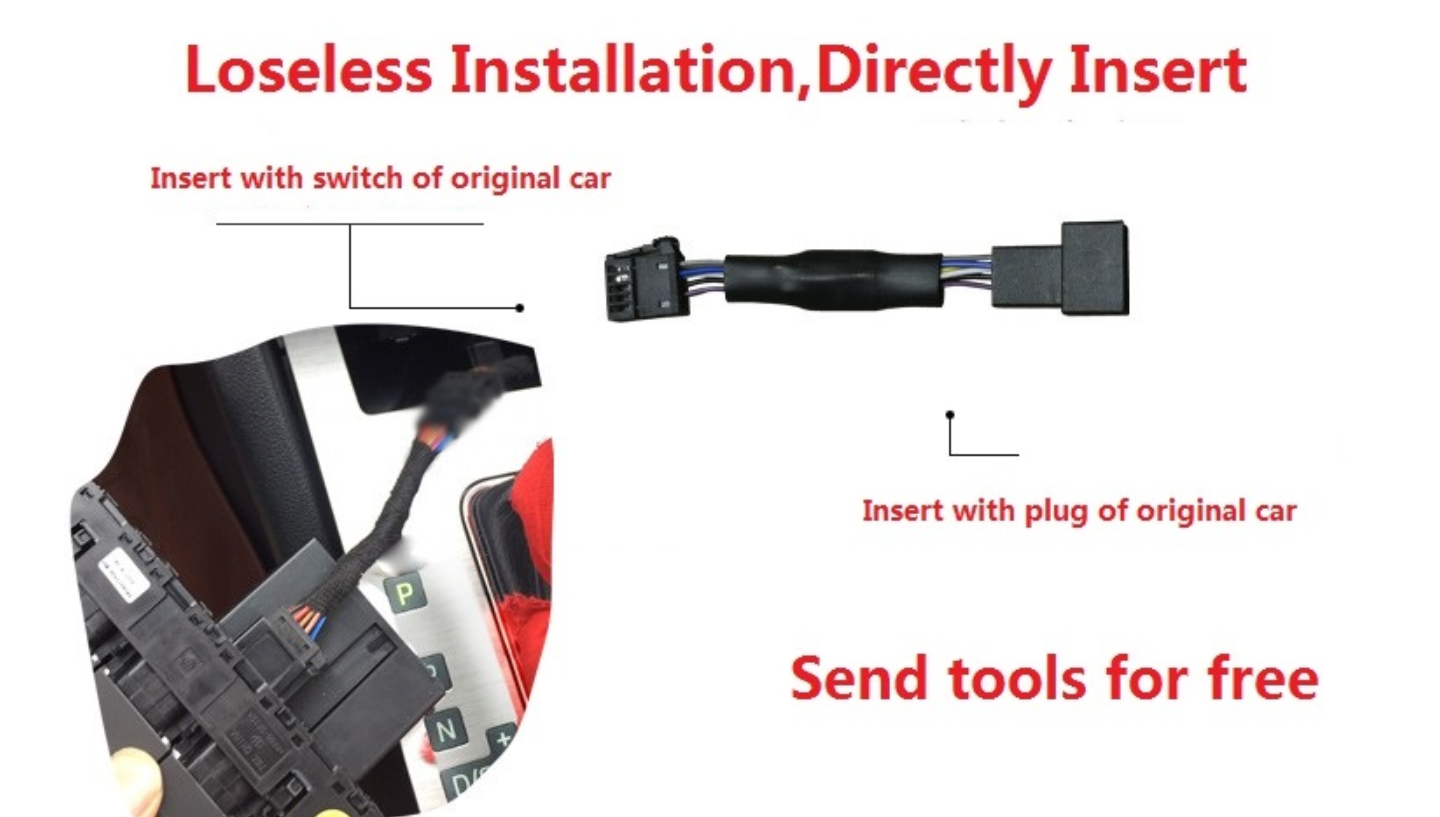
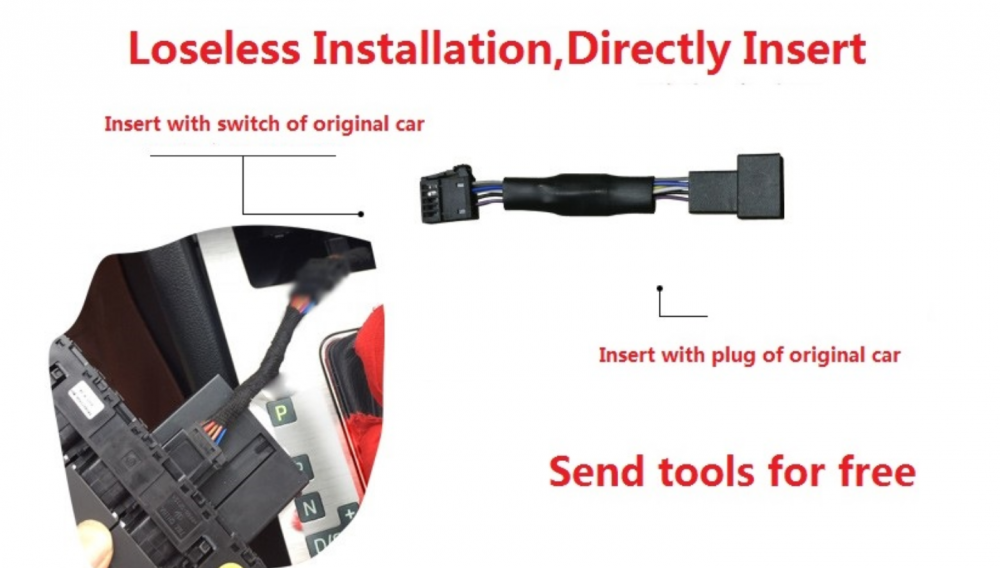
Yes, u can get it coded out permanently using VCDS or OBDEleven, by changing the voltage required. I'm not interested in doing that as there r times I want the start-stop to kick in, and hence activate it as required. I've ordered myself one of these devices. It plugs between the start-stop switch n the car wiring. It essentially always remember the last selected state of the start-stop, even after turning off the car, n back on. #Aliexpress AU $38.26 | Automatic start / stop of start / stop treasure default closermemory mode for Skoda Superb Octavia https://a.aliexpress.com/_dU9riDs

.jpg.bc181fedea628afd069b43d42977d658.jpg)

.jpg.1e7384eab38ea8853da46e56a6ccfe87.jpg)
.jpg.e852e1d3fd94e9e38dbf81dc2c0e5c63.jpg)
.jpg.51ae4c3c1aefd4bb81bac5013ca09679.jpg)
.jpg.177246bb64756724e8f07171bdc69886.jpg)
.jpg.b0827bf175f19dd36fadd5a1f3726913.jpg)

.jpg.79797aec5eedc2f3aeee3c5ab5cc6a84.jpg)
.jpg.3ce8c43fcbde0cf1f94e71b979ffe402.jpg)
.jpg.c6d4348ee63577dc9856e10f1cb4dd18.jpg)
.jpg.c39808112e801e5d9ce12432c35a4fb2.jpg)