Neily03
Resident Member
-
Joined
-
Last visited
Everything posted by Neily03
-
Going off previous posts I think this guy is a troll....
-
Do you have a capacitive steering wheel?
-
Only if you have travel assist though, without it you don't get the capacitive steering wheel.
-
My mk4 they only work when headlights are on.
-
No for the Stop/Start. Yes for lane assist but main dealer won't do that.
-
That is correct.
-
Its £36 a year for the app….
-
Just pay of things like that separate when you buy the car
-
Yes but no one pays anywhere near list price.
-
Yeah just buy another car.
-
Has anyone?
-
I'm sure I had a similar issue when I got mine and I connected the car to my home WIFI and then it worked fine.
-
There's just enough roof for a decent sized knife.
-
-
Your local skoda dealer will be able to supply the kit.
-
Have you tried taking off, the part number is likely moulded on the back of it.
-
In the centre, and you don't wave it, just move it under and back out again.
-
Works great on mine, thought it was a bit of gimmick at first but it's really useful when your hands are full.
-
The tank is 50 litres.
-
Without studded tyres any car will be useless on ice. 🤣
-
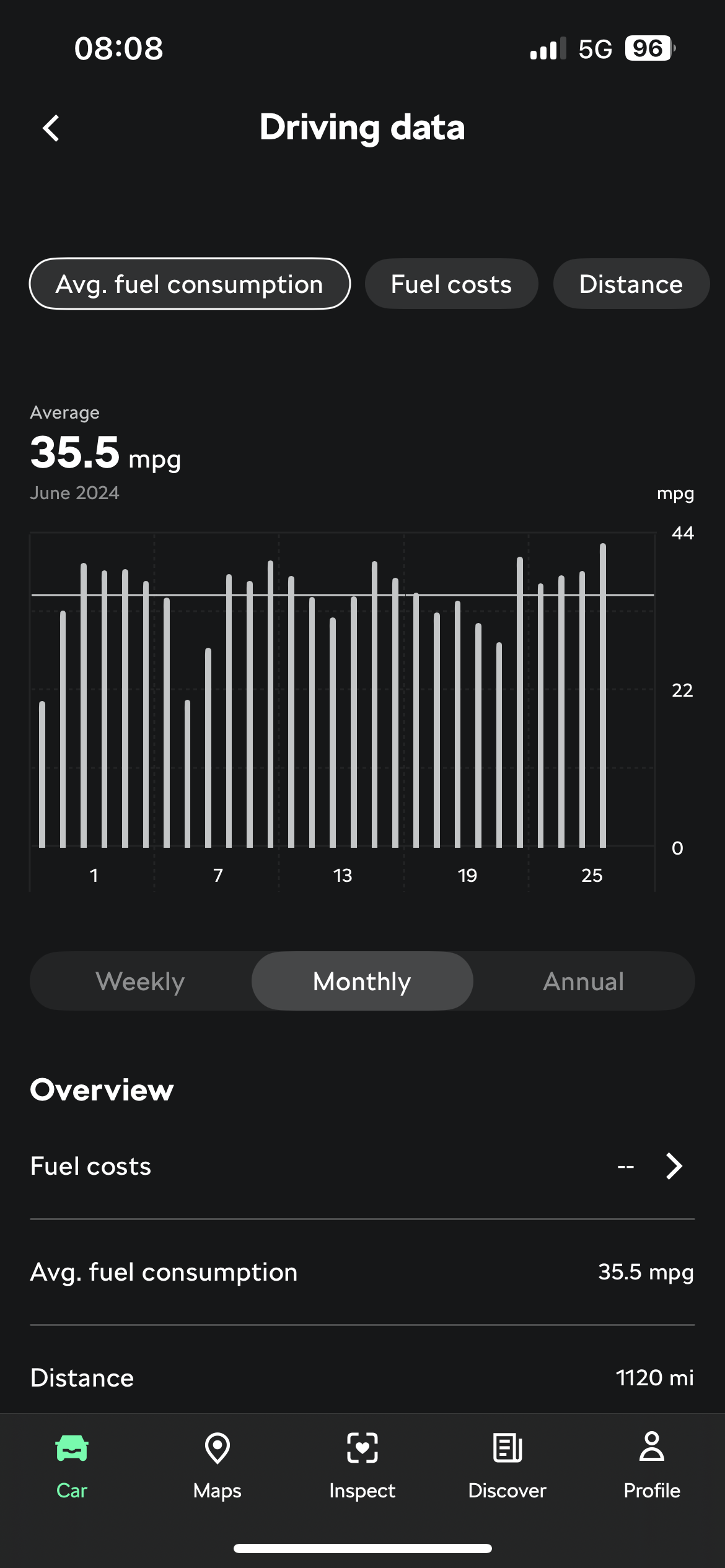
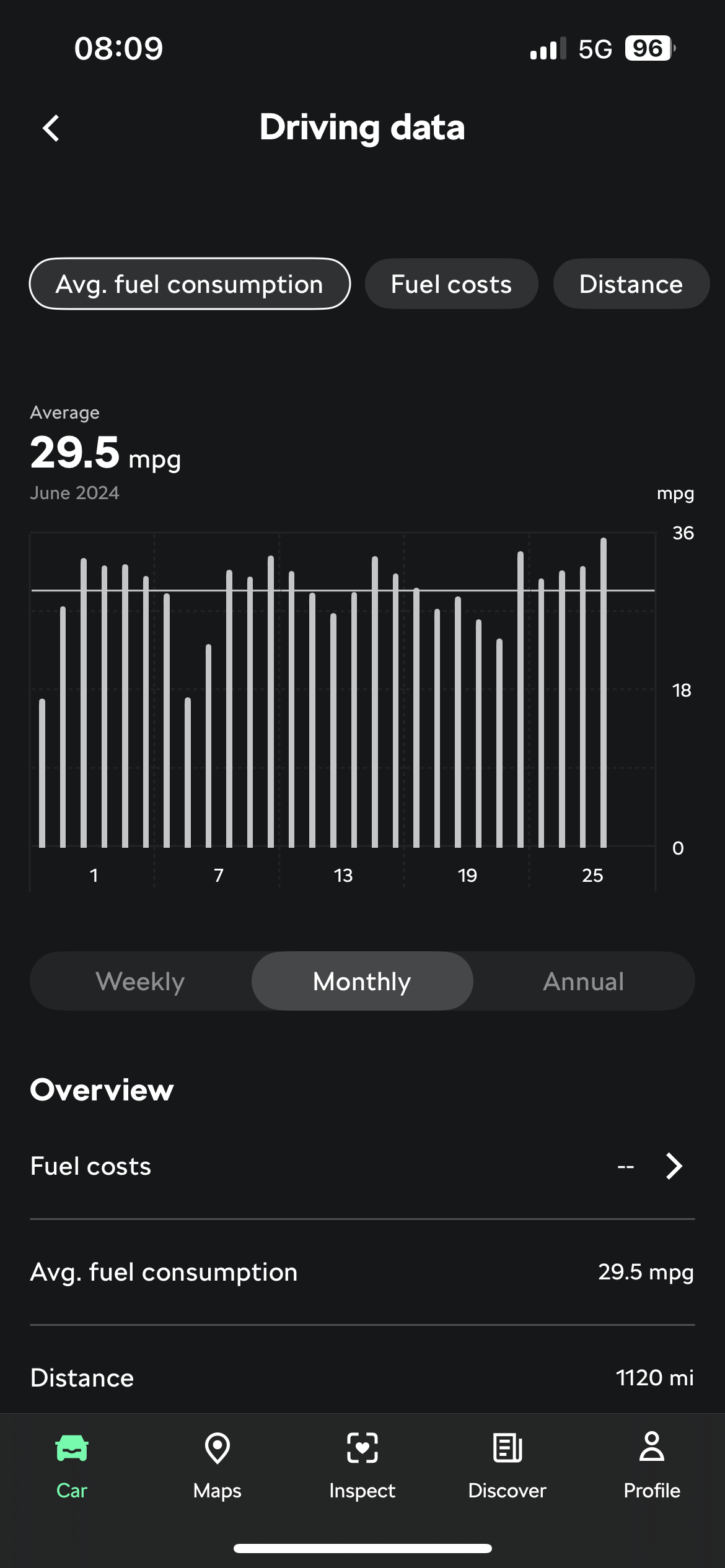
Mine set to Imperial UK on the left and imperial US on the right
-
Does on mine... you on apple or android?
-
Under Profile, change the units to Imperial(UK)....
-
It's July the week after next.....
-
The seal has been torn exposing the metal core to moisture which has then began to rust. Just buy a new door deal and swap it.