SteveTheElder
FREEDOM
-
Joined
-
Last visited
Everything posted by SteveTheElder
-
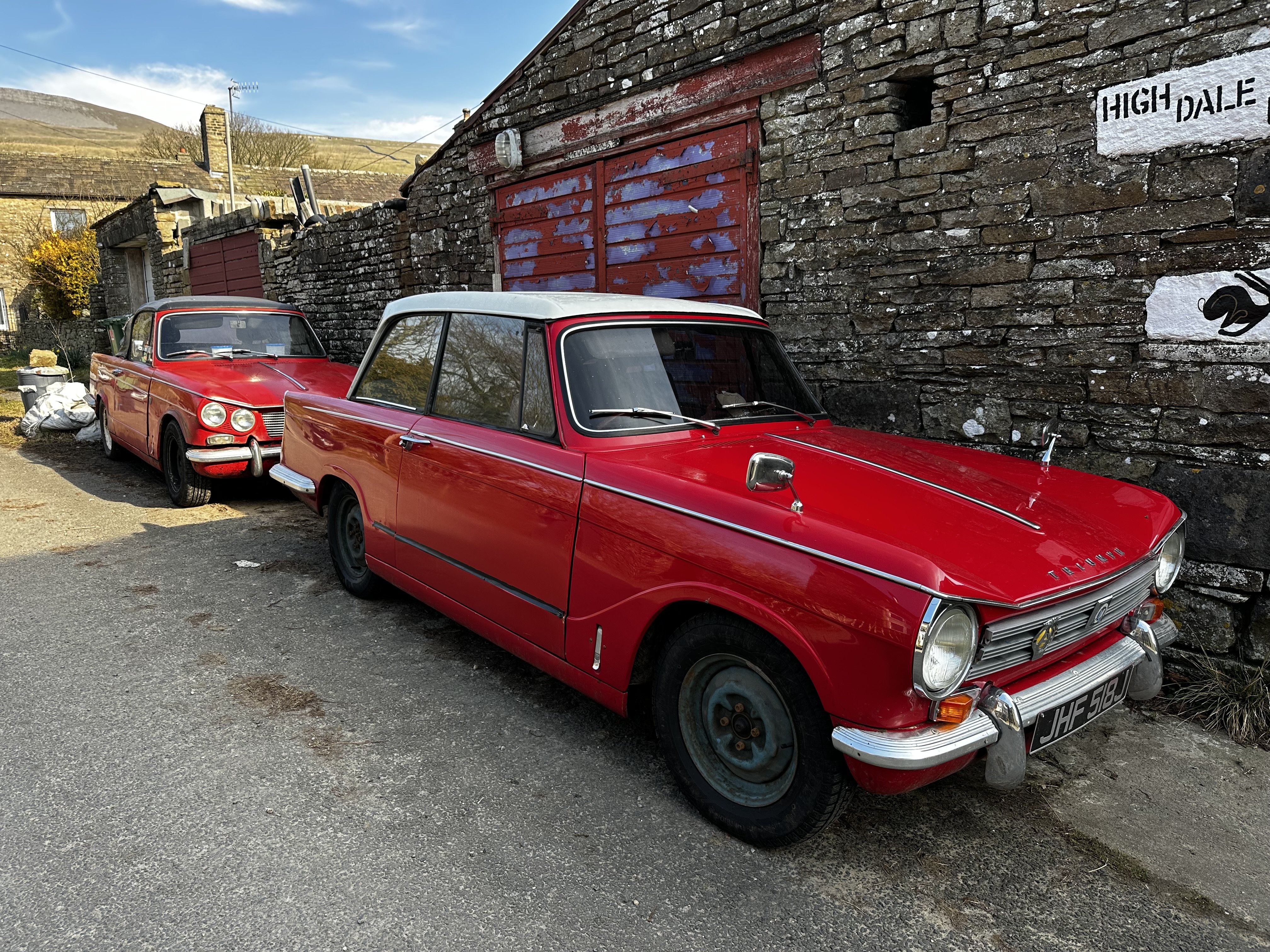
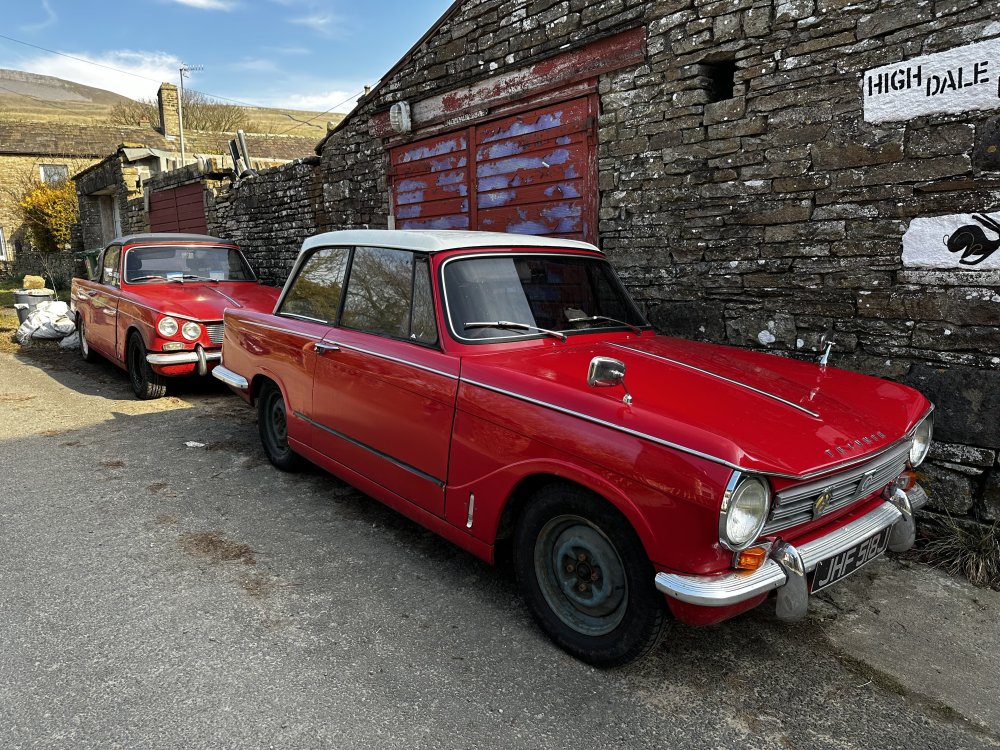
Two old school Triumphs today, in need of a little TLC though, especially the Vitesse.
-
Thank you @J.R. that’s really helpful; much appreciated.
-
Thanks very much. Using Le Shuttle to/from Coquelles and first night stopover at a favourite Chambres d’hôte near Saint Quentin. After that it’s still a bit loose; probably a combination of two or three night stops to see a bit of the area around Sancerre and the other places I mentioned. Perhaps a week walking in Auvergne area (national park, extinct (hopefully!) volcanoes). Just remembered, also want to visit Oradour-sur-Glane memorial village so through Limoges area too, I think. Will also be making the most of the numerous wine regions passed through; seeking the smaller independent producers in search of some authentic quality vintages - whilst being mindful of the post-Brexit and drink-drive limits. It’s likely a combination of autoroute, péage, and Routes Nationale depending on length of the days journey and if it includes a visit somewhere (eg a chateau, Oradour…). Often use the Via Michelin app to get an estimate of tolls and inform thinking.
-
Reviving an old thread… I’m planning a four week autumn trip to Millau and Bordeaux, may take in the Mediterranean coast &/or the Pyrenees too. Thoughts are out east of Paris via Troyes, Sancerre, Claremont Ferrand; back through Bergerac, the Auvergne, Tours (for the Loire chateaux) then on to Le Shuttle west and north of Paris. Anything new or are the comments earlier in this thread still valid? Thanks
-
I guess we can each only speak from personal experience - mine is exactly the opposite. I have a high level of confidence in the dealer I use and a very good rapport with the reception team, Service Manager and the lead technician.
-
I suspect there may be one or more software updates to be done. As a SEL FE from 2020 it will probably have had similar faults to mine - and I went through similar emotions to you. My suggestion is to book the car in and let the dealer do their thing with the diagnostics - and point them at s/ware dates too. There are known faults with fixes. Down side is any warranty may not cover the updates, but if it’s a know fault then there’s a good argument that Škoda should pay not you.
-
Fancy a pint at The Otter? Maybe PM me when you're over this way another time... [Other pubs are available!]
-
A fully updated Mk4 should be fine. Reading through this forum you’ll find lots of information the various issues in early builds such as KPH/MPH, ACC, SOS Module, Infotainment system restarting repeatedly. The dealer should be able to get a list of updates needed by checking the VIN against the Škoda systems and apply them to your car. You could ask to see that list to give you reassurance all have been done. Also, I sugggest you check the warranty terms to ensure you’re covered for further updates. The cars a great, shame about early s/w issues which tarnish their reputation.
-
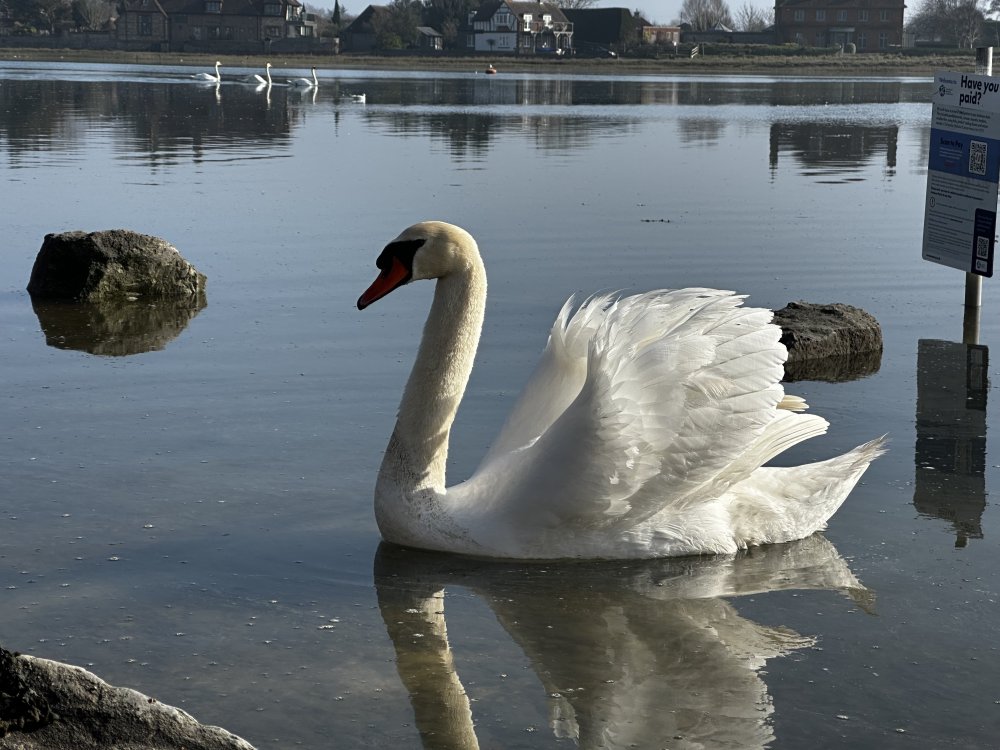
Had a trip to Marwell Zoo today, came across this Village Weaver in the aviary…

-
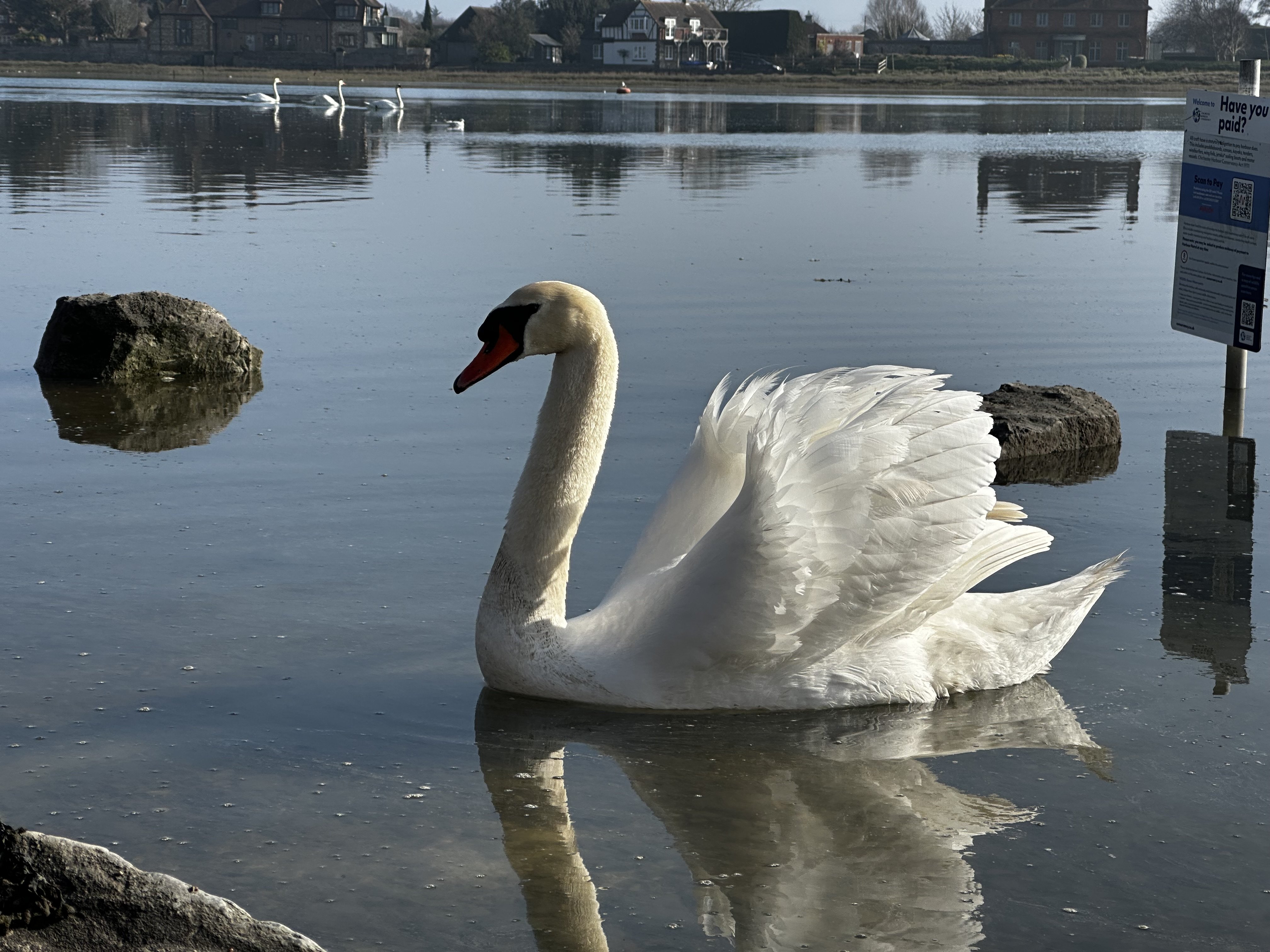
If only I’d got the whole reflection 🙄
-
That's useful to know. Mine is going back to the dealer for diagnostics in a week or two; I've noticed in the last 6 months or so that the front parking sensors have been a bit intermittent. Apparently there is a fault code logged which, I'm told, was a much use a chocolate teapot... Do you have any more details of the software update please?
-
Do you use the adaptive cruise control? To slow the car ACC will apply the rear brakes (the parking brake) so as to maintain a distance the vehicle ahead. This may well have caused more wear than you’d expected. ————— See comment from @RADIOTWO correcting my misunderstanding; thanks.
-
Yep. According to the 2020 brochure I have the non-hybrid estate is 640 ltr to the retractable parcel shelf. No mention of capacity to the roof. Be aware that the rear screen is at quite an angle, much less upright than my previous mk2.
-
The eSIM is used (in the Octavia at least) to sync some user and car data to the Škoda servers - mostly driving data such as mpg, distance and stuff like that which can be seen in the app. Also for parking location and lock status in the app. A data subscription is not needed for that - only need it to turn the car in to a WiFi hotspot for all the devices in the car.
-
The hybrid iV models have a smaller boot area because of the battery. The estate is about 490 ltrs
-
I can see the rationale for the Infotainment system only running one SatNav system at a time (to avoid conflicting directions, for example), and I assume that the update to your Kodiak applied the logic already in place in the Octavia. Equally I can see why you might want to switch between the two. In my car, the eSIM is enabled, as is WiFi; I do not have a Cubic data contract/subscription; it just uses the normal Škoda online connectivity and my Care Connect & Infotainment Online subscriptions for map updates, app access etc. My understanding s that the built in SatNav will continue to function without a subscription. However, you won't get any over the air map update, no traffic updates and no 'online routing' (whatever that bit of marketing blurb means). The satnav definitely works standalone - I have been parked up in mobile dead-spots in the wilds of Cumbria and it has happily (and accurately) calculated a route to my next destination. Hopefully that helps answer [some of] your queries.
-
A different issue I reckon. What you describe is the same behaviour I experienced from day one in my mk4 Octavia when using CarPlay; have never thought of it as an issue.
-
That sounds like a combination of ACC and Collision Avoidance along with the regenerative braking. A lot of tech 'happening' all at once, and potentially not talking to each other (as it were). I'd suggest getting the car checked to ensure you have the latest updates to all of those control system modules.
-
Yes, it can be fixed - my car was one of the first in UK to get the fix. As @Ate_a_Croissant mentions, it has to be done by a main dealer and it's a legal requirement to display both or switch between them. What is frustrating is that Škoda are not proactively fixing these early build cars.
-
You may have gleaned from this forum that the earlier build Mk4s had more than a few software issues along with some hardware ones too. My 2020 car is a prime example - after initially feeling like a Beta Test vehicle all has been sorted - to the point where I can barely remember the frustrations of old. It's now about to tick over 55,000 miles and is a joy to drive (just back from a 300 mile run from North Wales). You ask for ideas - I suggest you get it to a local dealer or good VAG independent and get all of the modules and Infotainment System updates that are applicable to your particular car. Updates cover all sorts - from SOS module to parking sensors to ACC.
-
A visit to the heart of Snowdonia yesterday…

-
Be aware though that some faraday pouches don’t last. I bought two when I got my Mk4 with KESSY (March 2021); the pouch I use is now completely ineffective. I assume over the time it has developed a few cracks which permit the signal to pass through. Other pouch is fine. A replacement is on order…
-
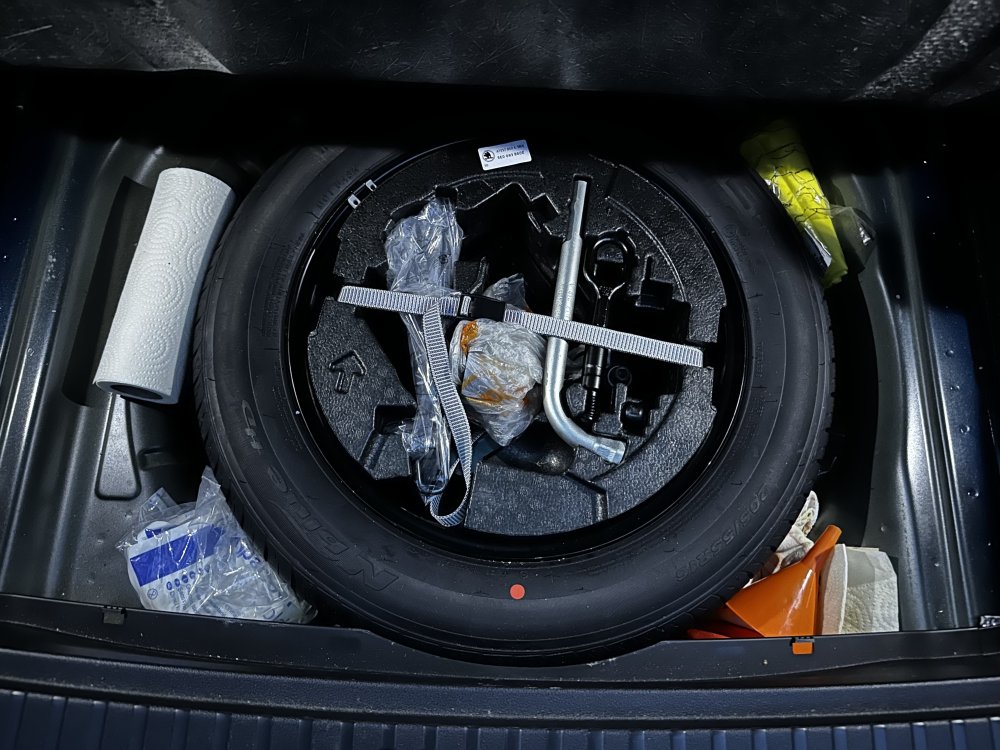
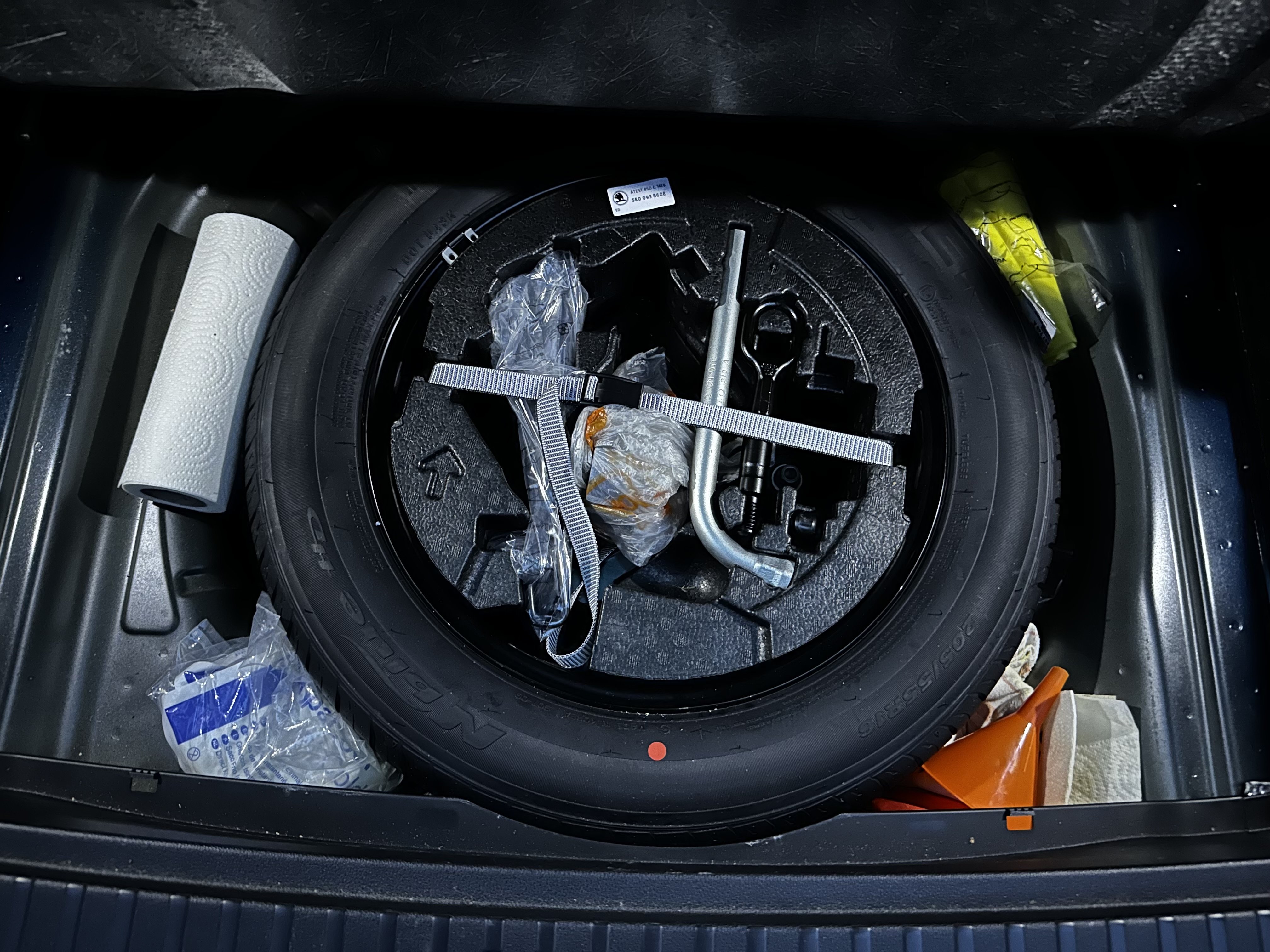
Looks like your tyre is a lower profile than mine (205/55-16) so presumably you have a larger wheel diameter.
-
IIRC, in the bottom of the wheel well there is a plate into which a threaded post (supplied with the kit) is clipped, and a nut of sorts which hold the wheel in place. The foam tool holder sits on top of that.
-
Just been out to take a photo of mine (excuse the assorted stuff I lug about with me!)