Leaderboard




Popular Content
Showing content with the highest reputation on 12/04/19 in all areas
-
1 pointRight, so I thought instead of just a write-up of my impressions of the unit, why not have a dedicated thread where everyone can post all JB4 related information, experiences, questions, results in one place. It's the case in other VAG forums and I know it's quite helpful for anyone looking for JB4 related information. Also, since this was the 3rd time I have installed the unit (1st time on the Superb) I thought I'd share some conclusions and tips that helped me during the process. Installation: ========== For anyone who hasn't done this before, it can seem a bit tricky at first but following a few good practices can make life a whole lot easier. This is not a step by step guide as instructions do come with the unit but more like a few areas to draw attention to on how things could be better carried out more easily. The unit has 3 plugs that are connected at different sensors in the engine bay. Two of them (B and C) are straightforward plug out and then in, but the bottom one (D) is the tricky one. To access it, you need to lift the car slightly and remove the plastic under-tray held by T25 screws. I did it at my garage using a jack and lifting the left side of the car just a bit to allow me to unscrew all the screws. Then, to un-plug it you should have definitely practiced your grip on those connectors as they need a special technique and if you haven't worked with VAG cars before it will seem harder than it is. All it takes is a good press-pull (actually: pivot) of the top tab to release, you can usually (but not always) hear a "click" when it does, then you just pull the connector out. Problem is you can't place your hand exactly as you'd like due to the connector being at a funny angle so practice so as to be able to do it without looking at it. You could also use a screwdriver to pry it open but take care with that as you could brake something. The AFR wire and positap connector, just follow the instructions on the manual (they are good on that part). Finally, the routing of the OBD cable and the USB data cable (for those who didn't opt for Bluetooth connection) through the firewall. This is where I'd lost a couple of hours a few years back as the place behind the firewall is so tight you are just working by feel. How I prefer to do it eventually: Get a bit of steel wire to use as a "driver" but not too flexible (3mm thick would do). Attach the molex plug at its end and enter the engine bay from the oval opening with an upright angle (60-70 degrees roughly). You will need to cut a cross slit to the grommet to get through. Helps to have a friend checking what's coming out at the other end otherwise you should be pausing to check if you're good. When you are done, leave the steel wire there and attach the USB cable (the thin end going to the computer not the JB4 end) so that it can get to the cabin when you pull the wire back in through the grommet. Then just arrange all the cables below the steering so that they don't get in your way (I used cable ties) and you're good to go. It's good to drive normally for the first minutes after first installation, then gradually give it full throttle for the ecu and gearbox to adapt fully, ie. don't expect the full effect the first time you floor it. Then again it should not be a particularly long process either. Start with Map 1 at first to make sure all feels fine and no errors, lights come up (shouldn't but just in case some wire is not secured in place etc), and even do some logs to confirm this. Then if all looks fine you could switch to Map 2 which is closer to an actual stage 1. Driving: ======= So the million dollar question: How does the unit feel on a 272 AWD Superb? Impressively linear. You won't/shouldn't get any unexpected power spikes, hiccups, noises or other weird reactions. In fact, the unit goes completely un-noticed and has no effect during your regular off-boost driving (you can easily check this by seeing actual boost being the same as ECU requested boost). The extra power is in relation with the throttle position and aggressiveness, when you ask for it, you get it, based on the way that you asked. And what you do get is not some explosion of power as I already said (would be hard to get this with just stage 1 power levels) but a noticeably stronger, more convincing will to accelerate hard up to the red line without any hesitation. As stock, after the instant "get going" effect wears out (above 40mph) the cars feels like it makes progress but not particularly fast, more like in a fixed speed building state. With the JB4, the car wants to accelerate harder and harder the higher you go in the rev range, as if some limiter has been removed. Flooring it in 1st is hilarious, instant, almost electric slap so be prepared (and that was without Launch Control even), 2nd gear throws you back fiercely, 3rd still goes pretty strong and even in 4th you're accelerating significantly. The power delivery as a whole has expanded and is more interesting to explore the upper departments... But it never feels "injected" or "enforced" on the car, you could easily believe this is how it left the factory. Coupe of things to note: - My driving was done with Map 2 as after a quick check on Map 1 there was no point in wasting more time there. Map 1 will have a less pronounced effect on all of the above as it tapers more the extra power. - The car has a pedal box already which definitely amplifies this instant low speed pick-up and I think one complements the other into a great combo. Again, expect a less pronounced effect without it. Rough data: ========== Haven't yet had the opportunity to safely compare 0-60 times but judging from the rest of the acceleration figures I got and the way the power is laid down in the first 3 gears (the new 7speed helps there) it definitely feels it can do mid 4's. Update will come in due time. 100-200km/h (or 62-124mph for the UK guys): Stock, the car did it in 16.6". On Map 2 and no other mods whatsoever this dropped to 11.9"-12.1" which is ridiculously good improvement for a mere stage 1 without any other mods whatsoever. For reference, this is significantly faster than the latest 540i xDrive and S6, and still faster than the latest S4/S5, 440i etc. so not too bad. Still for people coming from relatively powerful cars, and especially above 100km/h, you will feel it's ok but nothing extraordinary. The good (or bad, that depends... ) thing is this platform can handle a lot more power so up to you really where you feel it's enough. For the time being I'll just add the Racingline filter and turbo inlet pipe that I got out of my previous 2.0 TSI and call it a day till the situation with the GPF downpipes clears out, then we'll see. I somehow feel I ultimately won't be able to resist a proper upgrade on this car.1 point
-
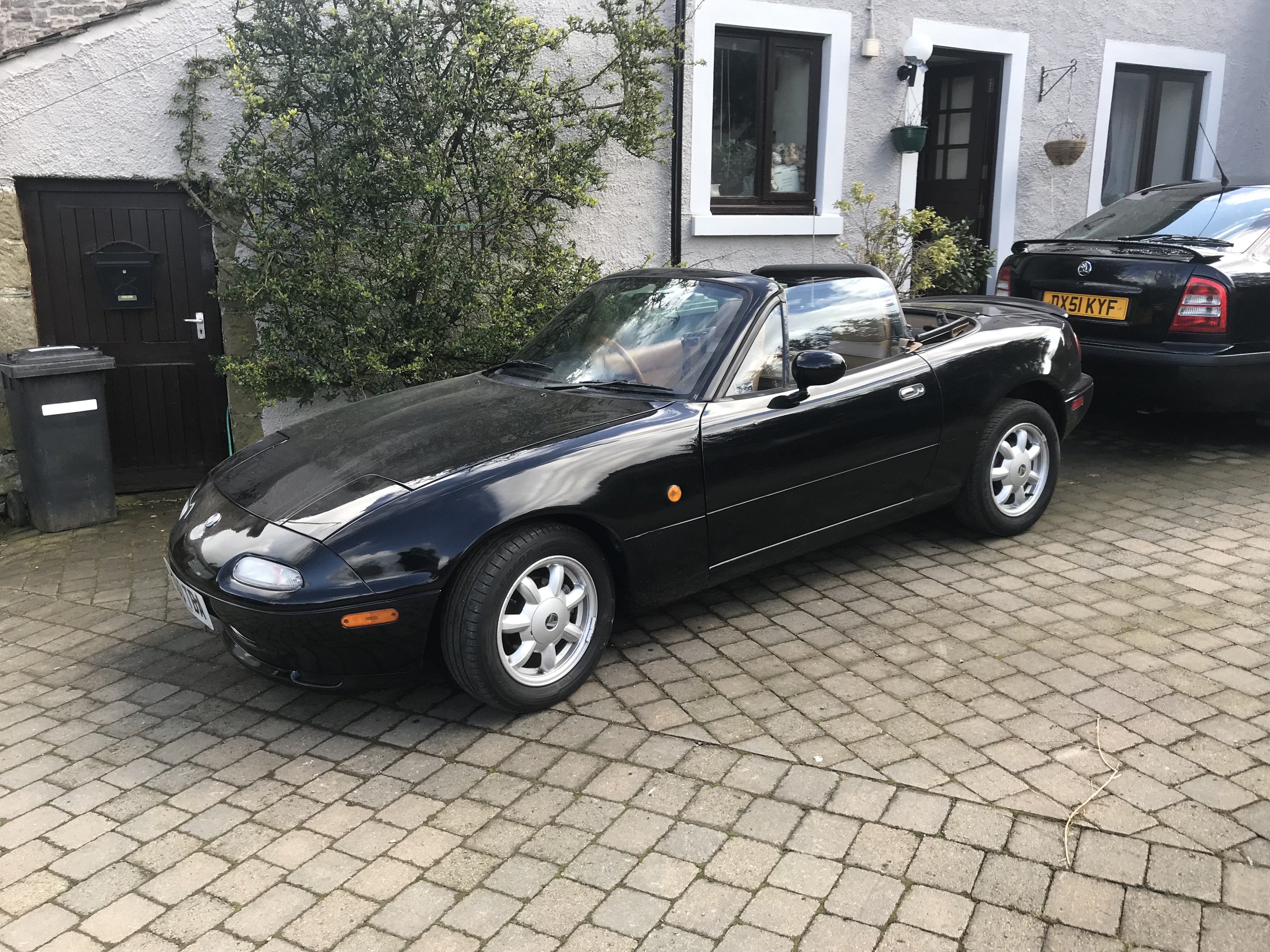
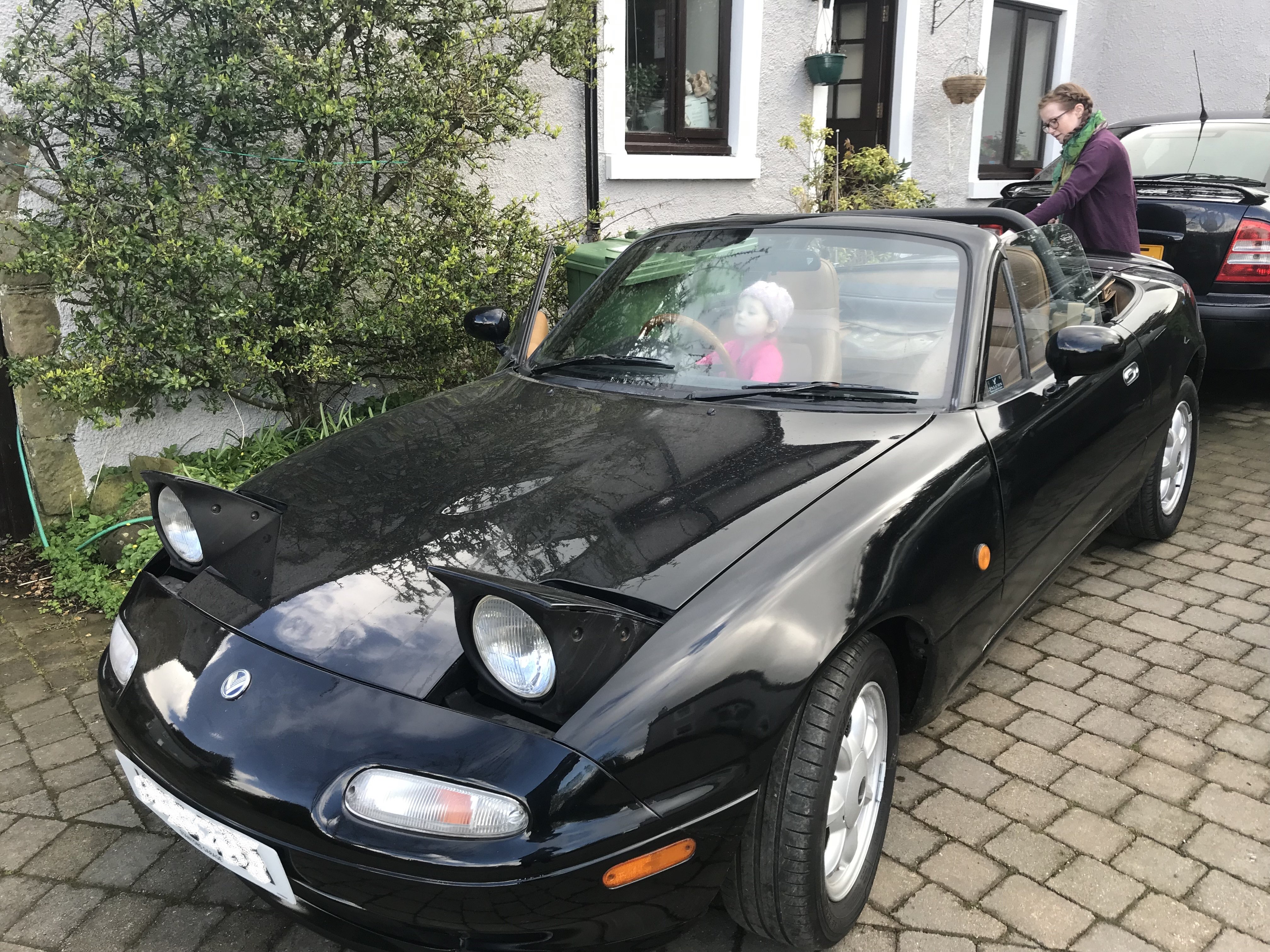
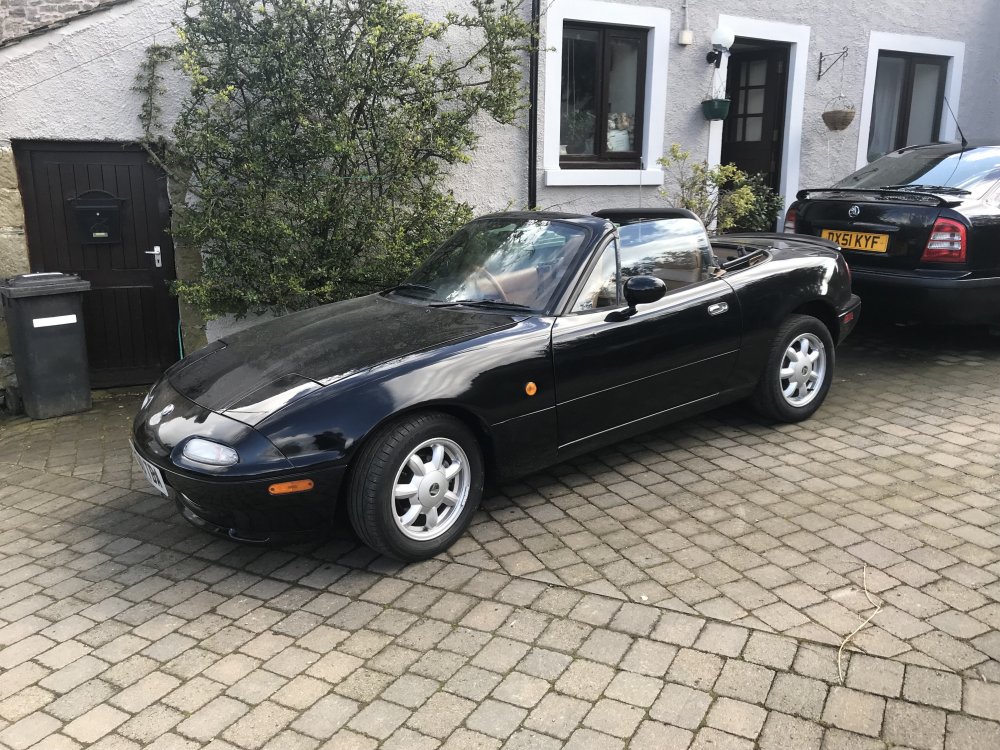
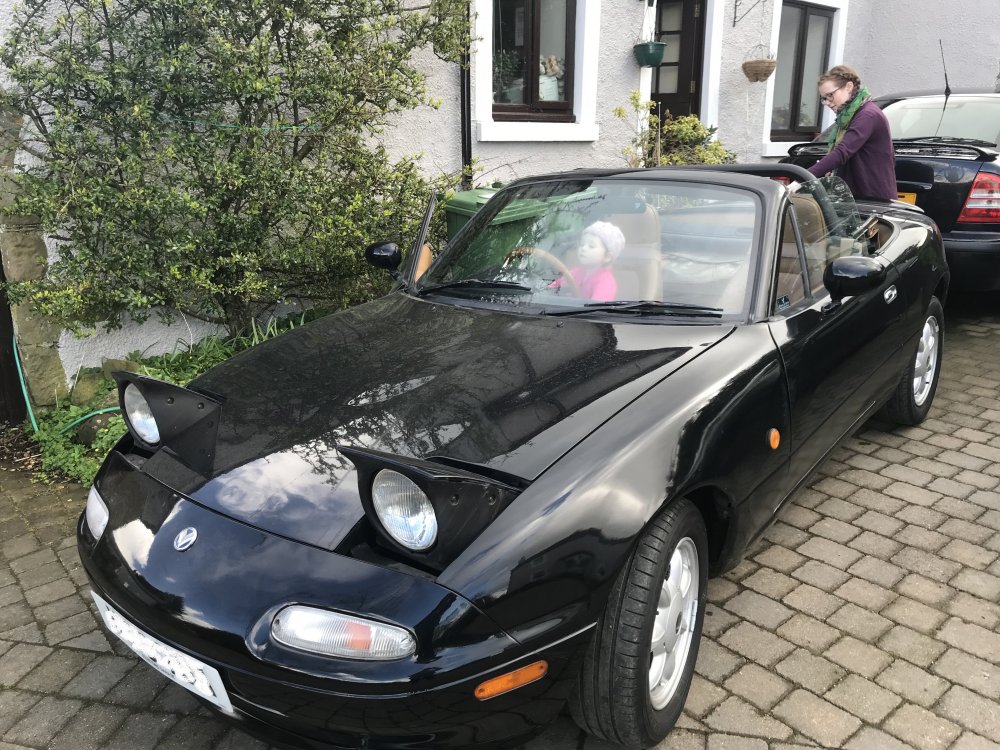
well, finally got myself a new mx5.... looked really good, turns out it was rotten ... I had a choice, either loose the £1800 i spent on it, or spend a shed loads more, getting it fixed and saving it.... I refused to be beaten, it needed a lot of welding, including a chassis leg! :O and a wiper mech, and some work on the lights.... it took a LOT of effort to find someone willing to take on the work, and even he said, if this was an old for ka or something , Id tell you to throw it away ... only because this will go up in value am I willing to do it...... so , all in £2500 ...... I then looked on the web for genuinley rust free v-specials in unmodded factory condition with all the right parts like mine, and was amazed to find them at about £4k ! :O happily this will only go up in value now... not many proper v-specials left... everything works now, including the VLSD, windows etc etc...
 1 point