pab567
FREEDOMTech
-
Joined
-
Last visited
Everything posted by pab567
-
Nope, I don;t know any possibility to patch non-navigation unit from SD.
-
Good news - you are able to make installation of MIB STD2 Toolbox from SD card, all you need is to tun developer mode on in adaptations, e.g. with VCDS, OBD Eleven, VCTool, VCP or ODIS. @zlatni71 I don't have such file but you should be able to achieve all with MIB STD2 Toolbox.
-
Part number of your infotainment unit?
-
Install MIB STD2 Toolbox
-
-
-
-
-
-
PM
-
First of all pls share VIN because there might be more systems affcted than just multimedia unit.
-
I sent you download link in PM - just pls note that if you are looking for a possibility to run Android Auto or Apple Carplay the this is NOT possible with your unit.
-
PM
-
I believe your unit is broken and in the same time gets some current from battery even if the ignition is off. I'm afraid it must be verified outside the car. Pls share VIN so I can check the details and let you know if it should be rather repaired or replaced.
-
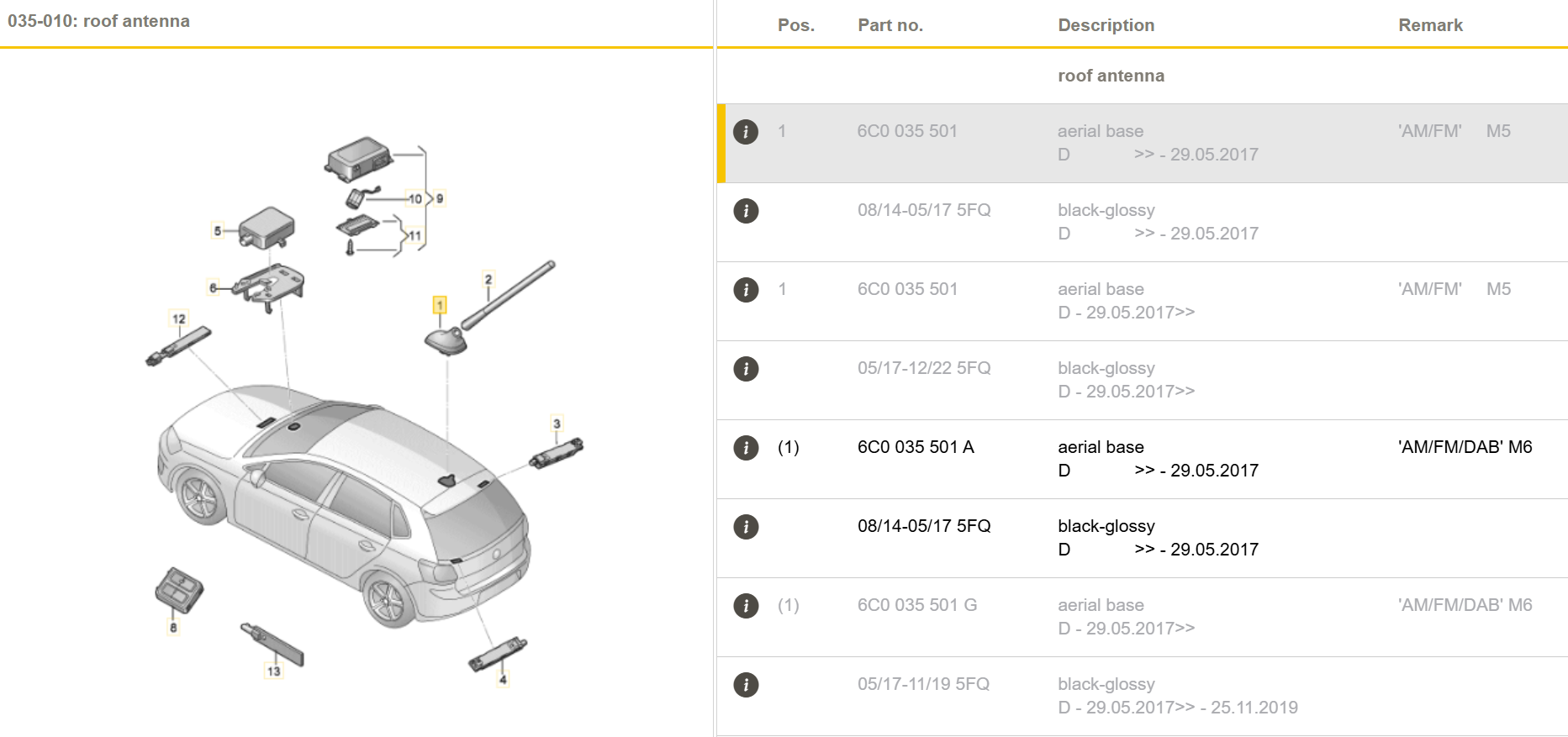
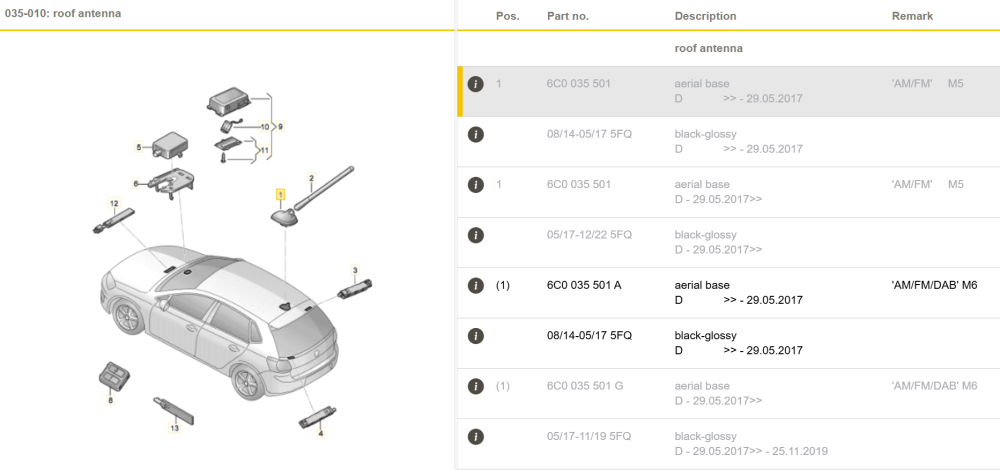
See the picture below - I believe aerial base 6C) 035 501 is broken due to water ingress
-
Message sent
-
If you skip CD then Bolero MIB2 is enough. Yes, I can supply, just need your location and decisions on display and USB. Pls contact me in PM if you are interested. This is your choice...
-
Great!
-
Usually it takes 10-20 minutes, can be done with ignition off.
-
Probably DAB antenna broken due to water ingress. Pls share VIN so I can check antenna system you have.
-
To be clear: every unit running SW version 02xx, 03xx, 04xx, despite 5Q0035819y and 5Q0035820y (y - letter A, B or C) can be upgraded to 0480. However, to have it done unit must be patched. In case of Amundsen units this can be done from SD card (e.g. with MIB STD2 Toolbox) however in case of Bolero units (without OEM sat nav) it can NOT be done from SD - unit must be open to amend files in EMMC directly.
-
Yes, you can but APP button will not work
-
So now you have Bolero MIB1, with Bluetooth, with DAB, part number 5E0035842A, with USB 5Q0035726B and fortunately you don't have CANTON sound system. You can install one of four different OEM glove box units: - MIB2 Bolero - MIB2 Amundsen - MIB2 Columbus - MIB2.5 Columbus You also need to replace display unit: - for MIB2 Bolero you can use either 6.5" model number 5E0919605H or 8" model number 5E0919605N - for MIB2 Amundsen and MIB2 Columbus you can use listed above display as well as 6.5" model number 5E0919605J, 8" model number 5E0919606, 8" model number 5E0919605M - for MIB2.5 Columbus the only display unit that works is 5E0919606D If you woulkd like to use Apple CarPlay then you also have to replace USB port. The question is what is your budget and which of listed below features are "must have": - Video playback from DVD, USB, SD - CD playback - OEM navigation - displaying OEM maps in Virtual Cluster (Active Info Display). All units support SmartLink (Android Auto, Apple CarPlay, MirrorLink), rear view camera, voice command. features that differ them: - MIB2 Bolero - no OEM navigation, no CD/DVD drive, no video playback from SD/USB - MIB2 Amundsen - OEM navigation, no CD/DVD drive, no video playback from SD/USB, support for displaying OEM maps in Active Info Display (Virtual Cluster) - MIB2 Columbus - OEM navigation, CD/DVD drive, video playback from SD/USB, no support for displaying OEM maps in Active Info Display (Virtual Cluster) - MIB2.5 Columbus - OEM navigation, CD/DVD drive, video playback from SD/USB, support for displaying OEM maps in Active Info Display (Virtual Cluster)
-
Pla wait until "Software" filed contains data and post again
-
No, you have the most recent firmware for your unit. Nope, you have the most recent version for your unit.