pab567
FREEDOMTech
-
Joined
-
Last visited
Everything posted by pab567
-
Yes, there wwas Superb Mk2 with paddles, I even had one MY12 V6 3.6 DSG with paddles. Send me VIN of your Superb in PM.
-
For manua DSG gear shift? Of course it was!
-
As far as I remember 0 yes, unless you instal the one with paddles.
-
Unortunately, you are right, you need MFSW either from Superb Mk2 or Yeti. I think some from O2 will also work but not sure which ones.
-
As far as I remember it's plug&play. You can add MSFW with paddle shift but it requires coding and MAY require change of steering wheel controller. Pre-lift airbag will NOT fit, it must be replaced too, as well as the harness located inside the steering wheel.
-
-
Download link for MST2_EU_SK_ZR_P0480T sent in PM
-
PM sent
-
I sent you PM
-
Indeed, glove box unit must be replaced. I will send you PM.
-
I can do it for you, as I can see you are from Czech Republic and I am in Poland so shipping costs will not kill it... @CrazyWolf @Rocketeer125 check your PMs for MST2_EU_SK_ZR_P0480T download link
-
Link to download MEN2_EU_SKGPx_P0080L_8755 sent in PM
-
I sent you download link for MEN2_EU_SKGPx_P0080L_8755 in PM
-
-
Download link for RNS510-5238A-josi-VIM-Testmode-60-35-5 sent in PM
-
-
You already have the latest official firmware
-
OK. You can try to reflash it with the new firmware but it might be HW issue as well. I have just sent you download link in PM.
-
Pls post a picture of label from upper housing of Columbus
-
Download link to RNS510-5238A-josi-VIM-Testmode-60-35-5 sent in PM. Why in PM? To minimize the risk of any attack.
-
Link to download MEN2_EU_SKGPx_P0080L_8755 sent in PM
-
PM sent
-
I'm sorry I'm not in position to answer shuch question, pls ask supplier.
-
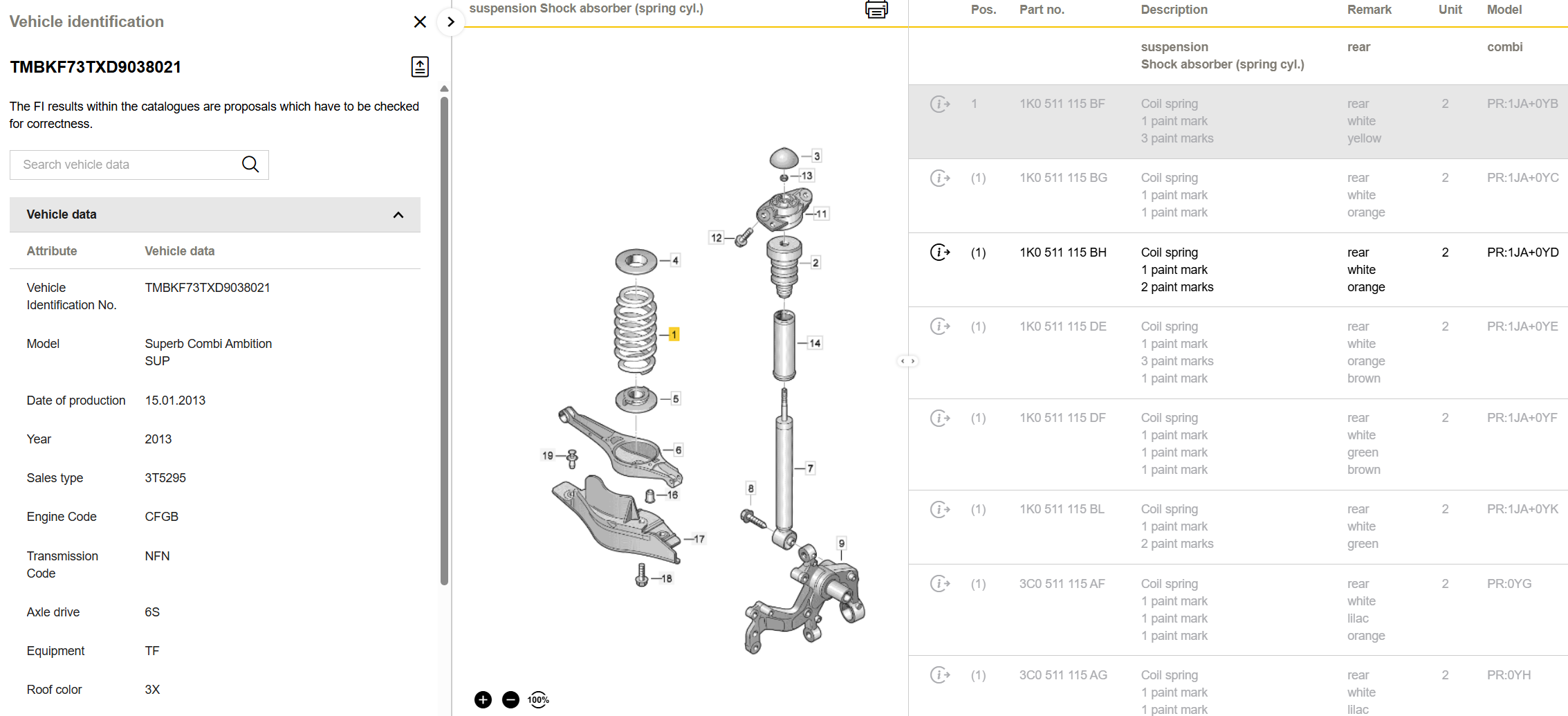
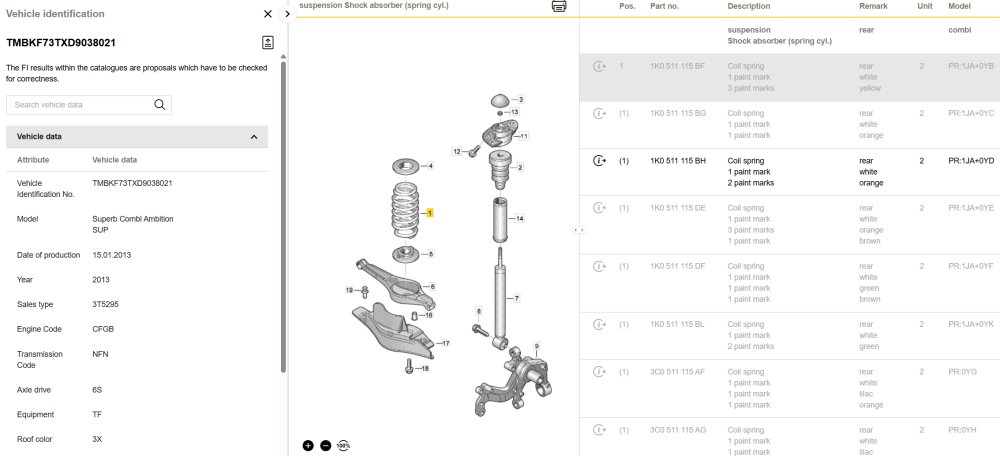
1 white or 2 orange:
-