Vahids
Members
-
Joined
-
Last visited
Everything posted by Vahids
-
-
Idle for both my previous and current VAG cars is between 750-800 rpm. Never had a car with idle less than that tbh
-
There are different sizes indeed depending on your car model and year! So you need to measure your car handle!
-
In the same situation and had the same question in my mind, I rang Skoda dealer and asked about the service schedule for the coolant and they replied "No regular service is needed for the coolant!" :-0 So, I will probably end up doing it myself. Is there "How to do" guide for changing the coolant?
-
OK, some update on this. I figured out what the issue was! As sashaGrace and weyland said, the camera is plug and play really! The issue was the camera does not show the video signal if the boot door is open. So, because the boot door was always open during the installation, it never showed the video signal. So, after I reseted all the previous camera settings it started working (of course when the boot door is close)!
-
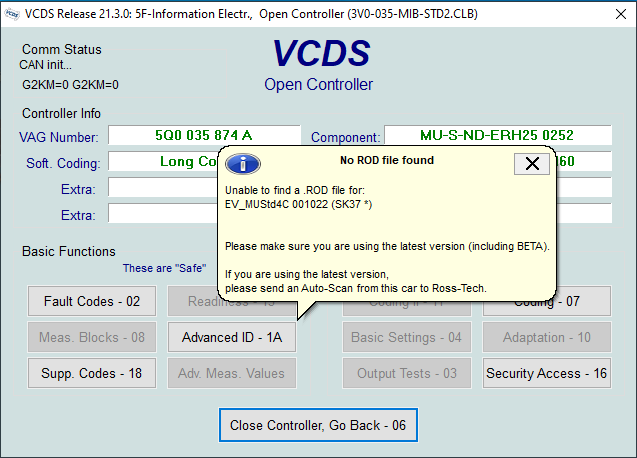
Thanks @SashaGrace I did as you suggested. Unfortunately, it didn't work I reverted back all the changes and did an auto-scan and here is the auto-scan results: Log-26-07-2021-1.txt Then I connected the camera and when it didn't work I did another auto-scan and got this: Log-26-07-2021-2.txt Then enabled the rear camera in the park assist control and got this: Log-26-07-2021-3.txt In the last auto-scan it complains about miss communication and I get an error as below:
-
I bought the below Sinosmart MQB camera a while ago. Was busy with moving home, so when it arrived I quickly just test it to see if it works on my newly installed unit (a MIB2 5Q0035874A bought a week before buying the camera) AND it worked perfectly without changing the coding (just plug and play) as the unit's previous owner has set up the unit for a reverse camera. However, during this period (which I hadn't installed the camera yet) I was getting a park assist error which was vey annoying, so I just disabled the reverse camera in 5F Byte 19 Bit 4 (removed tick for enable reverse camera low) and that fixed the park pilot error message. Now that I have free time to install the camera, it does not work anymore even when I enable that bit again!!! What sort of coding do I need to do for these Sinosmart MQB cameras (except the 5F Byte 19)? Are they highline or lowline camera type? https://www.aliexpress.com/item/4000230897829.html?spm=a2g0s.9042311.0.0.40694c4dTEPT93 Tagging some experts to see if they have any advice for me @SashaGrace @langers2k @weyland Your help and time is very much appreciated! Thanks!
-
@4WDDSG6 could you track the issue? I have similar problem and my camera does not work at all.
-
Very sorry to hear it! Hopefully it is not a total loss and your insurance would cover it! Generally, how likely is it for an Mk3 Octavia begin stolen regarding its security equipments? Does a Mk3 2013 have an immobiliser? Do I need to chain my pedals like old days car locking?
-
Thank you very much for your reply @pab567. Can I ask what is the latest update for my firmware (Hardware 25, Software 0252) and is there a way to do such an update?
-
Does anyone know if updating the firmware of a hacked unit would disable the CP and Smartlink functionalities? My unit current version is: Hardware 25, Software 0252.
-
Happened to me as well. Once was cleaning the dash I think I pressed many buttons together while cleaning and then the message appeared! When turned on the ignition it went away!
-
109km is roughly equal to 68k mile.
-
pretty sure 5E0035864A (MIB1) does not support smartlink. For the smartlink you need to get MIB2 (5Q0035874A) and adapt it to your car.
-
That's a good advice indeed. Will do, thanks.
-
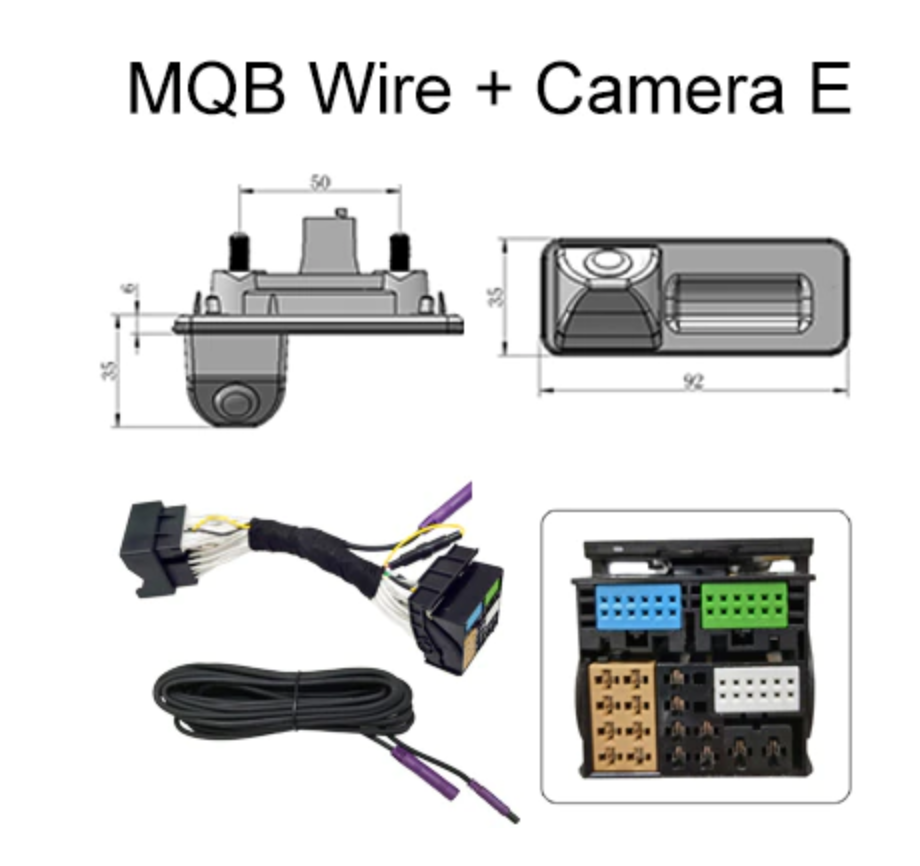
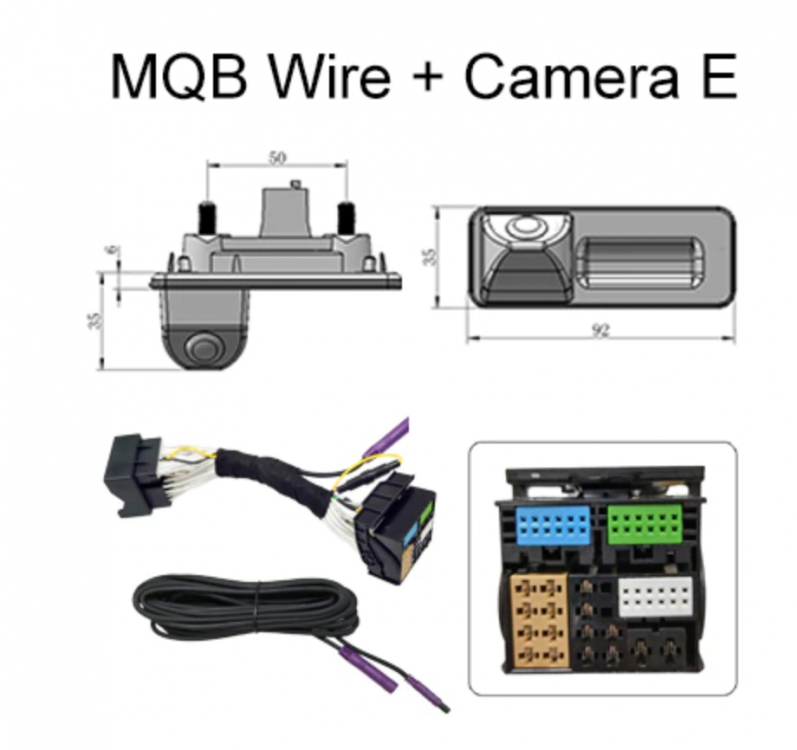
Actually, I am dumb, the proper camera with can-bus support has a version which supports boot with smaller handle size, i.e., 92x35 (for 2013 & 2014). So, I cancelled the previous one and going to order this with camera E + MQB wire. Can't wait to fit it. https://www.aliexpress.com/item/4000230897829.html?spm=a2g0s.9042311.0.0.40694c4dTEPT93
-
Thanks a lot @langers2k, very helpful information.
-
Thanks for the information @langers2k. I wonder if the following camera is a Can-bus compatible or not. Couldn't find any details about the canbus in its details though https://www.aliexpress.com/item/32867335459.html?spm=a2g0s.9042311.0.0.2cb74c4dYV6ByH
-
A question for experts; if the camera power is connected to the always powered supply, like rear wiper, doesn't that mean the camera is constantly working (just not displayed on infotainment) when the car is in used? Rather than if it is connected to reverse light or rear approximate sensors it is turned on when the reverse gear is selected?
-
Hello, I am retrofitting a MIB2 unit (5Q0035874A) in my 2013 Octy. I would like to fit a reverse camera as well, however, the SINOSMART CanBus version (https://www.aliexpress.com/item/4000230897829.html?spm=a2g0s.9042311.0.0.40694c4dTEPT93) which I think is the most reliable one does not fit my car boot handle (My car handle is 92x35mm). A potential solution is getting only the camera (type D) and make a hole close to the handle for the attachment. For this type D camera, there are two options, one is MQB wire, and another is PQ wire. I wonder which type should I go for? My guess would be MQB, true? Or, I can find another camera. Does anyone know a reliable camera which can fit on a 2013 Oct with 5Q0035874A head unit? Any help is highly appreciated!
-
Do you use eco driving mode? I notice this happens to mine when I use eco mode in cold or humid weather.
-
An update on the issue - It is fixed and the fix was easier than expected! It was just one of the boot light diodes shorted! Probably the previous owner short circuited that boot light! So, replaced the faulty (shorted) diode with a similar one and everything is fine again now! Thanks everyone for their comments and guidance. Cheers
-
Check the Calipers and the brake pads.
-
Thanks for your help. I will try to see if I can get a VCDS to check out the settings. Meanwhile, I will erase the errors to see if anything would change.
-
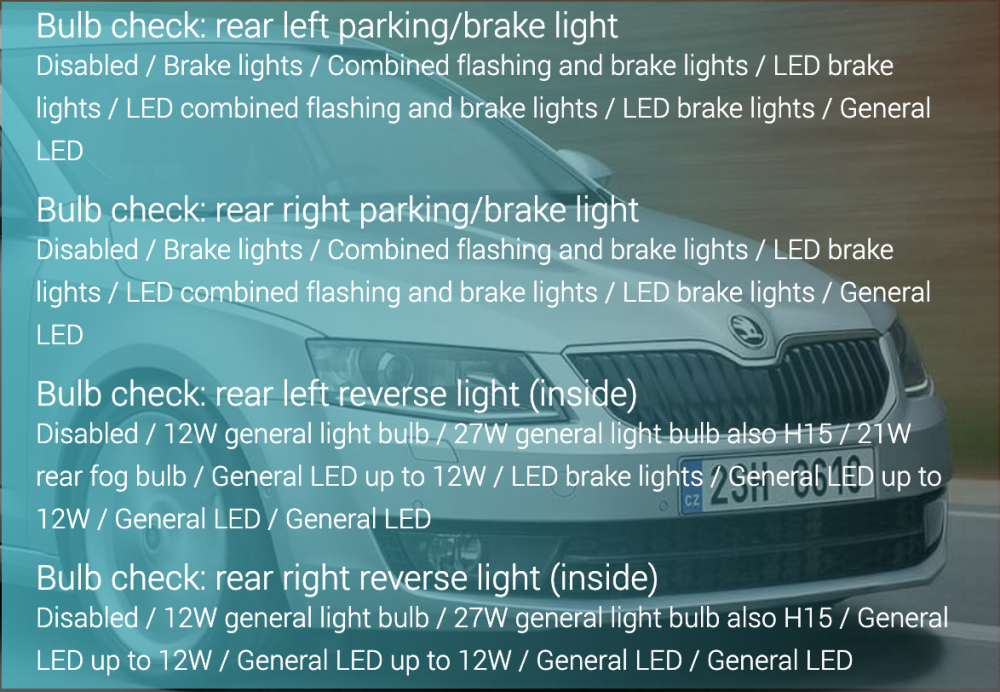
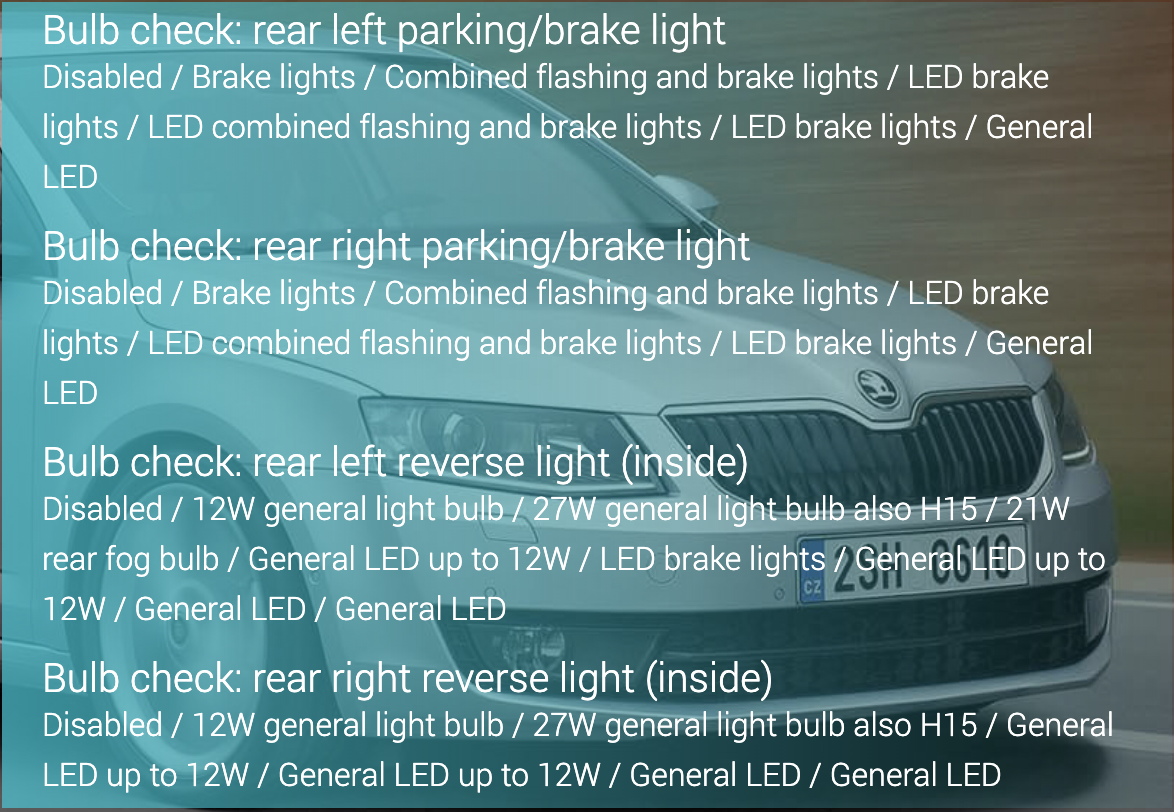
I was looking at the Carista customization software capability, it seems that there are settings for LED vs other bulbs. Does anyone know what the word inside in bracket refer to? Also, does anyone know if it would be possible to see what is the current setting for this reverse bulb using Carista or VCDS?