
AnnoyingPentium
FREEDOM
-
Joined
-
Last visited
Everything posted by AnnoyingPentium
-
Could still be echoing throughout the interior of the car, however.
-
Good evening and welcome to Briskoda! Tell me, were those Vectra B's that you had? I've got a massive soft spot for that generation of Vectra since my Grandad had one when I was a wee-er lad. That'll be liked here, especially since it's not too uncommon for people to harvest the guts out of 'em and drop it into a Fabia.
-
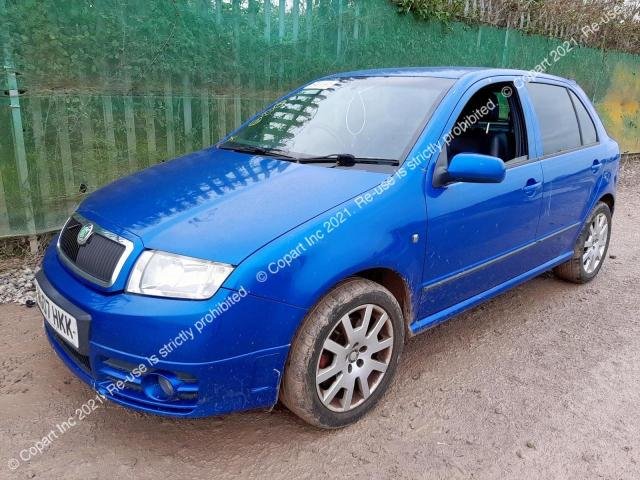
This is up for sale on Copart... https://www.copart.co.uk/lot/69400381/clean-title-2007-skoda-fabia-se-v-westbury
-
Of course I know Simon and Garfunkel, massive part of my childhood and I quite enjoy listening to them to this day. Even Paul Simon's later work with Graceland and Rhythm of the Saints is played in the car frequently. I just didn't understand your reference at first, but I get it now! Anyway, back on topic-ish, I believe I mentioned at some point on a thread about making sure the tools in the spare wheel kit are sitting secure. I don't know if that would make much difference, but that could be your rattle. Otherwise, look for coins or something rolling about. I had a 20p piece in a rear door pocket that drove me insane before I realised what it was.
-
No mention of 719 in the original list, besides the below quote, however it is owned by this chap here.
-
Aye, I cannot open it either. It's all what?! Didn't think the OP had posted some music.
-
For the £1.49 those cost, I've sent away for one for my Fabia. You'll also notice that there's a Mk1 Octavia vRS in the background of that listing's promotional picture... or perhaps I need to get a hobby?
-
It was AutoGlass that did mine through my insurance company and the new windscreen is a good fitment and I don't get blinded as much since I don't have the beam from car headlights splitting as it goes up all the scratches on the glass. I've never even heard of Auto Windscreens actually.
-
+1 on old battery issues. Especially if the car is only being driven shorter runs or using the stop/start system (if equipped) a lot. A poor connection between an earth lead and wherever it connects to may also be a potential problem here, as was the case on my Fabia more than once. Just take the connector off, and if it looks dirty then take a nail file to it and clean it up a bit.
-
Now that's an old thread! Can I recommend that you start a thread in the section dedicated to your specific model where other owners will be able to help.
-
Hello and welcome to Briskoda. Hope your Superb arrives shortly!
-
It's not fun, but neither is a cracked windscreen. The difference between my old and new one was night and day though since my old one was very scratched.
-
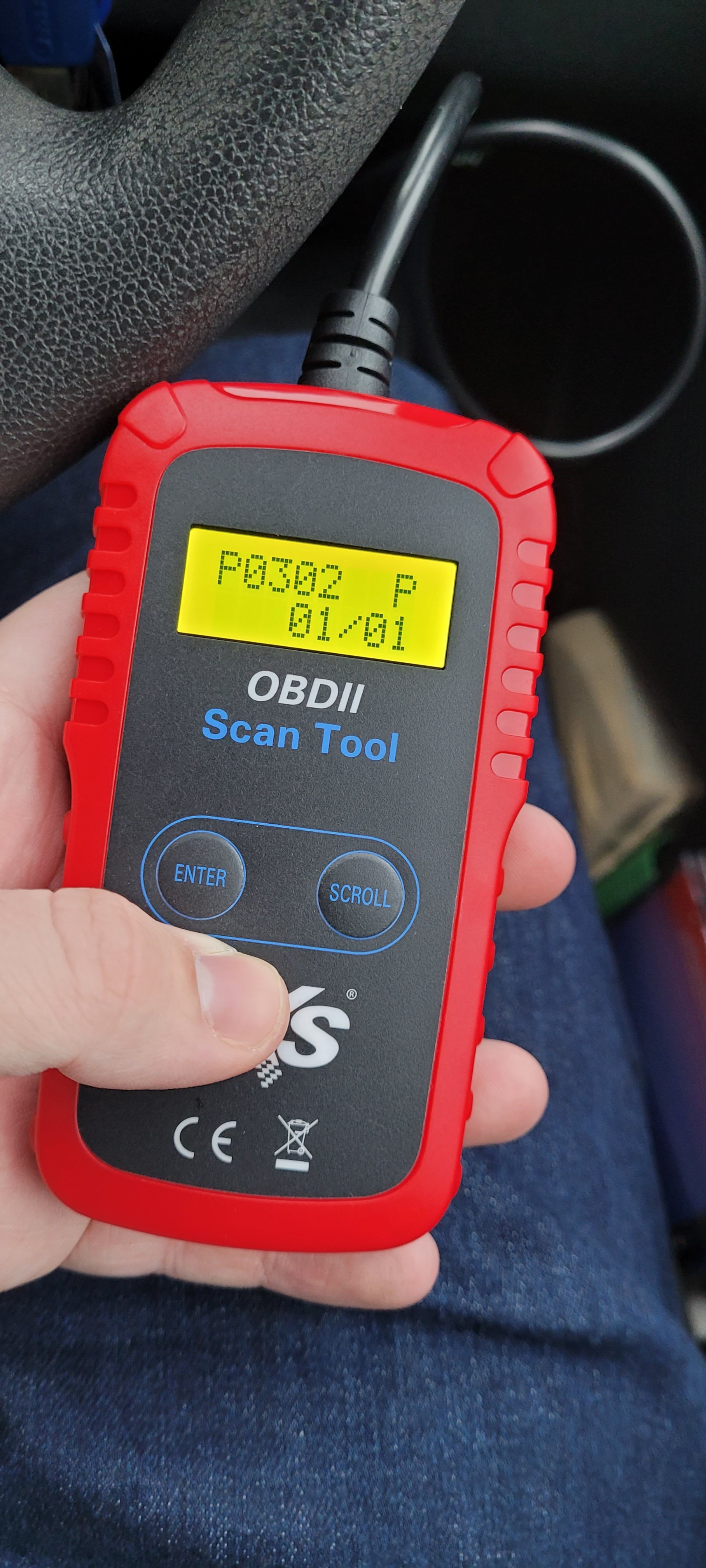
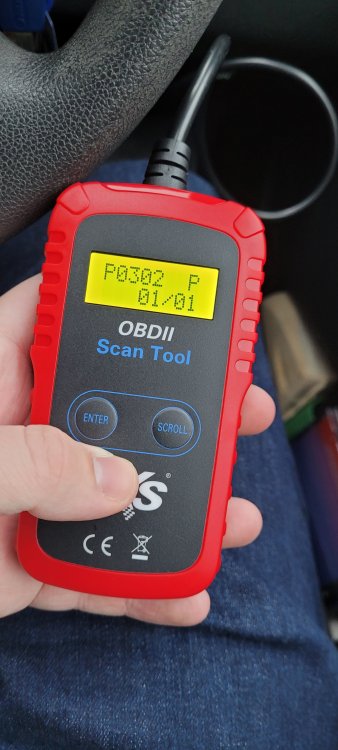
So one of my coil packs announced today that it working was not within the 5 year plan, so fast forward a few hours, and I'm back on the road with a new coil pack on cylinder 2 and one bought as a spare. Massive thanks to @Wino for giving me a wee hand with fault diagnosis this afternoon.
-
I wonder if my cousin will benefit from this. He's been in the scheme for forever IIRC.
-
Aye, Sepulchrave has hit the nail on the head. I don't know what's required in swapping a tailgate either if you want to go along the extreme side of things. I'm not going to find out either... if you do then let us know how you get on.
-
Hello and welcome to Briskoda. Your English is remarkably good!
-
Even better with a Clubcard at times, George. That way you can pass your savings onto charging the car at places that are less than free.
-
Of course
-
They pull off pretty easily. Designed that way so that someone in the boot can get out by pulling that off then tripping the inside boot release according to a video I saw on t'internet. I can get you the part number tomorrow should you wish to replace it.
-
Oh, in which case, no. I had an inkling that's what you meant. Heid oot the gutter, Sep.
-
Nope, it's a big blanket, used to roll the bodies up in. If anyone asks me why I'm carrying it, I just say I'm going for a picnic.
-
This may help you with your problem. Even if it is for a Mk2, basic principles should still apply. Hope this helps.
-
My Fabia ticked over to 57k yesterday and I wasn't able to snap a photograph sadly. I'm a wee bit gutted about that.
-
Anyway, the focus here is on getting that CV joint replaced with a new one for peace of mind and to aid in the process of elimination.
-
Don't have a partner, however, my Grandad got the hose and sprayed the back bumper/tailgate area on mine as I watched for water running in from the inside. Of course, we found the leak with one of the seals letting in water. Bit of bathroom sealant and some air fresheners to deal with the smell and bam, no more small lochs in the wheel well.