Cedwing
Members
-
Joined
-
Last visited
Everything posted by Cedwing
-
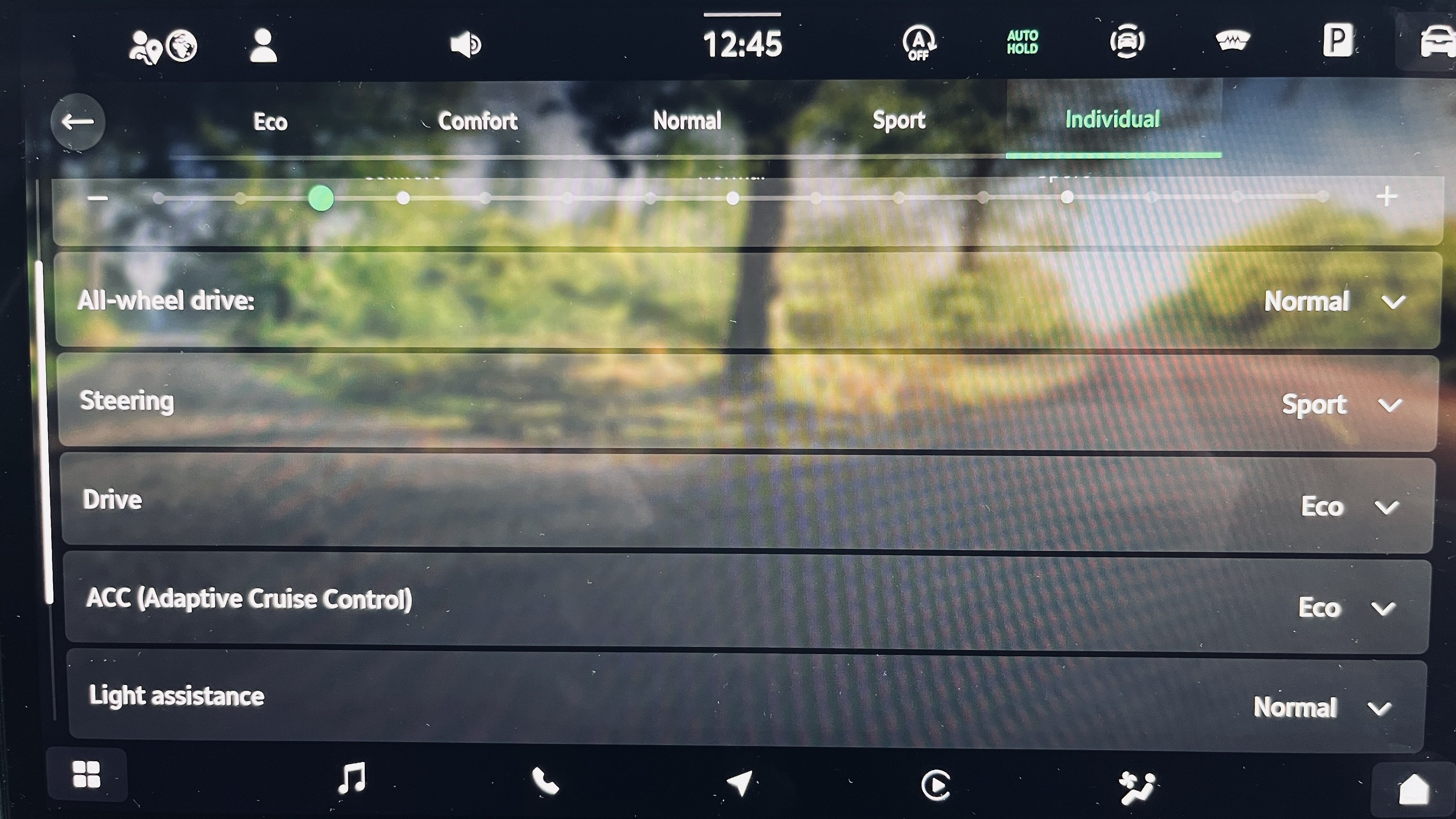
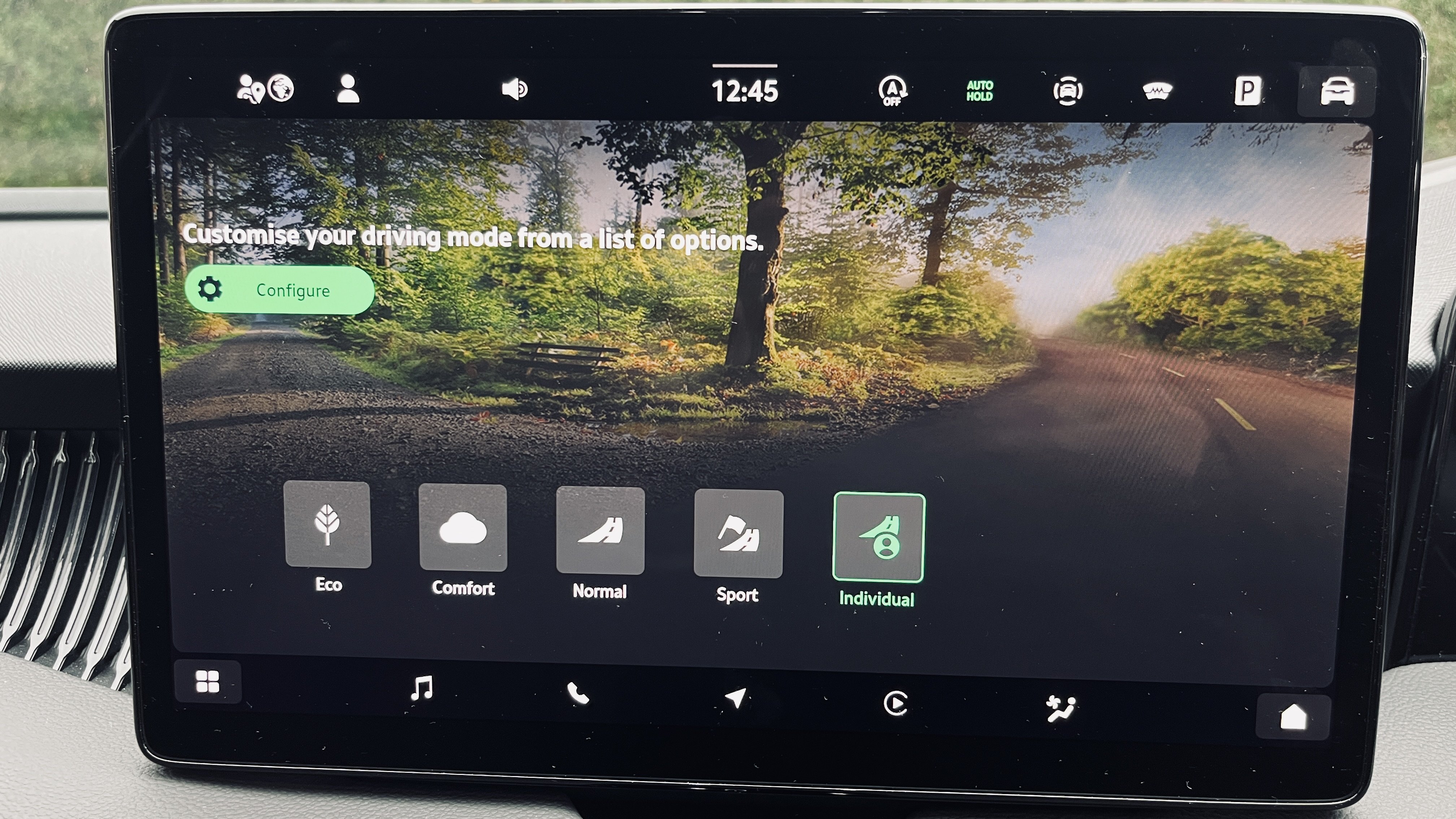
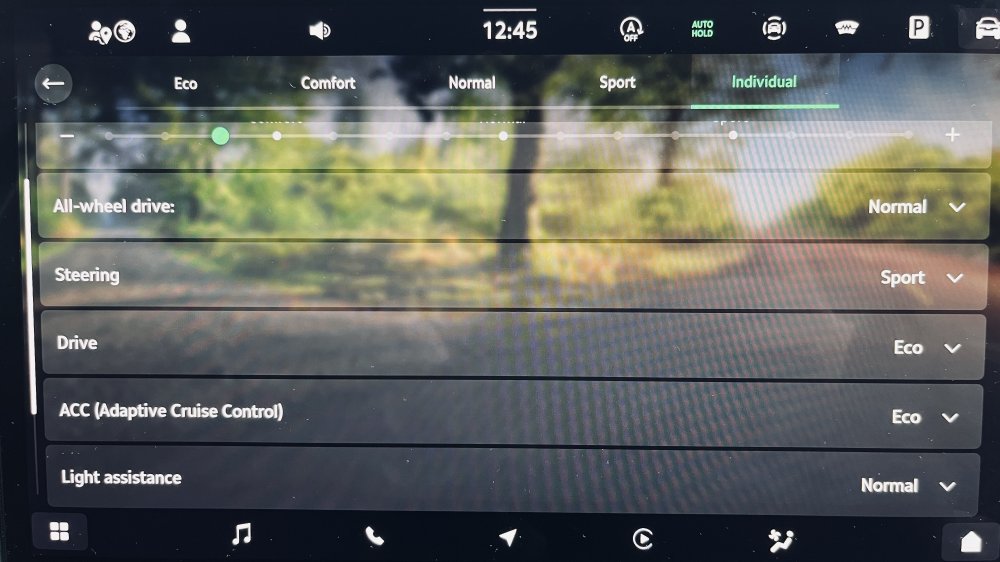
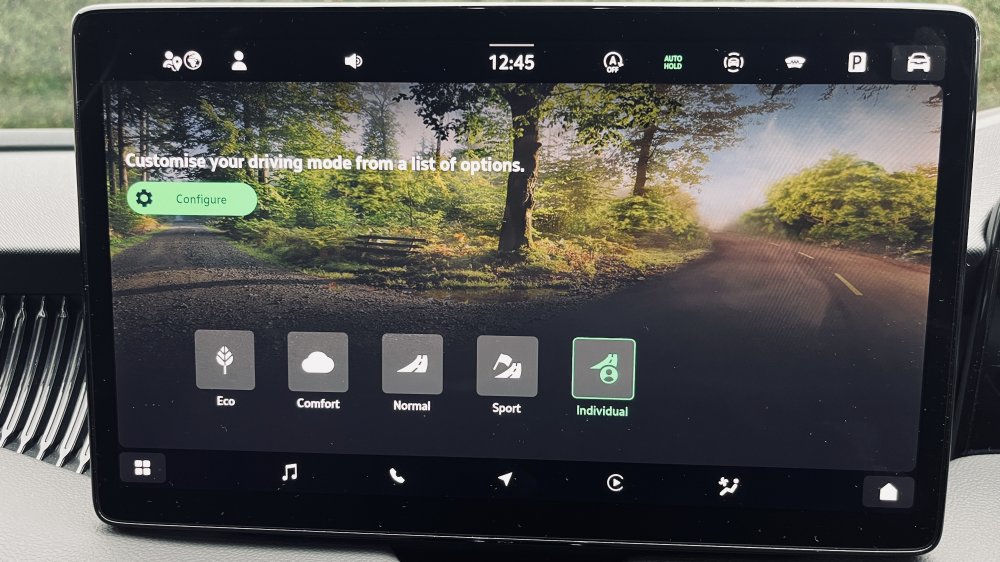
Based on my 2.0 tsi - To get coating to work you need to be in the ECO Driving Profile (or in INDIVIDUAL profile with Drive mode set to Eco) I believe that Driving Profile is only available if you have DCC suspension. Hybrids are different.
-
It seems to be a common issue. Has anyone with the 90EE update still got it?
-
Have a look for second hand ones. Winchester Skoda has a 2.0 4x4 second hand in stock.
-
My old Audi had the same issue as does the Superb. I tend to tap the accelerator briefly to trigger teh brake release then pull away 1/2 a second later. So at traffic lights I tap the accelerator when the lights start changing. By the time they are green the car is creeping and will pull away smoothly.
-
After 10 months of ownership the Subperb L&K has been fine. The only lingering issue is a creak round the drivers door which I cant be bothered to get the dealer to look at till it needs to go in for something else. On the look and feel. Its not as elegant inside as my old A$. The rectangular drivers display with enormous bezels is ugly. But its easy to drive and comfortable. For me the physical "smart dials" and heater controls are an essential. I hate poking at touch screens when driving. So thats a winner for the Superb. If you want physical controls then the choice is very limited now. People who have travelled with me are usually surprised at the interior quality and the ride. When you explain the price vs a BMW 5 series (similar size) people get the reason for buying one.
-
I have the same problem. Mine weems to go away if I open the window a crack. I've tried lubing the door seals but it still happens.
-
@IslandDweller Google Maps used to be the same - The turn instructions appeared in the drivers display with Android but not with Apple. Google Maps has been updated recently for Apple so that it displays the turn instructions in the drivers display (and heads up display) in the same way that it does for Android. Hopefully WAZE will get around to updating theirs too. I do prefer the built in maps because of the map display between the dials.
-
The factory fit wipers are made of cheese. Mine did last 6 months though.
-
-
@CFB Did the dealer say which fix they would apply?
-
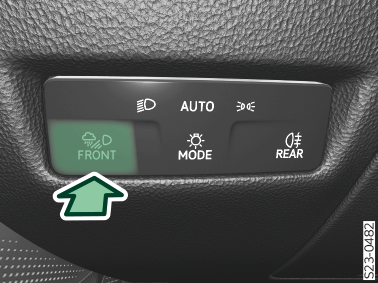
Press the button for bad weather lights. is illuminated in the instrument cluster and information on the selected light mode is briefly displayed

-
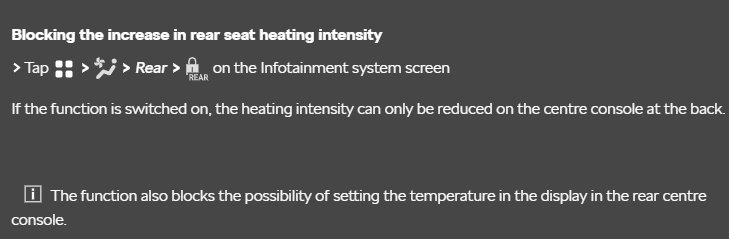
Assuming its the same as a Superb there is a setting to do this.
-
-
How do you change the volume of the warning message that tells you that you have left something on the phone charging pad when you exit the car? Mine is very quiet?
-
Message popped up on the central screen asking me to book in with the dealer. They are replacing the stalk. See https://www.briskoda.net/forums/topic/532844-service-campaign-94ew/?&do=getNewComment
-
I’ve had mine since the end of December. Car was built with the updated software. No major issues. There is an active service campaign to replace the cruise control stalk as it caused issues with many cars. Mines booked in to have it fixed although it’s not been an issue for me. The auto brakes are frustrating. I’ve learnt to manoeuvre very slowly as that seems to stop it triggering. Not had it go off driving at speed yet.
-
I likewise copied an SD card to a USB stick from my old 16 plate Audi and it worked fine in the new Superb. I've noticed that when I add new albums the images dont work if the images are large. I've been using the Media Monkey app to manage the USB stick.
-
Any one know what the issues are with the electronic dipstick. I had one for 8 years on my last car.
-
-
I have had mine since the end of December. No major issues. The only significant niggle is the assist system camera not working on cold mornings for 5 minutes. It tends to mist up over night.
-
That's a shame. Here hoping the update is soon.
-
John625, what happens if you press the right pointing arrow on the steering wheel? That should change what you see on the background of the cockpit display.
-
John625, Which mapping app do you use? It works for me with the built in maps. But not with Google,Waze, Apple Maps.
-
I was trying out the option with mine and plugged in a 1TB SSD with music on it. It all seemed OK although it was no where near full.
-
I had this. I fixed it by holding the On button for 30s to reset the system.