Cairus
Members
-
Joined
-
Last visited
Everything posted by Cairus
-
-
-
-
-
-
-
-
-
-
-
-
Beitrag im Thema '[HOW TO DO] (pdf) VM + QNX + Toolbox + eMMC Installation - MST2 Technisat/Preh Unit - update' https://www.digital-eliteboard.com/threads/how-to-do-pdf-vm-qnx-toolbox-emmc-installation-mst2-technisat-preh-unit-update.531049/post-4465646
-
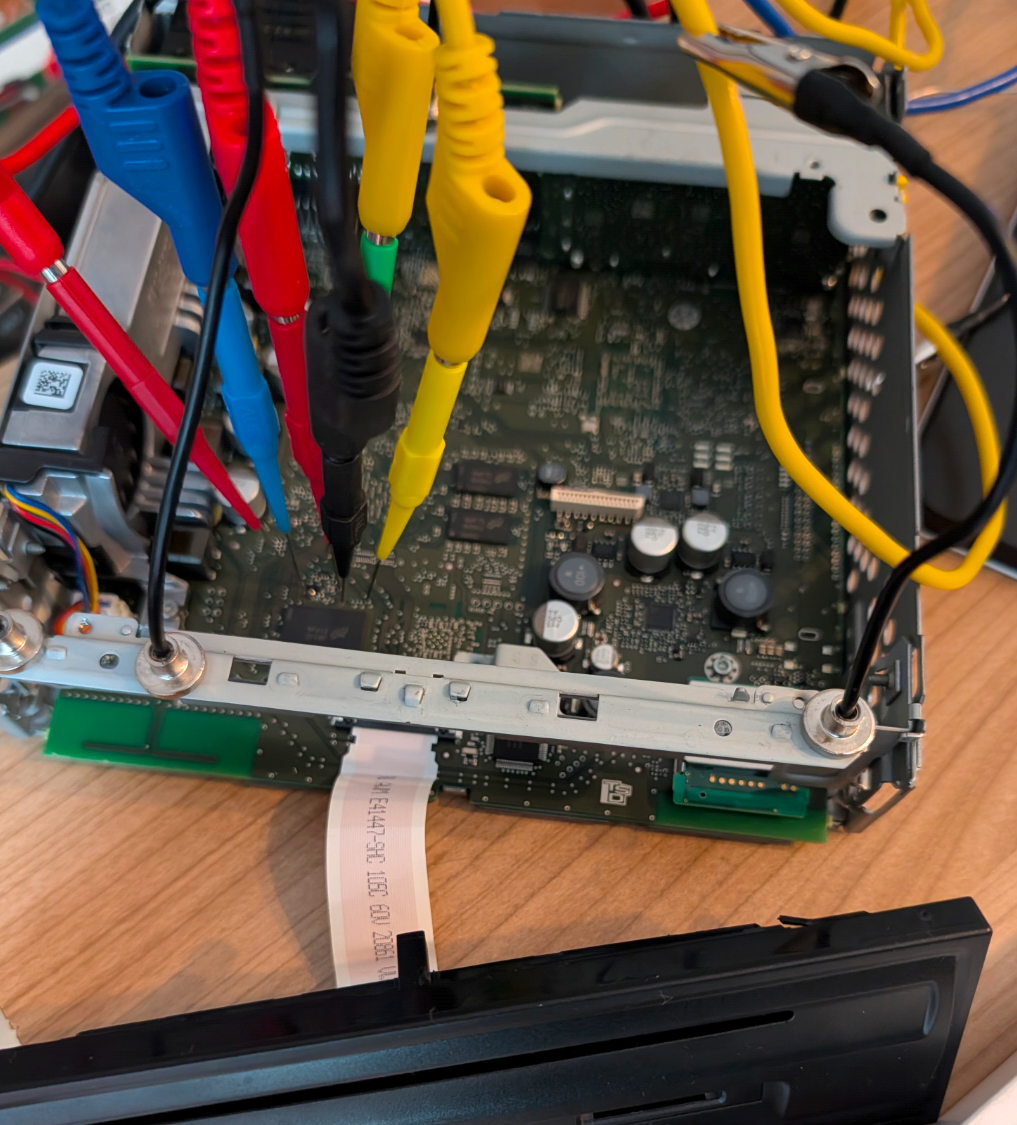
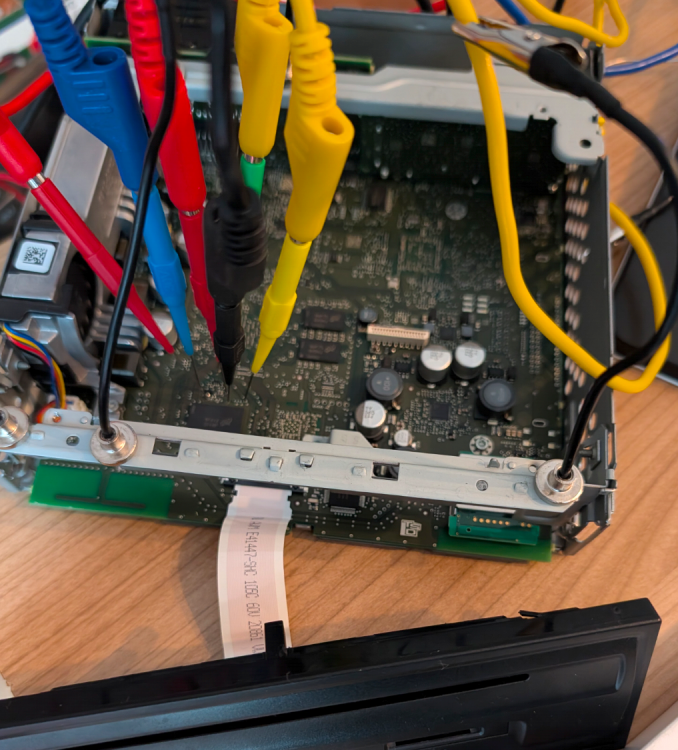
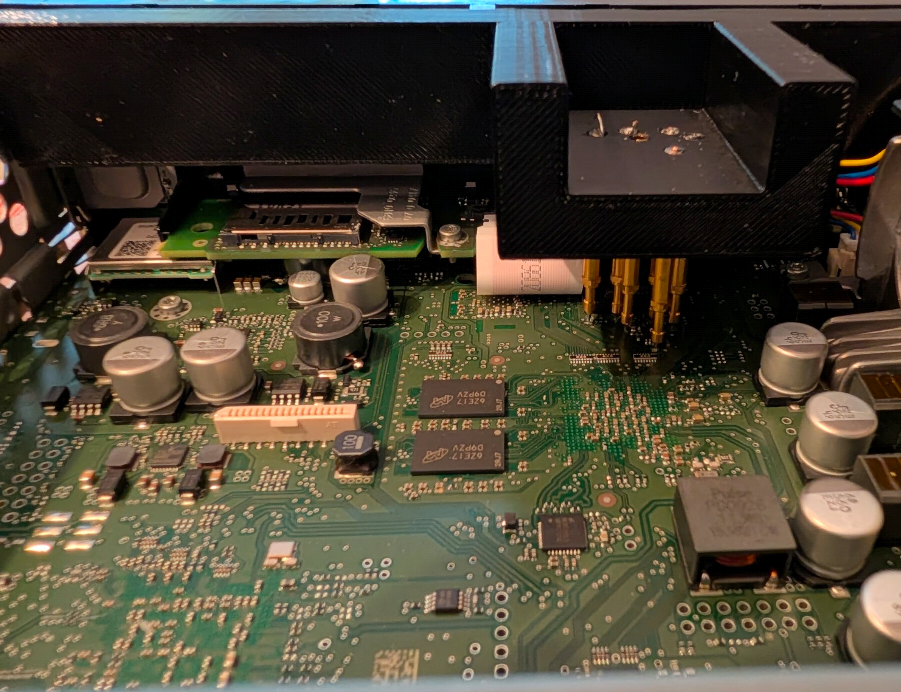
You need a modified meta file. Then run Swdl manually. First, select everything and manually deselect Emergency Main and CPU. Perform the update. That should all work, then reinstall the full firmware. Emergency Main and CPU should then also run. You can also perform a firmware Train JUMP upgrade without Toolbox. Now you need QNX... I developed my own contact method,see Picture With black frame. If the emergency menu appears, you can still try using a pin clamp and PuTTY.
-
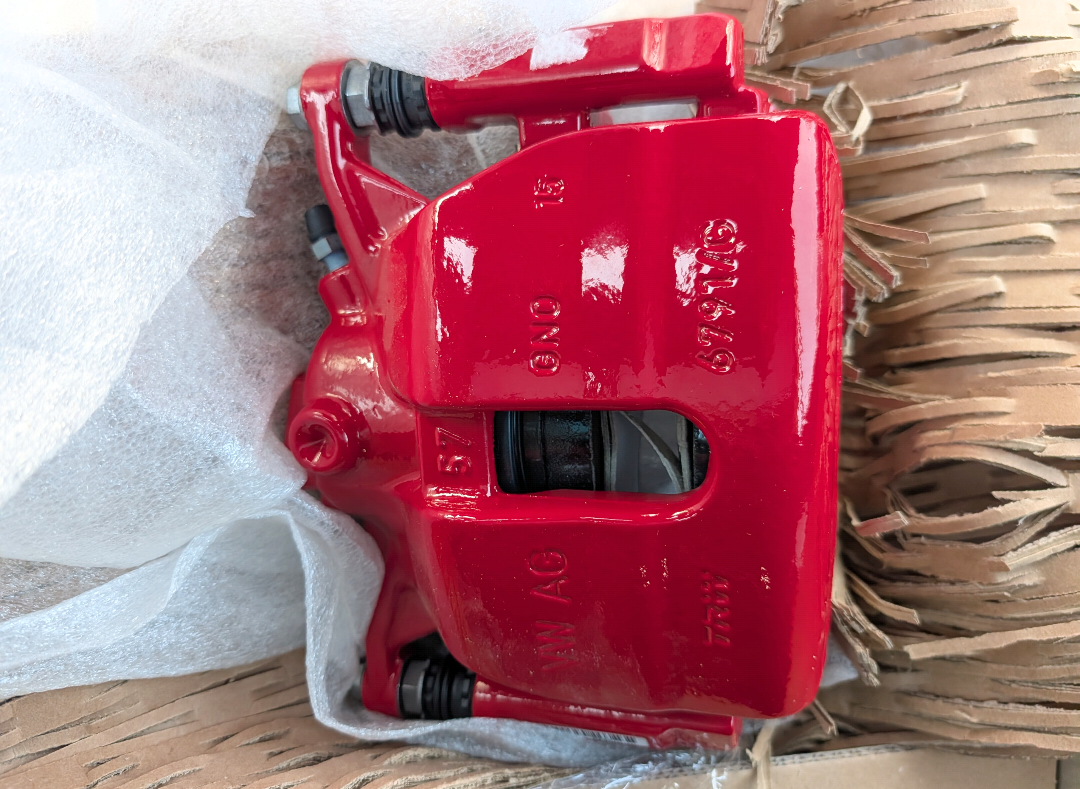
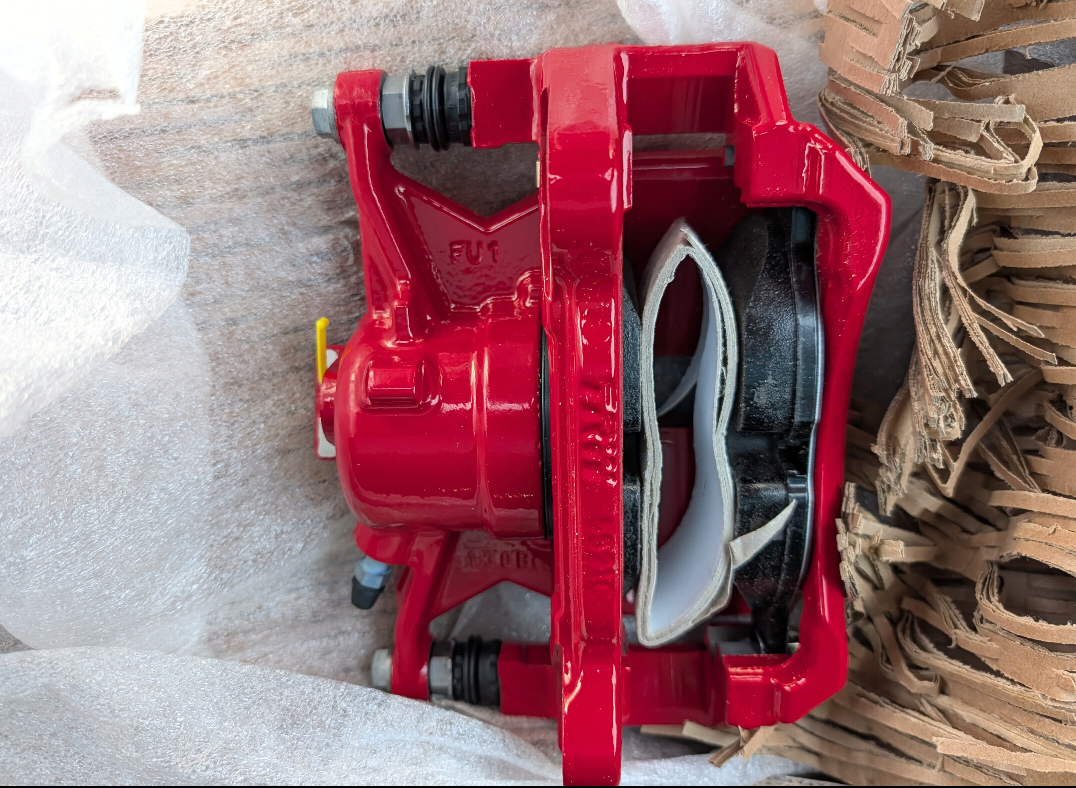
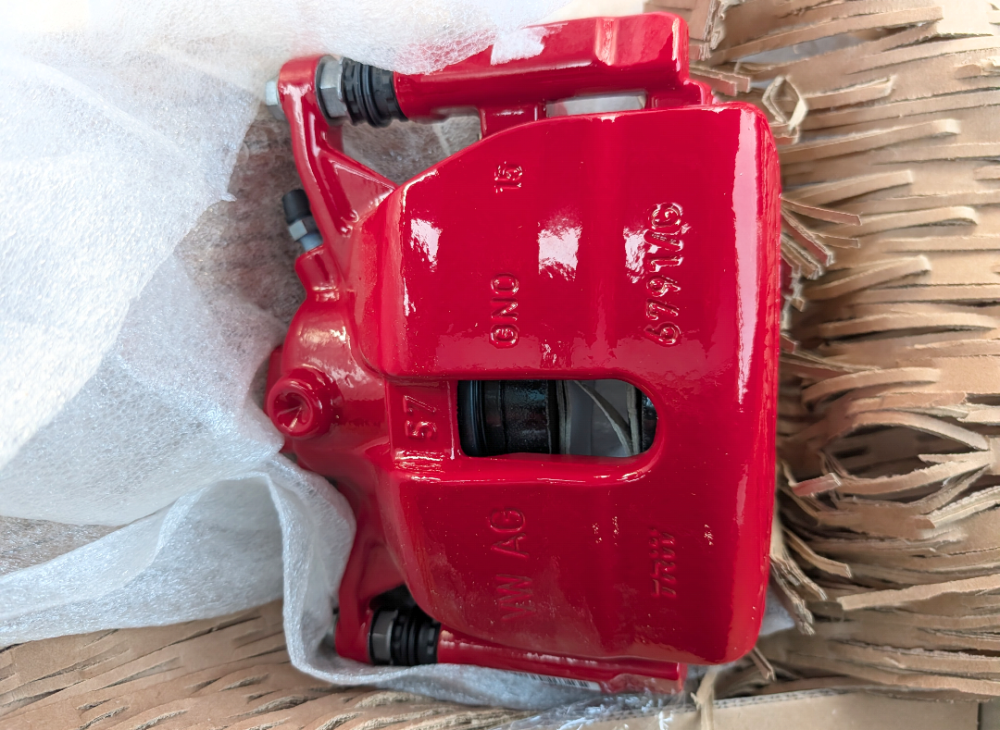
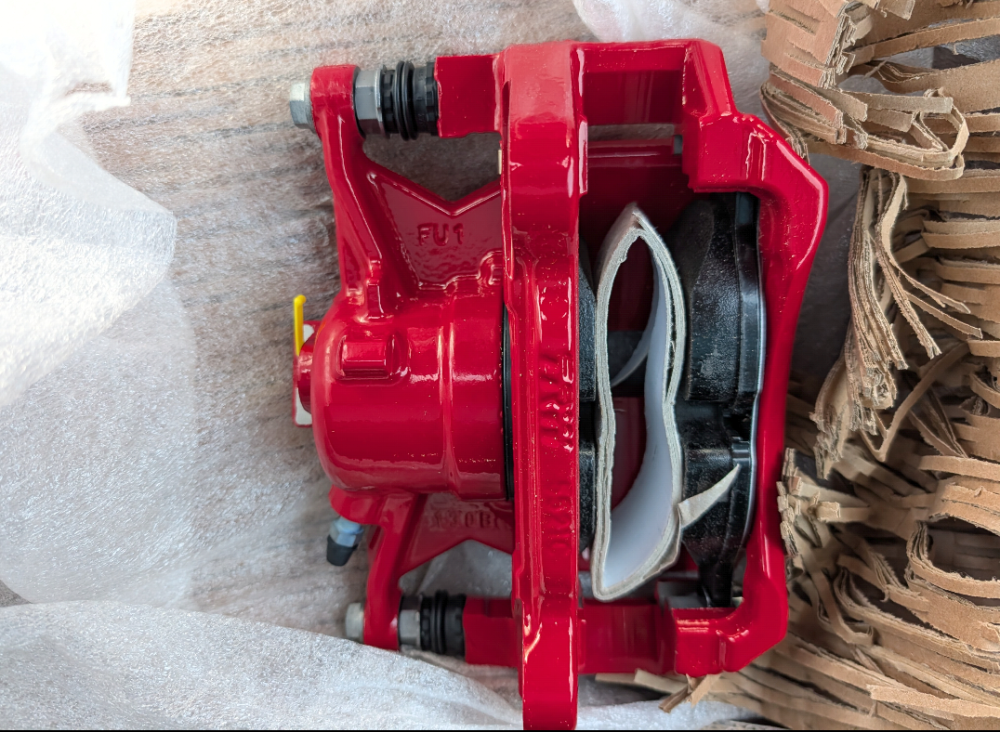
I've got a set of brand new red brakes.
-
-
-
-
Realy? I have one MY 16 With MIB 1
-
Mib2 Start Facelift O3.
-
Change Cluster, Car dont Start anymore
-
Warning: The Cluster is Immo Master
-
Mode Button is FeC/SwaP Protection
-
-
@Binx1310 Beitrag im Thema 'Vom Superb II zum Superb III' https://www.skodacommunity.de/threads/vom-superb-ii-zum-superb-iii.107347/post-2534538
-
Control units, brackets, etc., are all OEM parts. Here in the Kodiaq, the visual display is integrated into the mirror glass; these are aftermarket parts because genuine OEM glass costs over €300 each. The wiring harness is partly self-made and partly sourced from AliExpress. It always depends on the current price. In my Seat, i have the mirror Cap solution(Retrofit Area View)