Everything posted by Cairus
-
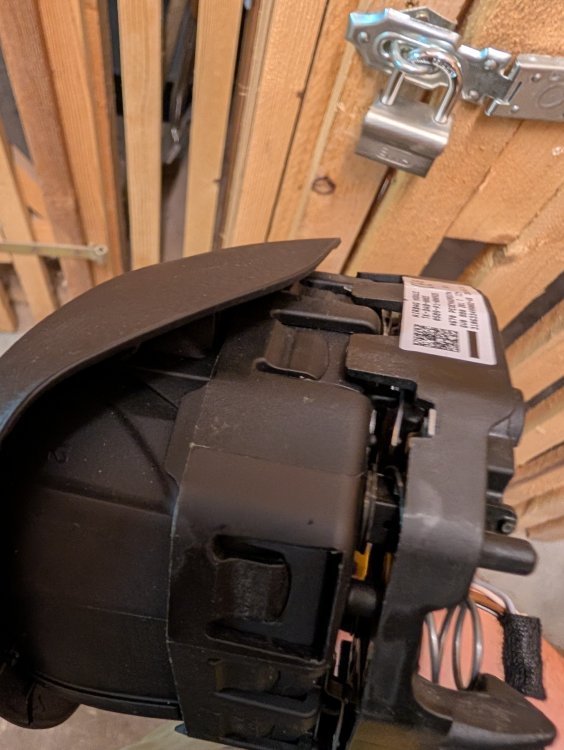
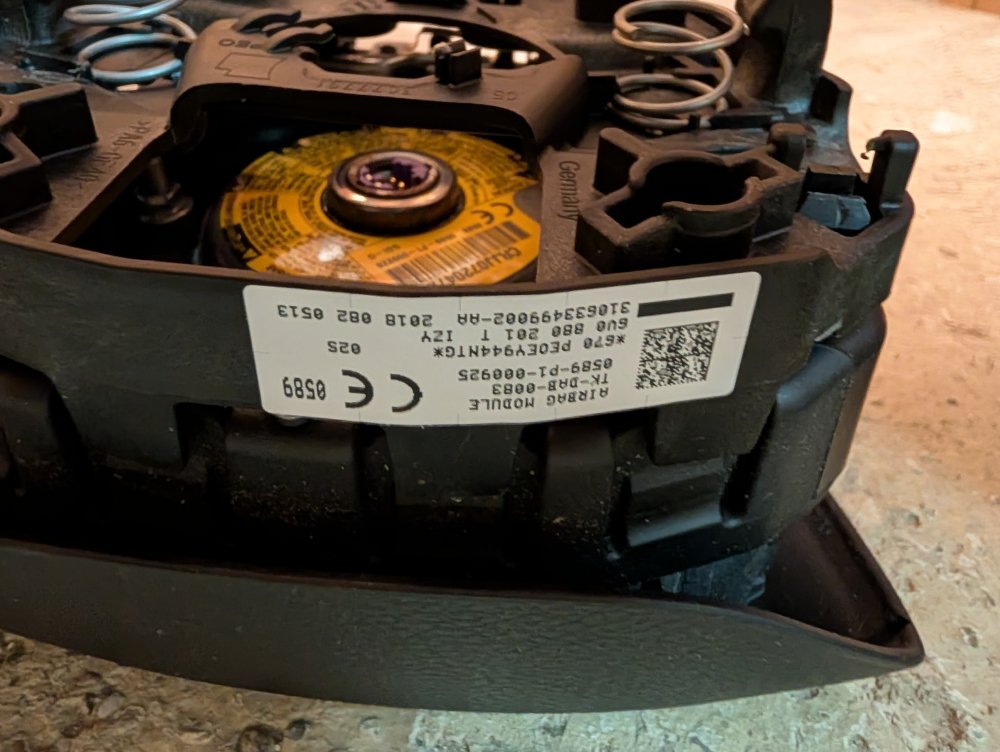
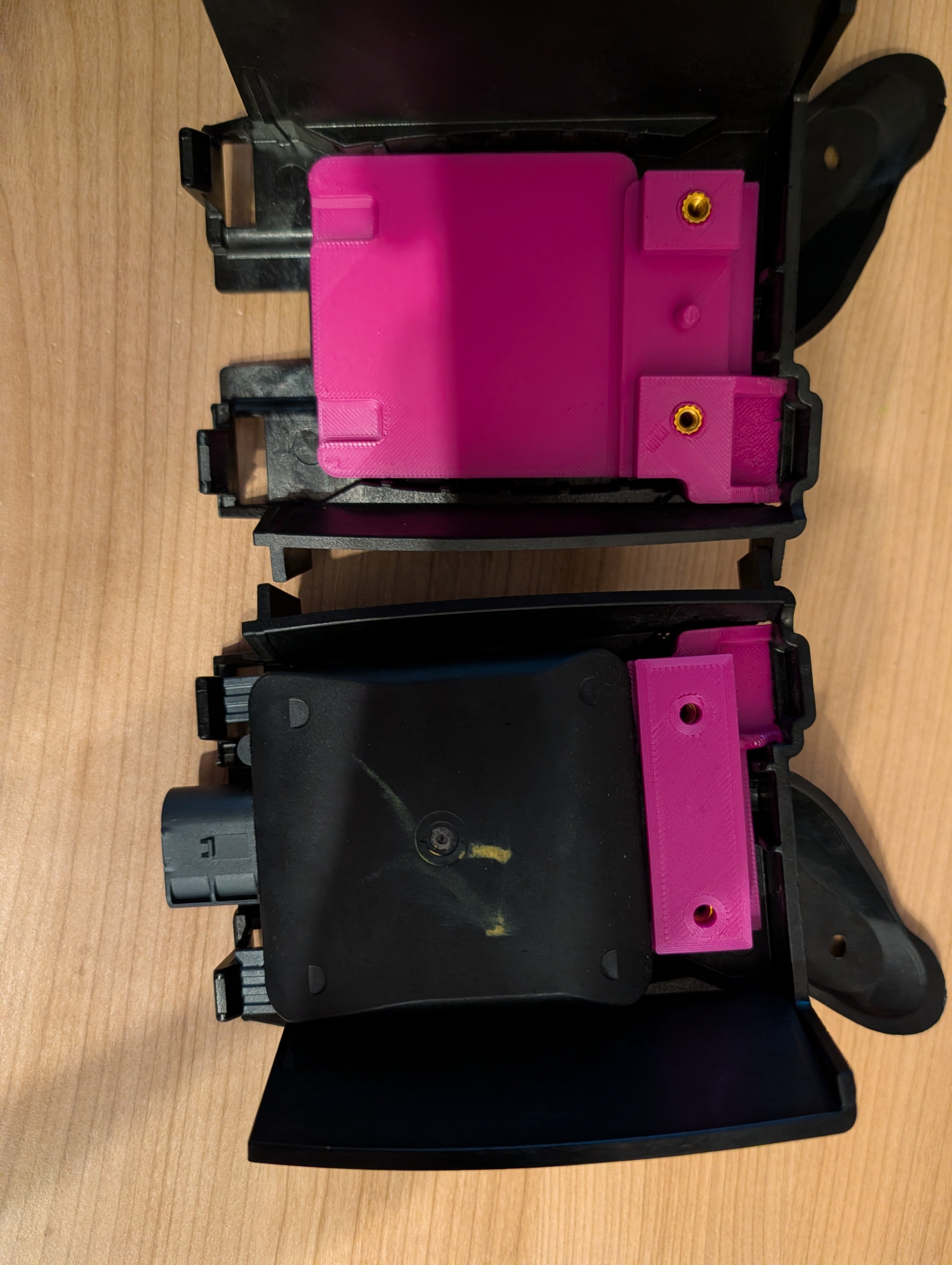
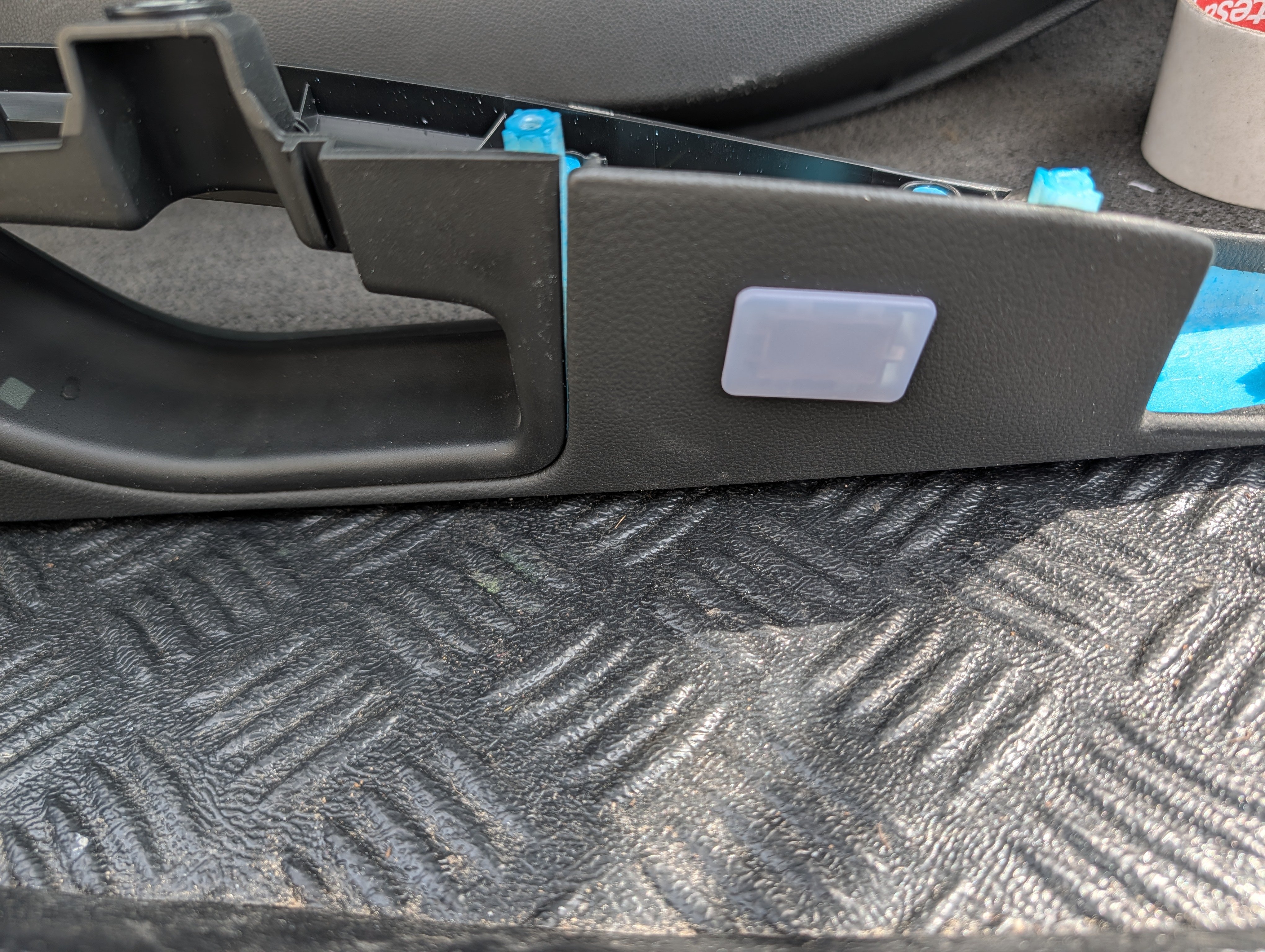
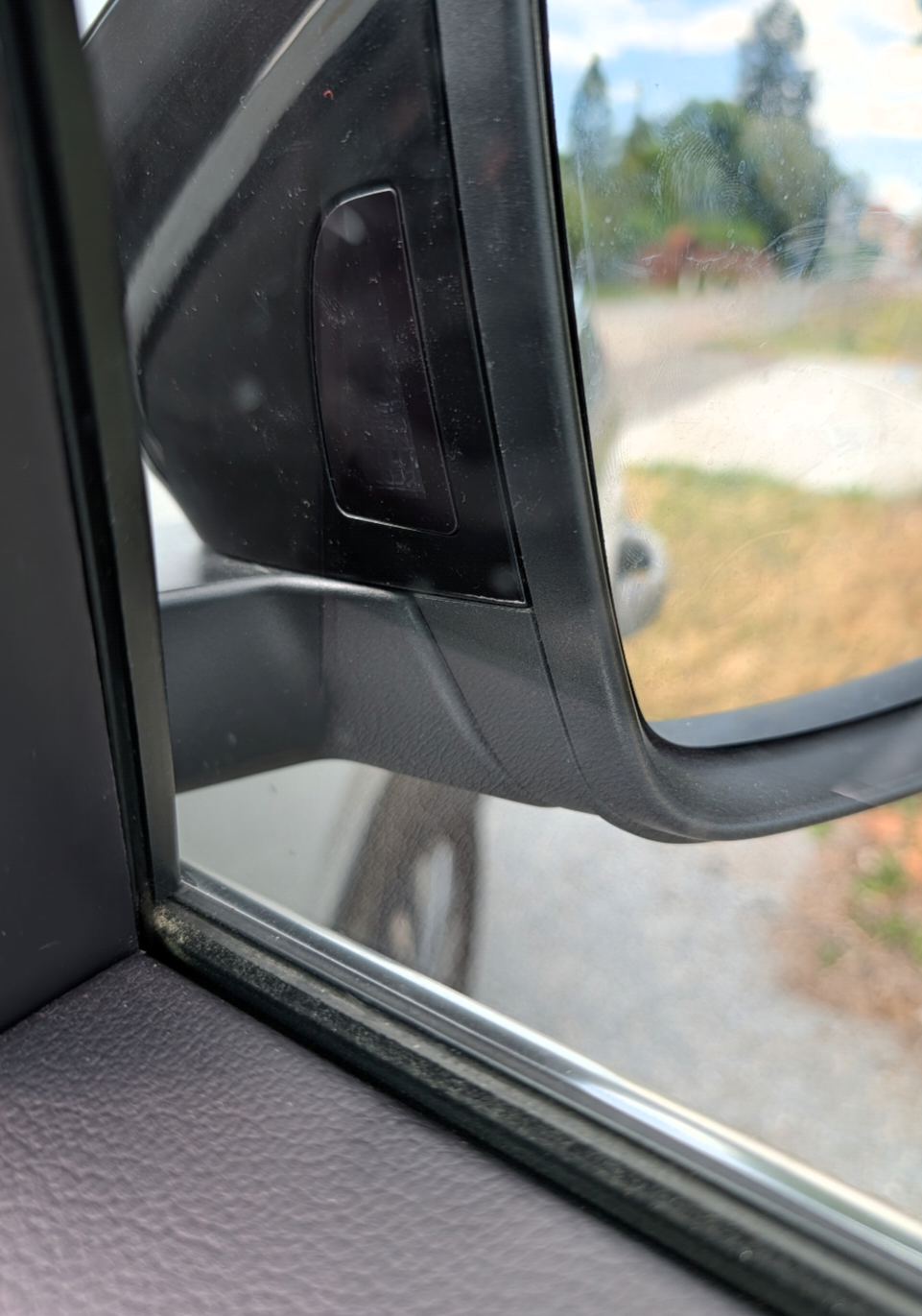
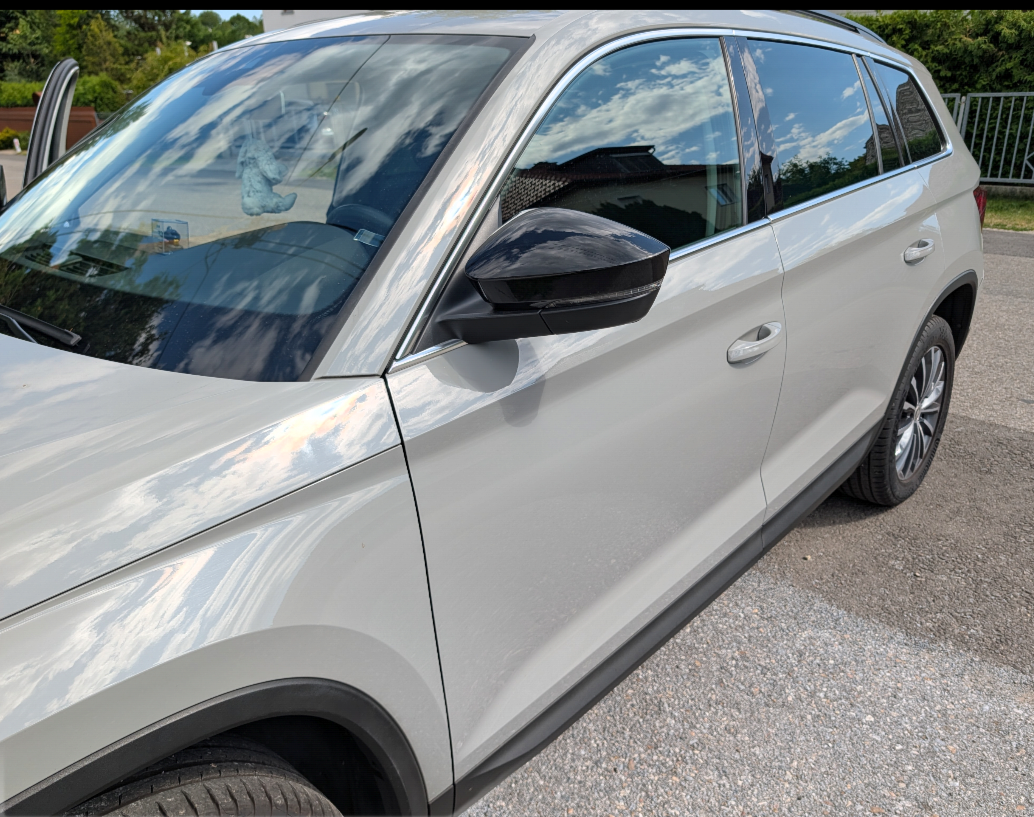
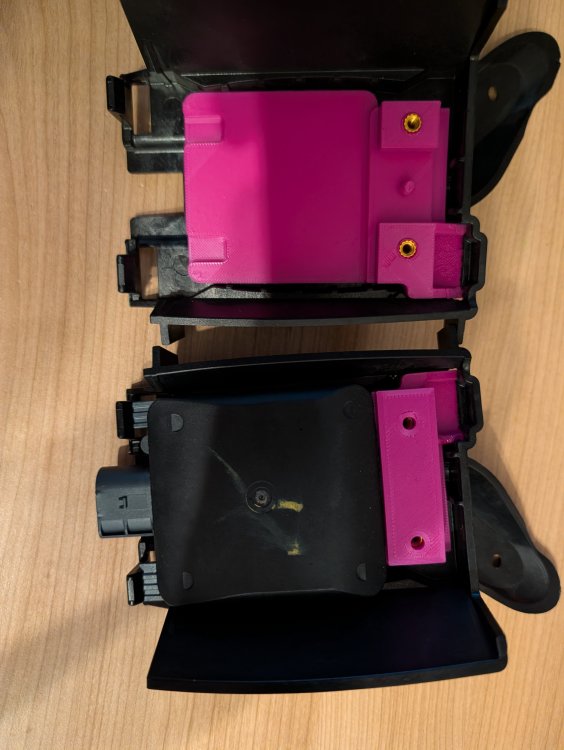
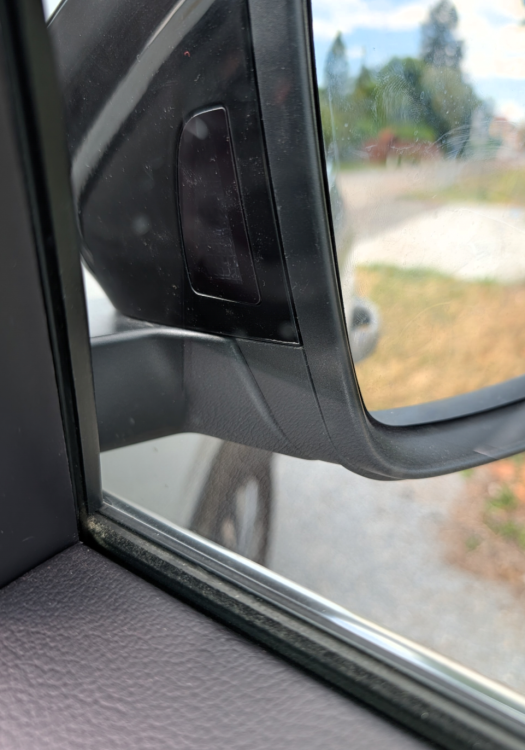
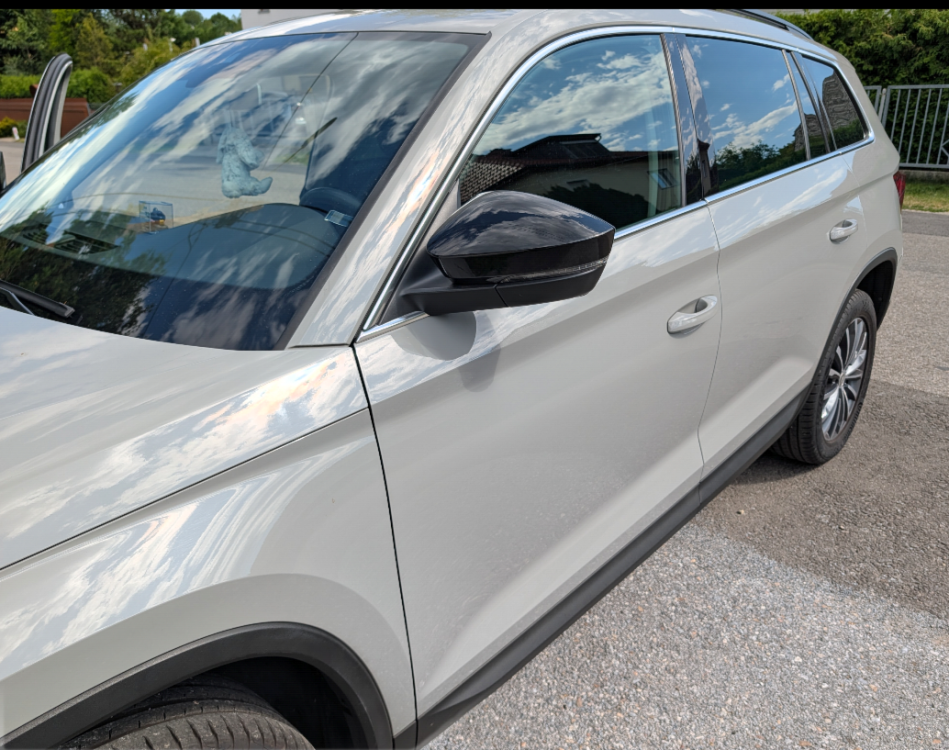
So, The Octavia 3 only received the Blind Spot Assist with the facelift. That means it uses the 5Q generation control unit. Of course, I'm not installing anything like that. Therefore, I'm using the OEM 5Q0 radar mounts with the 3D-printed adapters, just like @Lutz91 did in his Superb. The OEM LED is integrated into the mirror glass, but I'm definitely not going back to that solution. Through a bit of luck and some internet research, I discovered that another Volkswagen Group vehicle also uses the same Octavia 3 mirror caps. This vehicle has the Blind Spot Assist from the factory with a version integrated into the mirror caps. Thanks to @Lutz91 for finding the details. So, I ordered a set of primed left and right mirror caps from the aftermarket, just to test them. VW charges €75 each, but I paid €35 for both aftermarket caps in Spain, plus a few euros for shipping home. Thanks to @Lutz91 for the detailed research. The following parts are required: Control units: 2Q0907686B 2Q0907685B Sedan mounting bracket: 5E5907455A 5E5907456A LED headlight washer mirror caps: 565949145 565949146 Exterior mirror caps To be added if the correct parts are available Wiring harness: From my supplier in the Far East... 3D printer adapters for left and right
-
I personally would buy a vehicle without SFD 2.
-
No, Firmware 17Xx-->18xx-->19xx-->Last Firmware Also you have To Check the OCU Firmware
-
2Q0 Camera? TSR have SwaP Protection
-
Why electric? They're just so prone to failure. Just get a detachable one and you're done. ^^
-
It's happened to me before that an OEM replacement part was defective right out of the box... it's definitely a life experience you'll never forget.
-
Tell me your exact Software Train
-
CCS IS Coding Unit 13&17
-
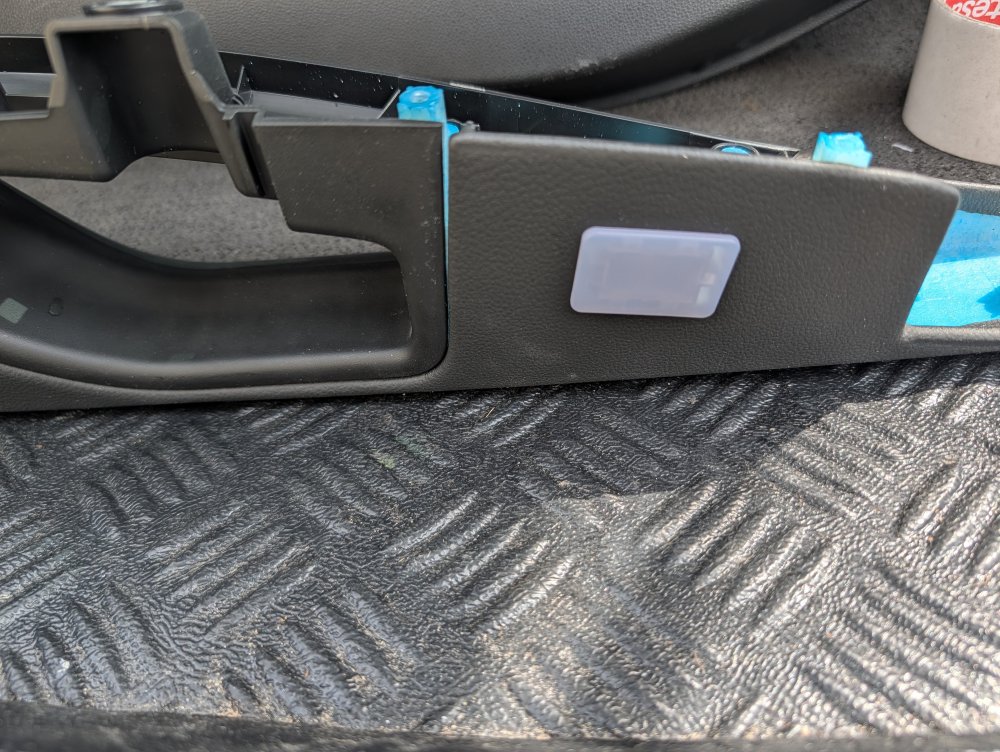
Yesterday I managed to finish the ambient lighting in the Leon. The rear right side was still missing... Additionally, the parts for the PLA/360° OPS have been painted; they're just waiting to be installed... I've abandoned the MIB3 installation again; I don't like the idea of integrating the 9.2" display in a visually appealing way. Besides, even with an Ethernet amplifier, the sound doesn't come close to the MIB2 with the Seat Sound System... The rear spoiler should finally be delivered this week.
-
OK, nobody read the sarcasm in my post 😄
-
Please forgive this minor flaw, I'm a bit tired.
-
It's difficult to say anything without being online, try this: Byte 10 = HEX 12 Byte 11 = HEX 02 Byte 12 = HEX 00 Byte 13 = HEX 88 Byte 14 = HEX 0A Byte 15 = HEX 00 Byte 16 = HEX 2F Byte 19 = HEX E4 Byte 20 = HEX 01 Byte 21 = HEX 20 Byte 22 = HEX 81 Byte 23 = Hex 00 Byte 24 = HEX 9E
-
You connect your PC to your car using VCDS. You have internet access on your PC, and I'll code it correctly using AnyDesk.
-
I Help you remote
-
Show New Scan. You have To 90% wrong Long Coding
-
Audi's engine is a death trap... save your money and invest in something new. In 85% of cases, a complete engine overhaul is necessary.
-
What does the error memory say?
-
Yesterday i Finish the Retrofit
-
He have the old dongle Version
-
Then get yourself an up-to-date diagnostic tool.
-
It would be a start if one had a VCDS, whether clone or original, that is new enough and can correctly read all control units... then it would be advantageous to be able to read this scan correctly, because it clearly shows which bytes are incorrectly coded: Byte_Coding_Condition-byte_10_condition: ERROR Byte_Coding_Condition-byte_11_condition: ERROR Byte_Coding_Condition-byte_12_condition: ERROR Byte_Coding_Condition-byte_13_condition: ERROR Byte_Coding_Condition-byte_14_condition: ERROR Byte_Coding_Condition-byte_15_condition: ERROR Byte_Coding_Condition-byte_16_condition: ERROR Byte_Coding_Condition-byte_17_condition: ERROR Byte_Coding_Condition-byte_18_condition: ERROR Byte_Coding_Condition-byte_19_condition: ERROR Byte_Coding_Condition-byte_20_condition: ERROR Byte_Coding_Condition-byte_21_condition: ERROR Byte_Coding_Condition-byte_22_condition: ERROR Byte_Coding_Condition-byte_23_condition: ERROR Byte_Coding_Condition-byte_24_condition: ERROR Byte_Coding_Condition-byte_25_condition: ERROR Byte_Coding_Condition-byte_26_condition: ERROR Byte_Coding_Condition-byte_27_condition: ERROR
-
More
-
Moment
-
No Facelift, all the old steering wheel
-
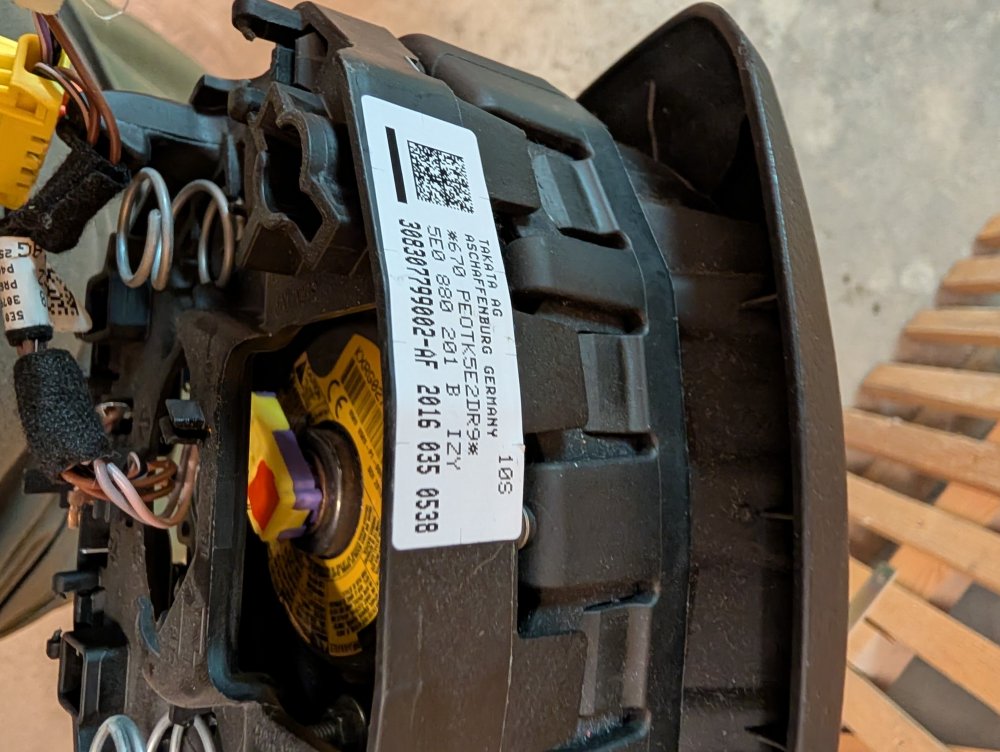
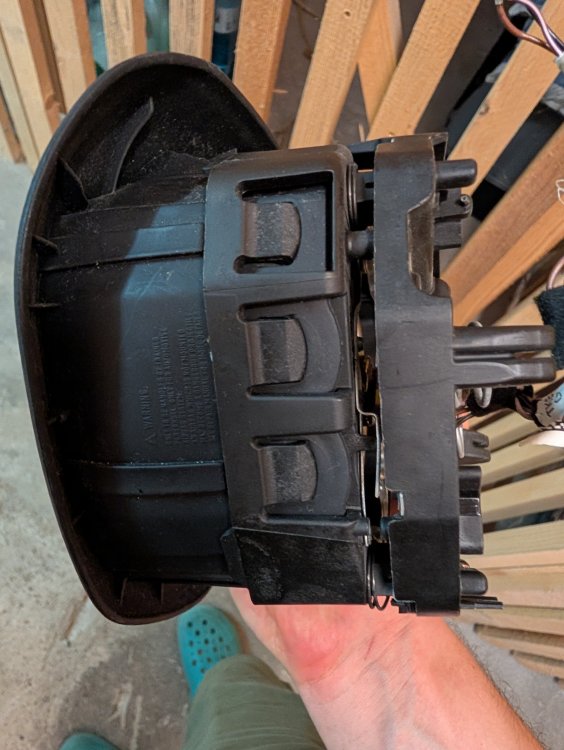
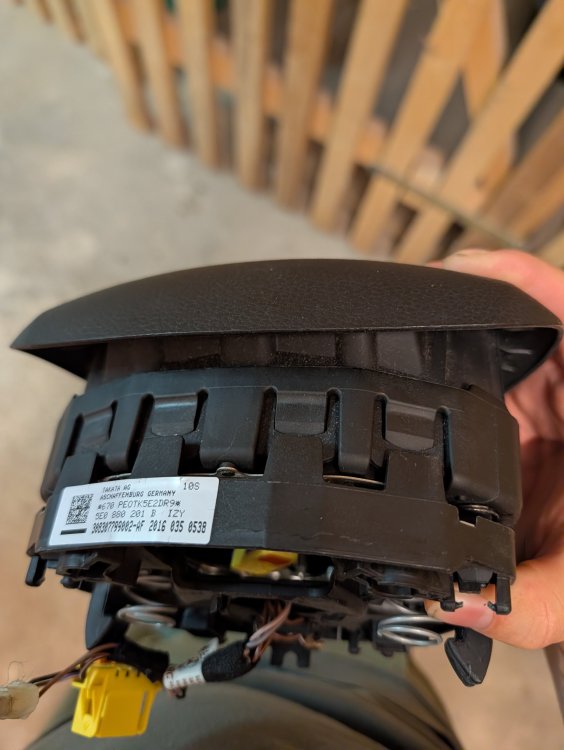
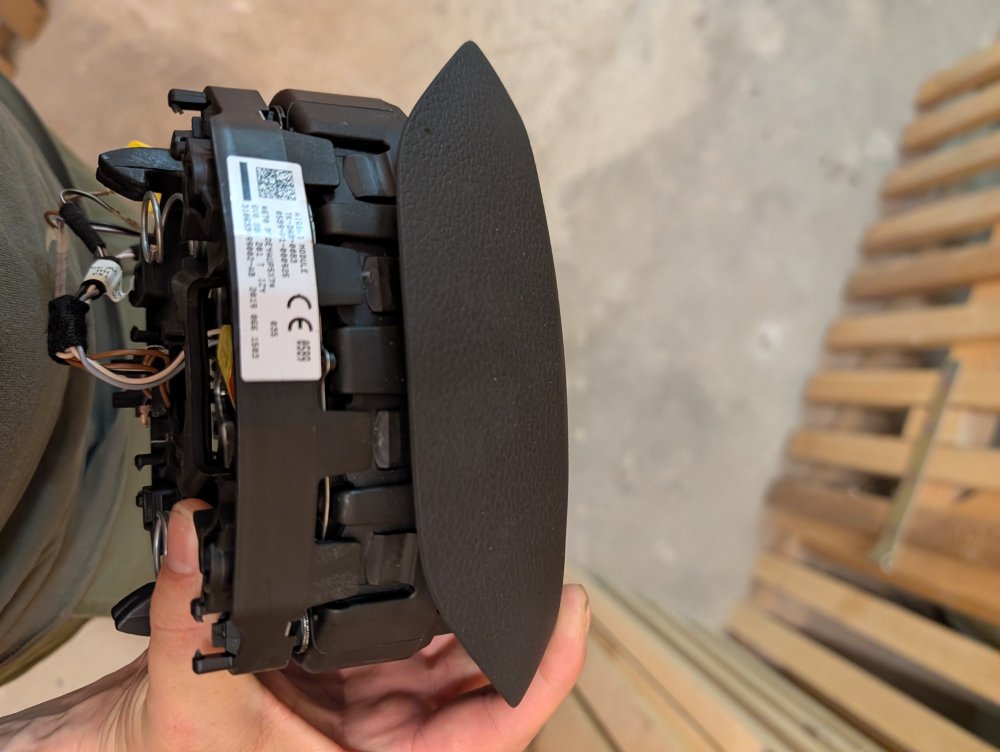
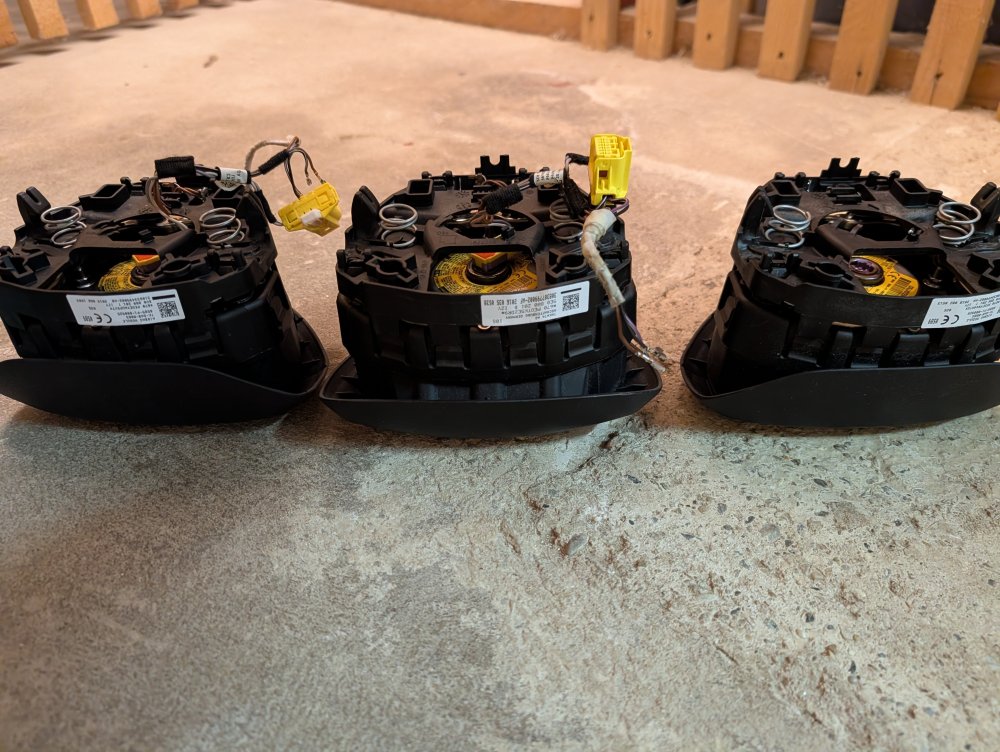
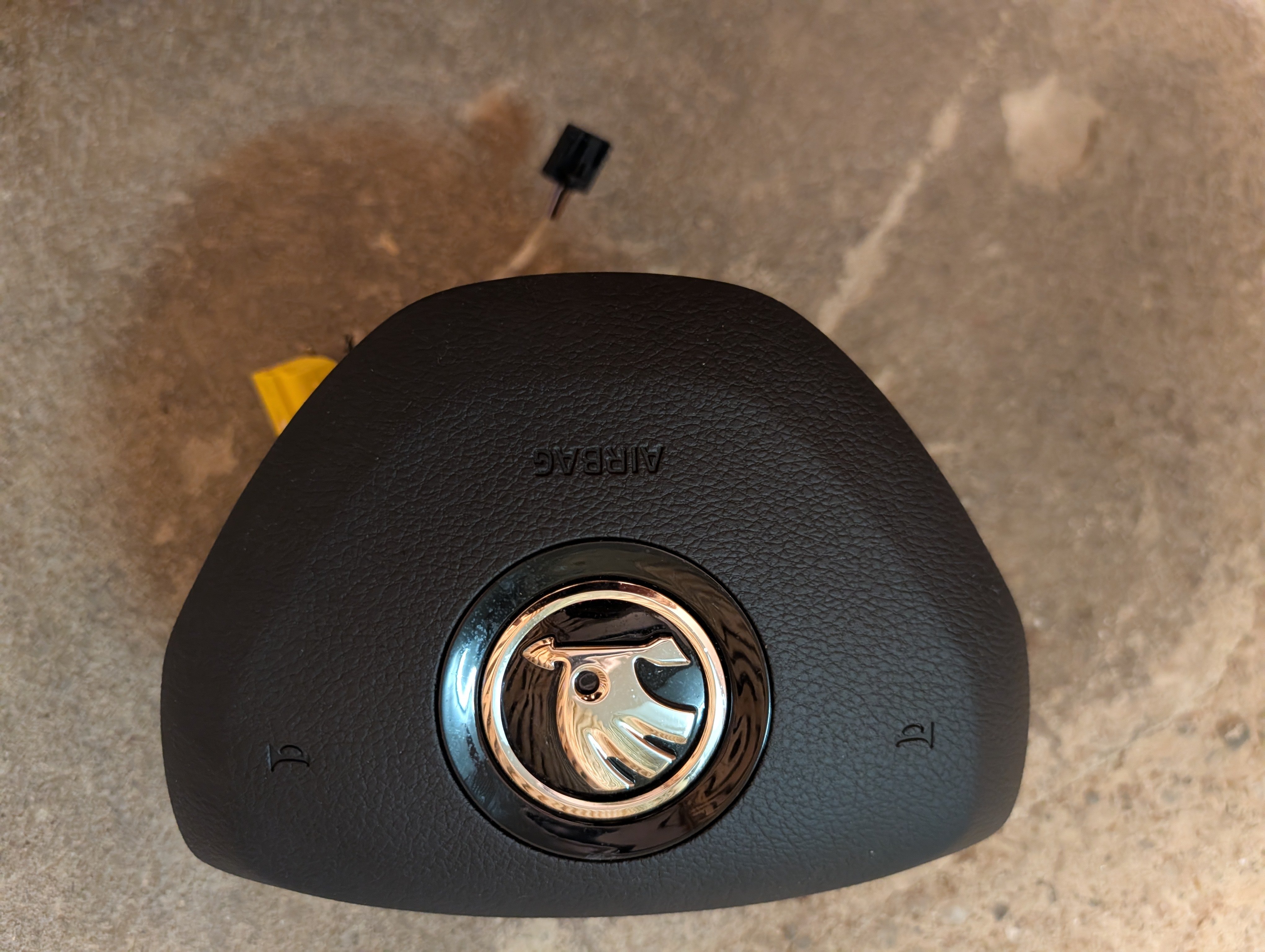
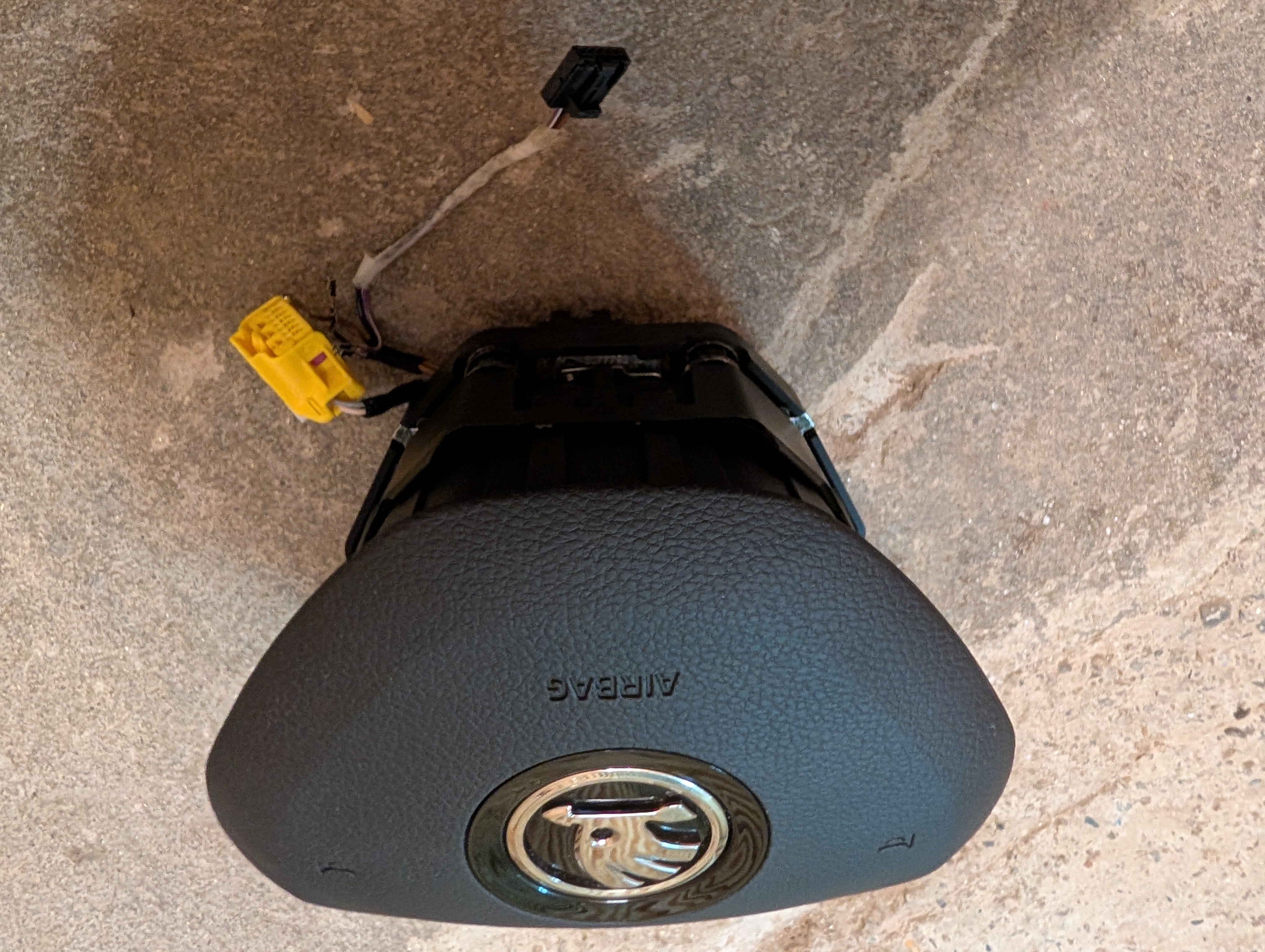
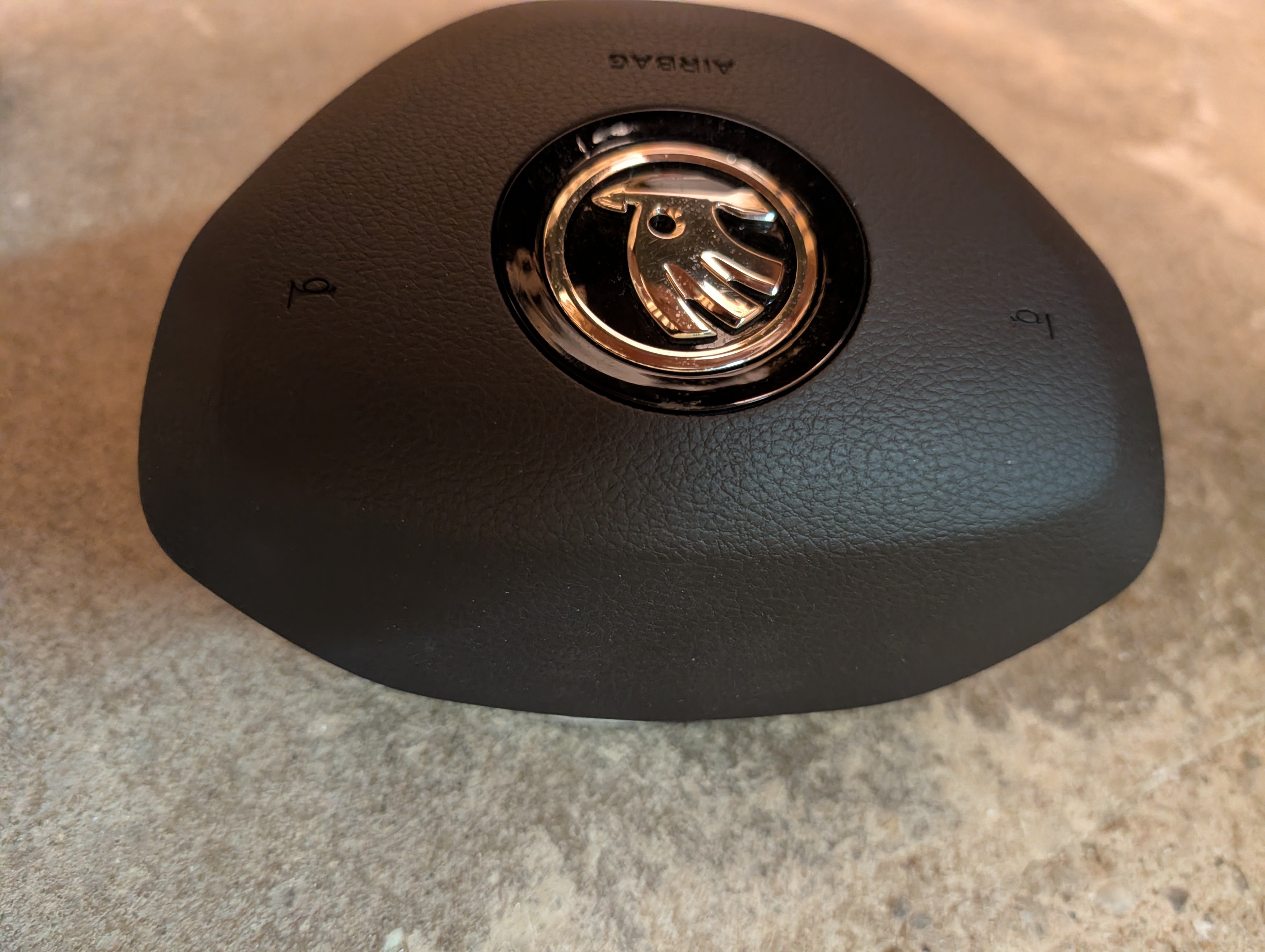
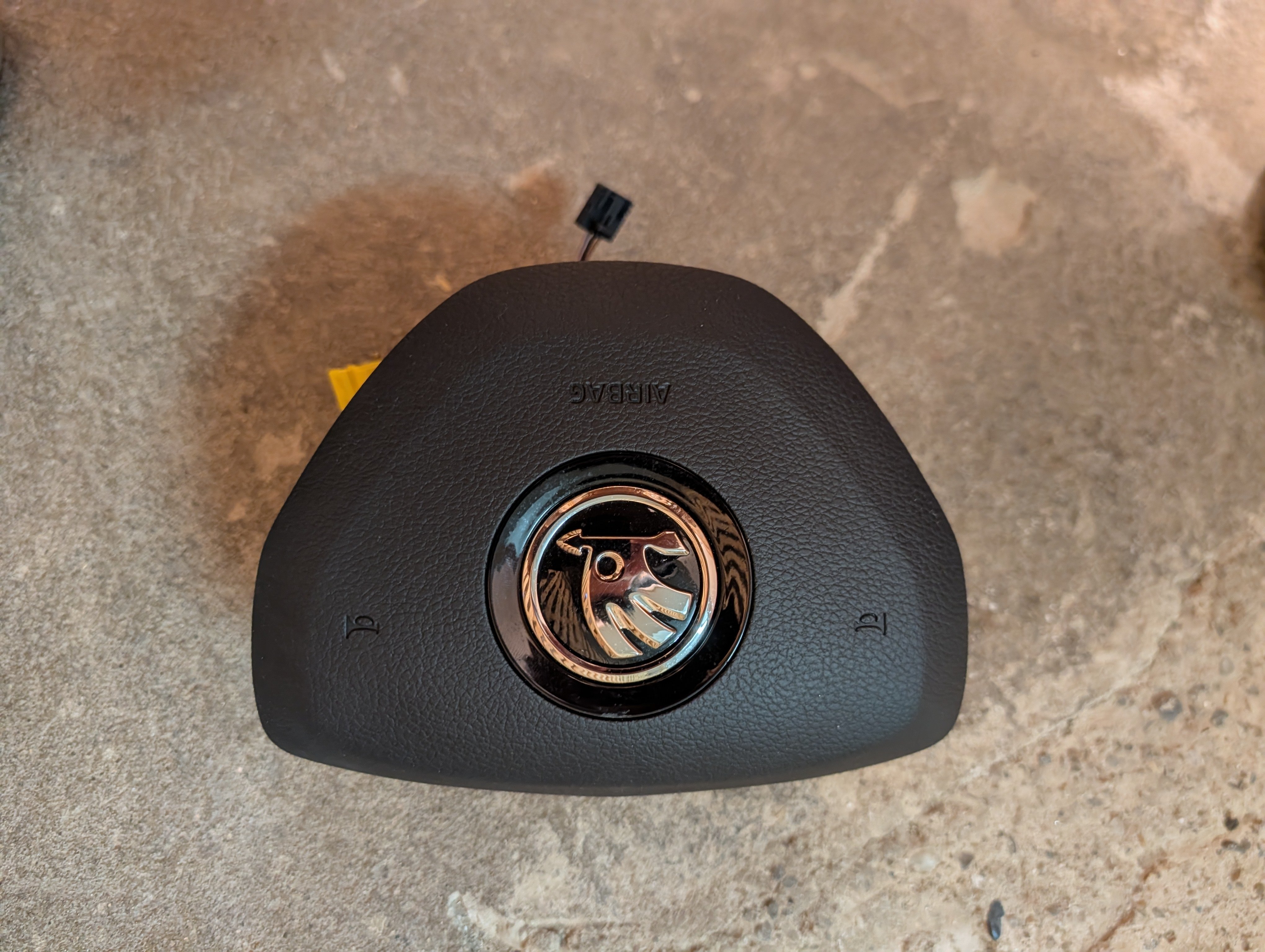
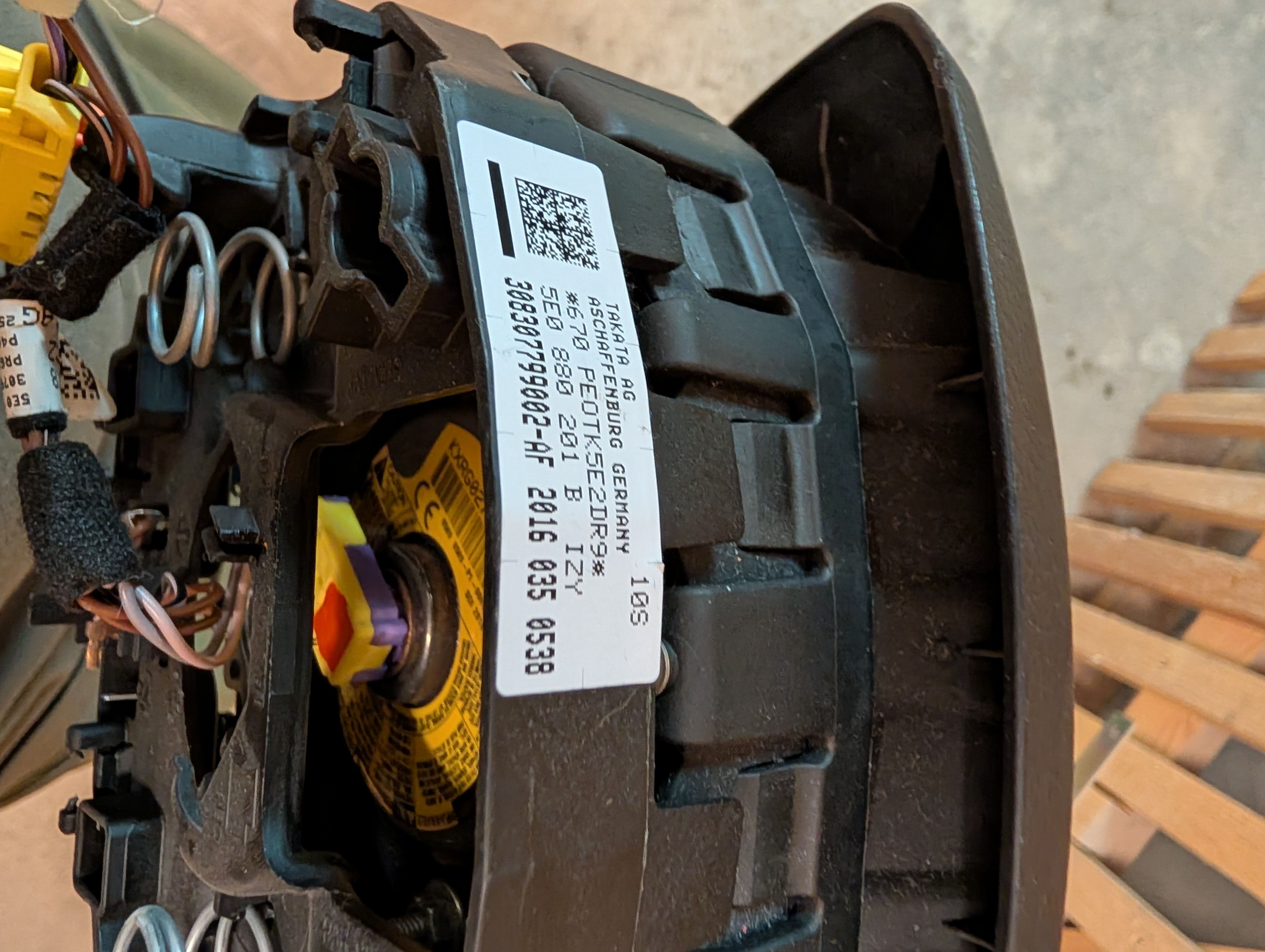
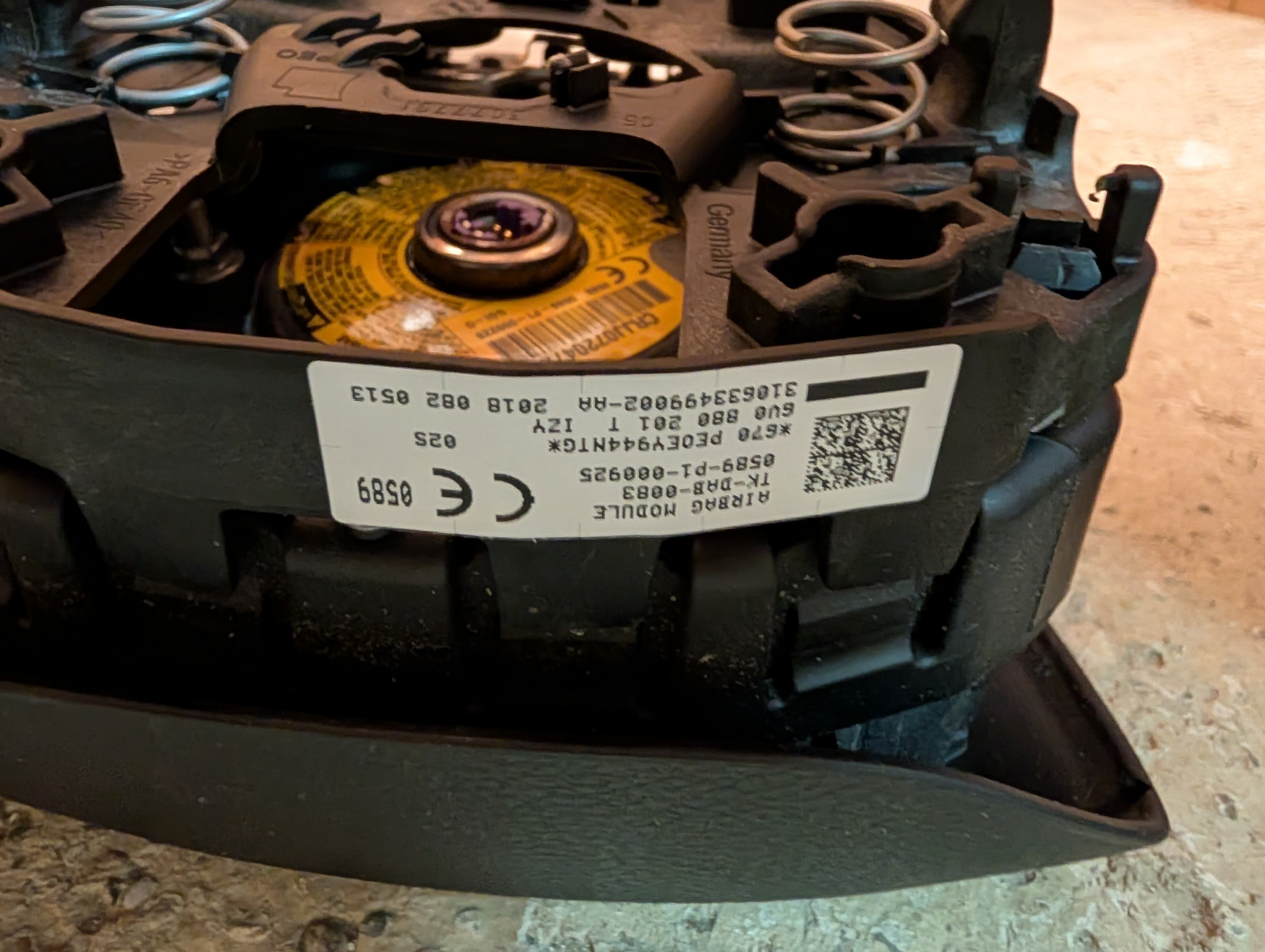
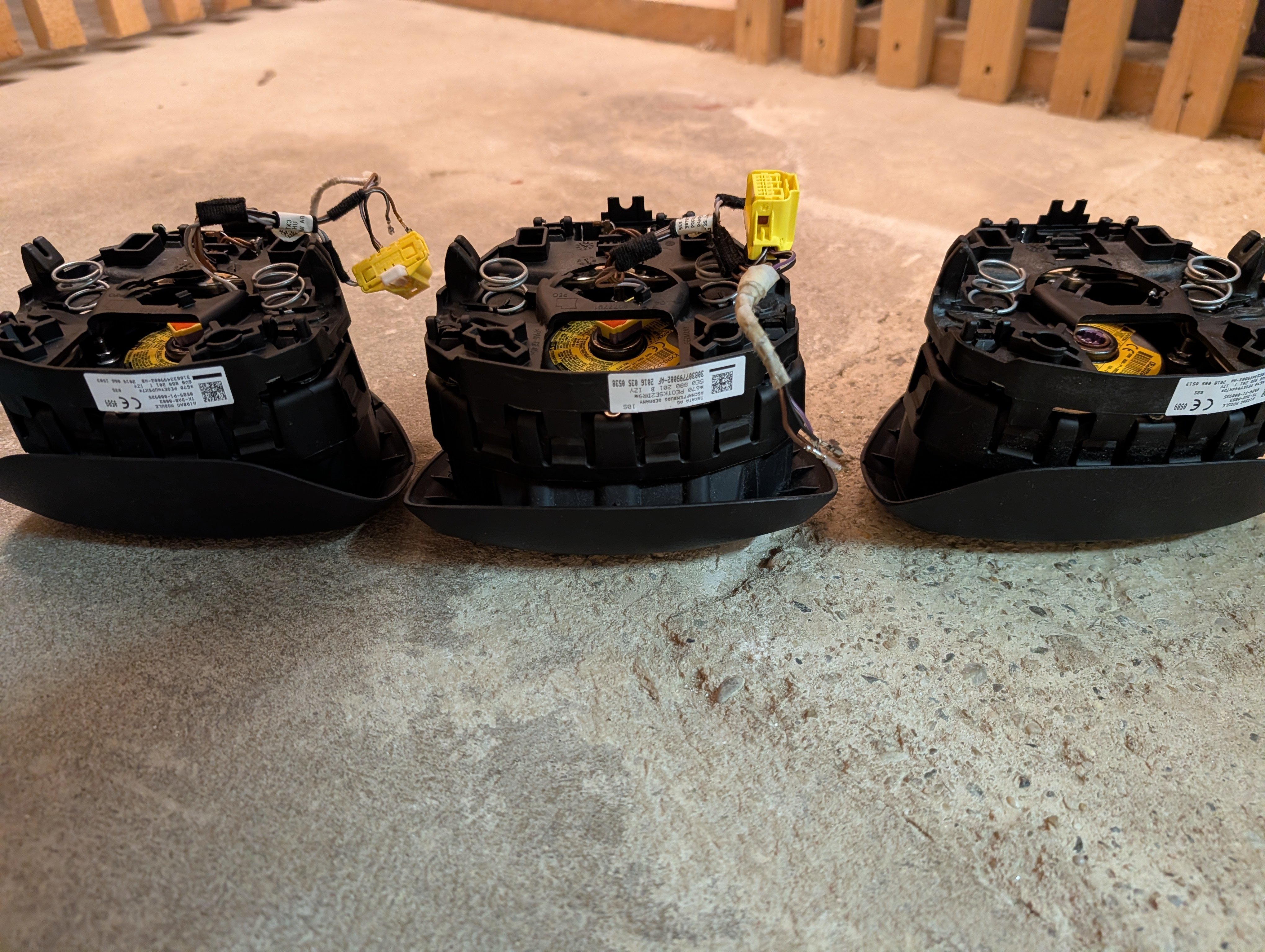
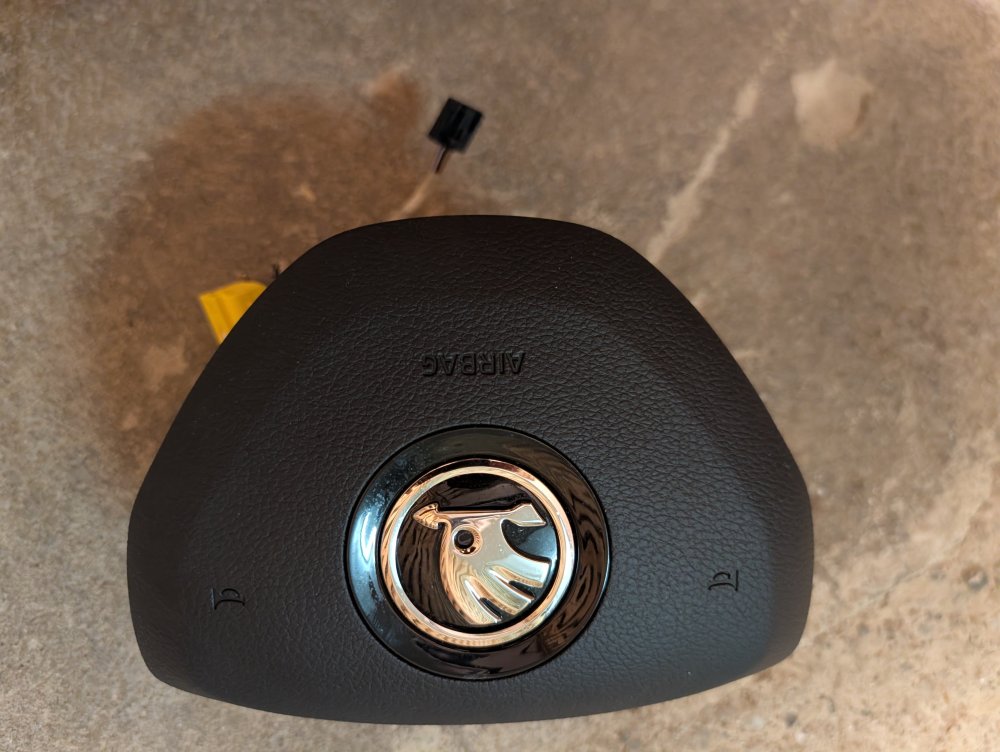
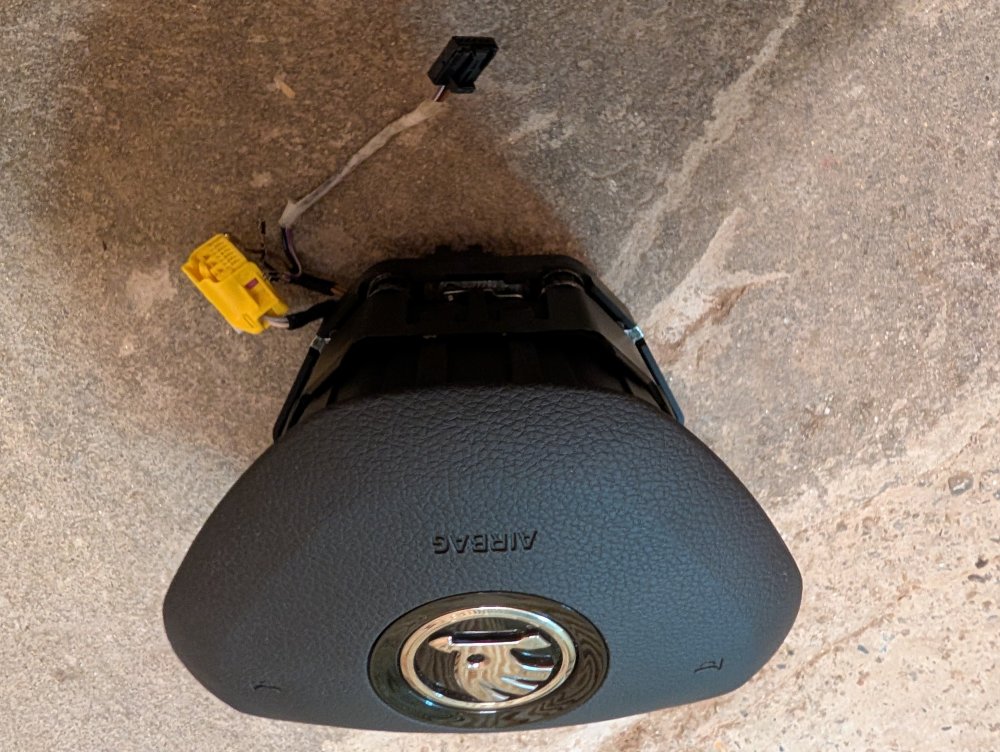
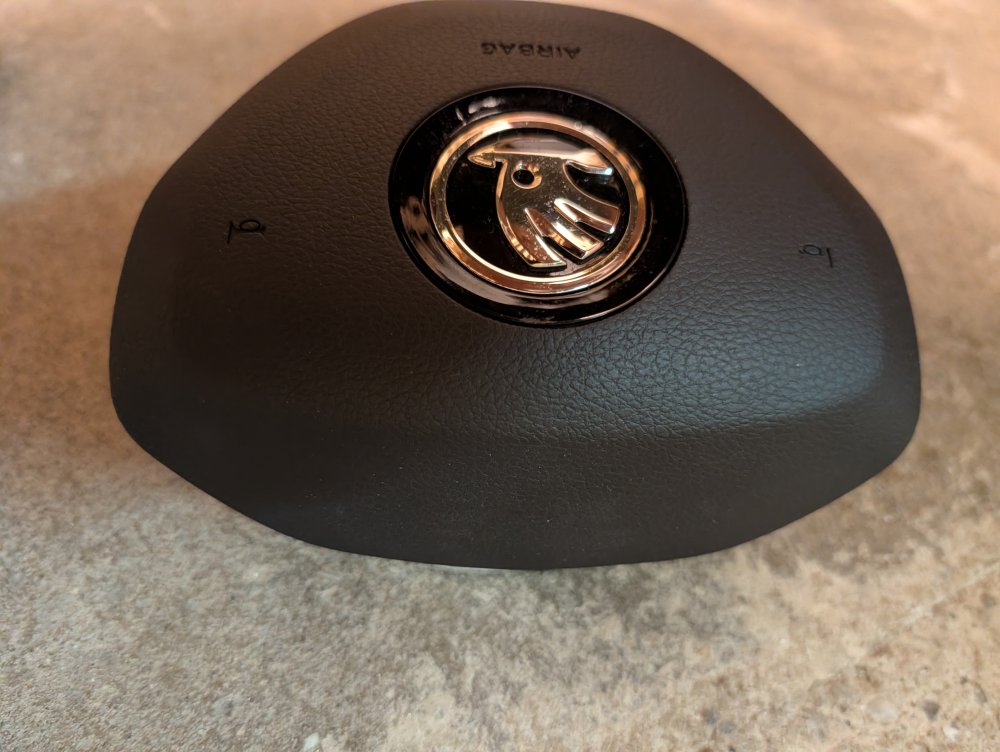
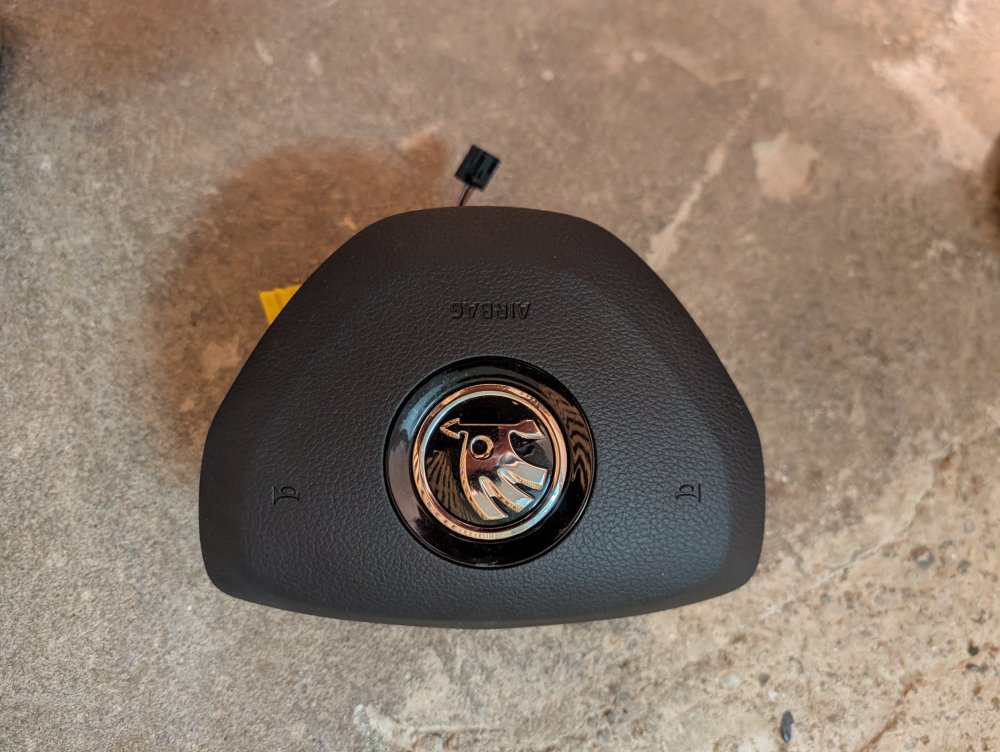
My Airbags More