Cairus
Members
-
Joined
-
Last visited
Everything posted by Cairus
-
Only for Test, Not correct for your Car!!! Your own risk 00 03 08 88 11 EA C0 28 A8 DF 24 80 18 20 00 24 00 23 80 00 00 00 00 00 00 00 00 00 00 00 00 Safe your OEM Coding!!!!
-
Since MIB3, the virtual cockpit has been connected via Ethernet. MOST is no longer used by VW, Skoda, and Seat. Audi still uses it with MIB3. First Generation VC dont have Ethernet
-
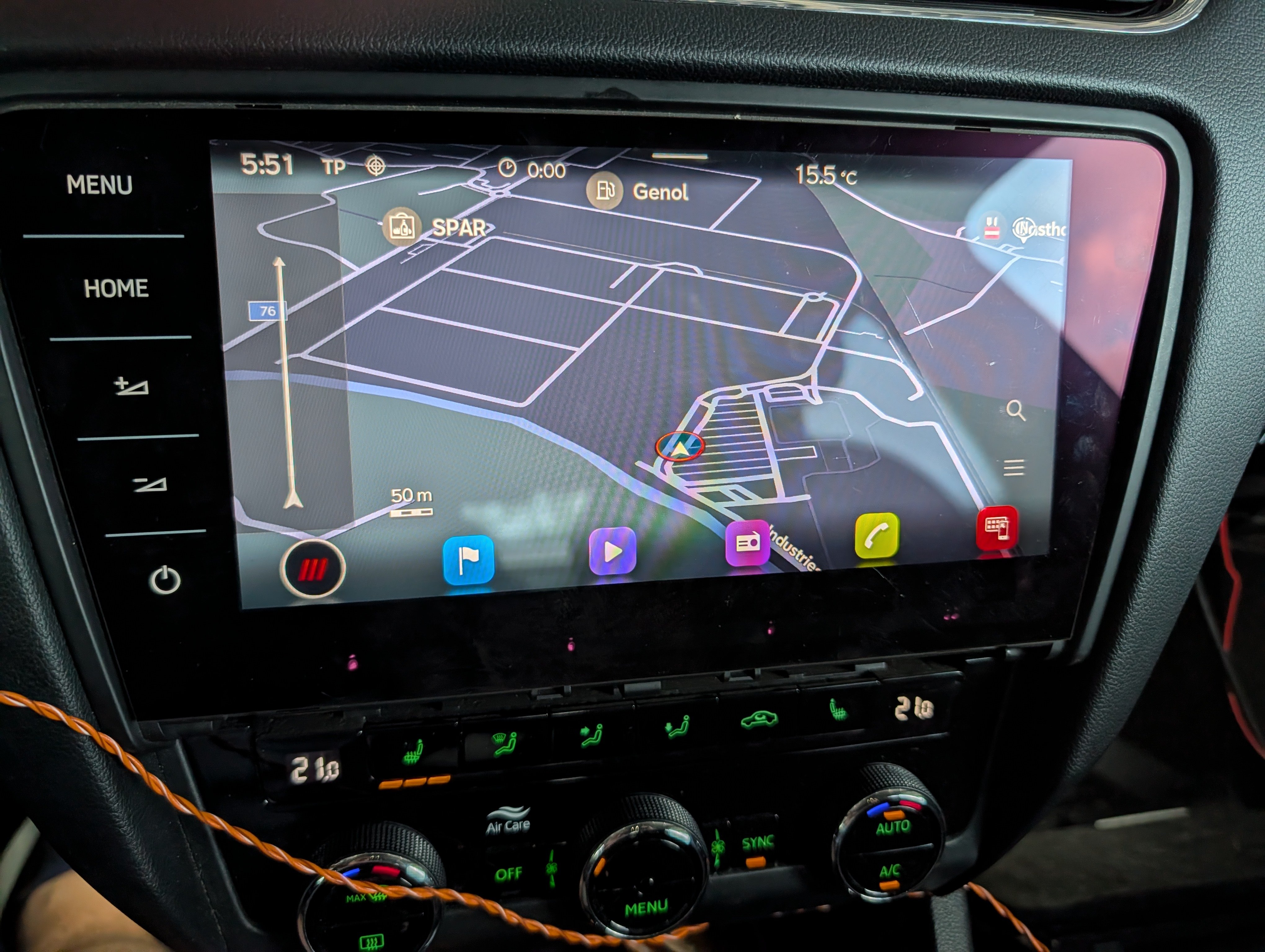
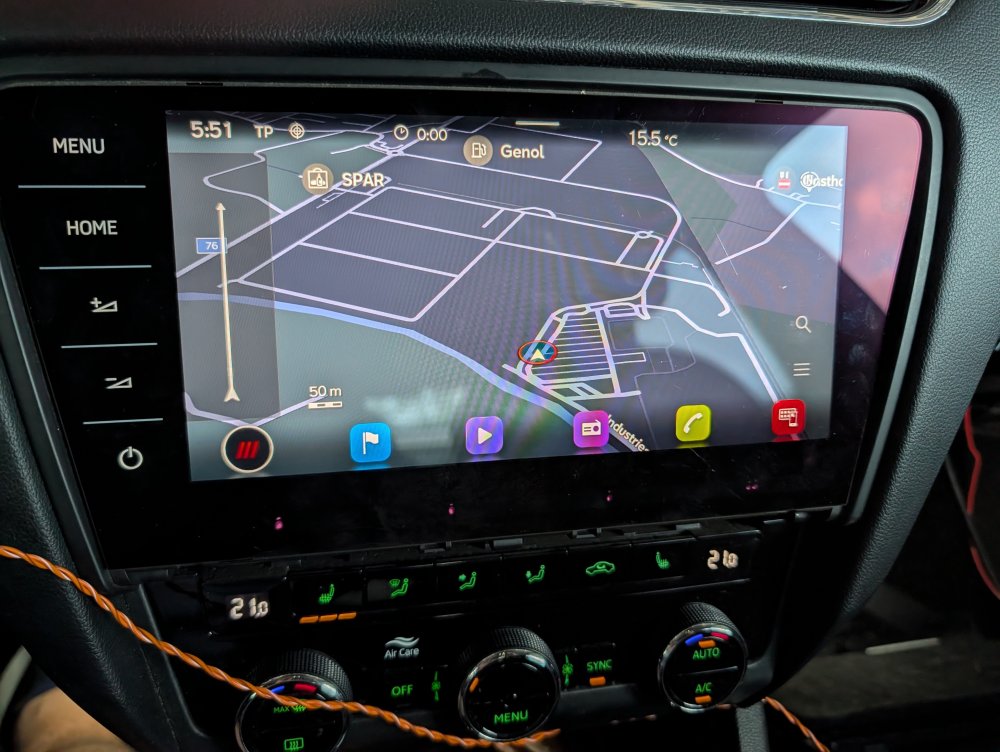
I quickly installed an MIB 3 and an OCU 3 in the O3 for testing during the holiday trip. The wiring and OCU will of course be neatly installed.
-
-
-
Fuse holder D, I'll have to think for myself which one that is.
-
Fuse SD1--->15A
-
You almost certainly have a broken wire in the steering column unit. Disassemble and inspect the wiring.
-
Both Systems are with SwaP Protection
-
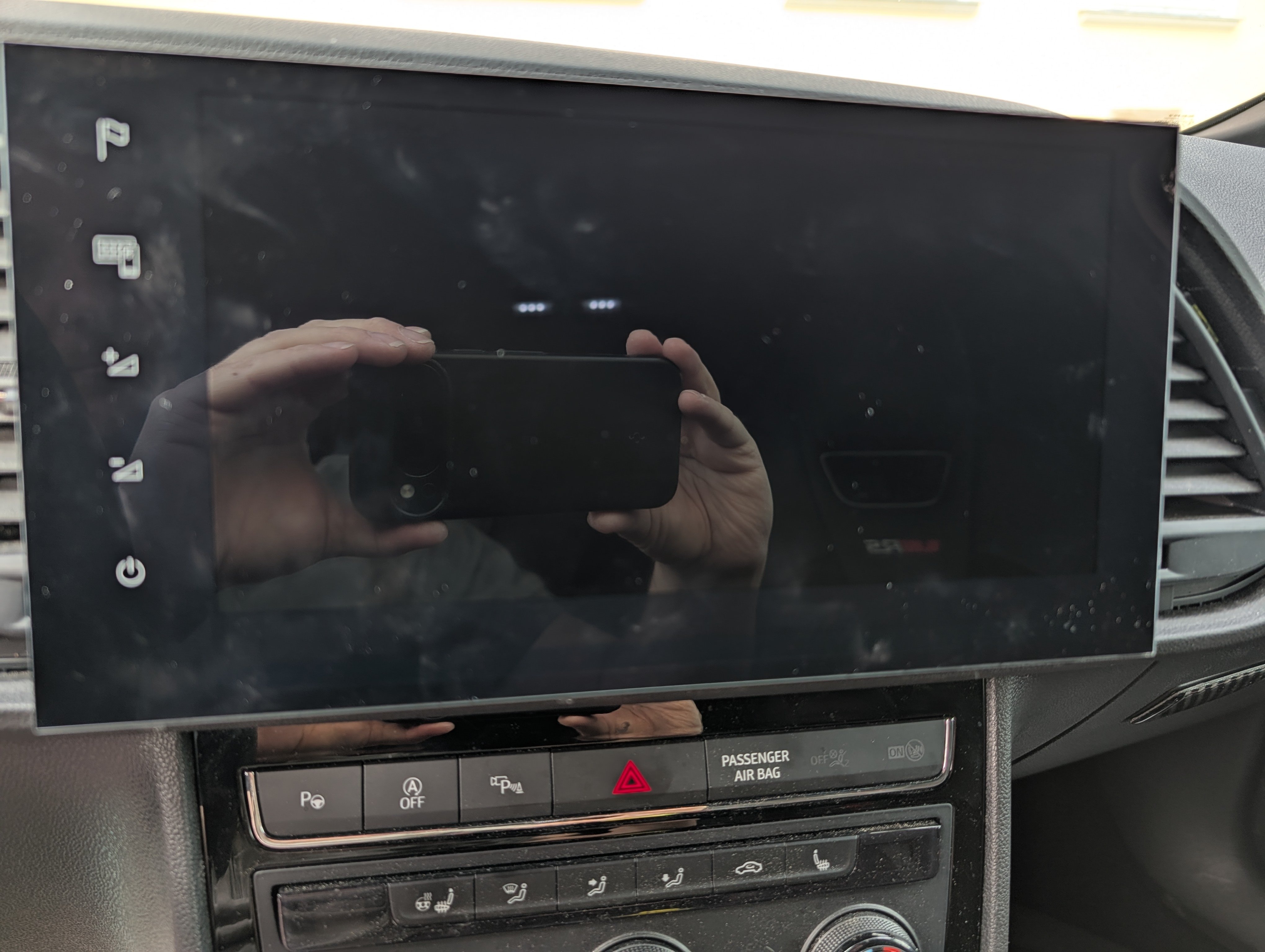
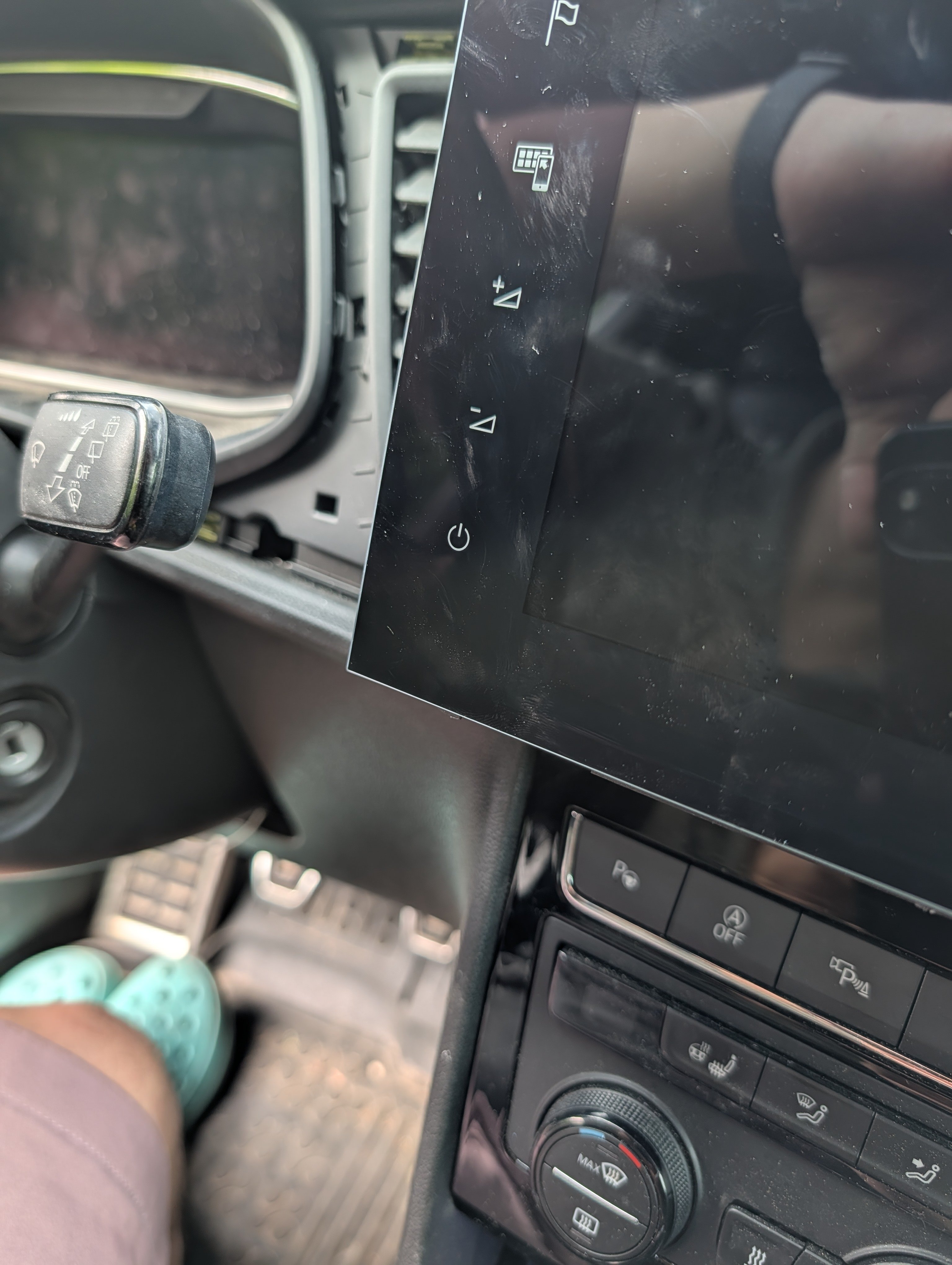
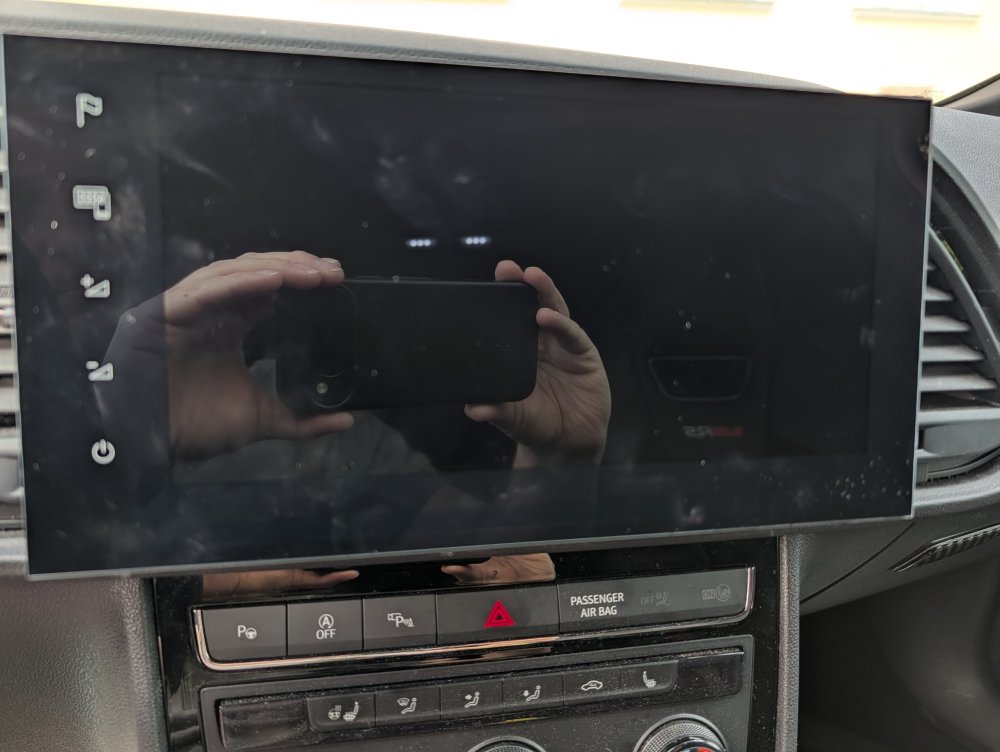
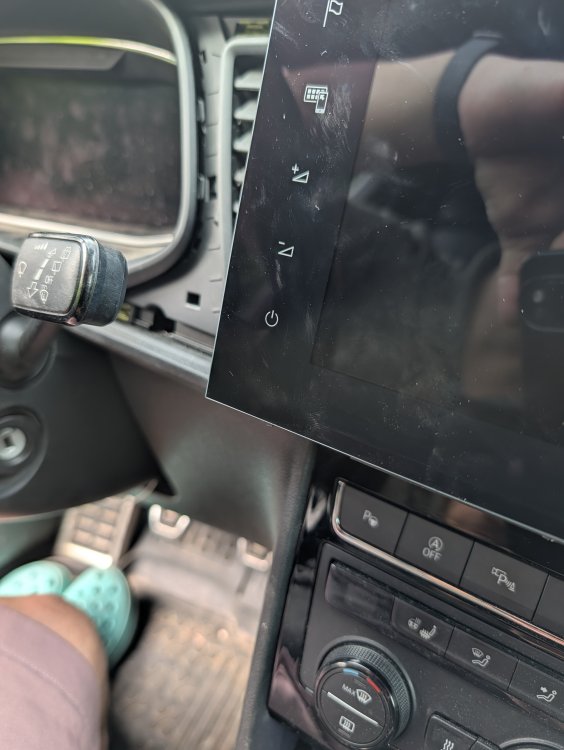
I'm considering retrofitting an MIB 3. Option 1: a VW MOI3 nF MQB unit for an 8" display. In principle, this is the best fit for my vehicle because the OEM display can be used. However, I personally don't like the VW HMI... Option 2: a Seat MOI3 MQB which requires a 9.2" display. I bought this from an Ateca and am trying to find a solution. I can get in another 5mm deeper. This looks much more extreme in the photos than it is.
-
The trim piece cost me less than €30 from Skoda in Austria. Sorry mean the black one
-
Reading the installation change Open this page: https://xor.pw/# Take the first value from the readout Take the second value, C9D2 Enter the new value for the installation change, apply the adjustment, the value reverts, clear the fault memory Auslesen der verbau Änderung Diese Seite öffnen: https://xor.pw/# Erste Wert vom auslesen nehmen Zweite Wert C9D2 nehmen Neuen Wert bei der Verbauänderung eintragen, Anpassung übernehmen, Wert springt zurück, Fehlerspeicher löschen
-
You only want Charge With it?
-
-
OEM Sport Suspension
-
-
No warrenty https://mega.nz/file/RyEBBLQY#bZEOg82t7NKvPc91etLUHAzi42wPMtfr-rRtCPZj7rM
-
Firmware: MHI2_ER_SKG13_P4526_1_AIO_MU1440_20230504 2.12 GB file on MEGANo warrenty
-
GRACENOTE V24 https://mega.nz/file/oisyETLb#_O9j1BLcGZMqdeMefJ_P2JsvR9vdwPPx11-xZWTWaTw No warrenty
-
🫣
-
-
Anyone can write here, anywhere.
-
Link Activ until midnight https://mega.nz/file/lrc1BaCD#nq_LSllnN-vDCL_fK6YVGXCMPosigM-ZrRJ0RBJsNqA
-
As pab told, replace unit My answer was generally referring to units with only one SD slot. I actually have a unit on order for a test of AA and Apple CarPlay.
-