Cairus
Members
-
Joined
-
Last visited
Everything posted by Cairus
-
-
-
-
https://mib.plain.gg/files
-
-
-
https://mib.plain.gg/files
-
Was the charge air system pressurized with pressure and mist and then tested for leaks after 2-4 hours?
-
West Europa Version V17 rns 510 https://mega.nz/file/MvE2GAiZ#5VXslWU0JUvK-5uKND3CHGlvgWxyol9ieyKqvd_xQvI
-
Yesterday, the 165 kit was installed in the front. Since it's not approved for the Skoda Kodiaq, it's not a plug-and-play conversion. The old system had to be removed, and the rivets on the mid-bass driver in the Kodiaq had to be removed. Then I drilled out the holes and installed threaded inserts. The speaker itself and the drill holes fit perfectly. The connector also needs to be replaced. For the tweeter, first remove the old one by opening the three plastic welds. Remove the Focal tweeter from all the housings; otherwise, the installation depth won't be sufficient. Secure it in the housing. Here, I installed the exact matching connector for the vehicle so that everything remains disconnectable. The sound is completely different.
-
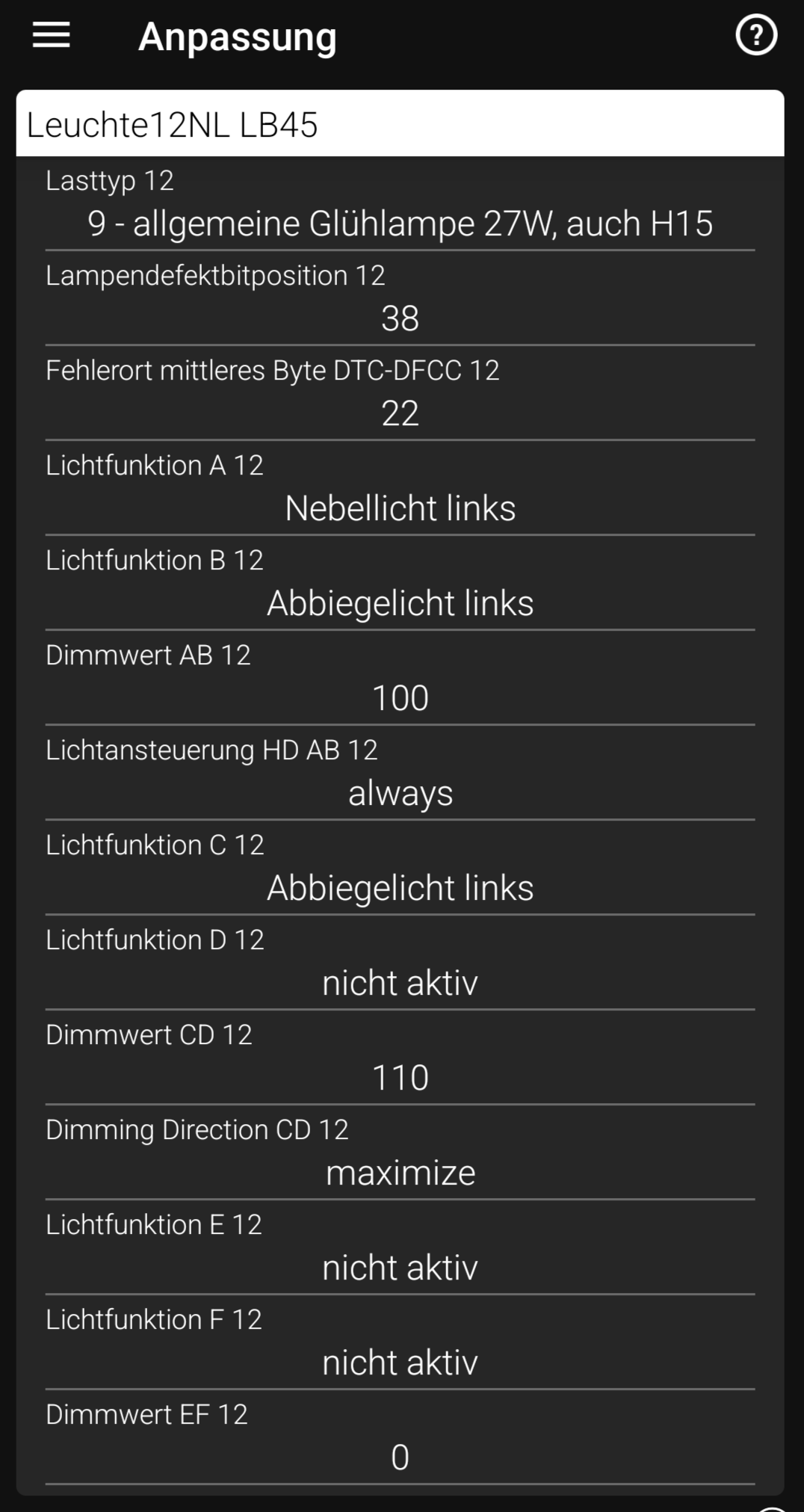
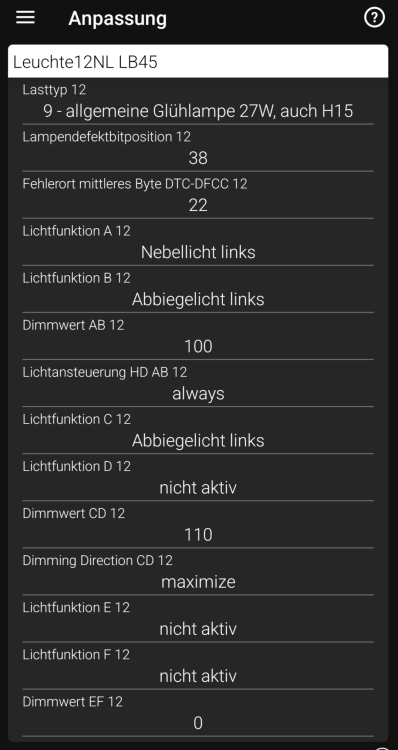
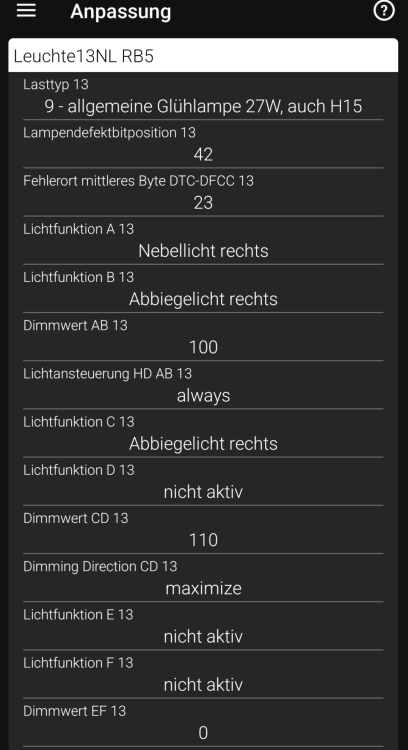
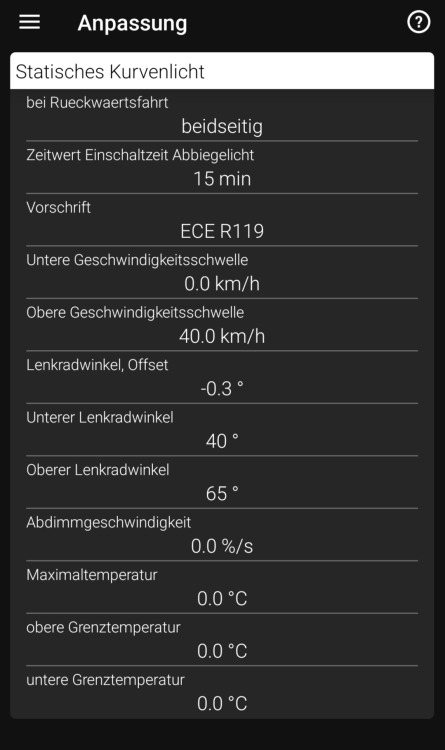
You have To replace the Controller in the Lights
-
Why Not OEM?
-
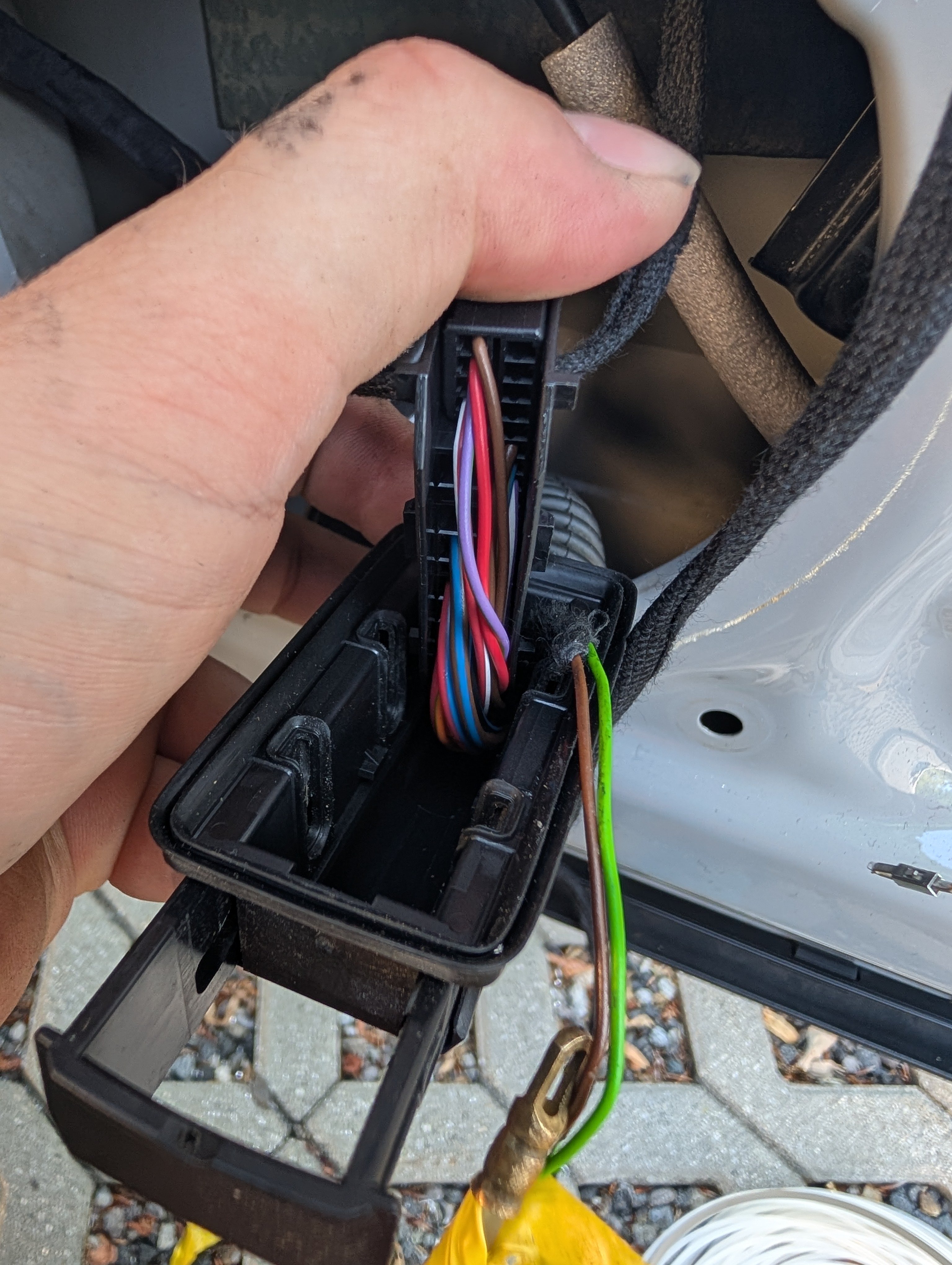
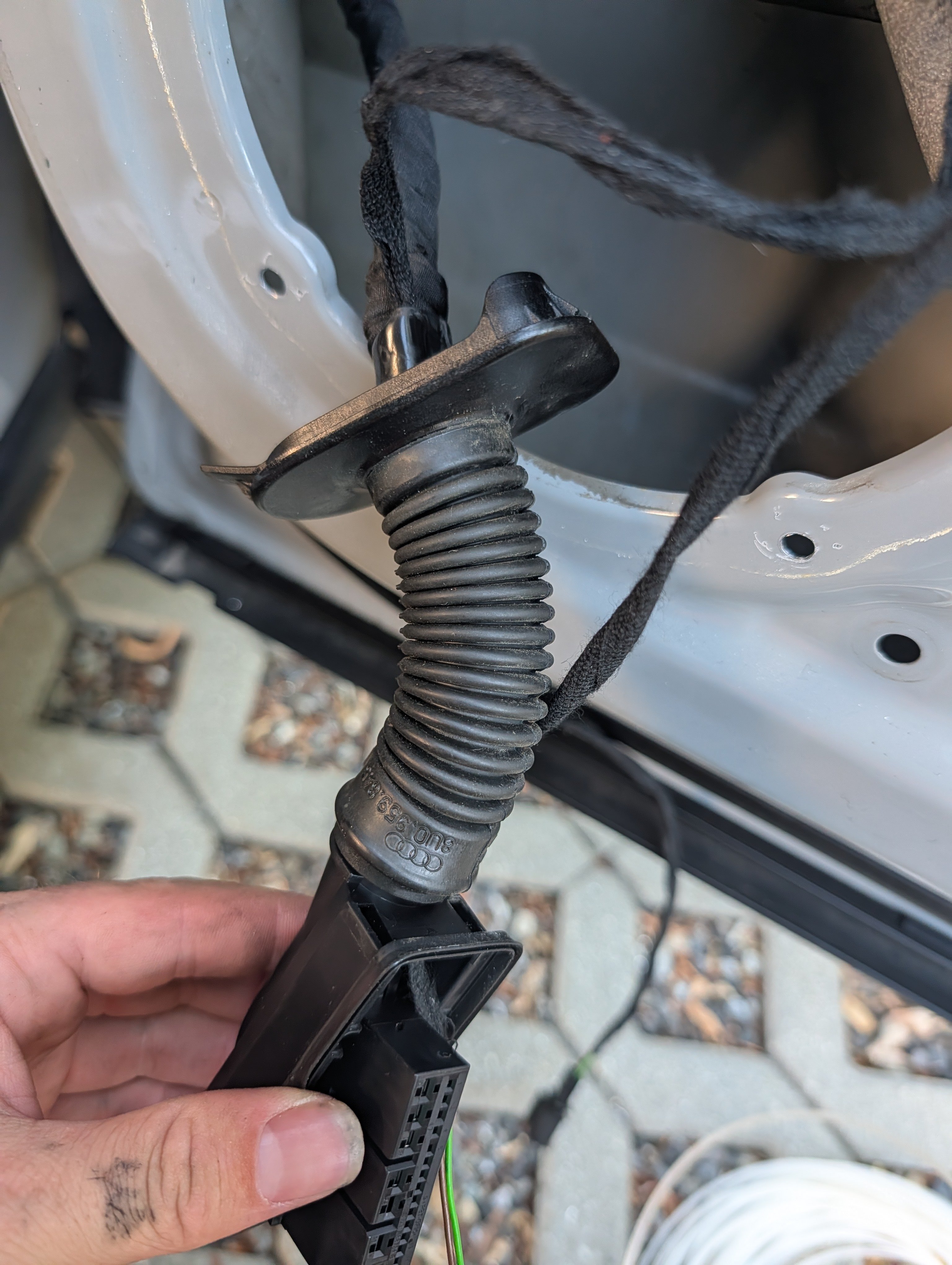
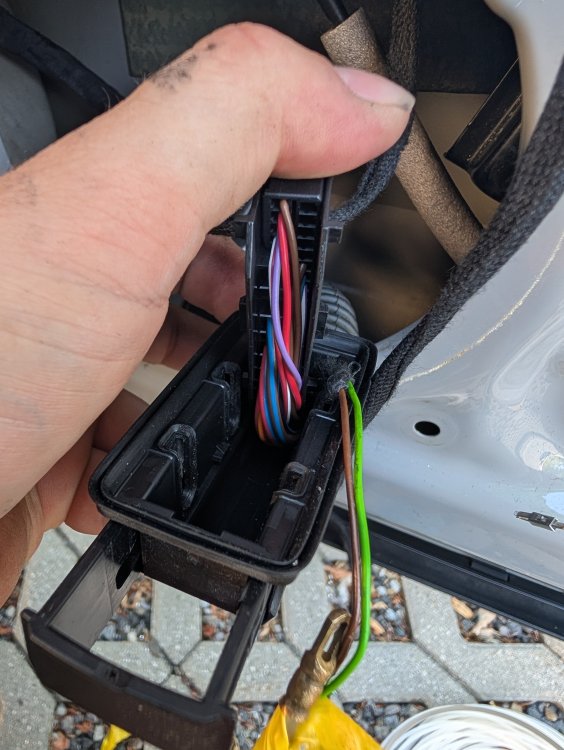
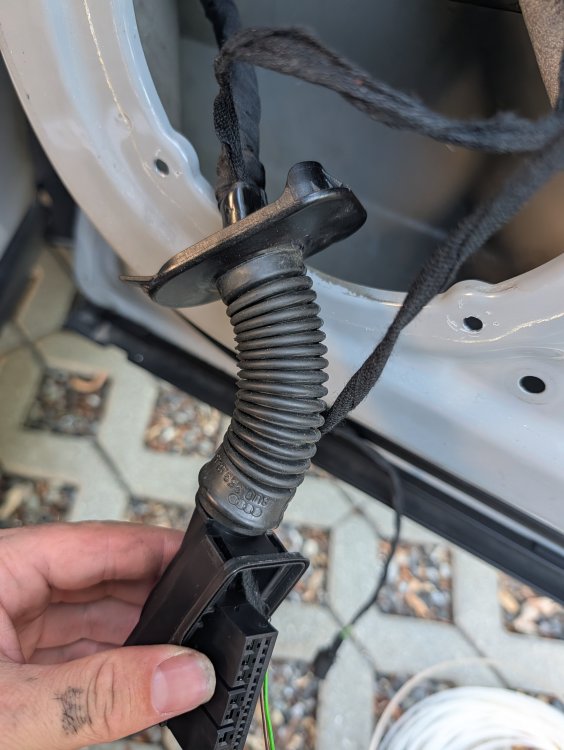
@Binx1310 No, the connector only has free pins. So, pull the cable through and crimp the pins. I'm not satisfied with the SWA LED solution in the glass. I ordered OEM facelift mirror caps with integrated SWA, LED inserts, and the connector for them.
-
No newer Version
-
BCM have CP
-
@Binx1310 Picture
-
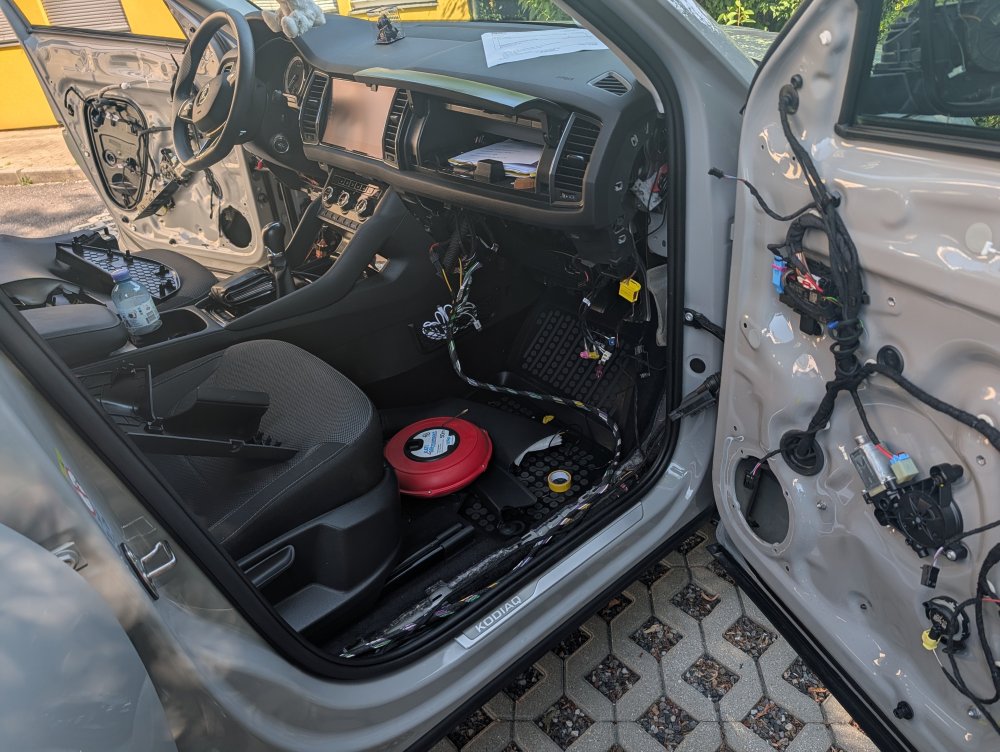
I Like IT
-
Nö warrenty
-
Sorry, i send you
-
It is so simple, i mean want Pictures from my Car?
-
Enough free Pins, Picture?
-
Use the original wiring. That means the connector at the door near the A-pillar; for me, that's become a boring job.
-
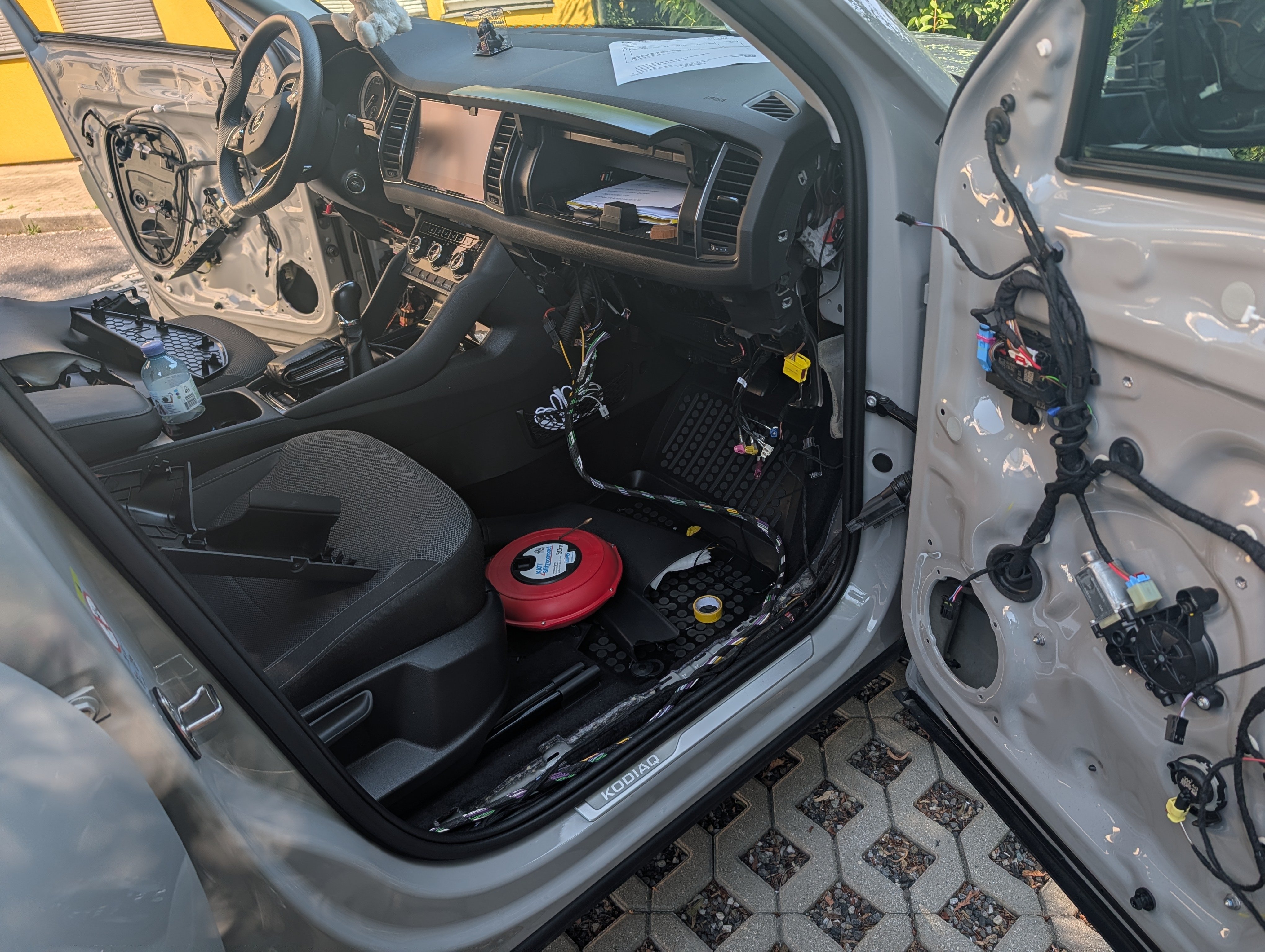
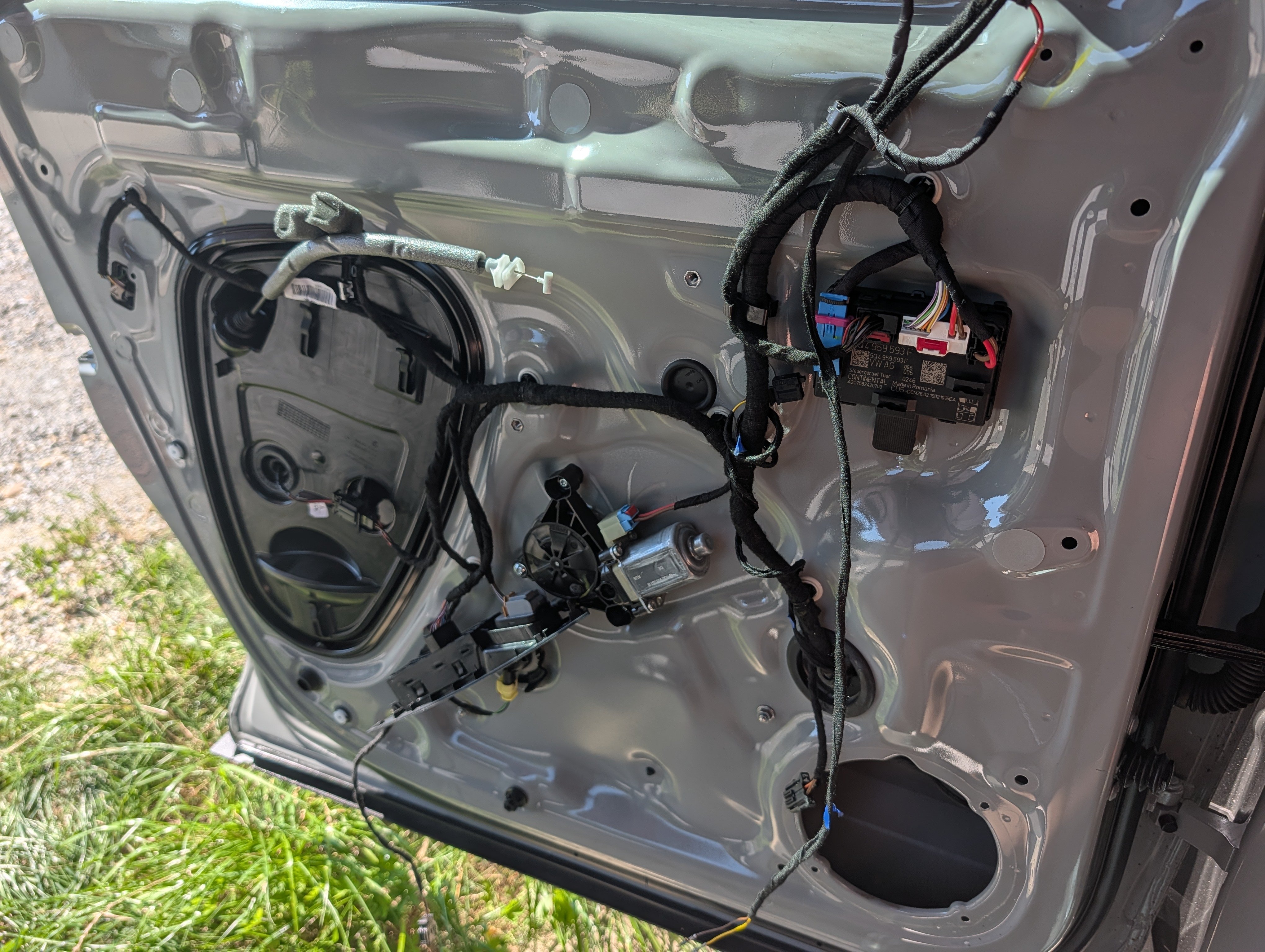
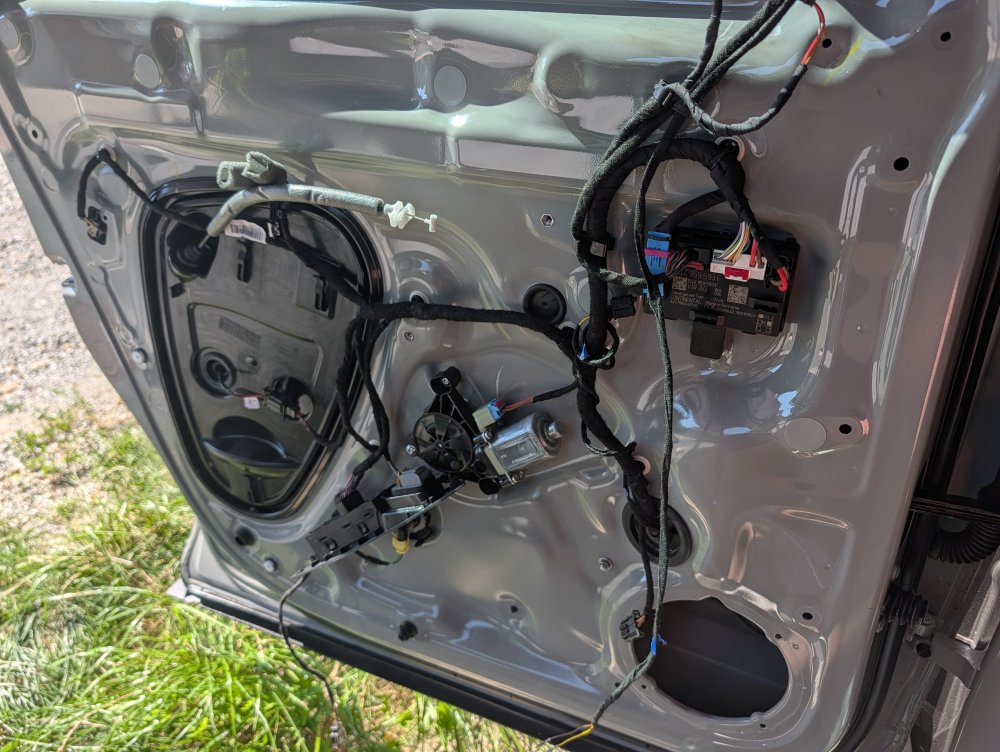
It continues, in 34°C shade... Driver's door fully wired for lane change assist, only one connector is missing... Driver's door lock also replaced, because it sporadically wouldn't open.
-
Yes Possible
-
I have USB Patch for MOI Preh Unit