JR RS
FREEDOMLite
-
Joined
-
Last visited
Everything posted by JR RS
-
The Superb uses D3S Xenon bulbs. .....and they're a royal pain in the behind to remove/replace!!
-
That's the Canton amplifier unit by the way. Glad u persisted with finding the culprit and got to the bottom of it....literally!! Time to enjoy peace n quiet now while driving.
-
build of MY18 would've commenced from July 2017. likewise MY19 would've commenced from July 2018. and the the pattern continues. urs being Oct 2017 build, it would mean u have an MY18 then. mine was built Mar 2017, hence i have an MY17.
-
i was under the impression that the ambient light color change based on Driving profile was not available until MY18 onwards. MY17 does not have profile based color change. ur profile indicates u have a 2017 - hence my confusion. unless urs is a MY18 2017 build.
-
I don't know about the facelift Superb, but with the pre-facelift Superb u need to have SLA headlights.
-
U need to remove the upper tailgate trim to access the inner tailights. How to video here - https://youtu.be/9voCaw6s14g
-
Mine does the same thing for CH/LH, but with foglights as well.
-
The same could b said about the length of the car - both sedan and wagon look to b the same length, but they're not! The sedan is 6mm longer than the wagon. Don't take the risk and buy the correct one for ur car. The front of the car is exactly the same - sedan or wagon. The rear is not. There's a reason why the part number sets start with 3V5 and 3V9.
-
Definitely no. It's also the same story with the pre-facelift Superb too.
-
Surely ur car is still under warranty if it's a facelift Superb - that should b a warranty fix.
-
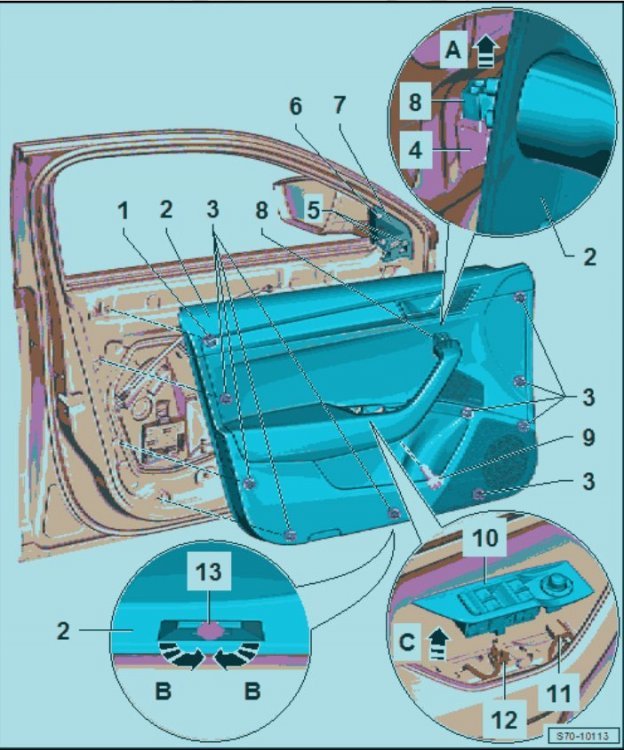
in order to get to that trim piece - u need to remove the entire door card trim. u will need trim removal tools. there is a detailed youtube video covering this -
-
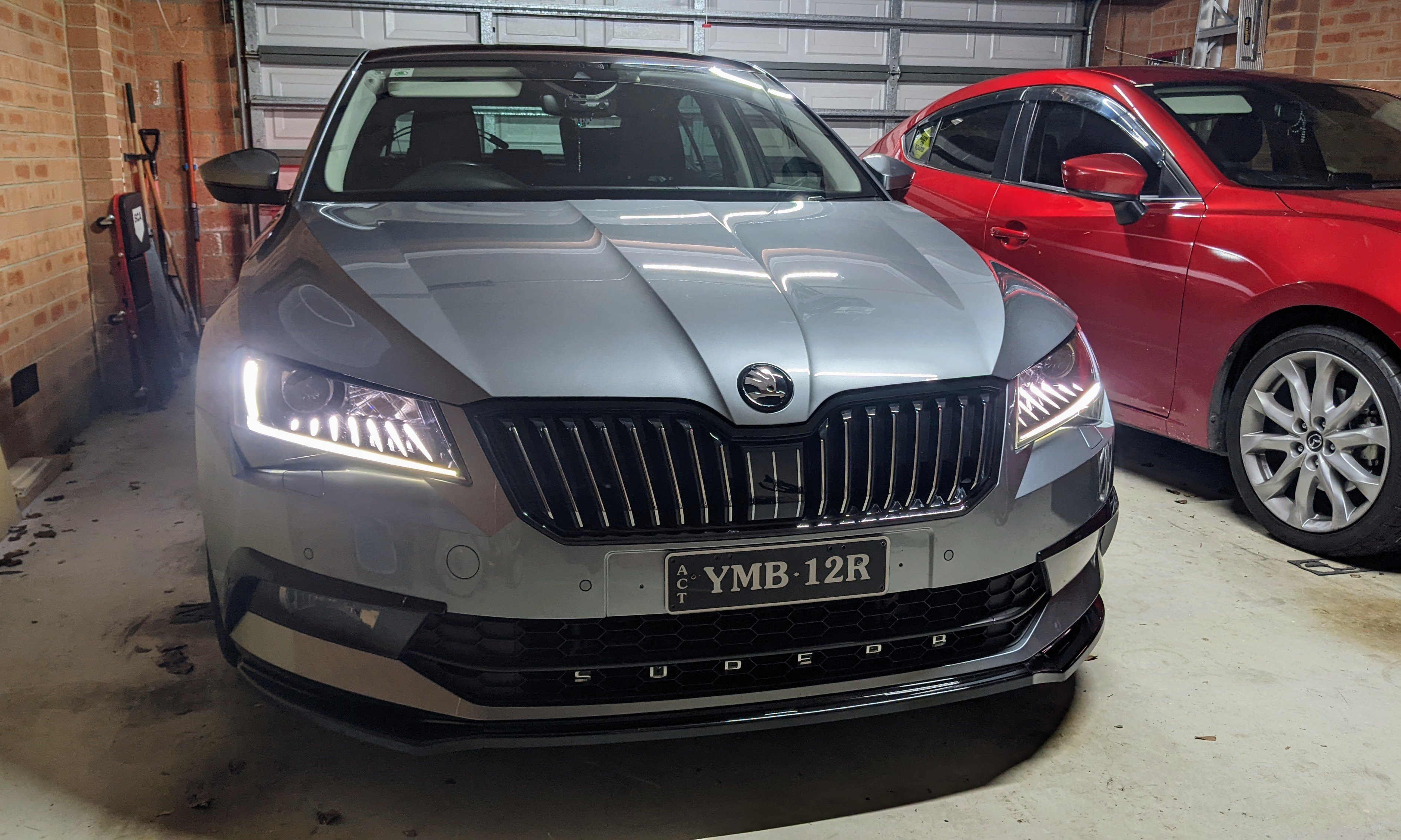
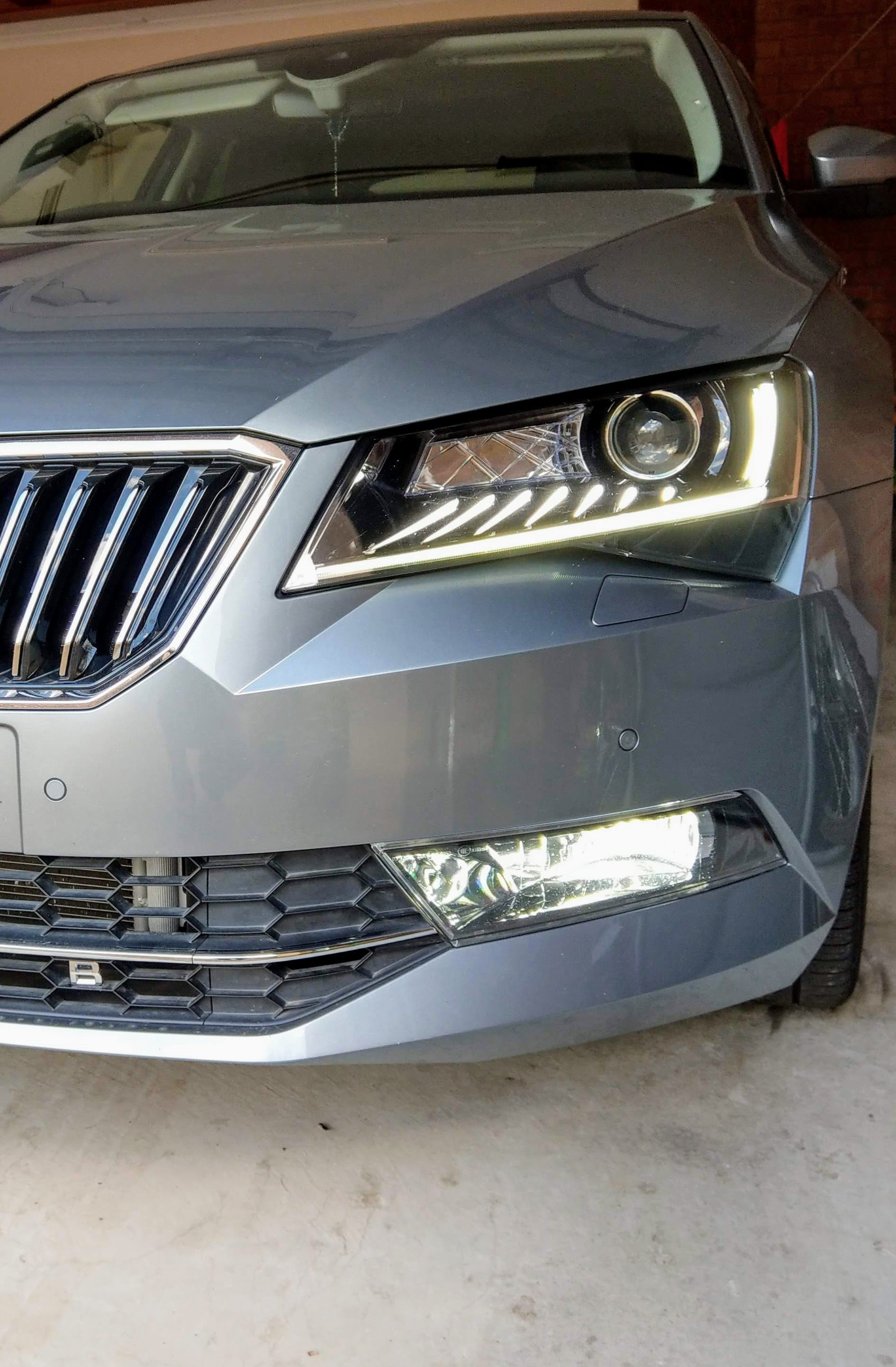
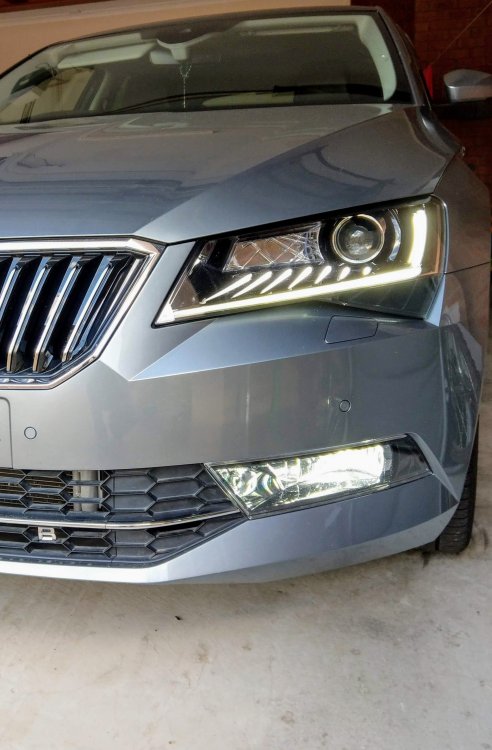
If u have the bi-xenon headlights, then yes, it is able to do it. I'm not sure if u need Columbus exclusively for the GPS based "travel mode" which automatically flattens the beam. My headlight part numbers r 3V2.941.015.B and 3V2.941.016.B
-
I know they r different. I was just trying to highlight that Passat B8 and Superb 3 basically have the same springs.
-
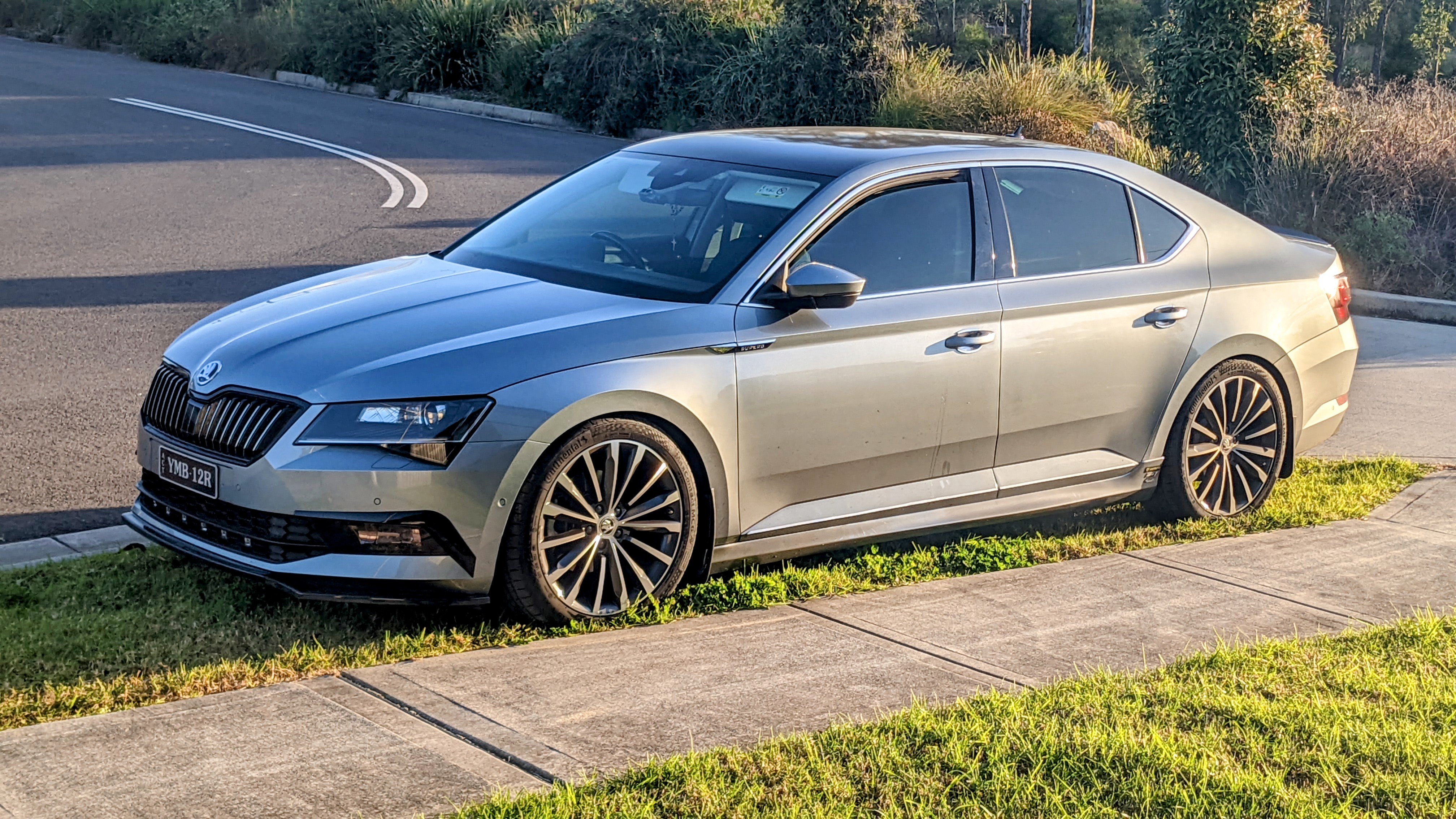
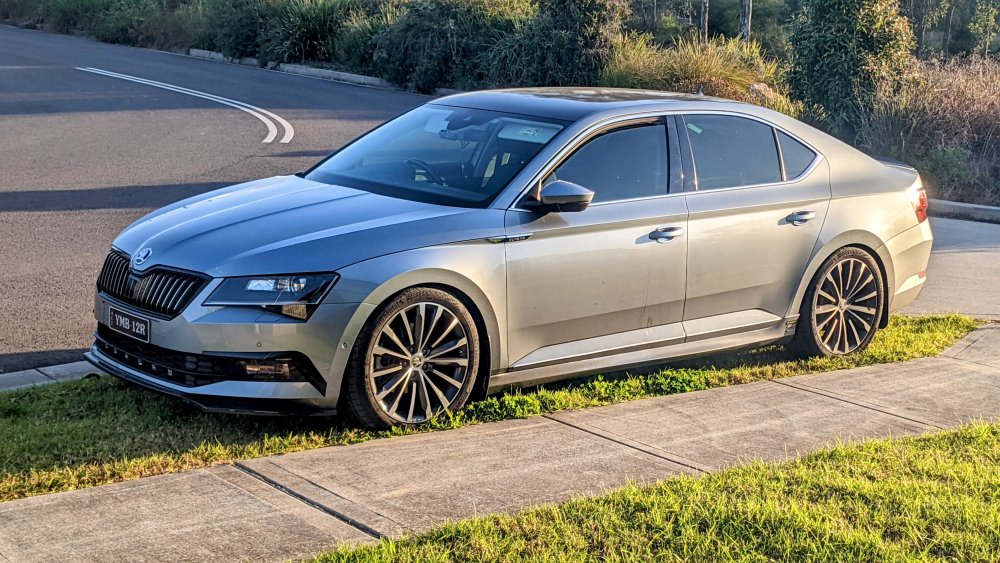
Lowering springs - E10-85-042-02-22 Car dropped 20mm. I have factory DCC shocks.
-
I've been using Eibach springs for a Passat B8 in my Superb 220.
-
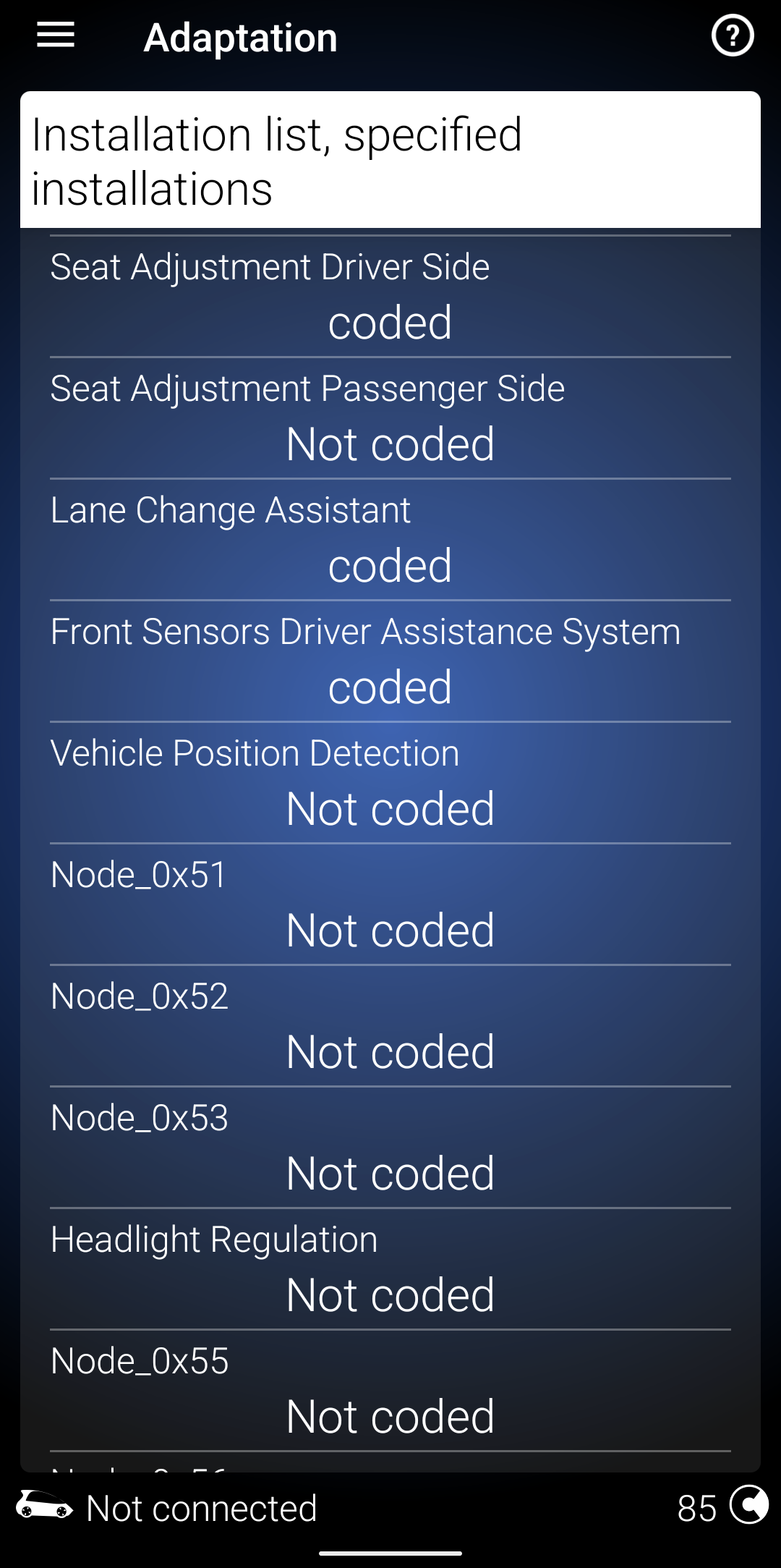
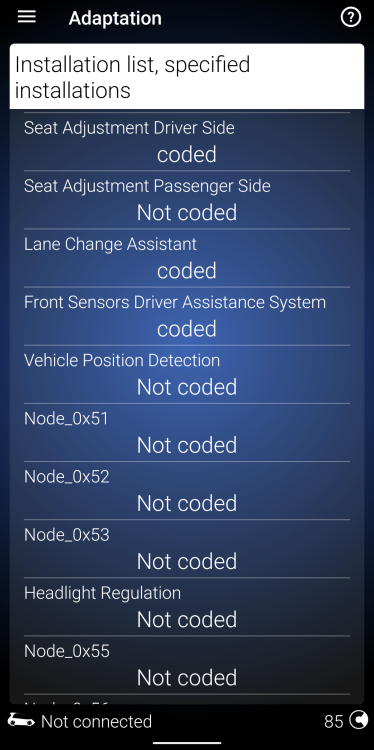
I think it can be coded to have two seat controllers. Using OBDEleven, I can see there is a passenger option, that can b enabled. I have the heated/ventilated leather seats. I'm assuming that is related to the seat memory controller.
-
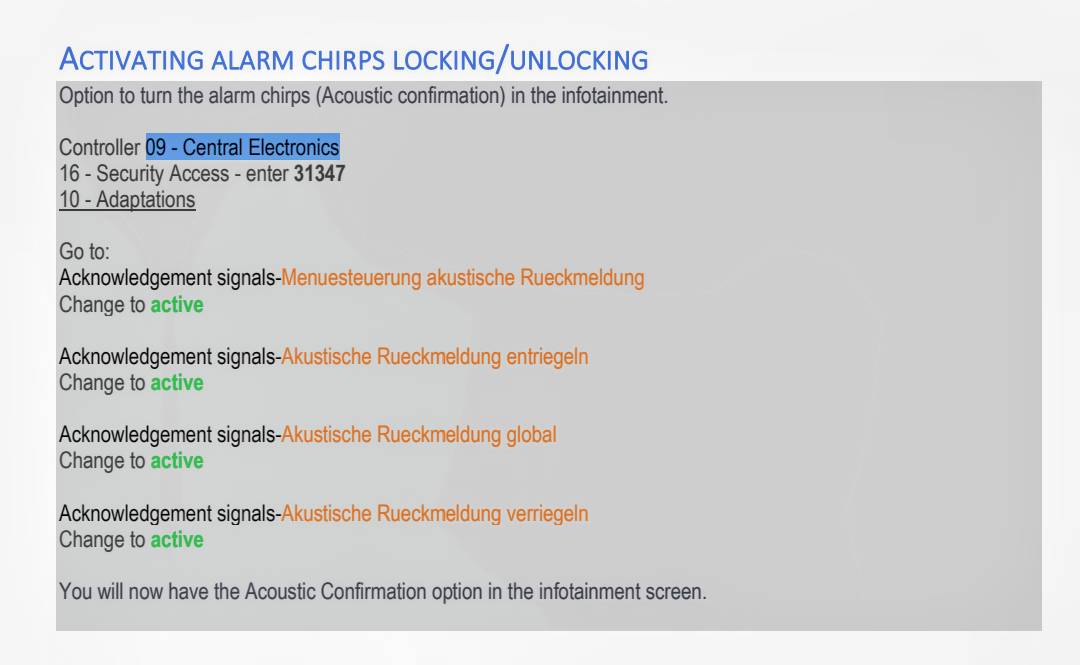
U need to reboot the infotainment unit.....shows in the menu straightaway, and chirps.
-
They tried the software fix on mine first, but that didn't fix the problem. They ended up replacing the seat controller module, under warranty.
-
Yes, the front bumper needs to b removed in order to get the headlights out or in - no other way. I've attached a how-to for the front bumper removal. Should help. Essentially:- 1. Put front on jack stands 2. Remove wheels 3. Remove wheelarch liner 4. Disconnect wiring harnesses 5. Disconnect headlight washer pipe 6. Remove bumper 7. Remove headlights Reverse the process to put things back. Removing Front Bumper.pdf
-
I was able to enable the alarm chirps on mine with these instructions. Some of the instructions I previously found was missing some steps.
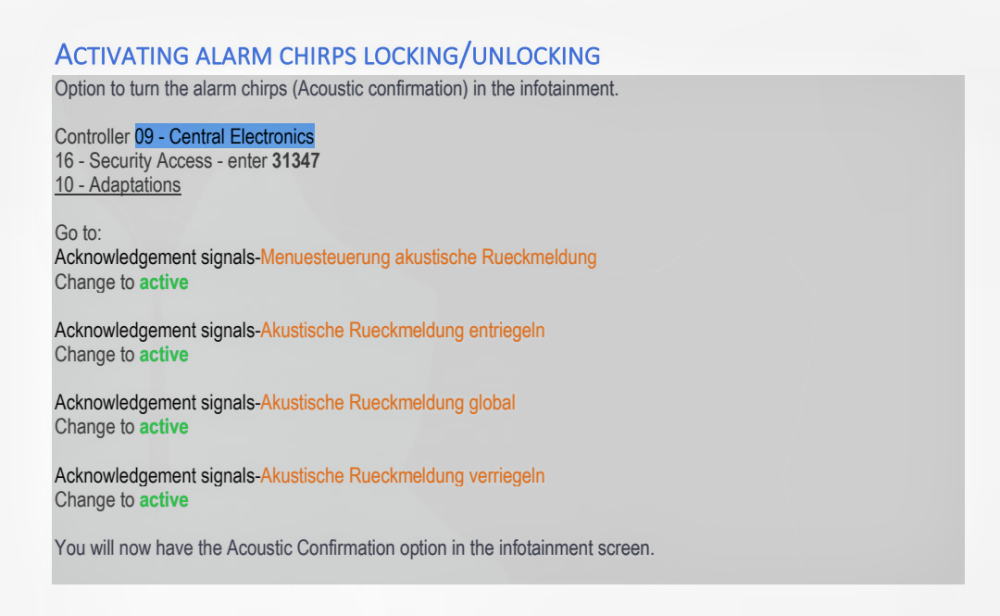
-
@varooom - I just noticed ur profile states u have an Octavia. The pics u have referenced r for an Octavia mk3. The Octavia has a different tank setup and size altogether!!! Ur going to have different PR Codes to that of the Superb. As for the PR codes I listed above, it doesn't matter wat the market is, or when in the world, the PR codes for the Superb r the same. 0M4 is 66L 0M4+1Z2 is 76L PR codes between different models will vary. I don't understand why ur comparing the Octavia and Superb tanks...sorry.
-
found it - attached PDF. its the available options for the Skoda Superb in Bosnia/Croatia. prices r shown, ex. VAT. this was shared from a discussion back in 2018. 21-1496898482-superb--dodatna-oprema.pdf
-
the larger fuel tank is certainly an option in some markets, and i've seen it on the options price list for one of the european markets (either portugal or spain or similar) - i'll see if i still have that. 0M4 is the standard 66L fuel tank. 1Z2 is the Increase in initial standard fuel filling my build sheet, from erWin Skoda shows both 0M4 and 1Z2 PR codes. if u don't have the larger fuel tank, it will only show 0M4., i.e. standard 66L tank if u have the larger fuel tank, u'll see both PR codes.
-
I've driven an additional 30 km after the Range Left hit 0 km, with the needle on "empty". When I reached the petrol station - I put in 74L of fuel that day. I never fill up when the fuel warning light turns on. I always wait till the Range left is between 10 and 20 kms. Been doing that for the past 5 yrs with no issues and the fuel level gauge has always been "predictable". p.s. mine has the optional larger fuel tank (1Z2), which adds another 10-15L or so, to the standard 66L tank.
-
Another vote for Erwin Skoda, plus u can also download all the workshop manuals (PDF) while ur there. Very useful to have if ur the tinkering type.