JR RS
FREEDOMLite
-
Joined
-
Last visited
Everything posted by JR RS
-
Get urself a Start-Stop Memory module - does exactly wat ur after. A few of us have done it, including myself. Highly recommended. Much better option than permanently disabling the Start-Stop function entirely using OBDEleven or VCDS.
-
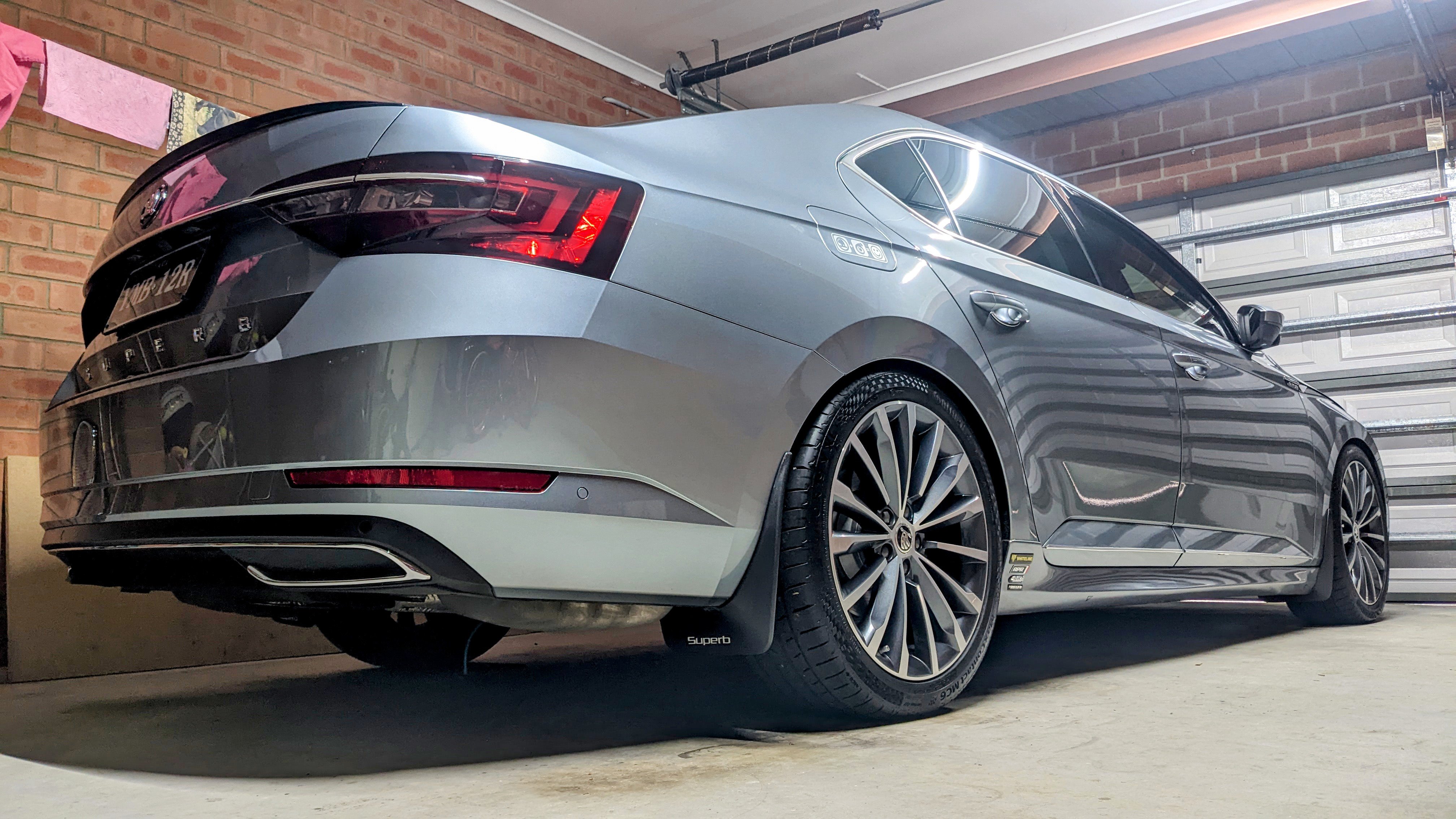
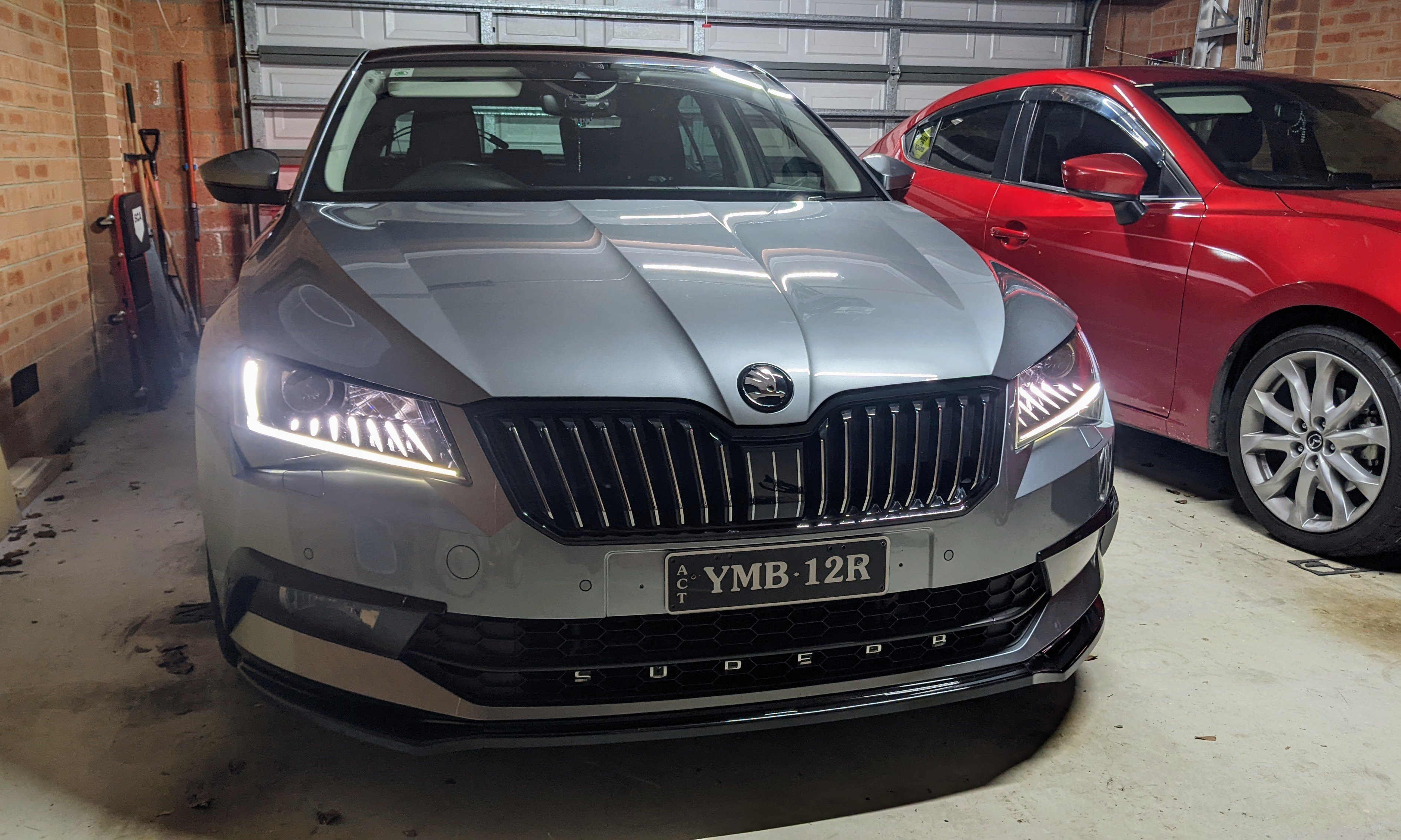
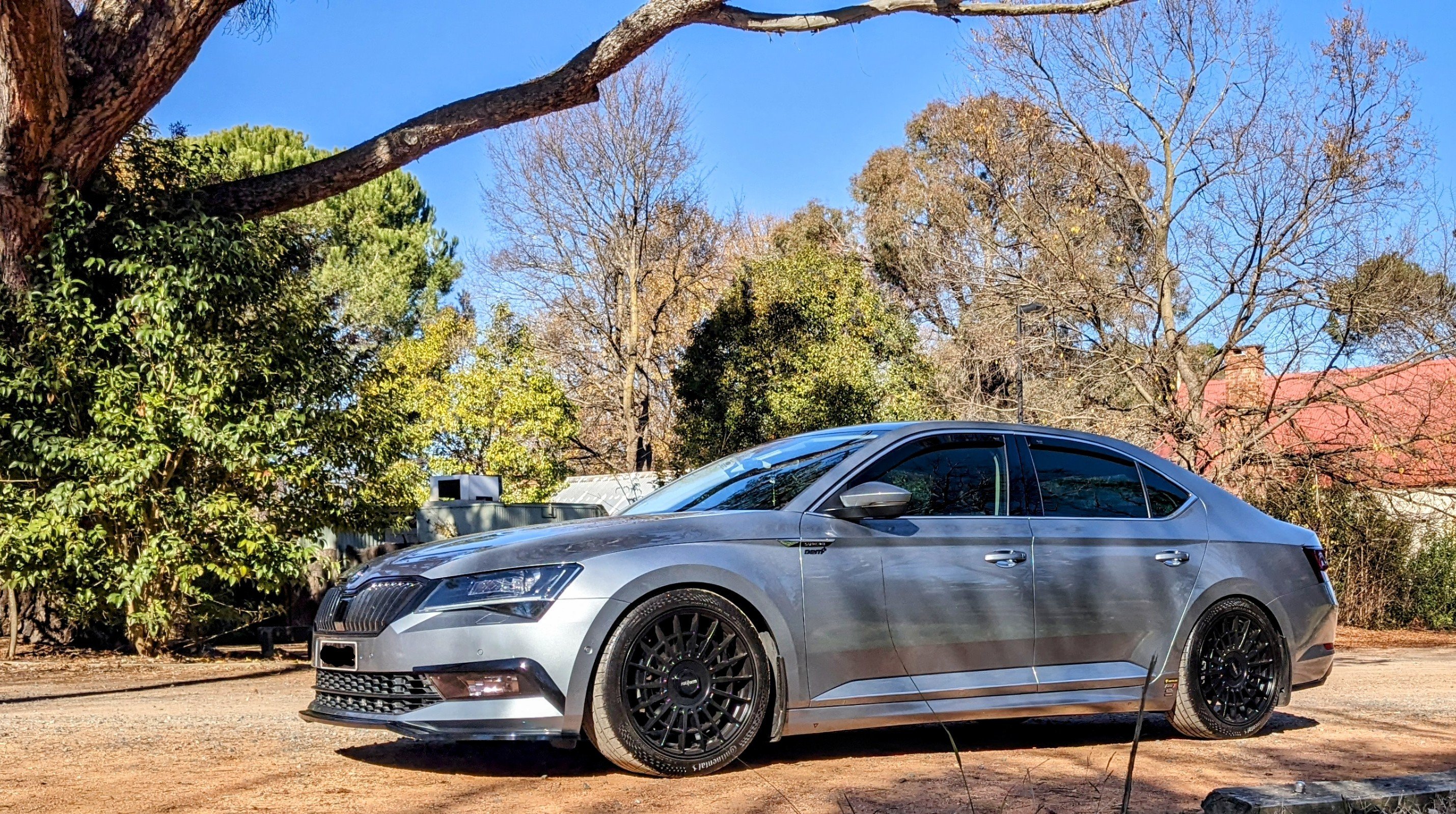
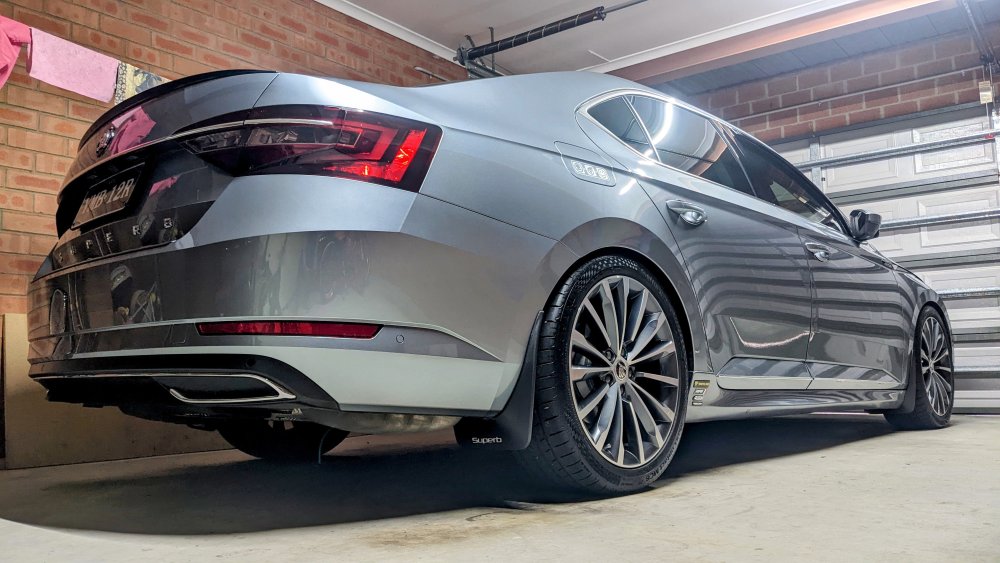
After a long 3 months from the last wash, Gandalf is shiny clean again!!
-
as i previously mentioned - the steps/instructions i have provided is for the pre-facelift superb. it will b completely different with ur facelift superb. with regards to the parameter file - a friend i know here in Oz knows a Skoda mechanic in Estonia, who sourced the parameter from a Superb that came with SLA from factory. the mechanic sent the parameter file to my friend, who then used his VCP tool to upload the parameter file to my car. the coding (done via VCDS) instructions i have for modules 09, A5 and 4B is specific to the pre-facelift Superb. if u still want to try it, at ur own risk, then have a look at my SLA retrofit discussion for details.
-
That's wat I said earlier too
-
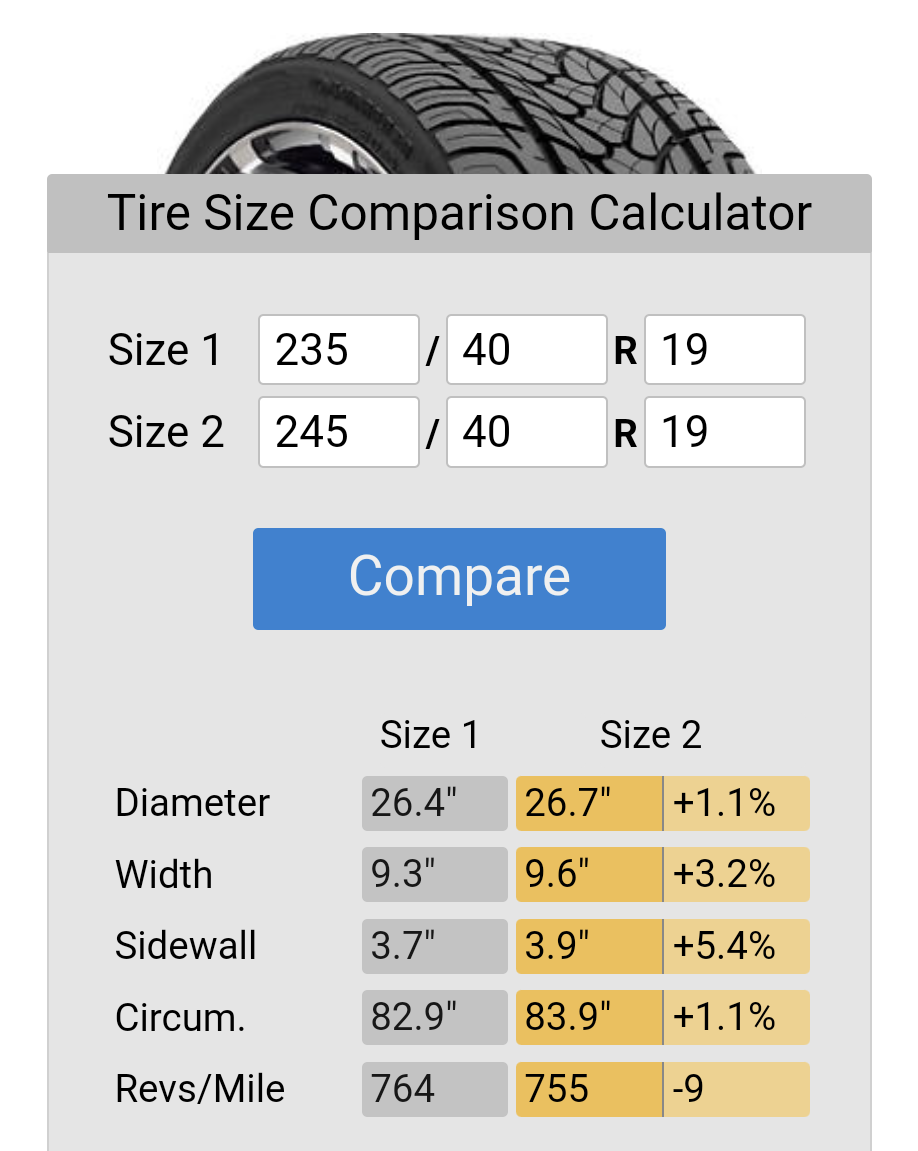
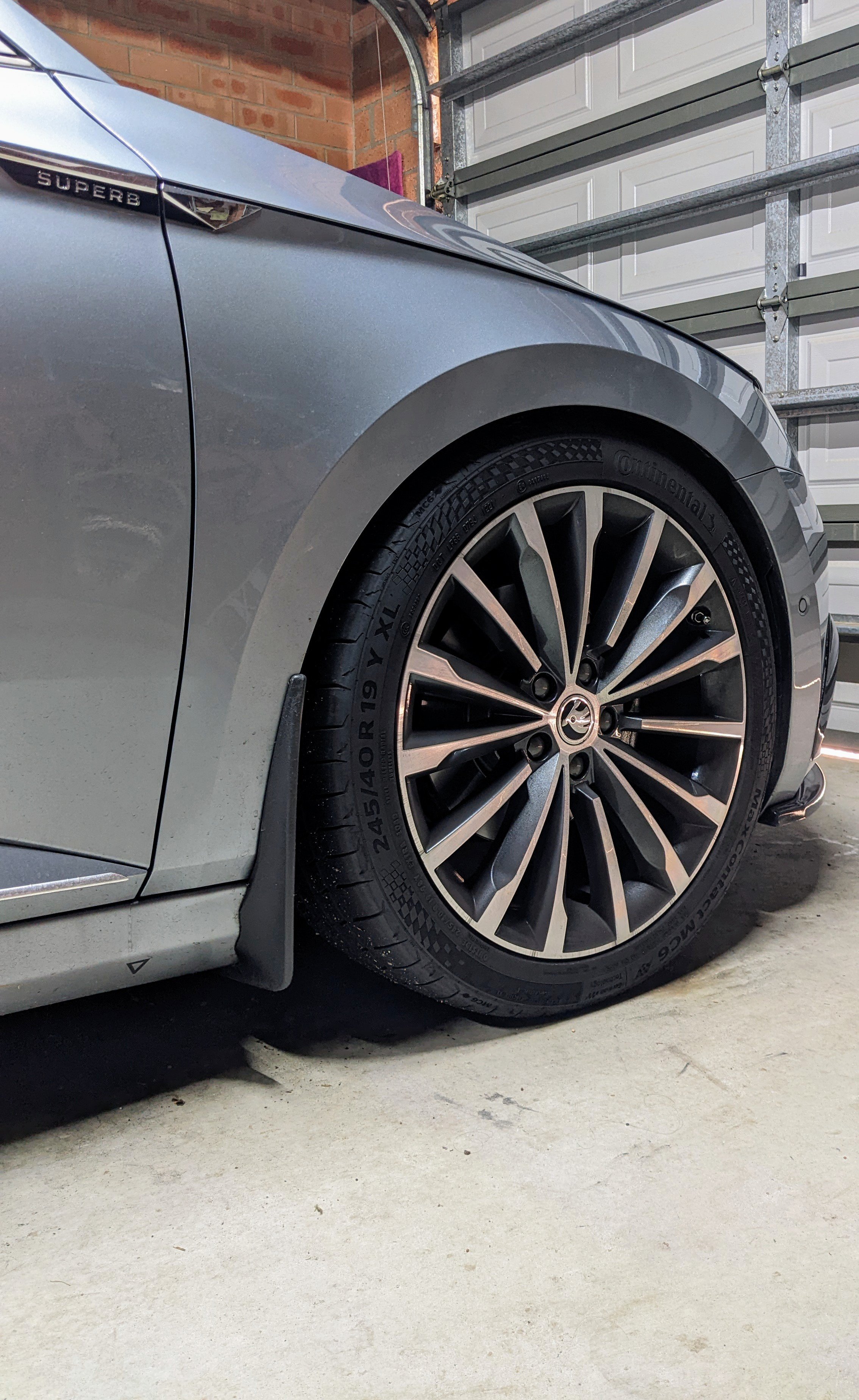
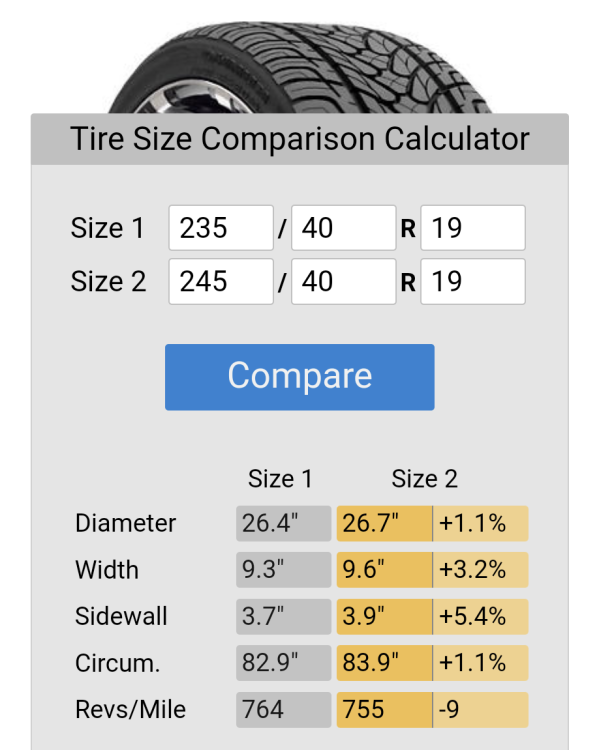
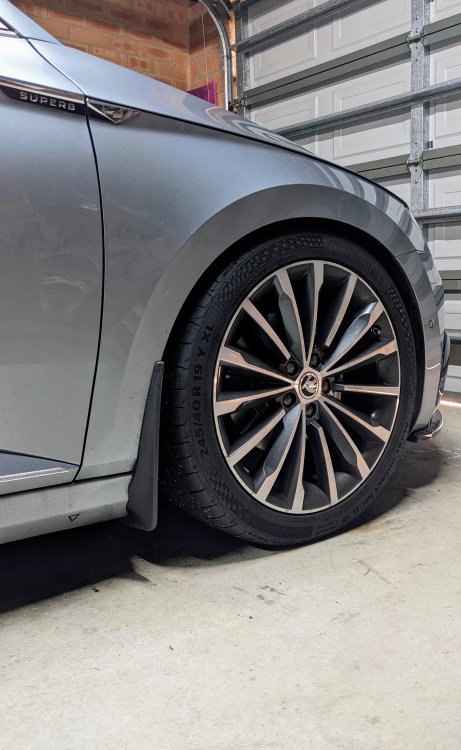
Yes it will make a slight difference as the 245/40 has a larger circumference compared to the 235/40. See tyre comparison below. I found when I went up to 245/40 - the speedo reading was closer to the GPS speed. Also, the 235/35/19 are NOT the standard size on the 272/280 models. They also get the 235/40/19 size. It's there on the tyre placard.
-
Definitely - the 245/40/19 is much quieter as it has a thicker sidewall than the stock 235/40/19. Yup, ur 235/35/19 will b much more noiser. It has a smaller sidewall than the stock (235/40/19), due to the smaller 35 profile.
-
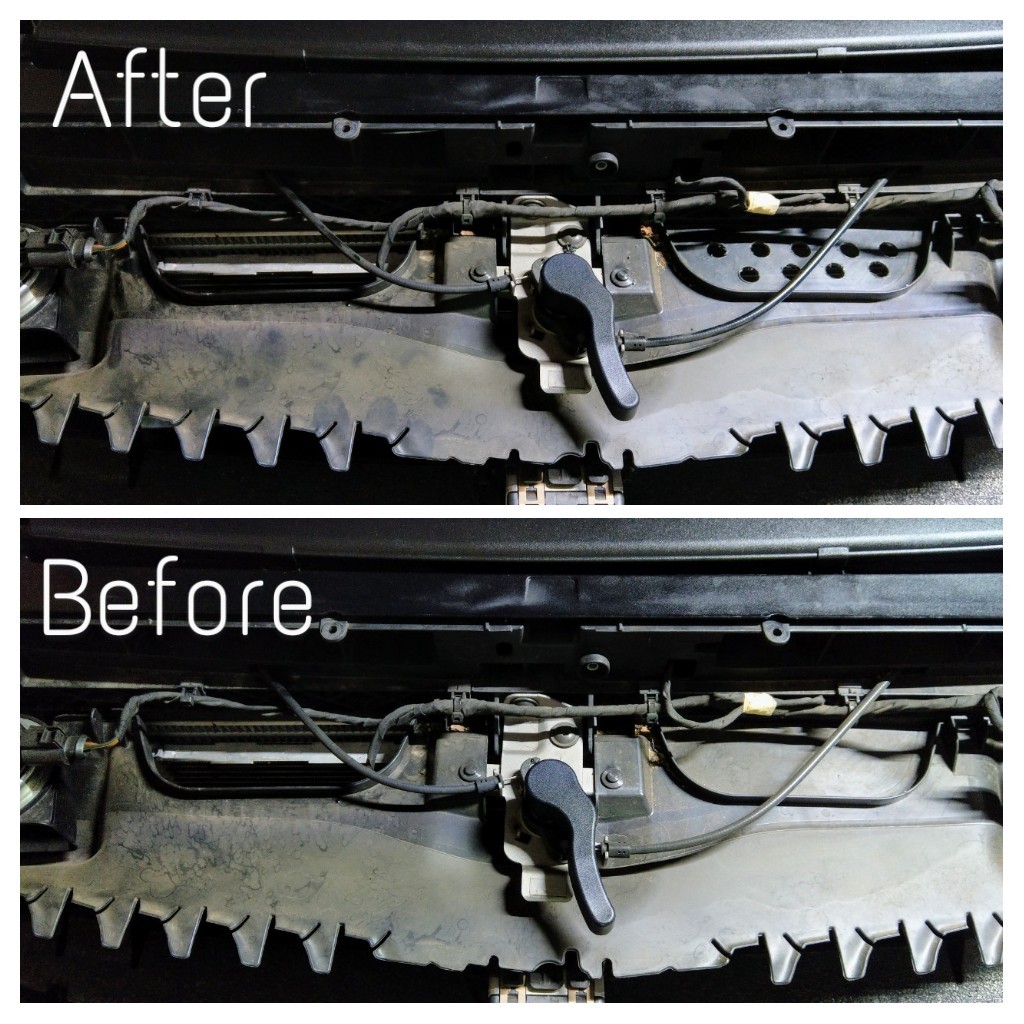
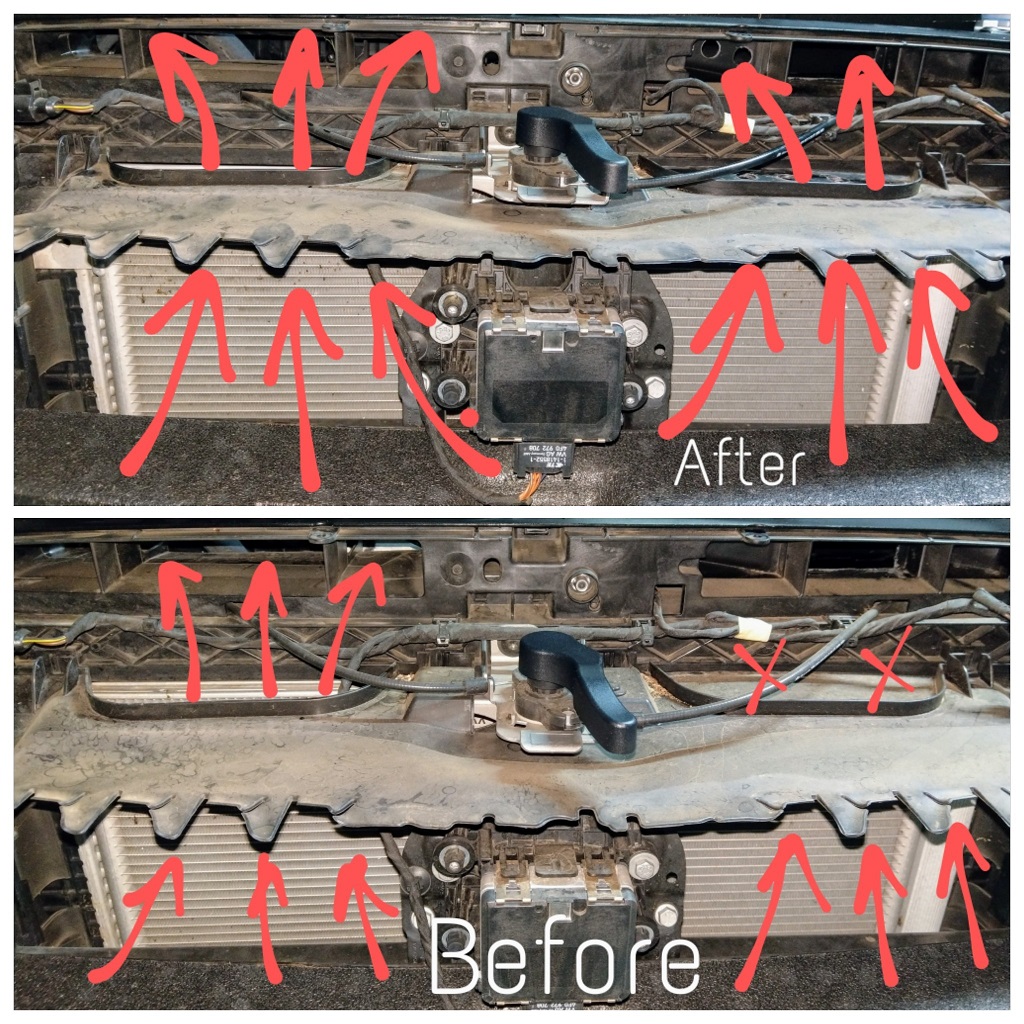
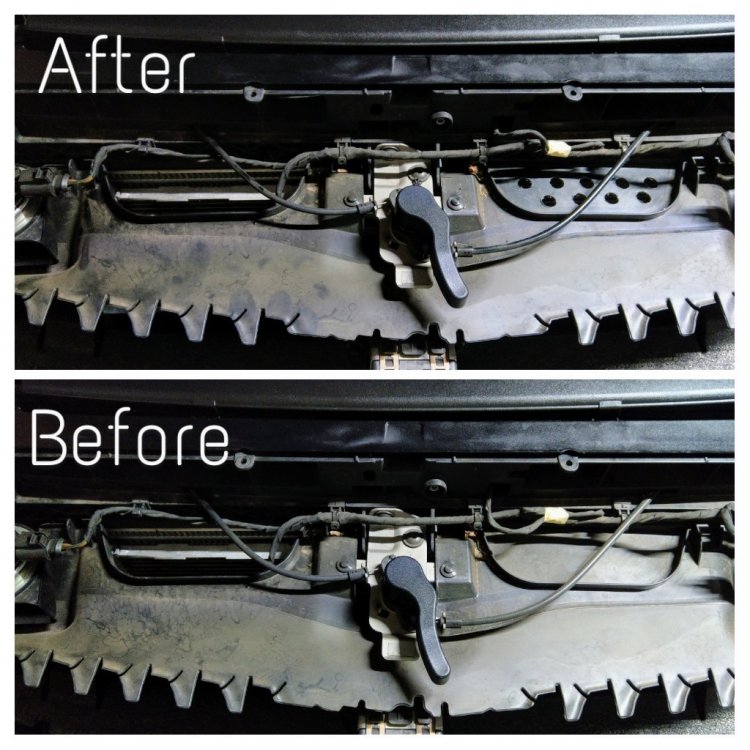
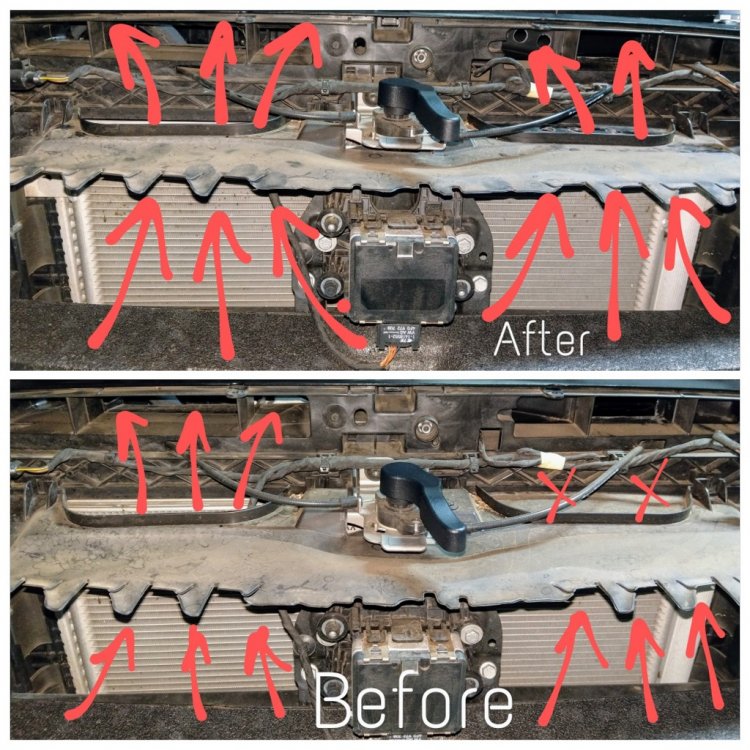
Yes, mine has the half closed design. All of the Superbs have the same design. The airflow is designed in such a way that the intake air enters from the bottom half opening. I opened up one of closed air intakes behind the grille. I don't why one of them is closed from factory. Same story on both 220 (162) and 280 (206) Superbs. Combined with opening the ductwork at the top, u'll get more airflow into the airbox.
-
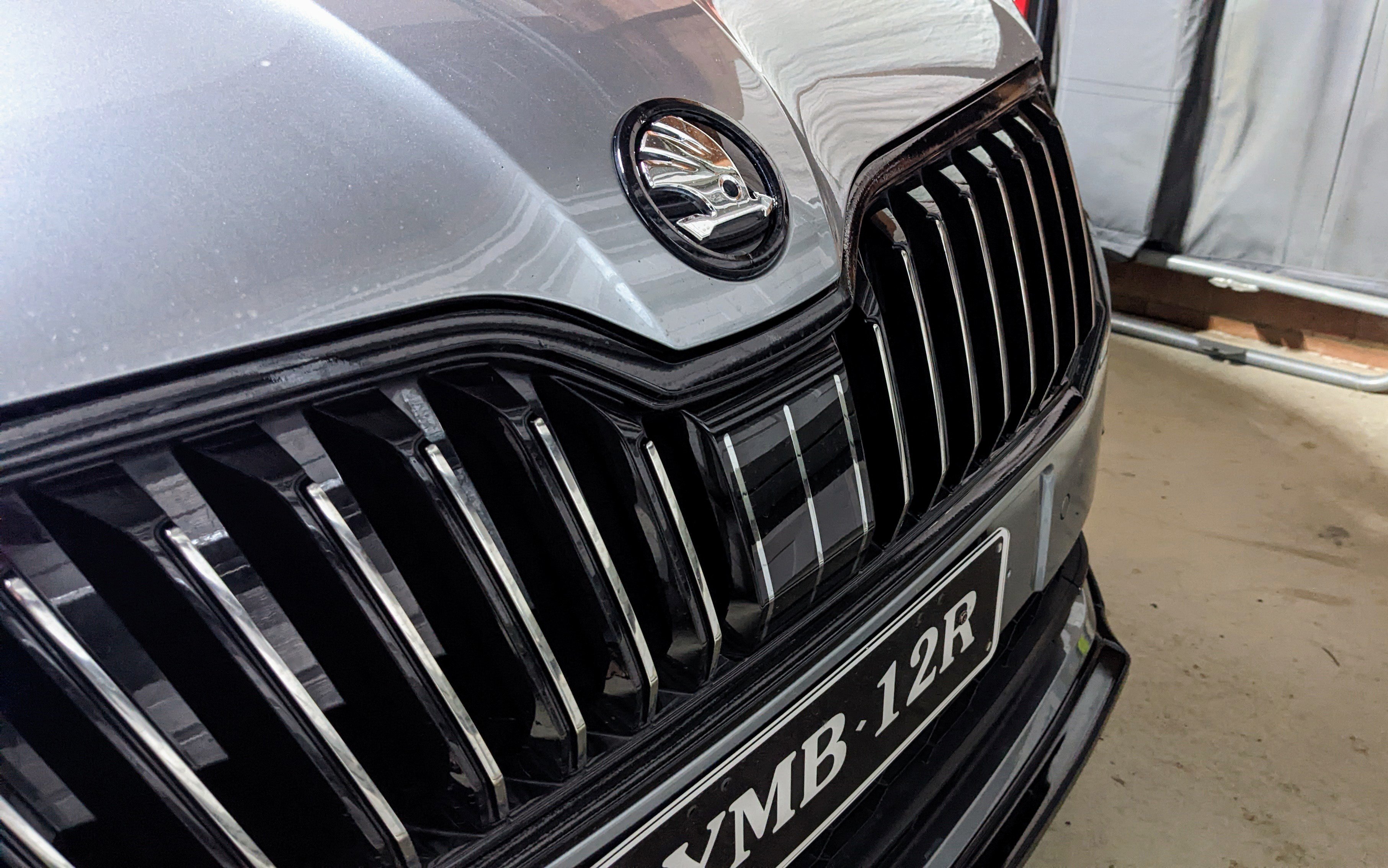
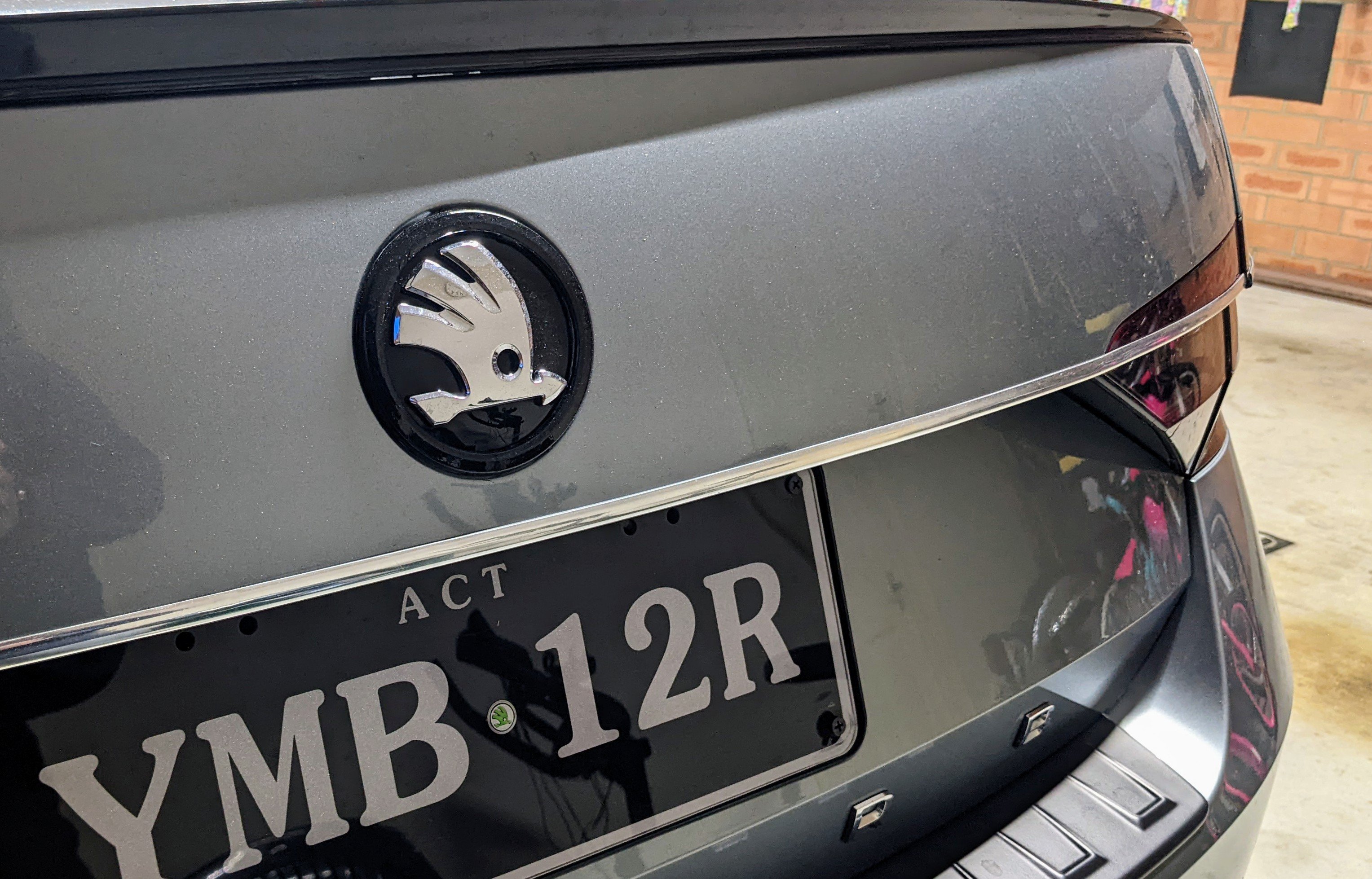
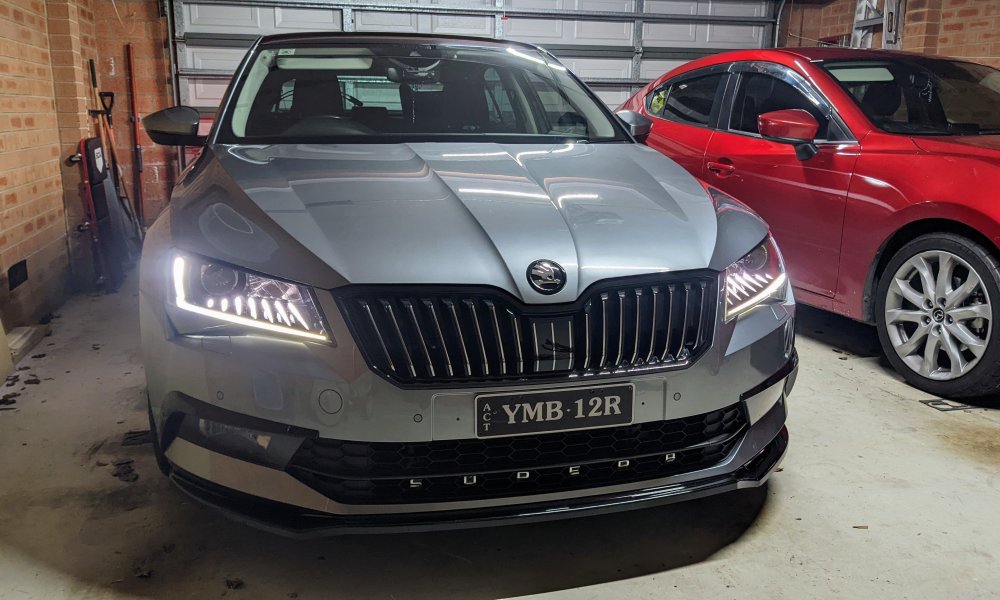
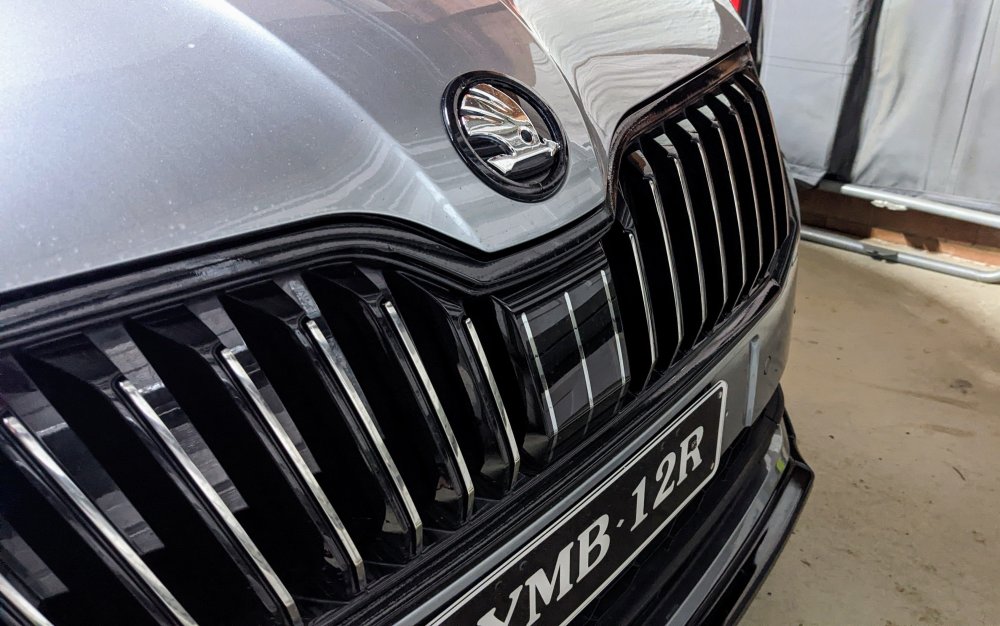
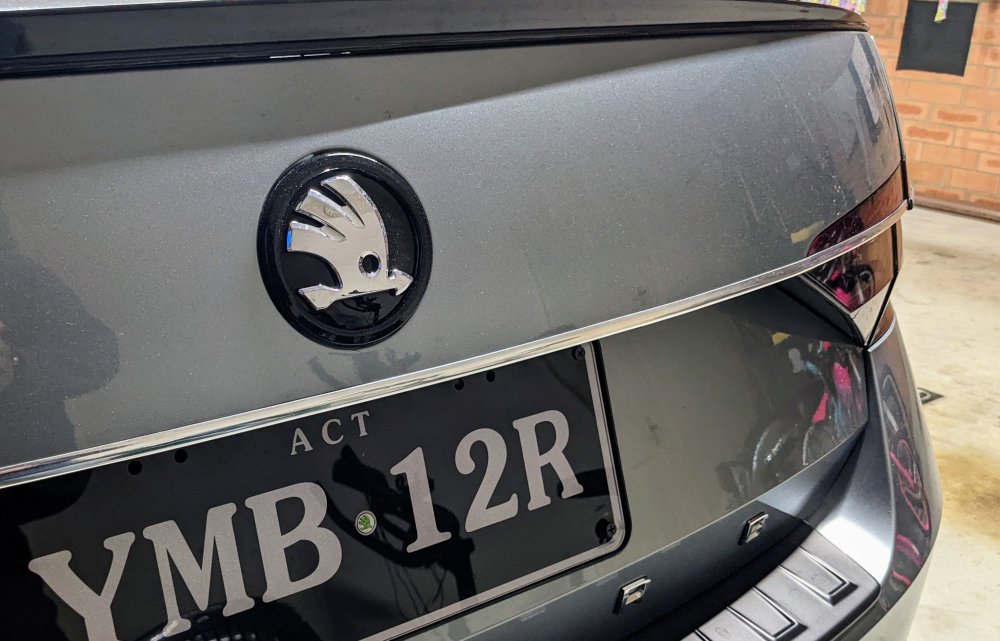
I agree too - the honeycomb grille is not suited to the L&K models, with it's chrome accents around the car. It's better suited to the Sportline models. I've done a hybrid (L&K + Sportline) version with the grille on my car, being L&K based, to have a black outside trim (instead of chrome), with the interior slates the usual chrome. I've also done a similar theme with my round badges - black surround, chrome centre.
-
+1 on changing to 245/40R19 tyres. Plenty here in Oz have done it. It's cheaper than 235/40, more common, and more comfortable.
-
Sound like ur rear washer pipe is leaking, somewhere, into the boot.
-
As mentioned above - Kopacek. http://www.kopacek.com/Skoda/SUPERB-III/Superb-III-front-grille-in-OEM-honeycomb-design-KI-R
-
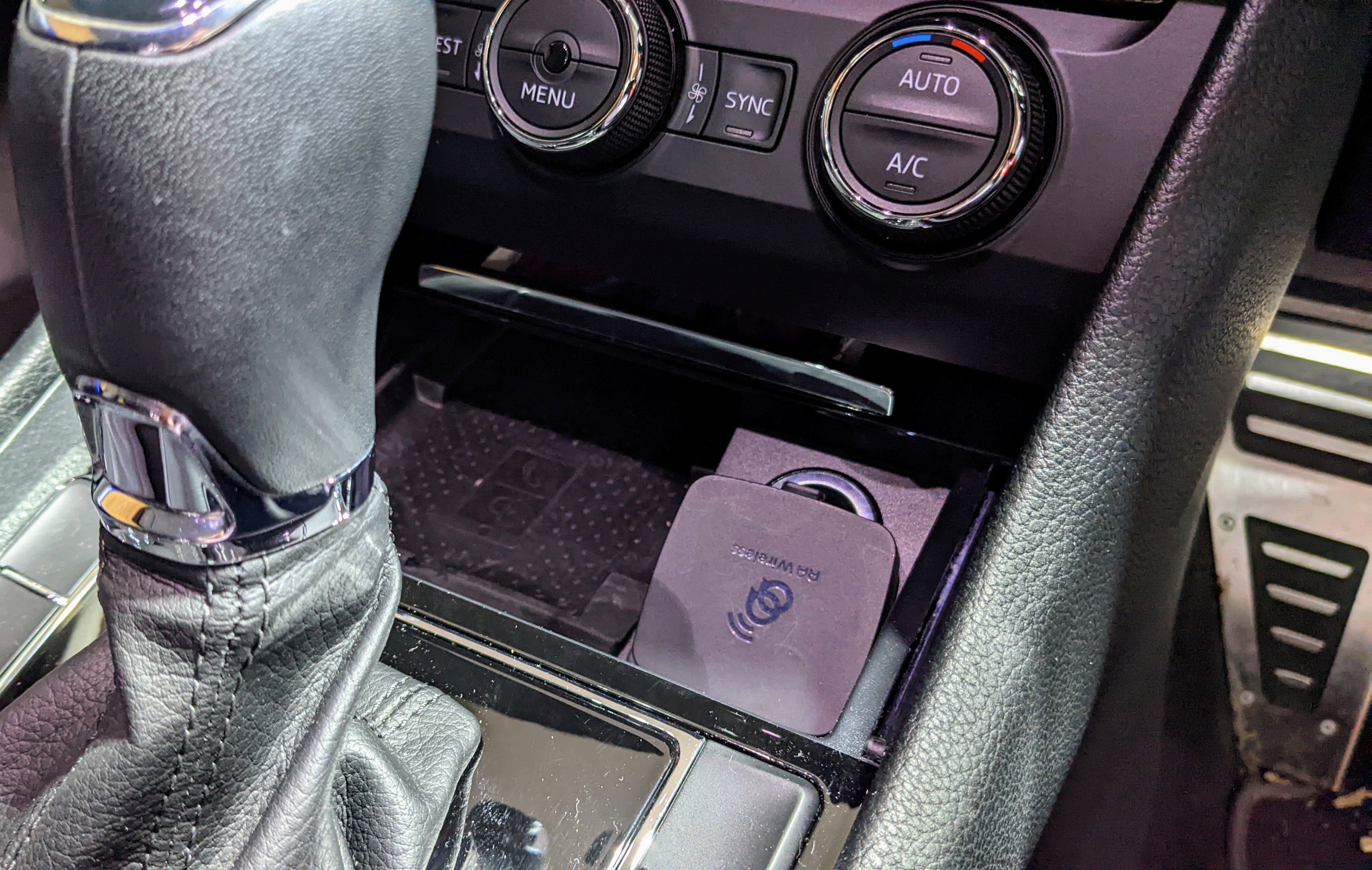
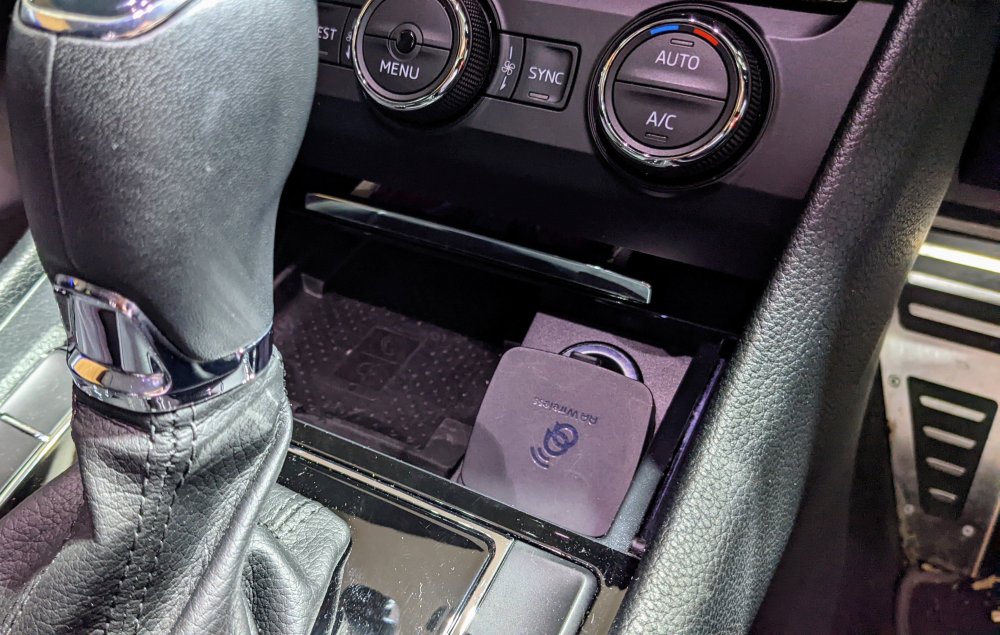
Yup, my phone wireless charger still works. I use it with my Pixel 5 for road trips less than an hr long. Perfect combo with the AAWireless.
-
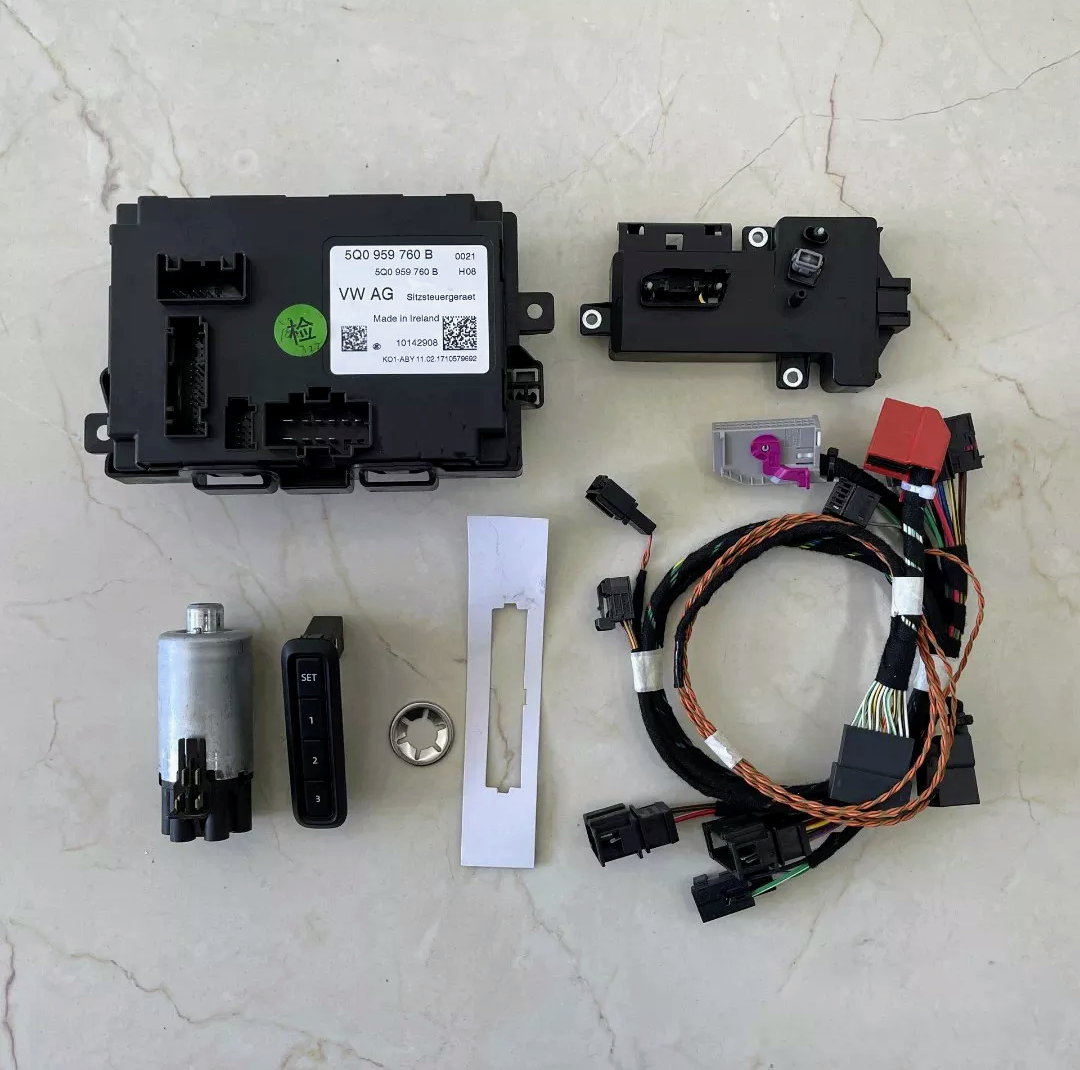
Either ur seat memory module is faulty, and hence not changing or ur doing something wrong when storing the positions. Change to driver profile 1 (you) first, change the seat position, and store the position to button A. Then change to driver profile 2 (ur wife), change the seat position and store the position to button B.
-
Link here.
-
The MIB2 or MIB2.5 units, like that in ur car, can't do wireless CarPlay or Android Auto. It doesn't have the hardware. As mentioned above - plenty of dongles u can connect to ur headunit to get the wireless functionality. I'm using a AAWireless device to get wireless android auto in my Superb MY17.
-
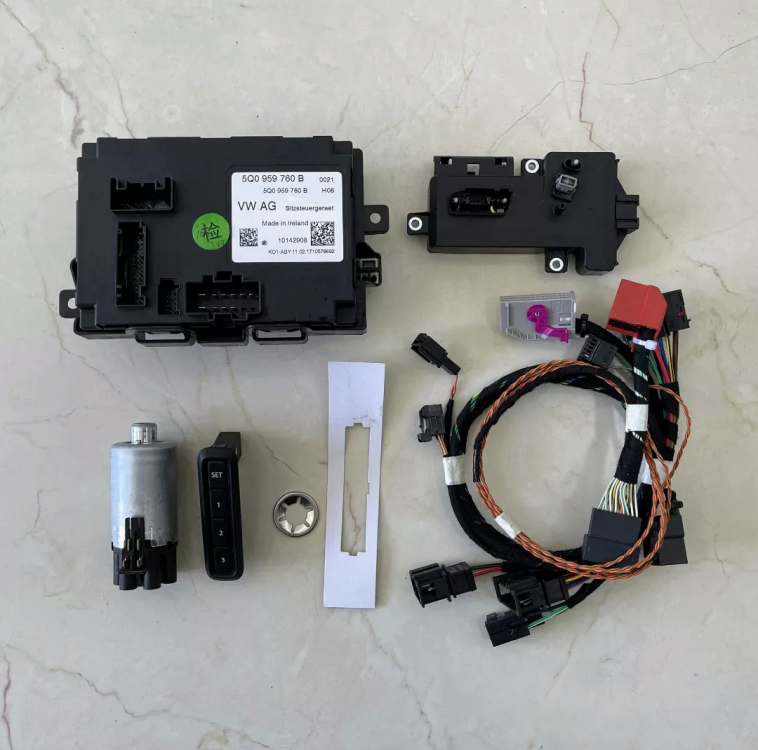
@brettikivi - does the kit have everything including the motor, control module, buttons, wiring harnesses etc. etc.? my passenger seat is electric, but has no memory function - I've thought about retrofitting the control module to it, but I need to do more research first.
-
unfortunately i do not know how to enable whiskers for the facelift headlights as they r a completely new design and electrics. i know for sure the pre-facelift coding won't work on the facelift.
-
In case u didn't already know, the facelift tailights require:- - modified wiring harness/connector - new reverse camera - new boot handle - new centre boot trim piece - code changes
-
Here u go....
-
unfortunately i don't know what modules the facelift superb uses for its headlights. when i upgraded from bi-xenon headlights to bi-xenon SLA headlights, i had to:- - change the LCM (light control module - one under each headlight) - get new parameter file dataset for 4b multi-function module, so the SLA matrix lighting can work - make code changes to modules 09, A5 and 4B the headlight wiring was the same - there was no difference in pins, or pin assignments.
-
@Waylon - oh dear!! Wat made u think a LED matrix headlight with sequential indicators would b plug n play with a non-LED non-Matrix non-sequential indicators headlight!?!?!?! Assuming u have a pre-facelift, have u also purchased the following:- - new facelift bumper, which includes facelift grille and foglights? - new AFS module and Light Control Modules (x2) for - do u have 4B multifunction module? - do u have the parameter file for the 4B module? - component protection? EDIT - I just realised u have a facelift already. Ignore everything I said above.
-
@Frankenfurter +1 for the DCC recalibration as it makes a difference to how float/bouncy the car rides. i didn't know about this recalibration before and only did it 6 months after i had my car lowered on Eibach Pro-kit springs. it rides much much better now. i used OBDEleven to perform mine. i highly recommend any one with DCC and has changed their springs to perform the DCC recalibration procedure.
-
Have u checked the infotainment settings? There r 3 options when unlocking the car:- - driver's door only - driver's side doors - all doors It's under the Open and Closing Settings. Wat is urs set at?
-
-
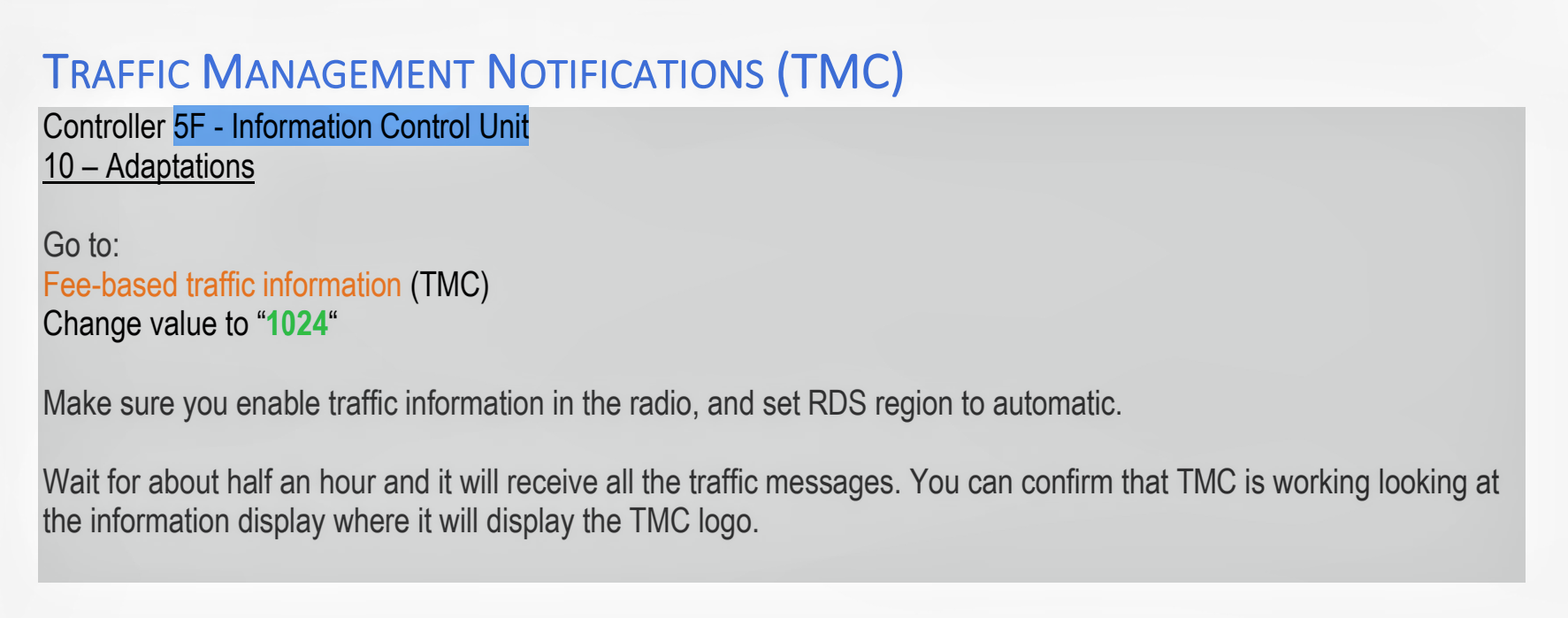
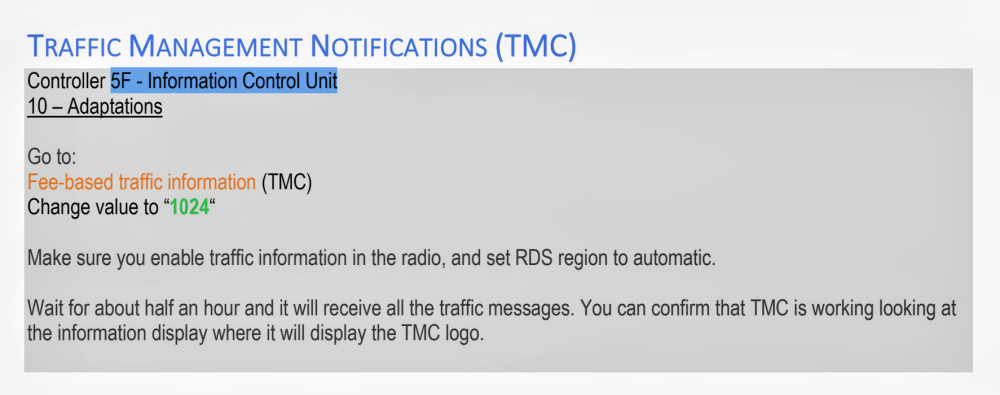
@Snowr0- if u have the Pro version of OBDEleven, I can send u instructions of the stuff I've done to my Superb over the years. - Activated Alarm Chirps while Locking/Unlocking - Enabled Traffic Management Notifications - Activated High Beam Assist (HBA) - Enabled Foglights as Coming/Leaving Home - Lowered Cornering Lights activation speed - Enabled Rear lights with DRL - Coding Eyelashes to be always on (requires SLA headlights) - Enabled DRL Menu in Infotainment - Disabled Tailgate Beep - Enabled Traffic Sign Recognition (TSR) - Enabled Refuel Quantity - Disabled Undertaking Prevention - Enabled Instrument (Dashboard) Cluster to be Always Illuminated. - Modified Outside Ice Warning Temperature - Performed DCC Recalibration - Enabed Ignition (Engine Start/Stop) button Pulse lighting - Changed Driving Profile Throttle Response - Changed Indicator Flashing As mentioned earlier, as tempting as it is, avoid using the OBDEleven One Click Apps - if it doesn't work, u can't revert back without any traces left behind and can cause more headaches!! Some apps won't work, and u waste credits, even more to revert it cause it didn't work. With the Pro version, u can do the changes step by step, and u know exactly wat u changed. U don't get visibility with the One Click Apps. With regards to Start-Stop - I fitted the Start-Stop Memory Module in mine years ago. Gives u the freedom to still use the Start-Stop function at ur will, and also remember the last stated it was in when u switched the car off. Much much more handy and practical than permanently coding it out, in my opinion.