JR RS
FREEDOMLite
-
Joined
-
Last visited
Everything posted by JR RS
-
Yup, it's all there in the user manual - about how the light changes based on different driving conditions, such as Urban, Highway, Rain etc. etc. Skoda has been using AFS2 in various models for a while now.
-
I believe he's referring to the mk3 Octavia tyre sizes. They come on 19x7.5" rims, unlike the Superb which has 19x8" rims.
-
A scan will reveal which one u have. Mine below, for example, is the 3Q0 version...... Address 05: Acc/Start Auth. (J518) Labels:| 5Q0-959-435.clb Part No SW: 3Q0 959 435 E HW: 3Q0 959 435 E Component: VWKESSYMQB 036 0811 Revision: 00036000 Serial number: 0435675591 Coding: 032C0C0F03 Shop #: WSC 33361 790 00157 ASAM Dataset: EV_KessyHellaMQBAB 004039 ROD: EV_KessyHellaMQBAB.rod VCID: 3C21368886E6FE9B93B-8068 Rear lid opener control module: Subsystem 1 - Part No SW: 3AA 962 243 G HW: 3AA 962 243 G Component: GEB.F.Heckoef H16 0903 Serial number: 84511692 No fault code found. ------------------------
-
1. No 2. No Unfortunately..... Although with #2, it can b done with VCP/ODIS by using a modified parameter file. It increases the time to up to 30 secs or so.
-
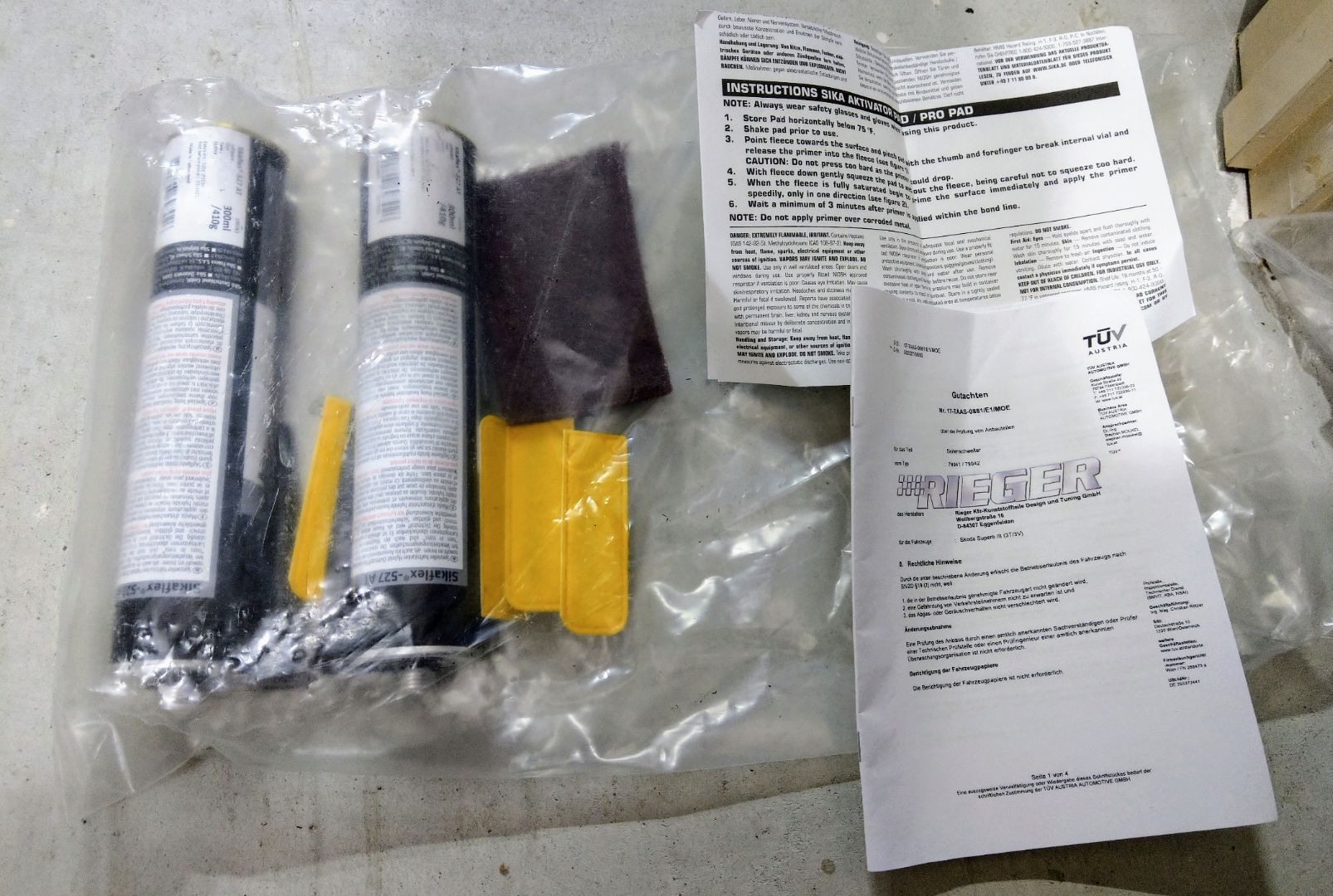
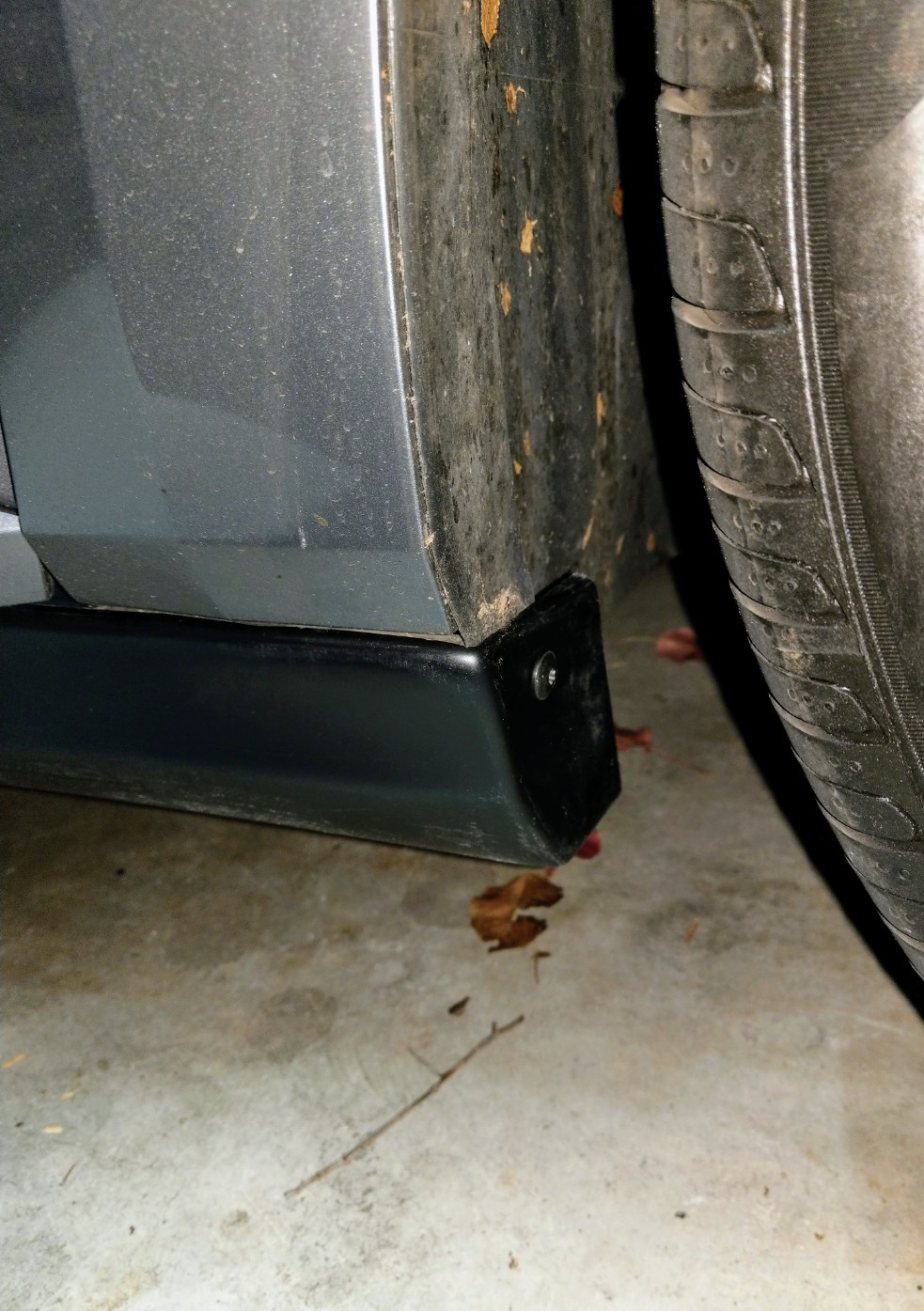
AliExpress part I got before is no longer available. Will try n find a similar one n let u know. With regards to the Rieger side skirts - no the front mud flaps no longer fit, unless u modify them, which I did. Basically I cut the mudflaps to shape around the side skirts. The side skirts mount on to existing holes in the wheel arches, on each end. Along the centre, I used sikaflex automotive adhesive to hold it in place. It comes with all the necessary bits to mount it, and detailed instructions.... Been 3 years now - still holding strong.
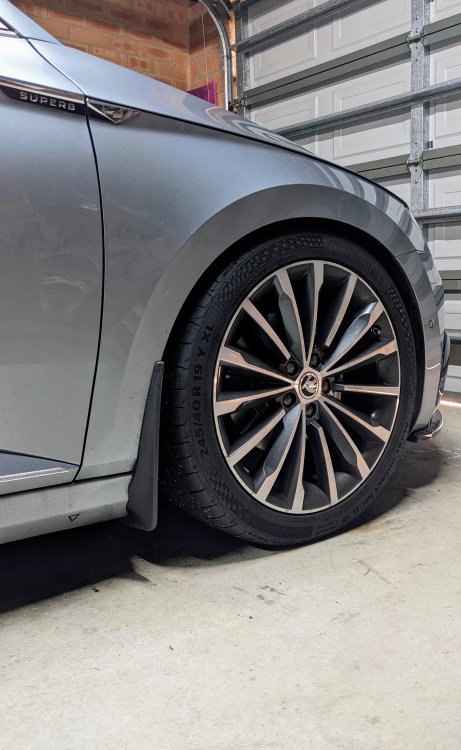
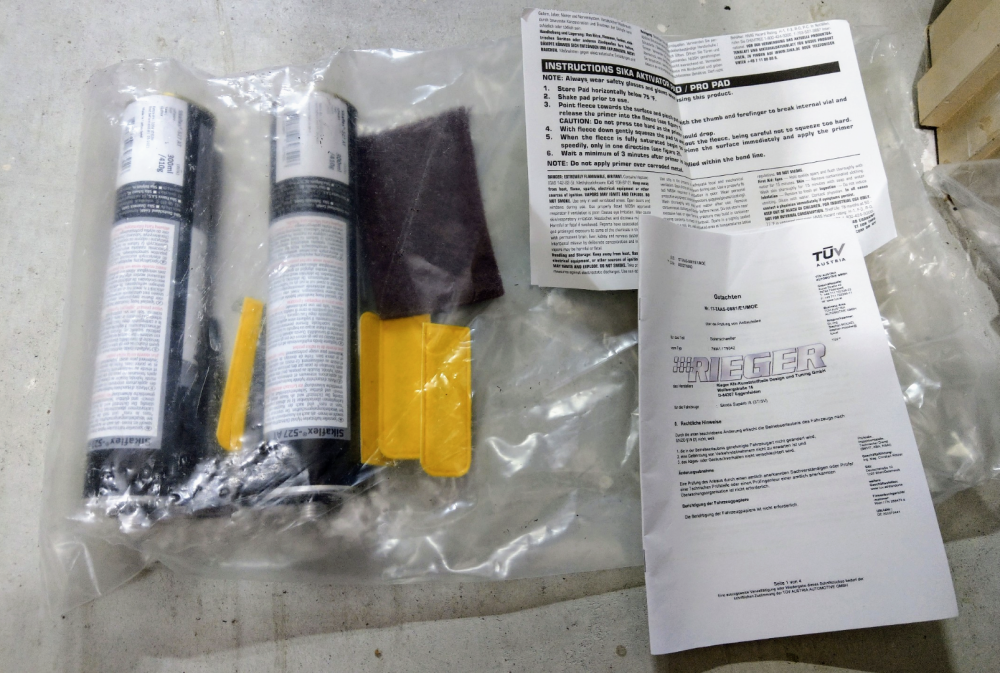
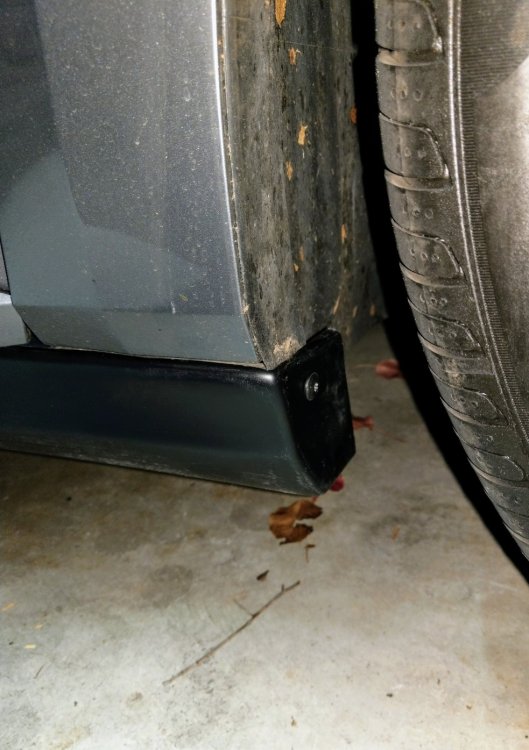
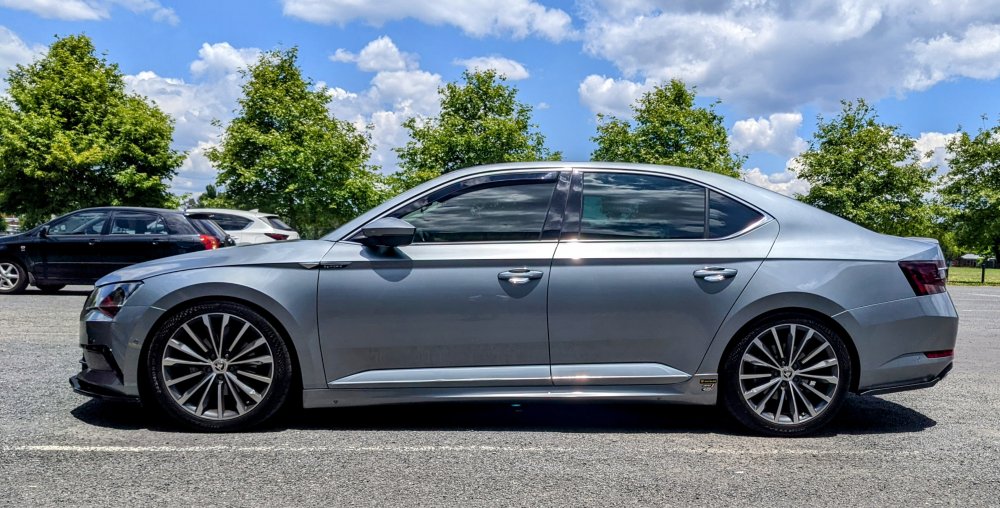
-
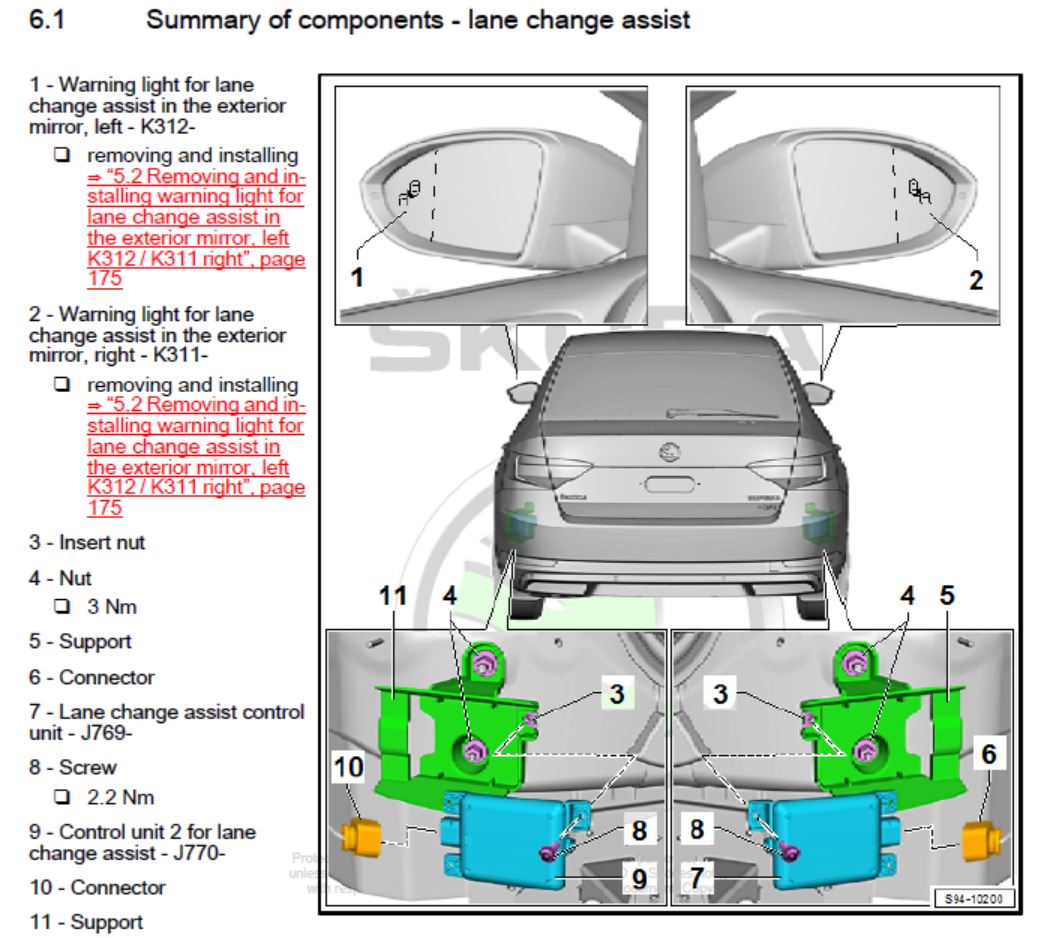
Like either the master or slave blind spot module is faulty.

-
Has never happened on mine in the last 5+ yrs of ownership. Mine is MY17.
-
Is it not letting u change the code? Have u selected the slave module to enter the code? The code is not for module 55 - it's for the slave module - 4H0 941 329. Below is the coding I found for a MY15 Superb module 55. Address 55: Headlight Range (J745) Labels: 7P6-907-357.clb Part No SW: 7P6 907 357 D HW: 7P6 907 357 A Component: AFS-ECU H07 0090 Revision: -------- Serial number: -------------- Coding: 06D602007F010000 Shop #: WSC 33361 790 00063 ASAM Dataset: EV_HeadlRegulVWAFSMQB 001120 ROD: EV_HeadlRegulVWAFS_SE26.rod VCID: 4084F5F7DBD5DA3E1D-8014 Subsystem 1 - Part No SW: 4H0 941 329 HW: 4H0 941 329 Labels: 3D0-941-329.CLB Component: LeiMo links H02 0013 Coding: B30000 Subsystem 2 - Part No SW: 4H0 941 329 HW: 4H0 941 329 Labels: 3D0-941-329.CLB Component: LeiMo rechts H02 0013 Coding: B30000 No fault code found.
-
I've never heard of Auto Hold being programmed or coded to be permanently on/off - factory or self done. Same goes for VW, Audi & Seat models too. Makes no sense, given Auto Hold stays on or off, depending on which position u left it. Sounds like the "Skoda dealer" has no idea, or is confused.
-
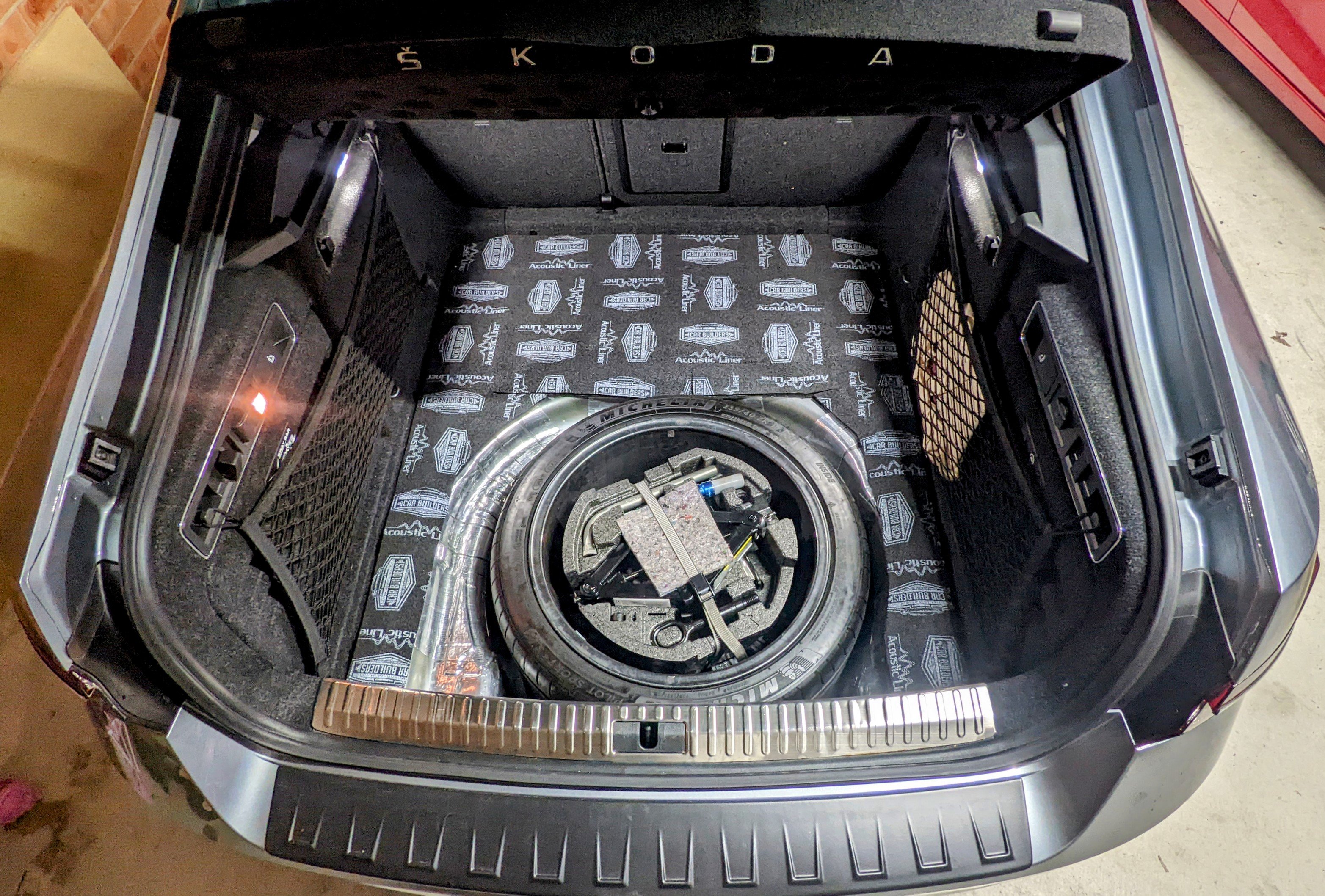
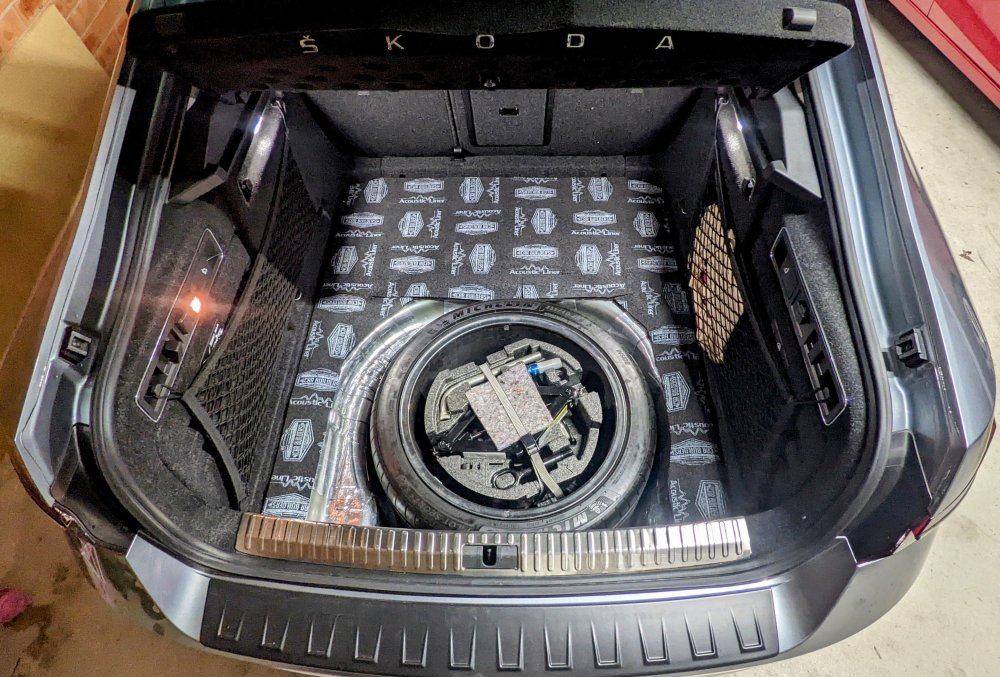
Mine is not OEM. It's an AliExpress part. As above - the hatch does not have a chrome factory part, like the wagon does, nor r they compatible.
-
I get a similar thing, after a minute of driving, but it's a Warning, not an error for me. It is related to TSR (traffic sign recognition) and the associated map data. When TSR is enabled, in Fusion mode, and it's missing specific map data - it will display a warning "Dynamic Road Sign Display Restricted". TSR continues to function though, the warning will simply stay in the vehicle status screen. No errors r logged, nor is there any to b cleared as it's just a warning.
.jpeg.2418338edc4c4f8dd8fa90f8a100335b.jpeg)
-
Remove the headlight access cover at the back - drive around for a bit. No need to have the headlights on. Worked for me. Leaving it in the sun didn't do the trick for me.
-
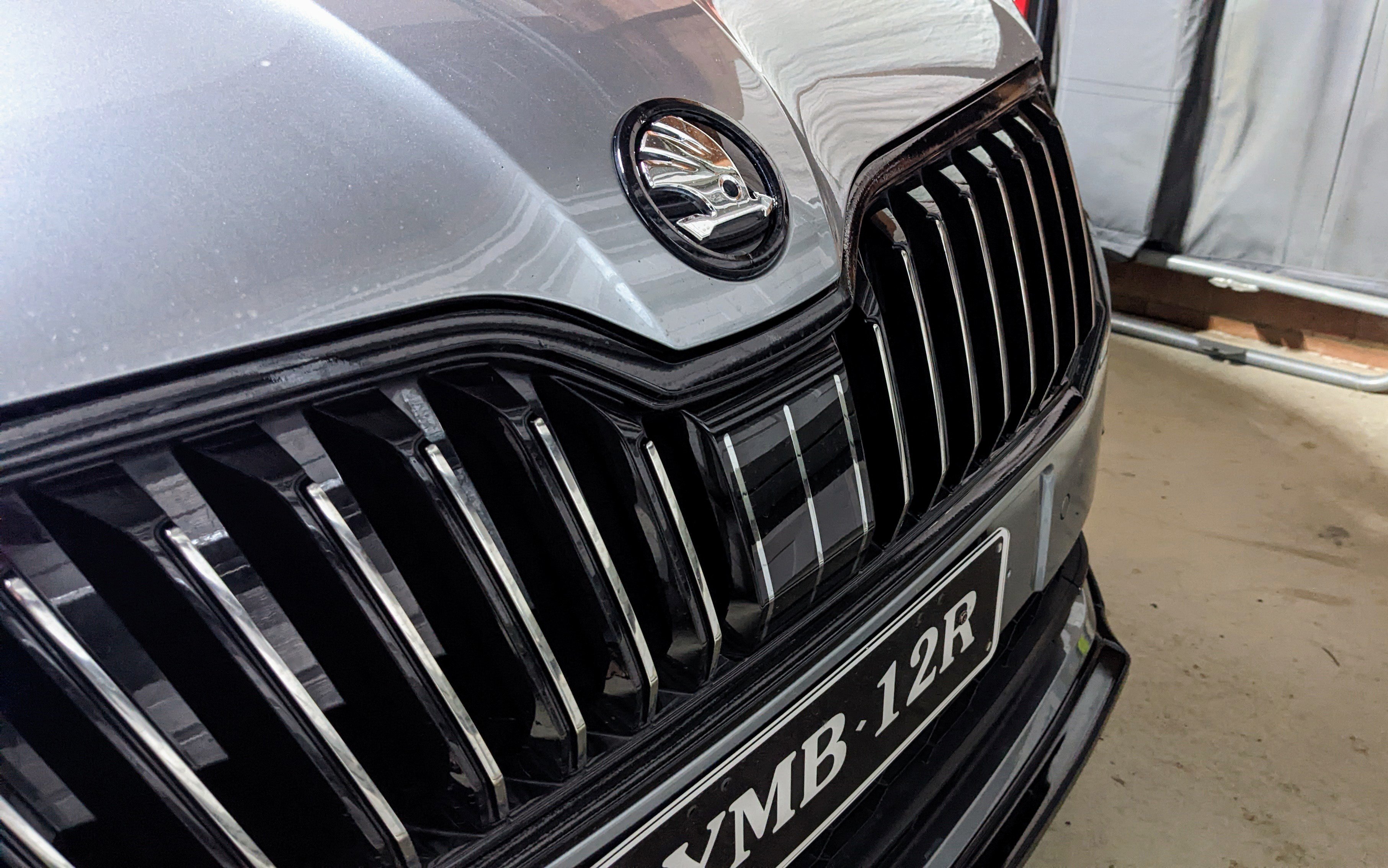
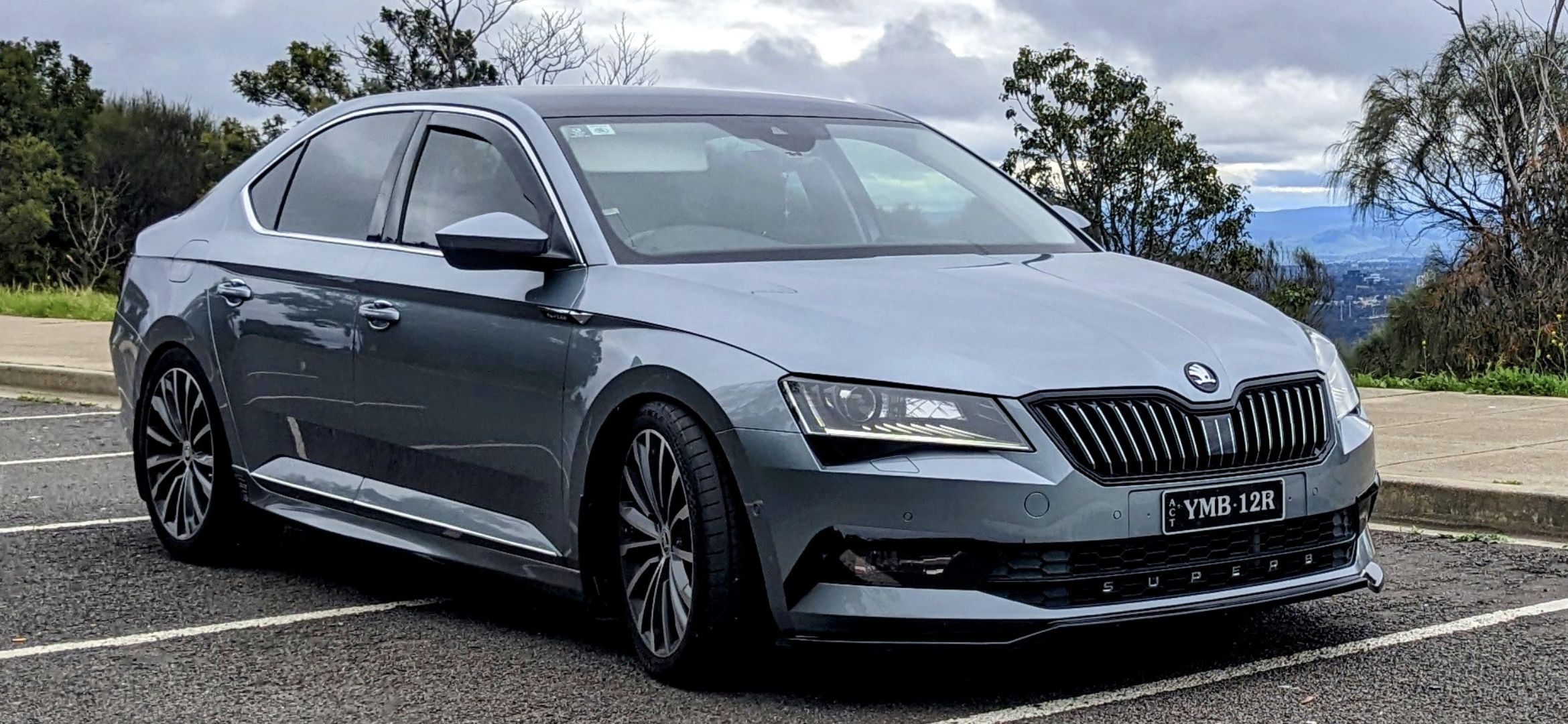
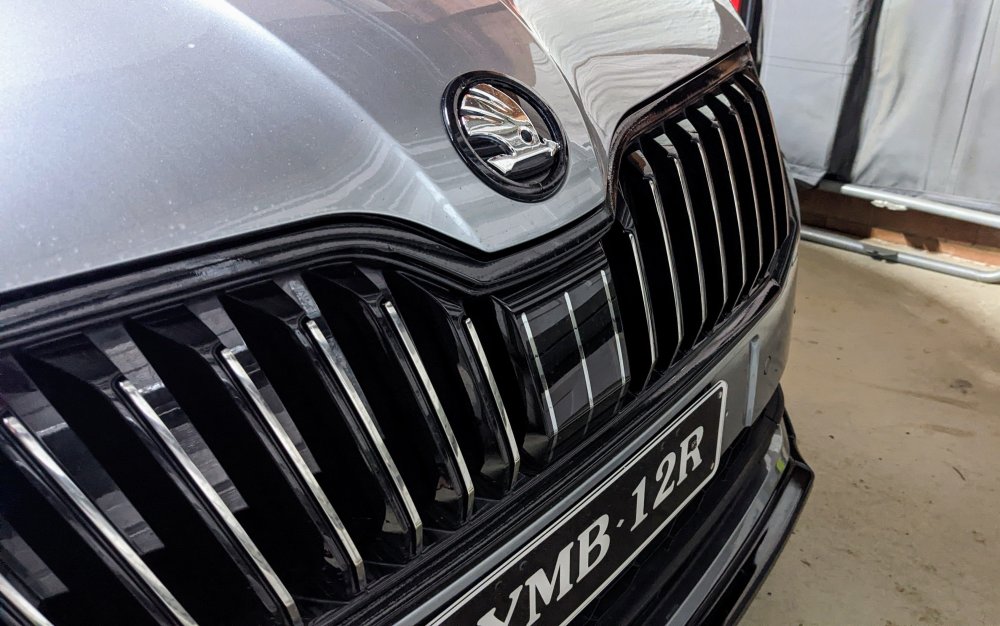
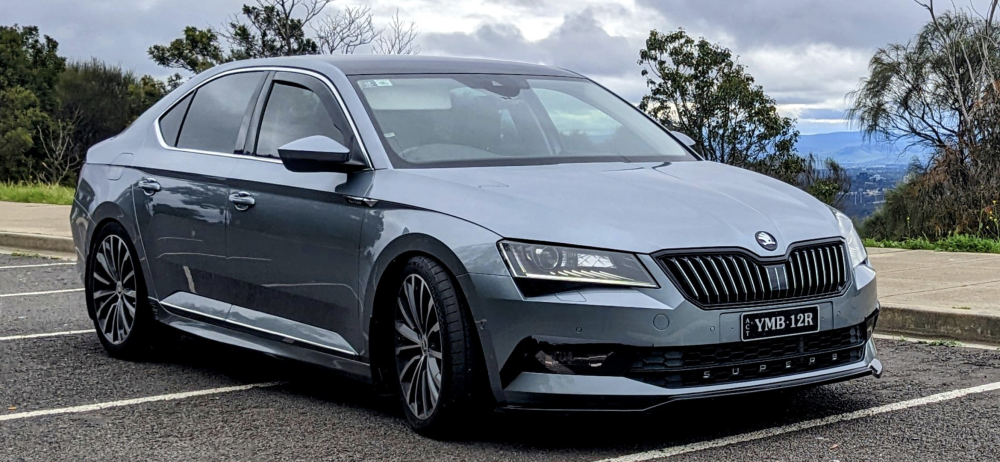
I've got a "hybrid" front grille on mine - black outside trim with chrome slats inside. Basically I replaced the chrome surround with a black surround. I like it. Matches my hybrid badge....
-
Definitely the grille has been replaced and they've used the wrong version. Sportline cannot b specc'ed with Chrome trim in any market.
-
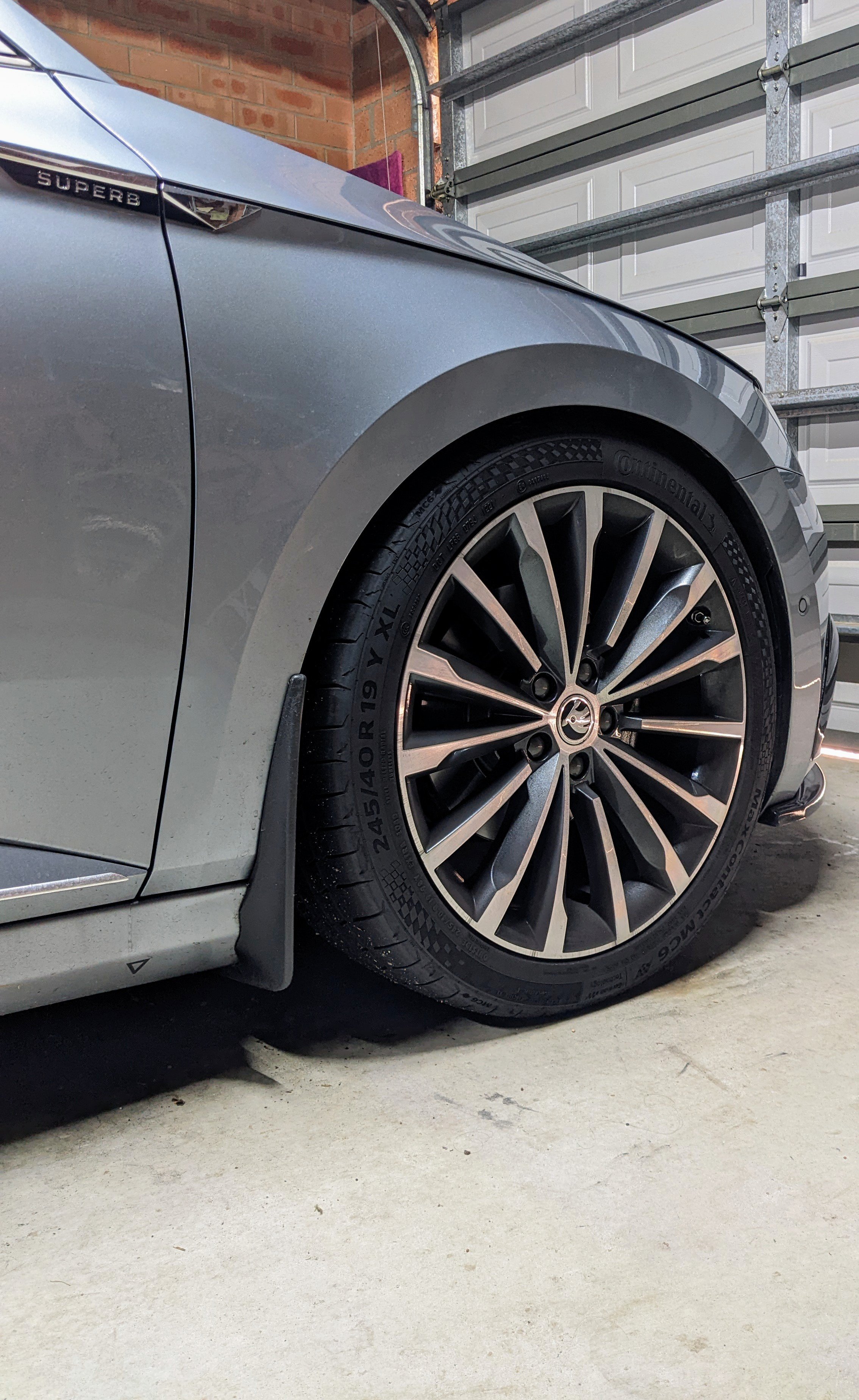
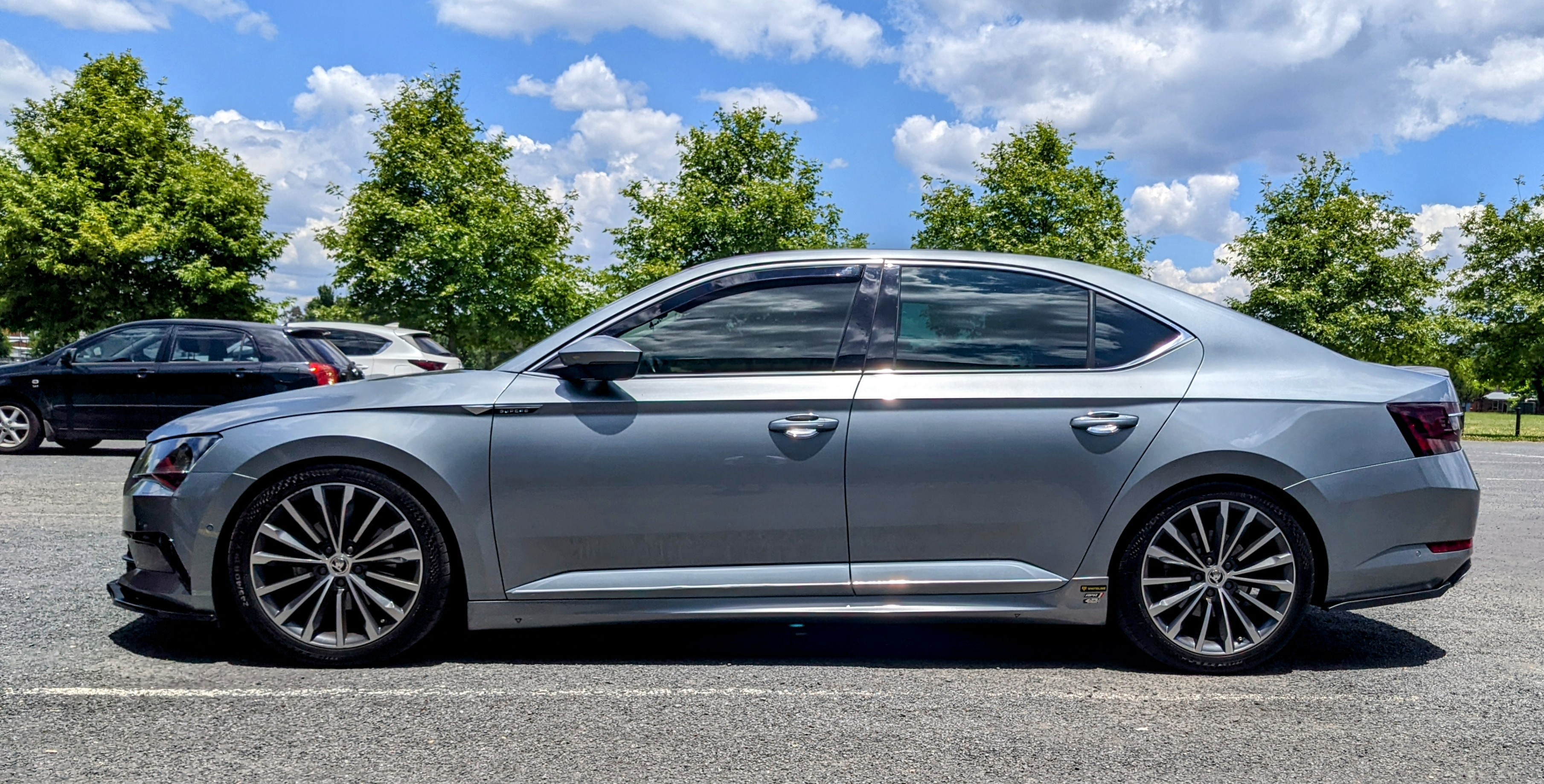
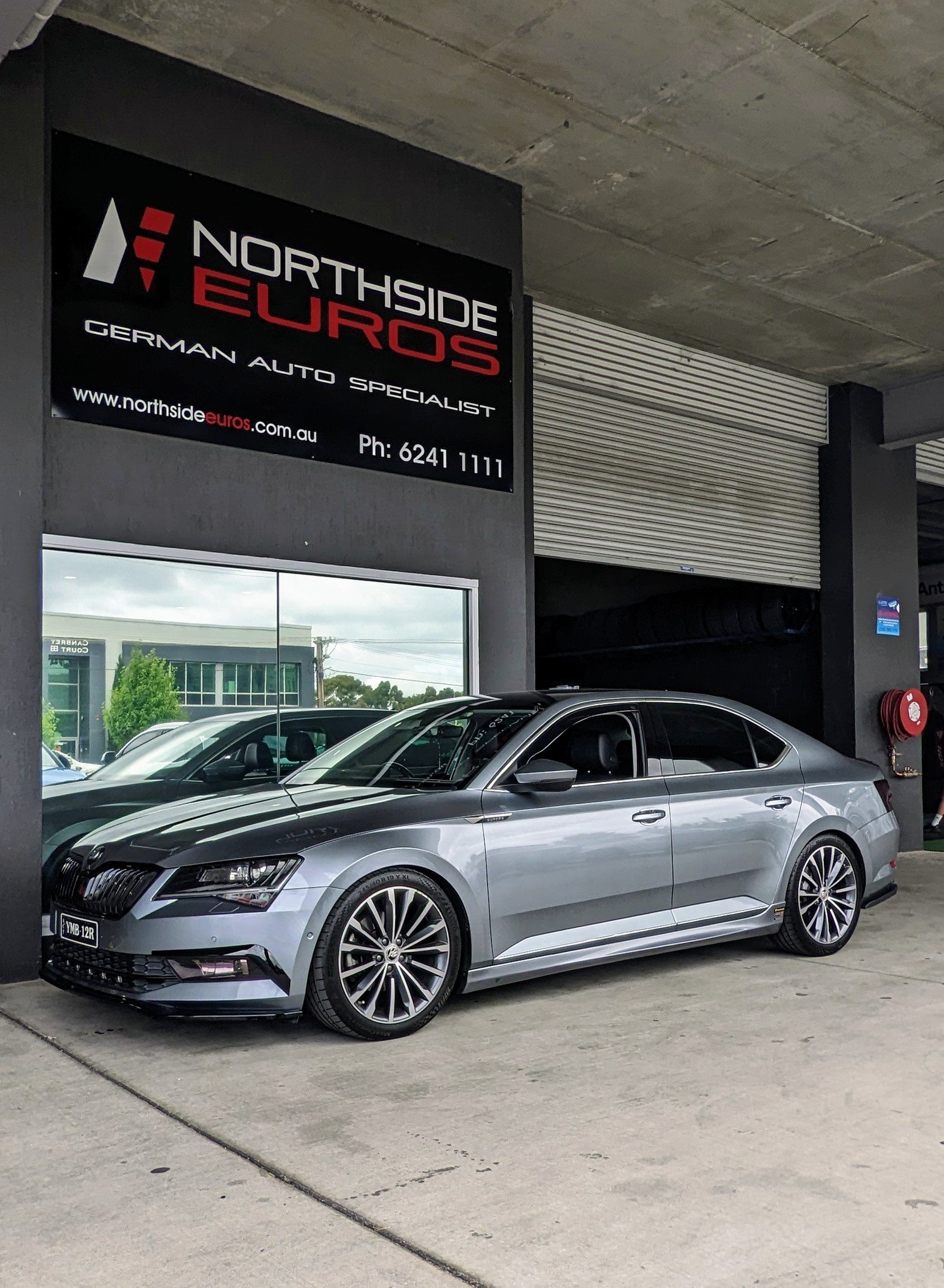
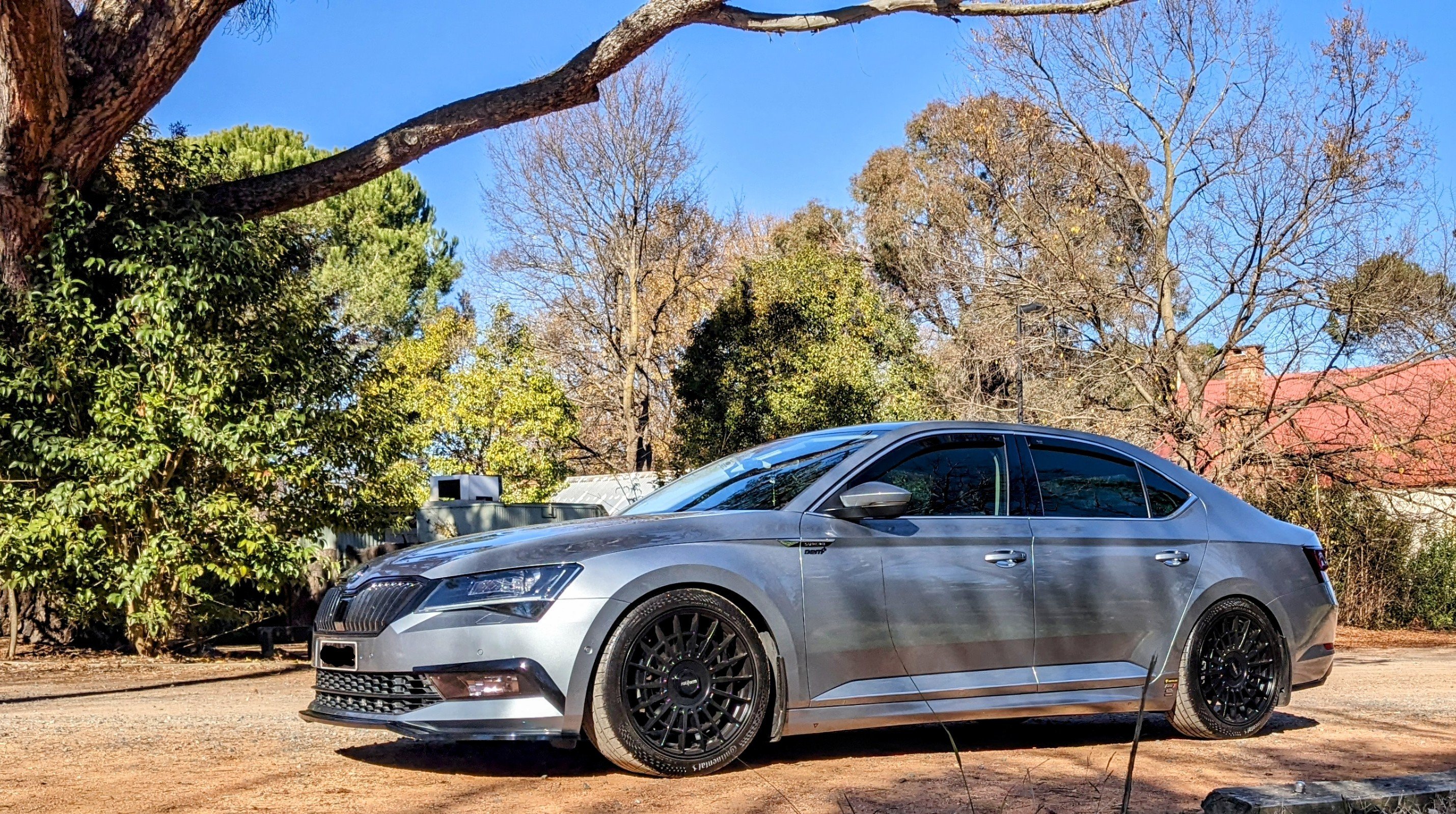
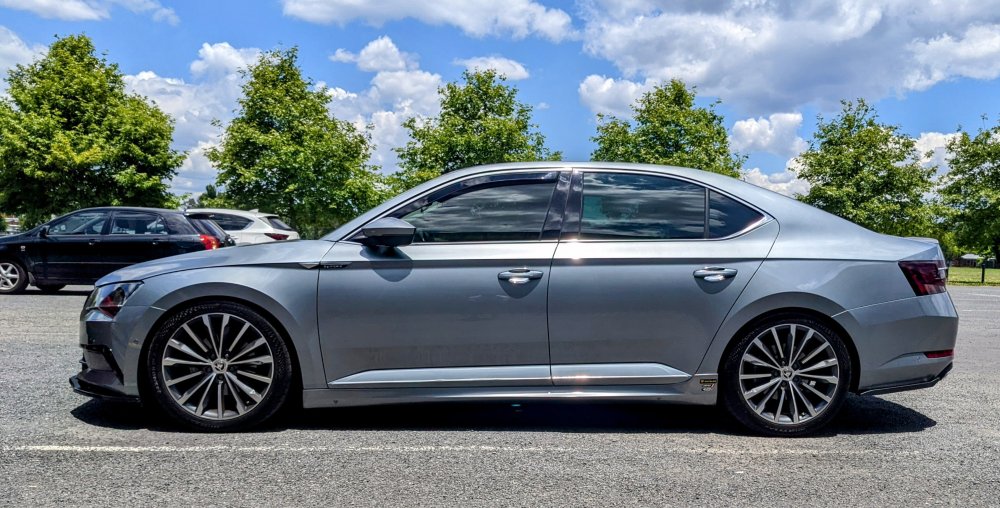
My 220 Superb with DCC, Eibach Pro-kit springs, and 245/40/19 tyres measures (top of wheel arch to centre hub) 345mm (front) and 340mm (rear).
-
Weird why ur 220 dropped more with AWD springs. R they AWD wagon version or AWD hatch version springs? AWD is much heavier than FWD. There r different set of springs for AWD vs FWD. In theory, if u use AWD springs in a FWD Superb - it won't drop as much compared to using the correct FWD springs. ...and vice-versa - if u use FWD springs in a AWD Superb, it will drop more than if it had the correct AWD springs. Need to get the combo right, in addition to wagon / hatch. i.e. body shape + drive type = spring set
-
Setting the Lights to Sport simply means that it will b "more dynamic than Normal" with its reactions.
-
I got the APR TCU tune. https://www.goapr.com/products/software/tcu_upgrade/parts/TCU-DQ250-MQB
-
i keep banging on.....but there r different spring sets for AWD vs FWD, and liftback vs wagon. E10-79 series is for wagons/kombis (3V5) E10-85 series is for liftbacks/hatchbacks (3V3) E10-79-012-03-22 - Superb Kombi 3V5 E10-79-012-04-22 - Superb Kombi 3V5 AWD E10-85-042-02-22 - Superb 3V3 Hatchback E10-85-042-03-22 - Superb 3V3 Hatchback AWD
-
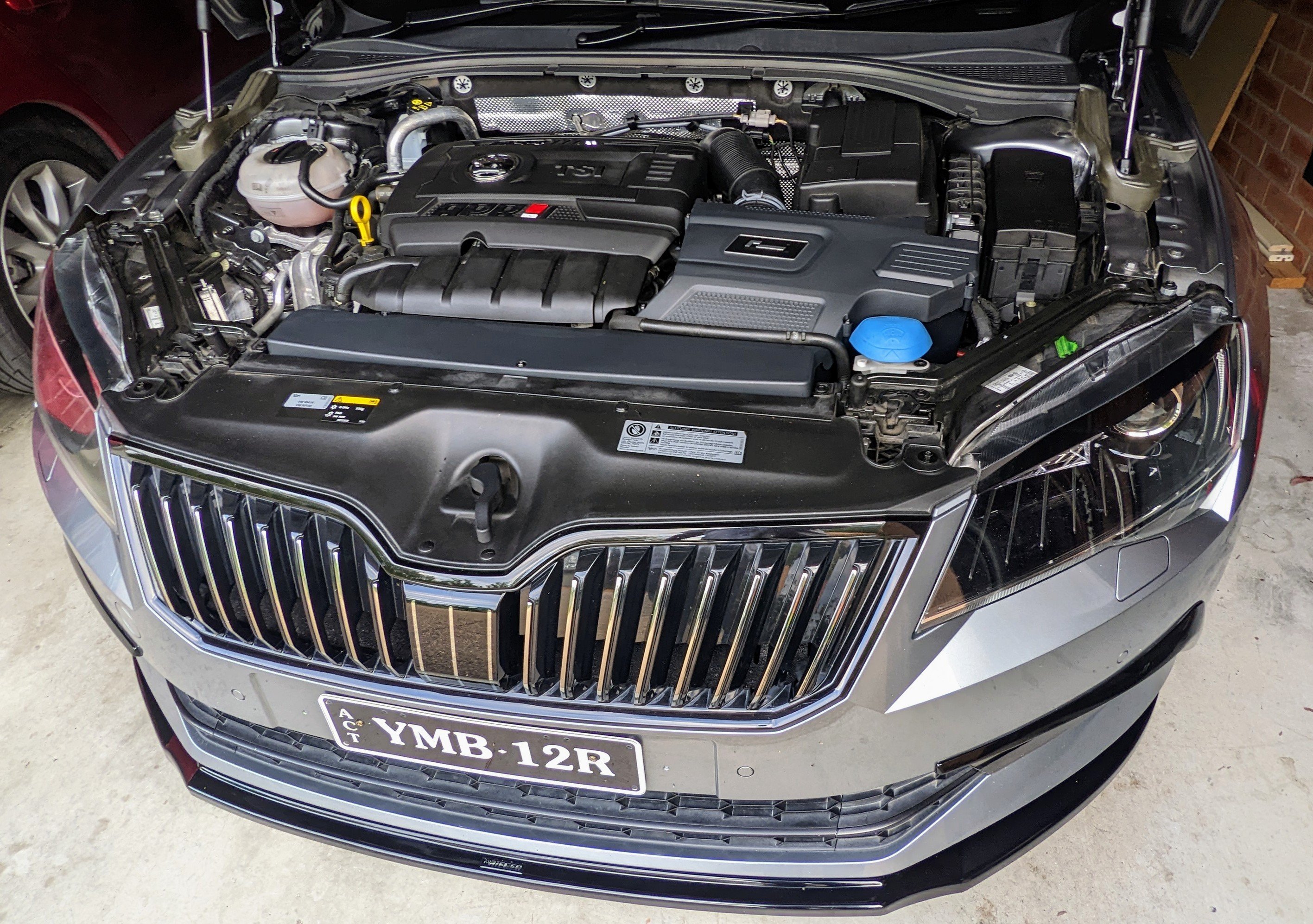
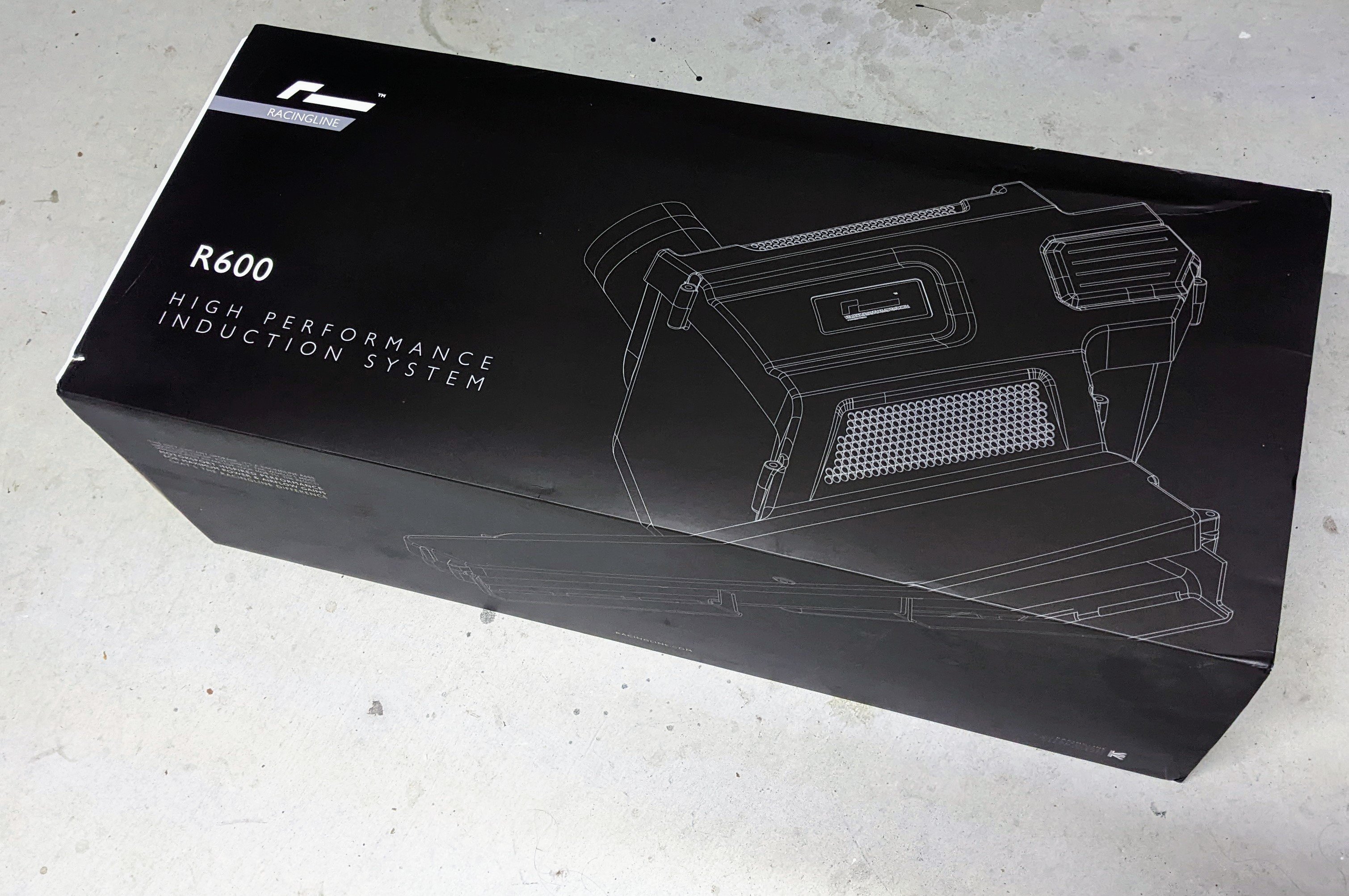
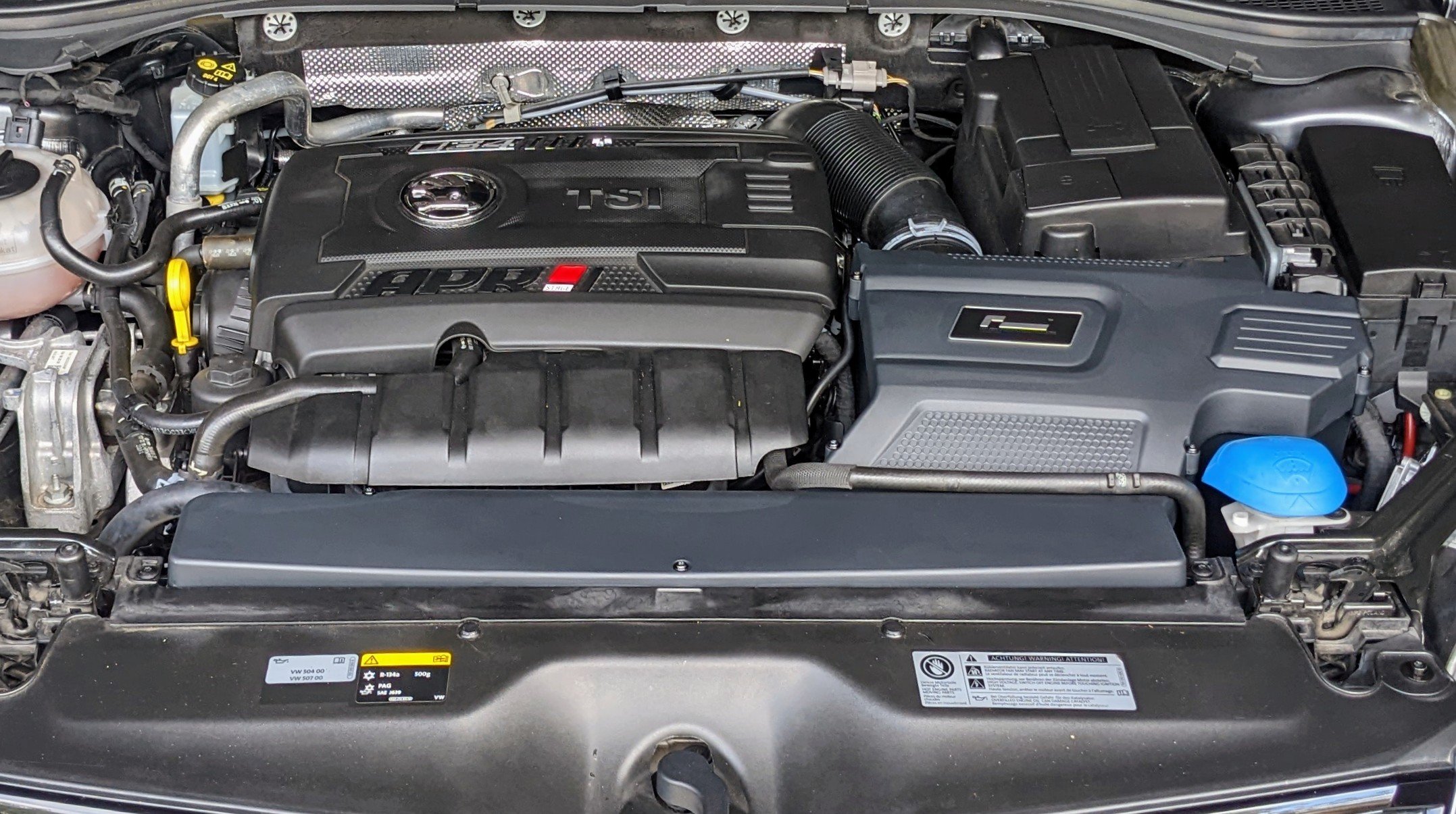
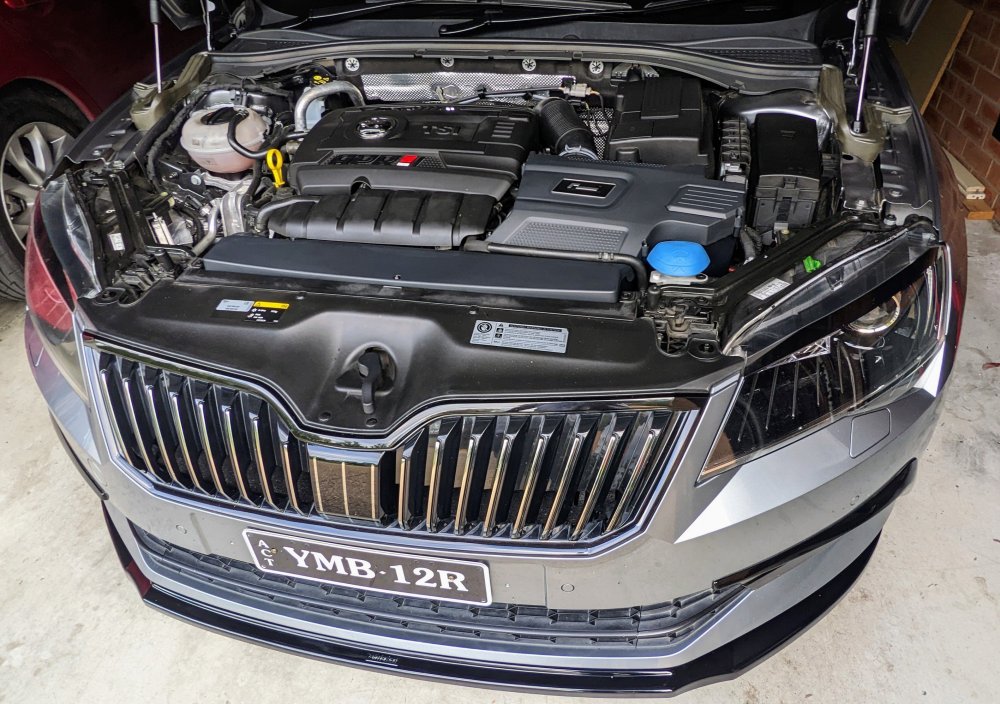
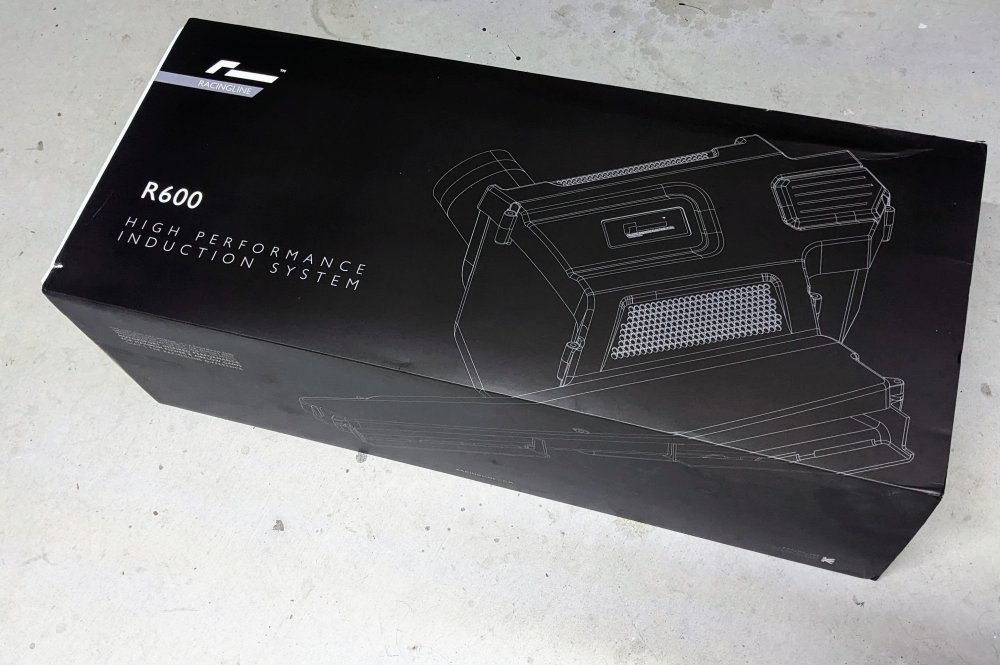
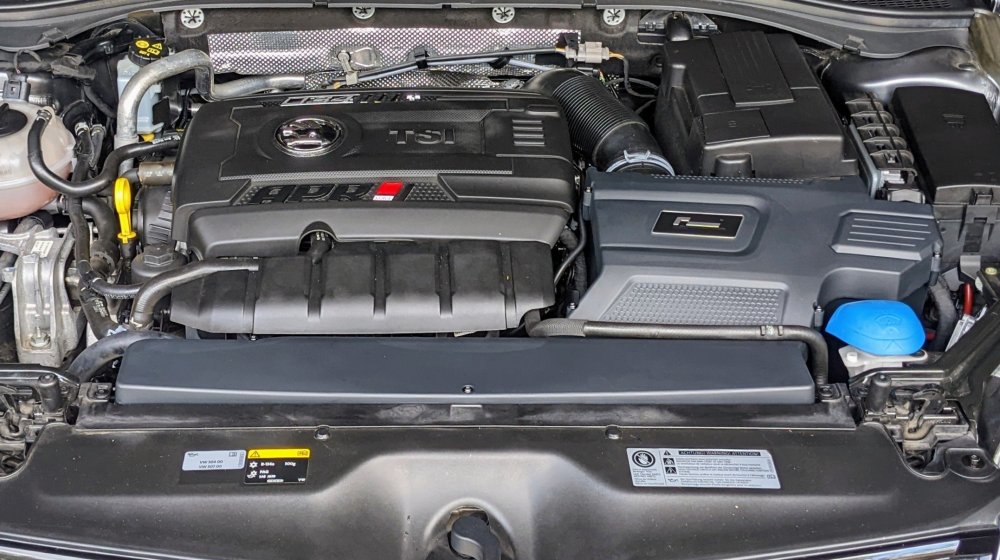
lol, more covers and engine bling to jazz it up the DSG tune is good - shifts r quicker, car feels more aggressive and feels more comfortable when pushing it. the Intake is not a big step up from my previous setup as i already had an aftermarket filter in the airbox, and additional open air ducts behind the grill. it does however sound a bit more gruntier, and seems to feel effortless when putting the foot down. the OCD in me is just making my eye twitch though when i look at the intake and notice its a "different black" to the rest of the engine bay covers!!! arrghhhhhh
-
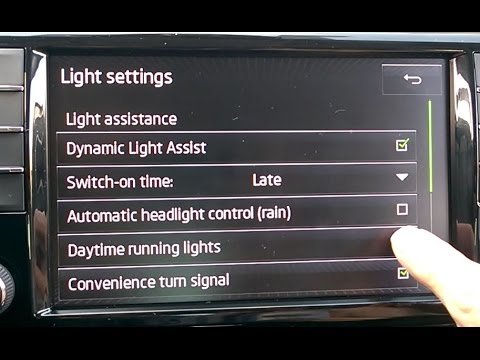
it should go left/right and up/down. if not, something is not right with ur lights. also, is ur Light Assist function active? u can check in the infotainment screen.
-
The software fix delays the headlight start-up dance/sequence, so it doesn't get interrupted with the ignition and other electrics.
-
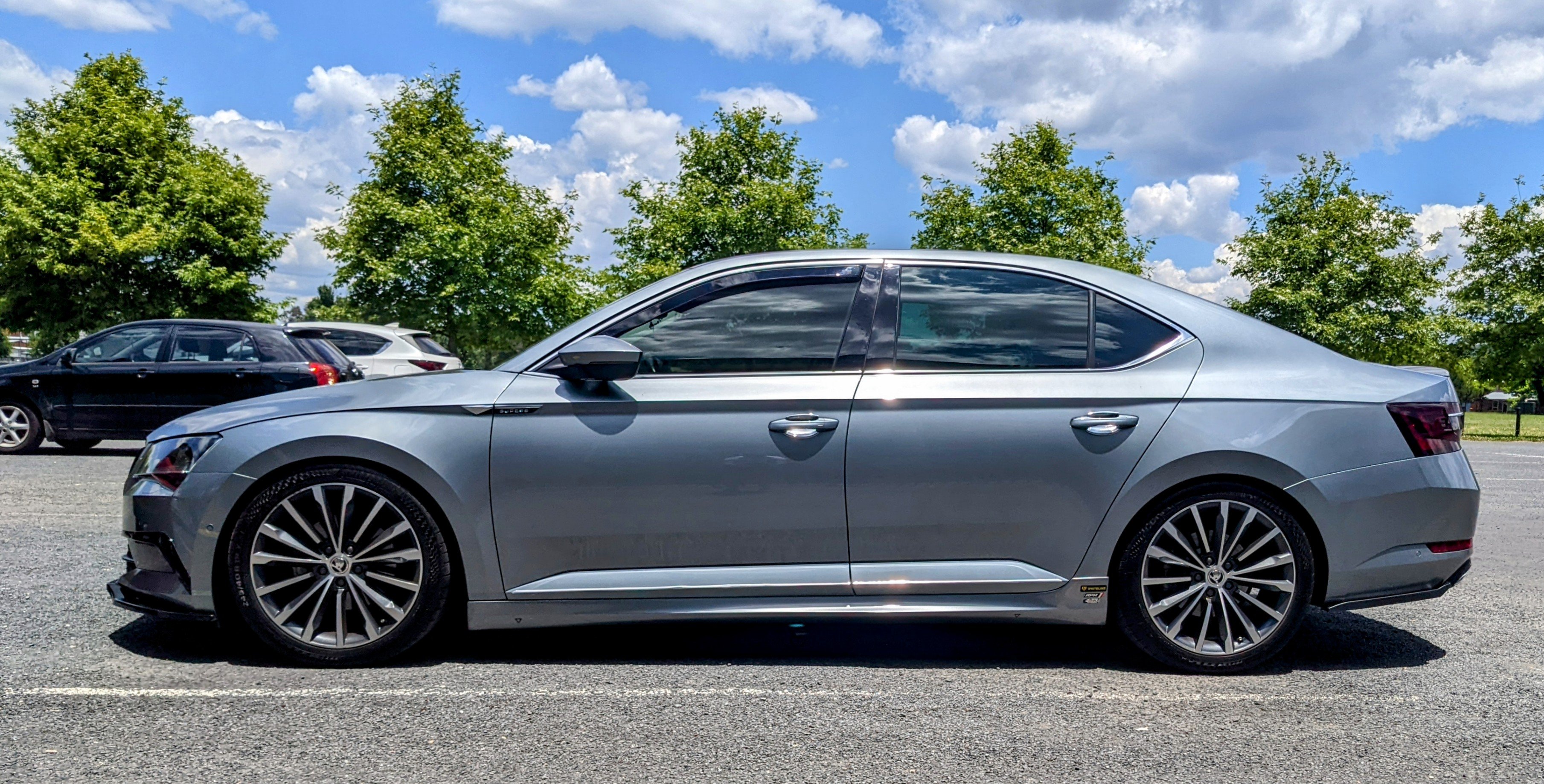
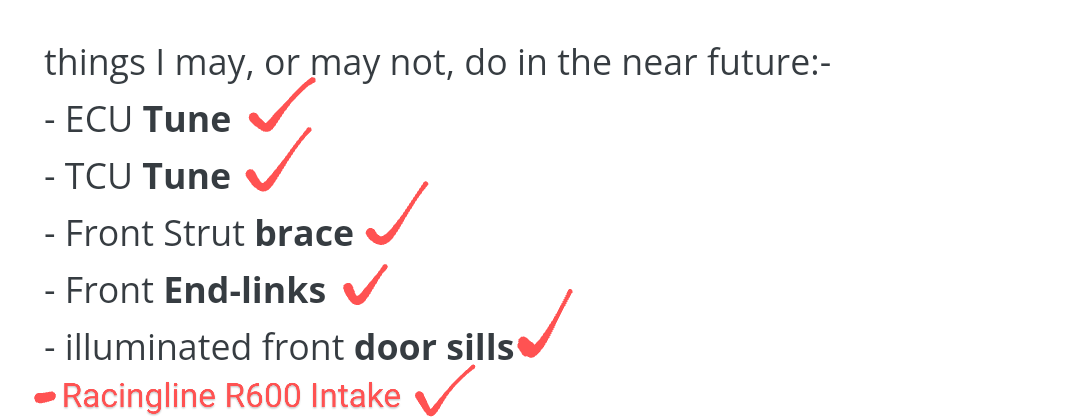
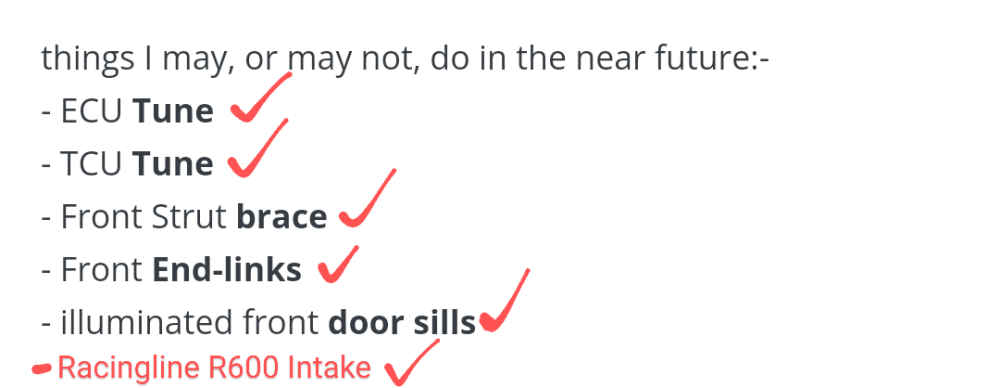
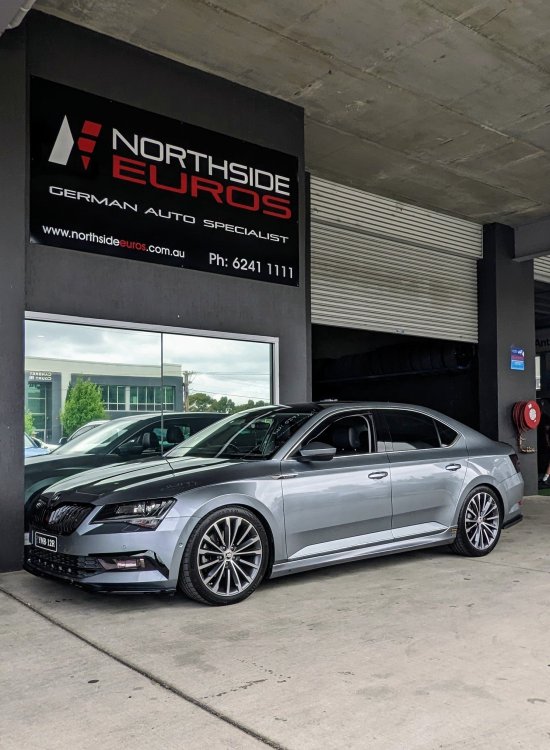
Well, after two years from the first post in this thread - the future is here!! I say I'm "done", but that would b a big fat lie!!! Getting the DSG tune..... The Racingline R600 intake....
-
based on ur profile, i.e. u have a 2010 mk2 Skoda Superb - u have an RNS-510 Columbus unit, which uses a separate bluetooth module (9w7 or similar) that usually sits under the driver's seat. this is completely different to the mk3 Superb setup. u r better off asking this question in the mk2 Superb forum.
-
#30 - 12-volt socket in luggage compartment (boot) #40 - 12-volt socket next to USB port (front centre console) both remain powered on, even after the car has been switched off. both r not a switched power source.