



pragmatix
Members
-
Joined
-
Last visited
Everything posted by pragmatix
-
Yep, Pete Appleby. Blue and White Tesco special
-
The download infotainment manual shows no resemblance to my version in fact as manuals go both are not great.
-
The problem I have with space savers is, where do you put the full size wheel when you change it, if like me you normally have a car full of stuff it's impossible, the once I used it I had to put my full size wheel in my friends car, who was following me.
-
Advice as where to buy or on space saver use, not got a clue where to by, and as to use my last car Ford Grand Cmax had one I used it once, you have to stick to the speed that it says on the wheel 50 mph in most cases and it makes the car feel a bit unstable only to be used for short journeys first puncture I've had since radial tyres came the norm or in mileage terms over 980000 miles and that just in cars. I'm happy with the sealant as I have full breakdown cover, plus theses days changing a wheel is just about impossible due to my disability
-
I picked mine up last Friday the 30th only got a manual, a certificate of conformity and two leaflets from the motor ombudsman one being the new car code of practise and one about the motor ombudsman. I also got a very nice Skoda pen, a Skoda ceramic travel mug, and 2 usb c adapters.
-
Just tried to send a route to the car, if it's worked I can't find it not showing in Nav.
-
Heat shield is my guess.
-
-
Just wired in my dashcam on MY21 the hardest and longest part of the job was getting the glovebox dropped down not very clear in the handbook in end I did it the opposite way round to described ie undid the damper last that way you get some room to get your hand in. The tabs to release the box are very awkward. Took me less than 40 mins. I wouldn't want to be trying to change a fuse an a dark wet and windy night that's for sure..
-
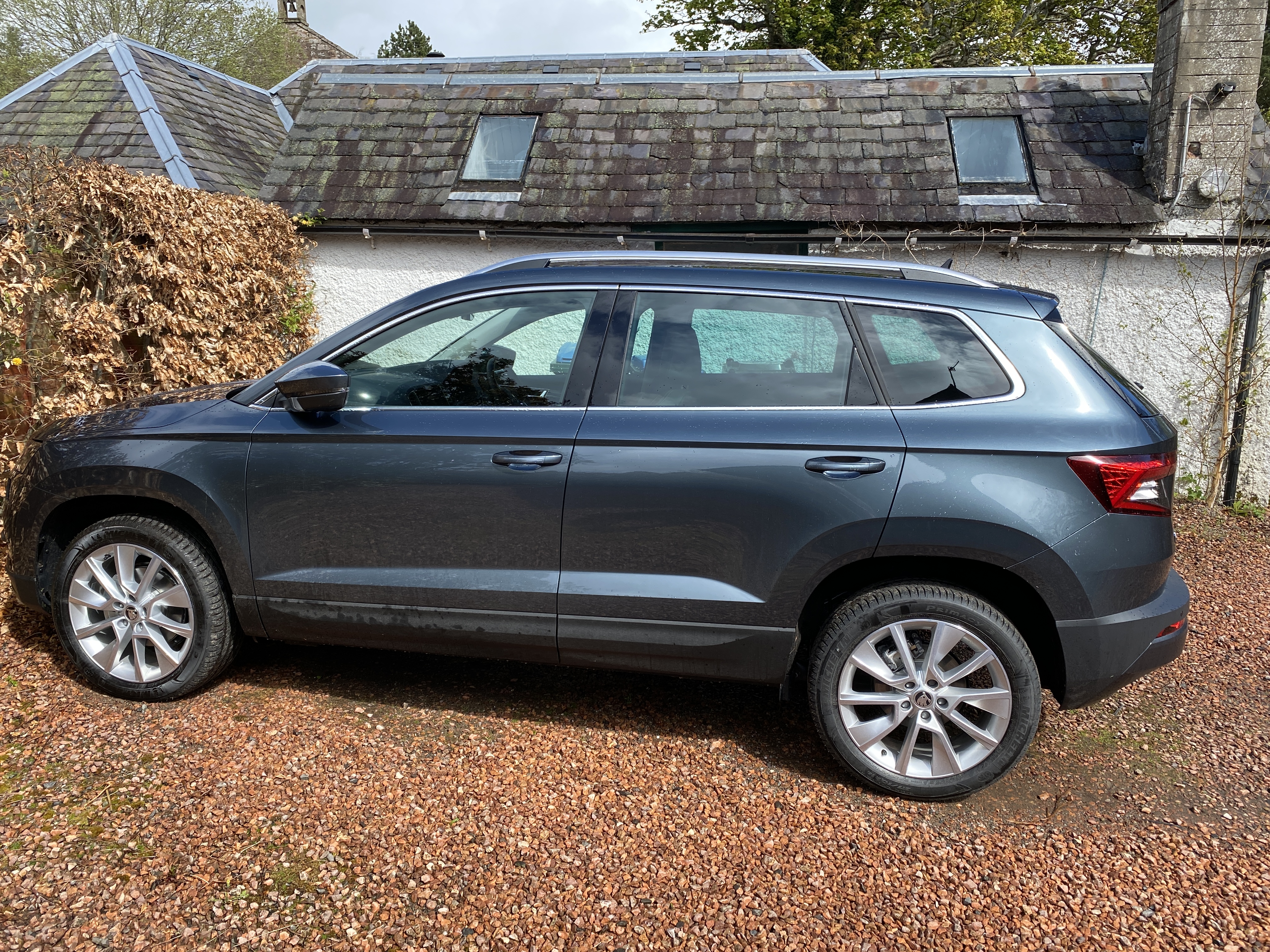
The Quartz grey is much nicer I was going business grey but the salesman changed my mind , saw the two together the Quartz makes the car look more substantial IYSWIM
-
It will be due to the connect contract needing renewing is my guess.
-
NSF to NSR, etc, though contrary to popular believe it best to have the better tyres on the rear, personally I wouldn't bother.
-
The paddles are handy but manual via the stick is good and fast and knocking it into sport certainly gets it moving nicely
-
Ignore me I'm being stupid found the settings now I've moved the steering wheel. Crap day
-
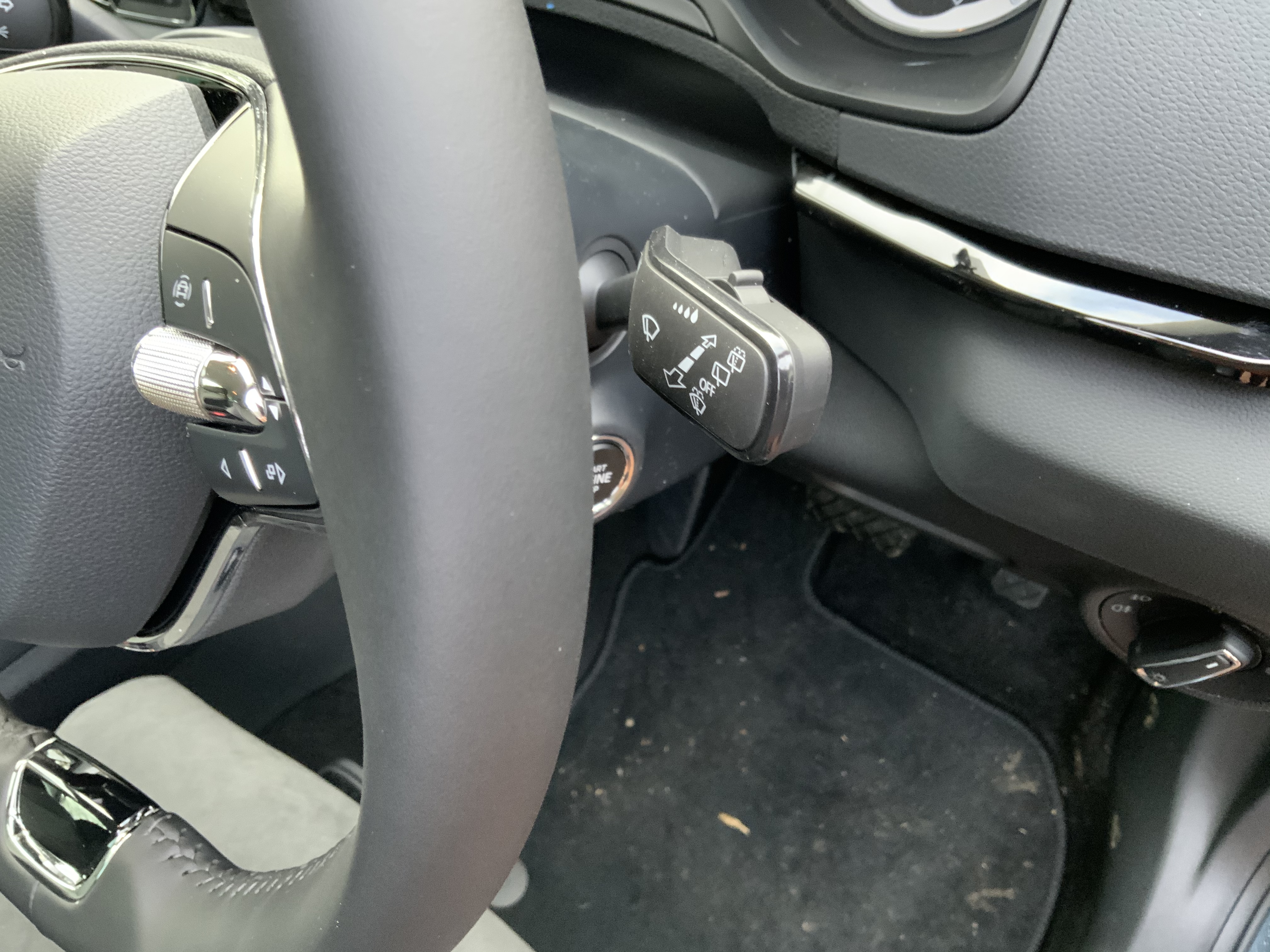
Just a wash symbol now sorted how it works there is only one on setting and that's auto.
-
That different to mine
-
The settings are single wipe, then off then auto and then wash so the only adjustment is via the sensitivity , totally different from what I expected and what's in the manual
-
I've read that wrong it looks like it's the first setting.
-
The only settings I have are 1 wipe off low and high
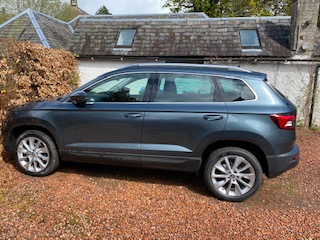
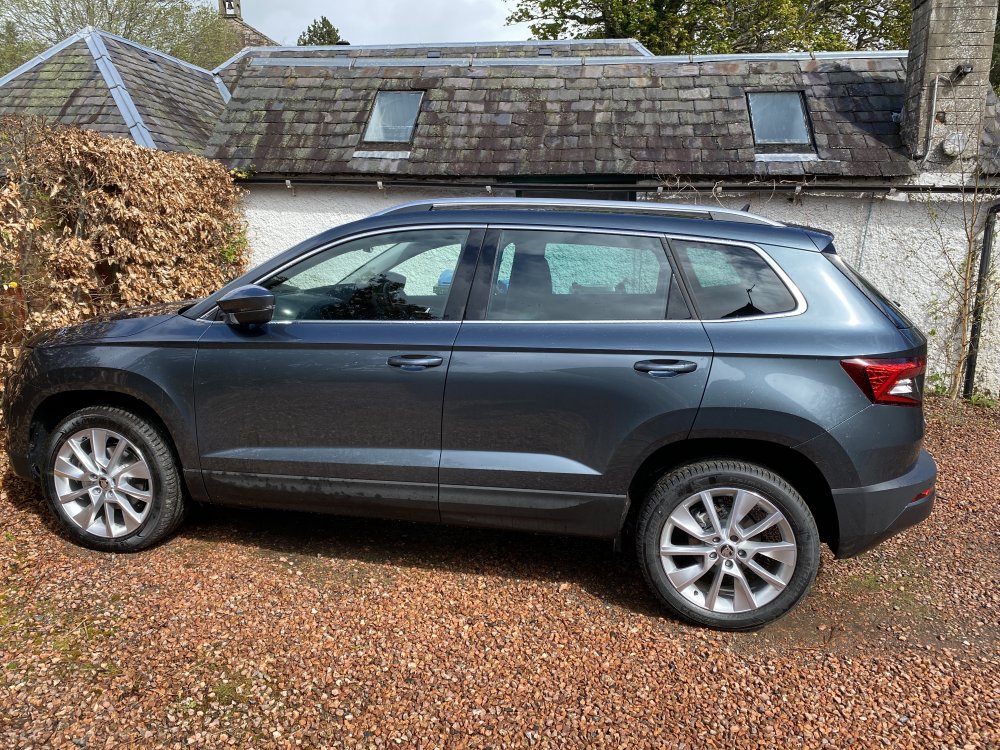
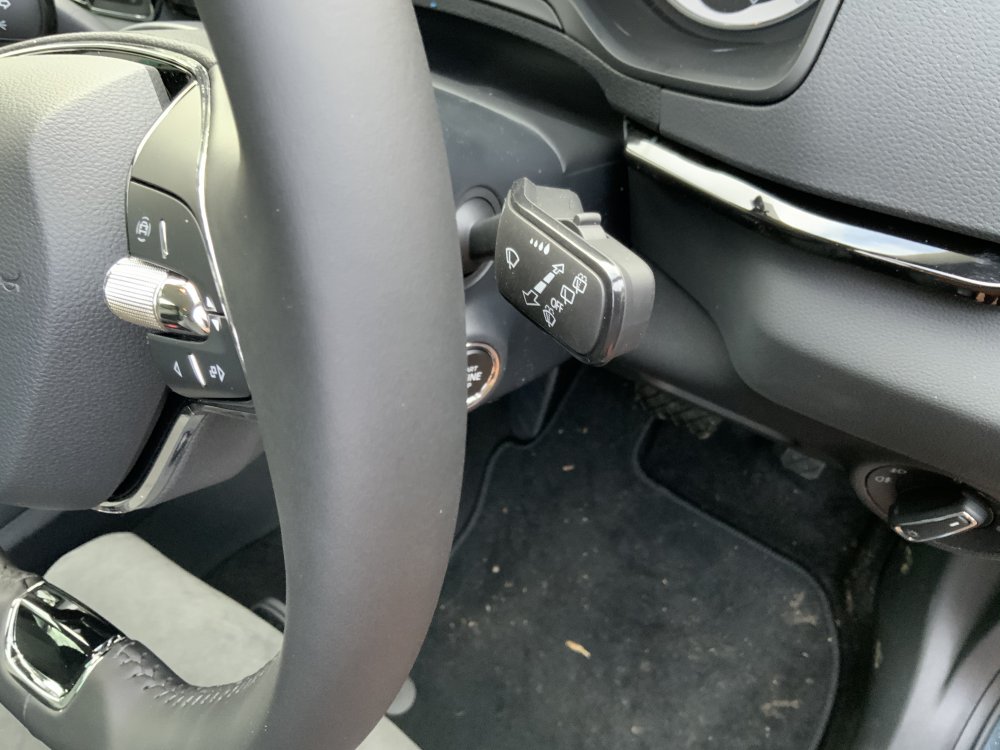 I picked up my 1.5 dsg SEL today, so far very happy with it only done 23 miles and it's done an update on the infotainment. Bit disappointed to find no torch in the boot and no paddles on the steering wheel, got the phone hooked up and connect working very easily, though I find the nav a bit cumbersome, also suprised by no auto wipers, though if you read the spec it's just says light and rain sensors I stupidly thought with rain sensor you would have auto wipers. Great colour Quartz Grey
 In my limited experience android and IoS both work as they should stick to what you normally use in my case iPhone 11 ProI've been away from this forum for a while, used to have a Roomster and a Yeti , but after a few years away to Ford I've come back just awaiting the delivery of a Karoq 1.5 sel in race blue.I've been away from this forum for a while, used to have a Roomster and a Yeti , but after a few years away to Ford I've come back just awaiting the delivery of a Karoq 1.5 sel in race blue.


Important Information
Welcome to BRISKODA. Please note the following important links Terms of Use. We have a comprehensive Privacy Policy. We have placed cookies on your device to help make this website better. You can adjust your cookie settings, otherwise we'll assume you're okay to continue.