




CJJE
Members
-
Joined
-
Last visited
Everything posted by CJJE
-
When I had the SOS problem back in November 2021, my dealer updated the main software level from 0270 to 0276. Later cars have had further updates to the software but it seems that these are not installed to older cars when they are serviced, despite my invoices saying that they have checked to see if there any software updates required. (I am told it takes hours to download the updated software from Skoda's servers so can understand why it is only updated if will cure a reported fault.) Note that this software cannot be updated over air like the navigation database and 'shop' screens, but you can check which version is installed by using the Menu / Settings / System Settings / System Information screen. Mine tells me that I software version 0276, and navigation database version 22.12 at present. Chris
-
Emission regulations mean that the car has to start in the mode used for the tests - which is the normal drive mode since not all models have a choice. So regardless of whether you left in Sport or Eco, it will restart in normal. But my car MY21 does exactly that... it doesn't get confused and still try to kid me that it is in Eco when it isn't! Chris
-
All it needs to do is cause a hairline crack in the varnish coat. Water will do the rest. Chris
-
I'm sure a dealer would call it fair wear and tear. The plastic centre caps on all VW cars are also susceptible to the same problem, but it costs much less to replace them! Chris
-
Not noticed it in my rear fogs, but common in the front lights as the LED bulbs don't run hot like tungsten bulbs to burn it off. (One benefit of having tungsten bulbs as rear lights and rear indicators perhaps?) Chris
-
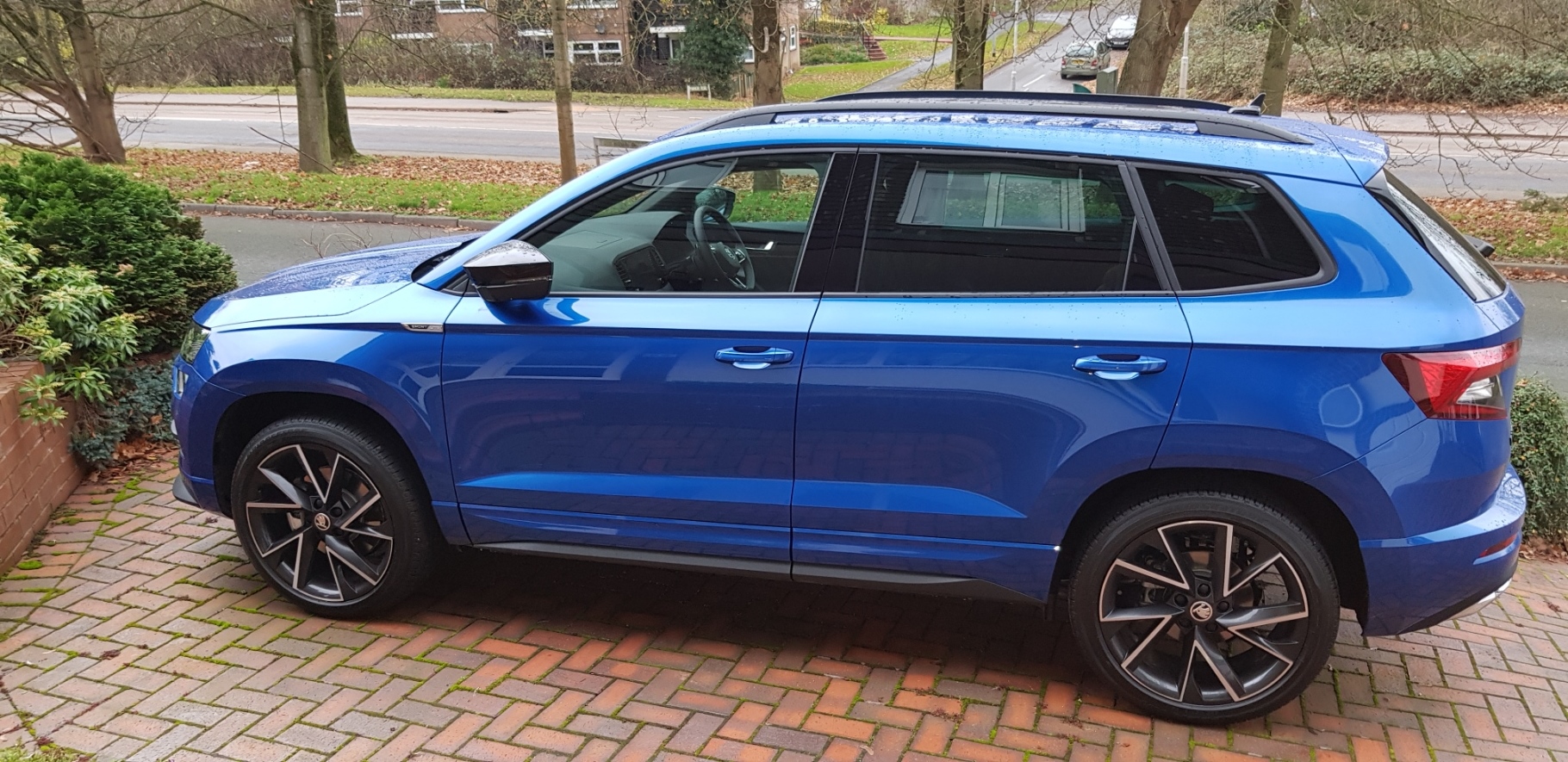
Looks like water has got under the varnish. It only takes a stone to hit the wheel to crack the seal. But it's a common problem with diamond cut alloys. The only cure is a refurb when it gets bad enough to be obvious. I'm thinking of having mine painted all black when they need it. Chris
-
For the satnav voice, you can choose a male or female voice when you choose the language. Does this carry over to Laura perhaps? Chris
-
On my MY21 car, you just press the Station List virtual button, then scroll down to see all the available stations, both DAB and FM. If you only wish to see FM stations, go into the Radio settings menu / advanced settings and then select see only FM instead of DAB and FM. The radio settings also let you choose to step through all available stations by pressing the arrow 'buttons'. Note that the settings menu will also let you choose whether or not the radio will switch between DAB and FM transmissions for a station depending on which has the best signal. And I think there is also a setting that allows you to see a manual frequency scale for FM so you can set the radio to a particular frequency (although I've never tried this). Finally, you can then save the desired radio station to a preset. Chris
-
I have a different problem with mine! I have the Virtual Cockpit, and so normally resetting the trip odometer needs a trip into the settings menu... but twice now, it has reset itself! Each time I have only driven around 300 miles since it was last reset, and I haven't noticed any other software updates causing it. But it's annoying as I use it to record my mileage each time I fill up with fuel (luckily I record the total mileage as well so my records are still correct.) Chris
-
Can you see the files on the TV still? If not, it sounds like you removed it before the files had been closed by the TV. Chris
-
Hi DaniC, There is no way that I have seen for the Amundsen to format a USB disk. Instead, it will read files on any USB disk that has been formatted already using the VFAT, FAT16, FAT32, exFAT or NTFS file system. Details were in my digital owners manual, in the Amundsen / Media / Supported Sources and Files section. Presumably the web-based owners manual for your newer car will have the same details somewhere. Best Wishes, Chris
-
Makes me glad my 2.0 TSI has a cam chain instead - or so I'm told!
-
Agreed KaroqCZ. This is a long-standing design fault that has been affecting many VAG cars and not just Skodas. My previous Golf Sportsvan sounded an alarm when it thought I wasn't turning the steering wheel often enough - and so gave false alarms on long straight motorways. So I'd hoped the capacitive sensors might be an improvement. But now it's looking like we were all mis-sold a feature that hadn't been designed properly. Perhaps we are due a refund of the money we paid for this option?? Chris
-
Thanks for the info. My car had been silent for the last few weeks, until I used the heated steering wheel this week. It was OK when first switched on, but the TA warning came up shortly after turning it off. Now one of the sensors required by the TA is the capacitive sensor in the steering wheel that ensures you have your hands on the wheel. I now believe that using the heated steering wheel affects this sensor (through expansion?) as when not using it, I do not get the TA warning. So perhaps the other solution is to get my driving gloves out again rather than lose the Emergency Assist function?? Chris
-
Correct. My copy of the owner's manual states "To complete the activation it is necessary to have two original vehicle keys with you." (Page 159 in mine, under Online Services, User registration and activation of the Skoda Connect services.) Chris
-
The built-in SIM? It should be automatically connected, unless you have redirected it to your home WiFi, but you can check via the Menu / Settings / Data Connection / Integrated data connection (eSIM) settings. I was able to set mine up by following the Online Services section of the owner's manual carefully, But I didn't already have a Skoda ID etc so was doing it completely from scratch. Chris
-
No, Skoda provide a restricted data plan for you. It's required to provide online updates for the maps and some software in the car, and to keep the SOS function working. The only need I've found for an extra (and expensive) dataplan is if you want to use the Web Radio - which you can also access via your mobile phone if you really want to. Chris
-
It might be worth trying to connect via its inbuilt SIM out in the open air. That's how I did mine. But this really emphasises that sales people need to give their customers more support in using the software built in to modern cars.
-
The software update has to be done by a dealer, and takes quite a time to download. Generally it will only be done if you report a problem which can be cured by the update, and not as standard. (Despite the annual service apparently checking to see if the software is up to date!) For registering as the primary user, have you deleted any previous registered users from the car? Chris
-
It was an option on my car, which seems to turn on the Adaptive Cruise Control (ACC) and Lane Assist. I often use Lane Assist but prefer to use the Speed Limiter function instead of Cruise Control for most journeys. The Travel Assist also seems to use the capacitive sensors in the steering wheel to detect if you have removed your hands from the wheel - and I now suspect that if these sensors are playing up, you get the 'Travel Assist Not Currently Available' warning. It is more prevalent in cold weather I find, but is not linked to whether I have turned on the heated steering wheel or not. Chris
-
Deleting Travel Assist also seems to remove the Emergency Assist feature - which was an option when I bought my Karoq, and one I had added for its safety implications. Over the last two days, the Travel Assist not currently available warning has re-occurred repeatedly, usually disappearing again after a few miles. This fault is being reported over a wide variety of Skoda, VW and SEAT models, so I am disgusted that VAG have sold such an unreliable feature to so many owners, and can't work out what's wrong with it.
-
My 4x4 can only take a spacesaver as boot floor is higher up and there's no room for the full size spare. But it is really only an emergency option designed to let drive (slowly) to get the original tyre replaced or repaired. I've use mine once to drive for a couple of miles to my local tyre repair shop and the car's handling felt very odd! I can quite understand owners wanting a full size spare that they can leave in place after changing over, especially if the puncture happens on a long journey, or in a remote rural area. Chris
-
It's not free, but the ERWIN system lets you buy a short trial access to the VAG database pretty cheaply. See for details Chris
-
For my MY21 Karoq, I find the Travel Assist feature does no more that the Adaptive Cruise Control and Lane Assist do anyway. (Note, my Lane Assist only gives a gentle nudge into the centre of a lane, and the Adaptive Cruise Control doesn't reduce speed as you approach corners unlike the version fitted to newer models such as the Octavia (I think).) I have Traffic Sign Recognition in my car, which in theory displays the current speed limit on the digital instrument panel. However it gets confused when I pass junctions where the speed limit refers to the other road, or when the sign is hidden by overgrown trees and bushes. When I first got my car, it also seemed to be reacting to speed limit information on the map database, as it would occasionally switch to the metric equivalent as if the map data was wrongly coded. (For instance I could be driving down a street with a 30 limit, and it would suddenly display 50 instead! And this happened regularly at the same place each time.) I haven't seen this for months, so has probably been cured by either a system software update or navigation database update. My car's menu system lets me set up the Traffic Sign Recognition system to give an audible warning if I exceed the current speed limit (as seen by the car's software) but I turned that off because there were too many false alarms. I certainly wouldn't trust it to brake or accelerate to what it believes to be the correct speed! I seldom use the cruise control, but use the Speed Limiter function instead. That lets me change the maximum speed as required by flicking a stalk in 5 mph increments as the limits change, and spend less time scrutinising the speedometer. Another problem is that many people have found they get warning messages saying the Travel Assist is not available - even when it is not being used. I used to get this regularly, with the warning only going when I stopped and restarted the engine, but an update to the system software and change of steering wheel seems to have cured the problem for me. Others though find they still get the warnings several times a day, and apparently VAG are no longer changing steering wheels to solve the problem Instead (in Germany at least) owners are being told that there will be another software update where owners will be given the choice of disconnecting the Travel Assist and Emergency Assist, or putting up with the false warnings! You seem to be seeing Travel Assist as a halfway step to an autonomous car. My experience is that the hardware and software is nowhere near that functionality, and won't be for years. Especially as the system can't cope with hidden speed limit signs, and those referring to adjacent roads. Mine even ignores half the overhead signs on motorways! Chris
-
I renewed my Škoda Connect licences last July for £36 (Remote Access) and £44 (Infotainment Online) last July. I think that was at a 35% and 30% discount respectively. Both were added on to my existing licences so they now expire on 19/11/2023. Chris

