Gaz
FREEDOM
-
Joined
-
Last visited
Everything posted by Gaz
-
Good review for CC's as they wear too 👍: I think when it comes to turning the traction control off, the caveat should be to only do it for as long as is necessary. It's there for a reason. Gaz
-
Hello and welcome Shauna What make of tyre does the car currently have? What are the tread depths and how many miles has the car done? It's all a bit subjective in terms of the hill, temperature and other factors, but yes, if you've summer tyres fitted, that will be a factor. Winter, or all season tyres on now, will probably help. I've been a nay-sayer on all season tyres, as I live right on the south coast, but I have Michelin Cross Climate 2's on my car (also a DSG), and in the current cold temperatures, I'm glad I do. Gaz
-
+1 👍 Get 'em changed IMO. I wouldn't want them on my car, for cosmetic, or functional reasons. Where has the metal gone - if you've inflated the tyres since, have you blown metal swarf into the tyre? Very unlikely I expect in reality, but what if? Metal caps are known to get stuck in the circumstances you've experienced. Best avoided - as you now know. Gaz
-
There appears to be a potential set recently advertised: Gaz
-
-
OMG, me too! 😎 The 928 was my dream for a couple of decades. I saw his 912 and got goosebumps. But then we got to the Cooper S, external hinges and sliding windows et al and that just felt like automotive royalty! Gaz
-
Hello daes Good on you for setting a 300k target, and a great car to be doing it in 👍 Gaz
-
Some of these (amongst many others) might have some useful pointers: Gaz
-
-
-
-
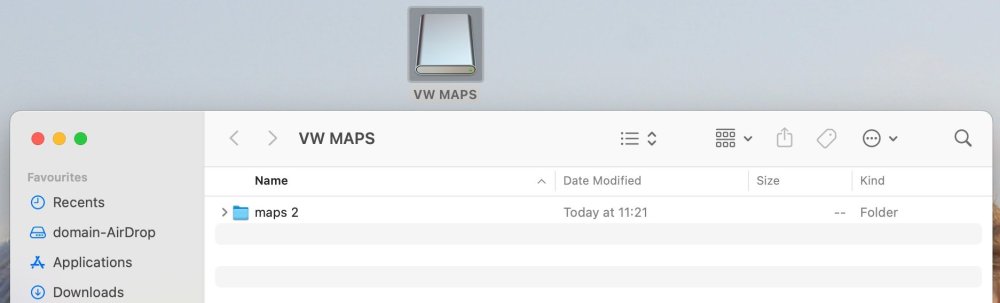
Bingo!! Oh my goodness, it was as simple as that - thank you so much I had a really old file, not even car related, called 'maps', which is why it had defaulted to 'maps 2' once unzipped. Version 17 maps, and all working tickety boo, on the original 16gb SD card. Muchas gracias Langers! 👍 😎 Gaz
-
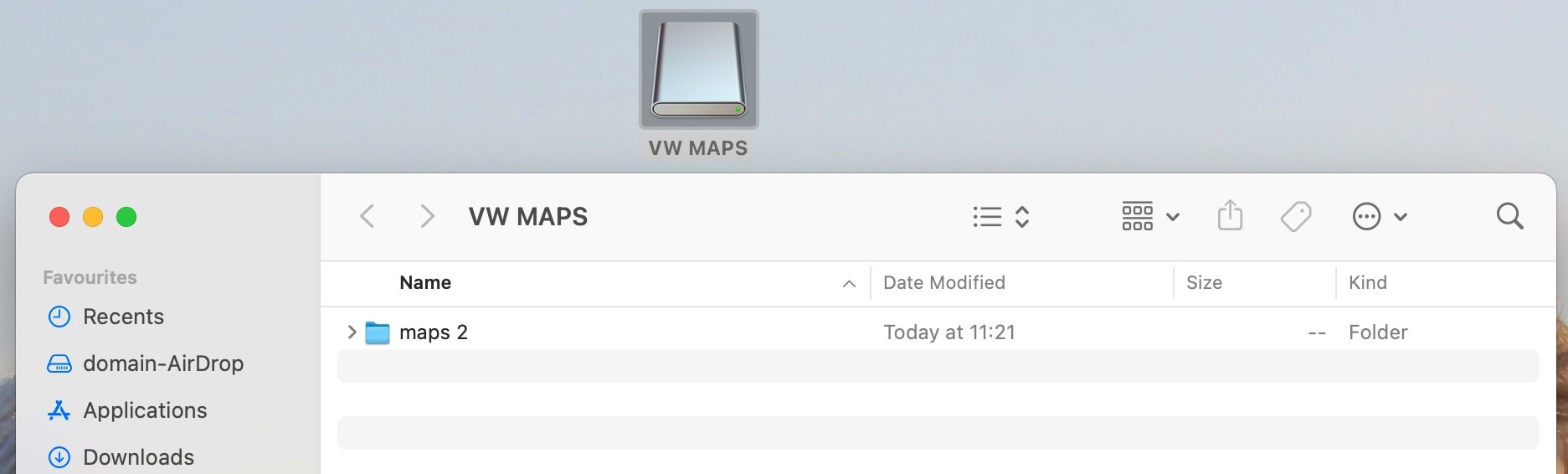
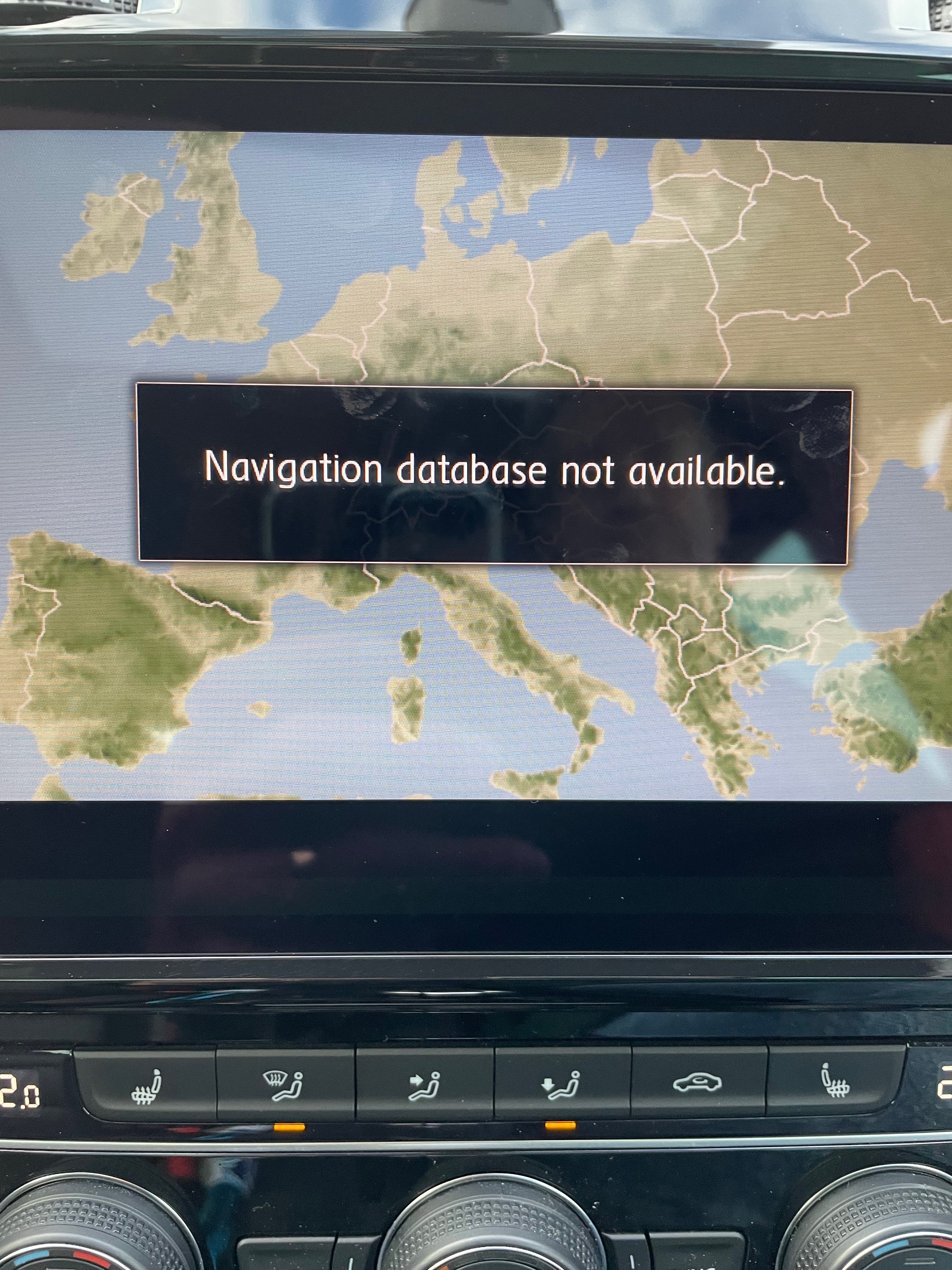
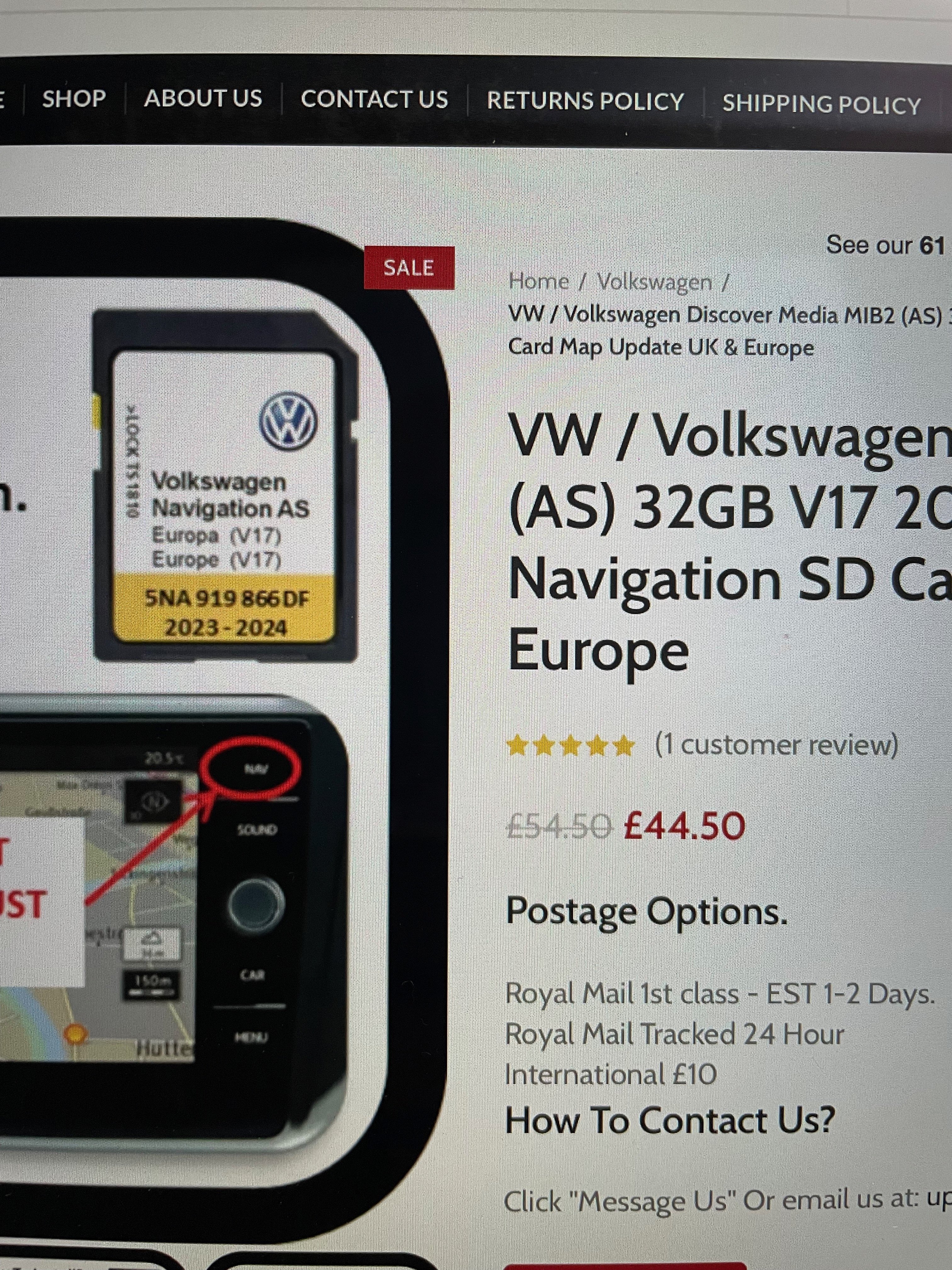
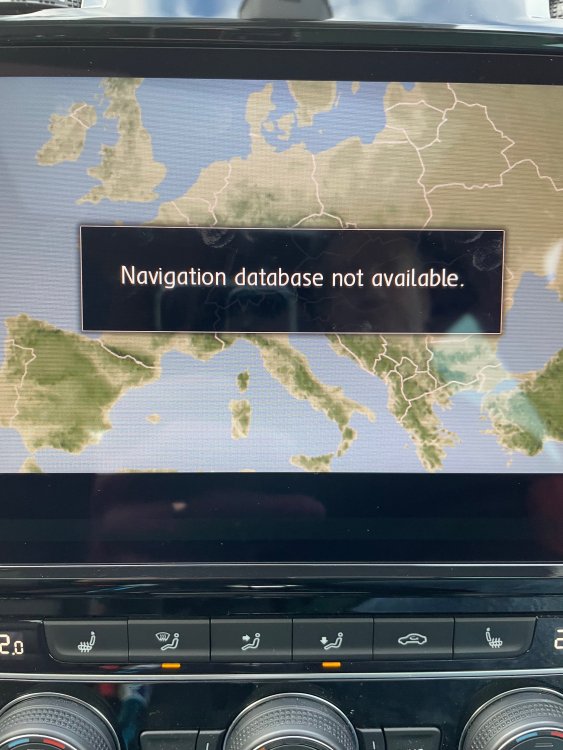
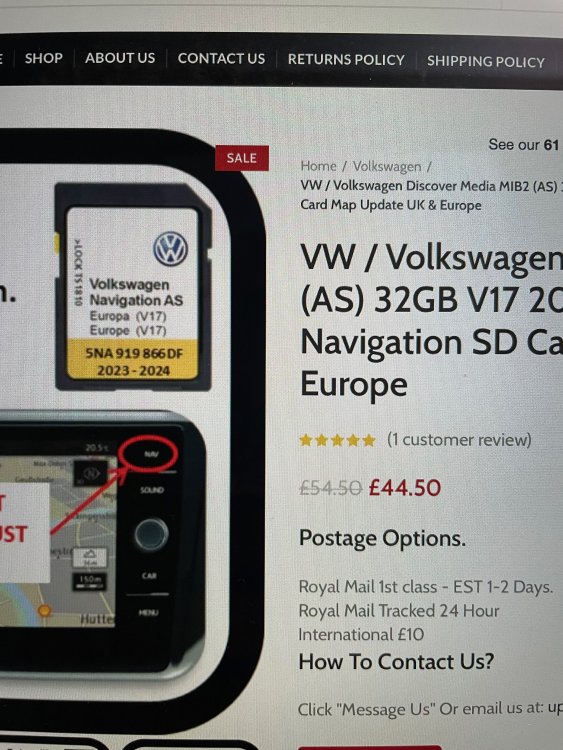
Well the fun I'm having with updating maps is starting to wane 🙁 After a particularly stupid start yesterday, it became apparent this is the thread for me - ish, and not the Columbus thread as the Golf has a Discover Media2 unit. I decided to go via the VW website and found an option for 9.33gb V.17 maps (as in a size that'll fit my 16gb VW SD card), which I've downloaded to my MBP, unzipped with Keka (as per VW's recommendation) and then cleaned the VW SD card with CleanMyDrive2 (also per VW's recommendation). And I can clearly see the folder on the SD card: Put the card in the car and it's not playing: So I popped into VW. They told me I could download the AS V.17 maps onto an ordinary SD Card of the right size (I've a 64gb card) and that it doesn't need to be a VW card. This doesn't appear to be correct. And that seems to be borne out by the VW website, which clearly states it needs to be a VW card for the AS maps. I went to their parts/accessories counter, and was told that a 32gb card wasn't available for my car, but the latest I could get was V.15, on a 16gb card (like what I already have) with a reference of 5NA 919 866 CA. This also appears to be incorrect, as the VW website clearly says V.17 is available for my media unit (although I'll need a 32gb card as it looks like the 15.93gb AS maps need 16.1gb of space). A 16gb card from VW will cost me..... drum roll..... the princely sum of £136.21. A quick squizz online and it looks like I can get the same card for £45, which is plug and play, and currently sounding very tempting: But is there something I'm missing or ought to try before embracing F-it mode and buying the 32gb card? and will my unit be able to use a 32gb card if VW are saying the only available card is a 16gb version? It's the first time I've tried updating maps, so this is all new to me, and I'm currently feeling quite stupid Gaz
-
Thanks Tell - embarrassingly, the SD card says 'Volkswagen Navigation AS' - so the clues were all there, ready for me to enthusiastically ignore I'm back in my box now, lid closed. Gaz
- 101 replies
-
- columbus
- discover pro
- maps
- mib
-
Tagged with:
-
Content deleted to remove even more guff by yours truly Gaz
- 101 replies
-
- columbus
- discover pro
- maps
- mib
-
Tagged with:
-
Content deleted so save cluttering this thread with irrelevant guff Gaz
- 101 replies
-
- columbus
- discover pro
- maps
- mib
-
Tagged with:
-
Hello Craig My previous car was a 2015 vRS TSI Estate - cracking car, very versatile 😎 Still think about it fondly from time to time. Gaz
-
Too clever for its own good - not quite the '... in perfect harmony' prior generations might've aspired to! Gaz
-
Hello and welcome I used a Rearguards one on my Mk3: https://rgmautomotive.co.uk/product/rgm-abs-rearguard-rbp1314-octavia-v-4-door-4-2020/ Gaz
-
I'm 59 next Birthday and in all the cars I've had since getting my first one at 17, the only springs I've changed have been on VAG cars, predominantly younger ones. Last being Mrs Gaz's 2015 Polo within the last year or so, although she is attracted to pot holes like the proverbial moth to a flame. Think it was JR, on here, who commented that the paint finish on modern springs is poor, providing access for moisture and rust. Another Simply Clever feature to get used to 🙄 Gaz
-
Both our cars bomb for the last 1/3 of a tank - even mine, with its virtual cockpit 🙄 I use Fuelly to get brim to brim actual readings. Gaz
-
I went from a vRS Estate to a 7.5 Golf GTI and am not disappointed. No kids at home any more, so I don't need the space. Bogwoppit's right though - when you start chucking stuff in the boot, the difference in the space available is quite startling. I use a mobility scooter, and a folding bike, which the vRS would swallow with ease, but the Golf does not. Gaz
-
Hello and welcome Adam Top marks for including a photo in your first post 👍 Peugeot sounds interesting. Gaz
-
Hello Besters Congrats on the TdF 😎 My first Skoda was a Superb (2005 Mk1), which I loved to bits. Although I've gone back to VW for the time being. Name seems familiar, not that I can place it - are you on other VW fora; UKPassats perhaps? Gaz
-
If you bought it from a garage, explain what happened and ask them to take a look at it and fix anything that might be faulty. It may be that they'll have diagnostic equipment which can see what your reader might not be able to. I wouldn't view it as a harbinger of doom at the moment, just something that needs checking out. A stitch in time and all that. Given you've not had it long I'd be wanting the supplier to carry out appropriate remedial work if I were you, as a warranty matter. Gaz