Everything posted by SteveTheElder
-
Conversely, I get in my car and drive it. A lot more fun. Yes, I might turn off the radio if I’d left it on last time I parked. I may set the Drive Mode - would be nice if that was saved to my user profile like the seat & door mirror position, temperature. Not tried voice control for that yet. Note to self for next time out... The more I drive it, the more familiar I become with (and understand) the Driver Assistance Systems, and the more I like the car.
-
No need for that. Just email HJ ([email protected]); you’ll get a reply asking for a few more details and your permission to share the information with SKoda (latter rightly needed ‘cos of GDPR privacy laws)
-
Nothing as yet...
-
An update to my post of last week. The car is growing on me massively. I’ve got more familiar with the quantum leap in technology & Infotainment system; yes a few niggles but now I understand what its up to I’m very happy.
-
Likewise. CarPlay with iPhone XR and Spotify - album artwork displayed fine on the Columbus Infotainment screen (both full screen CarPlay and the mini version on the Home Screen). I have my iPhone connected wirelessly, not that it should make any difference.
-
I just spent about an hour in mine, CarPlay & Spotify streaming - no crackle or interference. Was pleased with the sound quality too. Hope they can sort yours for you
-
Brilliant! Thanks for letting me know. I’ll join you in a celebratory pint... 🍺
-
For the Columbus it’s in Menu —> Settings —> Voice Control. You can Enable/Disable the use of the Activation Word. Not tried it myself though...
-
Thanks for that - I was wondering how to get Siri working...
-
@Greezy56If you’re that bored, can you come and do mine? Sorry, just had to be said 😂
-
Think you were right - reading through the section of the manual again it makes sense that Full LED lights are the Matrix headlights. On my first few readings I assumed there was a non-LED headlight version - but there is no mention of Matrix in the manual. Wouldn’t it be great if the various departments called the same thing by the same name! For a marketeer I guess Matrix Headlights has a bit more punch than Full LED ;-)
-
No worries. Mine has the standard LED lights and no Travel Mode - seems that might be a benefit of Matrix lights.
-
If you log in to the Skoda Connect Portal (https://www.skoda-connect.com) and click on Licenses you'll see whether your data connections/services are active and when they expire. I have three services - proactive service (SOS call etc), Remote Access (driving data, vehicle status etc), Infotainment online (Online map updates, online traffic information, etc). All active. However, no mention of internet radio though it seems logical that it would need the infotainment online service. My Apple CarPlay is connected to the car via bluetooth and wifi and so far happily streams Spotify, and Waze navigation - so presumably is using the car's internet connection. Whether that is Cubic or not I don't know - I contacted Cubic to find out what data limit there was (in terms of Gb download). Apparently, I don't have a Cubic service! Rather, they think it is the "We Connect services on your MMI" whatever that is... (I presume it's part of the first year connectivity bundled with the car, Cubic kicks in water if we choose to buy it. BUT that is only my assumption, and happy to be corrected if need be).
-
Welcome to the forums, and your new car. Thanks for adding your voice to the HJ band, hopefully we'll get some updates from Skoda soon. Interesting that you have S/W 1688 - my car (registered Sept 2020, built pre-July) has the same Infotainment details as yours except S/W 1668 (and the Nav Db is updated to 21.1). I'd be interested know if you have standard or matrix LED headlights and if you have 'Travel Mode' under the Headlight settings (to adjust for driving on the right). Mine doesn't, whilst it seems some do.
-
Thanks. Seems like something may have been lost in the development of the mk4 then. I’ll give Skoda Uk a shout during the week.
-
Thanks. So I’ll have to find some deflectors when I go to mainland Europe. Was hoping those days were gone! C’est la vie...
-
I don’t have this option in my SE L 1st Edition. Anyone know if it is... ...to do with the fact that it’s a relatively early build and suffers with the metric/imperial kph/mph issue? or... ...because I have the normal LED headlights (not Matrix). Thanks
-
Stumbled across this thread. I didn't even know there was such a thing as a GPF! My previous car was a 14-plate 1.4Tsi Superb which I guess didn't have one anyway. Now have a 70-plate Octavia mk4 1.5Tsi which presumably does. Will keep an eye on fuel consumption which so far looks good (50-ish mpg). Thank you to @e-Roottootfor sharing your expertise and to @ordsfor very valid comments about acknowledging help & searching before asking.
-
I'm considering putting a dash cam in my shiny new Octavia mk4, with a preference for the Nextbase 522, maybe the 422. I'd want to mount it behind the rear-view mirror on the passenger side (RHD car) so it doesn't obstruct my forward view. I would also want to add the plug-in Rear View Camera (not the Rear Window Camera to avoid cable runs) - however the mirror would block the line of sight. Does anyone else use the Nextbase rear view camera plugging in to the main unit, and how have you got it installed? Thanks
-
I'm new to the car with it's ACC and various Assist systems (couple of hundred miles that's all) and am trying to get my head around whether it's ACC or Front Assist (or Side Assist?) that is causing a deceleration. In some scenarios it's fairly straight forward, such as catching up with a car that's doing a few mph less than me. On other occasions it's less obvious. Also, I'm looking at what settings there are to fine tune the sensitivity of the sensors/systems, and what real world difference they makes. Hopefully, Covid permitting, I'll soon be able to make a long run up the motorway and try the options and determine which works best for me.
-
I think the vehicles are set to the variable' service/oil change interval, using long life oils and sensors to determine when work needs doing. IIRC its up to 2years or 20k miles but may be less based on driving style, loads etc. Mine shows the same number of days, yet a slightly different mileage for the two items. @Coume I reckon the Oil Change being 'Not Found' is because you haven't yet done much mileage. A few hundred more and it ought to show up. @fossman I'm guessing the oil sensors are indicating an oil change ahead of other service items. Such a disparity after a low mileage seems a bit odd though. Perhaps a chat with the dealer to clarify is in order.
-
Seems that HJ contacts Skoda UK Head of PR to forward on our complaint/issue. After emailing him with my issue he asked for permission to share with Skoda, along with a bunch of other details about the car and contact details (all this for GDPR privacy compliance as well as giving Skoda the details they’d need).
-
I noticed that with mine, seems to miss a beat every now and then. As DuncanW mentioned, mine does coincide with the ACT 2-cylinder activation/deactivation. Pleased to note that this ACT applies in each of the three Drive Modes I have.
-
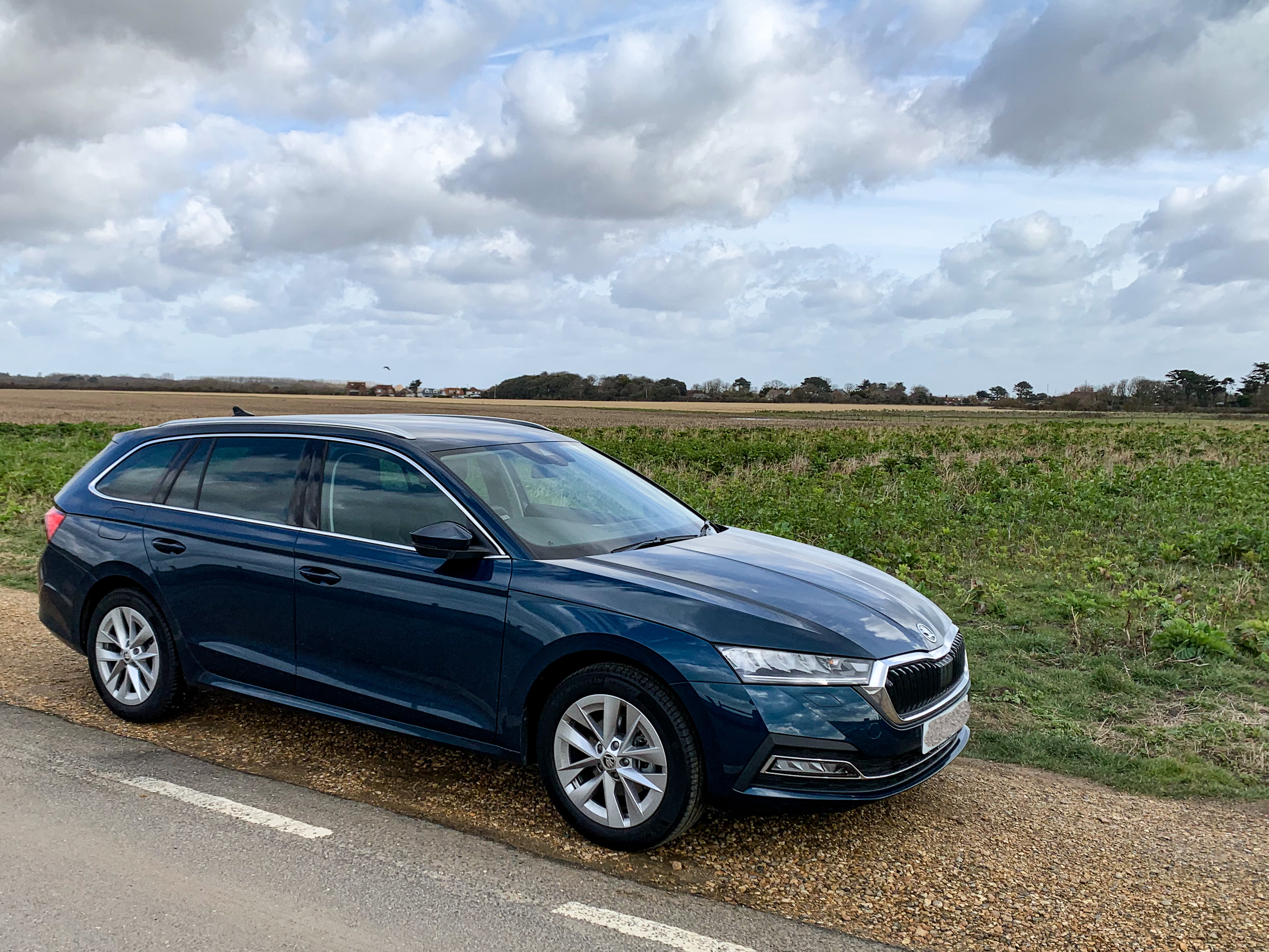
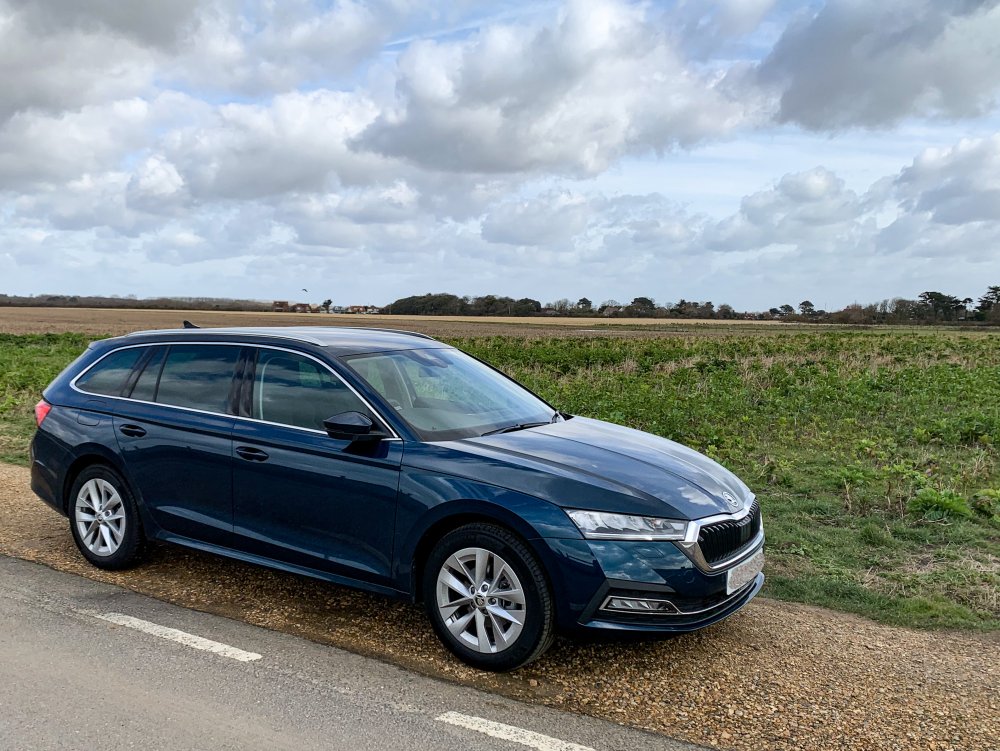
Mine, a week after picking it up - Petrol Blue. Love the way it looks different depending on the brightness or angle of the light
-
This morning I heard back form HJ. I’m now the 10th person to make contact and I’ve forwarded details so he’ll be taking it to Skoda UK too. Reassuringly my dealer seems to be taking it seriously, with discussion going to senior management; and they have been in touch with Skoda UK themselves. My car, one of the early builds, was fully updated prior to my collection last week.