Hedge
Resident Member
-
Joined
-
Last visited
-
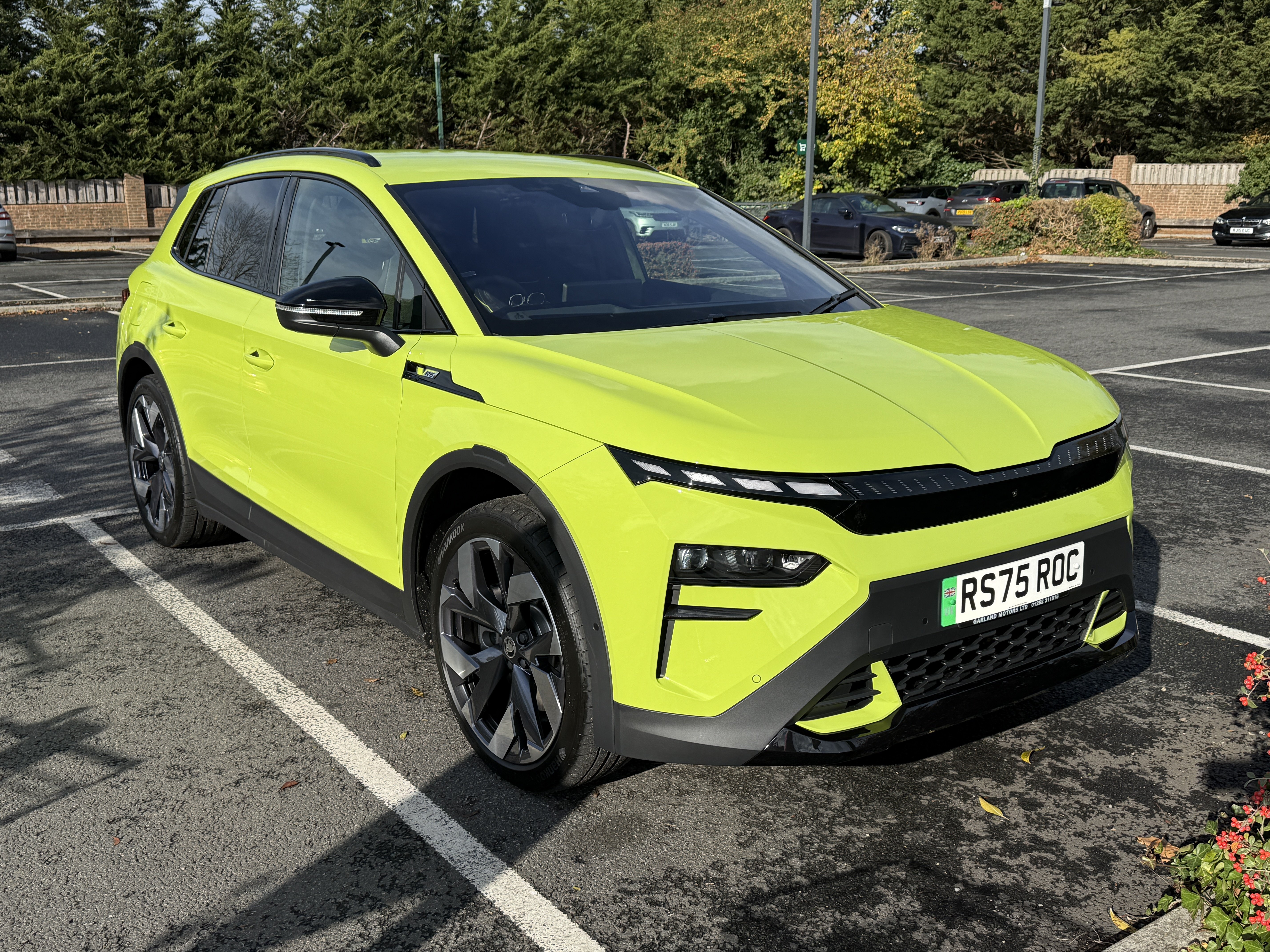
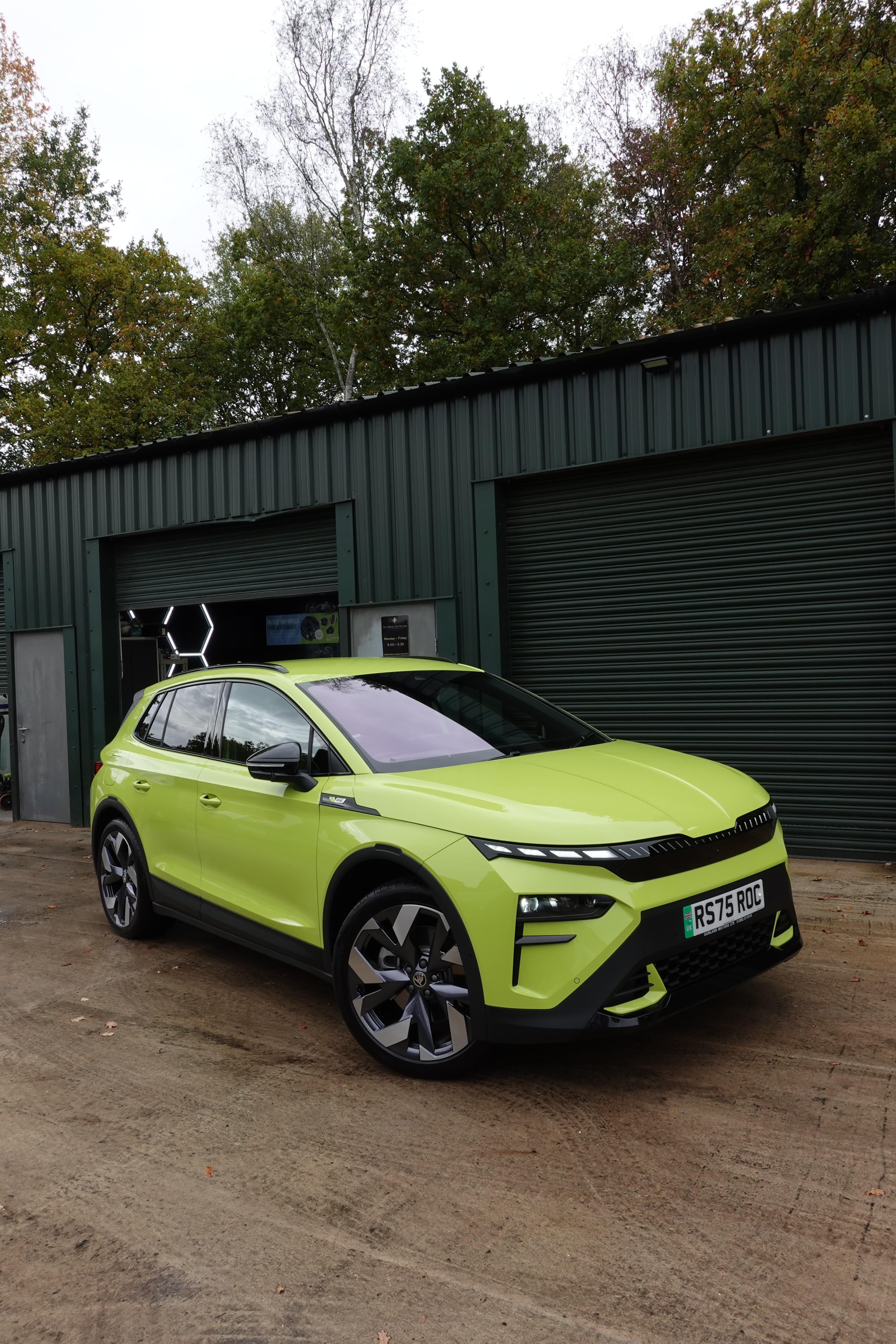
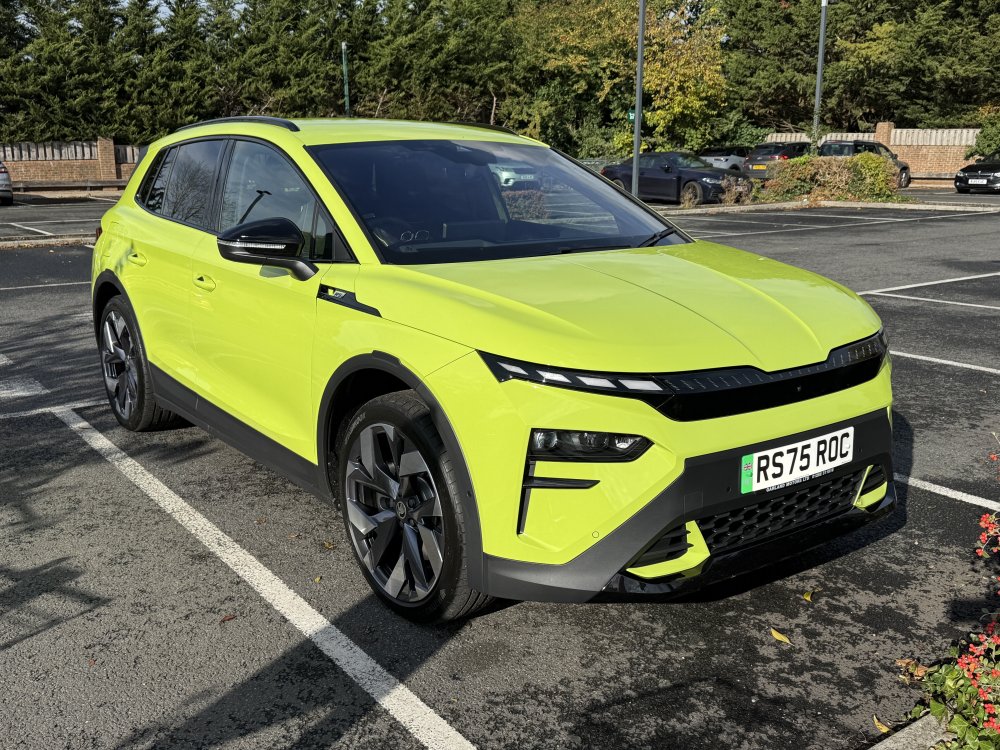
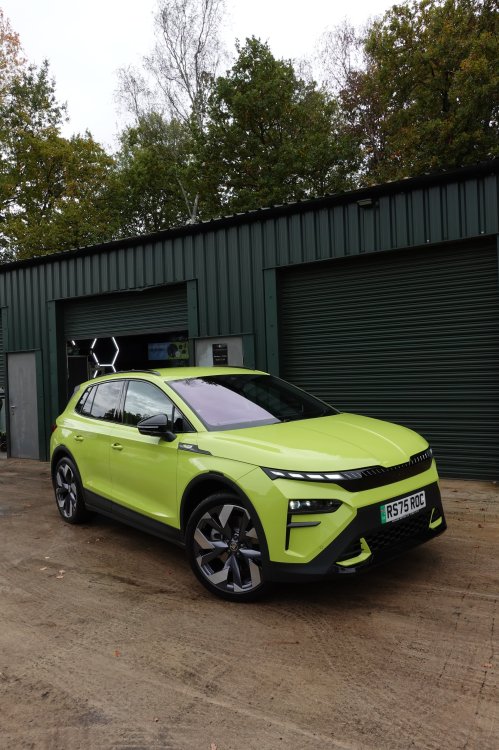
Hyper Green vRS on 21’s you say?
-
I ditched a Tesla Model Y LR in favour of the Elroq vRS. I’d previously had an Enyaq vRS. The Elroq is such a better car to drive, not as fast but in traffic congested, camera controlled England it is absolutely fine. Excellent ride and handling and extremely comfortable non-plastic seats. 😁
-
I’ll take them!!!!!
-
Unless I’m very much mistaken that will be an IS20 not a KO3. 😊
-
I’ve got 4x18” Zeniths with winter tyres on but are finished in satin black. i’m in GU46. 🙂
-
Yes I’m UK. My dealer is Garlands in Aldershot. They even differ it while I waited.
-
I did. Dealer did mine for the option price.
-
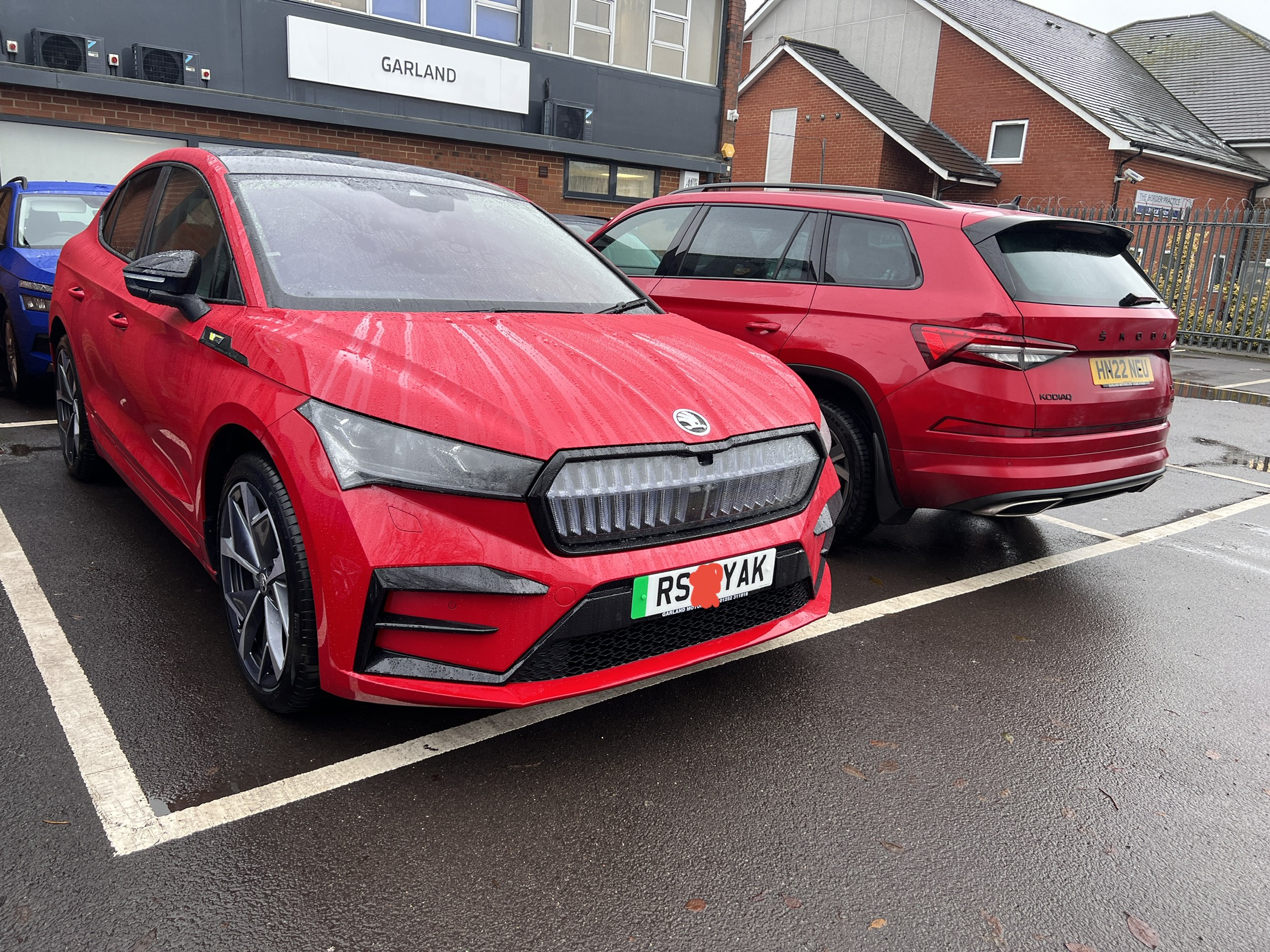
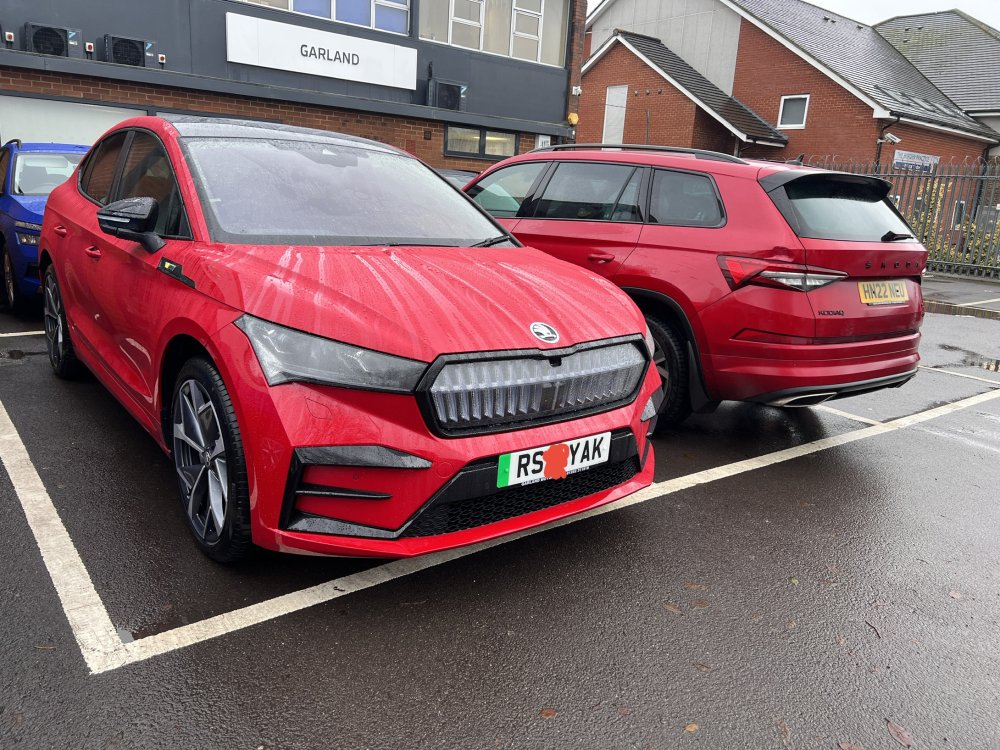
Old and new. Petrol Kodiaq vRS replaced with Enyaq vRS. Ordered in Feb.
-
I'm using the Autoglym Screenwash and have done on various Skoda's. 👍
-
Cos I could.
-
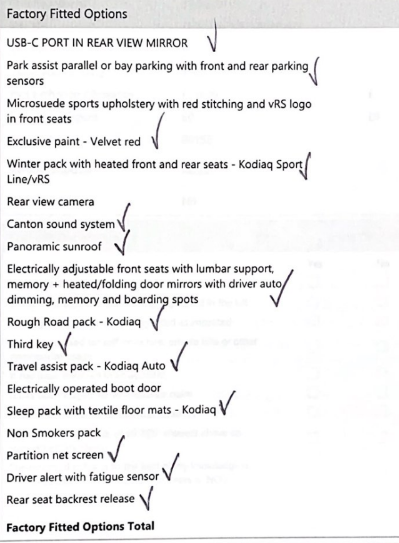
There were some option clashes but I think I covered most bases.
-
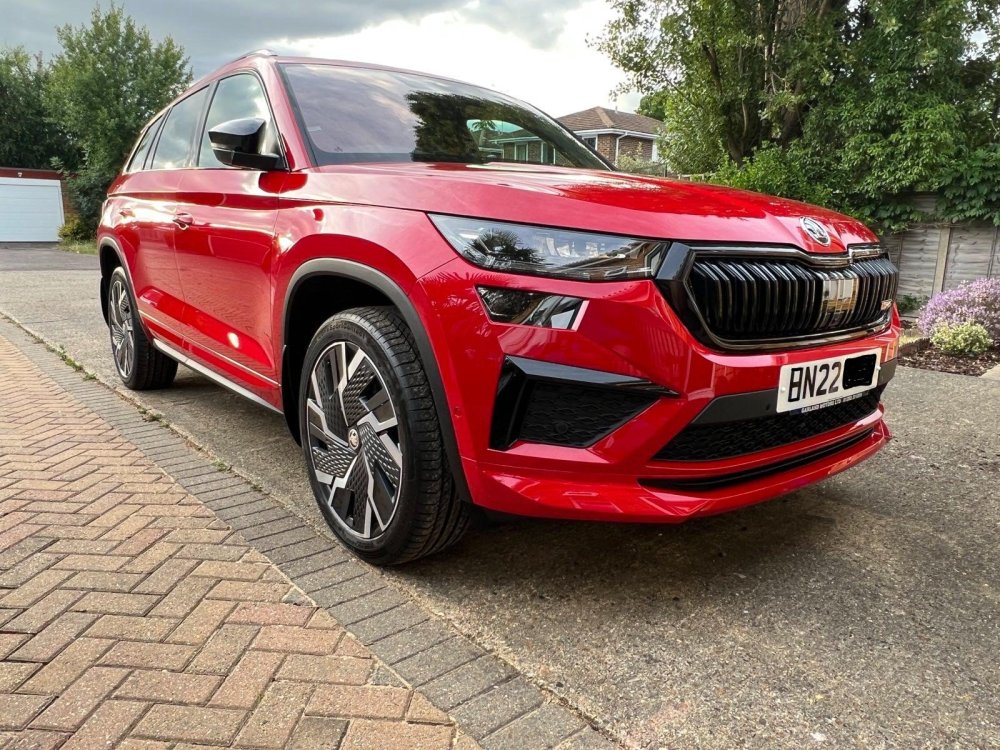
Petrol vRS with every box ticked. Ordered last August. Picked up today. 👍
-
-
Hopefully this means the "available to order" day of Friday is for definite, https://cc.skoda-auto.com/gbr/en-GB/?_ga=2.254267400.1896994822.1645033115-112619511.1626977438&_gl=1*1shtk4s*GA4_ga*MmNiNzNkZjctNWVmZi00Nzk1LWI4MDYtZWNmZjE1ZjBhOWQ1*GA4_ga_MS0YW0TWZD*MTY0NTAzNjA4NC44LjAuMTY0NTAzNjA4NS41OQ..&pagegroup=Website&salesprogram=GBR&type=Car configurator Fill your boots.
-
Hi jon_r , when did you order and how many toys?