Skip to content

pab567

FREEDOMTech

Everything posted by pab567

  1. SKDOA dealer will not be able to help, you have to find someone locally who has the tools and can have it slved. If you don't find anyone you can send it to me to Poland and I will handle it..
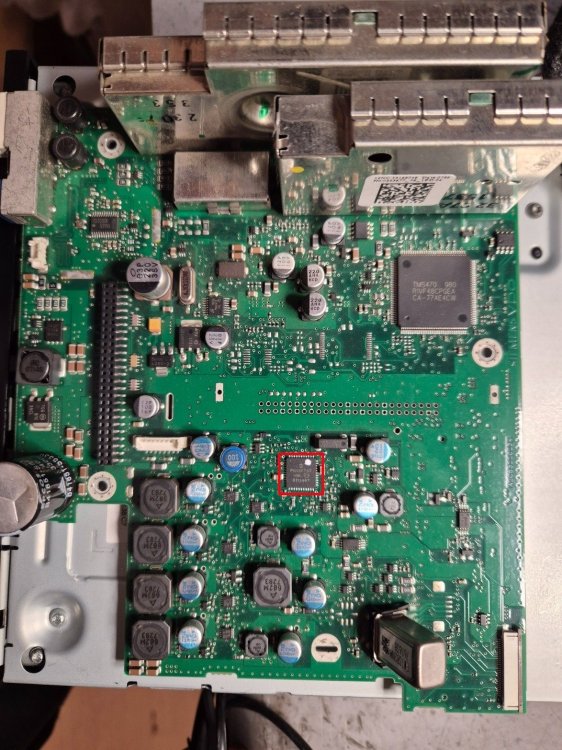
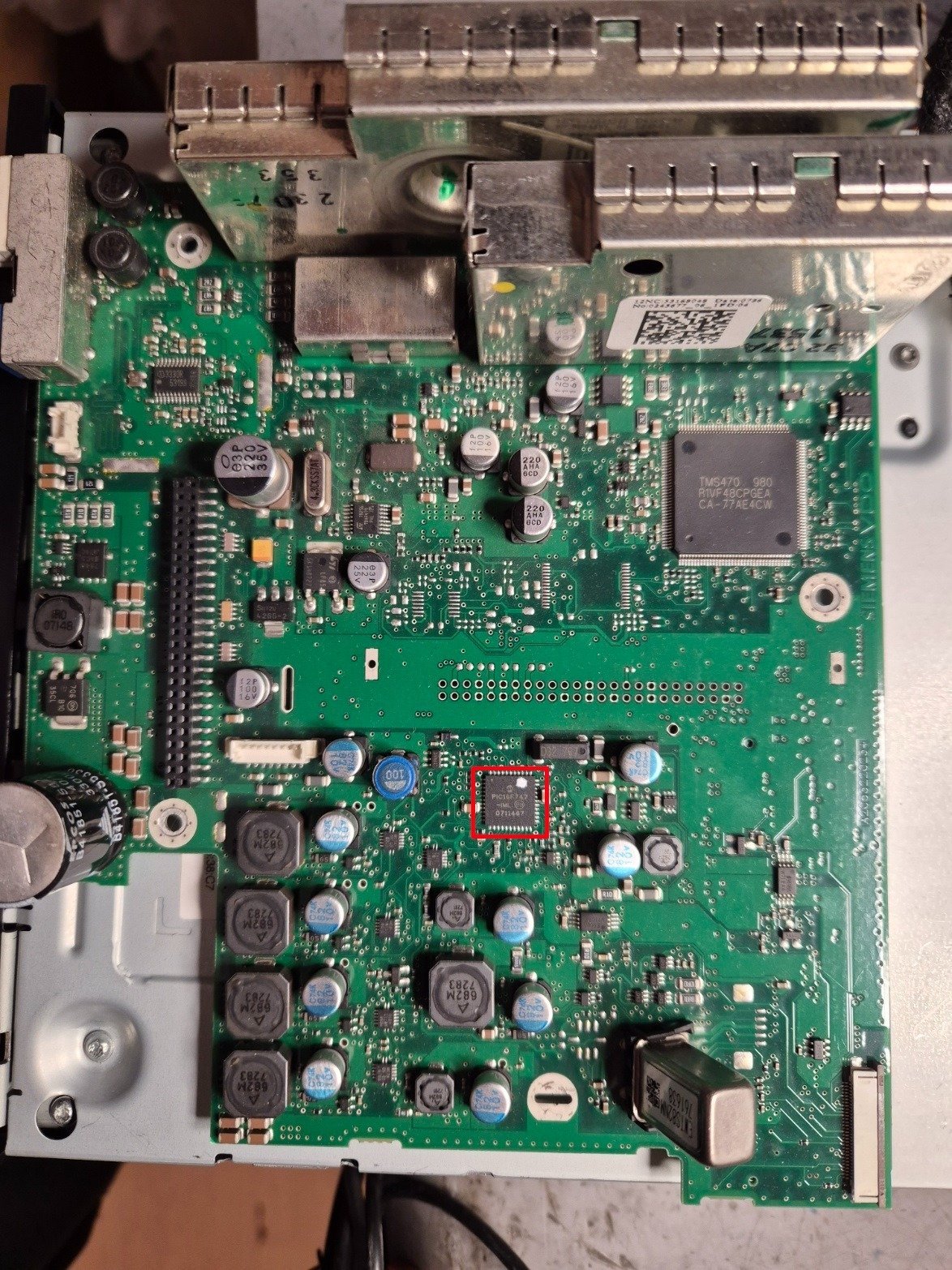
  2. NAND in your unit is it overloaded and requires re-formatting. Unfortunately this must be done with service software like CarProg, SetConfig or Martech.
  3. Yes, unit will be locked with Component Protection. To remove it pls contact your local Skoda dealer - however as the part number is different it might not work.
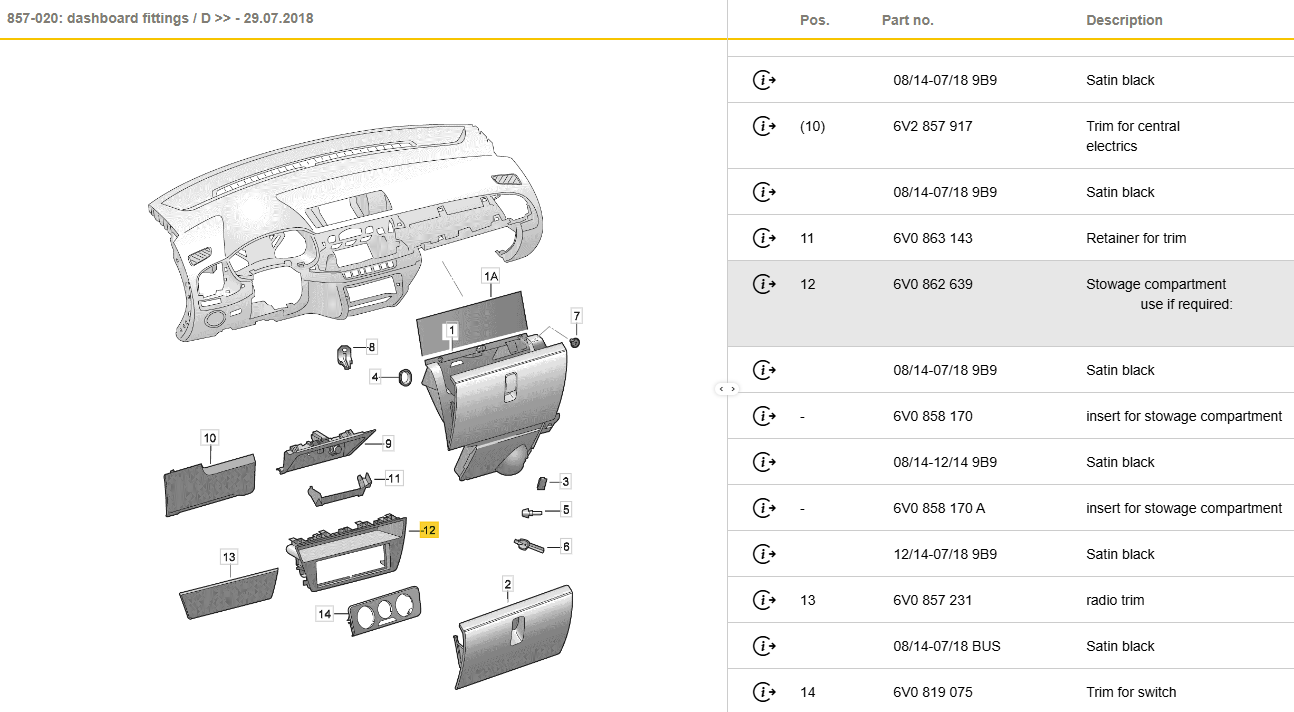
  4. Get USB/AUX port with harness and wire it from the new unit to armrest. There is no need to removing the centre console, just pul apart the front part from the passenger side and wire the harness along the console to the back. Remove the rear clock assembly - this will give you the access to the current AUX port so you can remove it and replace with AUX/USB (after extending the hol;e - a sharp knife is good enought to make it).
  5. Yes, the plastic pieceis inside the cavity after you remove the unit. Exactly, and you have to remove 37 when new unit is installed as it does NOT have built-in OEM sat nav.
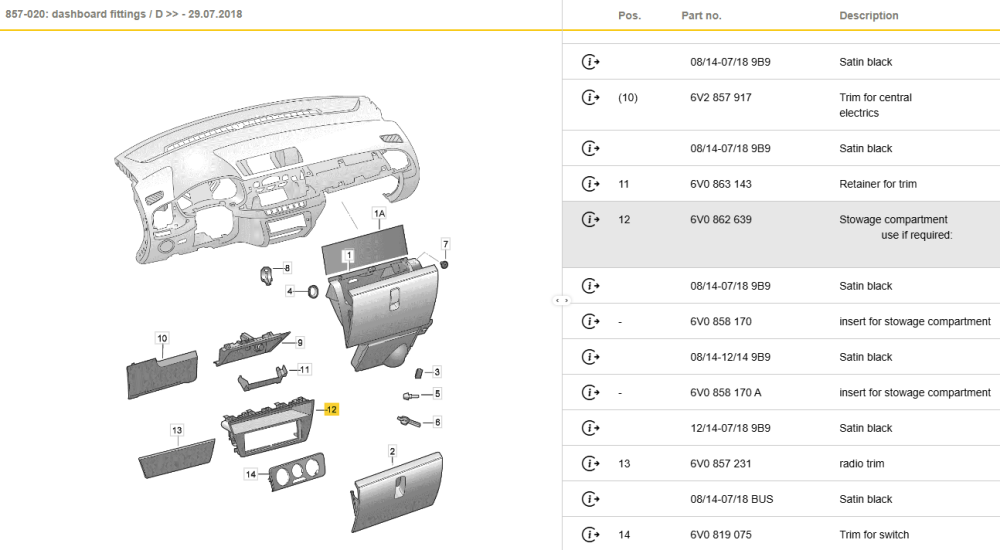
  6. Take the unit that is unlocked as the other unit requires SMD soldering skills and extra tools to unlock it. Tell the seller to code new unit for Sound System . Remember tyo cut out the plastic supportive trim in the radio unit bay (in the middle, at the bottom back) as in this place there is USB socket in the new unit. Remove address 37 from gateway installation list. I recommend to install new USB/AUX port in the armrest (replace AUX with USB/AUX combintaion).
  7. Isent you link to download firmware RNS510-6276-Update-VIM+Tm_60_35_5 Try it, if it fails during installation then pls post error picture (looks that you might have SSD faulty).
  8. Do you know part number of BT module? If not, pls share VIN (in PM) so I can check
  9. So now you have Blues or Swing MIB1 unit, with Bluetooth, without DAB, with USB 5Q0035726 and fortunately you don't have CANTON sound system. You can install one of four different OEM glove box units: - MIB2 Bolero - MIB2 Amundsen - MIB2 Columbus - MIB2.5 Columbus You also need to replace display unit: - for MIB2 Bolero you can use either 6.5" model number 5E0919605H or 8" model number 5E0919605N - for MIB2 Amundsen and MIB2 Columbus you can use listed above display as well as 6.5" model number 5E0919605J, 8" model number 5E0919606, 8" model number 5E0919605M - for MIB2.5 Columbus the only display unit that works is 5E0919606D You also have to replace USB port, glove box (or at least glove box insert) and add harness to connecy it all. The question is what is your budget and which of listed below features are "must have": - Video playback from DVD, USB, SD - CD playback - OEM navigation - displaying OEM maps in Virtual Cluster (Active Info Display). All units support SmartLink (Android Auto, Apple CarPlay, MirrorLink), rear view camera, voice command. features that differ them: - MIB2 Bolero - no OEM navigation, no CD/DVD drive, no video playback from SD/USB - MIB2 Amundsen - OEM navigation, no CD/DVD drive, no video playback from SD/USB, support for displaying OEM maps in Active Info Display (Virtual Cluster) - MIB2 Columbus - OEM navigation, CD/DVD drive, video playback from SD/USB, no support for displaying OEM maps in Active Info Display (Virtual Cluster) - MIB2.5 Columbus - OEM navigation, CD/DVD drive, video playback from SD/USB, support for displaying OEM maps in Active Info Display (Virtual Cluster)
  10. Unfortunately I don't deal with MIB3 units
  11. Nope, I don't have any PM from you
  12. PM me VIN and I will check details
  13. probably your NAND becomes overloaded and requires re-formatting. Yes, you burn it as an image on CD-R.
  14. As you can see, part number of your unit is 3T0035680E with which I can agree I will send you link to download firmware 5238 so you can have your unit upgraded just pls note after the upgrade you will need to load maps too.
  15. Because in 2012 suffix should be definitely higher that "B"
  16. Unfortunately your unit does NOT support CarPlay at all, you have to replace at least infotainment reader. I can deliver such unit - pls let me know if you are interested so I caan share more info in PM.
  17. Link to MEN2_EU_SKGPx_P0080L_8755 sent in PM. Unfortunately I don;yt know any CarPlay and Android Auto activator for it.

Important Information

Welcome to BRISKODA. Please note the following important links Terms of Use. We have a comprehensive Privacy Policy. We have placed cookies on your device to help make this website better. You can adjust your cookie settings, otherwise we'll assume you're okay to continue.

Account

Navigation

Configure browser push notifications

Chrome (Android)
  1. Tap the lock icon next to the address bar.
  2. Tap Permissions → Notifications.
  3. Adjust your preference.
Chrome (Desktop)
  1. Click the padlock icon in the address bar.
  2. Select Site settings.
  3. Find Notifications and adjust your preference.