




nige8021
Members
-
Joined
-
Last visited
Everything posted by nige8021
-
Does the rear wiper (not the water jet) work off the stalk ? Can you post a picture of module 9 long coding
-
I have the full Hex-V2 and that just gives "USB" but it's the computer/laptop device manager that allocates the Com port # not VCDS
-
Once you have selected the correct Com port, click the "Test" it should then come back with the details of the interface lead, then click the "Apply" & "Save" buttons and it should then connect to the individual modules as required
-
Try https://www.tayna.co.uk/ their reg # search seems much better than most, it gave the correct one for my Touareg with S/S and they are normally cheaper than most other online outlets, one thing to remember is the new battery will need to be re-coded to the car with suitable diagnostic kit like VCDS otherwise the system will continue to try and charge the battery at the old battery requirements so you might not get a fully re-charged battery
-
Alarm module battery dying and drawing high current to try and recharge it ?In module 9 or 16 in the measuring blocks there might be a block that shows the state of the column switchesOK my Treg has a module J605 as it has a power operated tailgate ( via the remote or switches in drivers door and on tailgate) afik that wasn't an option on the Octy ? have you been trying some "long-coding" with VCDS and cocked something up ?Try https://www.lllparts.co.uk/en/ their delivery is a bit sketchy ( ordered some cooling hoses 3 days later had email they had been dispatched and 9 days later they arrived with a "48hr" Royal fail ticket on the parcel) but prices are ok00907 - Intervention Load Management This is not a "fault" but more an "advisory" code. If you leave lights on or doors open or the ignition on for any length of time, the Battery Monitor will request various systems to power things down rather than letting the batter get discharged too much.Exactly what year/engine code ? as I can't find any J605 in the 2010 wiring diagrams ?MAF sensor Throttle Body Cam Posn sensor
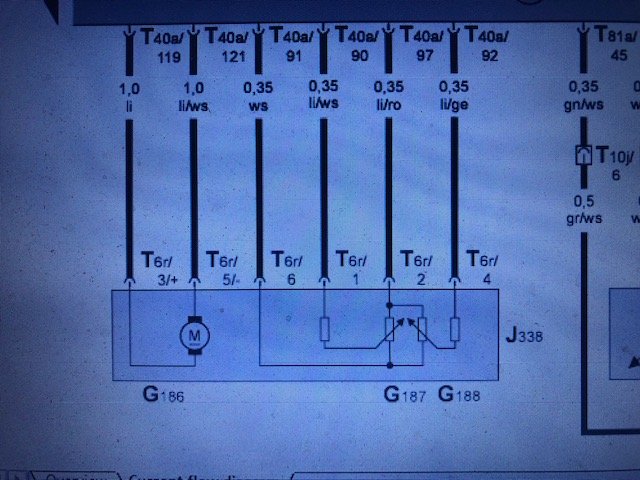
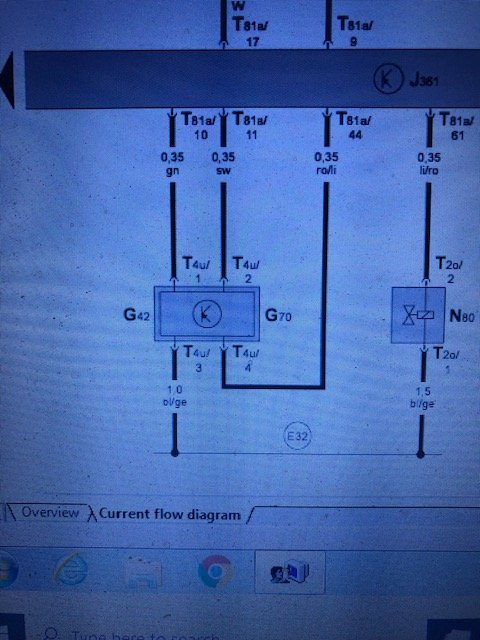
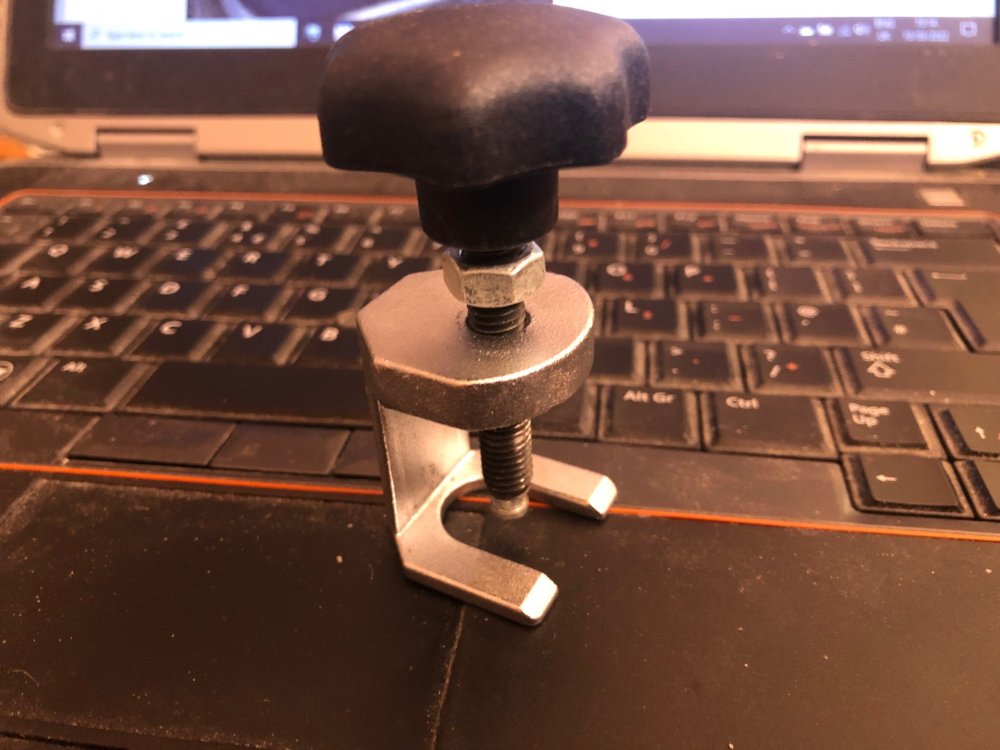
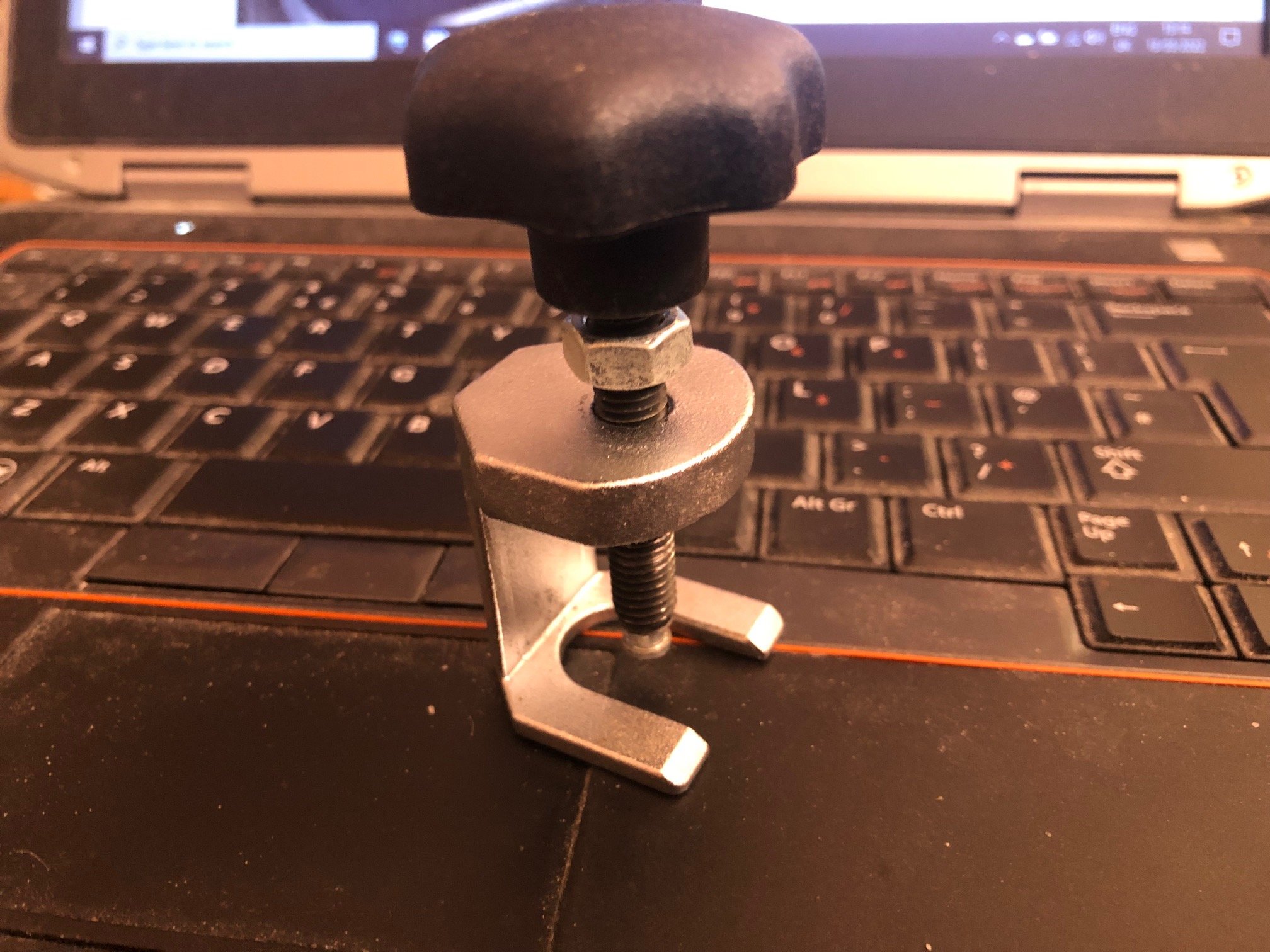
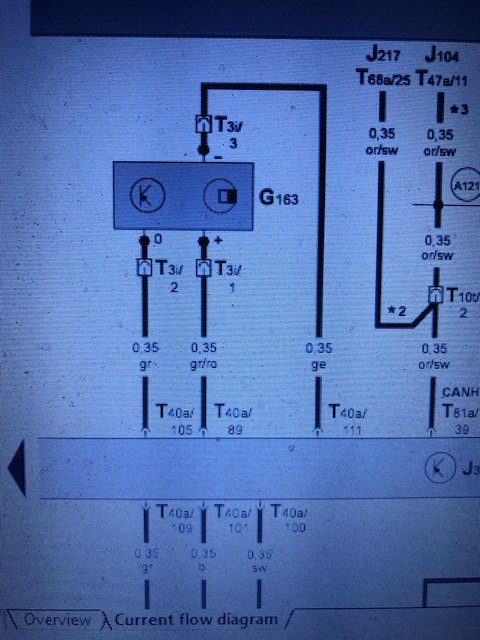 Looking at the wiring diagrams there are no external relays involved, the supply for the pump is switched by the onboard power supply control unit, if the rear wiper is working ? then the pump should also work as it's connected to the same wires from the supply unit and those supply wires are the same but in a reversed polarity for the pump to run for the front screen With VCDS if you go into module 9 output tests you might be able to test the function of the pumpUmmm Skoda parts department or TPS ??Put your reg # into this site https://www.tayna.co.uk/ and you'll probably find they are the cheapest, fit and as @Pete_Ex-Wino says reset the clock & one touch windowsIf they use the same/similar unit that's in the Touareg, they need regular cleaning & greasing of the tracks & seals or they won't open/close properly and the drainage tubes are/were prone to disconnecting leaving you with a nice interior showerAbsolutely no reason at all to have the engine running for the EPB it works just fine when you park up and leave the car overnightYou could spend 7€uros and spend an hour on Erwin.de and download all the manuals/wiring diagramsPut your current tyre size into this https://tiresize.com/tyre-size-calculator/ and it will tell you what 17" tyre sizes will give you the same rolling circumference to ensure the speedo & ABS work correctlyLast Monday in Costco saw a couple pushing out 16 boxes of 20 Litre cooking oilThis is what I used to get the coolant out of my Touareg https://www.ebay.co.uk/itm/223385433390?hash=item3402cf352e:g:u2MAAOSwxL1cYj97 also use it for oil changesThis is the tool I used on my old Octy Laser tool #3173
 There is a listing for the dual stalk for 2012/13 ? https://skoda.7zap.com/en/cz/octavia/oct/2013-663/9/953-953053/ but you'll need to find the PR code for CC to get the correct option



Important Information
Welcome to BRISKODA. Please note the following important links Terms of Use. We have a comprehensive Privacy Policy. We have placed cookies on your device to help make this website better. You can adjust your cookie settings, otherwise we'll assume you're okay to continue.
Account
Navigation
Configure browser push notifications
Chrome (Android)
- Tap the lock icon next to the address bar.
- Tap Permissions → Notifications.
- Adjust your preference.
Chrome (Desktop)
- Click the padlock icon in the address bar.
- Select Site settings.
- Find Notifications and adjust your preference.
Safari (iOS 16.4+)
- Ensure the site is installed via Add to Home Screen.
- Open Settings App → Notifications.
- Find your app name and adjust your preference.
Safari (macOS)
- Go to Safari → Preferences.
- Click the Websites tab.
- Select Notifications in the sidebar.
- Find this website and adjust your preference.
Edge (Android)
- Tap the lock icon next to the address bar.
- Tap Permissions.
- Find Notifications and adjust your preference.
Edge (Desktop)
- Click the padlock icon in the address bar.
- Click Permissions for this site.
- Find Notifications and adjust your preference.
Firefox (Android)
- Go to Settings → Site permissions.
- Tap Notifications.
- Find this site in the list and adjust your preference.
Firefox (Desktop)
- Open Firefox Settings.
- Search for Notifications.
- Find this site in the list and adjust your preference.