




nige8021
Members
-
Joined
-
Last visited
Everything posted by nige8021
-
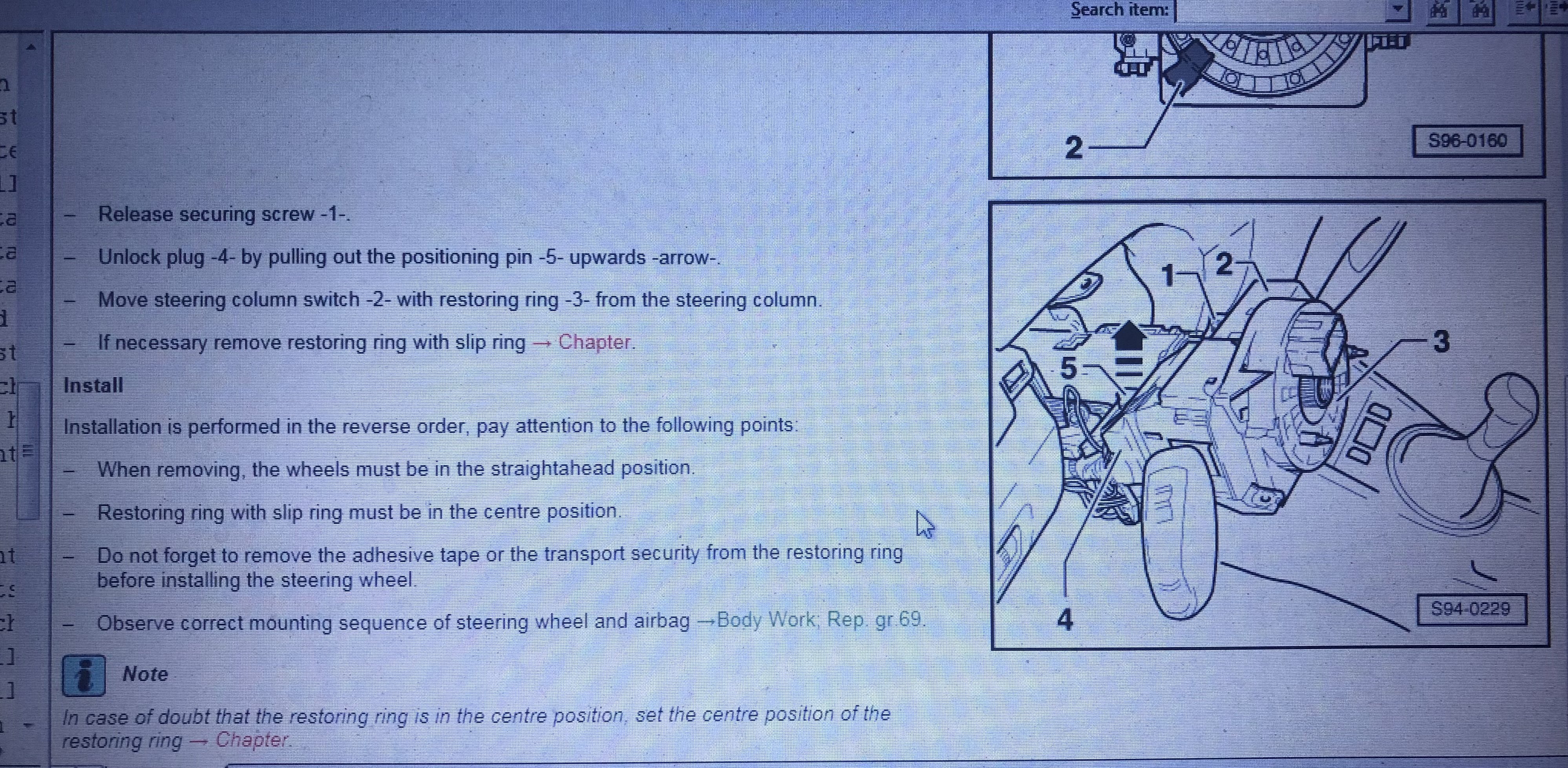
If you switched the ignition ON with the airbag disconnected ? it will have latched a fault code in the airbag ecu and you'll need diagnostic kit to reset the system
-
They are at the gearbox end of the engine though, the only other 3 pin I could find was for the Cam Position but again wrong end of the engine
-
Again should be a 2 pin
-
2 pin connector
-
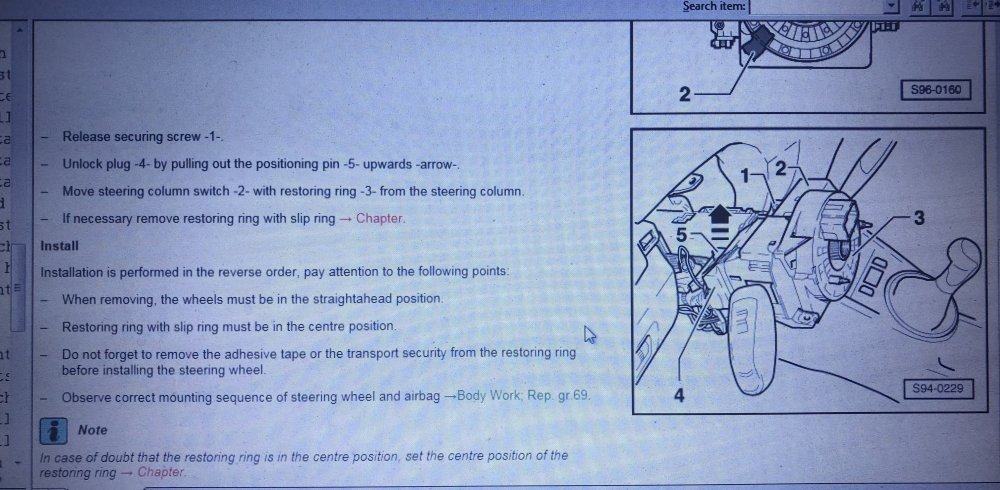
Try this
-
Looking at the wiring diagrams I can't see any 3 pin connectors that are in the vicinity of the MAP/IAT sensor, the Knock sensor @Pete_Ex-Wino mentioned is a 2 pin connector, the only other connector I can think of in that area is the 2 pin for the crankcase vent hose heater element ?
-
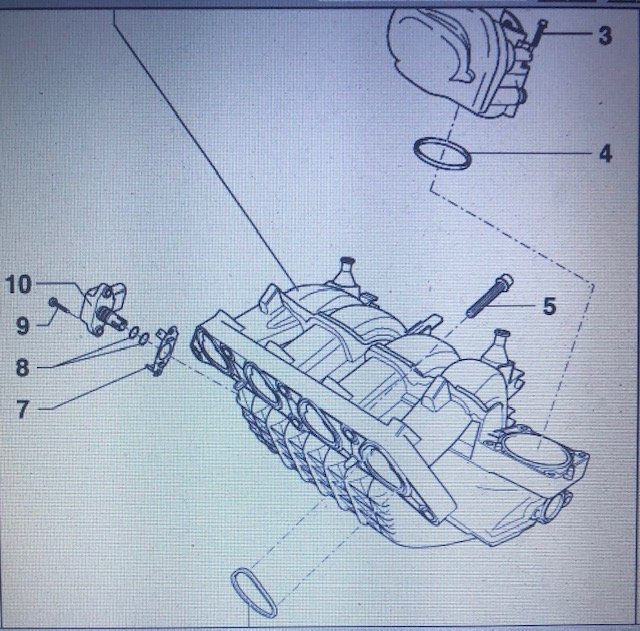
Window motors have a look at this #10 is the MAP/IAT sensor ( Manifold Absolute Pressure & Inlet Air Temperature sensor) the sensors often get gummed up with oil deposits you can clean them but only use carb or brake spray cleaner, do not use a brush or anything else as they are quite delicate.
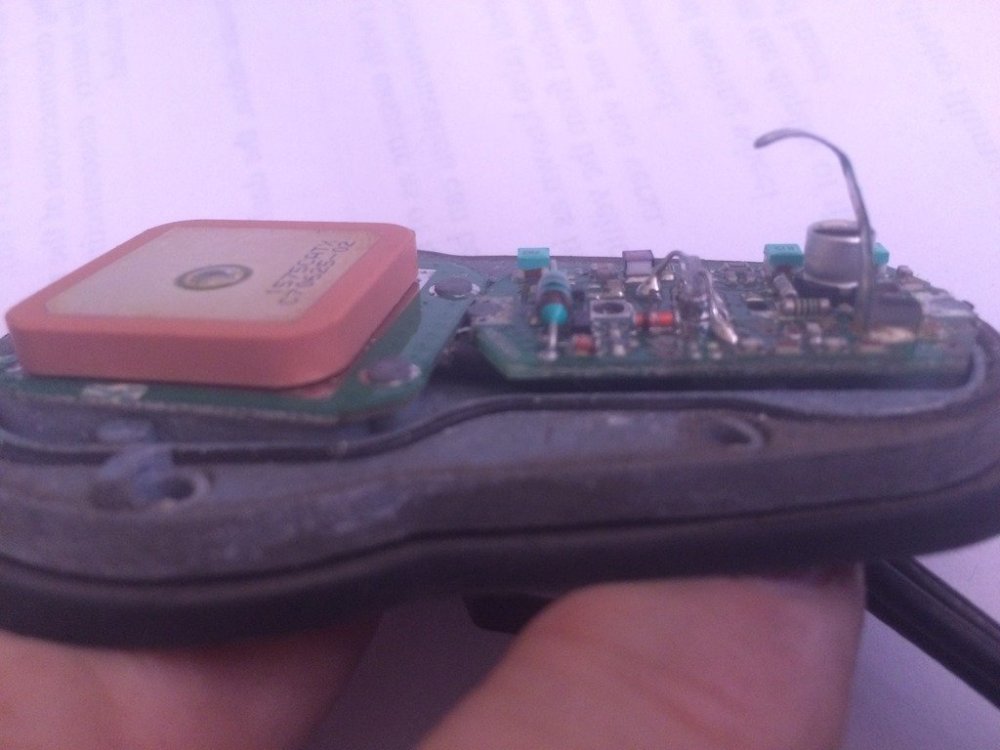
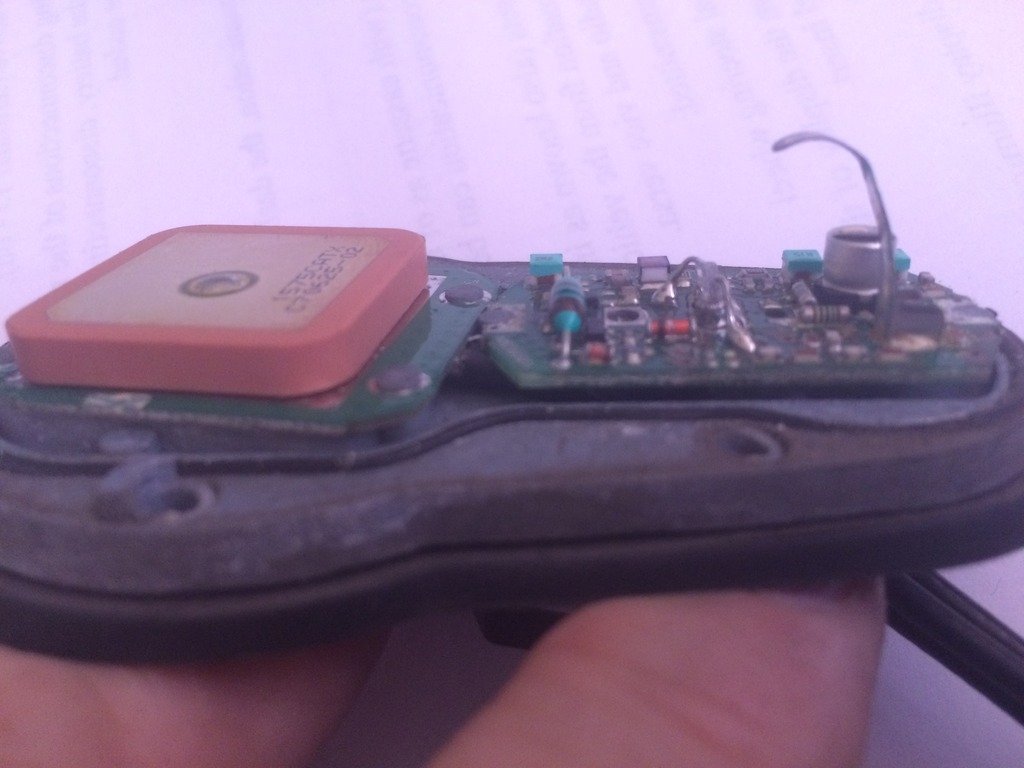
 Didn't say it was 🤔 just confirming that N239 referred to in the 19561 fault code is known as the anti-shudder valve as @StevesTruck suggestedN239 is the Anti shudder valvehttps://store.ross-tech.com/shop/RetHEX/ but I can't see it listed on the Gendan site as an option, so might pay to contact Ross Tech direct and see if this offer is available in the UK ?As the clutch has been recently replaced there is the possibility that they didn't tighten up the "Dog-bone" mount correctly or the mount bushings in it have partially collapsedHave a read of this https://www.briskoda.net/forums/topic/497084-window-motor-repair-service/?tab=comments#comment-5635112If you remove the base from the car, under the rubber gasket there are 4 screws remove them and the plastic cover can be pulled off to reveal this That bit of spring steel that looks like an inverted "J" is the actual connection to the "Whip" on the cover and it can get surface corrosion which reduces the signal path to the amplifier, so carefully clean it up and the corresponding contact patch in the cover
 Type the username in the search box then advanced search for members, that brings up the username and from that you can PM the user, but just looked and @Adhalhasn't been online since Nov 2020If it has Xenon headlights ? it doesn't have the range adjust as it's done via the automatic level sensorsThe adjusters are not shown in the parts listing https://skoda.7zap.com/en/cz/octavia/oct/2003-252/9/941-941020/Petrol from 2001 & oil burners from 2005 but this only generally applies to the engine diagnostics for other systems you should use manufacturer specific readersThat item should make the radio work like the OEM setup 👍The OEM radio will be switched on/off via the CANbus system it doesn't have an ignition ON supply to the radioI wouldn't trust any of the monkeys in Halfrauds to even pump up a bike tyre let alone let them near my car The only reason I bought the Ryobi is my Treg has a coolant leak and hasn't moved in 3 months, just one tyre has very slow leak and the supplied compressor needs the ignition ON (engine running) to work so I needed a stand alone pump and being disabled a foot pump is out of questionLast week I bought a Ryobi+1 inflator quite impressed with it, took my 275/40/21 tyre from 16psi to 40 psi in about 8 minshttps://www.youtube.com/watch?v=13suhNrhrJs https://www.briskoda.net/forums/topic/457589-removing-blower-motor-2008/ https://club.autodoc.co.uk/manuals/heater/blower-motor/skoda https://workshop-manuals.com/skoda/fabia-mk2/heating_ventilation_air_conditioning_system/heating_air_conditioning/heating/removing_and_installing_parts_of_the_heater_unit_part_1/removing_and_installing_fresh_air_blowerv2/https://skoda.7zap.com/en/cz/fabia/fab/2008-608/8/820-820020/ # (9) check the build dates



Important Information
Welcome to BRISKODA. Please note the following important links Terms of Use. We have a comprehensive Privacy Policy. We have placed cookies on your device to help make this website better. You can adjust your cookie settings, otherwise we'll assume you're okay to continue.