




lway
Members
-
Joined
-
Last visited
Everything posted by lway
-
Scroll down one step, it should say "Warning at" (or something like that) on top If it's not set then it should read "--" if it says 75 then it's set to warn you when you go over 75 mph This is a superb but same menu
-
A long shot, but have you set the speed limit warning to 74 or 75 km/h ? A long shot as i'm not sure what the warning sounds like as i've never set it myself
-
What are you trying to do when the error comes up? Maybe the issue is with the Bluetooth module in the car ? I have a S20 and the missus has the S22 and both work flawlessly on both my 2015 Octavia and her 2019 Facelift Octavia. Both our cars have Bolero infotainment systems.
-
@varooom Can anything be done with the oil ash mass ?. Mine's at 40.6g for a 2015 octavia 1.6 with just over 180k km on the clock. Not sure if that's good or bad going but it's half way to the 80g limit. soot mass measured = 2.94g & soot mass calculated was 13.32g at time I took the readings.
-
According to other threads on here it can't be ordered separately, as others in this thread have suggested maybe buying a broken screen with it attached is your best bet ? Or maybe someone on here who has done an upgrade has one they could sell ?
-
First thing I noticed when I went to sit into the brother-in-laws Passat was it has an extra ring of rubber on the doors. Things like that all help with the noise.
-
Can the Inverter plug into the 12V socket in the boot, if that's where you are looking to mount it. Not seen anyone put USB ports there, that is where the buttons for the heated seats go but there was a thread where people added the USB sockets to the back of the centre arm rest for the rear passengers
-
Sounds exactly like the water pump is failing. Had it happen twice on my car with the same symptoms.
-
By any chance is it a Samsung Galaxy S22, there's a known issue with this phone connecting to AA. Apparently it's been resolved recently but I've yet to see it working. My missus has an S22 and AA on it has never worked in her Octavia. There was supposed to be a Beta AA release with the fix but I've been waiting for the full release to try it again.
-
Update on this, new water pump went at just over 170,000km (105,600 miles) on the clock so had a life of ~120,000km. Symptoms were temperature gauge started creeping up over 90 and would go back down again after 30 seconds to a minute of easy driving Pump replaced along with timing belt, but Auxiliary Water pump is also faulty according to the independent garage I went to so looking at replacing that next week.
-
Search function is your first friend, not too much info to go on but a few comments.
-
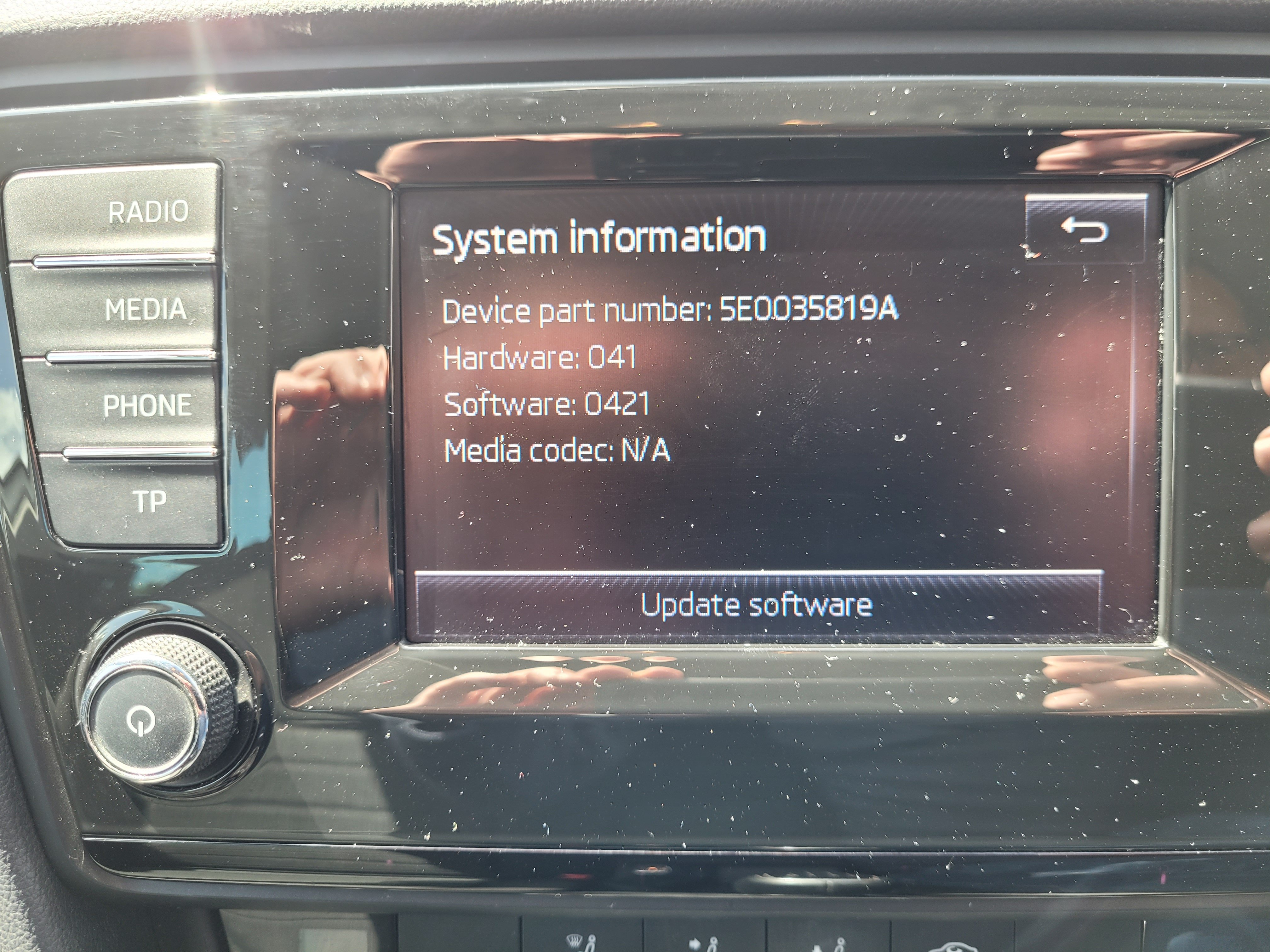
Thanks Pab.Have you tried tagging Pab in your request ? He's a busy guy and i'm sure he doesn't spend every day logged into this thread. Try tagging him as i've done above so he gets notification that there's a question for him.Hi @pab567 Can you send me on the latest update for my Bolero MIB1 system. Details below. Thanks.
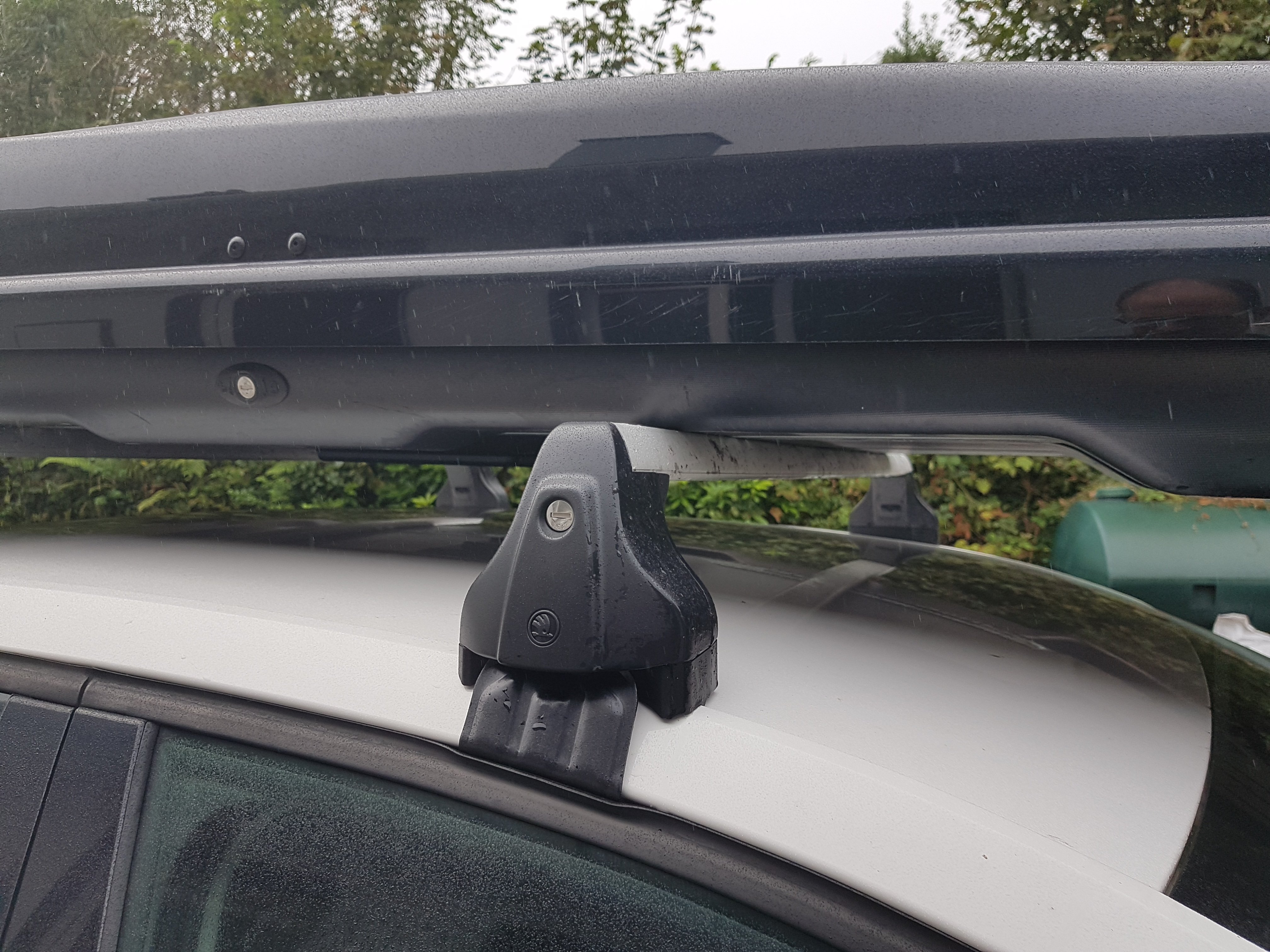
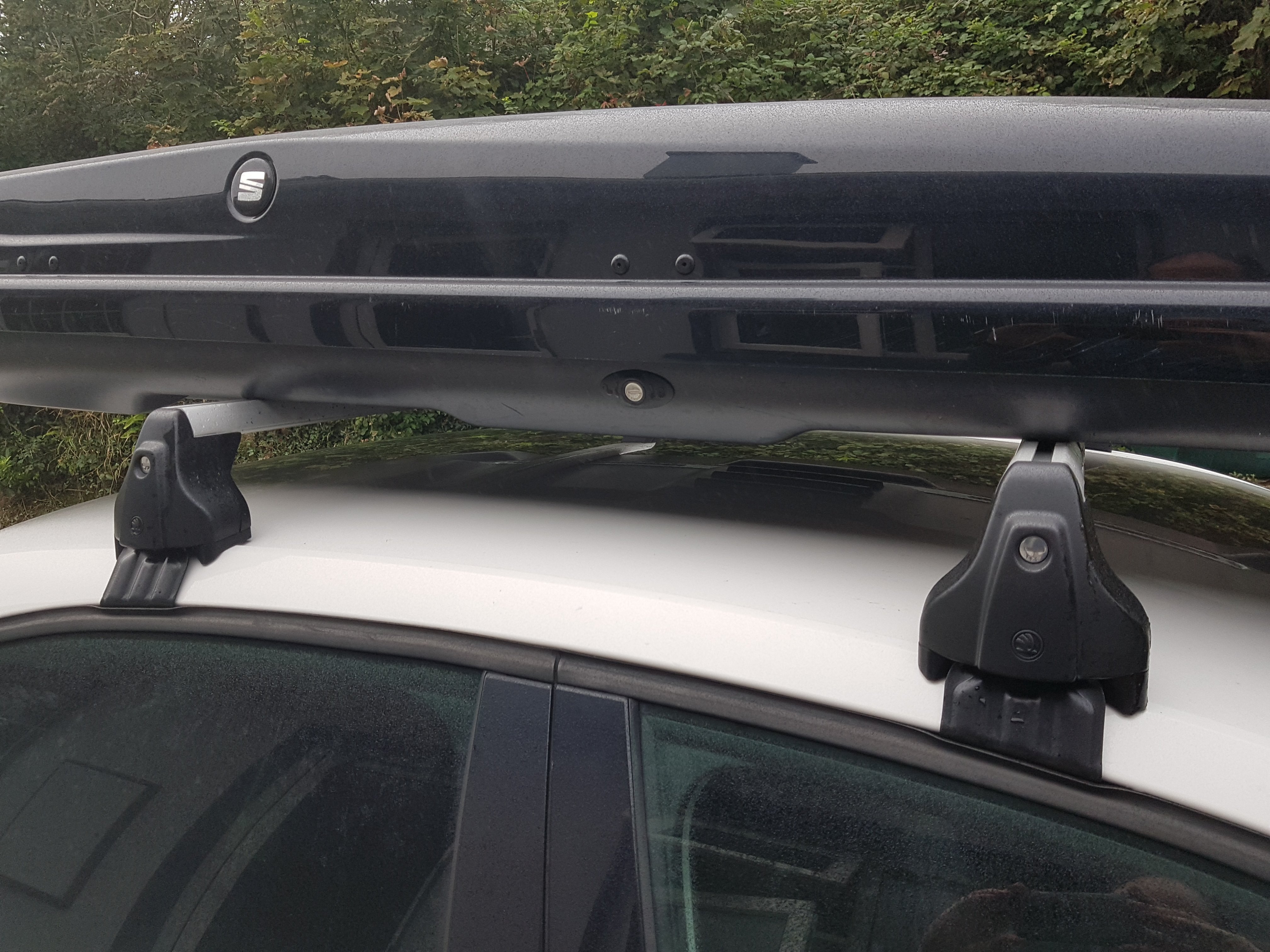
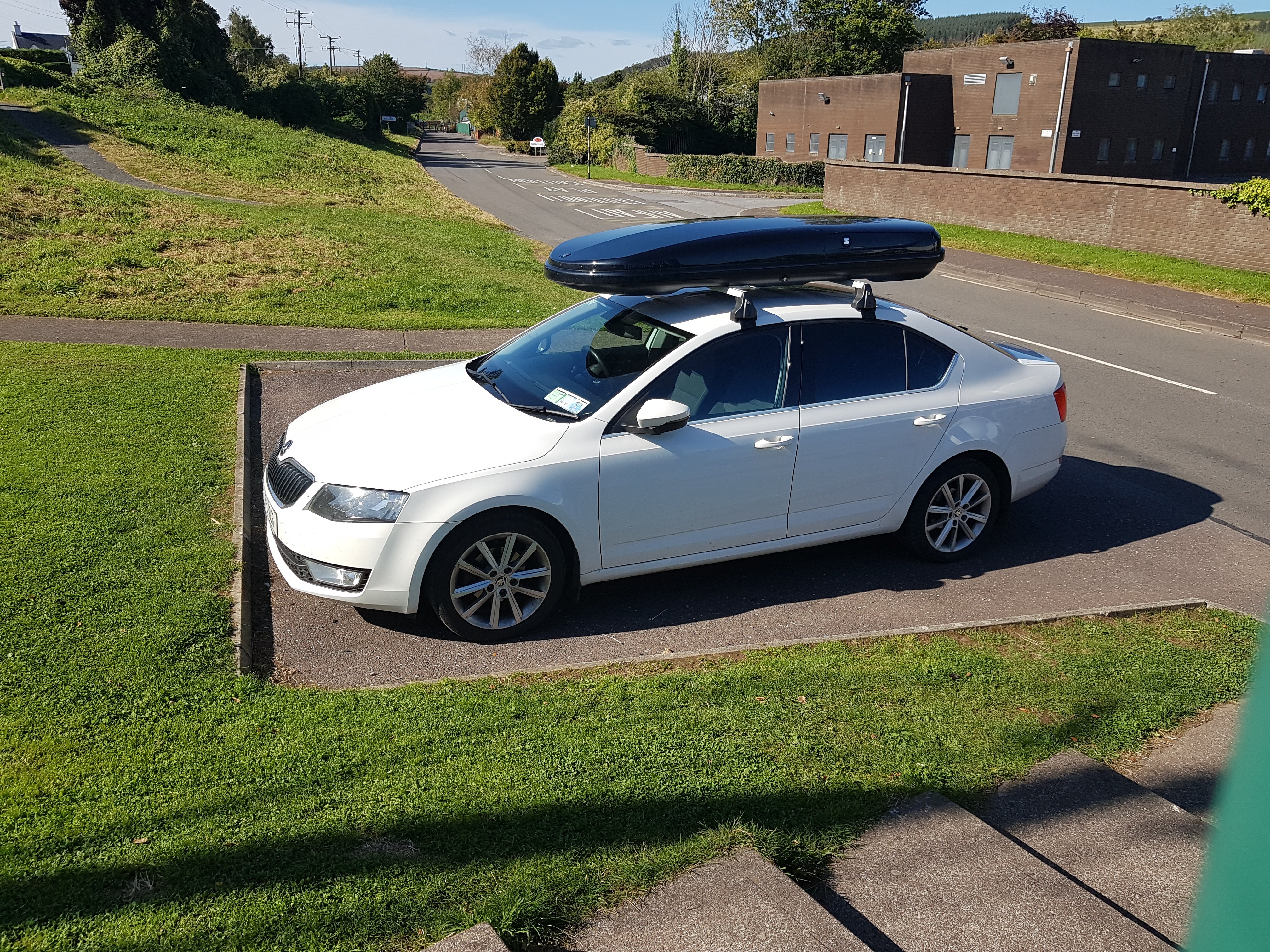
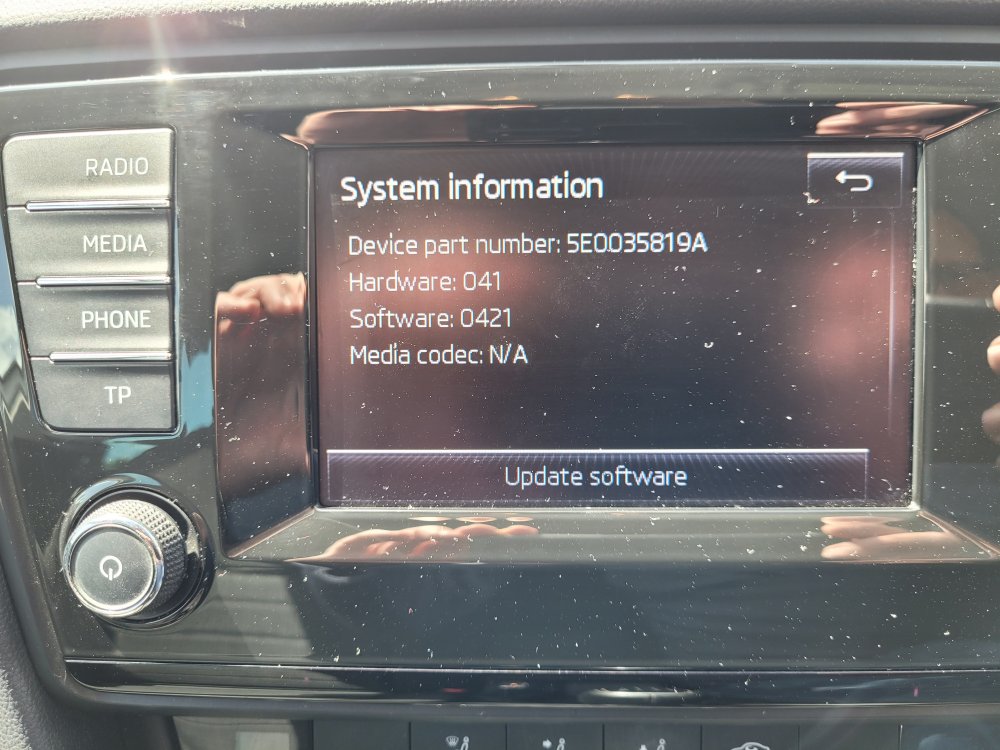 Prior to my Octavia I had a Peugeot 407 that had one of those push in to open ash trays (like the fuel flap on the Octy) and a small Nokia phone. One day while at work I thought the phone would be a perfect fit for the ashtray and popped it in and closed the tray, low and behold no matter how I pushed it the ash tray would not open. Cue a very annoyed and embarrassed me, had to wait until I got home to get the torx screwdrivers to remove first the radio then the climate control panel to retrieve my phone. Never made that mistake again 😃Sounds exactly like what I had in my 2015 1.6 diesel and the waterpump had to be replaced. The aircon being rubbish could be the burst silica bag issue but the temperature gauge going into the red then back to normal is exactly what I had before my waterpump was replaced. I was overtaking a truck when it first happened and when I pulled in the temperature went back to normal and I could drive to work. Any load on the engine and it would go into the red. Waterpump was replaced and the issue went away.Turn on the ignition and the head unit. Select CAR>Vehicle status. Any warnings should be listed there. Also check the washer fluid level as it might be that (as mentioned above).I rented a set from my local Skoda dealer last summer and they fitted them so I can't help with the technical bits but I did post some pictures of them fitted in the below thread. Maybe you can see something in the pics to help. The Fabia and Octavia do seem to have different product codes. Fabia: https://shop.parks.uk.com/products/skoda-basic-roof-rack-fabia-iii-hatchback Octavia: https://shop.parks.uk.com/products/skoda-basic-roof-rack-octavia-iii-liftbackI'm not too familiar with iPods as i've never owned one but you might have to use a 3.5mm Jack to 3.5mm Jack cable to plug from the headphone jack on the iPod to the car and use the iPod to select your music.Not necessarily, I have a 2015 MkIII Elegance model with Bolero infotainment system and no DAB, missus has 2019 Facelift mk3 with Bolero and no DAB. I can only speak for these 2 cars so not sure what the criteria is for having DAB or not.I rented rails and a roofbox from the Skoda garage so I don't have them to hand but here are some pictures that might help of when it was installed. The first time I got the genuine Skoda roofbox with the upsloping rear on it, second time they gave me a Seat one (as in pictures)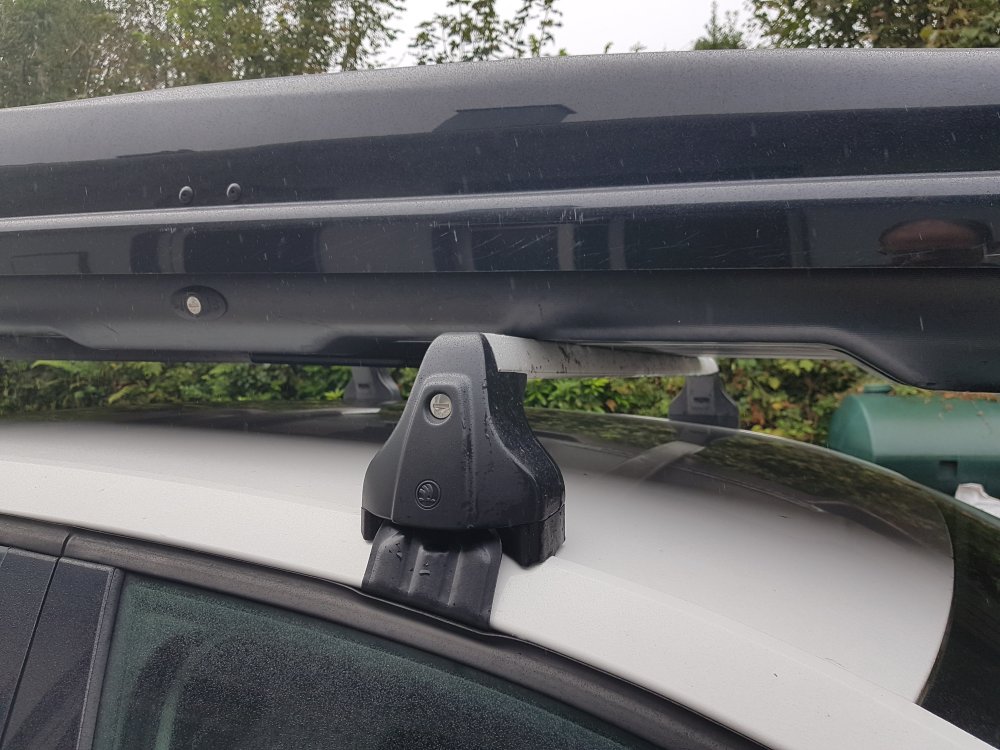
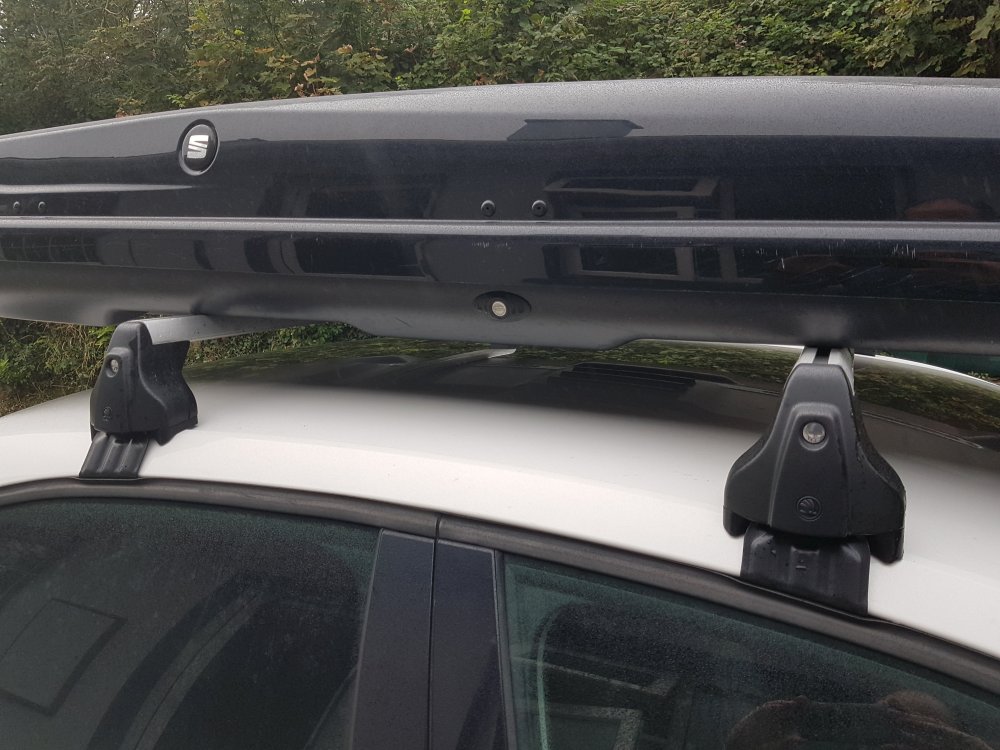
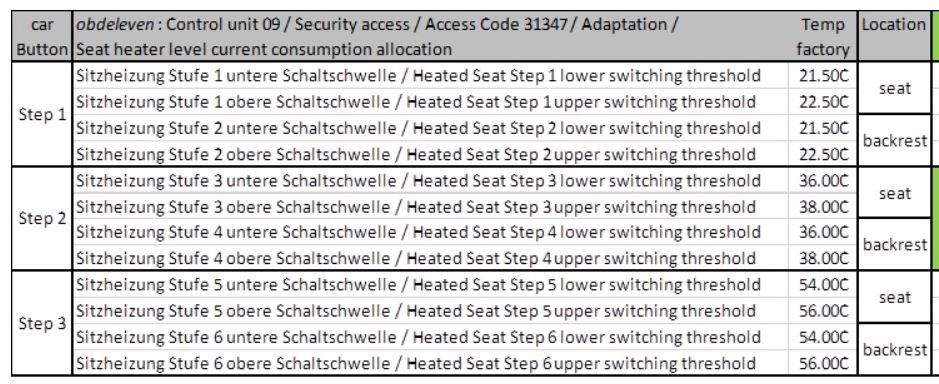
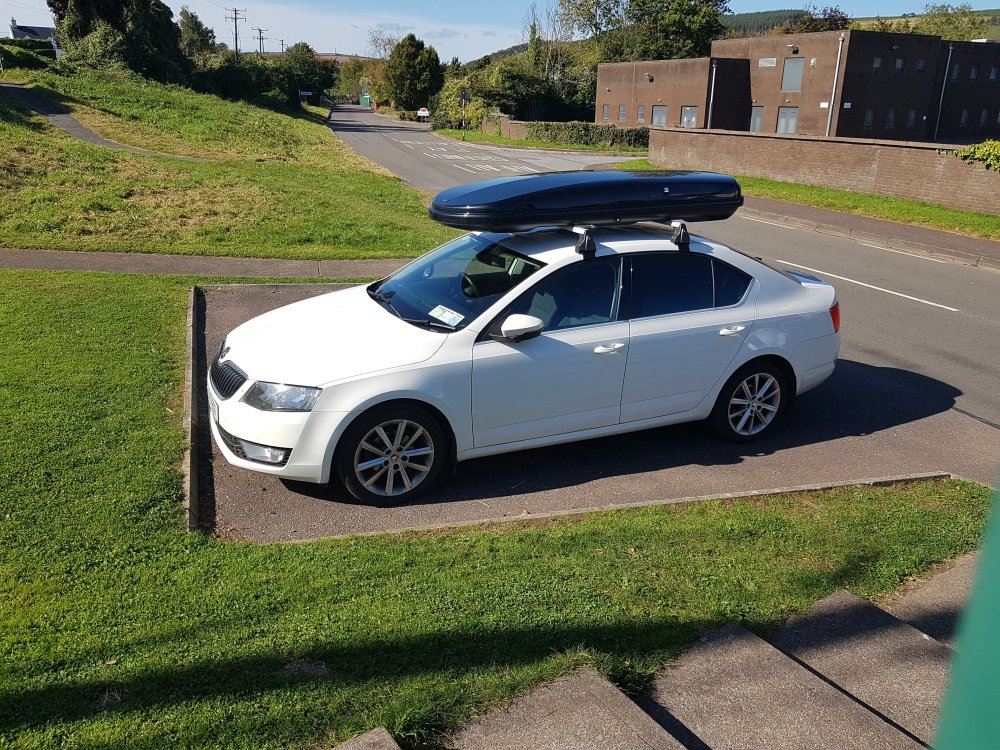 Interestingly, the missus noted that her sister's Golf was much hotter in the seat and I found the below values on a Golf mk7 forum. Seems she was right (as always 😀 )
 Didn't need to do any coding, just plug them in. Ones Like these

Important Information
Welcome to BRISKODA. Please note the following important links Terms of Use. We have a comprehensive Privacy Policy. We have placed cookies on your device to help make this website better. You can adjust your cookie settings, otherwise we'll assume you're okay to continue.