.jpeg.2be1ff23db65b1928106364ab86f4b3c.jpeg)
Binx1310
FREEDOMLite
-
Joined
-
Last visited
Everything posted by Binx1310
-
Changed rear discs and pads for brembo units today to try and cure the rumble under heavy braking that’s particularly bad using the ACC. All went pretty straightforward thanks to @Bap33 brilliant guide over on the kodiaq guides section. No major dramas. A couple of tense moments with nearly rounding out one of the Torx that holds one disc on and a disc that refused to come off and needed some percussive persuasion. Pleased to say that all back together with no issue and from the short gentle test drive seems to have cured the rumble. Carscanner worked perfectly to apply, remove and calibrate service mode on the EPB.
-
A very detailed explanation here:
-
Ooooh yes. I knew it did that but just assumed it was the screen that sensed when your hand was near. Thanks
-
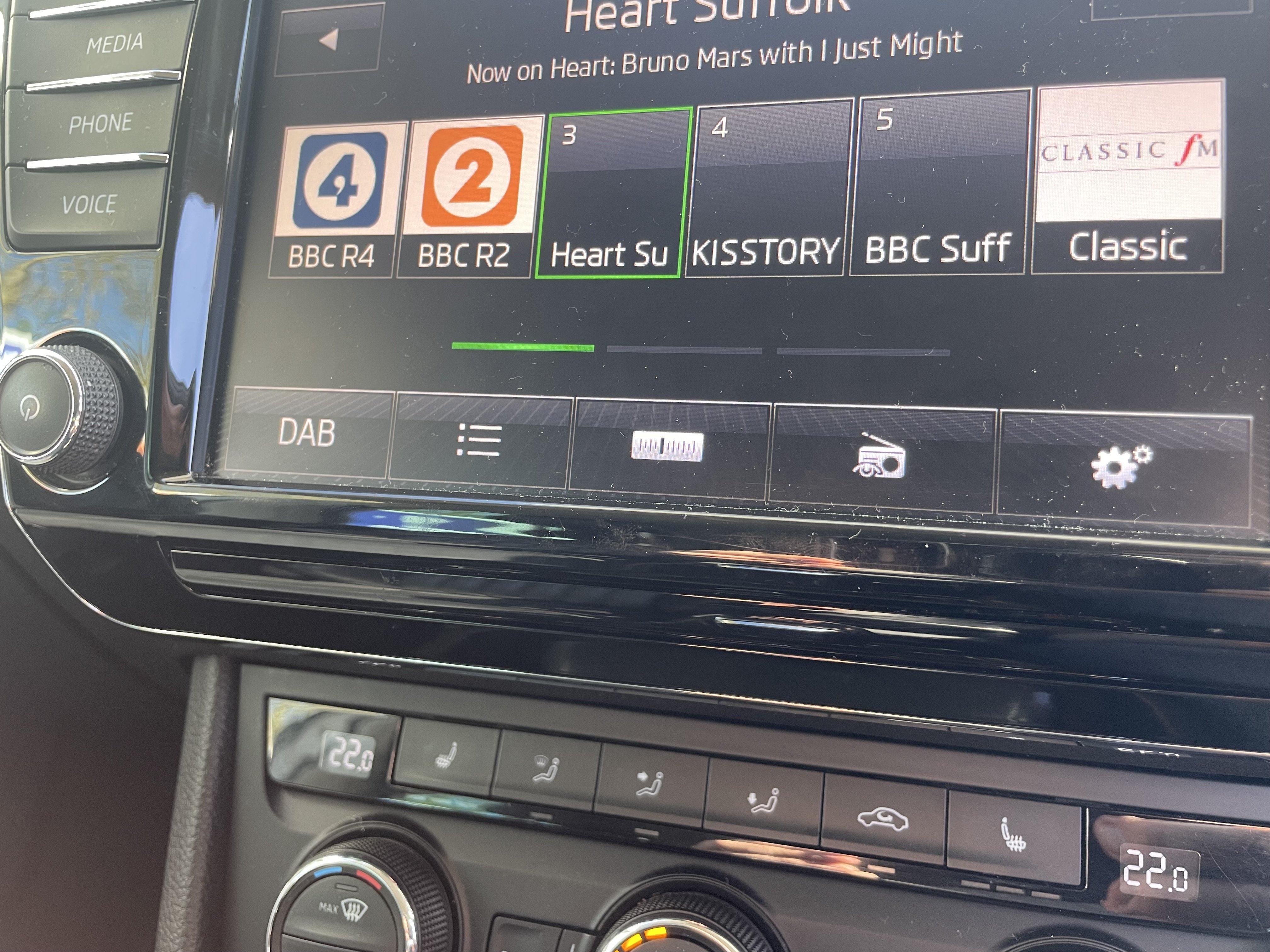
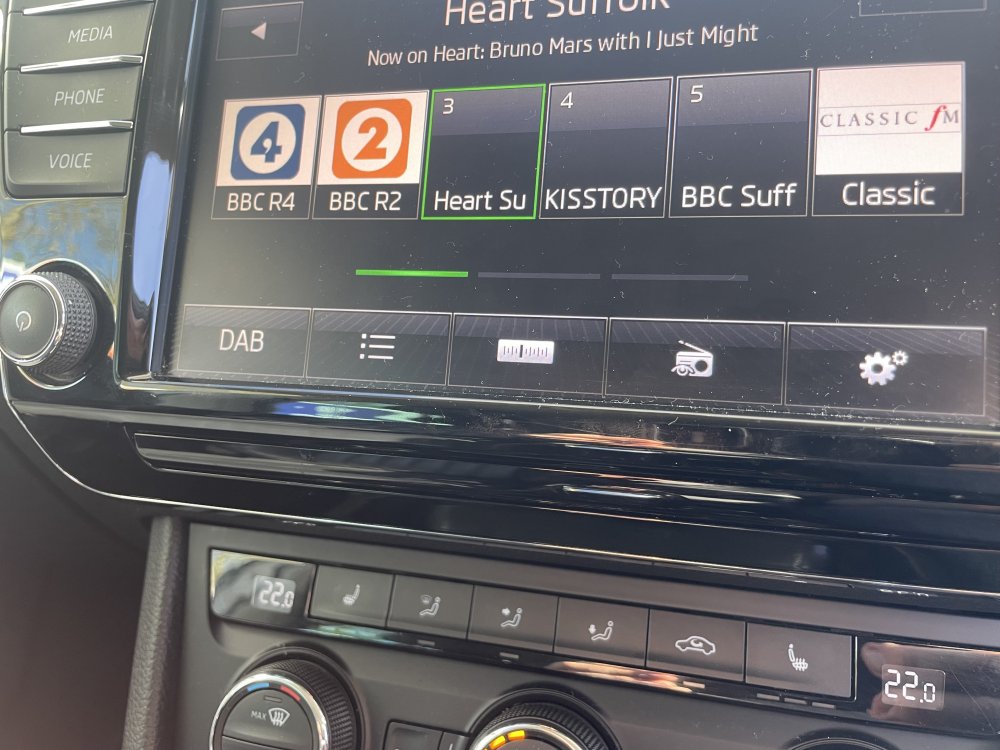
Just a curiosity. What’s the slim piece of trim under the screen for? Almost like a covered over CD slot but the CD player is in the glove box! Are there any versions where it is used for something? PS I know I need to update my station logos. Updating the software wiped them off and I haven’t got round to replacing them yet.
-
Plugged back in, checked codes and went for a drive. Nothing. Nada. No change. Looks like memory module definitely needs swapping out. I’ve reinstated lumbar controls and will leave it as is. I’m they let one who drives it so there’s no necessity to reinstate the memory function. Just more that I know it’s something that should work and doesn’t.
-
Yes I was going to use something like that. And on the wiper arm too.
-
https://a.aliexpress.com/_EyzcmCo This is the one I have. Equally no issues and price seems to fluctuate from £4 to £20
-
I saw the chrome part come up on suggestions on Ali express. Not searched for a whole key cover. Might have to look now…
-
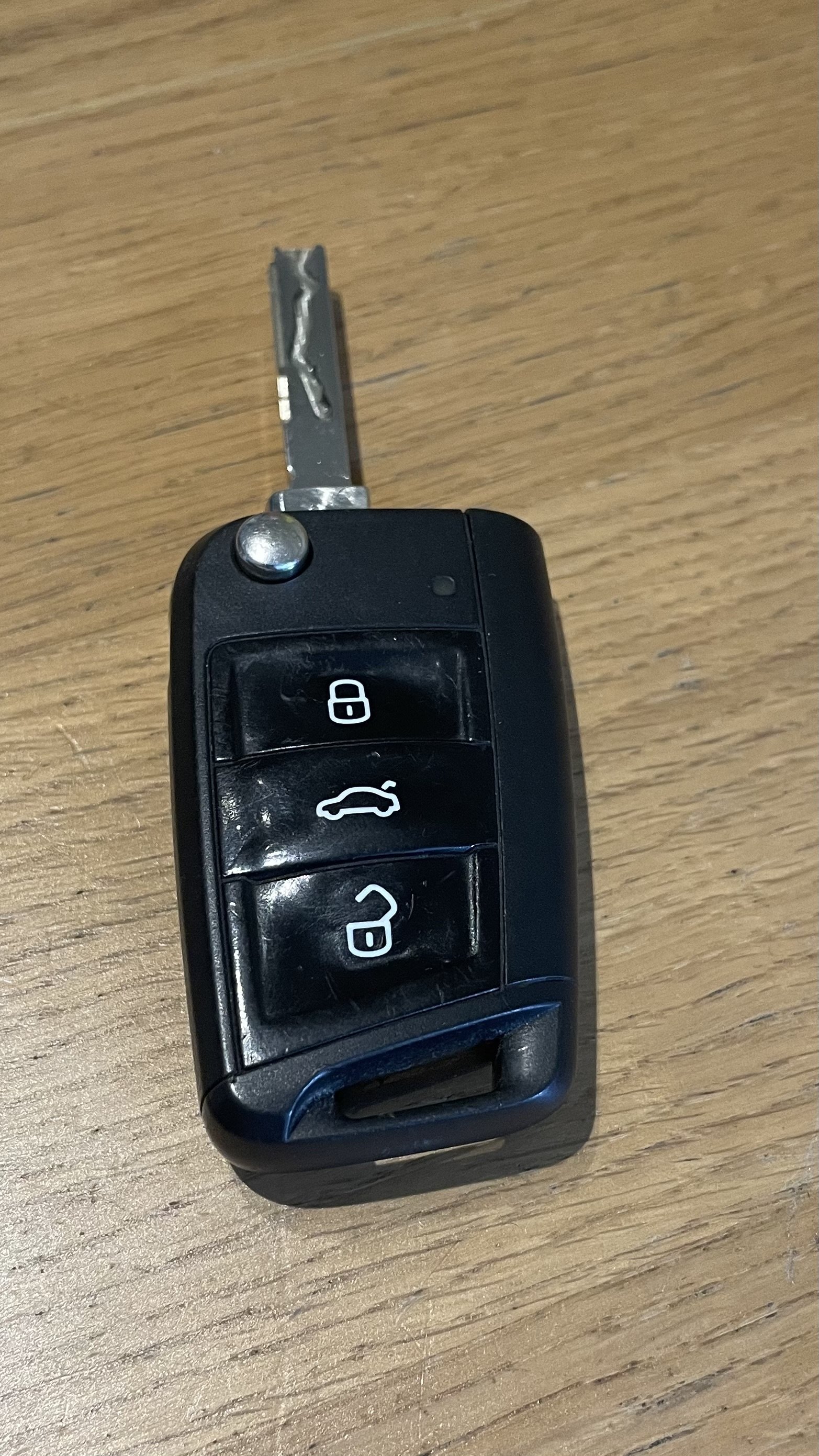
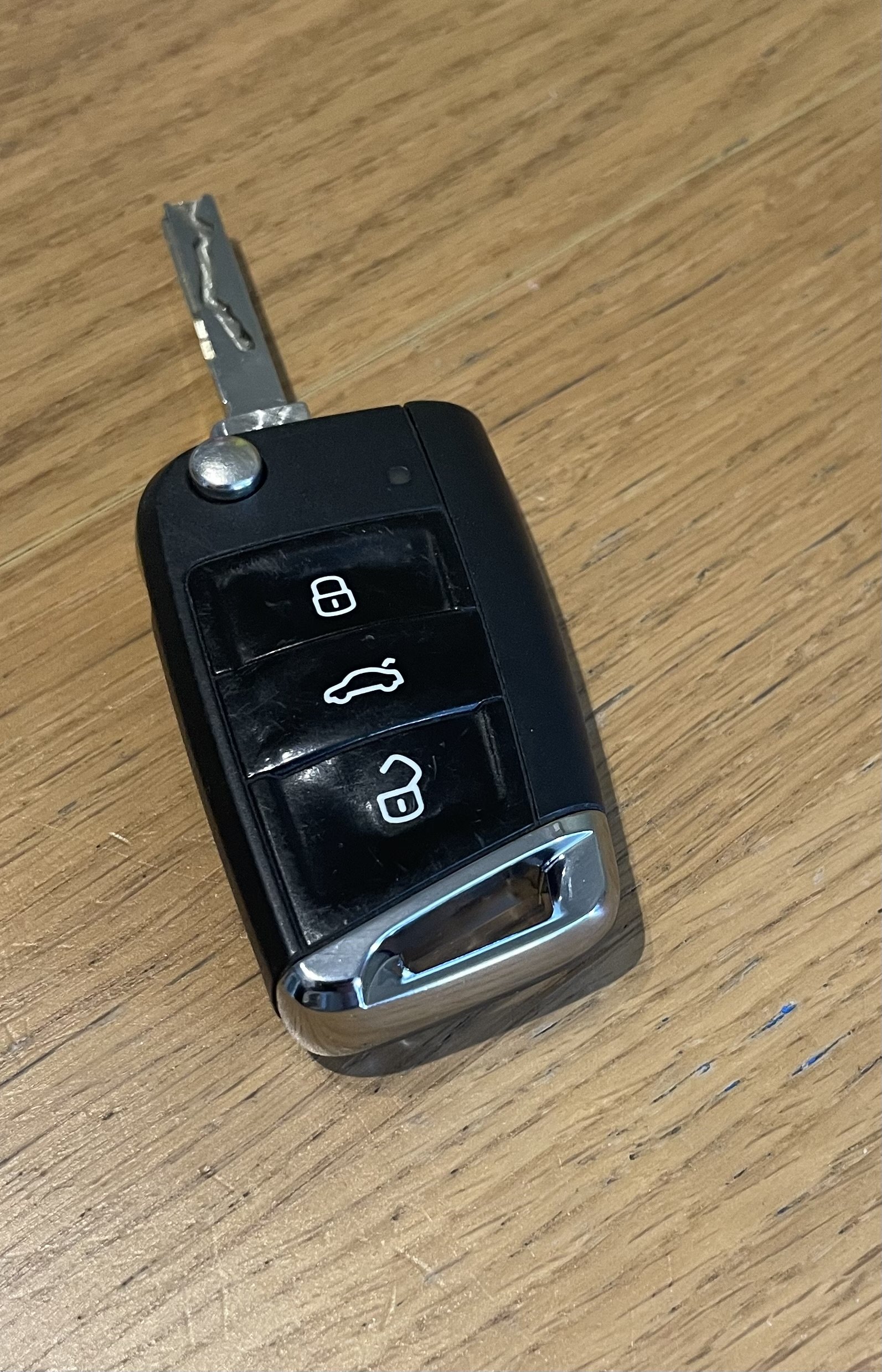
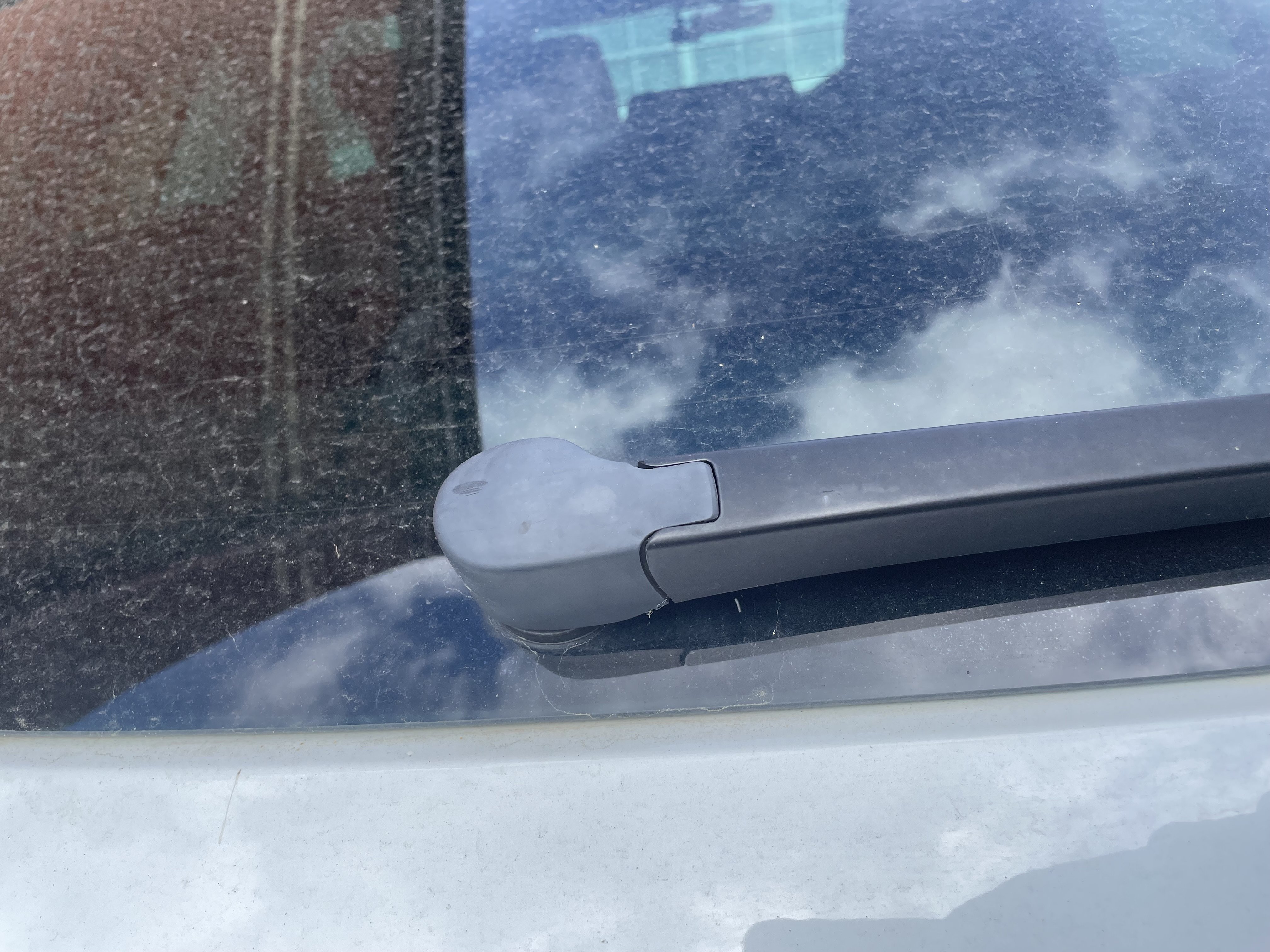
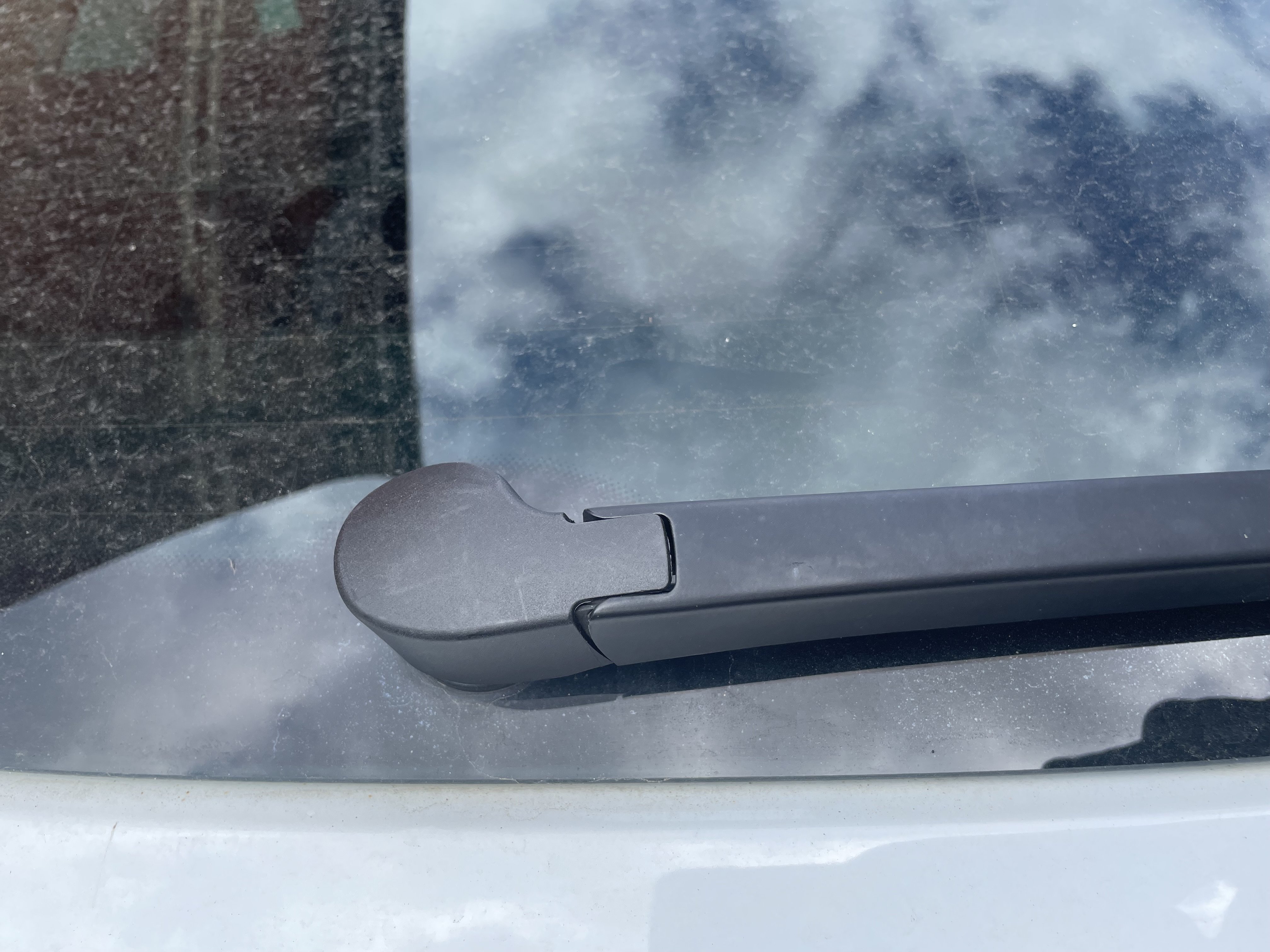
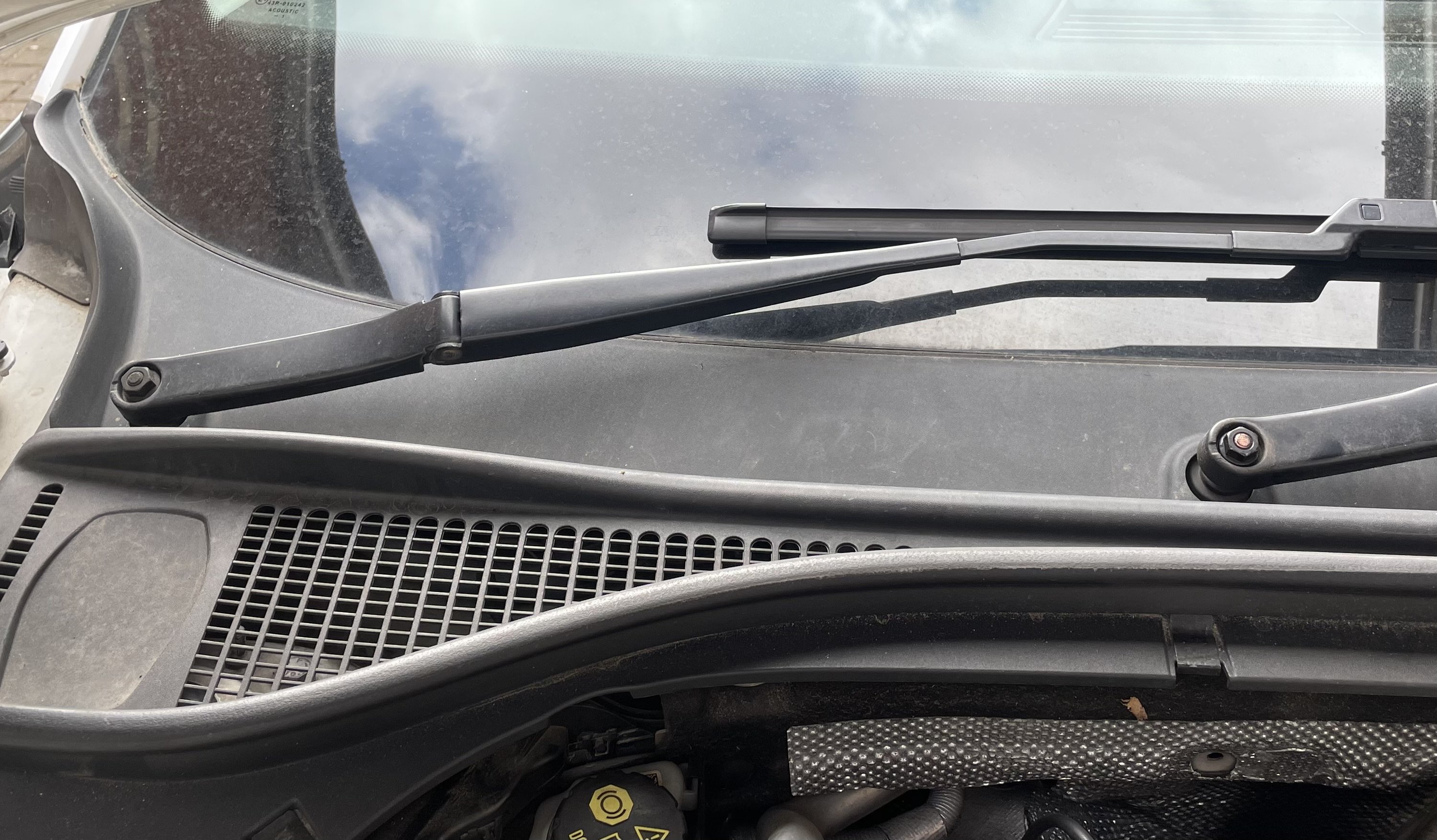
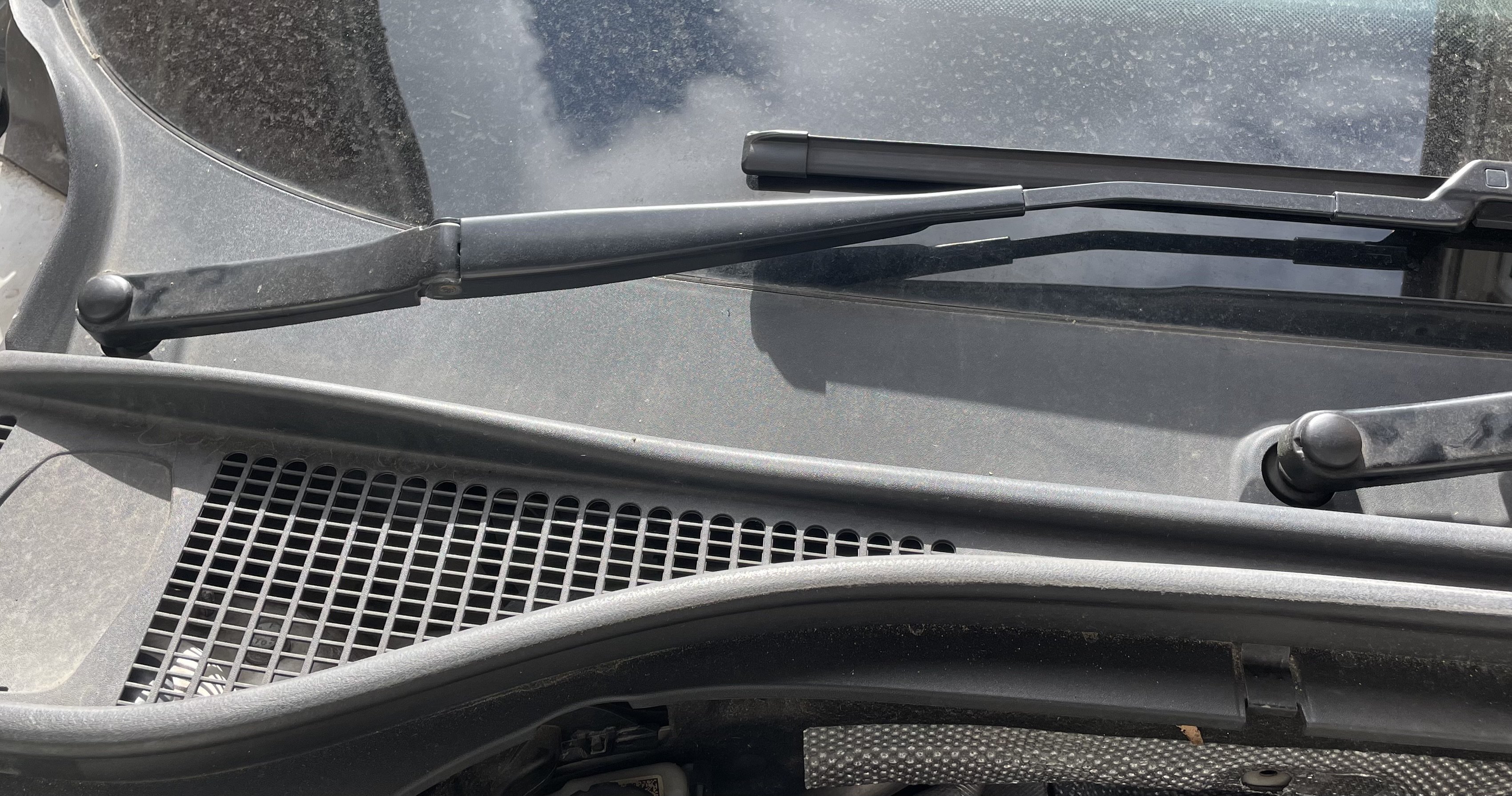
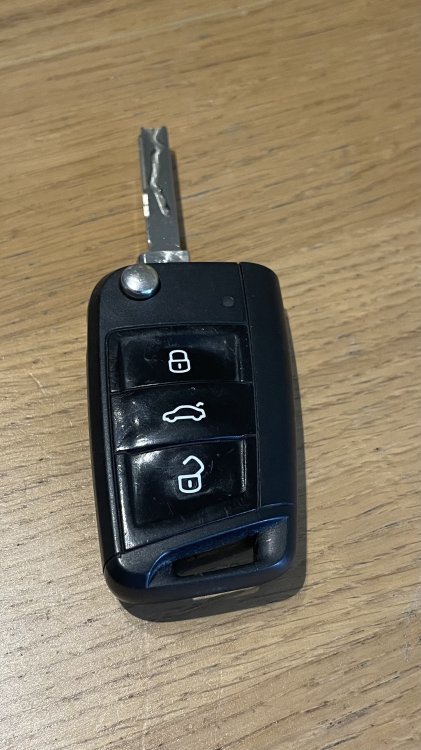
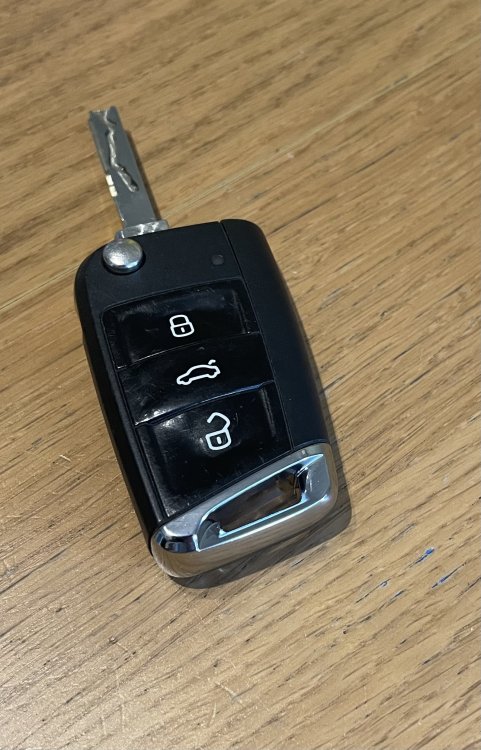
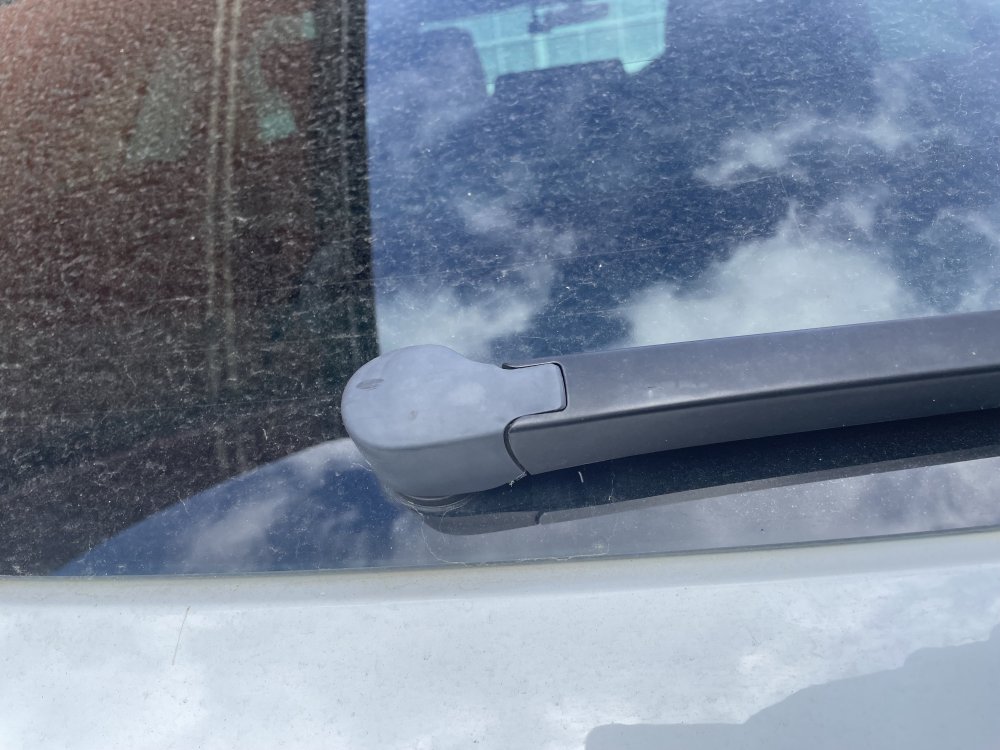
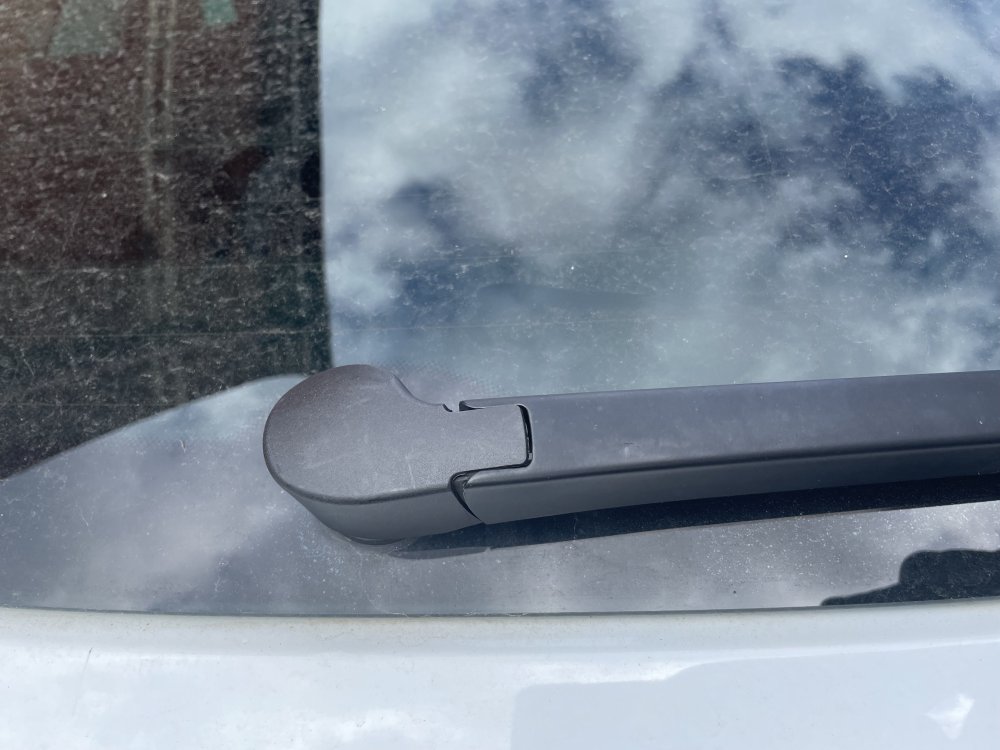
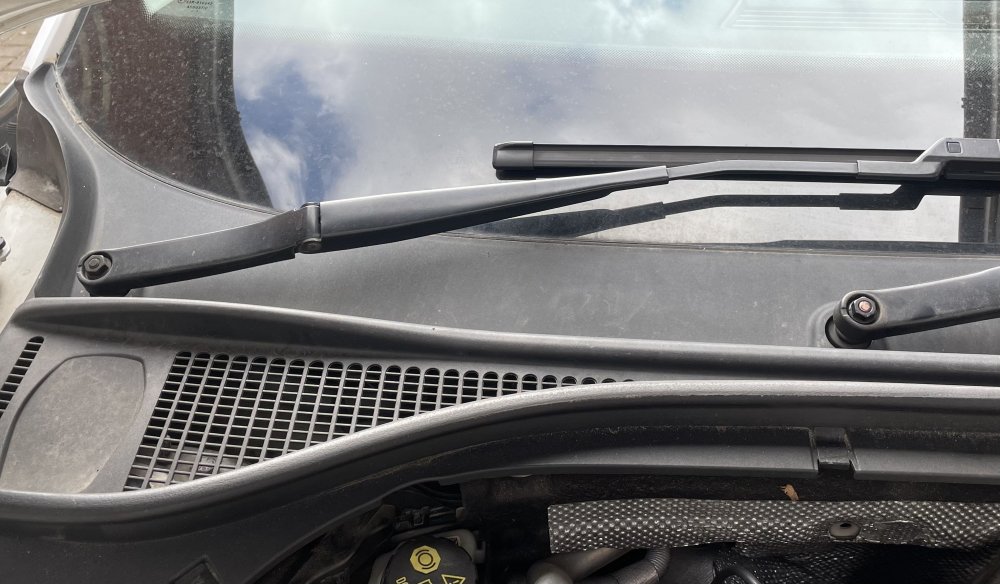
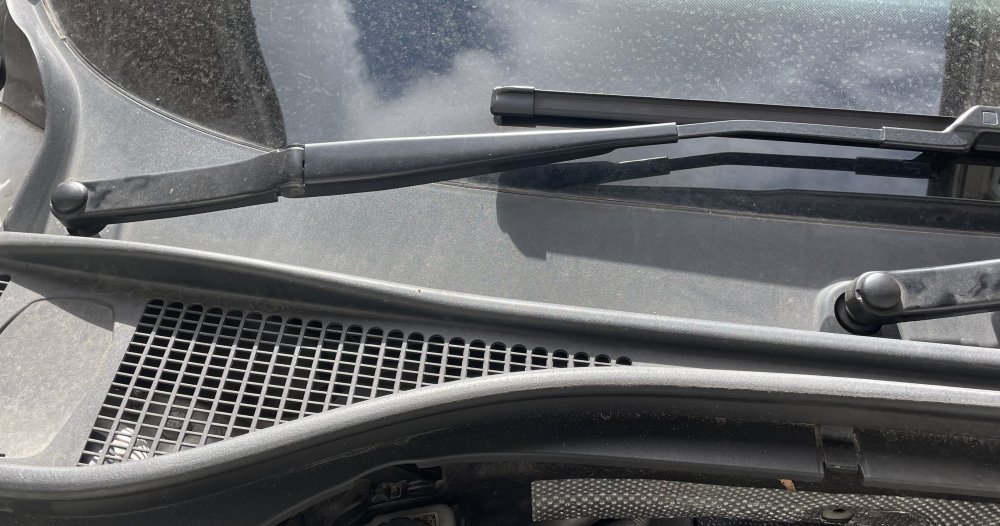
A couple of very minor bits completed. Chrome key bottom https://a.aliexpress.com/_EGD5wPe New plastic cap on rear wiper to replace the sun damaged old one. Not quite as nice a fit so I may try to revive the old one. Replaced missing caps on front wiper bolts.
-
A couple of very minor bits today. Chrome key bottom: New plastic cap on rear wiper to replace the sun damaged old one. Not quite as nice a fit so I may try to revive the old one. Replaced missing caps on front wiper bolts.
-
This can also be done with CarScanner.
-
I got one from AliExpress for £4. Has worked flawlessly since day 1.
-
What coding would this need? Or can you plug in and run adaptation and it works?
-
It’s not worked since I’ve owned the car but pressing the number 1 button does move the mirrors. So hopefully the previous owner wasn’t 4ft and it suddenly crush me up against the wheel!
-
So I won’t be using my car for a couple of days so this is what I’ve done. Zeroed byte 18&19 to remove the lumbar support error. Got two bongs. Checked that all codes were cleared. No joy with the buttons. Ignition off and removed main plug from the module. Will leave the car as is and plug it in again Monday and report back!
-
I wonder if dropping the main power plug out of the module for a day or two would do the same. Assume it would throw up a couple of codes when unplugged but might be a bit of a hard reset for it.
-
I use carscanner on my 2016 (tdi not 280 - apologies if I’m not welcome is this corner of the forum….) With this dongle https://amzn.eu/d/011CjT7Z So far not found anything that I can’t do with it. Supports long coding, and full list of more preset coding options here: https://www.carscanner.info/coding-mqb/
-
I have no idea. But just wanted to comment on your beautiful car! If you have more pictures put them up in the picture thread for us all to drool over! 2busy? Is that the Škoda version of 2sexy?
-
I've ordered black badges, roof rails, black grill surround and the lower grill trim from ebay. Black radar cover is also available for about £30. Will look to get window chrome wrapped. Possibly get full roof panel wrapped black too as that looks really smart. With regards to VCDS and coding things, I use the app Carscanner Pro (£8), and a £22 OBD module from Amazon (https://www.amazon.co.uk/dp/B06XGB4873) . All in £30 and can do everything that VCDS can so far.
-
Hi See post below for details and links of what I bought. Tools, jack, spare wheel etc. The jack doesnt quite fit inside the wheel but does fit in the side pocket and the door closes fine. Breaker bar fits behind the wheel.
-
Ah I think that might be the solution. I already had all internal lights as LED and upgraded from some fairly poor LED bulbs to these LED light units. I wonder if the difference in voltage draw between all the lights and the LED confuses the BCM
-
how strange. These are the ones I fitted to my 2016 TDI with no issues so far! https://www.aliexpress.com/item/1005006419747360.html
-
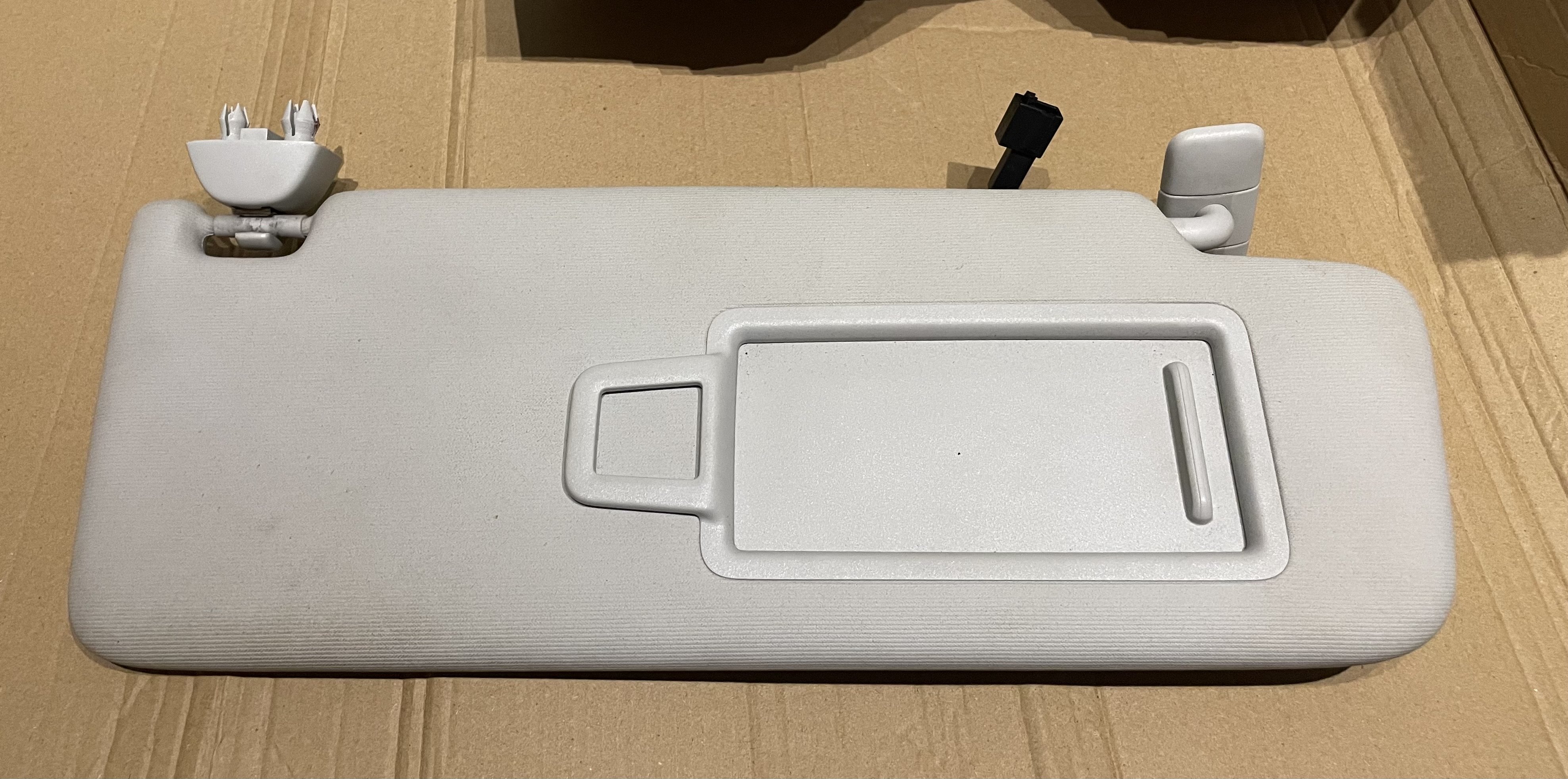
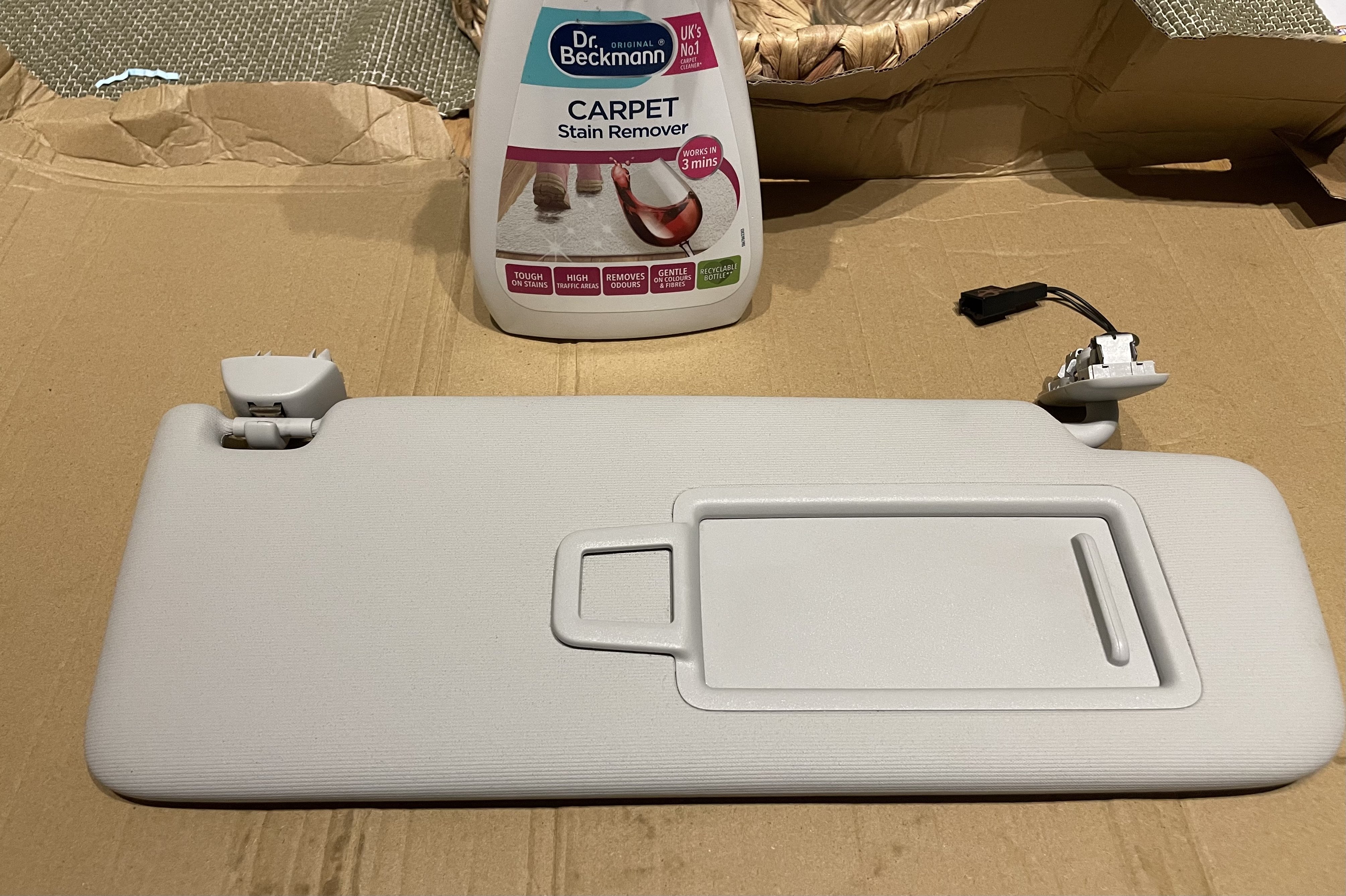
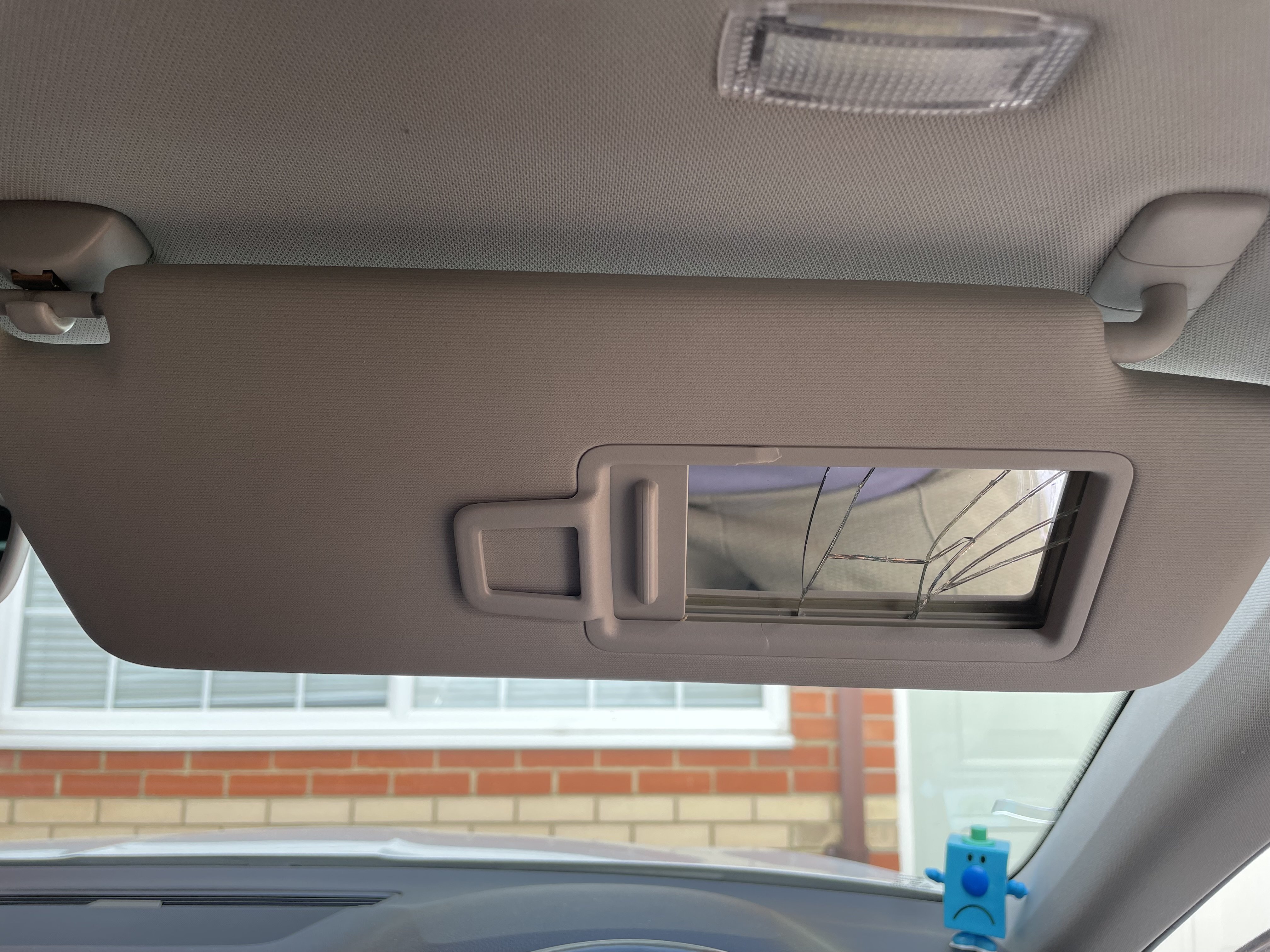
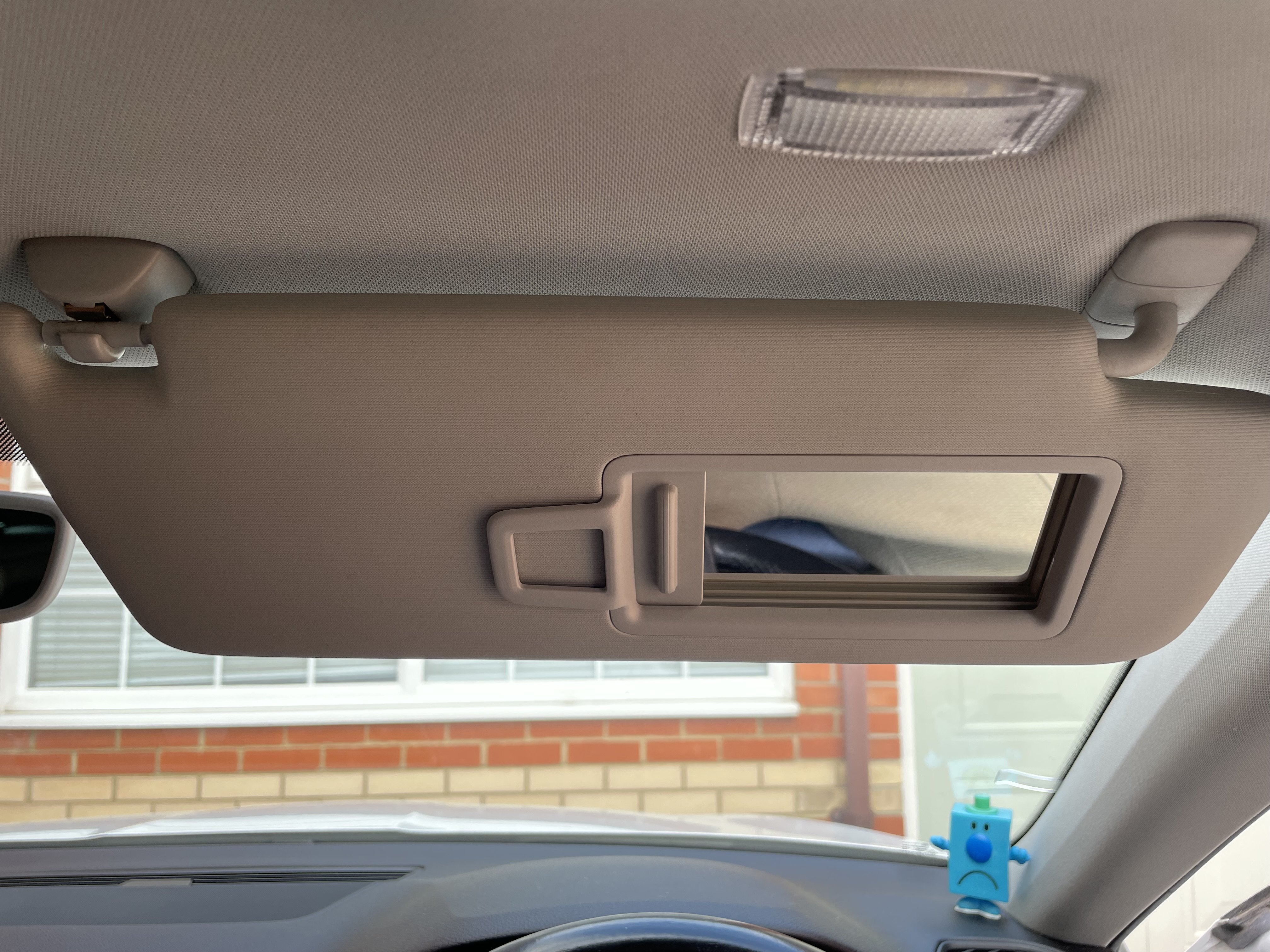
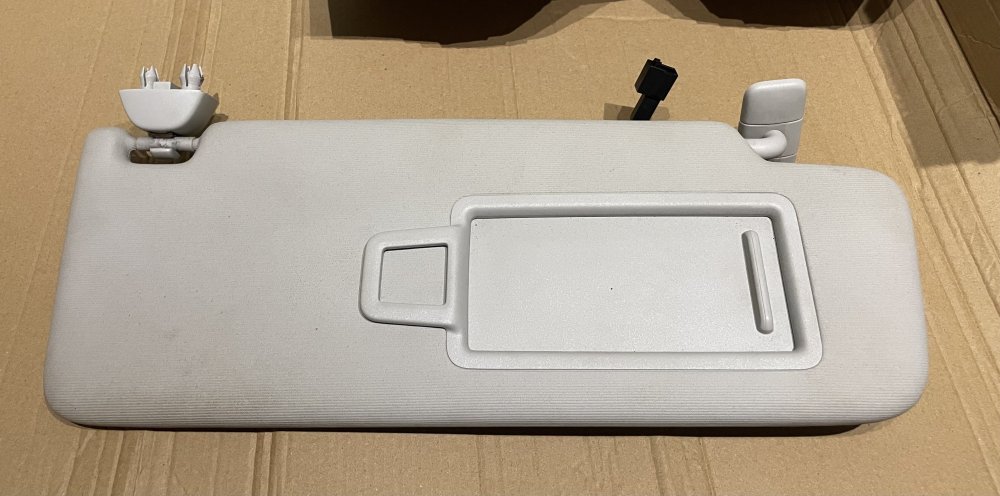
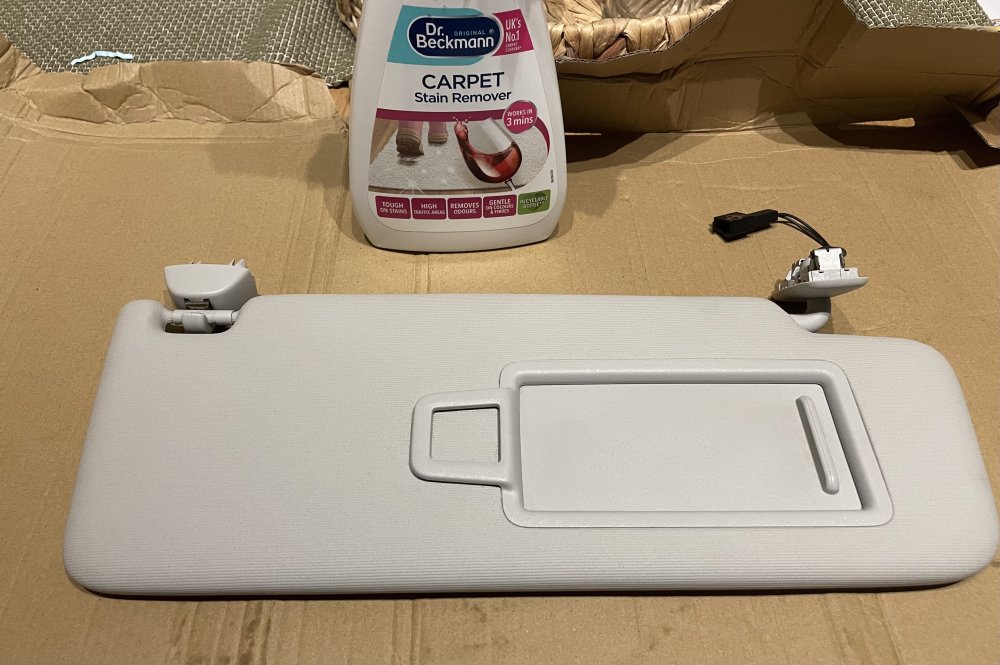
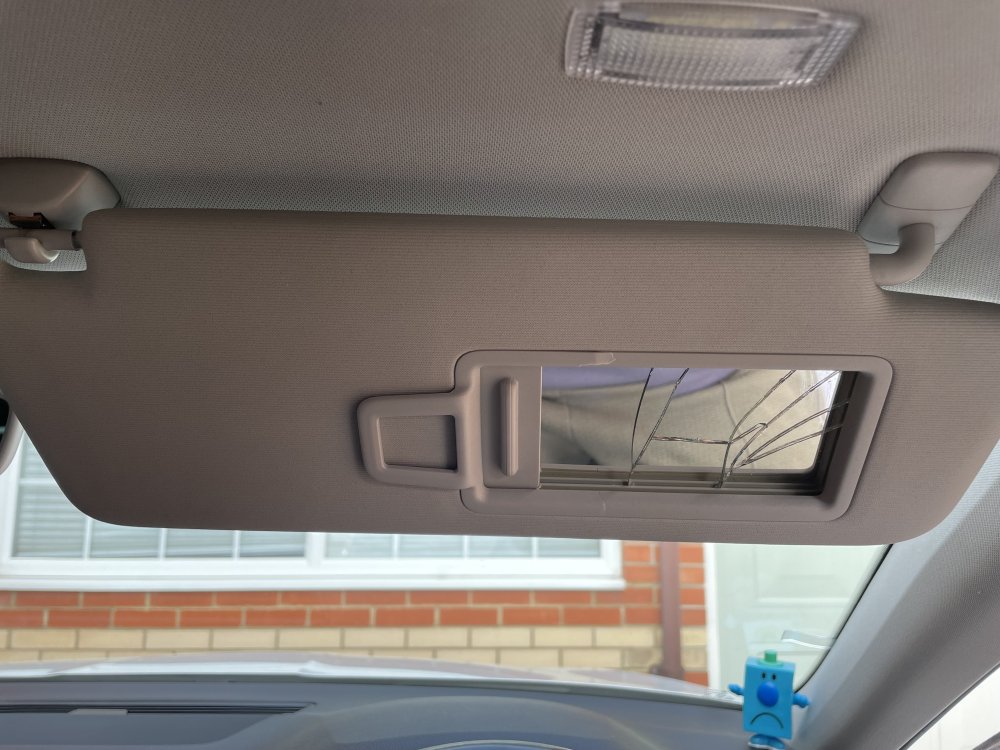
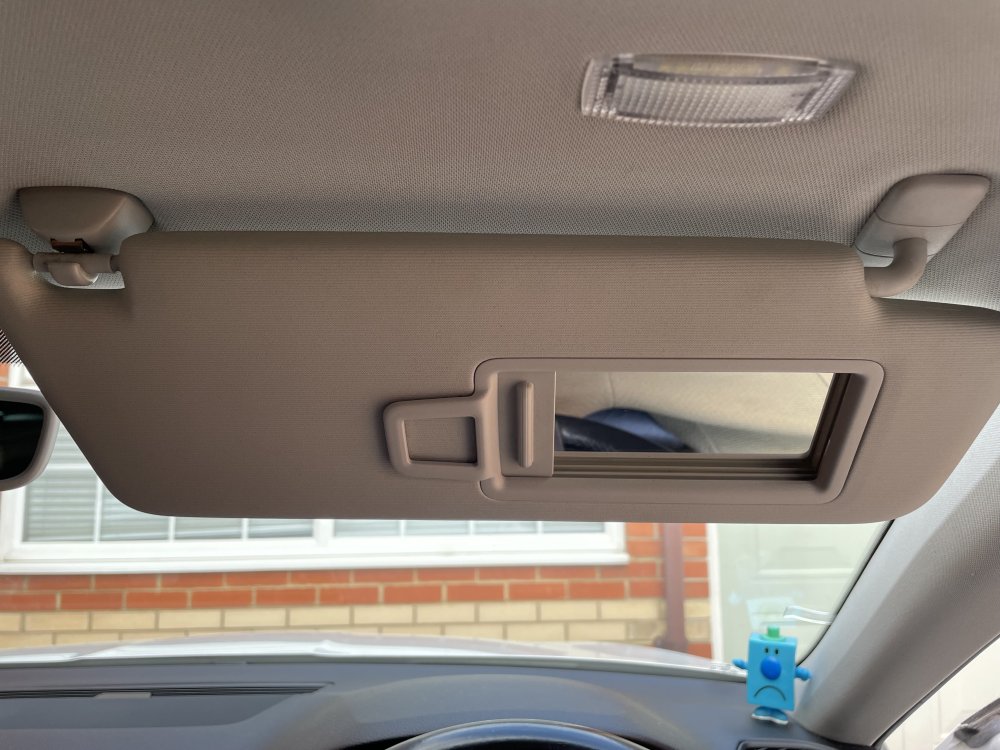
Replaced the broken sun visor with a second hand one from eBay. Most are listed at around £40 but I stumbled across one listed at £25. A quick going over with Dr Beckmann carpet cleaner and it was as good as new. Removing the old one was awkward but refit was simple. All parts for dechrome have been ordered now including sportline roof rails. Will post links once I install them.
-
Yes I had seen that in a previous post. I’m hoping the generous smear of copper grease on the threads will help prevent the corrosion. I don’t have direct tpms so if the stem needs cutting off it’s not an expensive job. I’ve kept the old caps in the car and will keep an eye on them and change them back if they start to look dodgy.
-
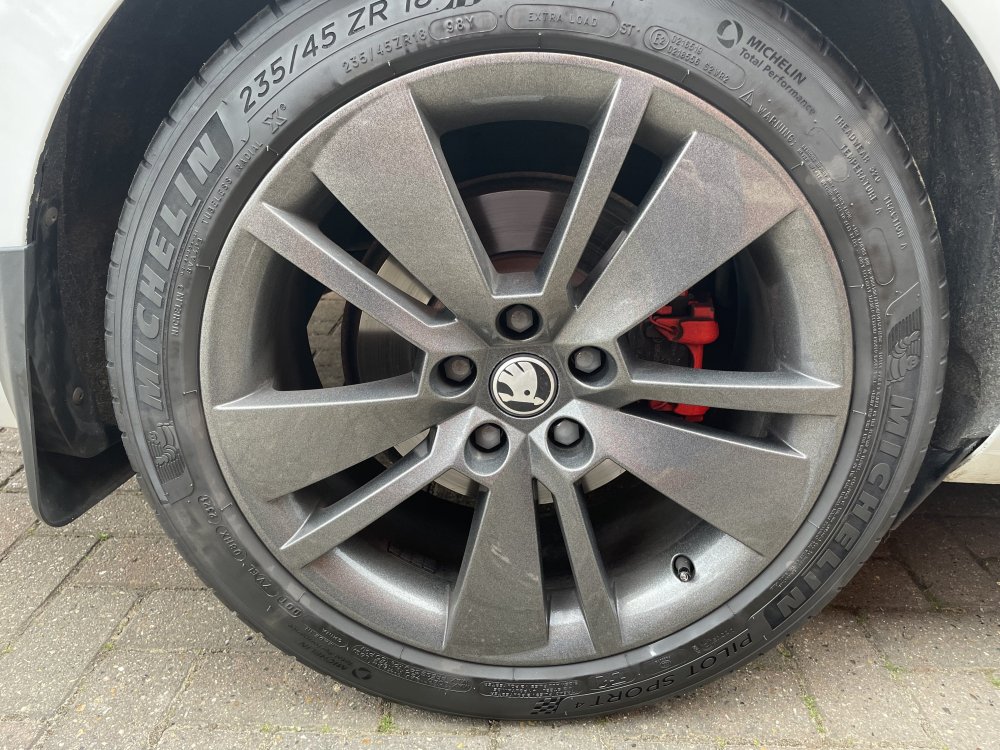
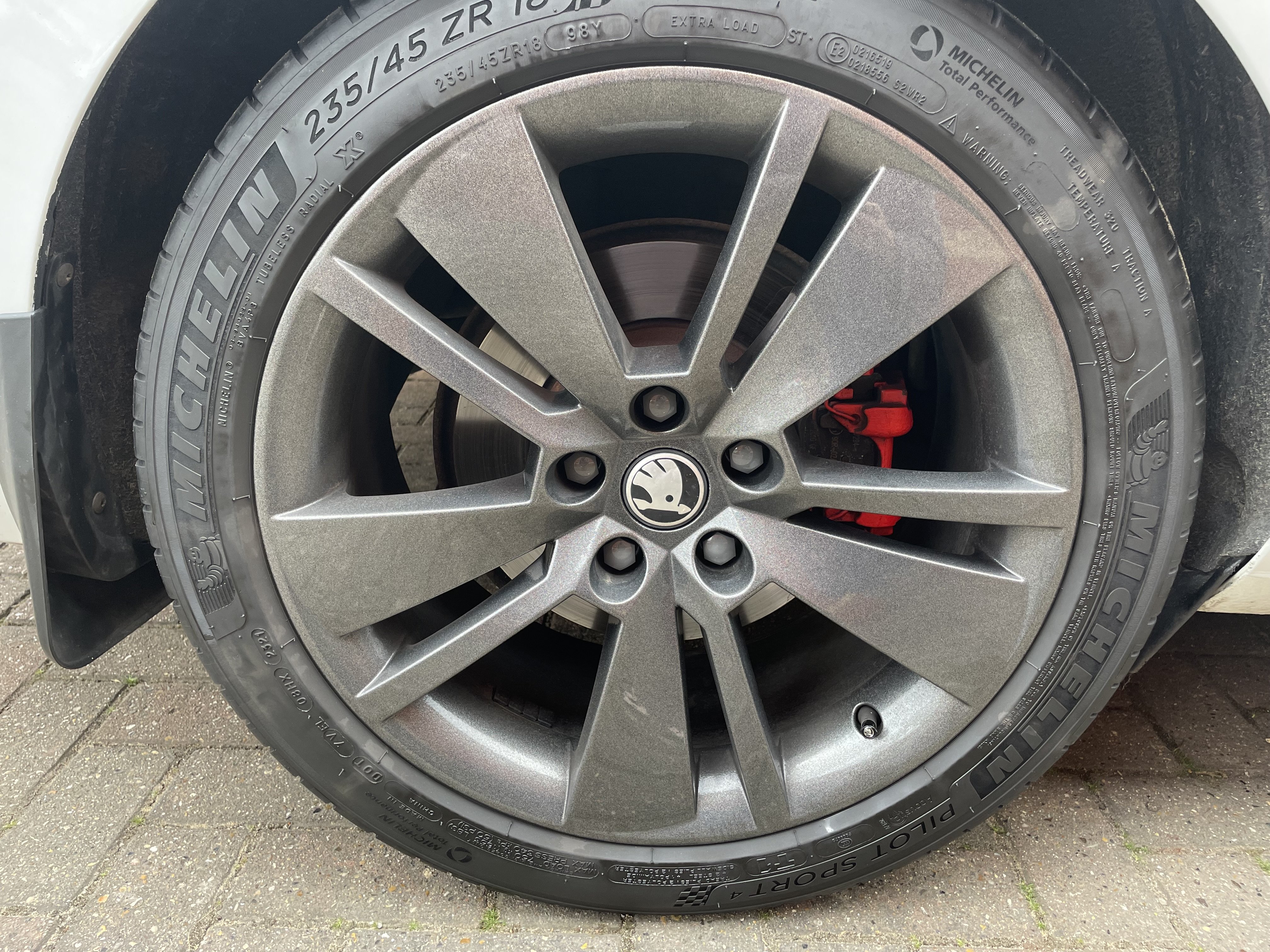
Installed the second hand sun visor. What a ballache that is. I refused to pay £30 for the very specific pliers for the job. The old fitting is essentially sacrificial in this instance. Tried numerous ways to insert two screwdrivers but in the end just bust it open and broke the plastic apart then removed the metal clips. New one just clips in without any drama. This was one of those “not essential but I know it’s broken so I feel like I should fix it” Also fitted Škoda metal valve caps. I know there’s a lot of debate about these corroding on etc but I smeared the stem in a bit of antiseize in the hope that this would prevent it. I’m on the hunt for dark centre caps now too. I saw them on Ali but they disappeared and I can’t find any more. Kopacek have some but they are incredibly expensive for what they are.