Jorgeminator
Members
-
Joined
-
Last visited
Everything posted by Jorgeminator
-
You can definitely complain to the dealer and mention the TPI which can be found in this thread. They will update it if you can demonstrate the error. The other option is doing it yourself.
-
PM'ed
-
OTA updates do not change the software version, never have. For 3 years there have been rumors that future software updates will be released over-the-air, but nothing concrete so far.
-
Sending you a PM with details. As long as everything goes well, the warranty should still be valid. But there's always a very small risk of potentially bricking the infotainment if anything goes wrong, so keep that in mind. Getting it unbricked would most likely be done outside warranty, since it's caused by the customer. Anyway, I think there's already 40+ users who have updated successfully and I haven't heard of any problems so far.
-
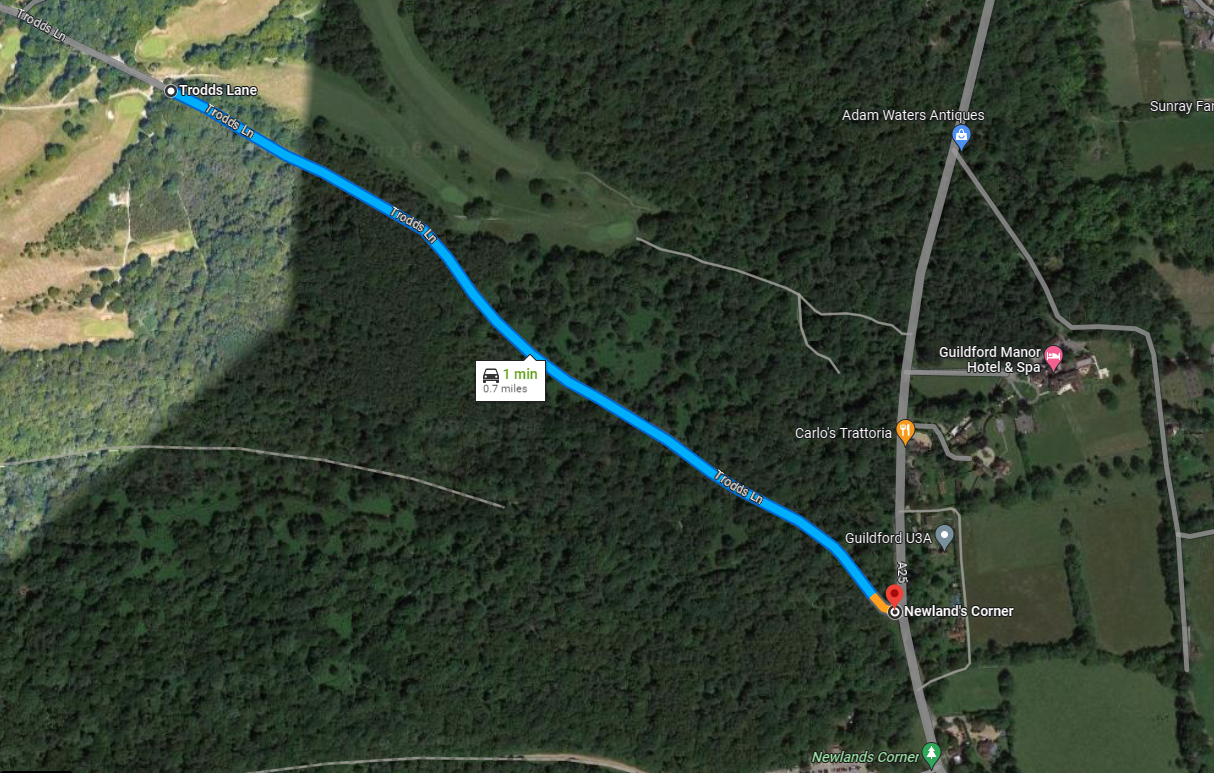
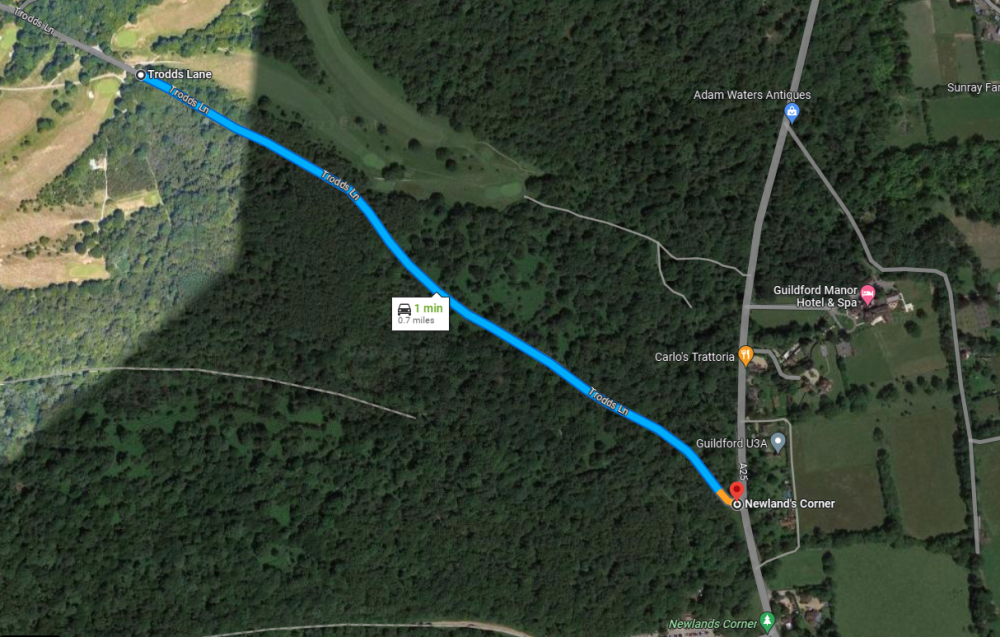
I mostly agree with @toot on this one. The Ferrari is obviously the one to blame for causing the collision, no blinker and didn't check his mirror enough while moving over. But boy, would I be blaming myself in this situation if I was in the red Skoda. The overtake is totally unnecessary to begin with, there's an intersection 0.7 miles up where you'll end up standing anyway, and the other cars could even have turned the other direction in that intersection.
-
Check the thread dedicated to the issue. Firmware 1941 fixes it in most cases.
-
Link forwarded to: @RickyUM @Jack_Dangerous @skoda2019 @Kyle1986, check your PMs.
-
Yeah, you've said that before, and I wasn't talking about your Leon, was I? This is the 4th gen Octavia subforum 😉
-
I think whenever there's a D on the cluster there won't be a number there. Using the paddles to go into "manual" mode switches it to M1, M2, M3... Sport mode is similar, S1, S2, S3 and so on. But there's never D1, D2 etc., only D.
-
Well, you've extracted the map update file which you probably downloaded while browsing the Skoda update portal 😅 Did you follow the link I sent you by PM? That's the file you want.
-
Sending you a PM.
-
As @SkOmk4 said, the instructions are in the thread he linked. It's one of the easiest things to do. Here's the specific post
-
Sent you a PM.
-
Not sure about the iV. On cars with only the 12V battery, starting the engine during the update process would definitely cause a voltage sag which may or may not interfere with the infotainment system.
-
The manual update packages are usually released twice a year. June/July and November/December from what I've heard.
-
1804 is on the list of supported upgrade paths in the TPI, you should be good. 20-30 users have already updated successfully and haven't heard of any failed installs so far. But as usual, everything you do is on your own risk. I'm sending you a PM with the link.
-
But the files inside the archive are from November last year.
-
Latest navigation database is 23.6 (the formatting is year.month) so yours is over two years old. It will only update online if you subscribe to the Infotainment Online package, otherwise you will have to install any navigation updates manually if you need them. Latest infotainment software is 1941. You can read about it in the thread Infotainment System Restarting endlessly.
-
@greyvrs & @Jarezky Sent you guys a PM.
-
That's my intention. Is that okay with you? The file will only be available on a request basis.
-
@UrgyMcKnispel You have a PM.
-
Good to hear! Props to them for being honest by admitting they did a sloppy job.
-
By now we're probably 30+ who have successfully updated it ourselves.
-
If that's an accurate oil level reading then someone messed up bad. I'd suggest you don't start it before draining it enough to get it within specs. If you continue driving it that overfilled you risk damaging the catalytic converter and other things.
-
Well, not really. It was stable until one of the OTA updates made it a mess with the sporadic reboots.