Jorgeminator
Members
-
Joined
-
Last visited
Everything posted by Jorgeminator
-
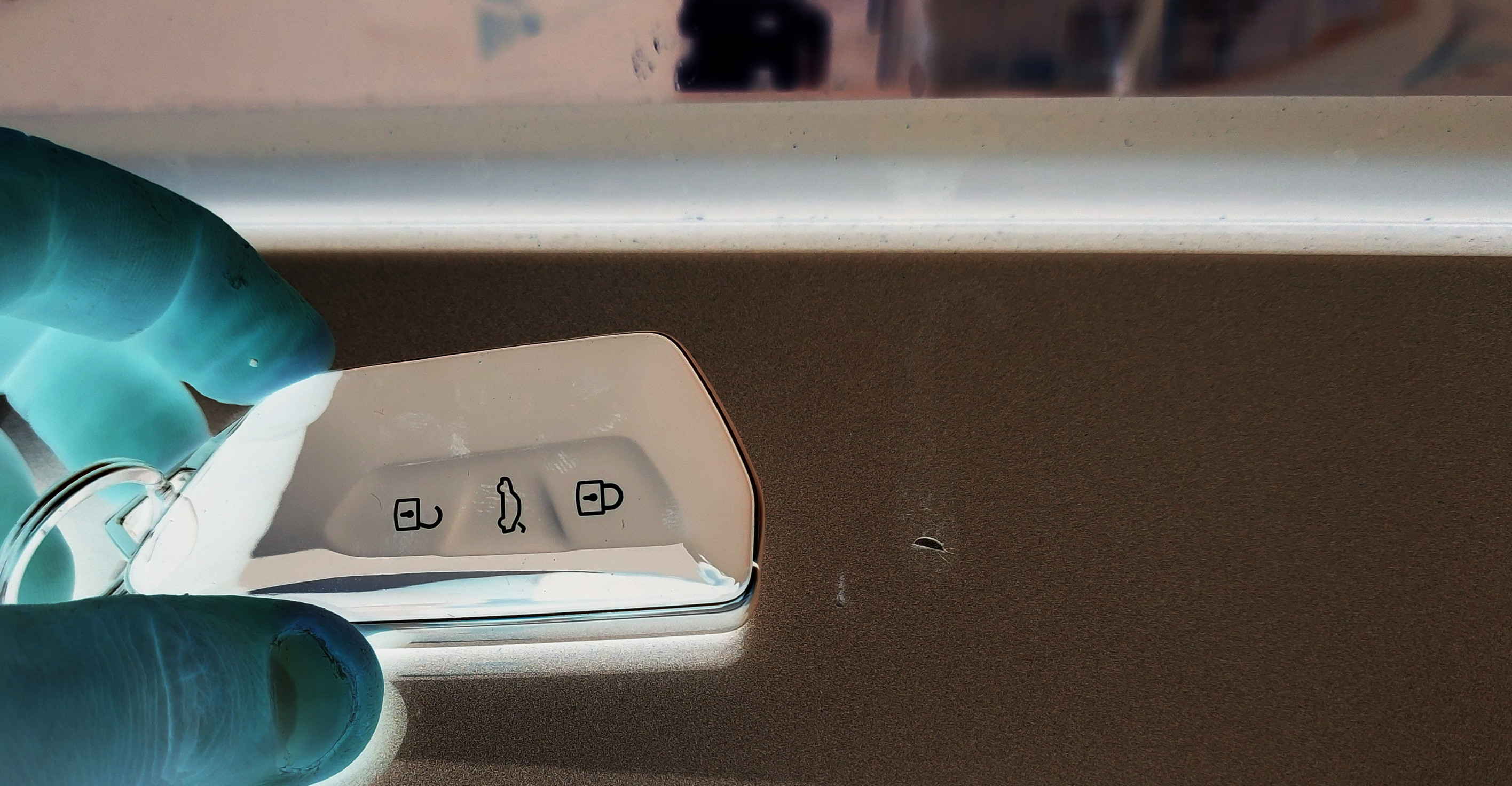
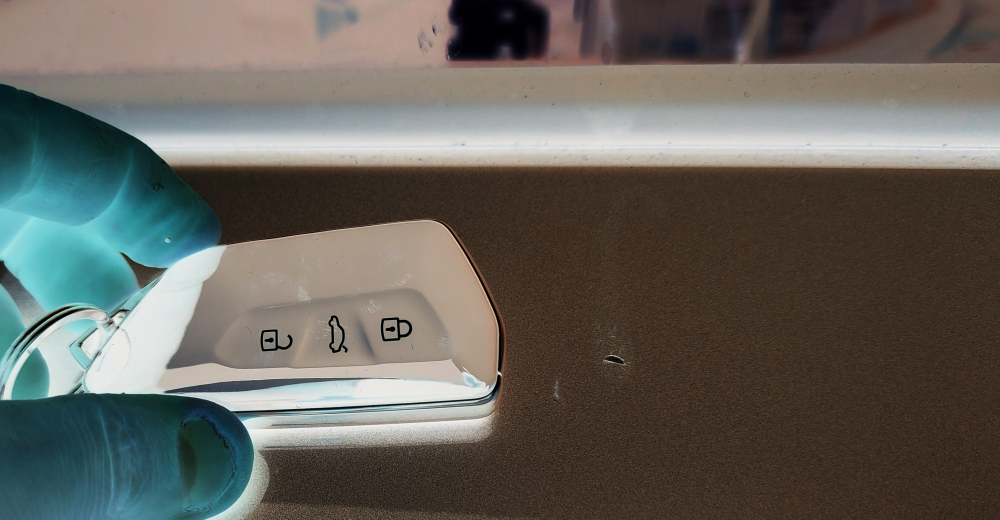
I'm only making a well educated guess based on what I see, and I think you haven't looked at it close enough, because that's definitely no stone chip! Below is an inverted and contrast enhanced copy where you can clearly see there is some sort of run mark going down from the rubber trim to the point where there's a hole in the finish. The hole has cracks in the paint around it as well, very different from a stone chip. As you say, it could be anything that's harsh enough to get through the paint, I'm just pointing out that it's likely not the fault of the manufacturer.
-
It's not a question IF it will do damage... Glycol ether -based DOT3, DOT4 and DOT5.1 fluids WILL eat the paint off to the bare metal if left on for long enough.
-
What makes you question it?
-
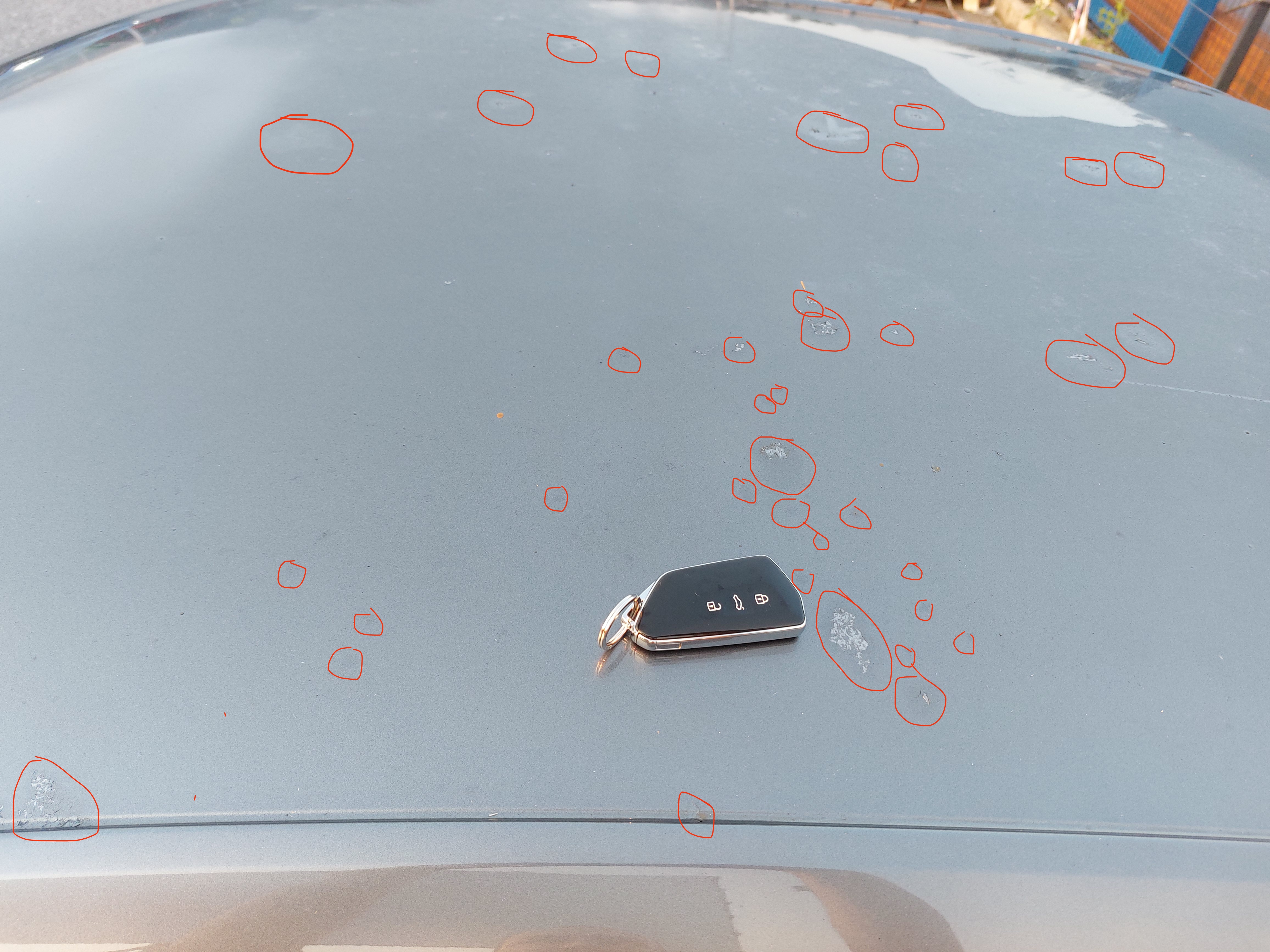
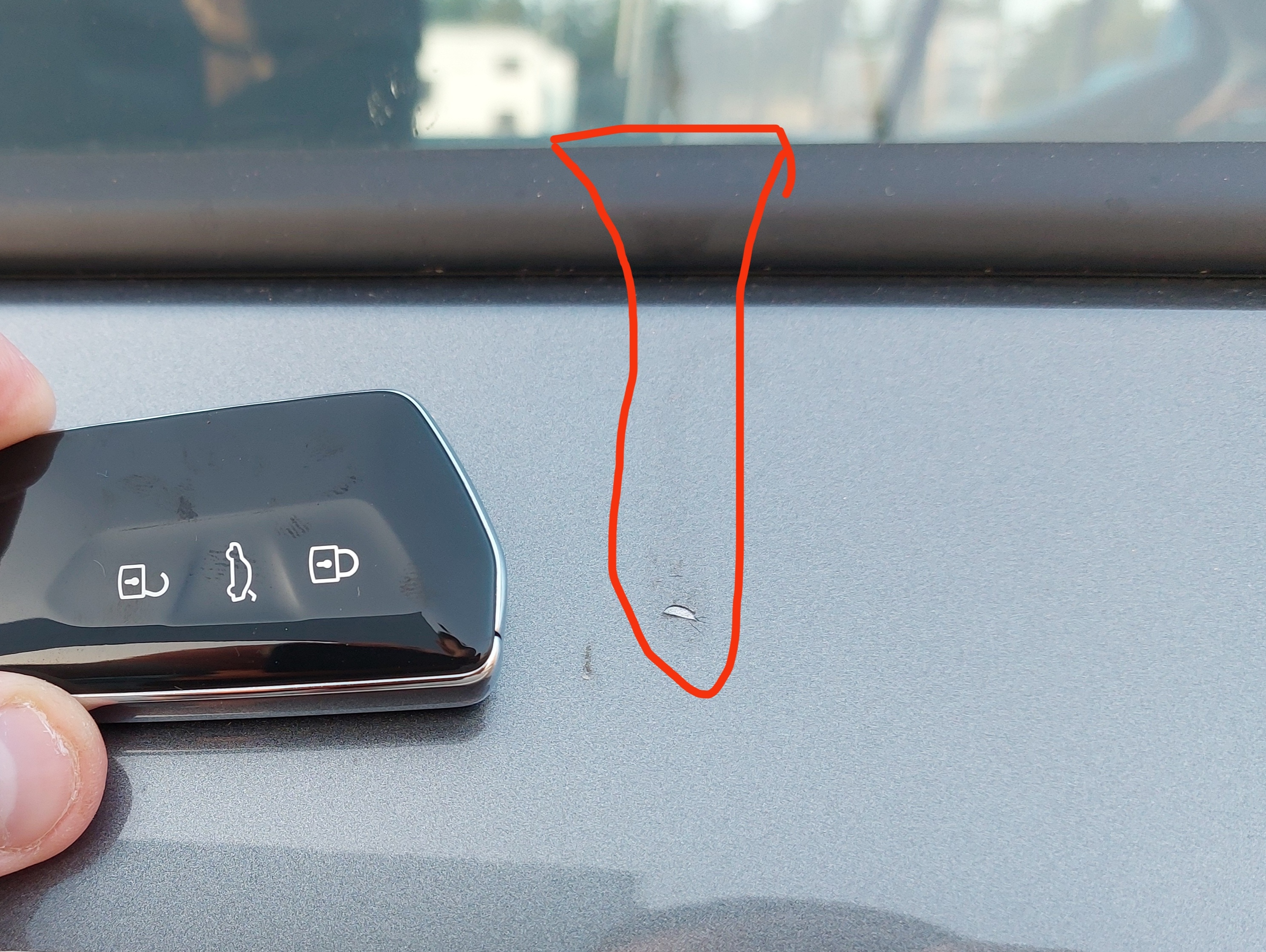
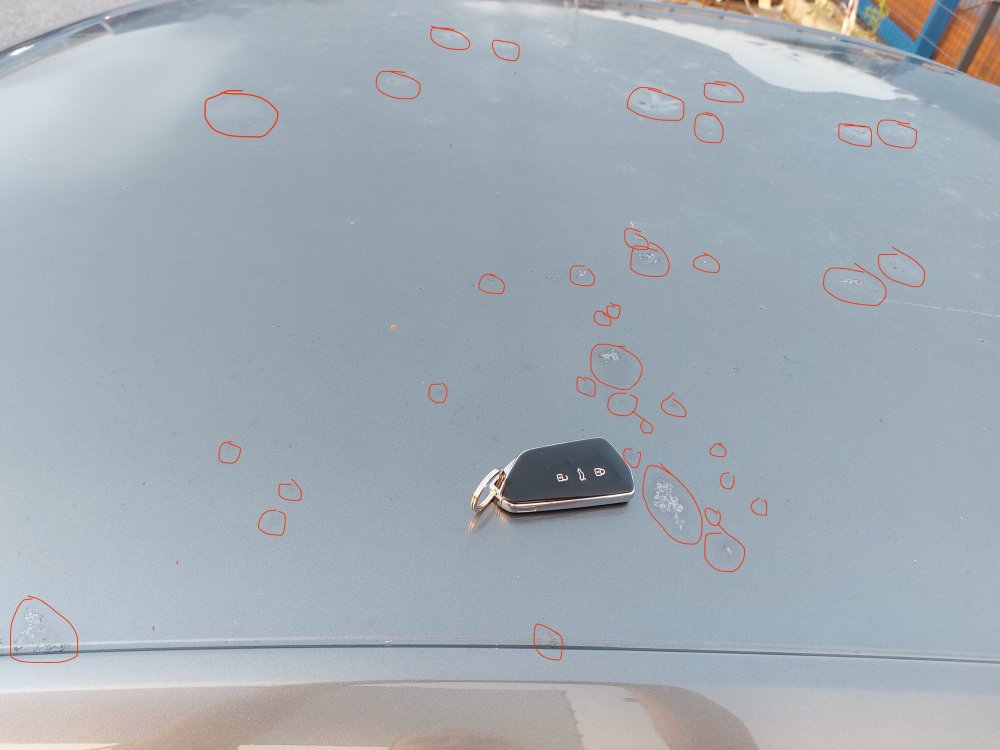
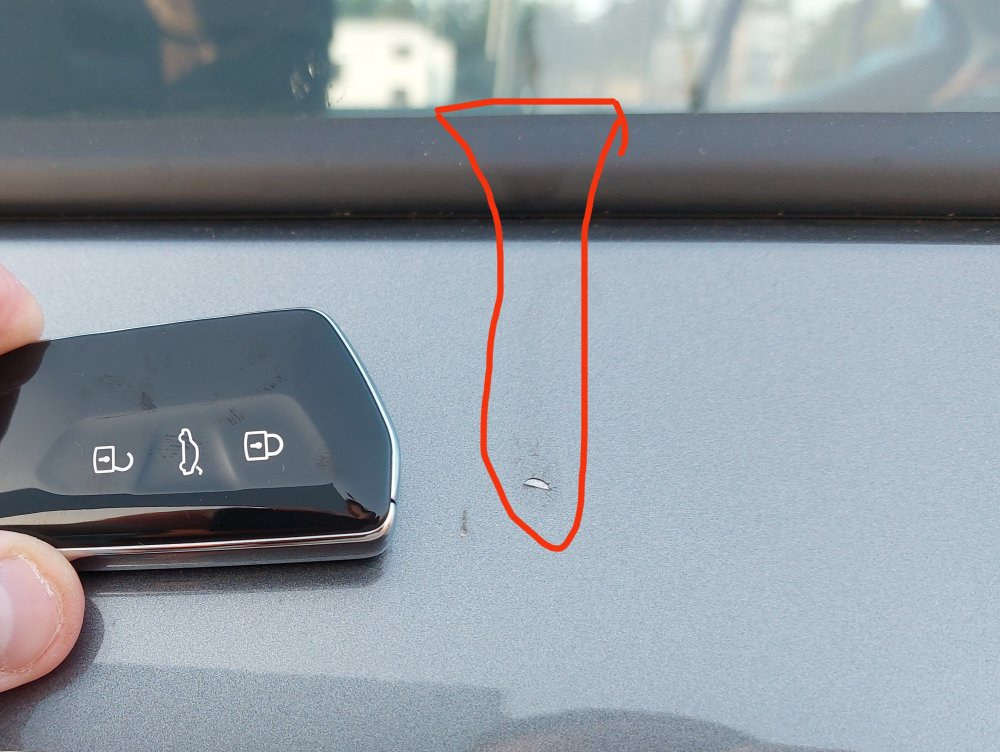
Not sure why everyone here is rambling about it being a bad paint job. You should be contacting your insurance company instead of the dealer. That looks very much like brake fluid damage. You can clearly see the color tone change where it's been absorbed into the paint in multiple locations. On the door, the same substance has stained the rubber window trim and dripped further onto the paint below.
-
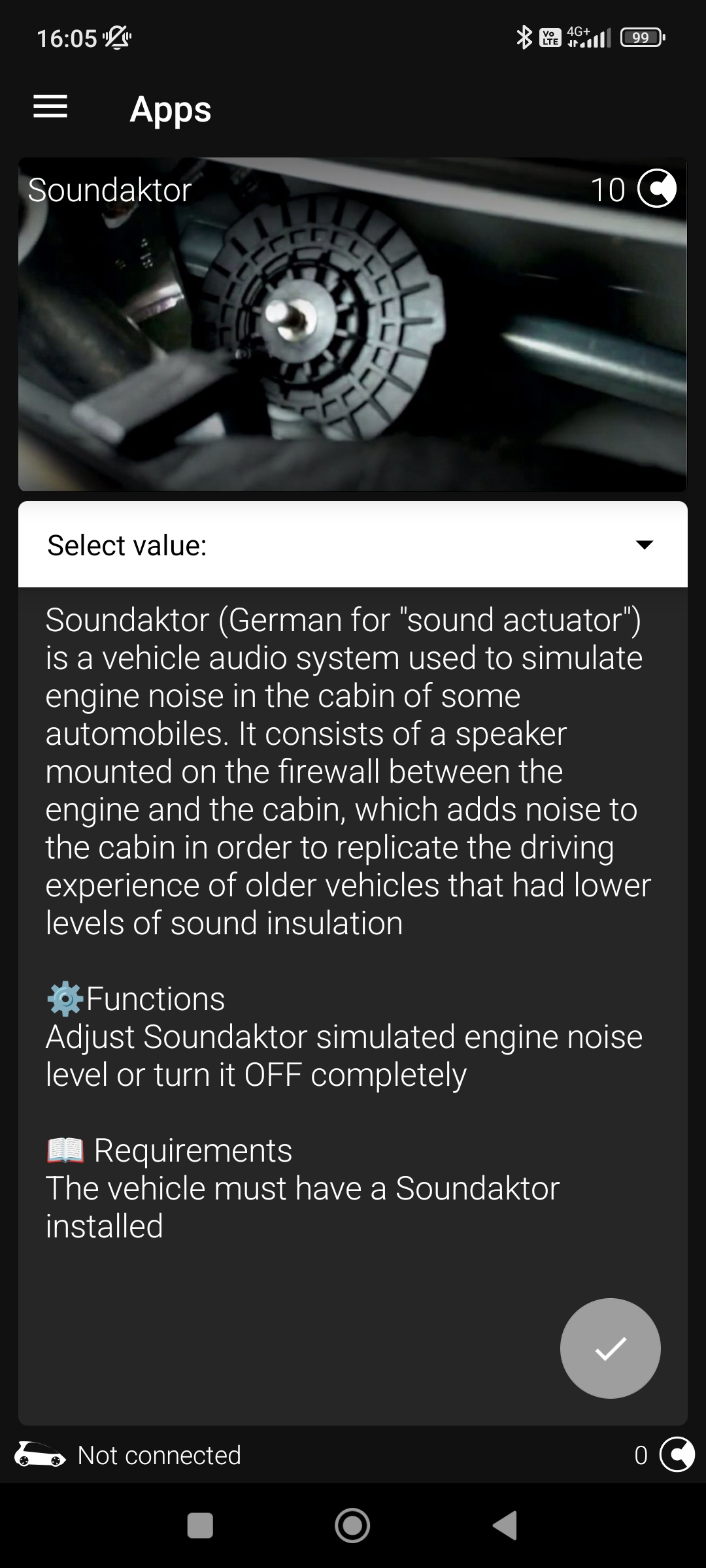
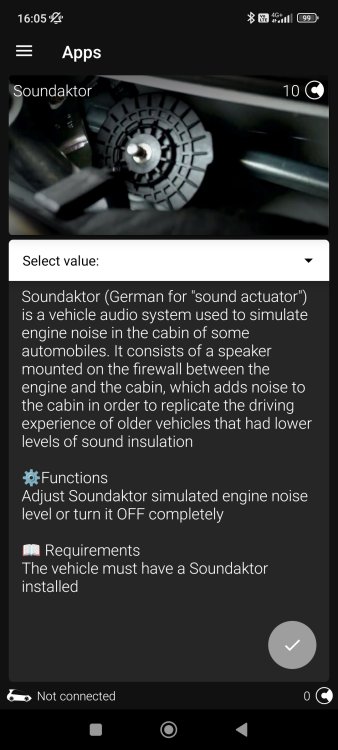
There's an app for that in OBD11.
-
Didn't you trust me when I said it can? 😅
-
OBD11 can enable the memory for both of them.
-
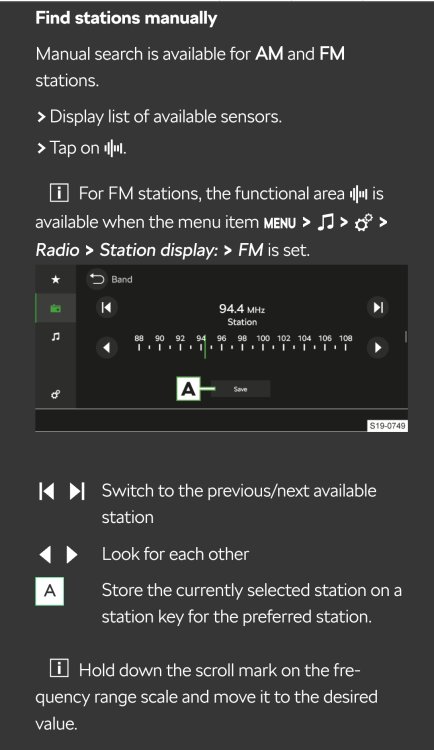
Question belongs in a different topic, but here you go:
-
Maybe that's the case on the estate. On the liftback you definitely don't need the wiper. Once the car is moving, the rear glass barely gets wet in the rain.
-
That's the thing. The frequent rebooting issue started after an OTA update early this year, maybe March IIRC. It's unfortunate that VAG hasn't been able to produce a fix sooner. In general, though, installing updates whenever they become available is always good practice. An outdated system is left open to security vulnerabilities etc.
-
What is the road surface like? Many cars will be slightly unstable if there are ruts in the asphalt. Some tire patterns will further pronounce it more than others.
-
It was in fact a misunderstanding on my part. Didn't realise he was talking about the one on the bottom row.
-
Unless I'm misunderstanding something, that feature has been there since the beginning.
-
Easier to bring up the notifications by just touching the area where the white globe and privacy icon is. I find the dragging/sliding dynamics of the MIB3 to be horribly inaccurate at times.
-
Sure can. OBD11 does it for the price of a coffee.
-
It will activate the parking brake and P automatically if you leave the shifter alone before turning the ignition off, i.e. coming to a complete stop and turning off ignition without touching anything else.
-
You won't see any lines on the Octavia. Skoda uses a laminated resistive foil, no wires in there. Visually from outside you will notice a green or purplish tint depending on the direction you're looking from.
-
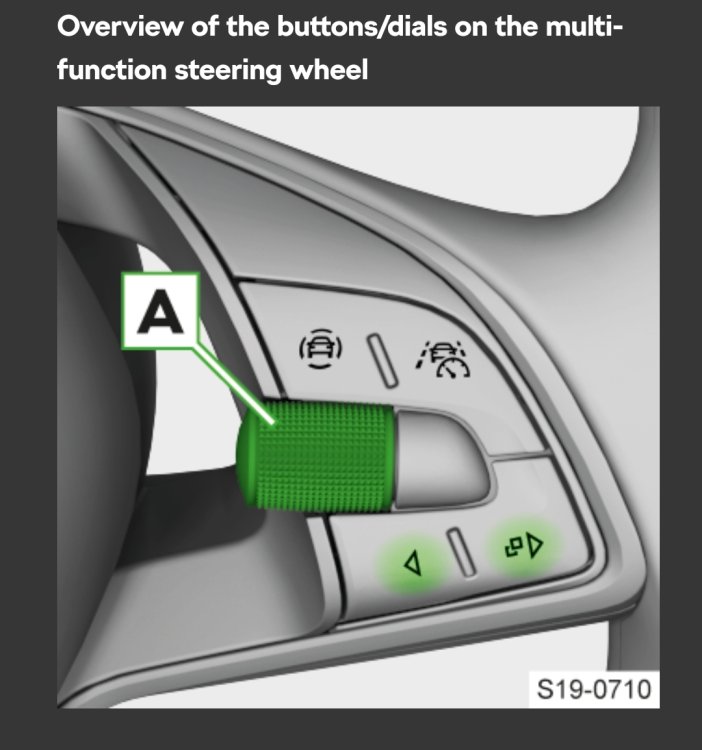
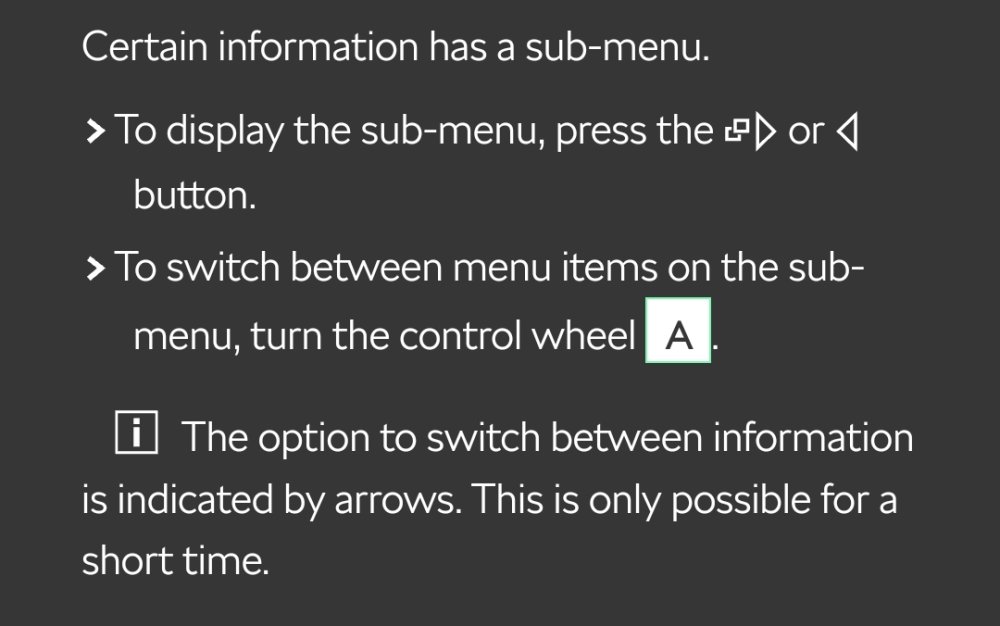
This might be of help:
-
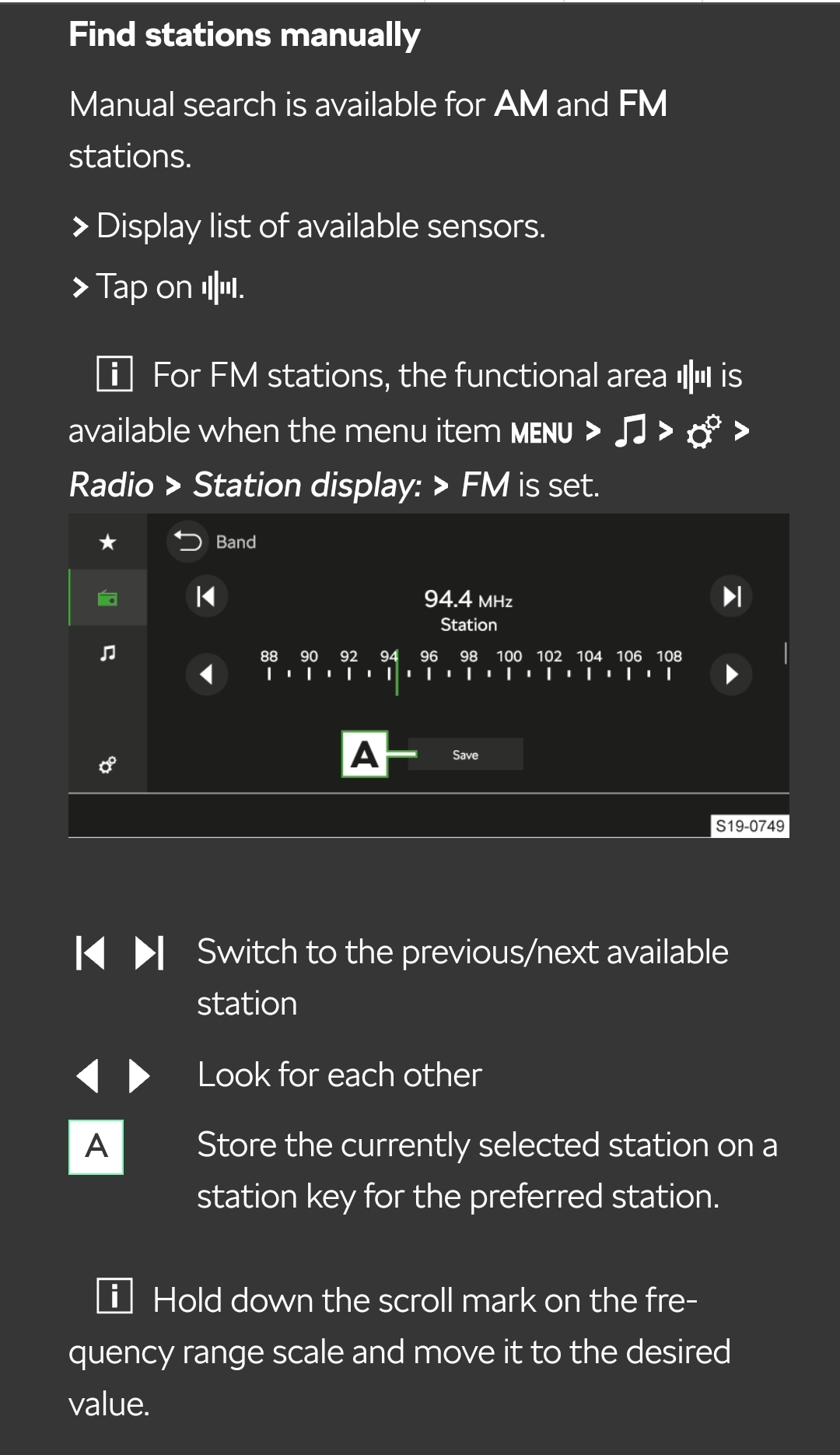
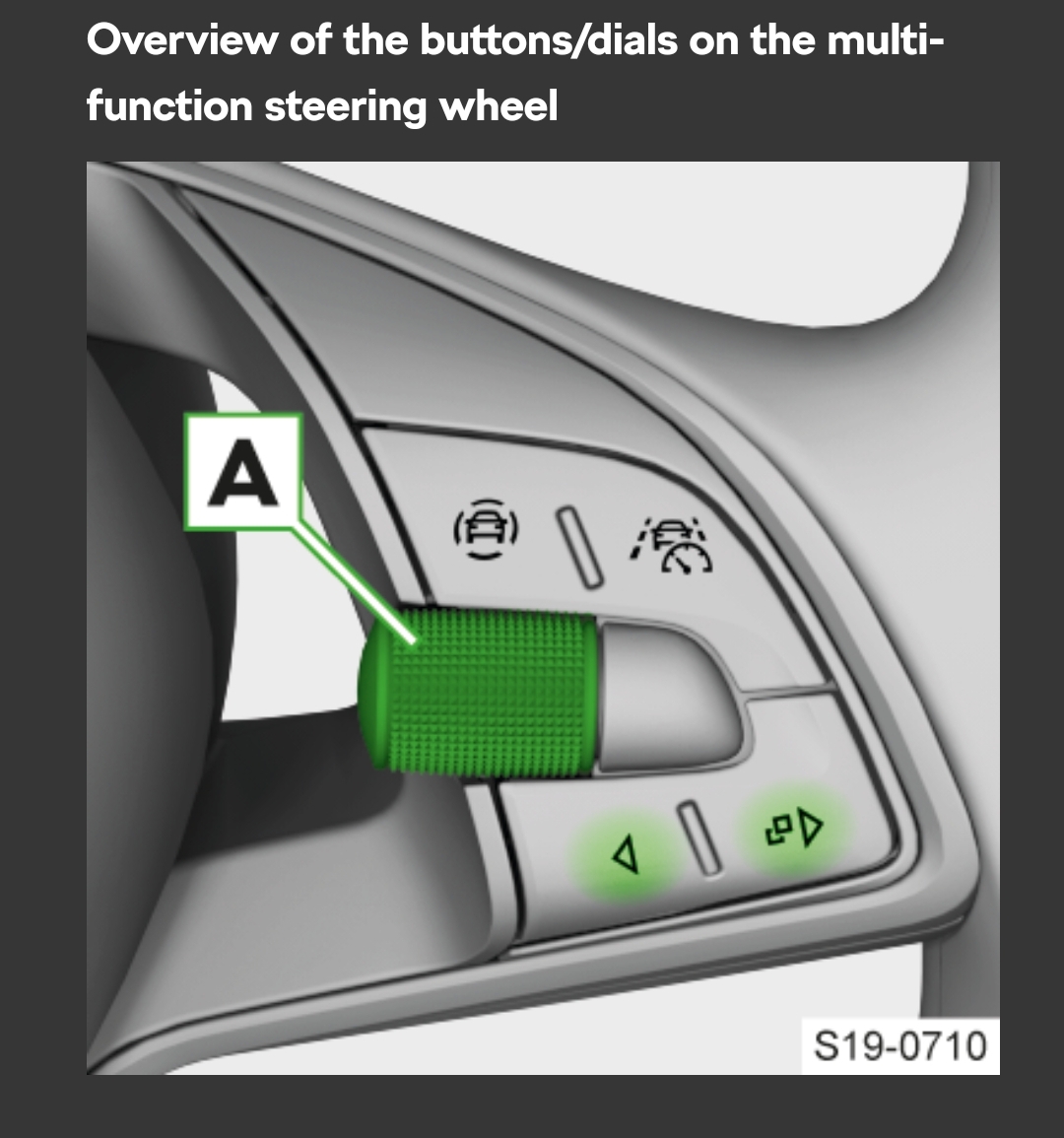
Same rule applies for all the other pages. For example, when you have the radio channel selected on the dial, pressing the right arrow lets you scroll through the radio channels and select one without touching the infotainment.
-
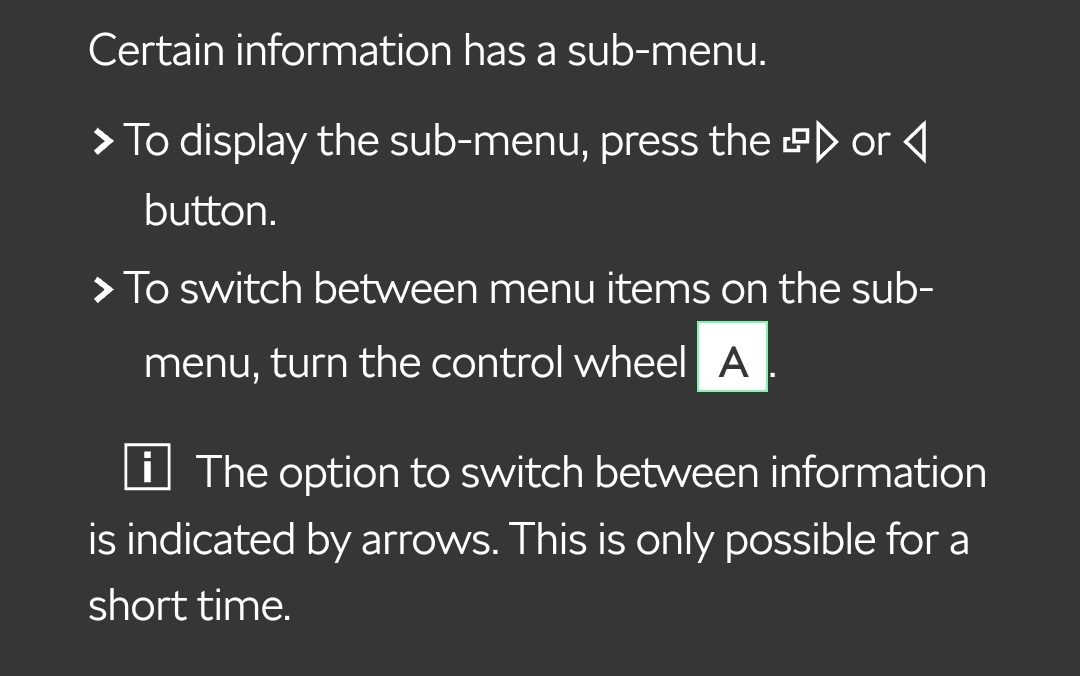
On your steering wheel you have right and left arrows. When you have "Settings" visible you see there's an arrow pointing to the right. Logically, you then use the right arrow on your steering wheel to go into the settings menu.
-
At that point you've already damaged the compressor or at least caused it to wear prematurely.
-
@pxl1g, @peju82, @TonttuX, @zorglub Check your inboxes.
-
The files inside the June 2023 release are indeed from late last year and will only update the maps to 22.12.
-
Correct. I think he meant to say Side Assist.
-
TPI stands for Technical Product Information. Show them this https://www.briskoda.net/forums/topic/506295-infotainment-system-restarting-endlessly/page/12/#comment-5766450