varooom
Resident Member
-
Joined
-
Last visited
Everything posted by varooom
-
If your car has a lot of moisture inside, that can take a while to clear. Or as mentioned a damp cabin filter. Do you crack the windows a little when it's steamy inside?
-
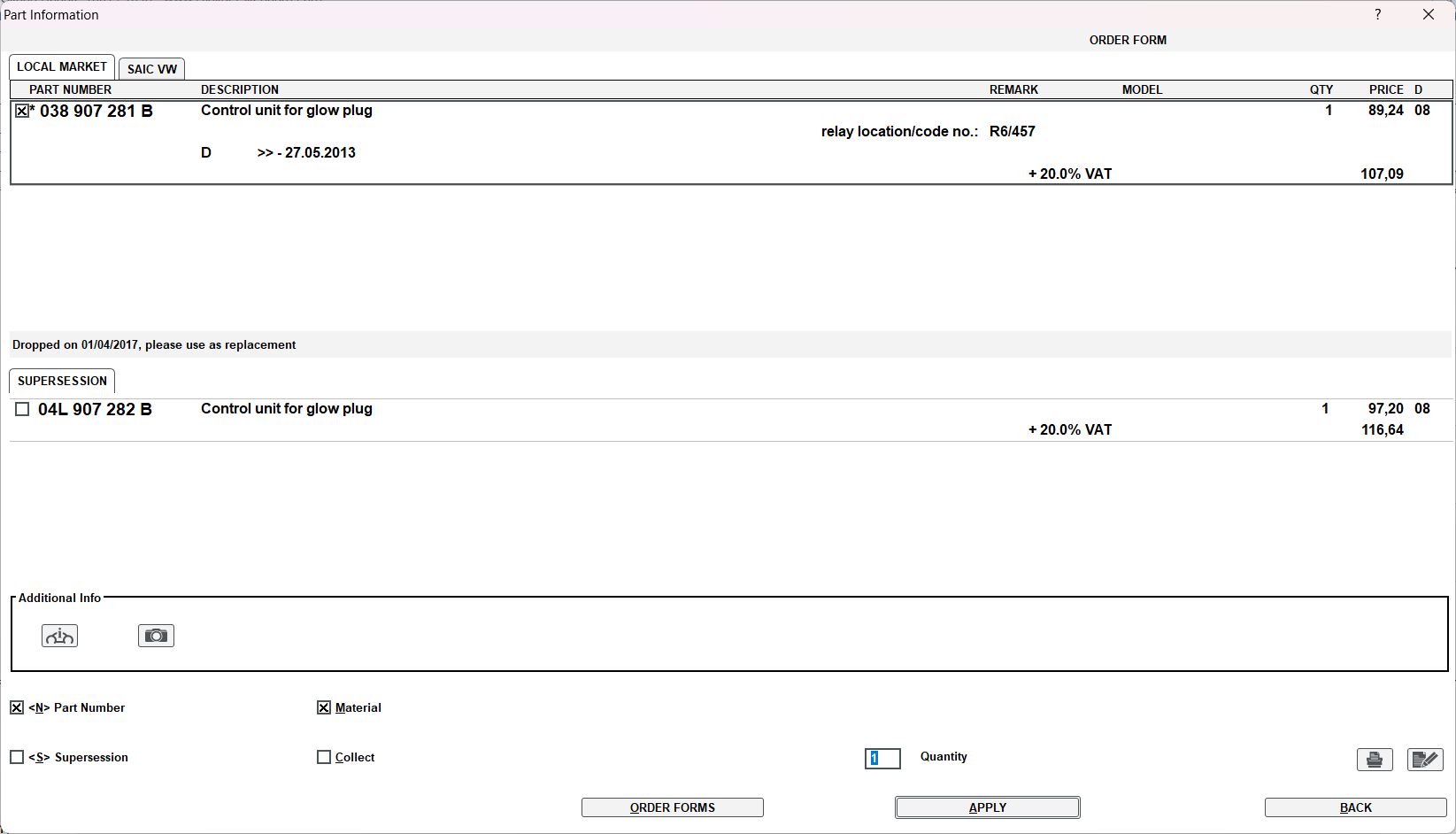
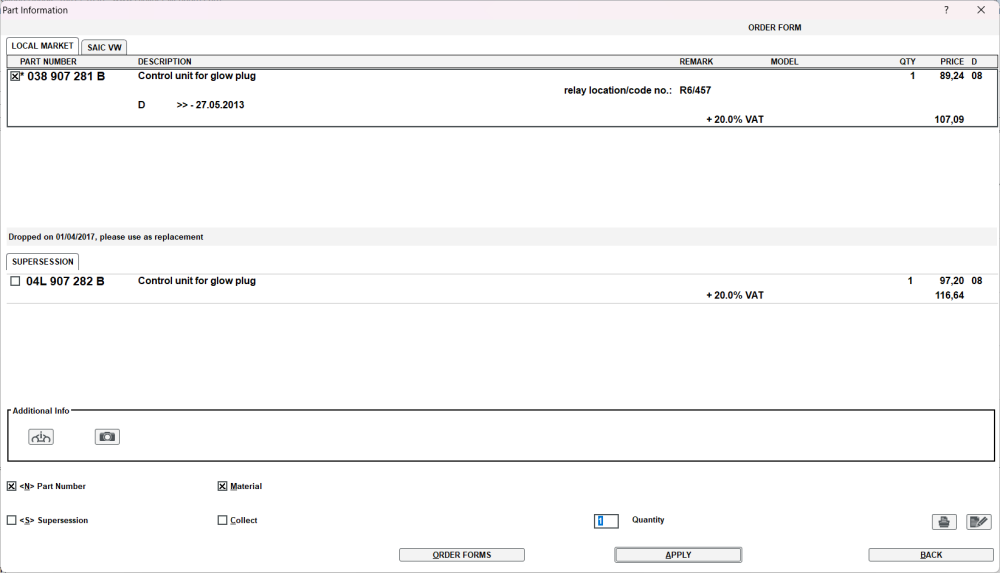
Was busy, so seems you put a very old part on the car, dropped way back in 2013. Better to get the newer 04L 907 282 B part number item.
-
AFAIK this should be the part number you need. I have looked around at the parts catalog several directions and cannot see anything else that is available. 6U0 601 151L MHB Where MHB is just a colour code, and as far as I can tell these should be 56mm.
-
I think AC circuits shut down at low temperatures, to prevent internal freezing. Check in your manual if there's any mention of 4C as minimum temperature for it to operate. Yes, could be wrong, but that's how I remember in my head EDIT: From my own manual The cooling system operates only if the following conditions are met. The cooling system is switched on. The engine is running. The outside temperature is above approx. +2 °C. The blower is switched on. So it's 2 not 4 Celcius.
-
What is the VAG part number on your original item? The first picture I see 04L 907 xxx y but it's very blurry. Not sure that you can just plop in different number item, not got time to research the difference atm.
-
The fault in your new Gateway is stored because on it's list you don't have these selected... 56-Radio -- Status: Not registered 0011 77-Telephone -- Status: Not registered 0011 But the new gateway knows they are there! If you tick the two choices, then the gateway fault can go away, in theory, and also hopefully they can RESPOND back to the gateway they are ready for sleep, this allows the gateway to put the CANbus into sleep mode... saving power! It doesn't matter that the car will complain that there is a fault in the Telephone, that can be fixed at a later date or never depending on how you use the car. tl;dr Tick 56 & 77 in new gateway, store and save. Then see if gateway fault is clear.
-
56-Radio -- Status: Not registered 0011 62-Door, Rear Left -- Status: OK 0000 72-Door, Rear Right -- Status: OK 0000 76-Park Assist -- Status: OK 0000 77-Telephone -- Status: Not registered 0011 Do you have these items in your car, as the Gateway seems to think they are not there via your tick choices, but VCDS can 'see' them? If they are not actually in your car, do you have old VCDS scan?
-
Best of luck in finding a tuner with that file you want, at least you know that someone somewhere probably done a read on the 6356 file.
-
The version 6356 is real and what the ECU left the factory with, the 6360 was a bogus number I made up to say that unless a different 6xxx, 7xxx or 8xxx version was released for something else, that the only file is 6356, but they don't release factory files (but a tuner may have ripped that out, and indeed they have) So yes, odds are yours left factory with 6356 version, but that was never made available as there was no update made until the NOx issue, and they are in the 9970+ ranges.
-
Your current flash file loaded Address 01: Engine (J623-CFJA) Labels:. 03L-906-018-CFF.clb Part No SW: 03L 906 018 SE HW: 03L 907 309 AG Component: R4 2.0l TDI H25 9977 It probably left the factory at this version Pre NOx Sadly not seen this available as they only had to release files for emissions fixes, and if there was say 6360 for another issue, that would be out there for example. Address 01: Engine (J623-CFJA) Labels:. 03L-906-018-CFF.clb Part No SW: 03L 906 018 SE HW: 03L 907 309 AG Component: R4 2.0L EDC H25 6356
-
I don't suppose you was given the exact fault. I have seen a USA Audi TPI that describes your code (but the symptom must match) and there was 50k miles or 48 months max on warranty. You would like to hope the dealers checked the TPI documents for you when they had the car in, but you can check yourself for less than a tenner.
-
It's your data, so either way if fine by me.
-
I can try and look for you if you can get a scan of the engine, issue is that some ECU numbers stayed the same, but a fair few swapped for the NOx update that doesn't help.
-
Have you actually got the VCDS log file, without that it's all guesswork. If you don't have scans of the car before the NOx updates, you are going to find it hard. I cannot help without information.
-
I can send you a link to 0253 via PM in a moment.
-
-
-
-
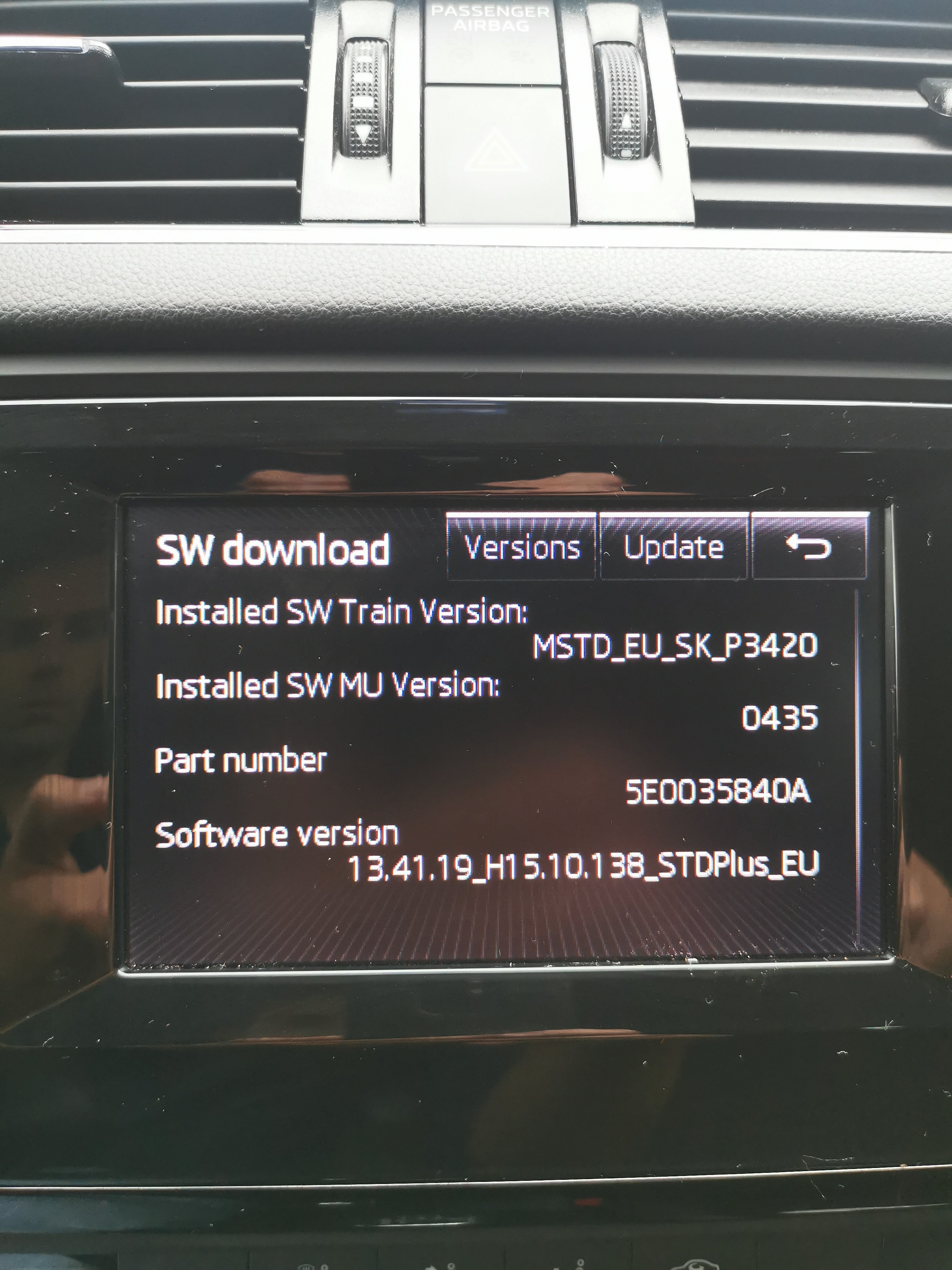
You are better to enter engineering menu, by holding down Menu or Setup button for about 10 seconds to find the Software Train information. Button in this case will be an on screen one of course. The Software Train will tell you what's fitted for sure.
-
-
Sure is, just I mean if someone replies to help you with the car issue you mentioned here is all. It's not a problem to mention your fault at all.
-
Welcome, best to post your issue again in correct forum, otherwise someone will reply here. Or you could also report your own post asking for this one to be moved to the right place 🤝
-
-
-
You might be better to find an independant, dealer might follow the diagnostic software chapter and verse.. "Needs a new XYZ" So open wallet surgery.