JR RS
FREEDOMLite
-
Joined
-
Last visited
-
Currently
Viewing Topic: What have you done to your Superb III today?
Everything posted by JR RS
-
-
Unfortunately no, u can't run the wire from the outside taillights to power/operate the inner lights. These lights r controlled by the BCM - not like the old days where u could simply tap into an existing wire.
-
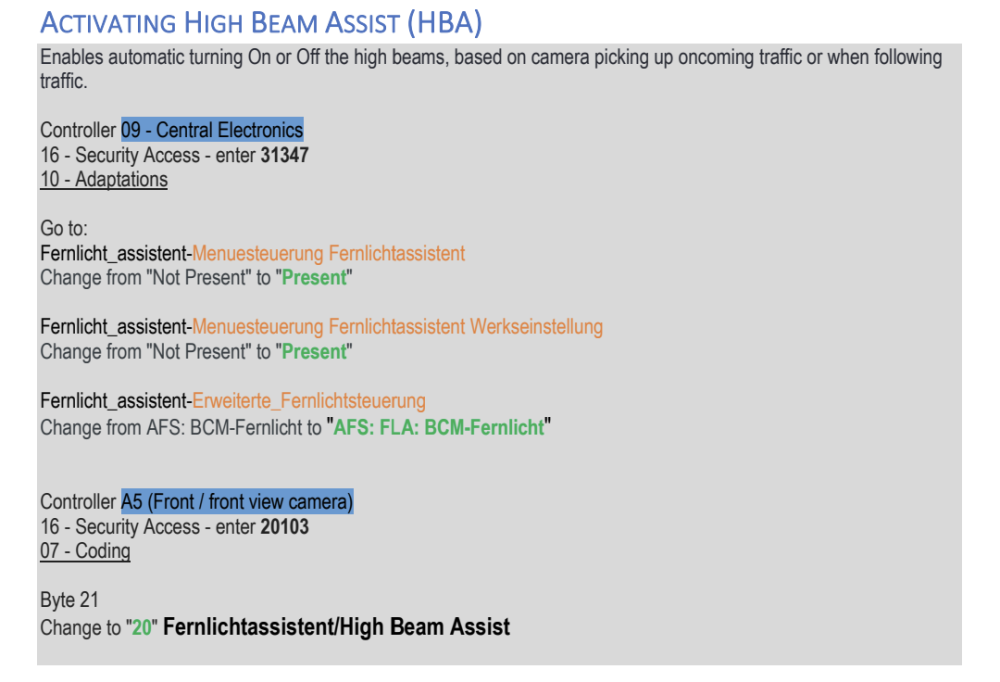
There's ur problem!! Fix that then ask for help. I know it's expensive, but get a genuine cable if u want to do things properly and don't want issues. Alternatively, get an OBDEleven. Early mk3 Superb models (M15 & MY16) used an older setup which used to have coding in the 09 module, as well as a few others. From MY17, they changed things, resulting in the use of adaptations and putting 0s in coding.
-
No idea wats going on with ur setup.... sorry. Is ur VCDS cable genuine? Have u got the latest version of VCDS installed on ur laptop?
-
Did u enter the security code? Also, there is no Coding possible for 09. Ur screenshot shows long coding screen. U can't do coding as it's all done via adaptations. U need to go to the adaptations menu.
-
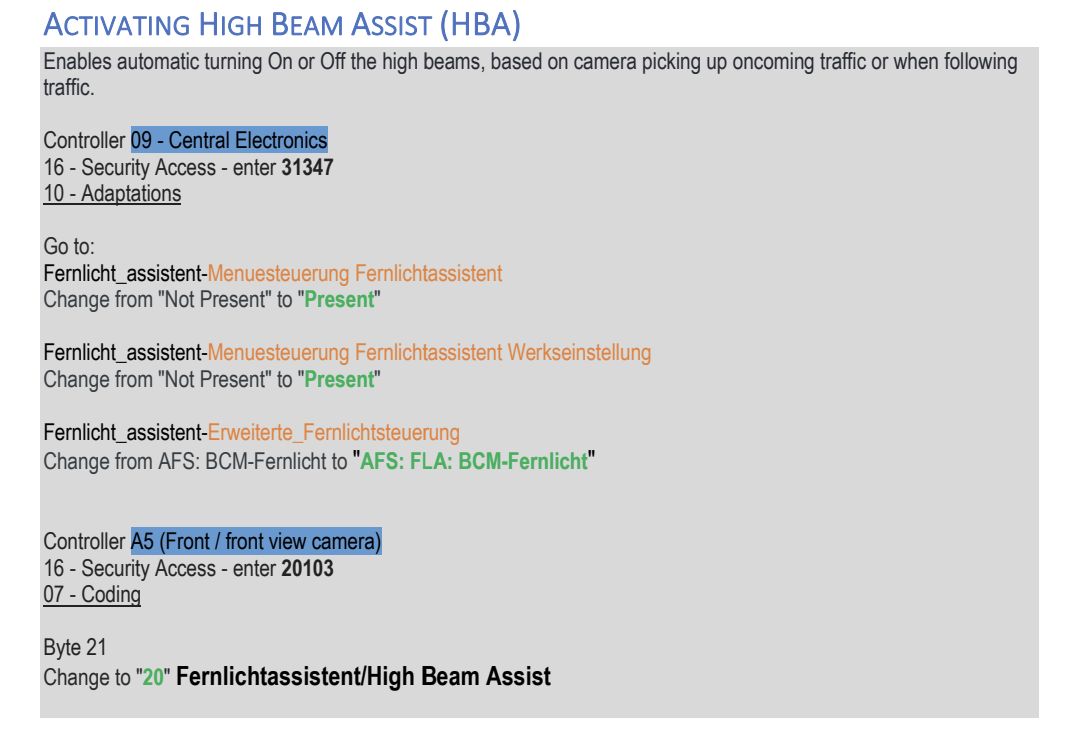
U need to make changes in both the A5 and 09 modules. This is the coding to enable HBA....
-
@Dave77 - nicely finished there. 👍 I don't remember if I had a locking nut behind it - it's been a while since I installed this.
-
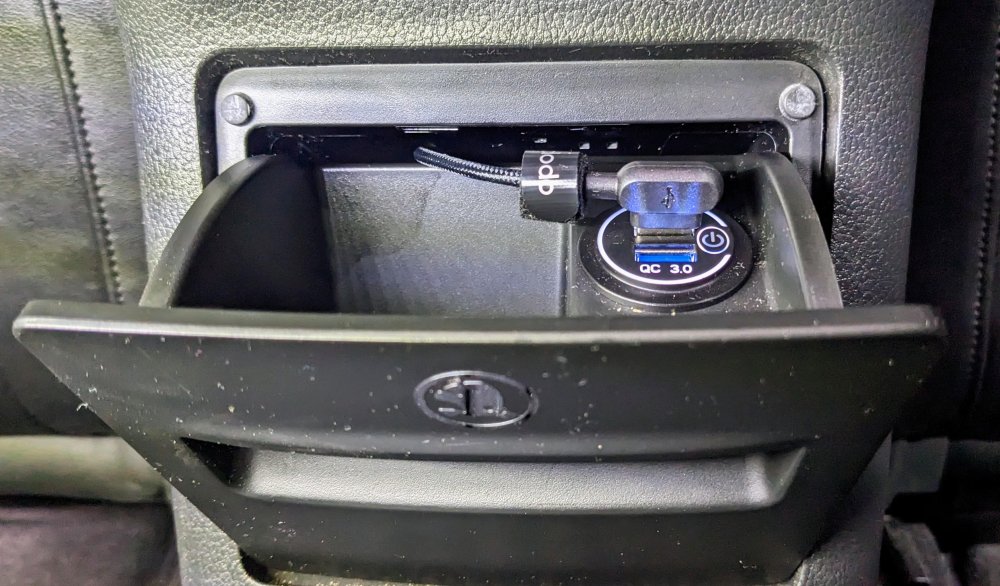
@Dave77 - I butchered mine out cause I wasn't planning to reuse it. I too couldn't work out how to free it. As for the wiring, the USB socket comes with a black connector that plugs into the existing 12v socket wiring loom.
-
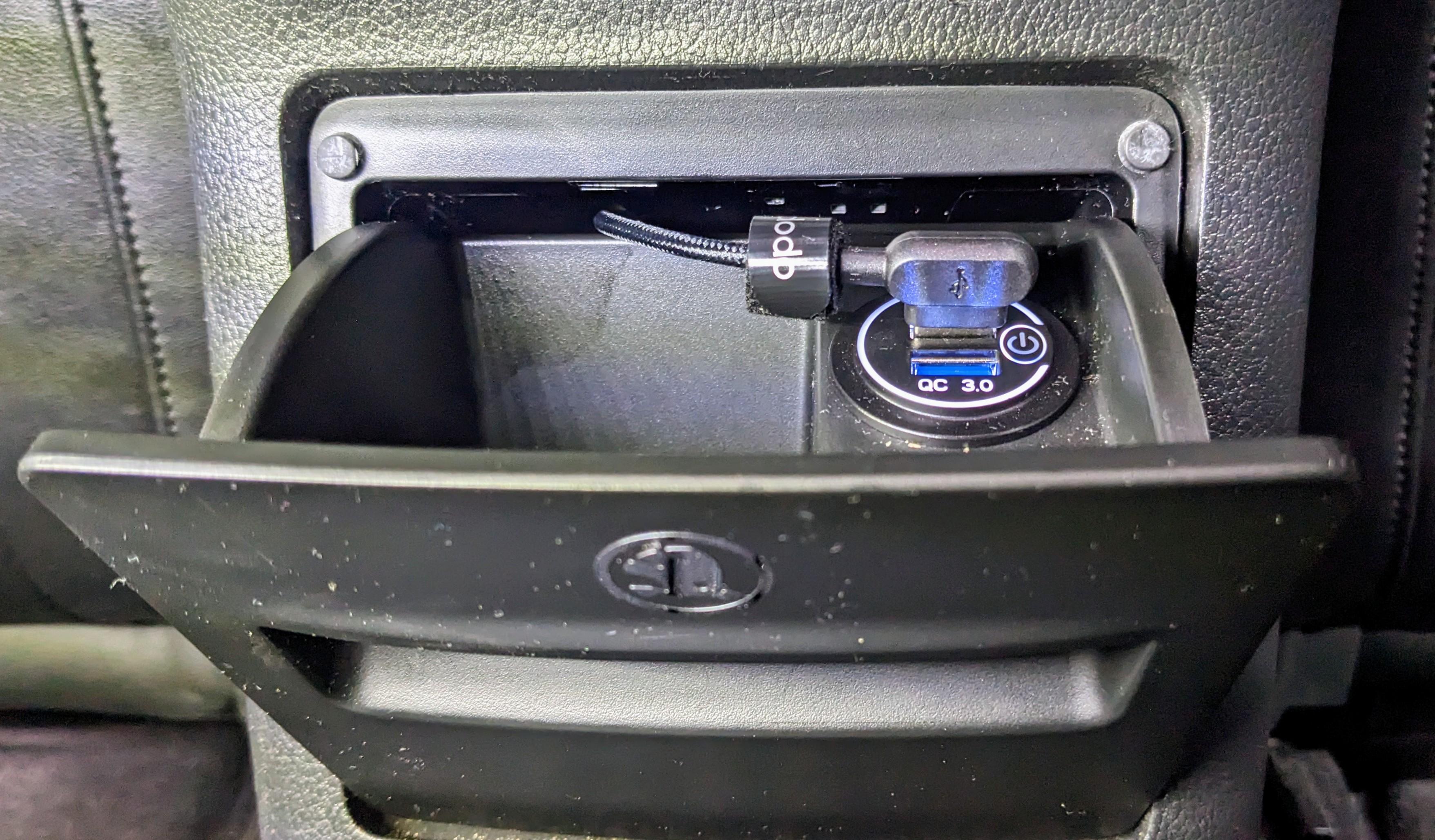
I replaced the rear 12v socket with a Dual QC USB ports on Gandalf a couple of years ago. It sits flush. I have a 90-deg cable which allows me to close the compartment so it is out of sight. U can read about wat I did here.
-
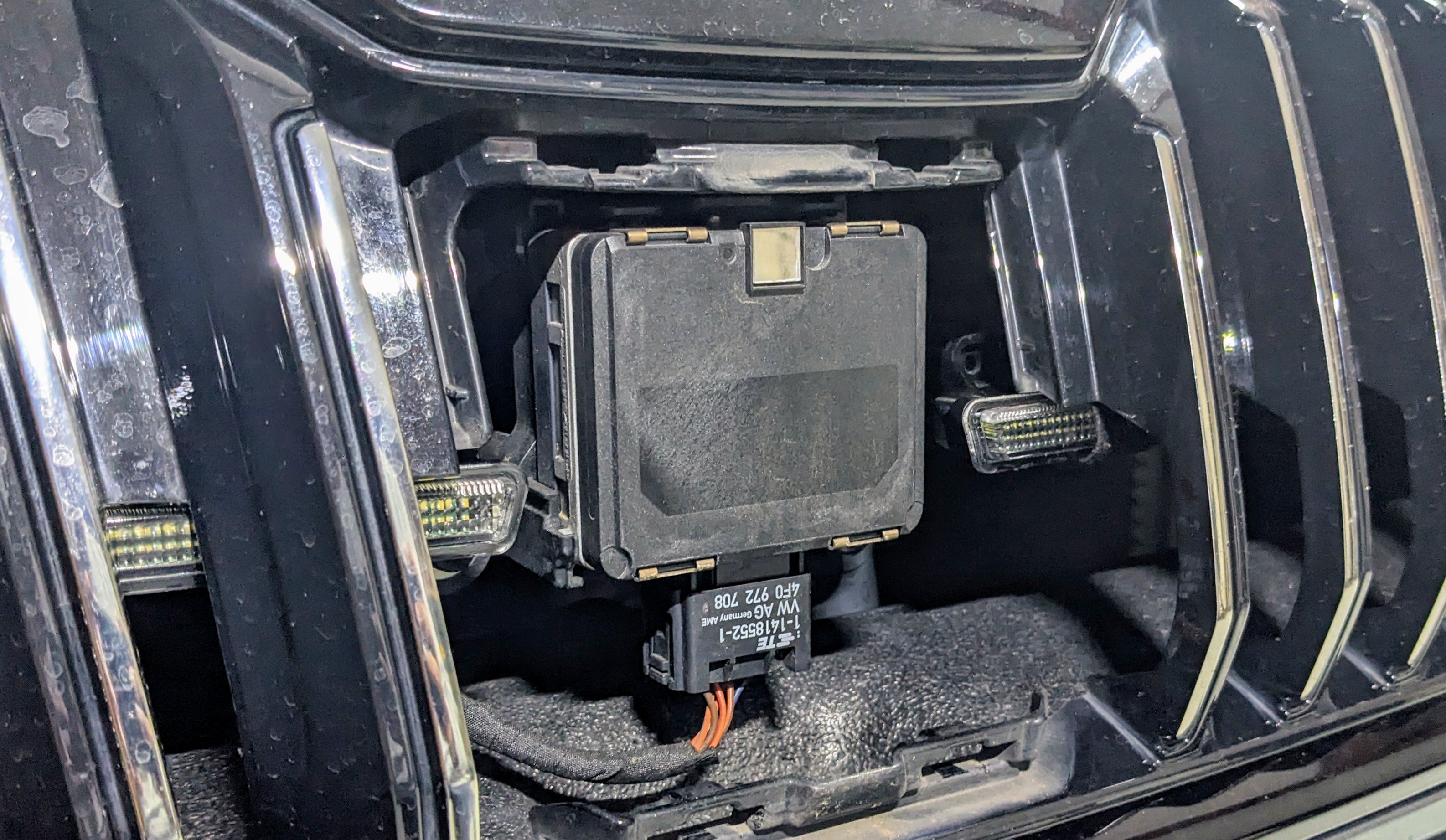
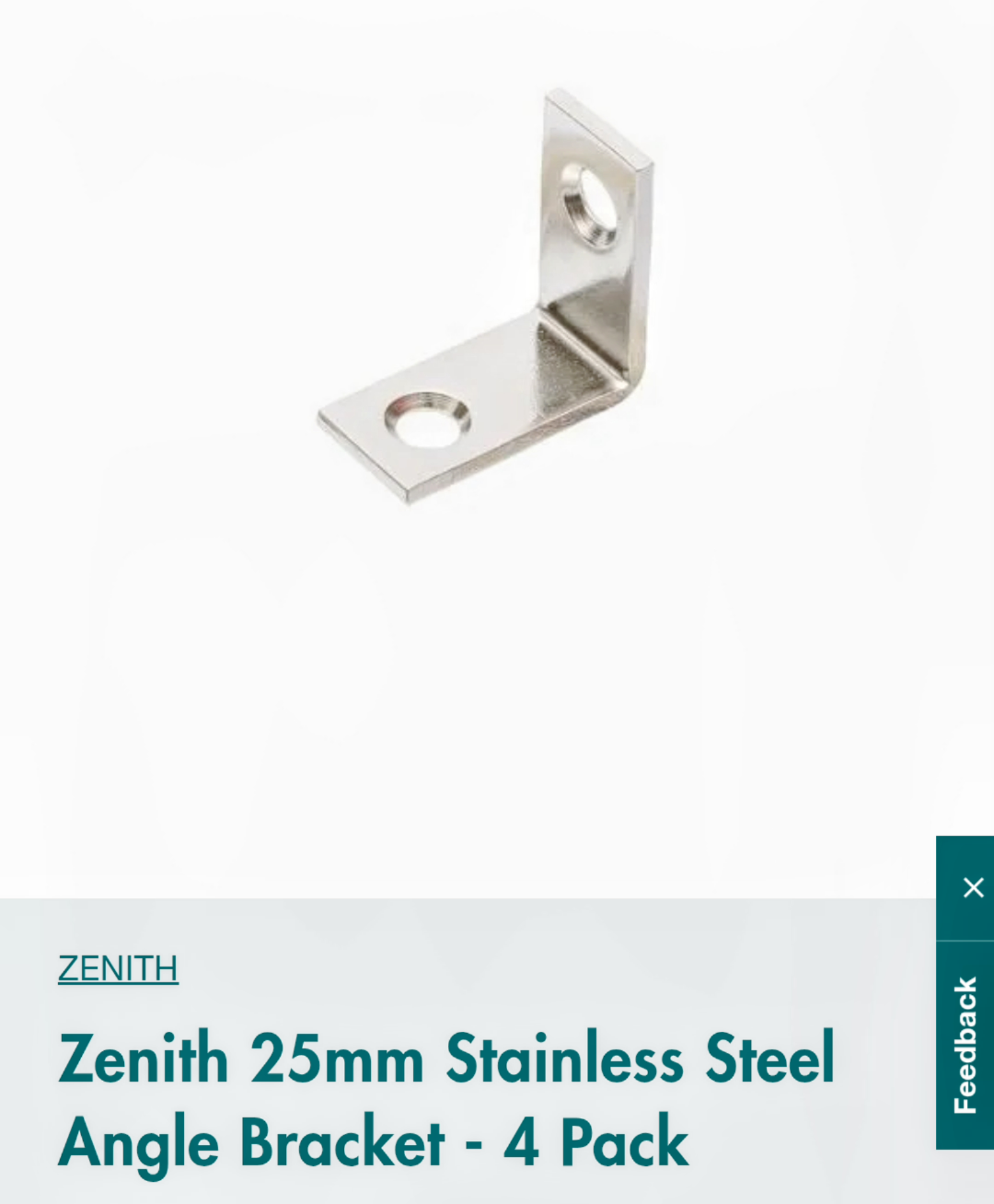
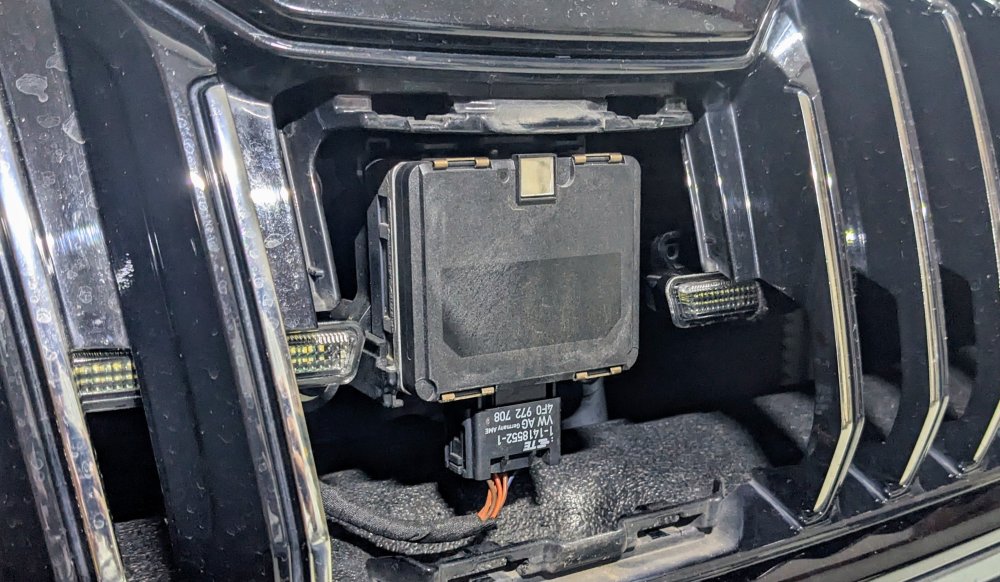
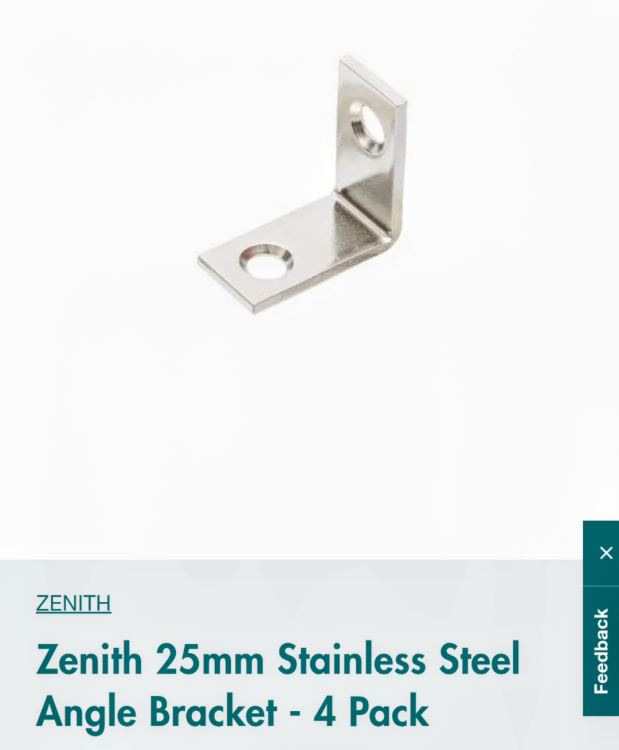
It's a simple metal bracket - 4x of them. 2x per light bar. One side is glued to the top of the light bar, and the other end glued to the back of the the grille. Unfortunately I don't have a pic of how it's mounted.... sorry. The bracket... A close of how it's aligned behind the grille..
-
thank u :) please NOTE that this is not a Light bar that will give u additional light on the road. this is a DRL light strip. it functions as a DRL and complements the existing DRL in the headlights. with regards to the clips, no they didn't come with the clips. the clips i used r for holding down electric wires/cables. it just so happened to b the right size. however since then, i've changed the DRL light strip to a version that is made for the mk6/7 Golf GTi front grille. details here. to fix these to the grille, i used an L-shaped bracket to hold them in place.
-
Once ur logged in, navigate the folders as follows... MQB_Solution MHI2 - HARMAN Firmware Skoda U'll find the appropriate firmwares there.
-
Missing out on those very things would b hard pass on the mk4 Superb for me. All those things make a big difference for everyday driving and enjoyment.
-
-
-
I still get comments from people asking how recently did I buy the car or where I get the car detailed!?!? U don't need to b fancy to keep a car looking "new". Of course, if u have the time, money and patience - a full proper wash & detail is the way to go. Nothing wrong with that.
-
tis nothing more than a high-pressure foam covering followed by the good old "wash & wax" combo shampoo, followed by a tire shine. nothing fancy. no 3+ hrs time spent. no 2 bucket method. no detailing.
-
Don't put different sized tyres at the same time!! U either stick to 235/40/19 tyres on all 4 corners, or u change all 4 corners to 245/40/19 tyres at the same time. Don't have 2 of each type. Insurance will b void, and ur ABS will not b happy, hence it will disable some of the assist systems, including ACC.
-
u haven't mentioned if ur car comes equipped with DCC suspension or not. with DCC, putting it in "Comfort" mode should absorb a majority of the harshness. however, given that u spend a lot of time driving on country rural roads, i would recommend dropping to 18" tyres, which will give u a much thicker sidewall. the Superb has the option of 18x8" rims on 235/45/18 tyres. the 19" tyres will only give u so much relief. a number of us have gone up from the standard 235/40/19 tyre to 245/40/19 tyre size. the extra sidewall height improves comfort levels.
-
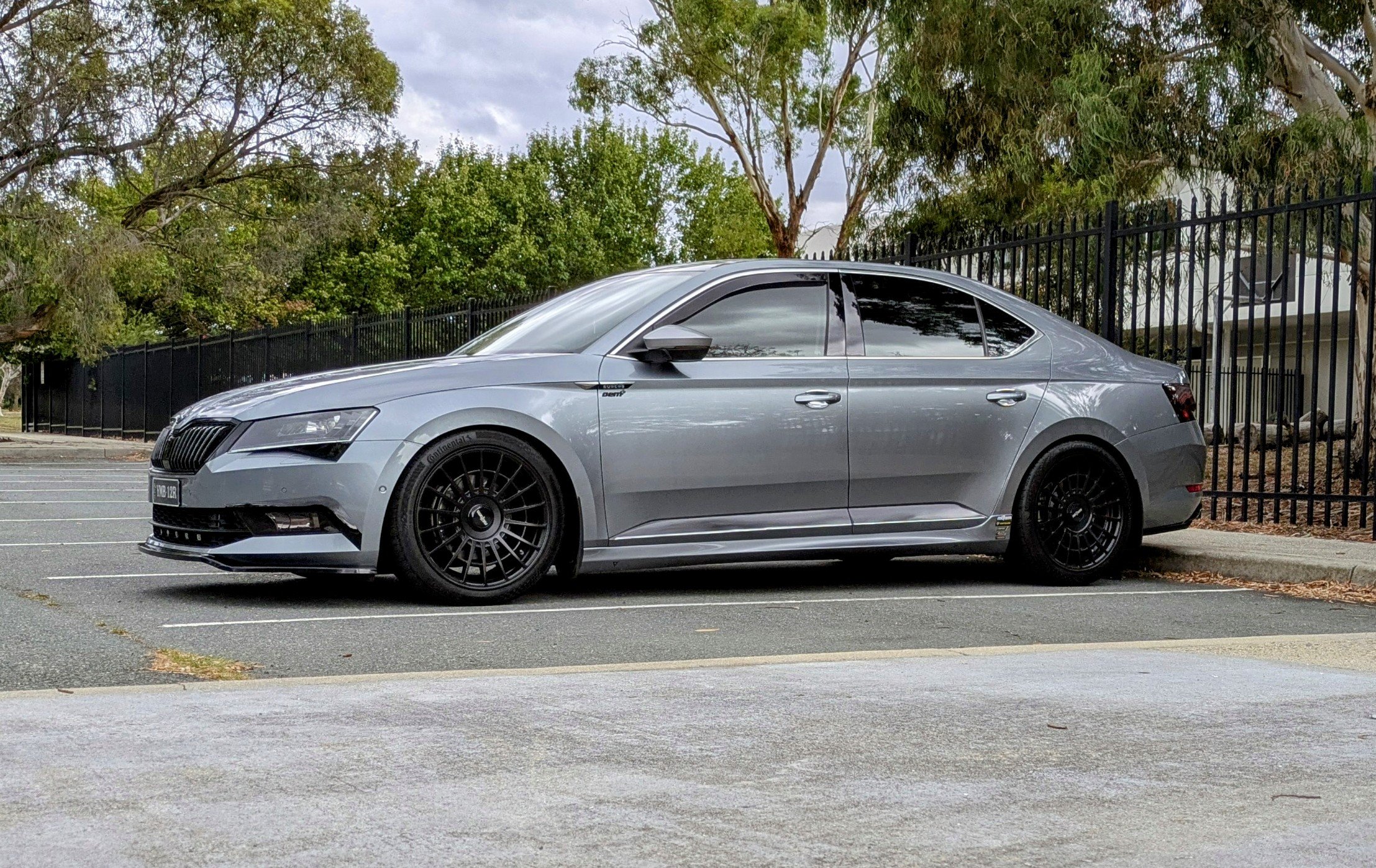
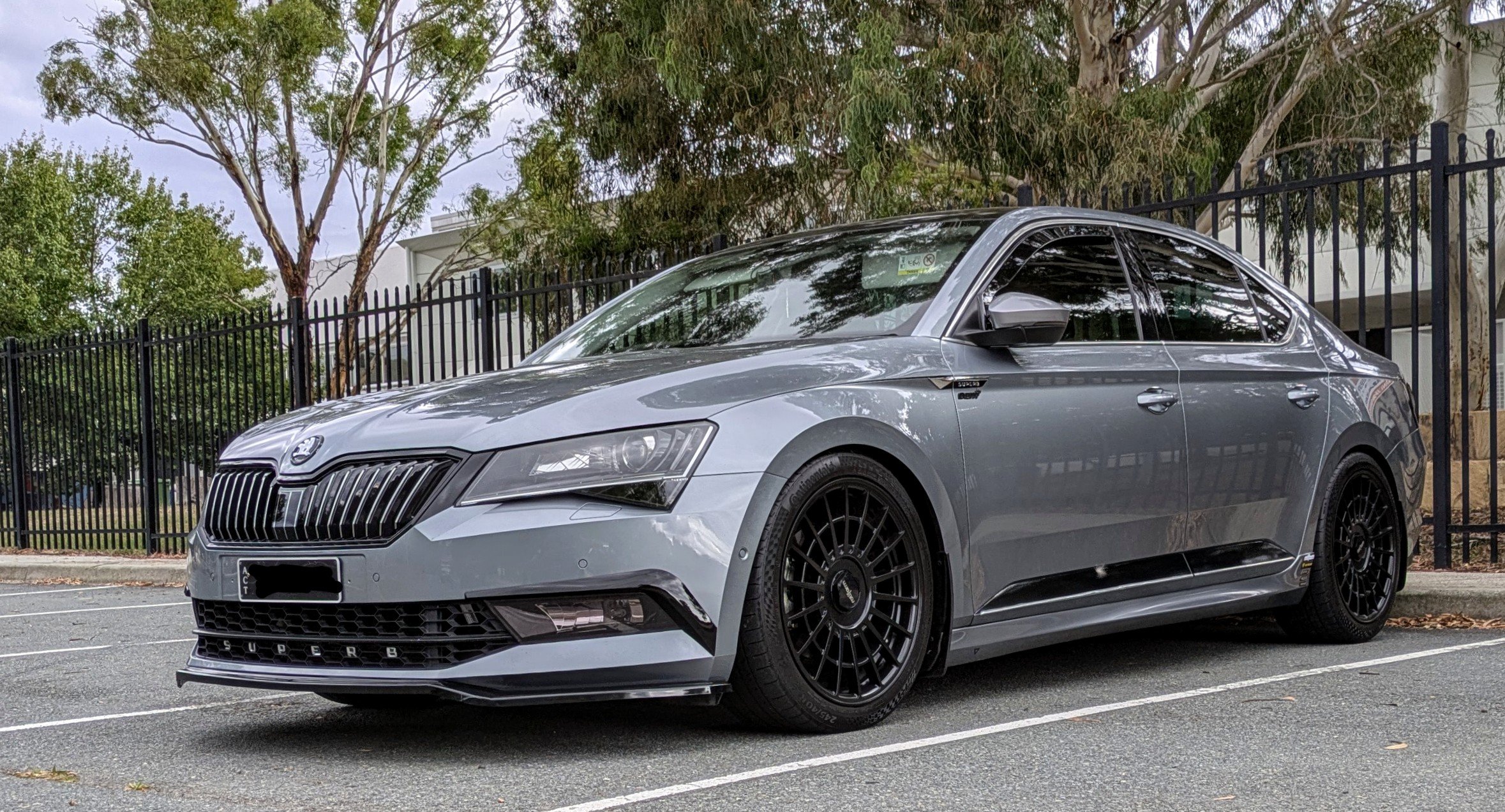
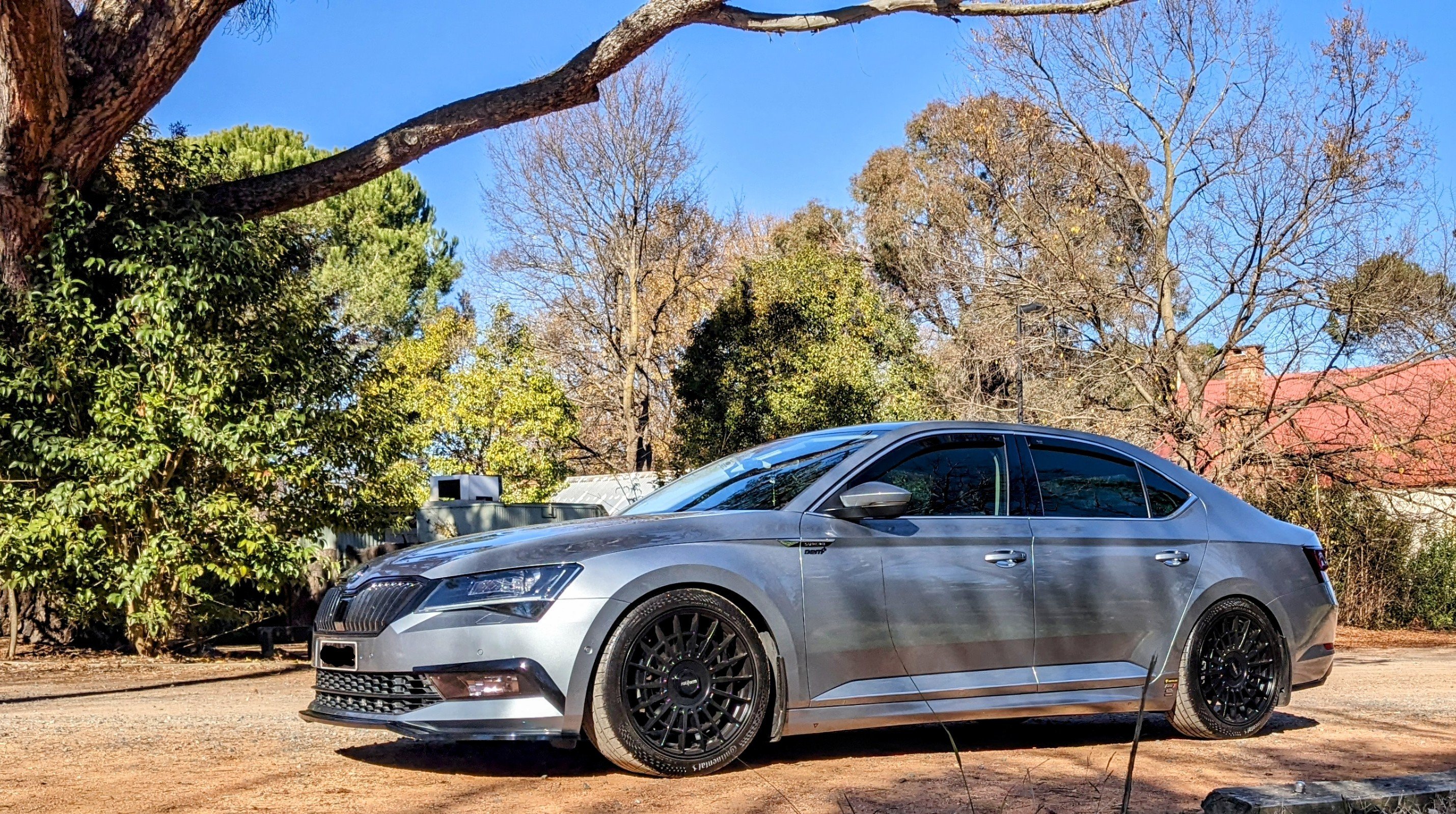
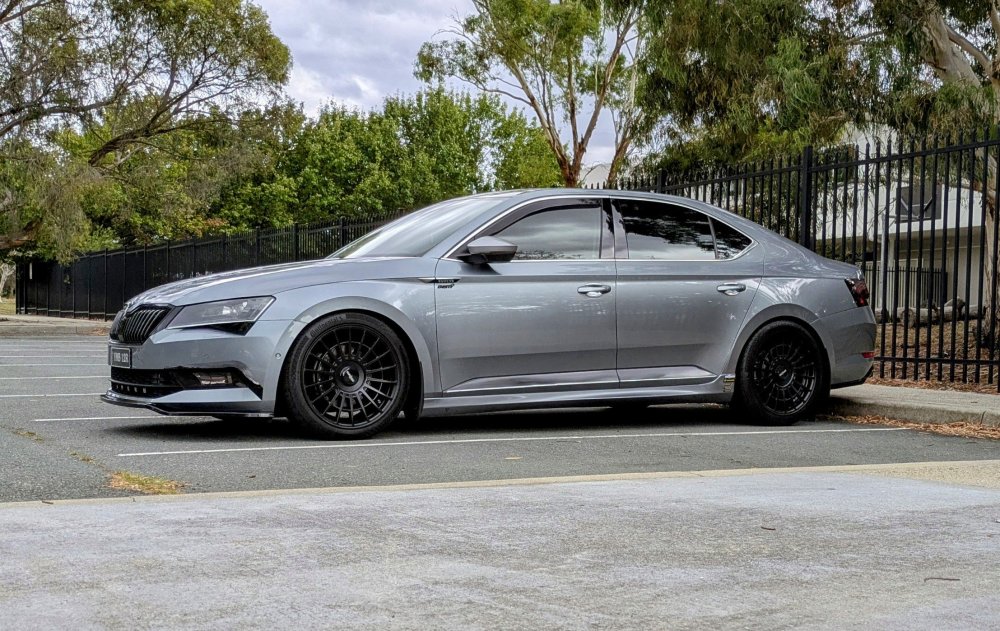
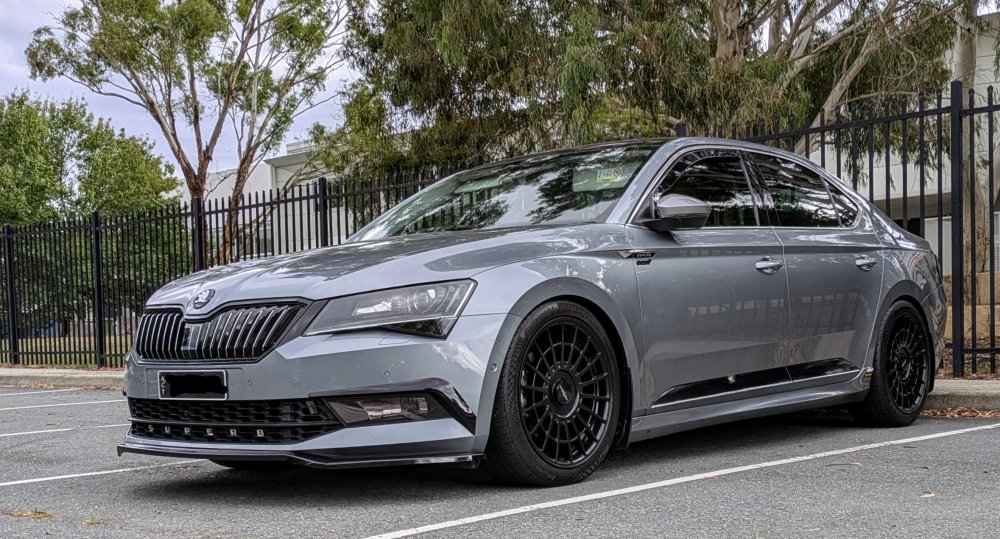
First wash for Gandalf for 2025. Scrubs up well after almost 8 yrs 😁
-
If ur going to put a Garret turbo in, don't skimp out and get the supporting hardware. The intercooler and downpipe, minimum. If ur doing Stage 3 power levels, then u should do the HPFP. Otherwise, don't b surprised if u blow up the turbo, or something else down the line.
-
As above - u need to disassemble the entire headlight unit. One of the steps involves putting the headlight in the oven so u can soften the glue to separate the lens from the body. It's a big job and u could likely cause more damage to other components in the process.
-
I'm sorry, I got my wires crossed. Ignore wat I said. Wat @ope126 said - 100% correct.
-
The interior monitoring alarm + battery is located at the bottom of the b-pillar, behind the trim.
-
That is the latest version for an MIB2 unit. MHI2_ER_SKG11_P3325 MU 1433 U can download firmwares from MIBSolution.