JR RS
FREEDOMLite
-
Joined
-
Last visited
Everything posted by JR RS
-
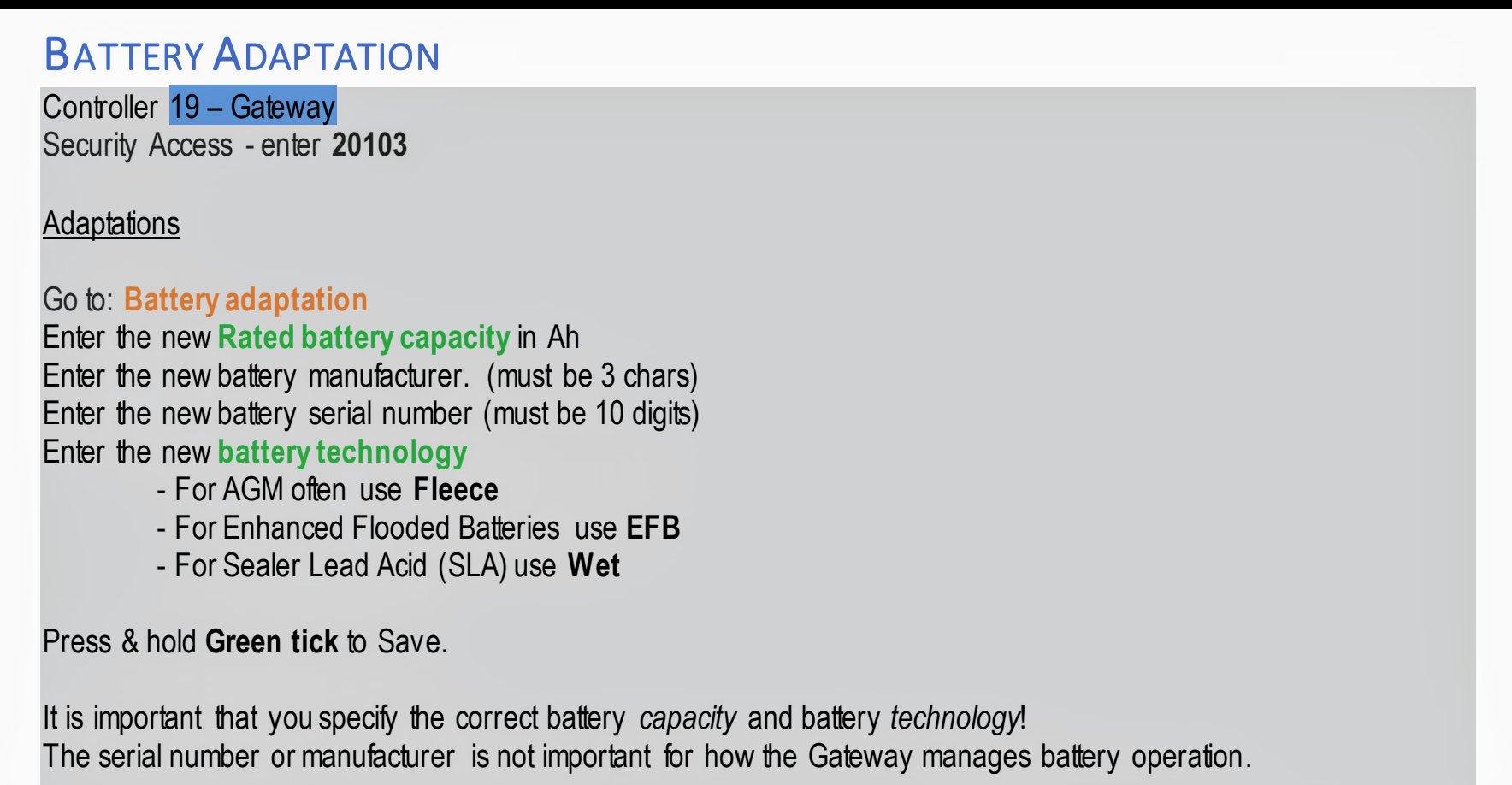
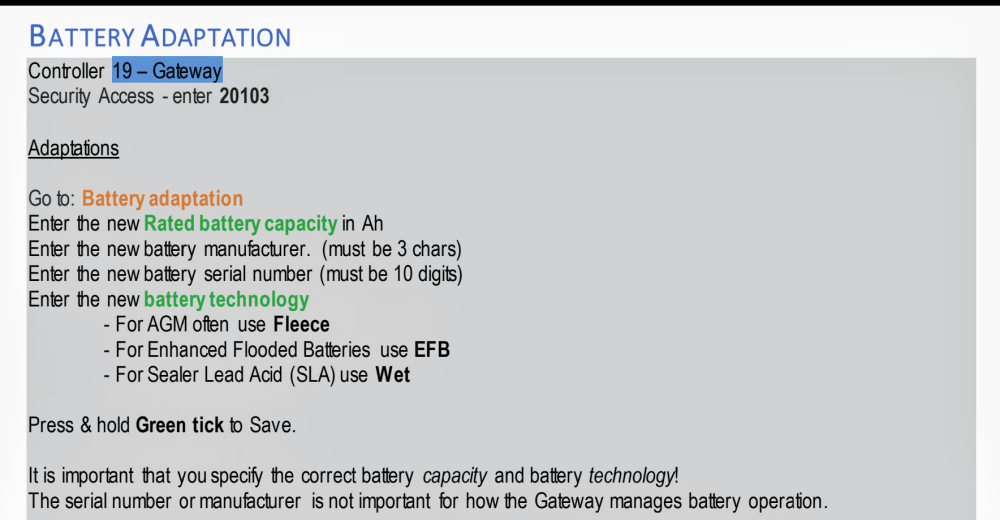
Don't forget the battery technology is important too, if u change from EFB to AGM, or vice versa.
-
oh, u got it working!!! that's brilliant. yes please if u could share the coding and steps performed.
-
No luck. I've given up on it. Could b my model year, 2017, that doesn't play ball.
-
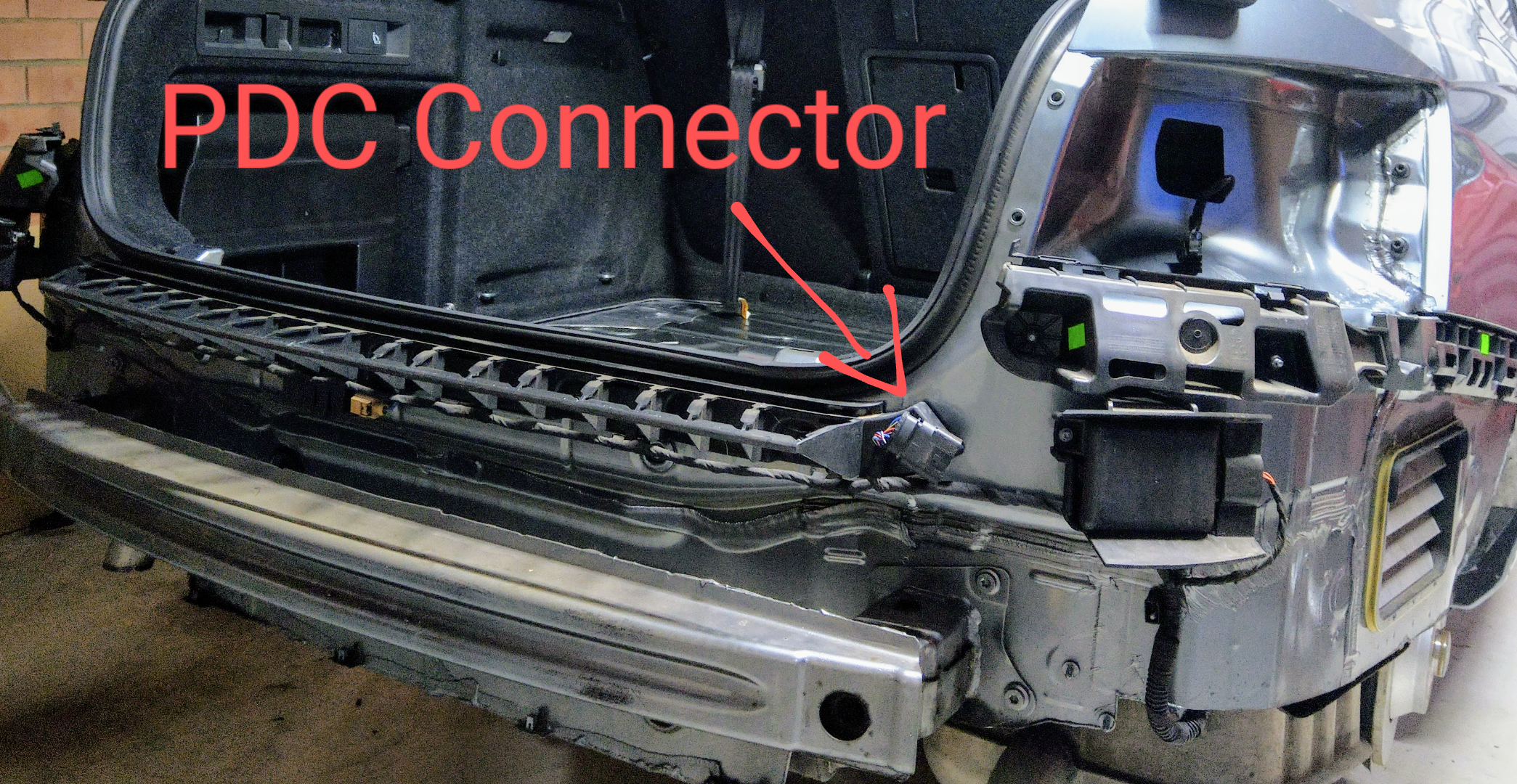
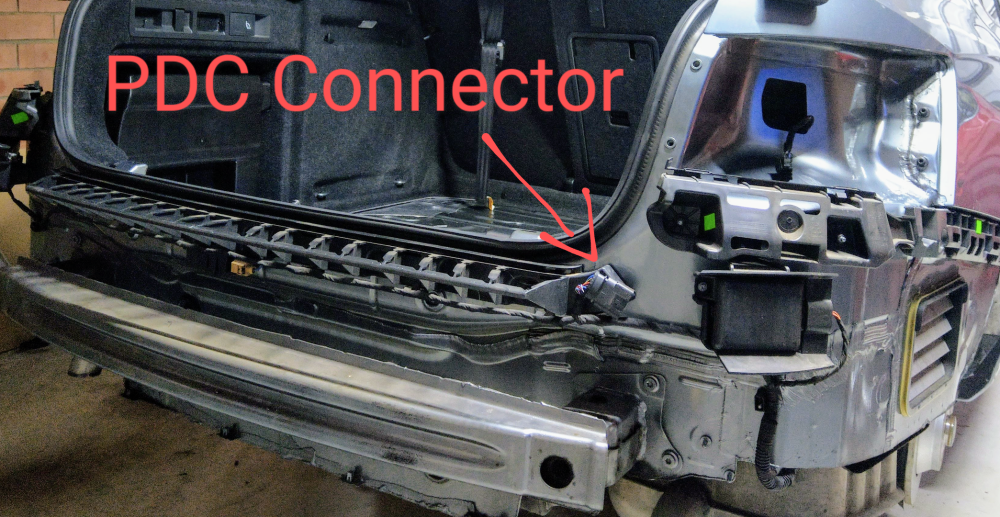
No, they r not behind the wheel arch liners. They r directly below each tail light, inside the rear bumper. just ignore the text in the image.
-
TSR depends on the map data available for ur country. Here in Australia, we don't have the necessary map data, ROW maps, hence we get a warning message at each start up, with only the camera detected speed signs shown. Some countries have the necessary map data, hence will show either map or camera signs, or both. Nothing u can do unfortunately.
-
My bad. Sorry.
-
+1 get a throttle controller.
-
generally - if it makes more than 250 Nm, then it will have a wet-clutch DSG (DQ250 6-spd or DQ380/381 7-spd). the lower powered engines come with the dry clutch DSG, i.e. the DQ200 7-spd.
-
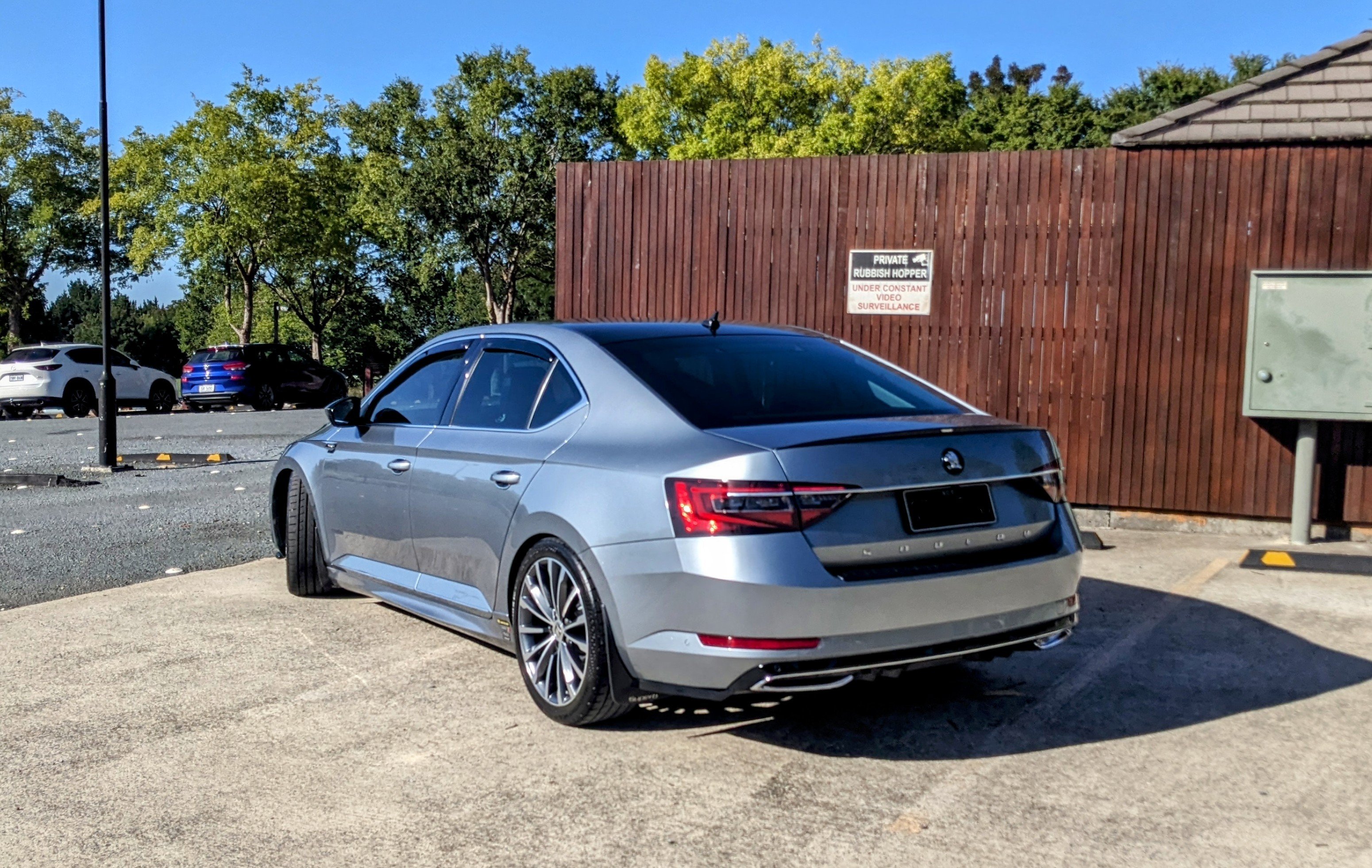
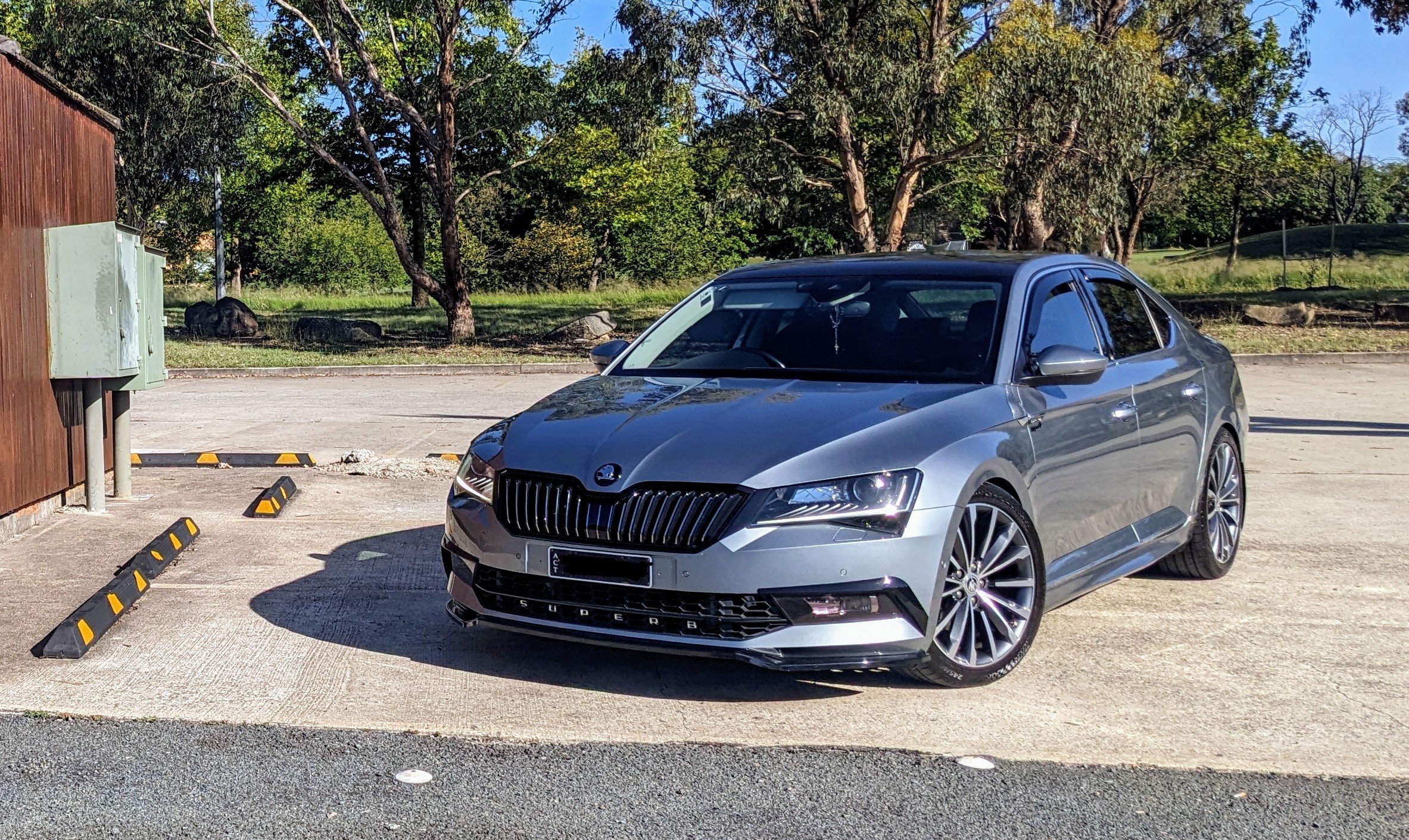
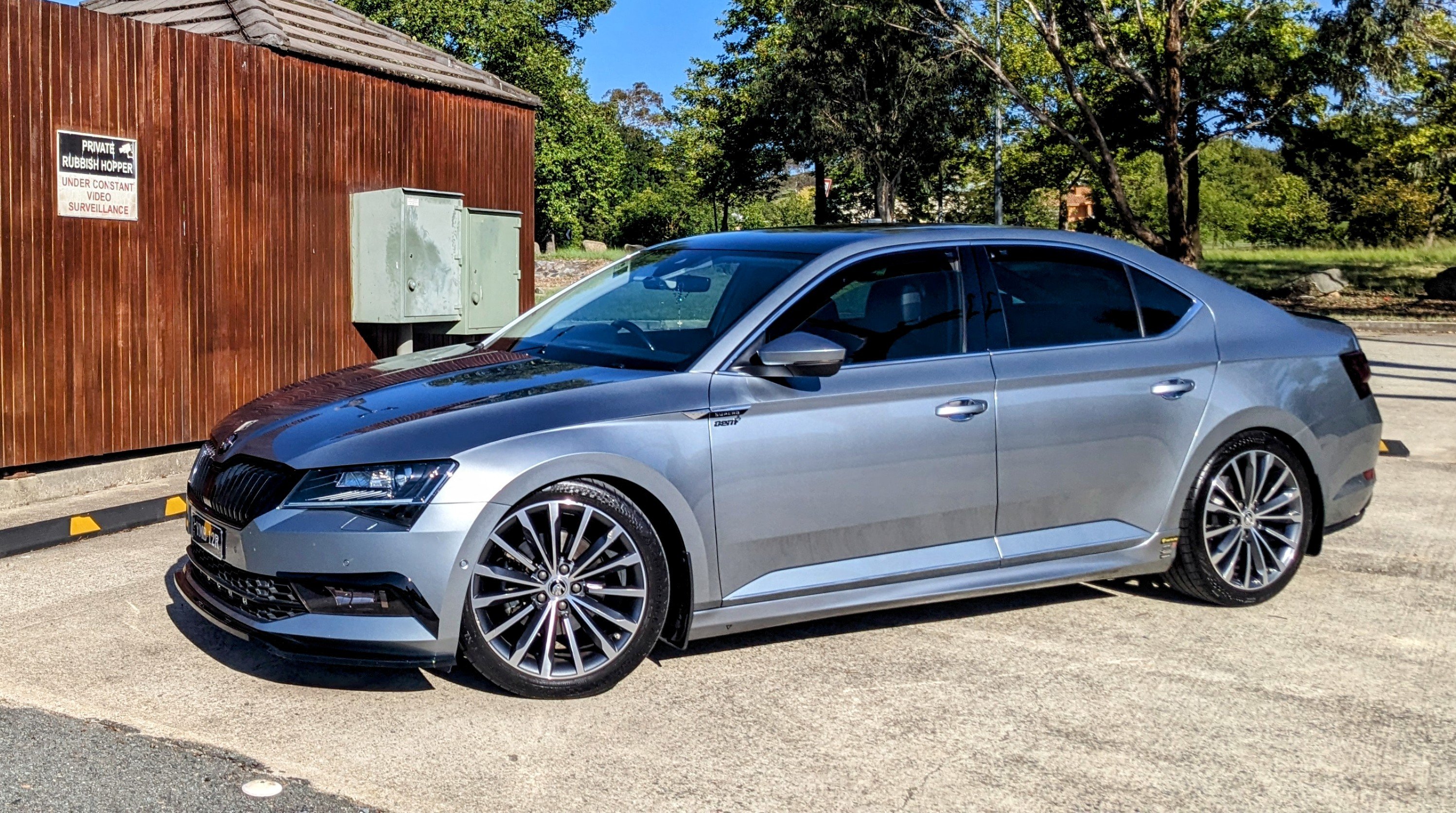
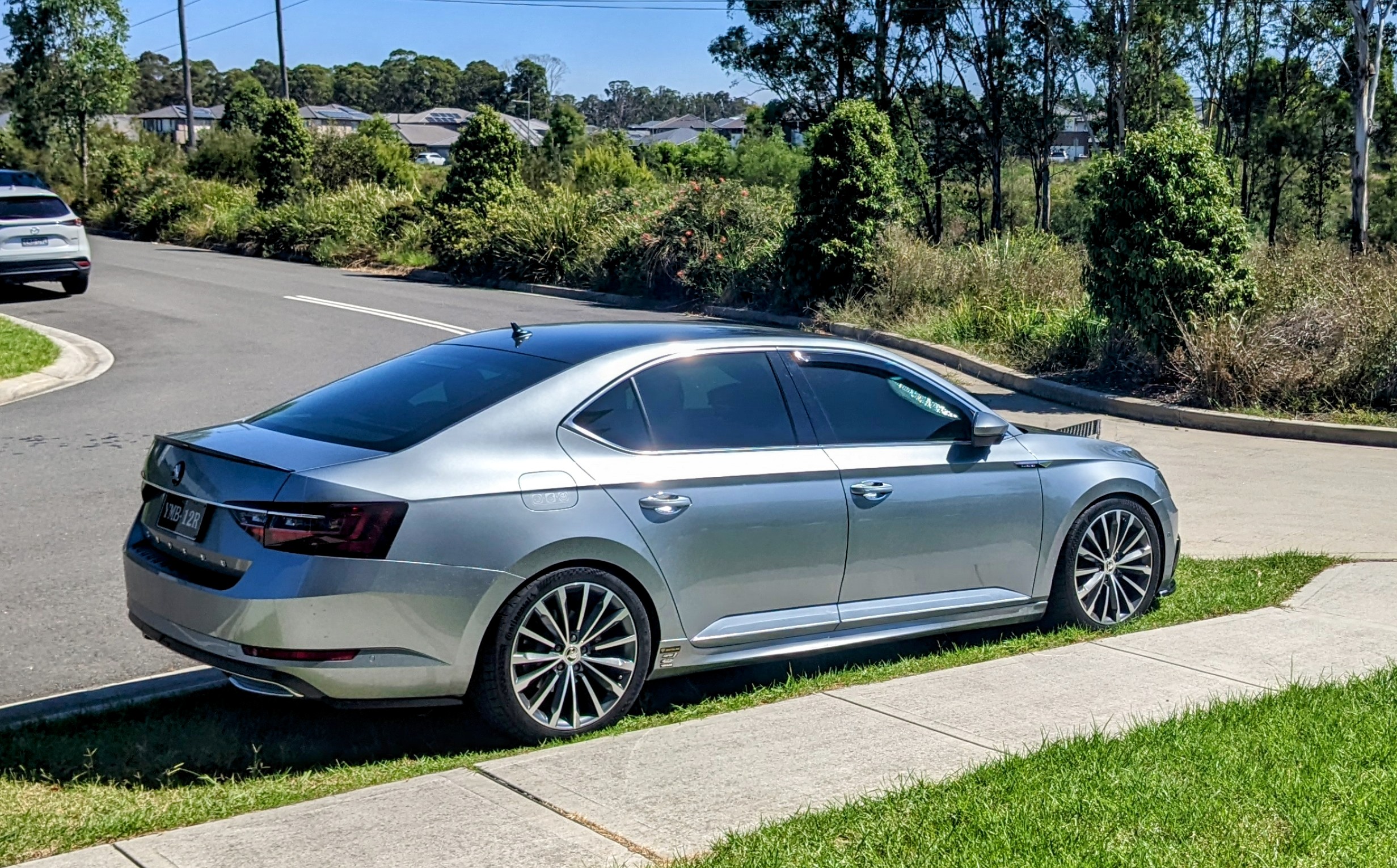
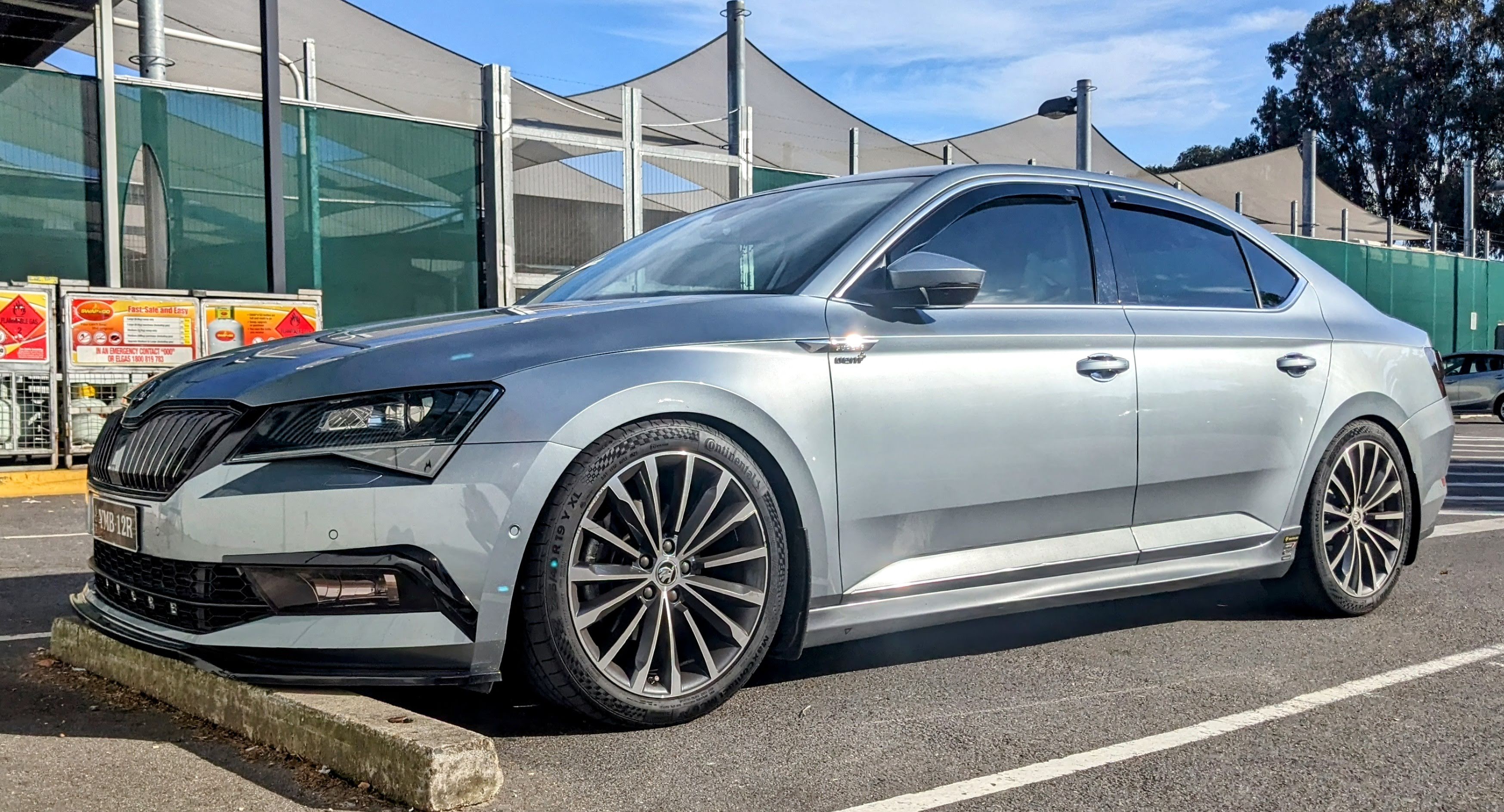
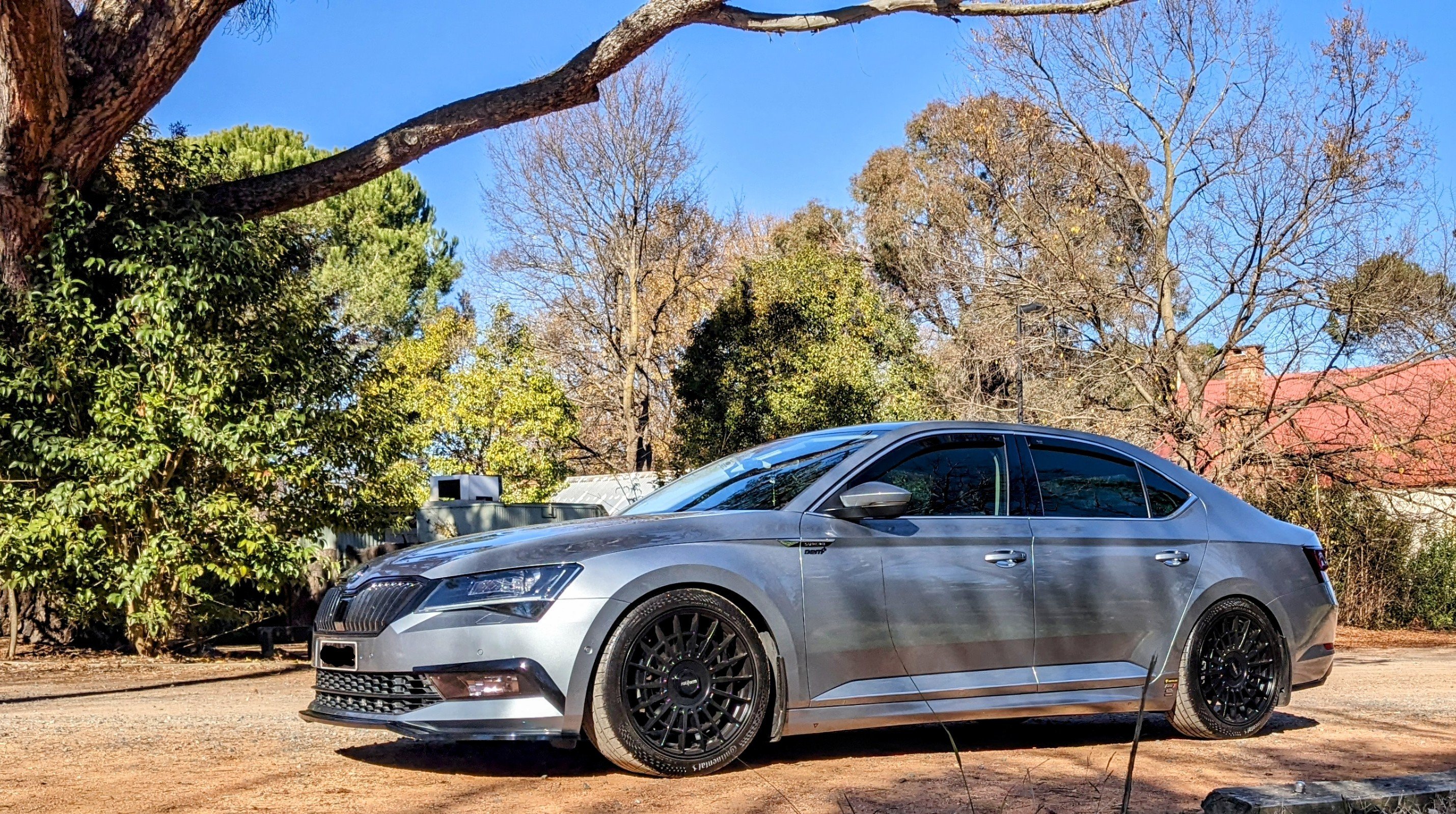
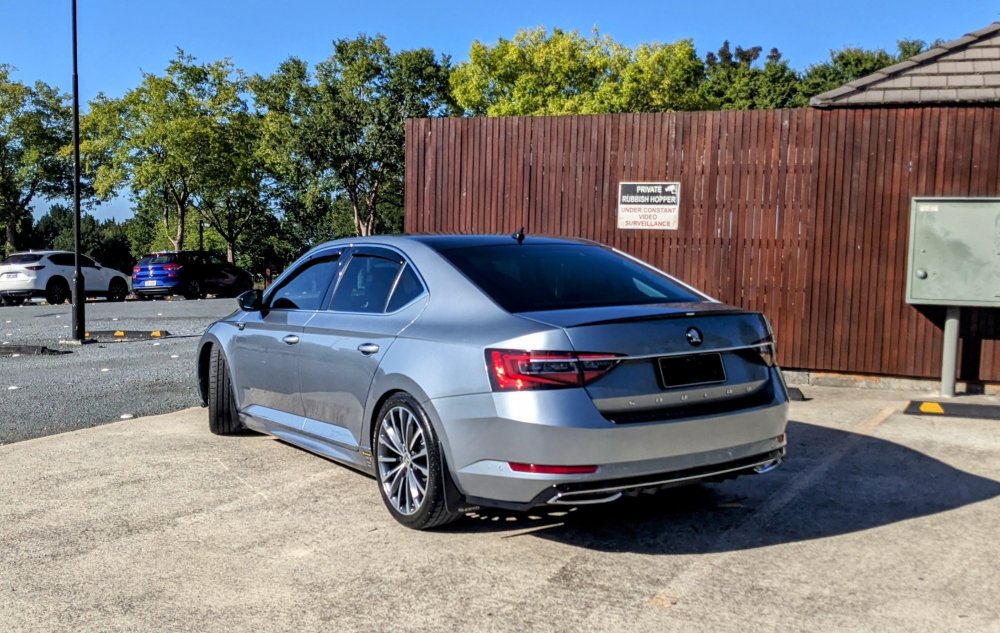
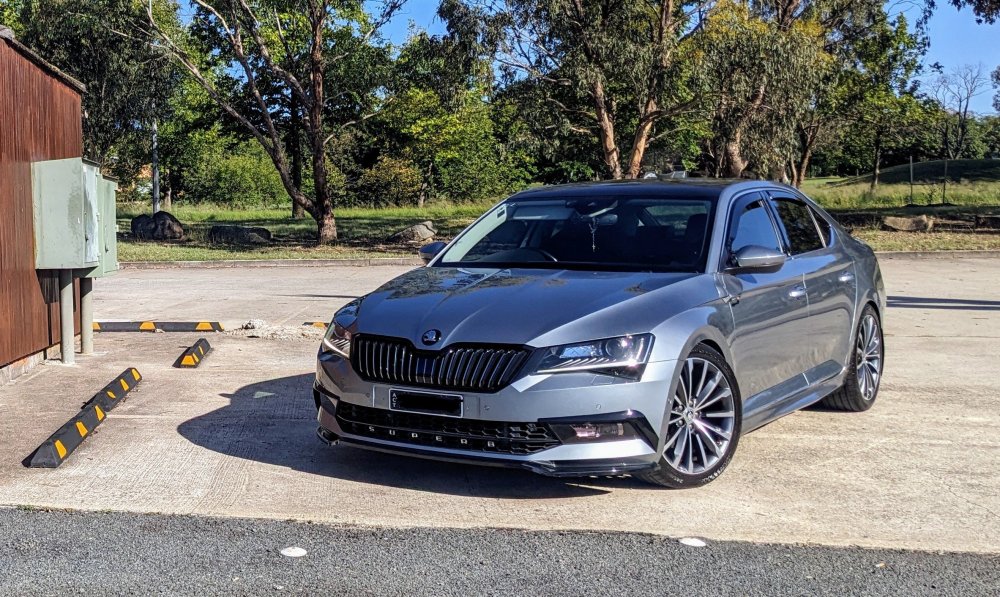
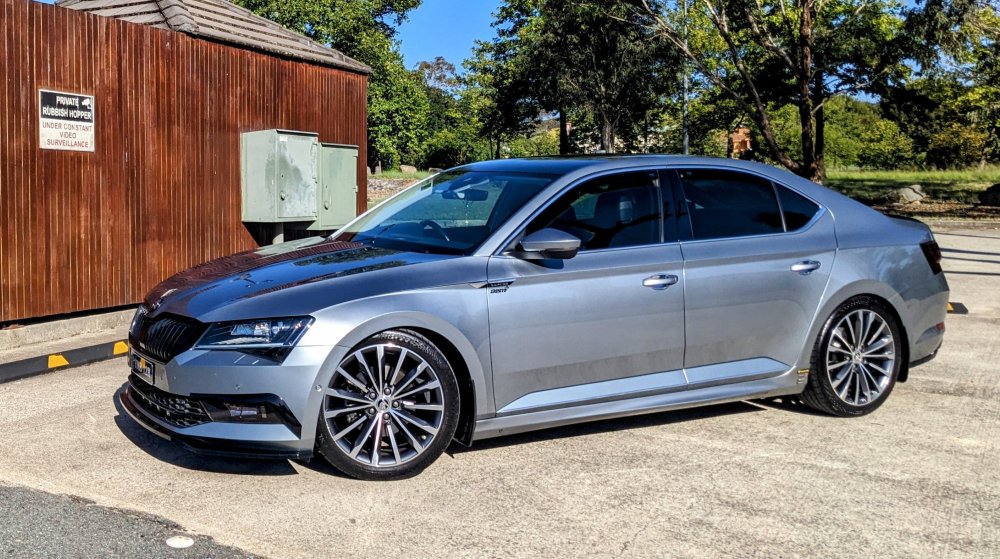
Been more than 3 months since Gandalf had a wash 😕 Happy with how shiny it still turns out, despite being almost 7 yrs old 😁
-
It's the L&K standard 19" wheels.
-
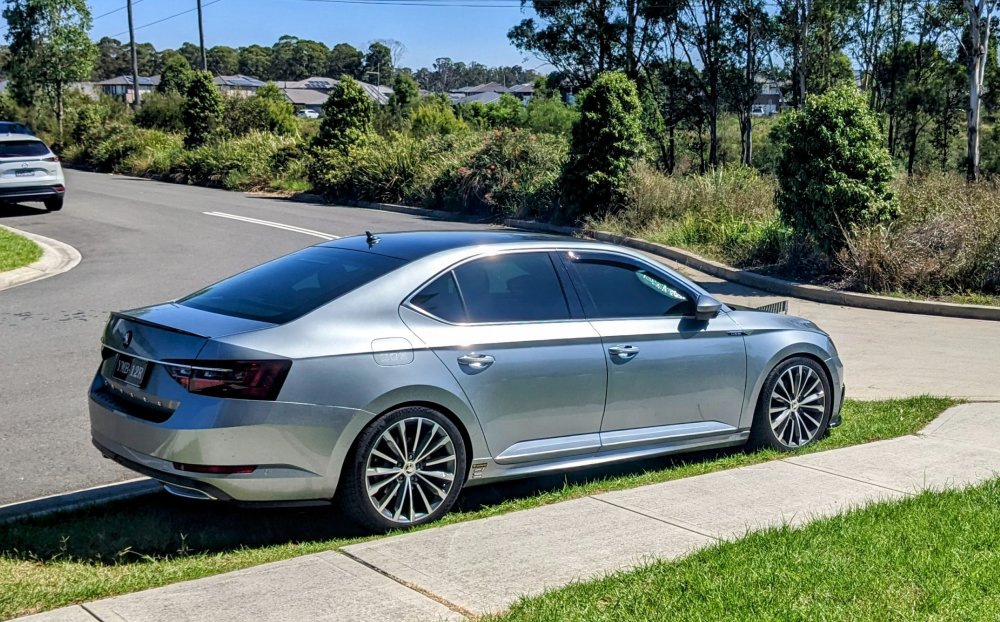
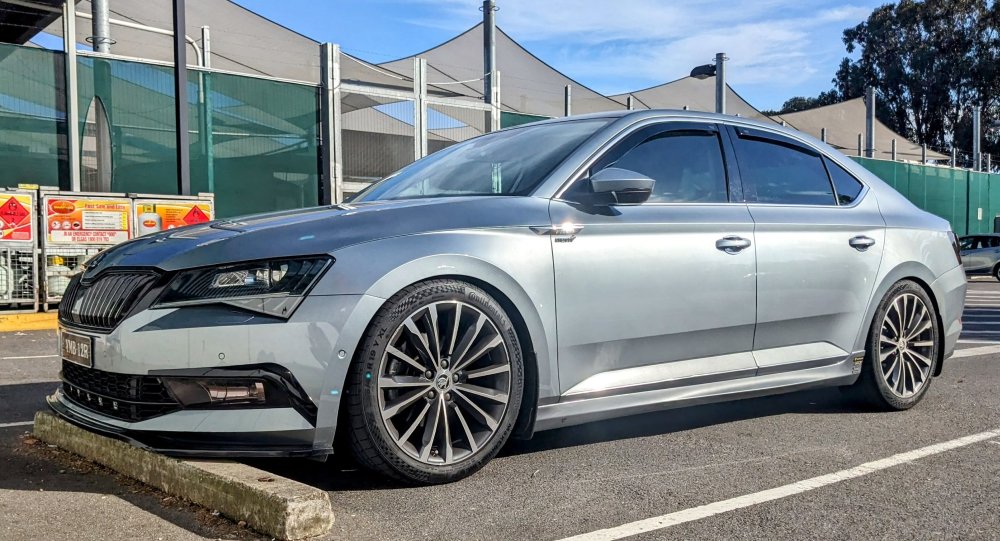
nothing wrong with a bit of chrome u can fix the wheel arch gaps by fitting some lowering springs. L&K r nicely specc'ed. Sportline not as good, but have other nicer looking trim options that u don't get on the L&K model. mine is non-Sportline MY17 - no regrets.
-
Yup, that's plan B, if there is no interest locally to buy it. I spoke to two different exhaust shops here n they both said they can "make it fit".
-
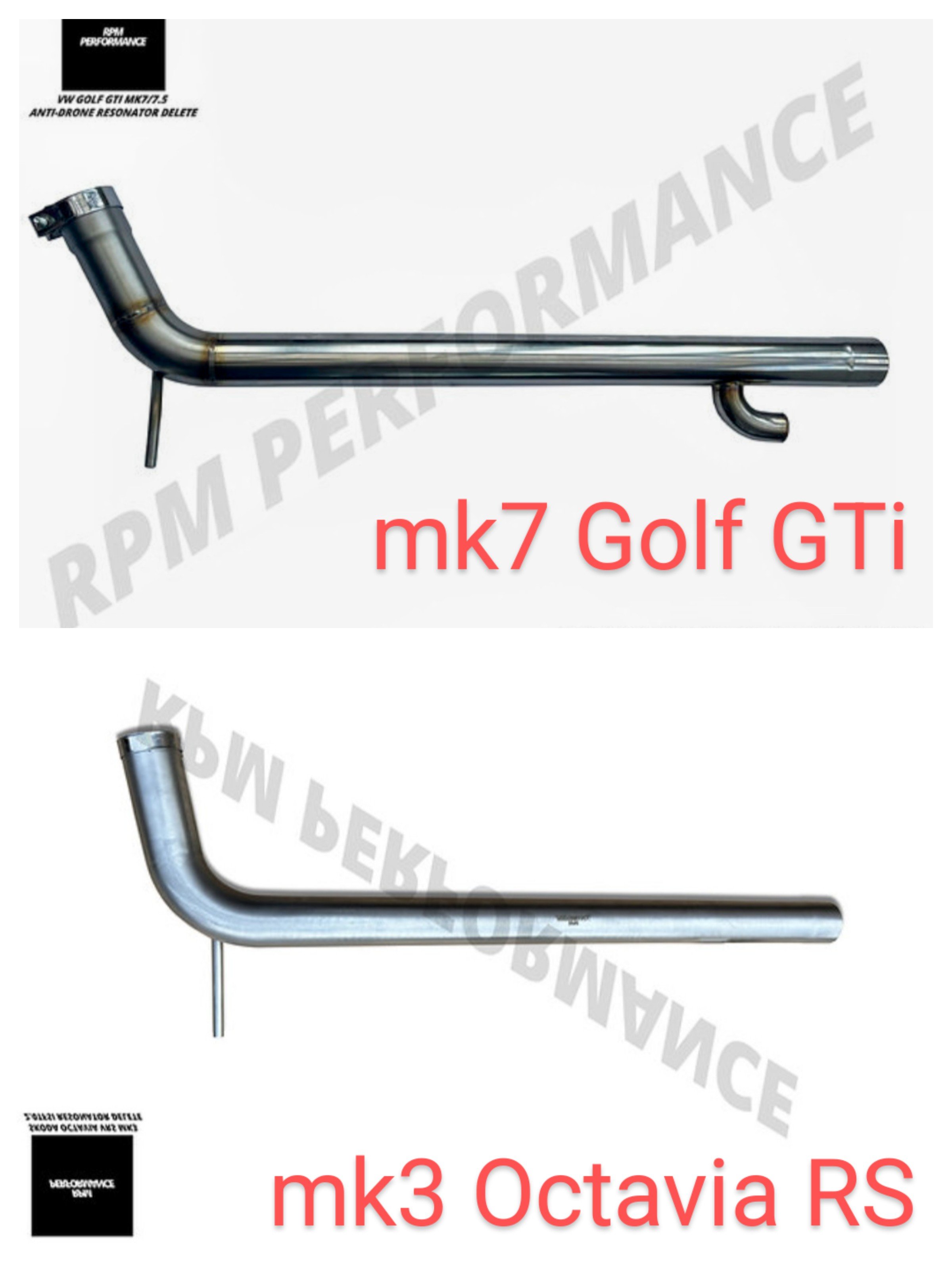
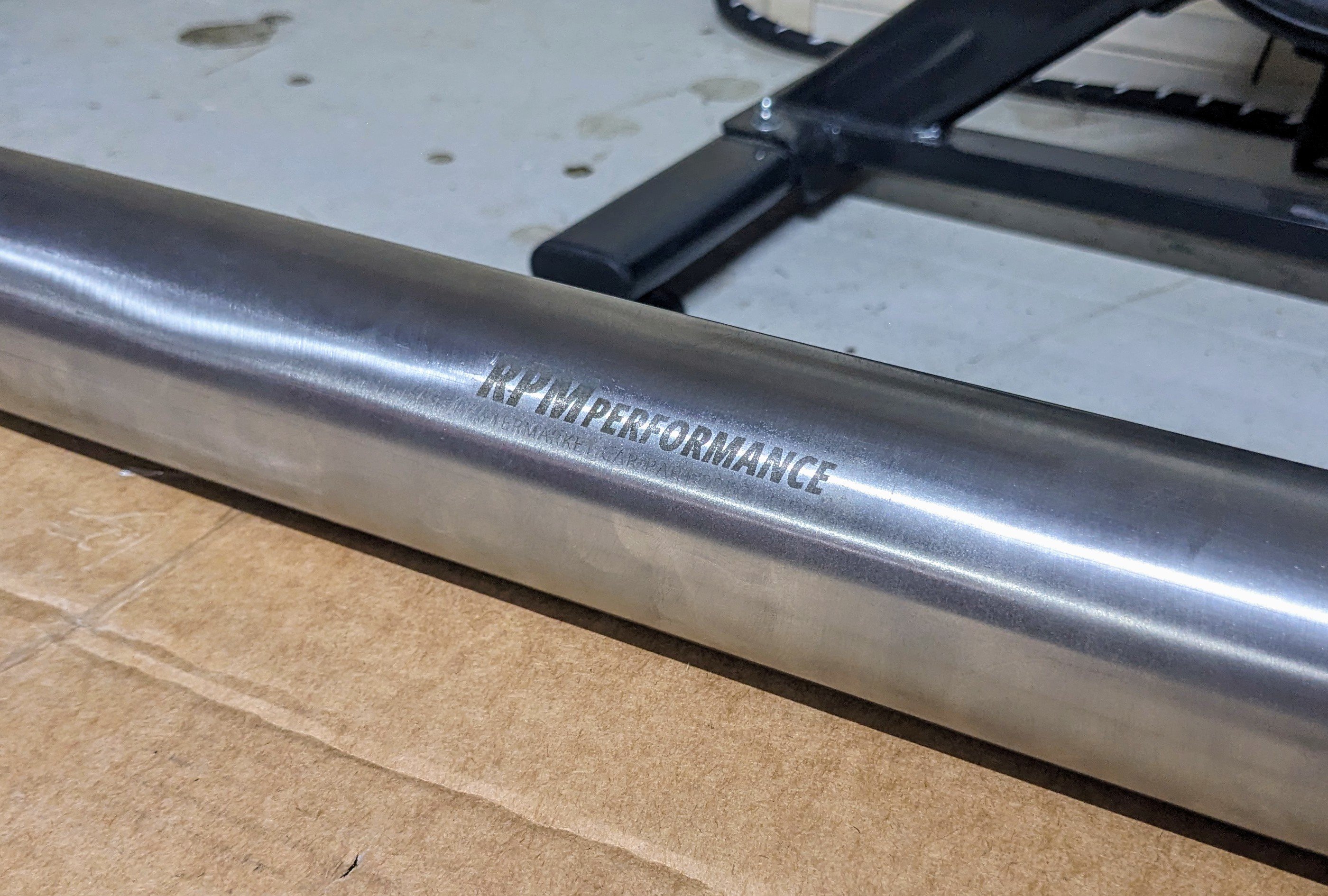
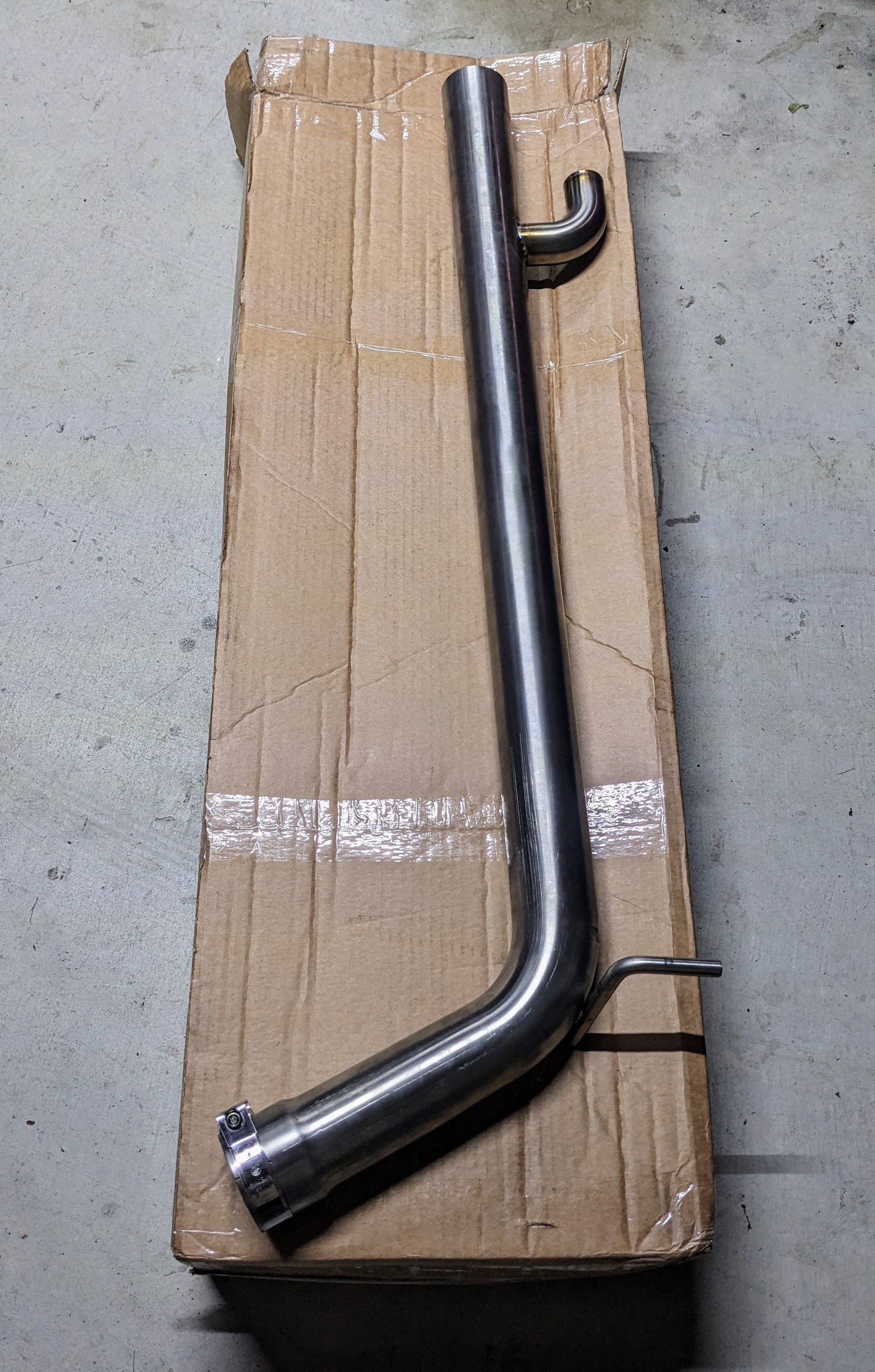
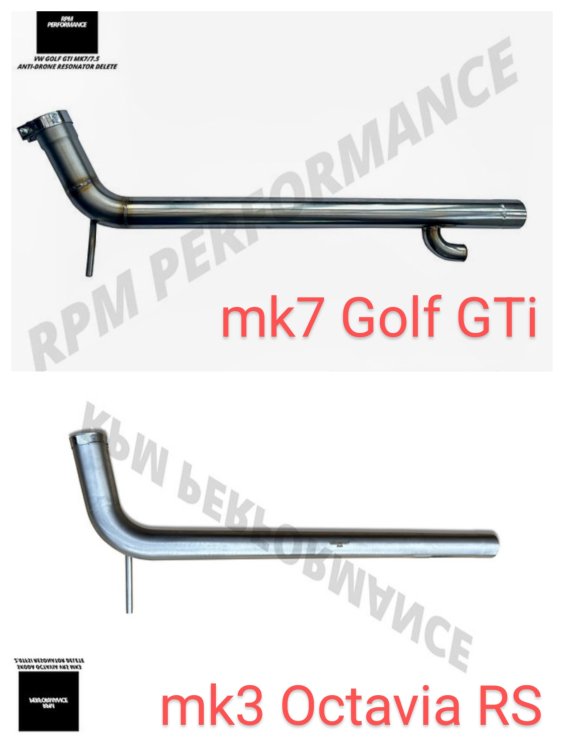
Would b cheaper to cut my losses n sell it to a local Golf GTi owner here in Oz, rather then pay to have it shipped back to the UK, and then pay shipping for the exchanged version. I've been chatting with RPM Performance in the UK - turns out I should've got the mk3 Octavia RS version!! I had seen it previously on their website before, but I didn't know they had an Anti-Drone version of it too. Grrr.....stupid me. Hard lesson. In the pic, u can see the difference in angles between the two here.
-
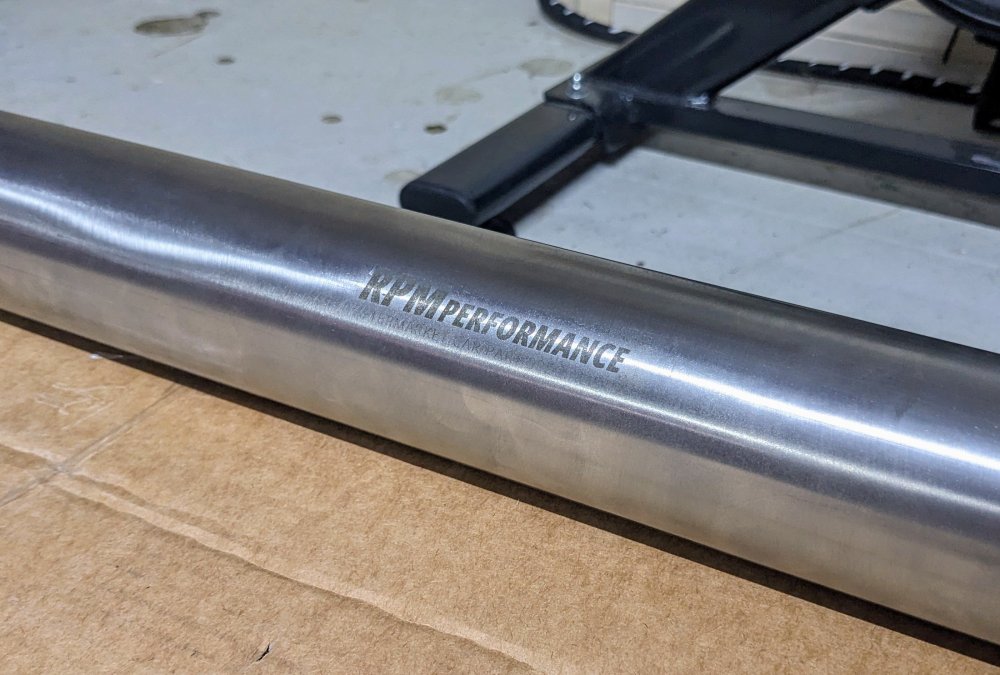
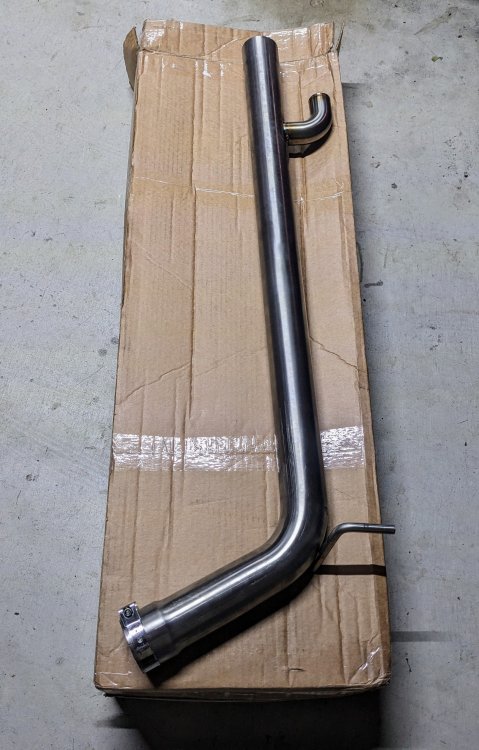
Today I tried to fit a RPM Performance Resonator Delete Anti Drone pipe. Sadly, it wasn't possible. My assumption that mk7 Golf GTi and mk3 Superb 220 share the same centre resonator box was wrong. The piping length and angle on the Superb 220 (162TSi) differs to the mk7 Golf GTI, even though it's the exact same engine. Seems it's only similar up to the downpipe, from them it's different, including the centre resonator box. This morning I took the car to an Exhaust shop and we put the car up on a hoist to see the fitment. The piping between the front clamp (to downpipe) and the resonator box is about 2-3 inches short on the resonator delete pipe. The Superb factory resonator box has a longer pipe length between it and the downpipe clamp. On the other end, where it bends towards the rear wheel suspension, the angle/curve on the resonator delete pipe is not enough, hence it won't line up. The factory pipe bends almost 80 deg or so, whilst the resonator delete pipe bends about 60 deg or so. I should've taken pics when the car was up on the hoist to show the difference. Disappointed I am, big time. 😪
-
G13 requires silkat bag to make it last longer, hence does not need to b changed/flushed as often. G12evo does not require silkat bag, however it is not meant to last long and should be changed/flushed more frequently.
-
ur bang on - it is an OBDEleven vs VCDS thing. i just had a look at my previous scans, when i used to have VCDS, and it refers to it as #10. Address 10: Park/Steer Assist (J791) Labels:| 5Q0-919-298.clb Part No SW: 5QA 919 298 B HW: 5QA 919 298 A Component: PLA 3.0 12KH07 0038 Serial number: 000308417617066 Coding: 0371167051 Shop #: WSC 33361 790 00141 ASAM Dataset: EV_EPHVA2CAU3700000 009032 ROD: EV_EPHVA2CAU3700000.rod VCID: 4FFB714427507503BA8-801A No fault code found.
-
Interesting that ur Park Assist is on a different module Address - Address #10, whereas mine is on #76. 76 Parking Assistance System description: PLA 3.0 12K Software number: 5QA919298B Software version: 0038 Hardware number: 5QA919298A Hardware version: H07 Serial number: 00030841761706600569 ODX name: EV_EPHVA2CAU3700000 ODX version: 009032 Long coding: 0371167051 Trouble codes: No trouble codes found Anyway, wat is even more interesting, as u showed, there were no fault codes before with ur Park Assist, so why did they carry out a "software configuration and coding"? I wonder if they ended up replacing one of the PDC sensors, hence their need for config & coding, which in turn is causing u the issues now? Dunno. if u can, get another scan done so u can see wat the current error is.
-
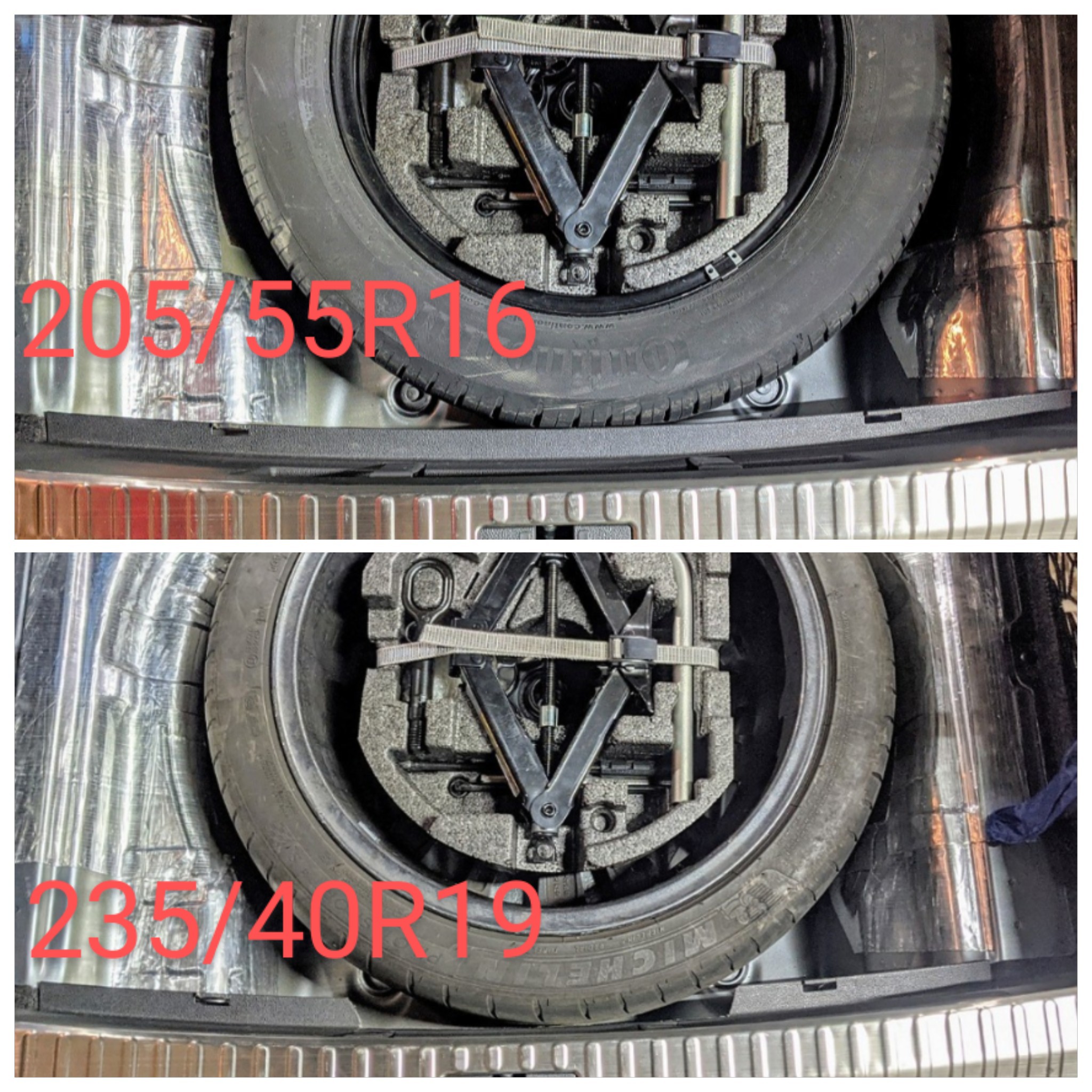
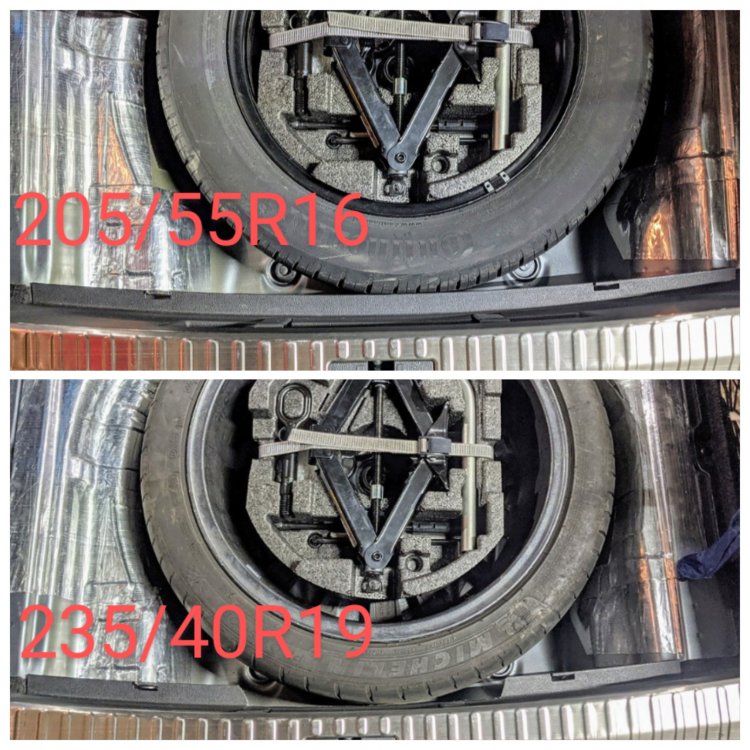
Not sure wat u r trying to say here. I'm merely stating that the 205/55/16 is a standard/normal spare tyre size for the non-AWD. They (Skoda) know about the size difference, and so do the systems, hence there is a reason why they put a sticker on the spare tyre stating no more than "80 km/h". If u have a FWD, u should not b putting the spare on the front driving wheels.
-
@Rooted - nothing crazy about that for the FWD Superb. My Superb 220, with factory 19s, was supplied with a 16" proper sized spare. It's designed for that. The Superb 280/272 on the other hand can't use a 16" spare on the front, and hence come with an 18" spare. 17" min to clear the brakes. I've since changed mine to a 19" full sized spare.
-
Sounds to me like the place u took it to have no clue of wat they r doing. Replacing just the PDC holders will have zero effect on the module or coding associated. I have replaced all 4 PDC holders on my rear bumper, when I changed the rear diffuser, with no issues whatsoever. BTW, the Parking Assist module (#76) is 5QA919298A. Did u do a scan to see wat error is being thrown up? Did the dealer do a scan before and after? Did they clear the error codes after "fixing" the sensors? If there is an error with one of the sensors, the scan will tell u exactly what the issue is. This is an example:- "B107612 - Left rear park assist sensors Short circuit to B+ Intermittent" On the rear diffuser there r 6x PDC sensors, identified as follows:- - Left rear parking aid - Left rear park assist - Left rear centre park assist - Right rear centre park assist - Right rear park assist - Right rear parking aid
-
yes, the facelift headlights r wider, hence they go up to the grille now, whereas on the pre-facelift, there was the bumper trim in between. as for the inside crystal honeycomb looking thingy - it doesn't do anything. tis just for show.
-
I notice the pre-facelift is missing the foglight cover thingy on the right side.
-
Bonnet is the same.
-
Version B has eyelash DRLs, and uses the green retainer ring for the D3S bulb. Version A doesn't have eyelash DRLs and uses the springs to retain the D3S bulb. The green retainers r a royal pain to remove. I found the spring mounted version much much easier to use.
-
That's incorrect - there is no seperate bulbs. ur car has Bi-Xenon headlights, which means a single xenon bulb, in this case D3S, for both low and high beams. It uses a shutter to switch between the two. U can change the D3S bulbs for something brighter, like Osram or Phillips. Make sure it's aimed correctly - the lights on mk3 Superb r good. Don't change the ballast. I have Phillips xTremeVision Gen2 D3S bulbs in mine. Below is a vid of them in action. https://youtu.be/h4MRMKYGTTY?si=zmYmaYQ48C2Fiebs