



JR RS
FREEDOMLite
-
Joined
-
Last visited
Everything posted by JR RS
-
-
-
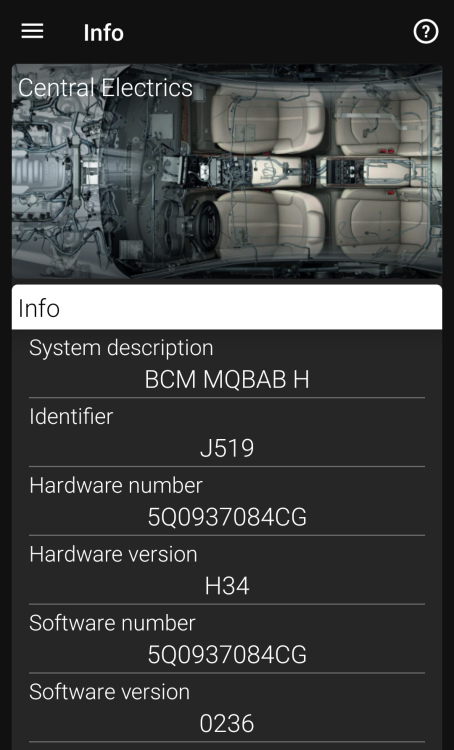
It's in the Info section in OBDeleven for the Module 09. U can c mine below. I too have only done the front wiper tear drop as mine didn't come with rear wipers.
-
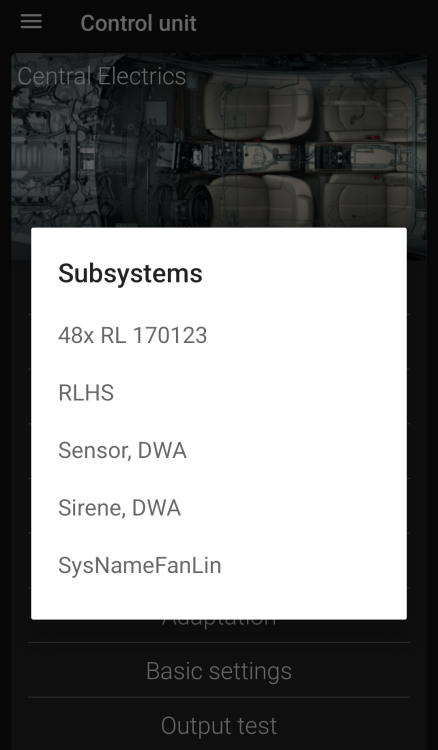
Strange why u don't have that. U must have a different BCM version. I was able to successfully activate the tear drop wipe, using the same instructions that @Bap33 provided above. This is how mine looks.....
-
-
My wipers park at a different position each time. Sometimes high, sometimes low. Don't go messing with the spline. This is from the user manual:- "Each time the ignition switches off for the third time, the position of the windscreen wipers changes. This counteracts an early fatigue of the wiper blades."
-
No flickering at all. The good quality canbus error free ones won't give u any problems.
-
Sounds like urs is not setup up right. The Bi-xenons on the mk3 Superb r great, if aligned/setup correctly. The SLA is great too. Here is mine in action. All I've changed is the D3S globes to Phillips XtremeVision Gen2. And another......
-
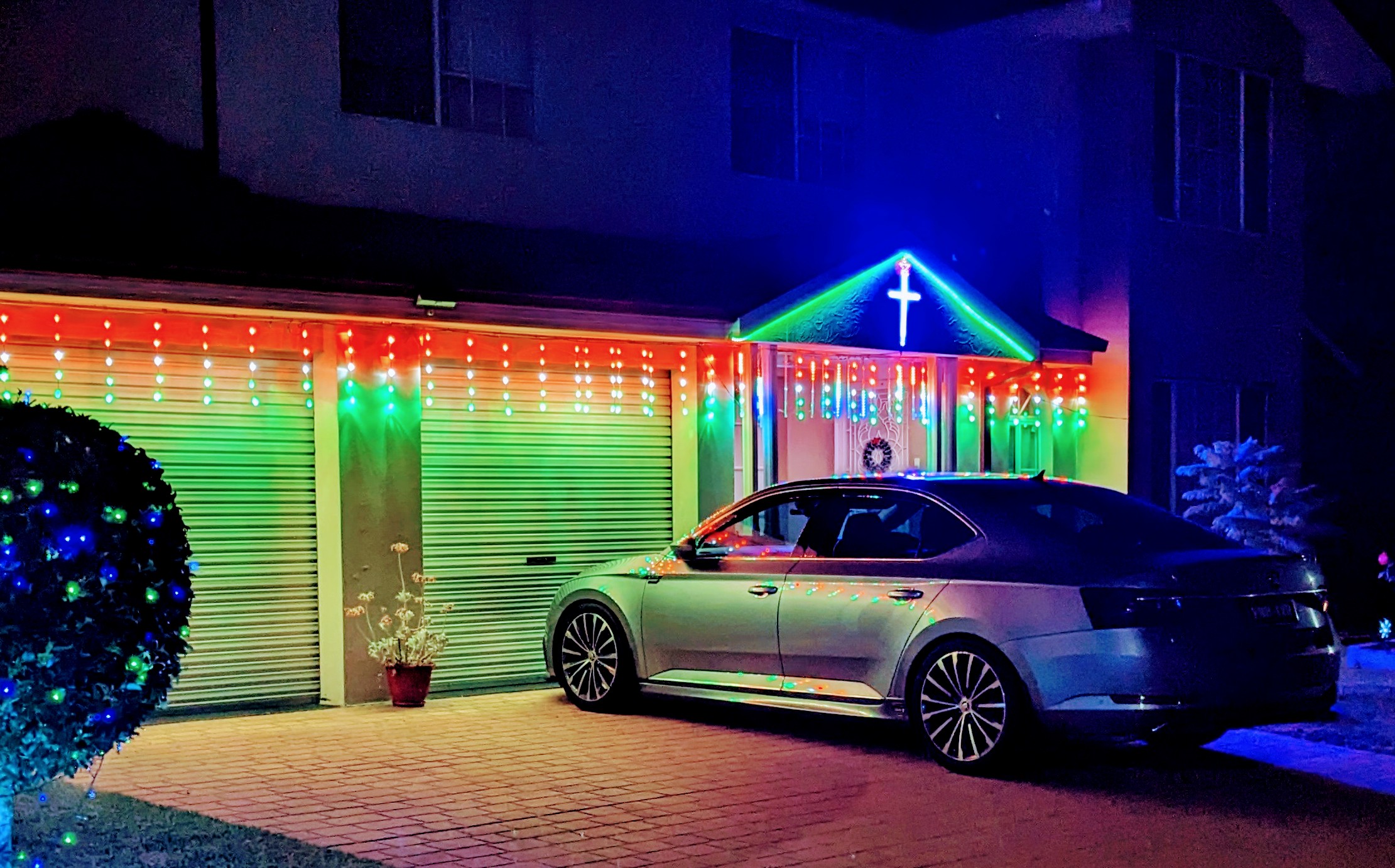
Merry Christmas from Gandalf and I.
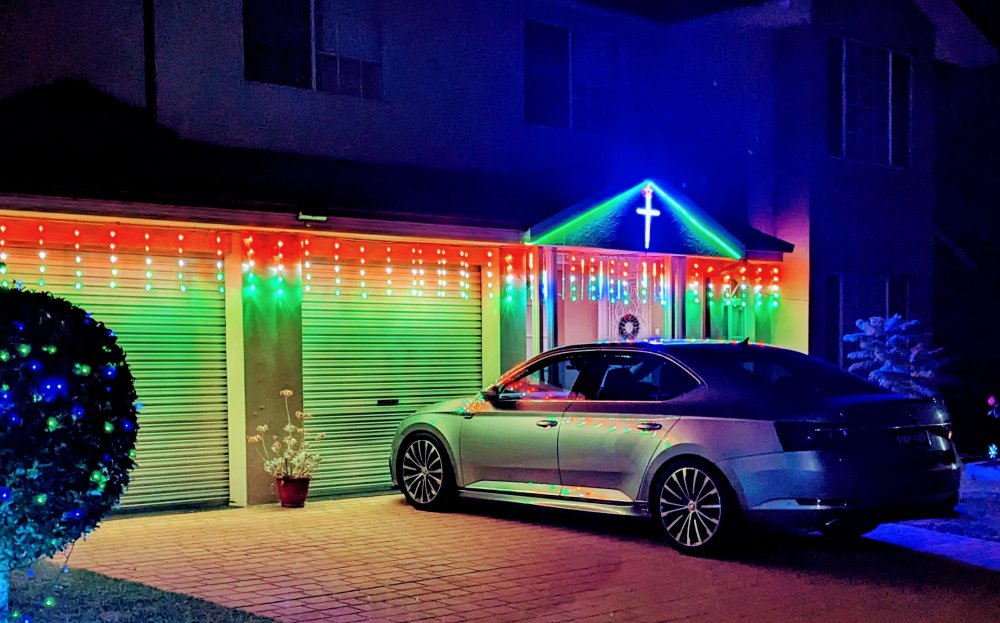
-
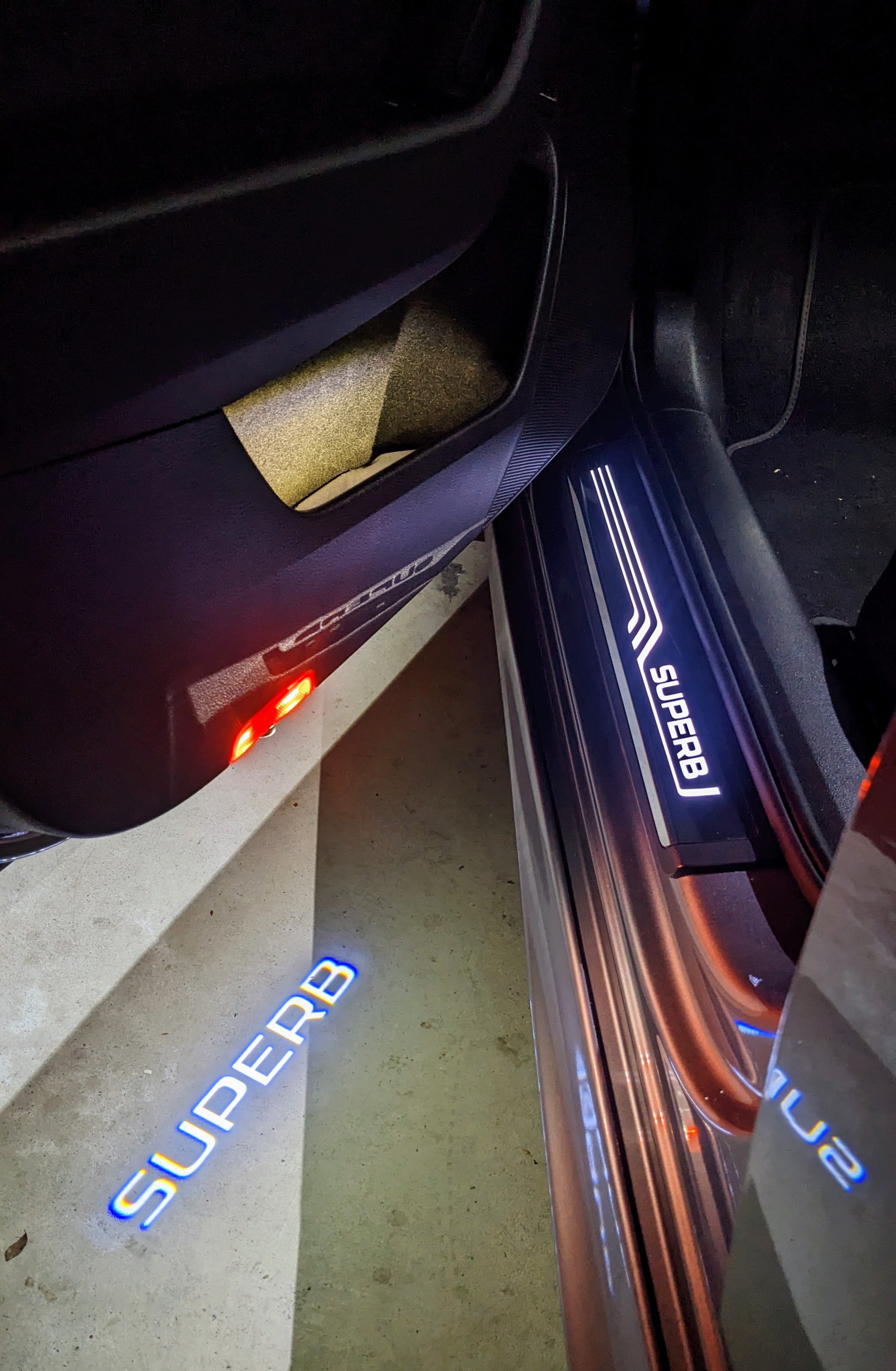
I did door bin lighting too.
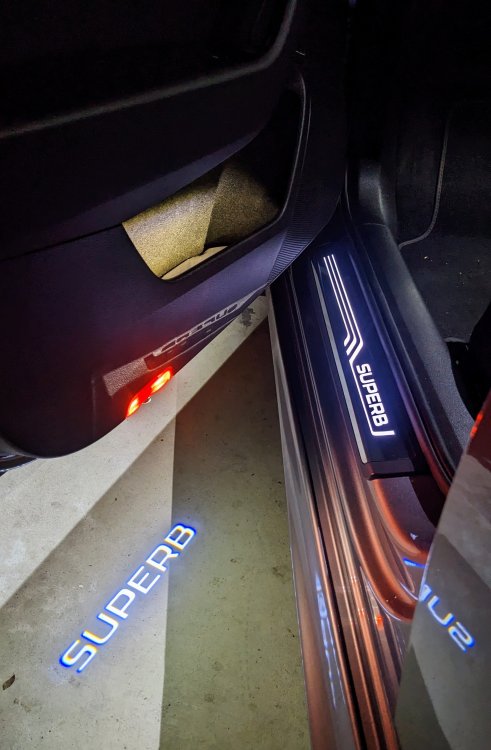
-
olly smokes that is HIGH!! normally mine (MY17 DGG-6 220 TSi) would sit around 95-102 degrees. if i do hard spirited driving, the oil temps go up to 110-ish. when was the last time u had the oil changed? is the oil pressure/levels ok?
-
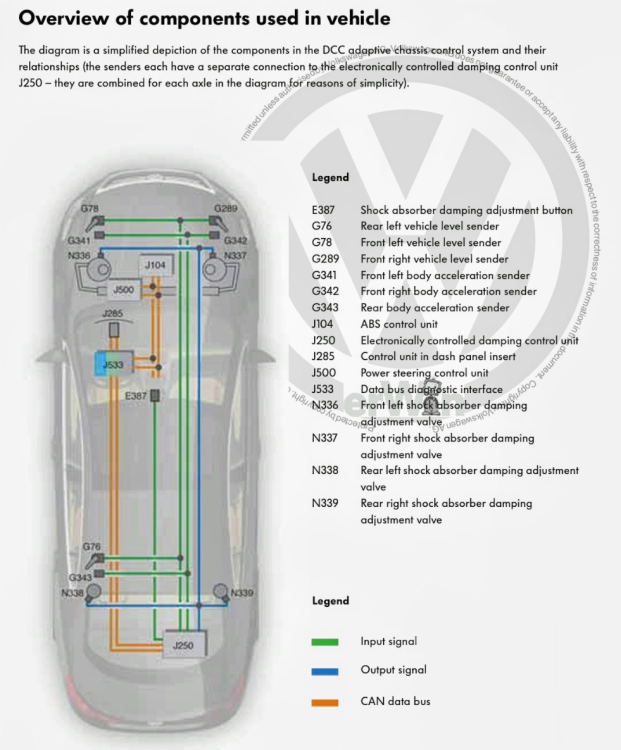
Sportline is just a trim. in some markets the Sportline comes with the Image Pack, which includes Sports Springs, which is 10-15mm lower than standard. in some markets Sportline trim is available on any variant, whilst in other markets, like here in Australia, it is only available on the 280 (206TSi) variant. a Superb with DCC is lower (by 10mm) than a Sportline or non-Sportline with Standard springs.
-
i notice u have a 2016 year model - does ur car have the 4B multi-function module or the 55-headlight module? reason i ask is that MY15 and MY16 r a different design, using the 55-headlight module, and not the 4B module, which was introduced from MY17 onwards.
-
I don't know if it's a KESSY thing, but my car won't lock if it detects keys inside or in the boot. I've tested it too. Test 1 (boot):- With the car locked, keys in hand, open the boot only using the button on the boot. Leave keys on boot floor. Press button on boot to close. Boot will close however it won't relock, and will leave the boot popped. Test 2 (interior):- Whilst sitting inside the car, leaves keys in centre console. Exit out of the car and touch the door handle to lock the car. Car will not lock.The AAWireless adaptor needs to b connected to the car's USB data port. Power only port will simply just power the dongle and have no connection to the car's headunit for Android Auto or CarPlay.Good to hear u got to the bottom of ur problems. The DCC and headlights are all interrelated, including other systems.
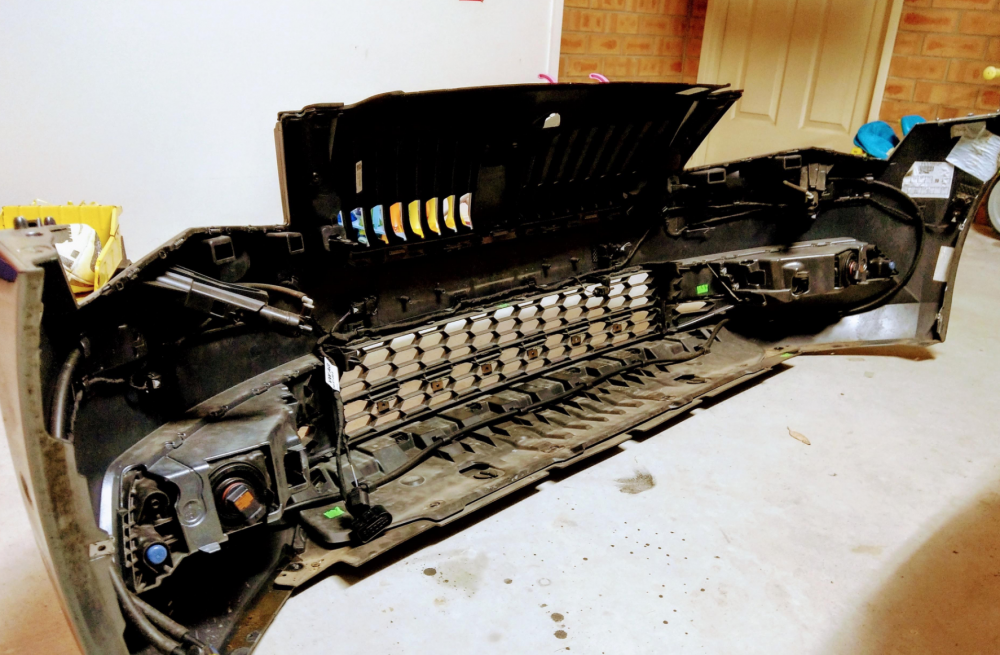
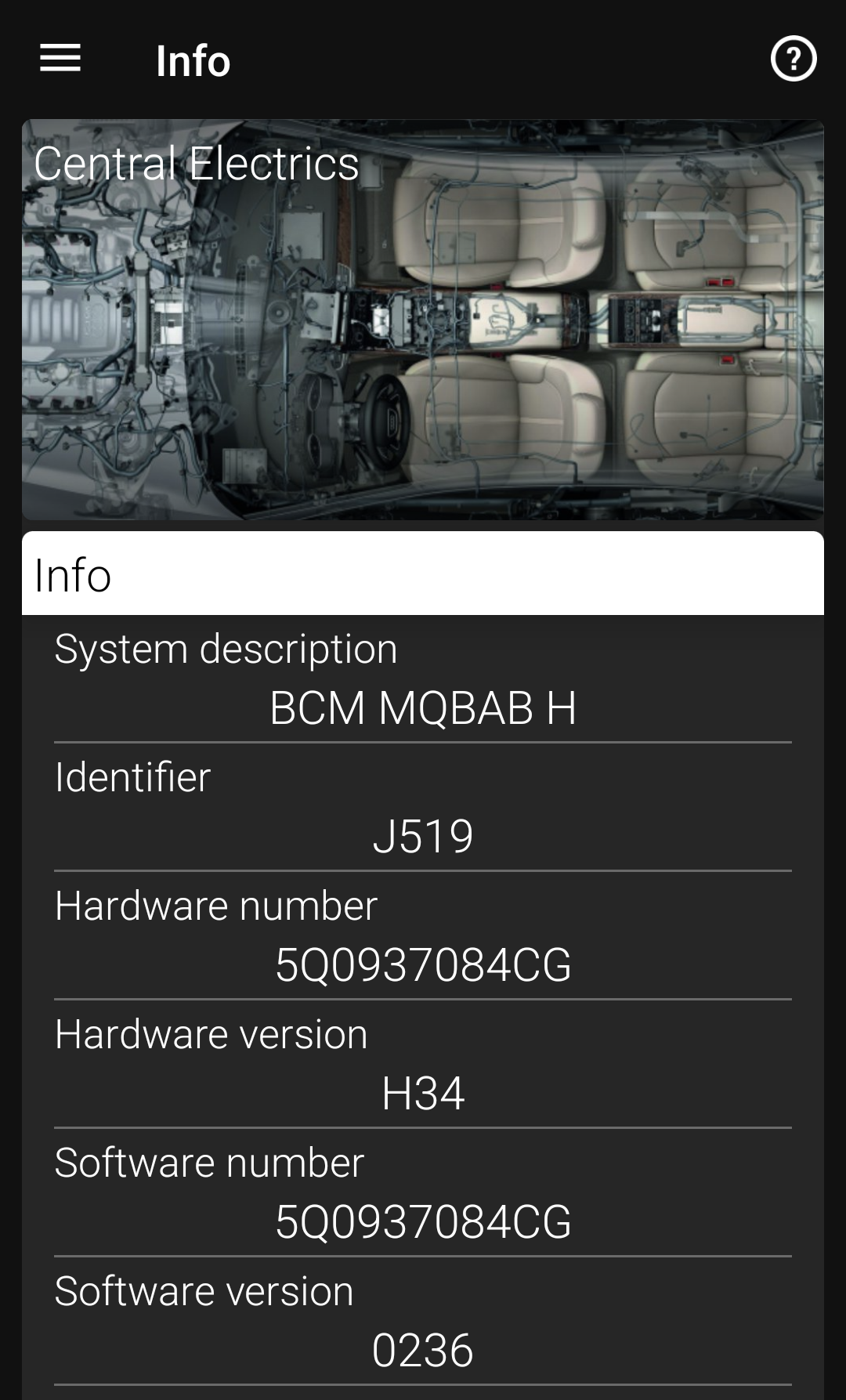
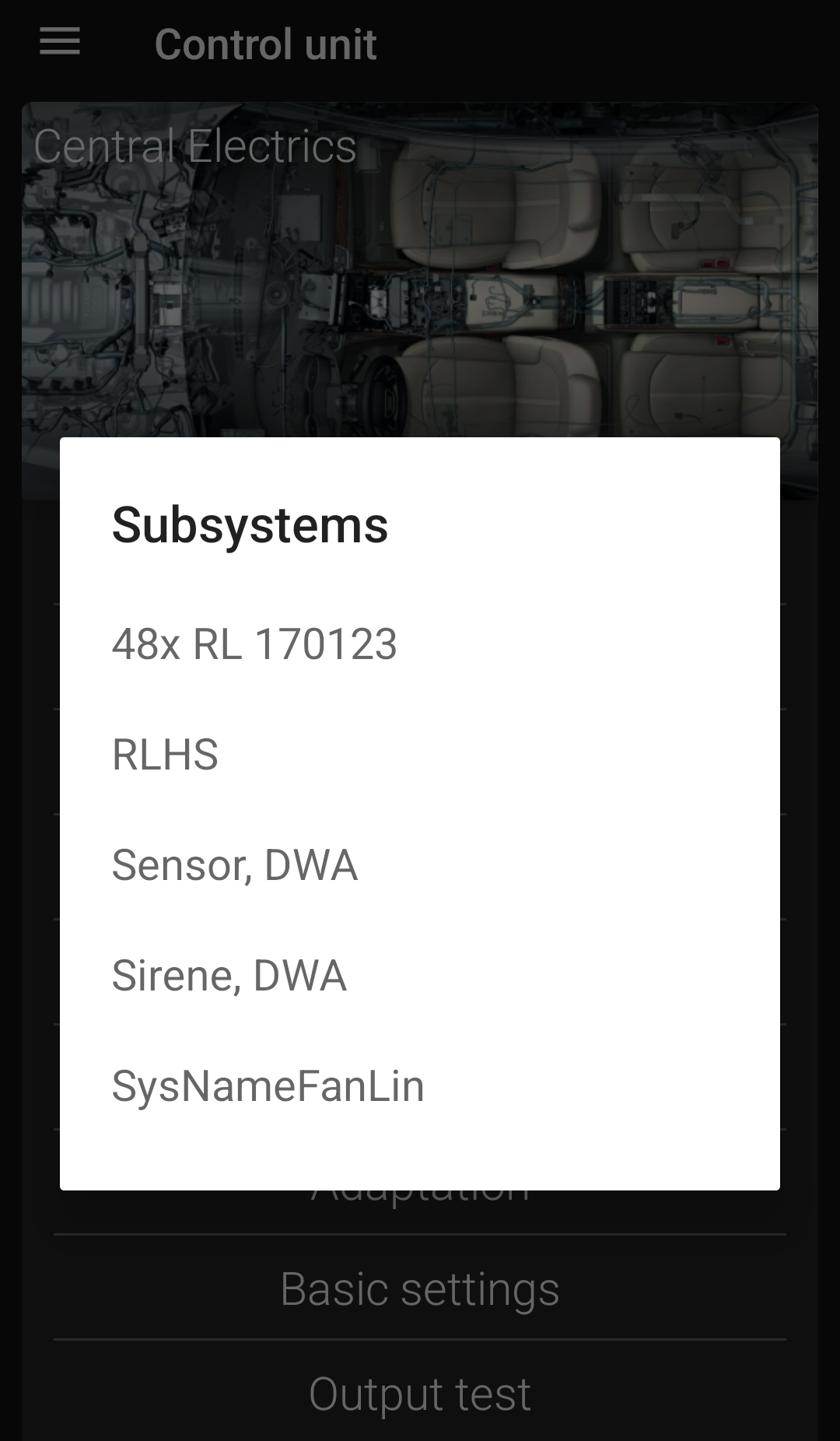
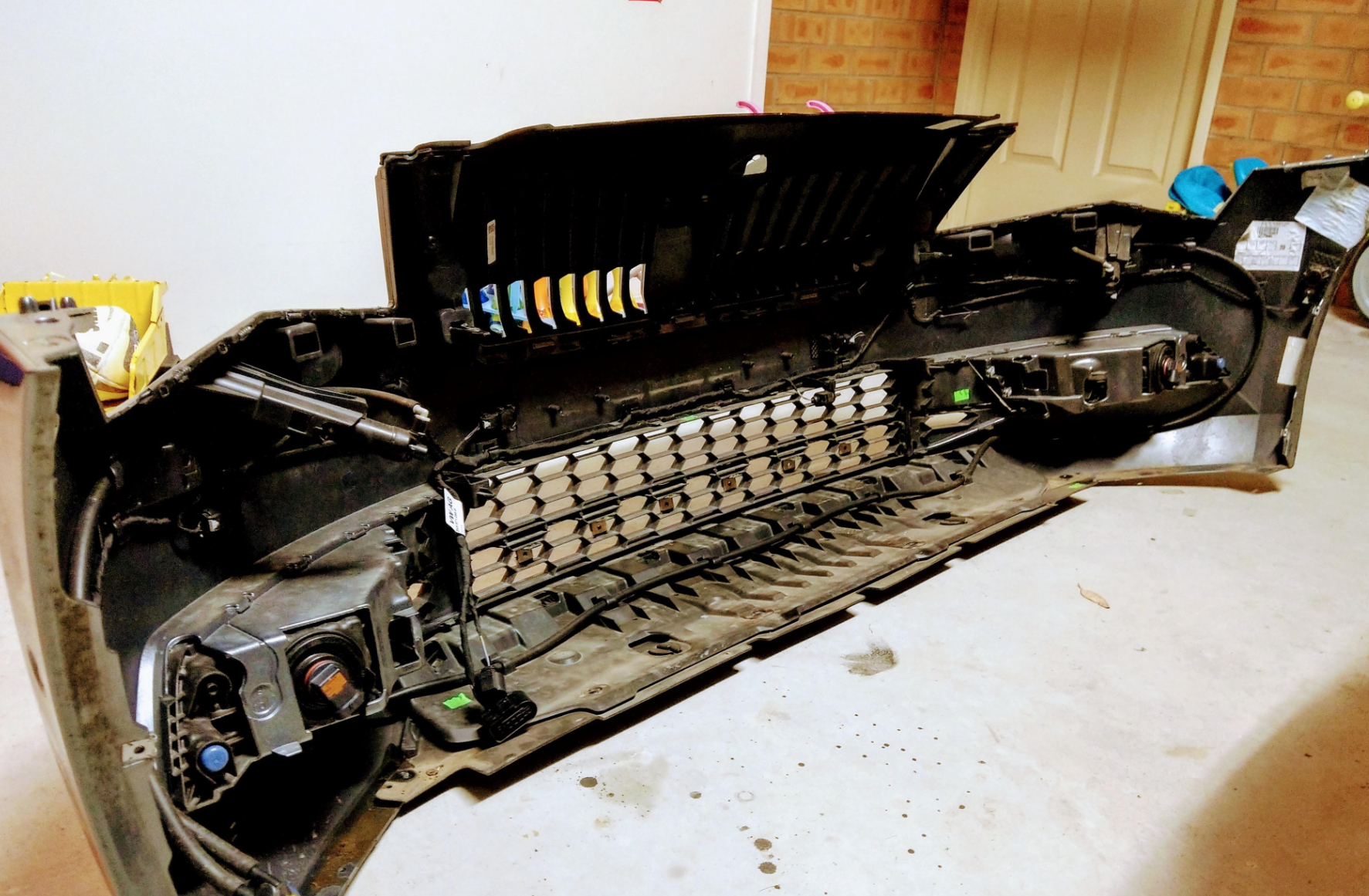
 @Nudelsuppe - 3QD? I've not seen a D version before. Mine is 3Q0. Also u say ur 4B firmware was 0345.....I'm starting to think u don't have a pre-facelift Superb. Wat model year is urs? The 4B parameter file I've shared with u has been used by a few others, with success. I'm not sure why u r having so many issues.I haven't, and I don't know of anyone who has. Many have done the rear swaybar and that's a massive improvement on its own. I have the Hardrace rear swaybar on mine.agreed, its not a big improvement when compared to the likes of a rear sway bar. mine being a FWD, I found the turn in much sharper, and the steering felt tighter. as u said - it is not something u should run out and buy as a must have. i got it for a bargain price from a person who was selling their Superb, otherwise i would not have bothered with it.not sure why u flashed ur 4B module to 0286. there is no flashing required, for any of the modules. mine is the factory original 0285. also, did u change the LCM under each headlight to the 4H0 version? i'll send u shortly, via message, my admaps for 09 and 4B modules. meanwhile, below is my module versions:- Address 09: Cent. Elect. (J519) Labels:. 5Q0-937-08X-V2.clb Part No SW: 5Q0 937 084 CG HW: 5Q0 937 084 CG Component: BCM MQBAB H H34 0236 Serial number: 02001706702006 Coding: 000000000000000000000000000000000000000000000000000000000000 Shop #: WSC 33361 790 00141 ASAM Dataset: EV_BCMMQB 017001 ROD: EV_BCMBOSCH_017.rod VCID: 7F5B0184D77025830A8-802A Address 4B: Multifunc. Module (J745) Labels:| 3Q0-907-338-V1.clb Part No SW: 3Q0 907 338 HW: 3Q0 907 338 Component: FCM MQB Low 001 0285 Serial number: 19031710522619 Coding: 000000020100066E06007F01000000000000000000000000000000000000 Shop #: WSC 33361 790 00141 ASAM Dataset: EV_MultiModulContiVW48X 001010 ROD: EV_MultiModulContiVW48X_001.rod VCID: 72BDD8B0942278EB756-8026 Left Headlamp Power Output Stage: Subsystem 1 - Part No SW: 4H0 941 329 HW: 4H0 941 329 Component: Leimo links H02 0013 Coding: 000000 Right Headlamp Power Output Stage: Subsystem 2 - Part No SW: 4H0 941 329 HW: 4H0 941 329 Component: Leimo rechts H02 0013 Coding: 000000I've been downloading from the Skoda Update Portal for the past 6 years - never had any issues with the zip file thus far. I have an MIB2 Columbus unit, MY17 Superb.The bottom half is strengthened by the under tray and the wheel arch liners on the sides. This is the back of the bumper.
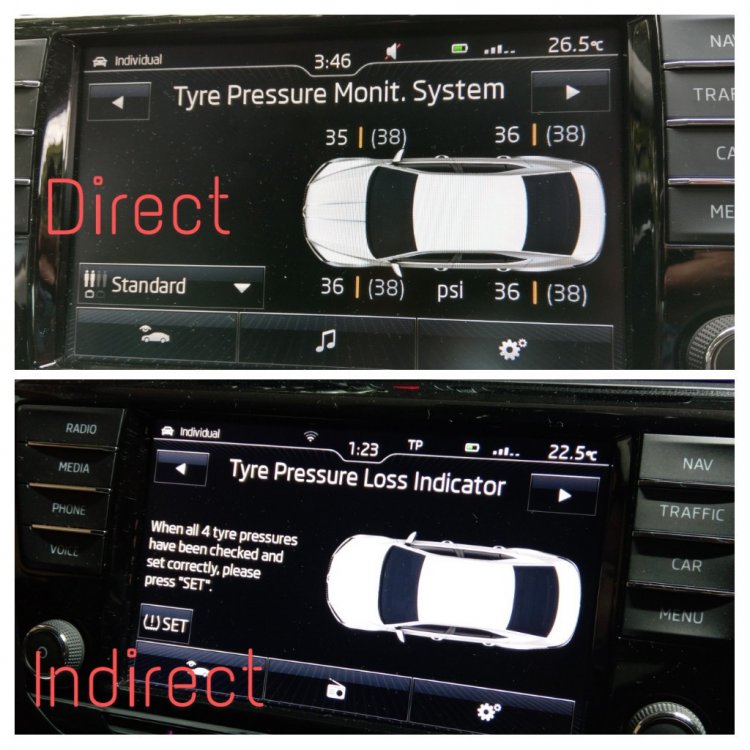
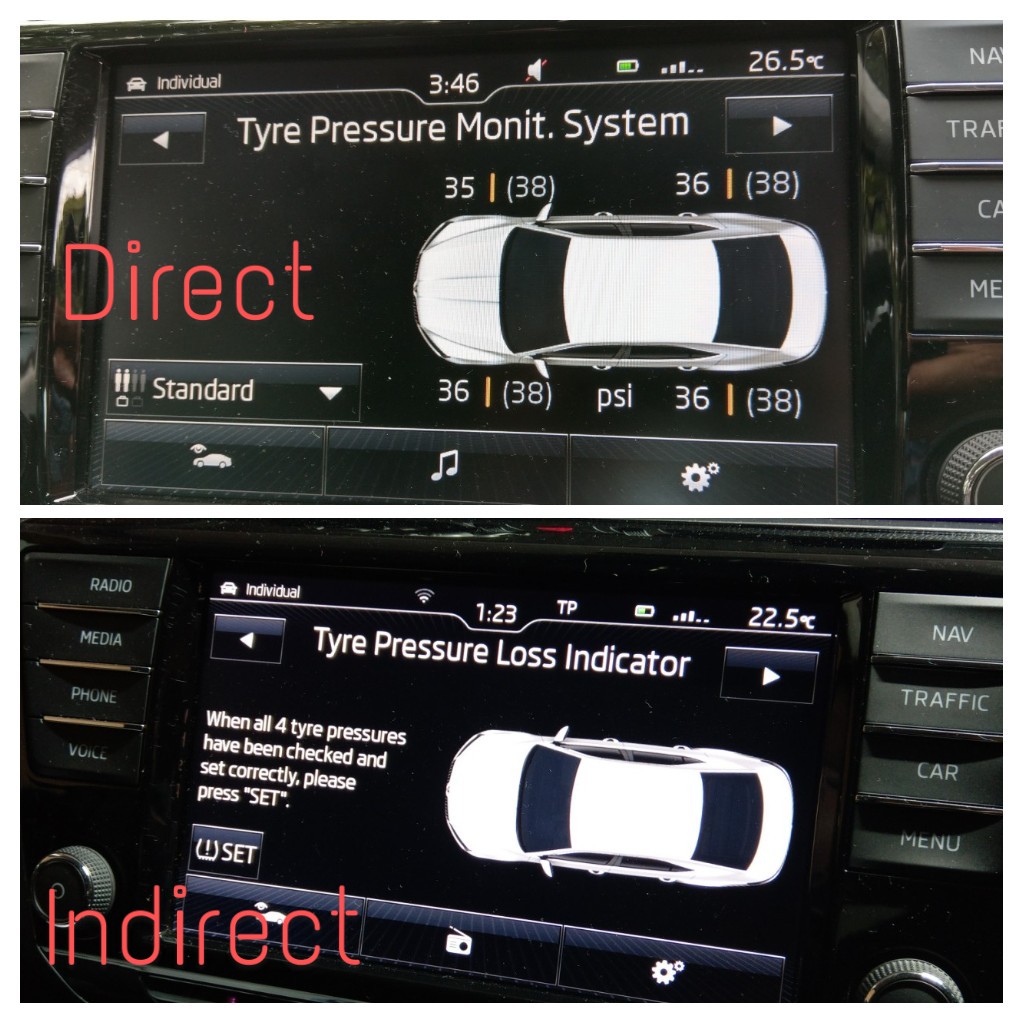
 @MarkyG82 - it's the same with Skoda - direct TPMS doesn't need resetting. Indirect TPMS does. U can see the differences in the image below. With the direct TPMS, the target pressure is in brackets. If the actual drops more than 4 psi, it will alarm.
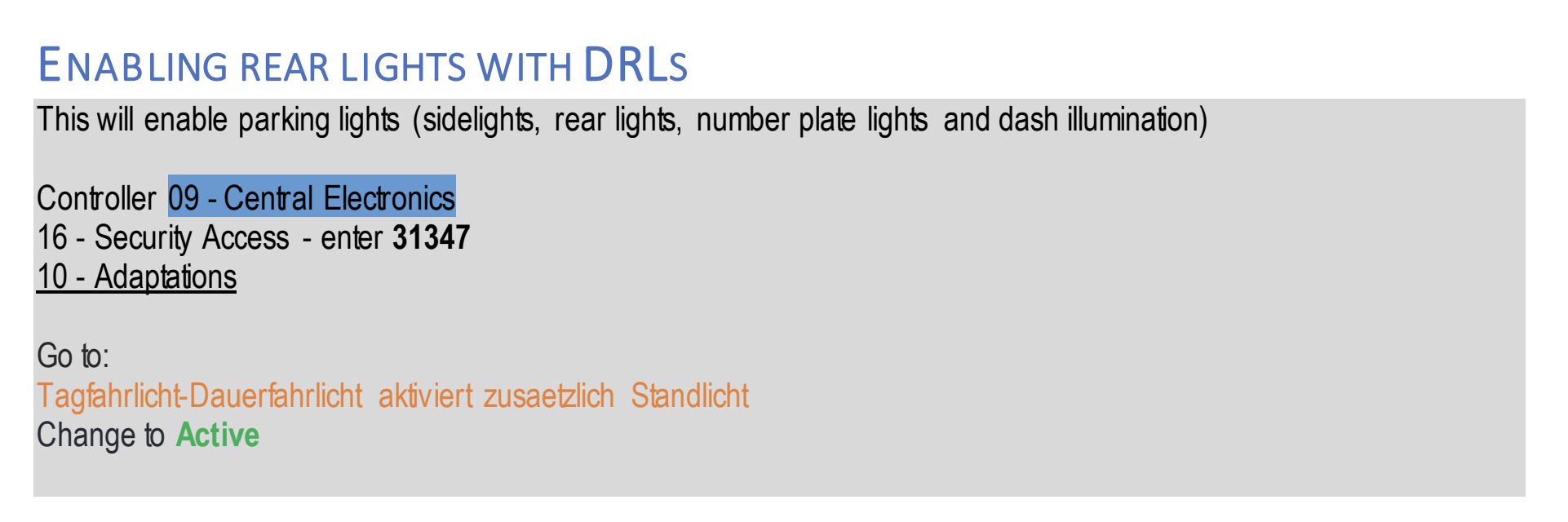
 I see no reason why it won't work on the mk3 Octavia. This is the coding I used to enable it on mine.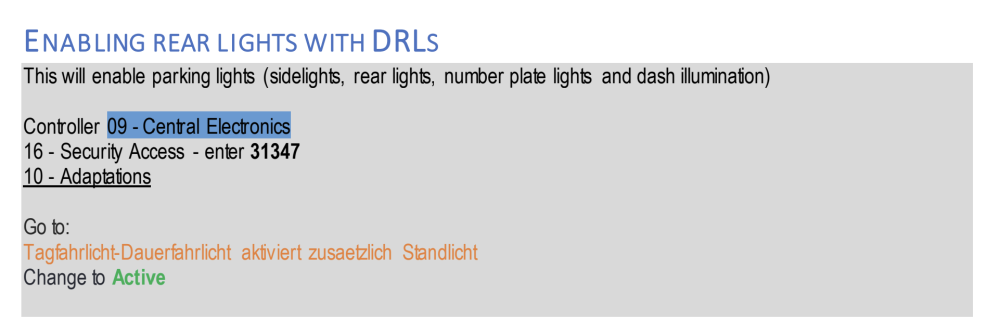




Important Information
Welcome to BRISKODA. Please note the following important links Terms of Use. We have a comprehensive Privacy Policy. We have placed cookies on your device to help make this website better. You can adjust your cookie settings, otherwise we'll assume you're okay to continue.